Employee Monitoring: Top 20 Questions Answered
Find answers to the top 20 most asked questions about employee monitoring, including how it works, its benefits, legal concerns, and practices for businesses.

Employee monitoring is one of those topics that starts simple and quickly turns into a series of bigger questions. In most leadership discussions, the conversation moves fast, from “Is this even allowed?” to “Which tool should we use?” and then to “How do we introduce this without losing trust?”
That shift is exactly why this blog exists.
I’ve brought together 20 of the most frequently asked questions in one place, so you don’t have to piece together answers from multiple sources.
The questions are grouped into four sections: fundamentals, legal and compliance aspects, tools and technology, and the practical realities of running a monitoring system. Each answer is kept short, clear, and easy to scan, with links to deeper reading where needed.
Category 1: Employee Monitoring Basics
Before any policy, tool choice, or rollout, you need a shared definition of what employee monitoring actually is and what it covers. These first five questions clear the ground.
1. What Is Employee Monitoring?
Employee monitoring is the practice of tracking and recording employee activity during work hours to understand how work is being performed and to improve productivity, security, and compliance. It can include monitoring work-related actions such as computer usage, application activity, internet browsing, time spent on tasks, attendance, and communication on company systems. Businesses use it to ensure work efficiency, protect sensitive data, and maintain accountability in the workplace.
2. What is the Difference Between Employee Monitoring and Time Tracking?
Time tracking focuses on measuring working hours and how that time is spent on tasks. It is primarily used for attendance, billing, and basic productivity measurement.
Employee monitoring is a broader concept that includes time tracking but goes further by capturing activity data such as application and website usage, productivity insights, attendance patterns, and, in some cases, screenshots or live screen views.
In simple terms, time tracking answers “How long did this take?” while employee monitoring answers “How is the work actually being done?”
3. What are the Main Types of Employee Monitoring?
There are five main types of employee monitoring worth understanding.
Output-based monitoring focuses on results such as tasks completed, projects delivered, or sales closed. Behavior-based monitoring looks at how work happens, including communication patterns, collaboration, and feedback. Activity-based monitoring tracks day-to-day digital actions like app usage, websites visited, and focus time. Outcome or impact monitoring measures broader business results such as customer satisfaction, revenue contribution, or retention. Skill-based monitoring evaluates employee growth, learning progress, and capability gaps over time.
Most effective monitoring programs don’t depend on just one type; instead, they combine three or four, depending on business goals and team structure.
4. What Does Employee Monitoring Software Actually Track?
Most employee monitoring software tracks app and website usage, active vs idle time, time on task, attendance, and sometimes screenshots or live screen views. Some advanced tools also track file activity, USB usage, and user behavior analytics. The level of tracking depends on the company’s needs, most teams only use the core productivity features rather than the heavier monitoring options.
5. Is Employee Monitoring the Same as Employee Surveillance?
No, employee monitoring and employee surveillance are not the same.
Employee monitoring is the practice of tracking work-related activity for legitimate business purposes, with clear policies and employees being informed about what is being monitored.
Employee surveillance, on the other hand, refers to tracking employees secretly, without consent, or in a way that goes beyond what is necessary for work purposes.
The key differences come down to transparency, consent, and scope. A proper monitoring system is open and policy-driven, while surveillance is covert or overly intrusive.
Category 2: Employee Monitoring Laws and Compliance
The legal layer is where most rollouts get tangled. These five answer the questions that come up first, with pointers to deeper resources for the heavy compliance work.
6. Is Employee Monitoring Legal In 2026?
Yes, employee monitoring is legal in 2026 in most countries, as long as employers follow key legal requirements. This includes monitoring only work-related devices and accounts, informing employees in advance, and complying with local laws such as GDPR, ECPA, and similar regulations. The main requirement across regions is transparency, employees must know what is being monitored and why.
To understand deeper, please refer to this blog: Employee Monitoring Laws
7. Do I Have to Tell My Employees That They are Being Monitored?
Inform employees clearly before implementing monitoring software. Regulations like GDPR in the EU and data protection laws in several US states require businesses to disclose monitoring practices and explain what data is being collected. Even where disclosure is not legally mandatory, maintaining transparency through written monitoring policies and onboarding communication helps build trust and reduce compliance risks.
8. Which US States Require Written Notice for Employee Monitoring?
Five states have explicit written notice rules. Connecticut requires prior written notice posted conspicuously. Delaware requires a daily notice or a one-time written notice acknowledged by the employee. New York requires written notice at hire and annual renewal, plus posted notice in the workplace. Colorado requires written notice under the Colorado Privacy Act when sensitive data is processed. Illinois has BIPA-driven notice rules for biometric data, plus a general consent best practice. Several other states are debating bills in the 2025-2026 legislative session that would expand these requirements. Treat written notice as the practical baseline regardless of the state.
9. How Do GDPR And the UK Data Protection Act Affect Employee Monitoring?
GDPR and UK GDPR require employee monitoring to be transparent, proportionate, and based on a valid legal reason, usually legitimate interests. Employers must conduct a Data Protection Impact Assessment (DPIA) for systematic monitoring and ensure employees can exercise their data rights, such as access and correction. The EU AI Act (from 2026) also adds stricter rules for workplace AI, including limits on certain high-risk uses like emotion recognition.
10. Can I Monitor Personal Devices Used for Work?
Yes, but rules are much stricter for BYOD (Bring Your Own Device). Employees have a higher expectation of privacy on personal devices, so monitoring must be limited to work-related apps and activities during work hours.
In most cases, employers need clear written consent and a formal BYOD policy. The standard approach is using MDM (Mobile Device Management) with a separate work profile, ensuring personal data and apps remain private and untouched.
Category 3: Employee Monitoring Tools and Software
These five questions cover the choices that make or break a rollout. Pricing, visibility, uninstall protection, and the line between monitoring and remote-control tools.
11. What Is the Best Employee Monitoring Software?
There is no single “best” employee monitoring software, it depends on your team’s size, goals, and how much depth of monitoring you need.
Different tools serve different purposes. For example, Time Champ is suited for teams that want a mix of activity tracking, productivity insights, attendance, and project analytics. ActivTrak works well for analytics-focused teams, Hubstaff for time tracking, Teramind for security-heavy monitoring, and 15Five or Lattice for performance management.
The best choice is the one that fits your use case, not the one with the most features.
12. How Much Does Employee Monitoring Software Cost?
Employee monitoring softwarecosts between $4 and $20 per user per month, depending on the features and level of monitoring required. Basic plans usually cover core tracking features like time tracking and activity monitoring, while higher-priced plans include advanced analytics, security features, and enterprise-level controls. Most knowledge-work teams fall in the mid-range, around $5 to $10 per user per month.
13. Can Employees Detect When They Are Being Monitored by Software?
In most cases, employees can tell they are being monitored if the software runs in transparent mode with visible indicators or notifications. Some tools can operate in silent mode, but most companies prefer transparent monitoring, so employees are clearly informed.
14. Can Employees Uninstall Employee Monitoring Software?
Employees usually cannot uninstall monitoring software on company-managed devices because it is controlled through admin settings. On personal devices, it may be possible to remove the software if the user has the required permissions. Most organizations prevent uninstallation by using device management tools and restricting admin access.
15. What is the Difference Between Employee Monitoring and Remote Desktop Tools?
Employee monitoring software tracks and records employee activity for visibility into productivity and work patterns. Remote desktop tools allow an admin to actively take control of a device to operate, fix, or troubleshoot it in real time. Monitoring is for observation and analytics, while remote desktop is for direct control and support.
Category 4: Implementation and Best Practices
These five questions cover the work that actually decides whether the program succeeds. Set up, policy, trust, ROI, and the mistakes that quietly kill rollouts.
16. How Do I Set Up an Employee Monitoring Program?
Set up an employee monitoring program in a simple 30-day rollout. First, define your goals and KPIs, then create and share a clear monitoring policy with employee acknowledgement. Next, configure the tool and run a short baseline period to collect data without taking action. After that, train managers, start regular reviews, and share dashboards with employees. Finally, run a review at the end of the month to refine the process and policy.
To understand how to implement employee monitoring software in detail, please refer this blog: How to Implement Employee Monitoring Software?
17. What Should I Include in an Employee Monitoring Policy?
Define an employee monitoring policy that clearly states what is and isn’t monitored and how the data is used. Include the scope of monitoring, purpose of data collection, and ensure employee consent and acknowledgement are documented. Specify the types of data collected, retention timelines, and access controls for handling that data.
Also include employee rights, off-boarding procedures, and a clear complaint or escalation process. Add any region-specific legal or compliance requirements where applicable to ensure full regulatory alignment.
18. How Can I Monitor Employees Without Breaking Trust?
Be transparent about monitoring from the start and clearly explain what is being tracked and why. Use the data to support training and performance improvement, not surveillance or punishment. Respect personal time and avoid tracking outside work hours or accessing personal activity. Share insights with employees so the process feels collaborative and builds trust instead of feeling one-sided.
To learn more about monitoring ethics, refer to this blog:
19. What is the ROI of Employee Monitoring?
ROI from employee monitoring typically shows up in four main areas. First, improved productivity by reducing time lost to distractions and context switching. Second, faster onboarding and ramp-up for new employees as managers can identify and fix issues early. Third, better workload balance, which helps reduce burnout and unexpected attrition. Fourth, more accurate planning and forecasting based on real work data instead of estimates. Most organizations see a positive return within a few months when the system is implemented well.
20. What are the Most Common Mistakes in Employee Monitoring?
The most common mistakes in employee monitoring are choosing tools before defining the use case, focusing only on activity instead of outcomes, skipping a baseline period, using data only for evaluation instead of training and supporting, and running monitoring without transparency. Most failures happen when these basics are ignored.
These are the most frequently asked questions about employee monitoring, covering tools, laws, and best practices in a simple, practical way. When used correctly, employee monitoring helps improve productivity, transparency, and workplace efficiency without compromising trust.

Jahnavi Pulluri

Table of Content
 Category 1: Employee Monitoring Basics
- Category 2: Employee Monitoring Laws and Compliance
- Category 3: Employee Monitoring Tools and Software
- Category 4: Implementation and Best Practices

Related Blogs

Explore common employee monitoring myths and learn what
Anjali | Apr 14, 2026
Learn the pros and cons of employee monitoring and discover when monitoring improves productivity and when it creates workplace risks.
Guna Lakshmi | May 06, 2026
Understand whether employee monitoring a Boon or Bane for Modern Workplaces. Discover how it impacts productivity, privacy, and the overall work environment.
Jahnavi Pulluri | Aug 06, 2024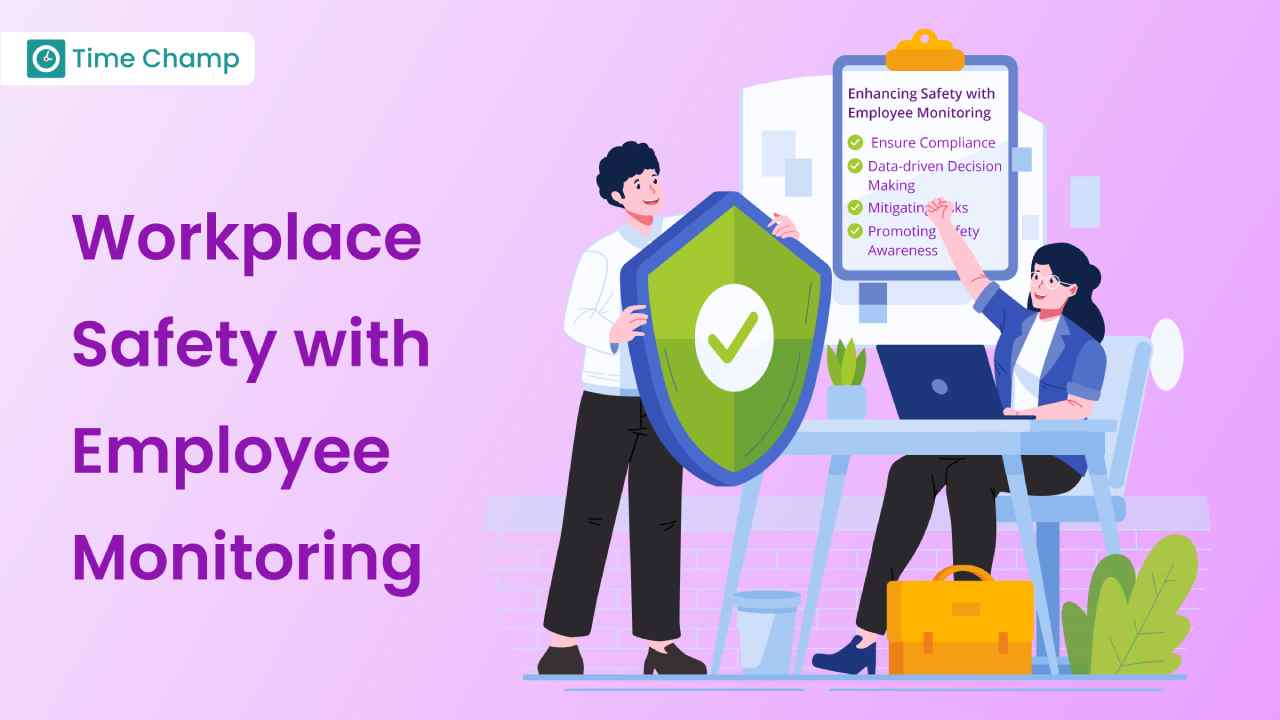
Learn how employee monitoring enhances safety through compliance, risk management, and awareness. Explore key practices and future trends.
Tarun Kumar | Aug 22, 2024
Learn how to choose the right remote employee monitoring software with the right features, scalability, and usability to manage remote teams effectively.
Guna Lakshmi | Apr 14, 2026
Explore how to implement employee monitoring software effectively with clear steps, legal tips, best practices, ROI metrics, and key pitfalls to avoid.
Anjali | Apr 15, 2026


 4.7/5 avg.
Ready to Manage Your Workforce Smarter?
Join our family of 1500+ companies using smart insights to redefine workforces!

Free Trial
No Credit Card Required