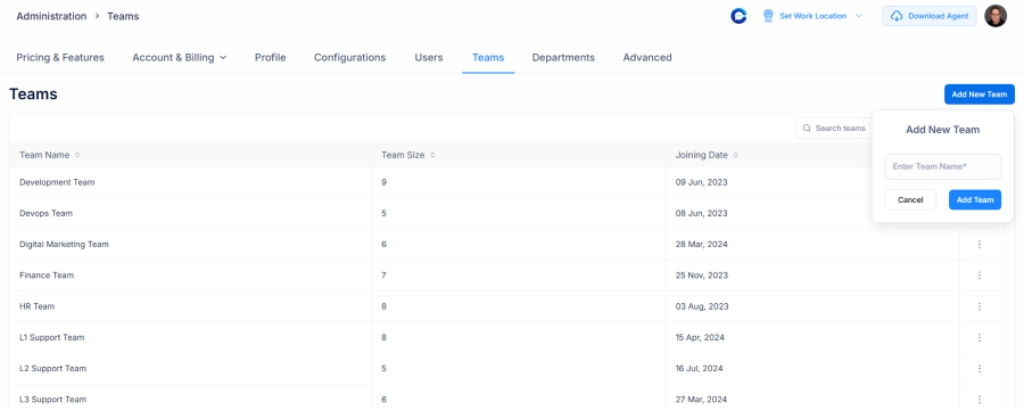
Add Your Team
Invite team members, assign roles, and configure access levels to keep work organized and collaboration smooth.
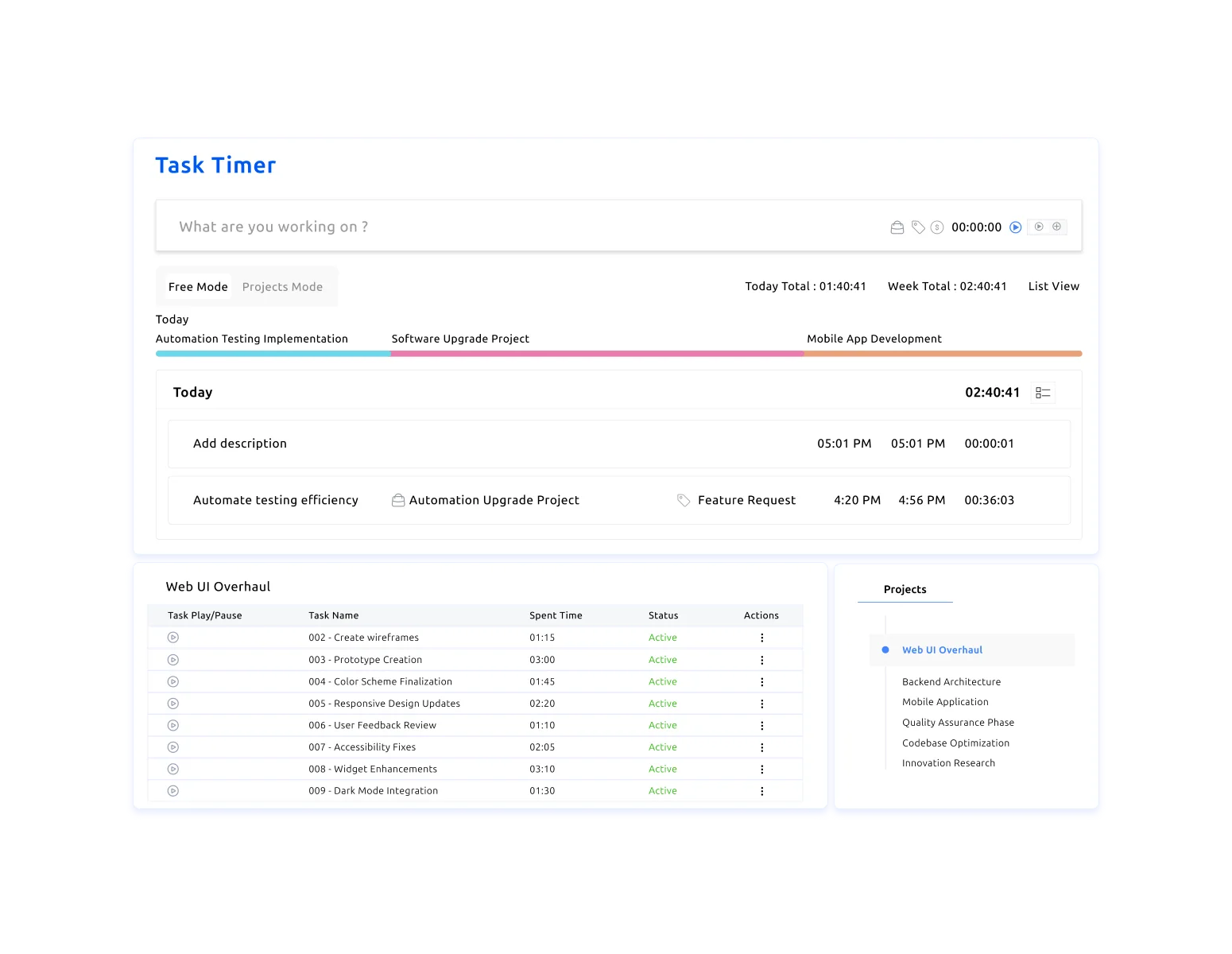
A task timer that shows you where work hours actually go. Track time across projects, see what everyone's working on, and get clear reports without the hassle.











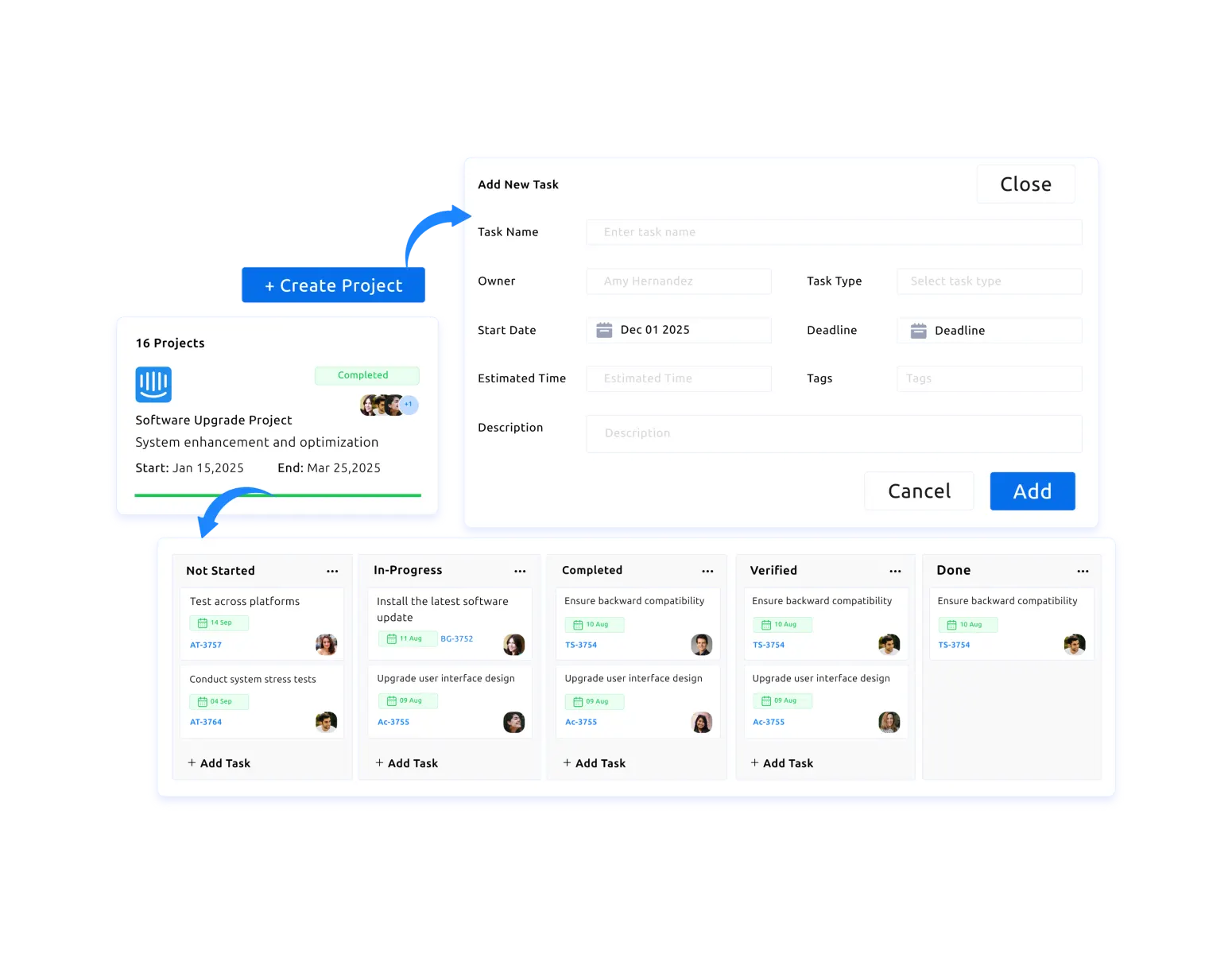

Create tasks quickly with clear descriptions, so work stays structured and easy to manage from the start.

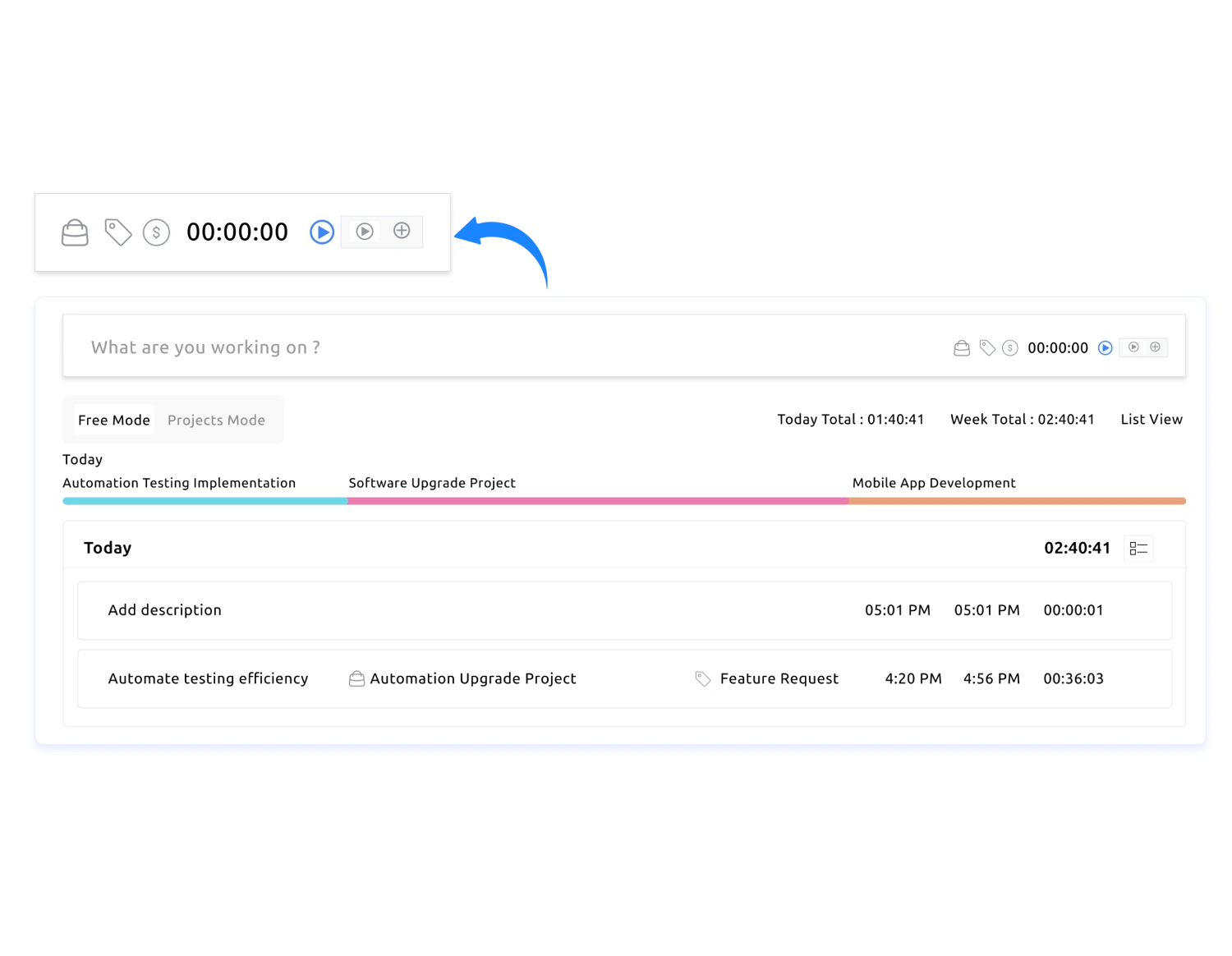
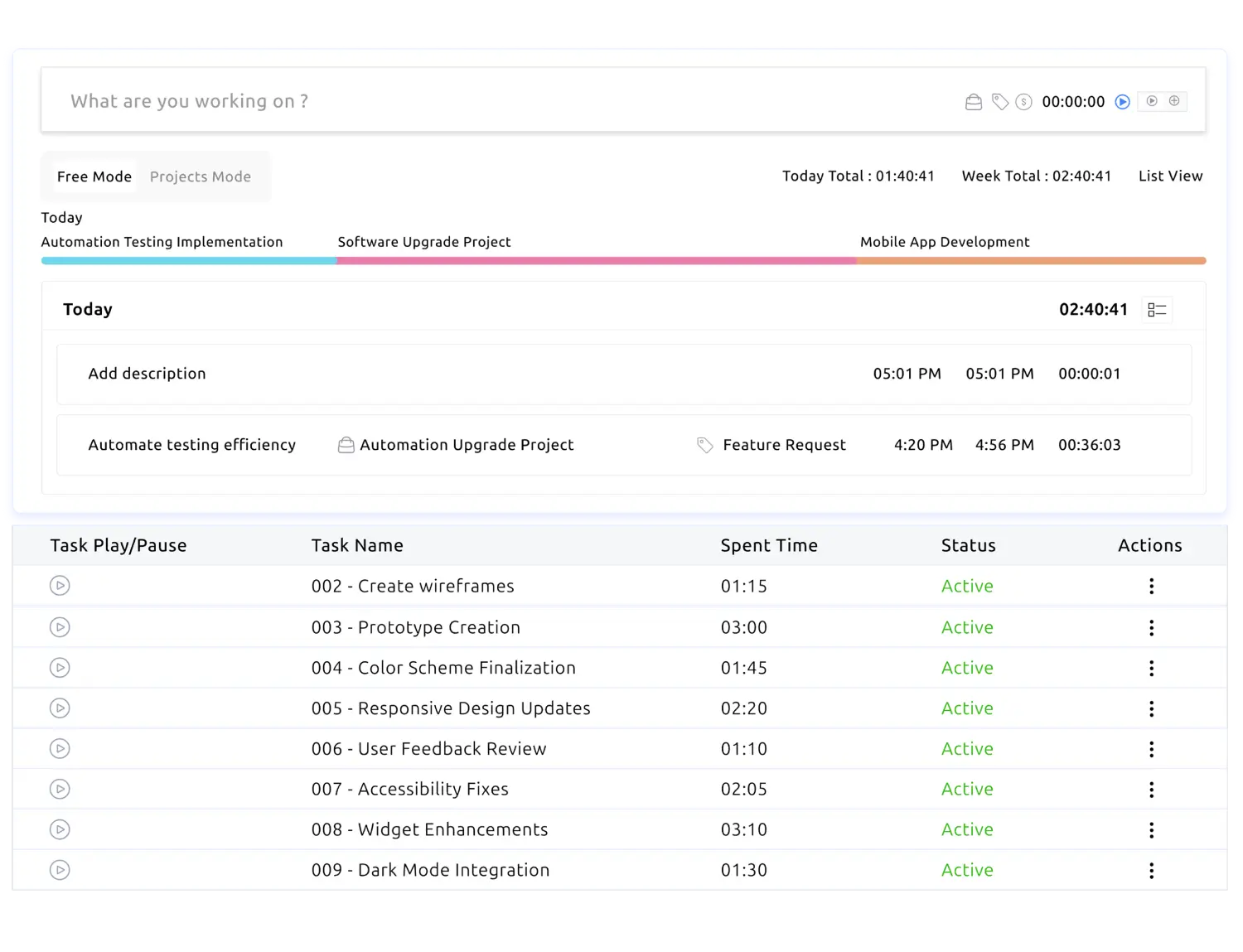
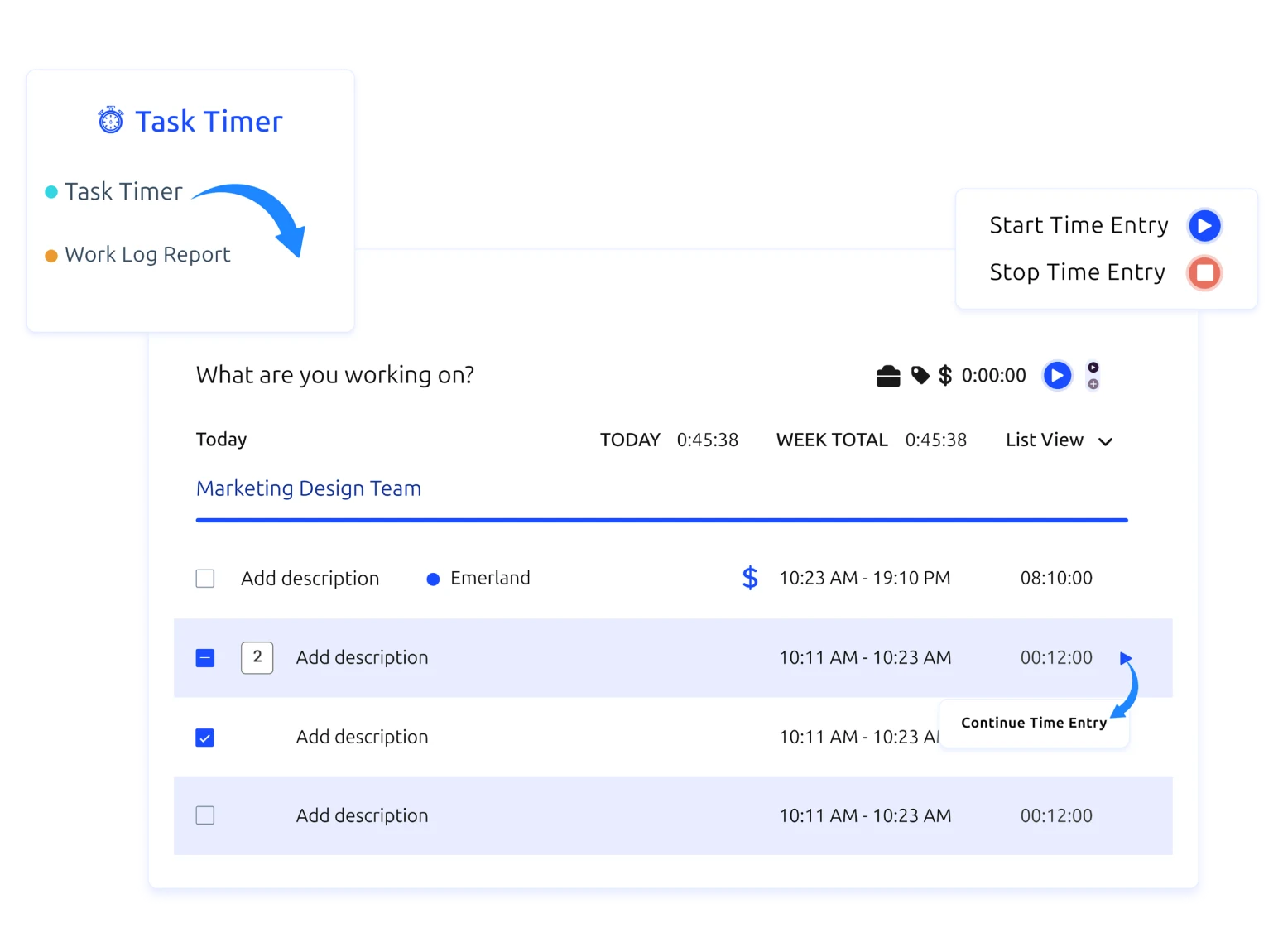
Start, pause, and switch between tasks instantly using a single click. Time Champ captures work hours accurately without interrupting the daily flow.

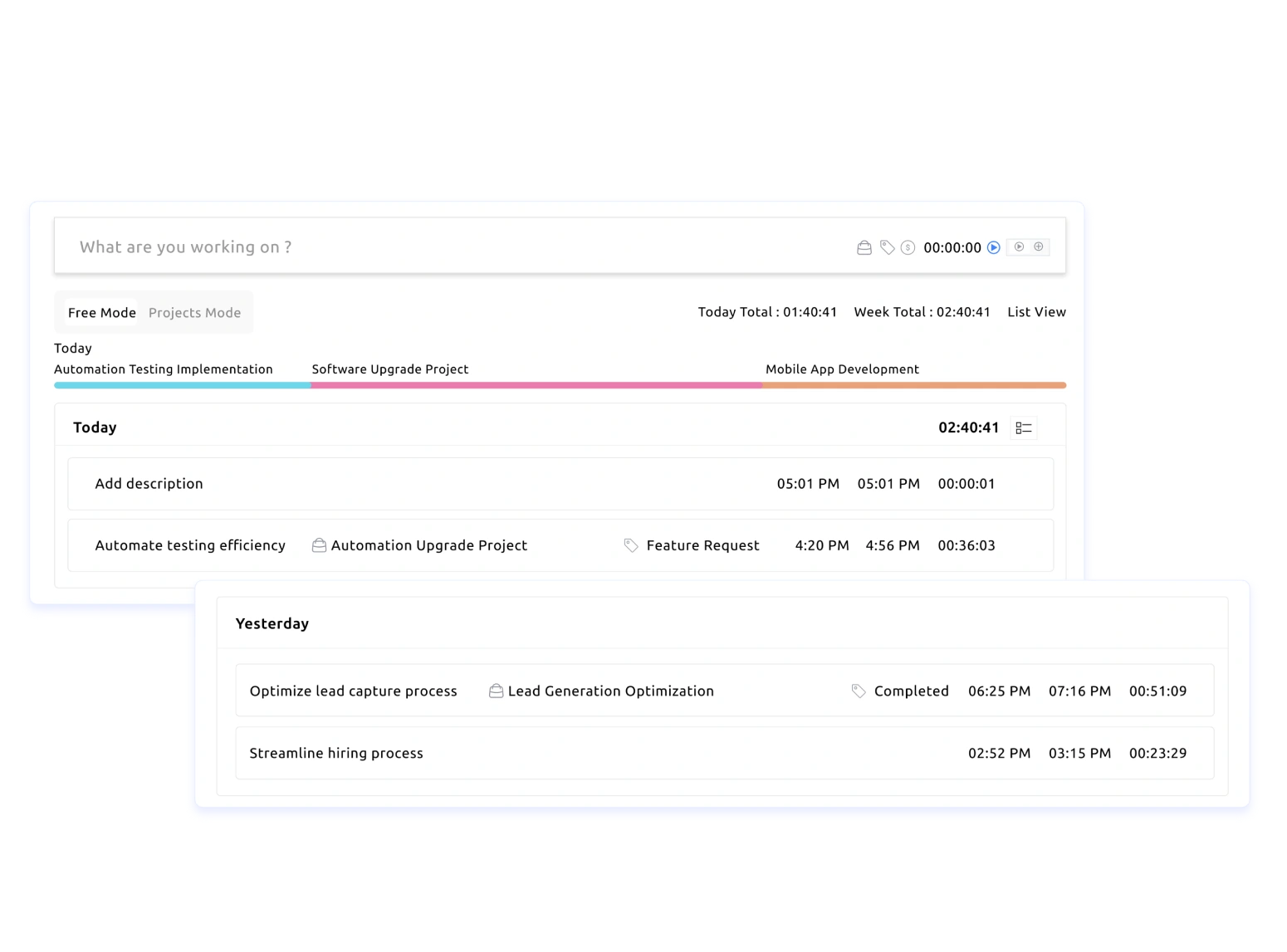
Capture time across tasks and projects in a structured way to keep teams focused and aligned.

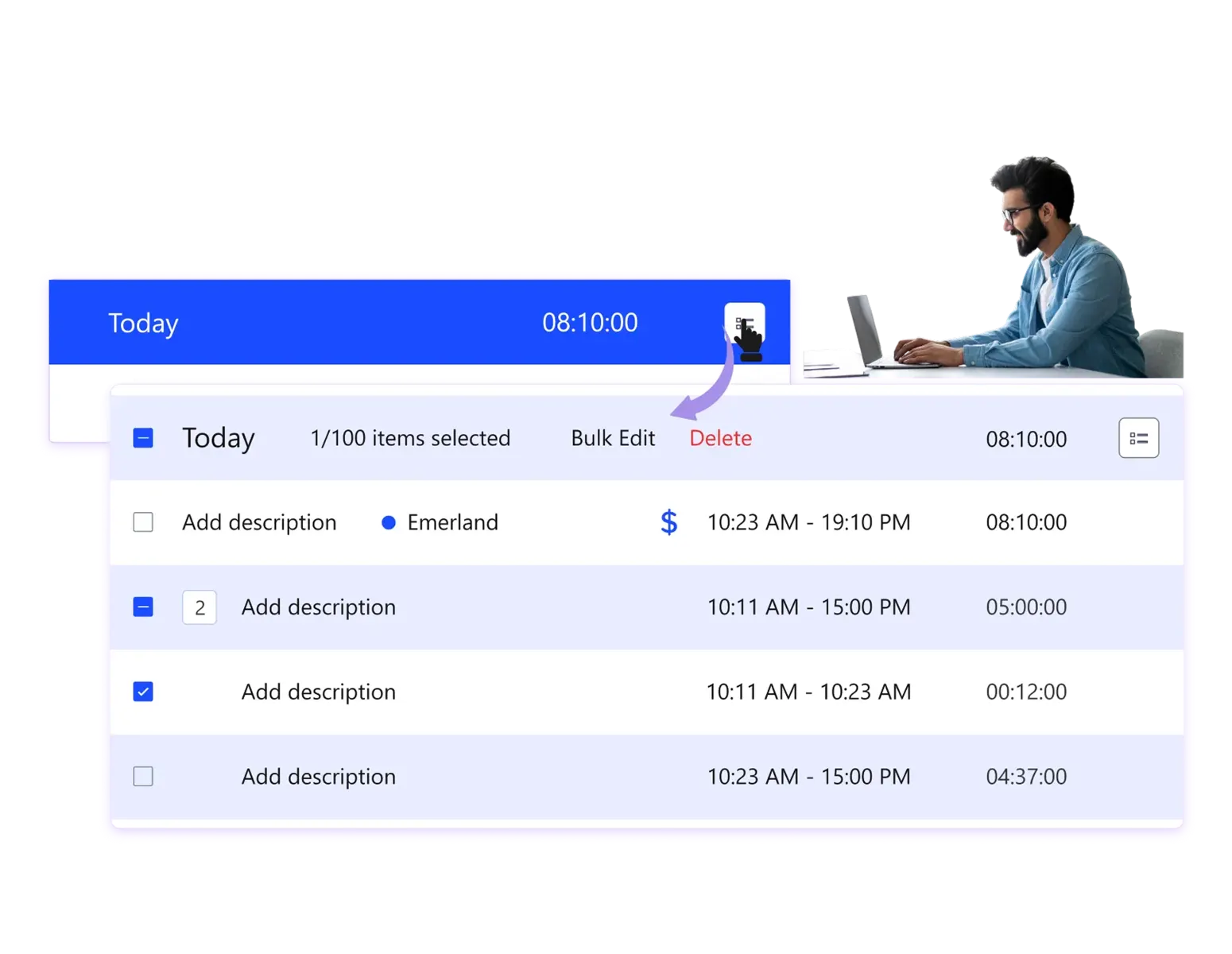
Log tasks manually or with the timer based on your workflow, and use bulk edits to update multiple time entries at once and save time.
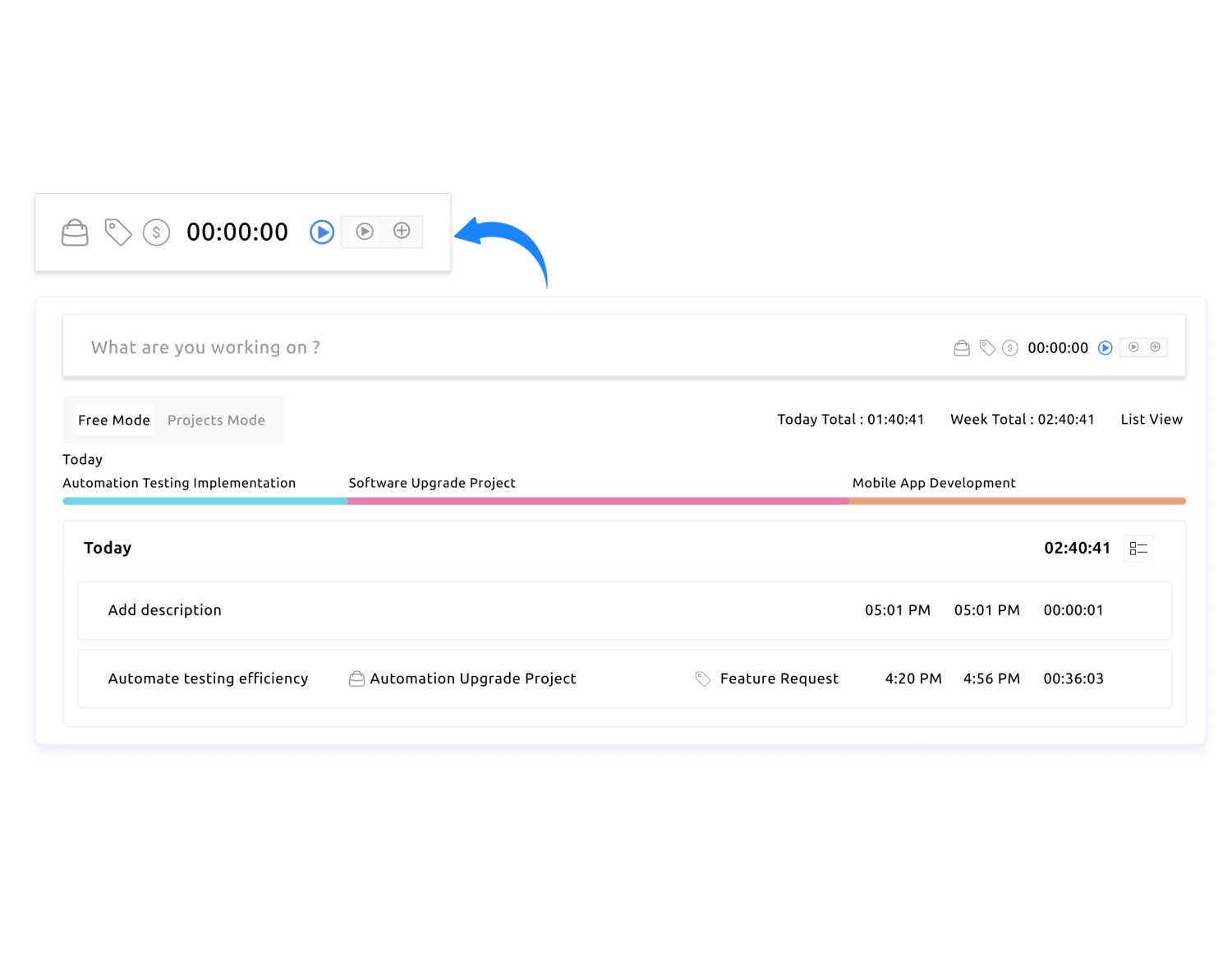

Keep task tracking simple with options to mark work as billable or non-billable, duplicate tasks, add tags, and pin favorites for everyday use.

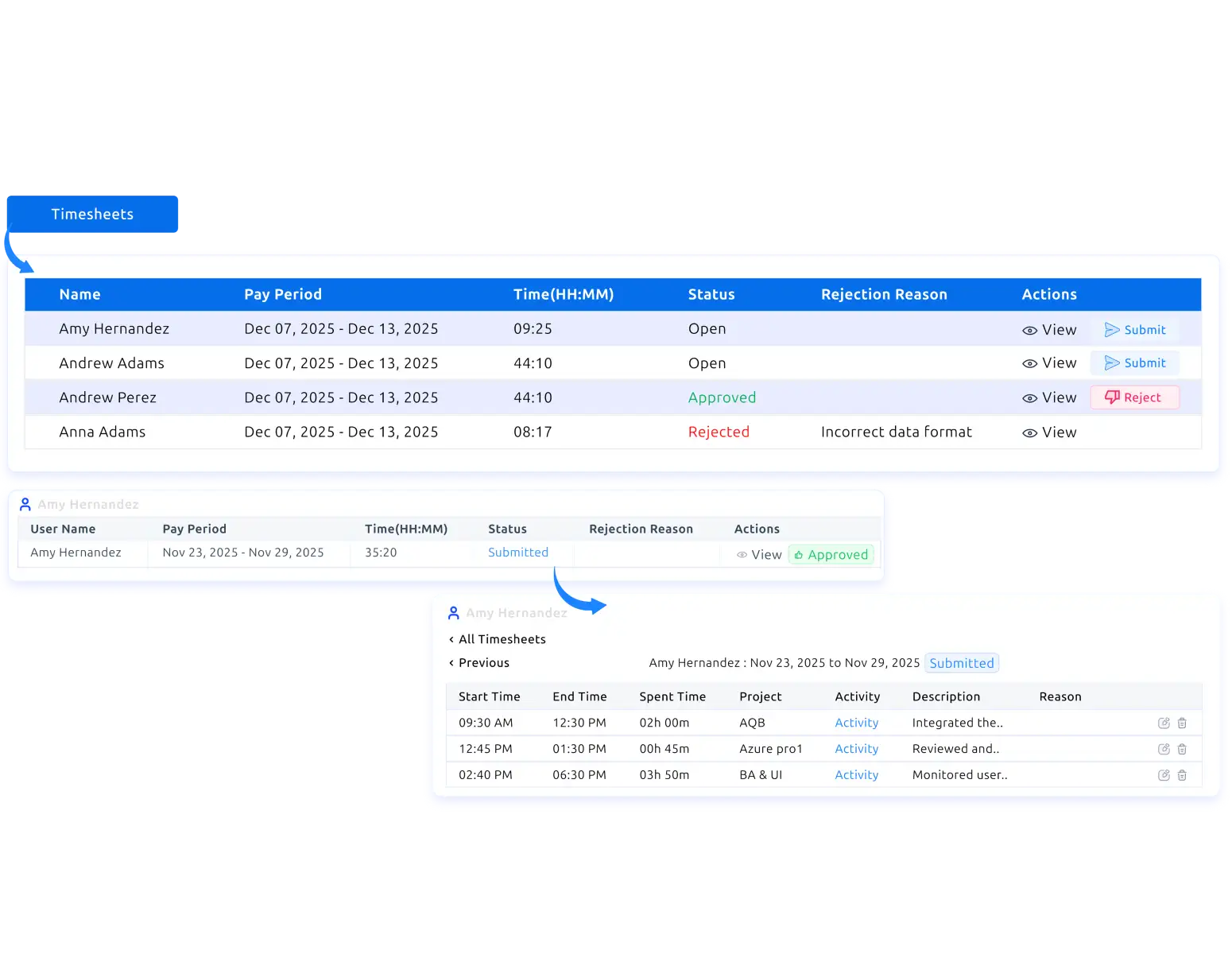
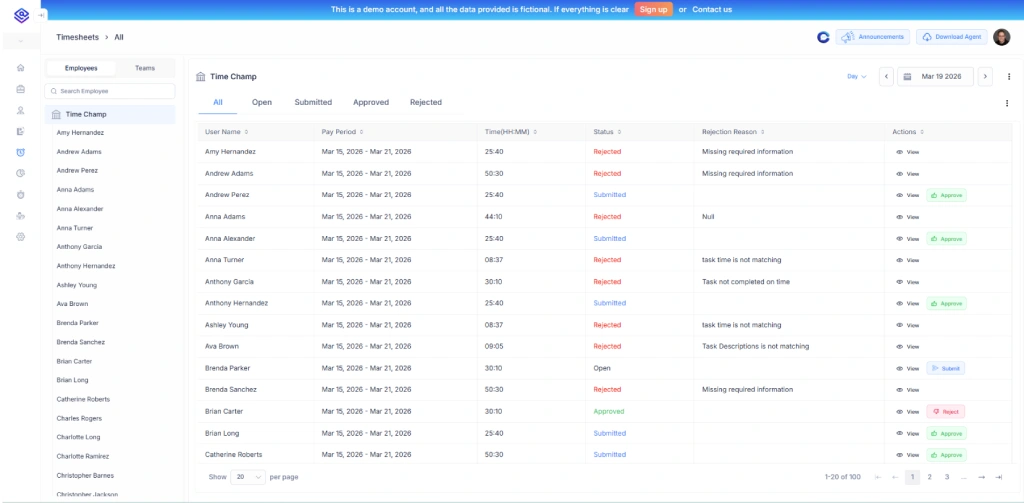
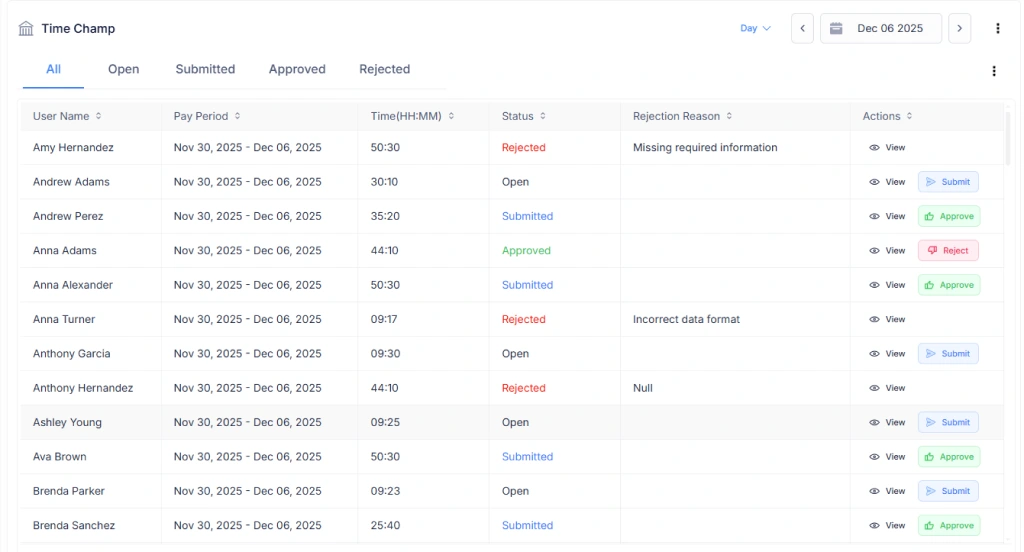
Generate timesheets automatically from logged hours, review entries, and approve hours with confidence before payroll or billing.

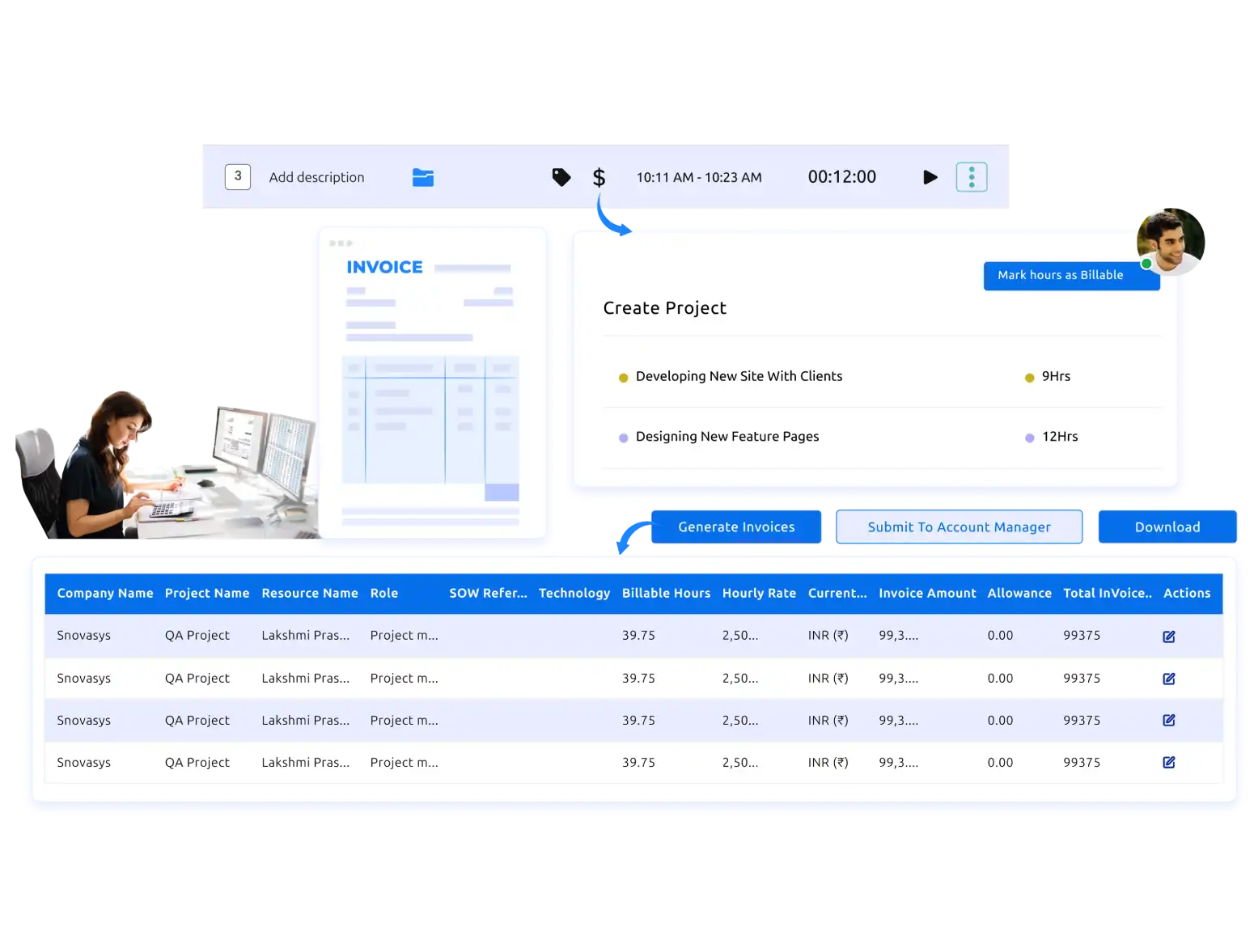
Turn billable hours into professional invoices in seconds, streamline your billing process, and get paid faster without extra manual work.

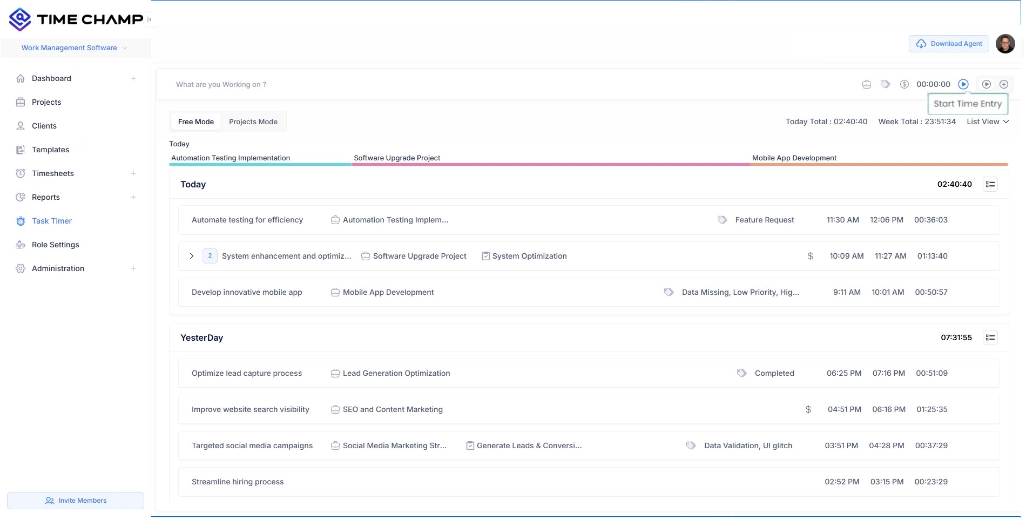
Switch between free mode for quick task logging or project mode for structured tracking with progress insights.
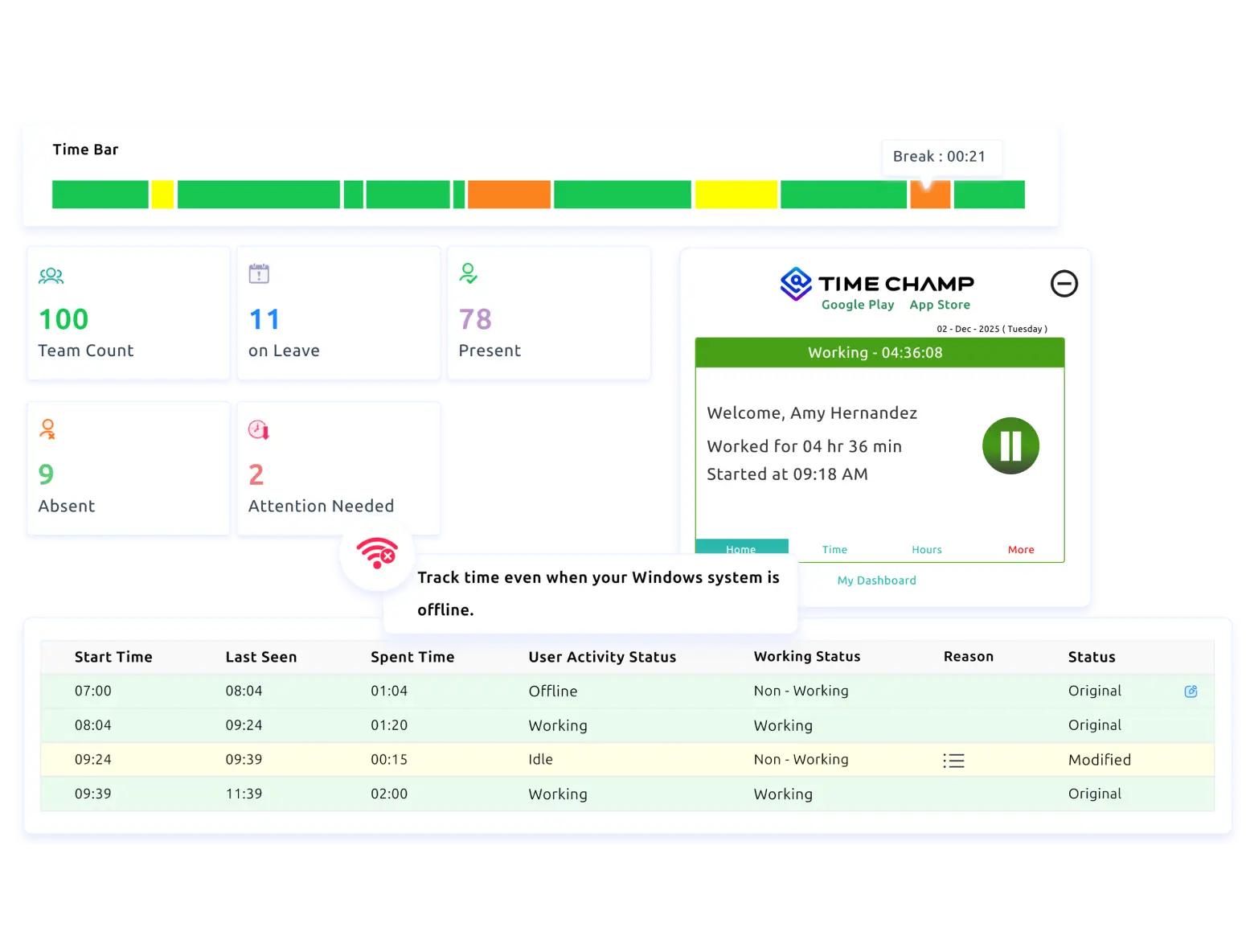

Capture work hours even when the internet drops, and sync data automatically once the connection returns.

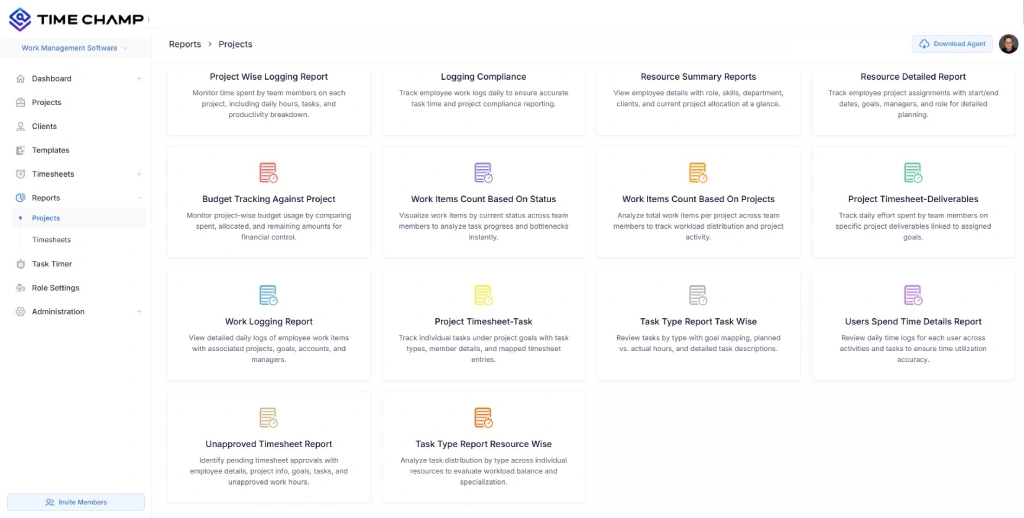
Access detailed reports on work logs, tasks, projects, and productivity, with custom views to review performance and spot patterns.

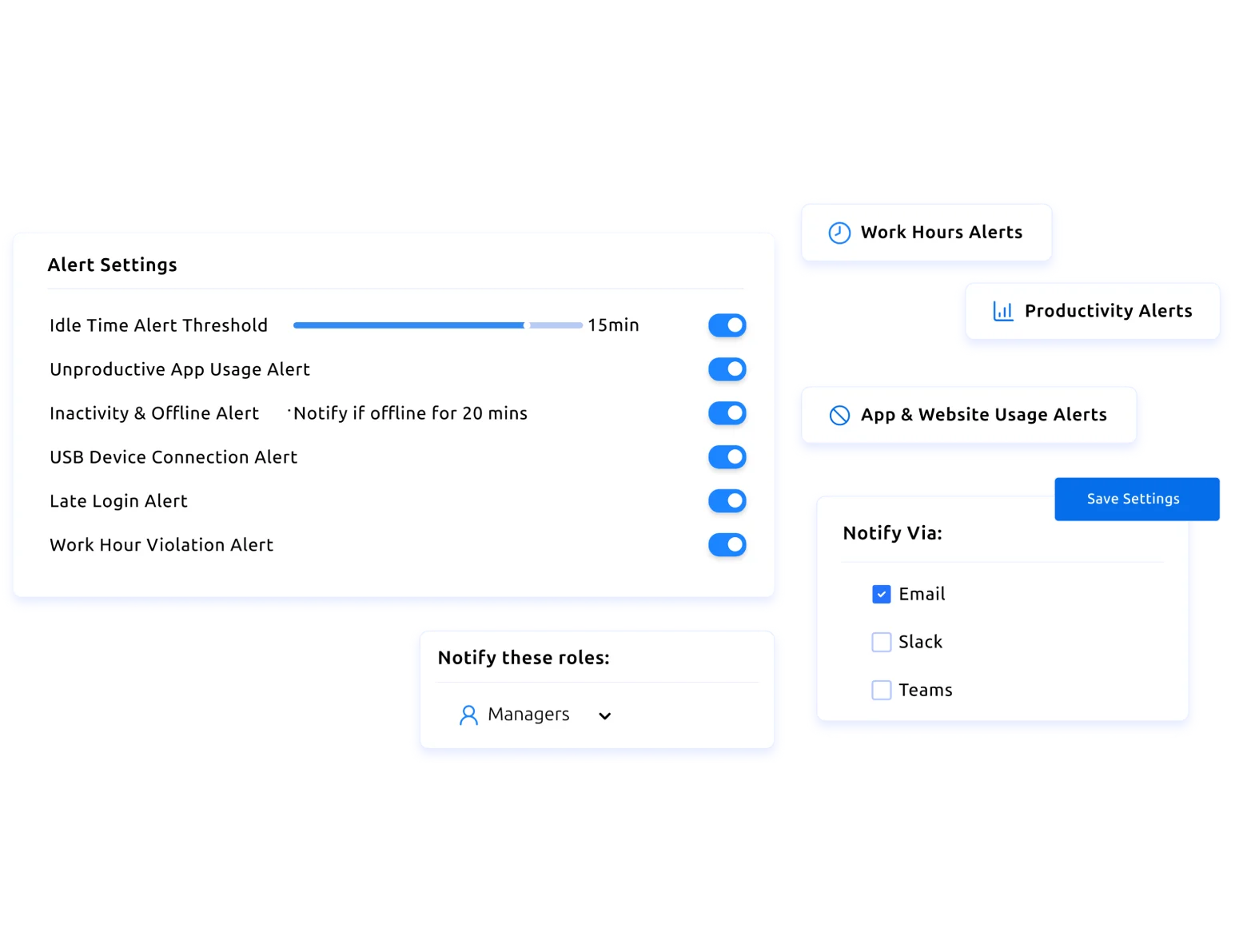
Receive real-time notifications for idle time, delayed tasks, or drops in productivity, helping you address issues before they affect progress.

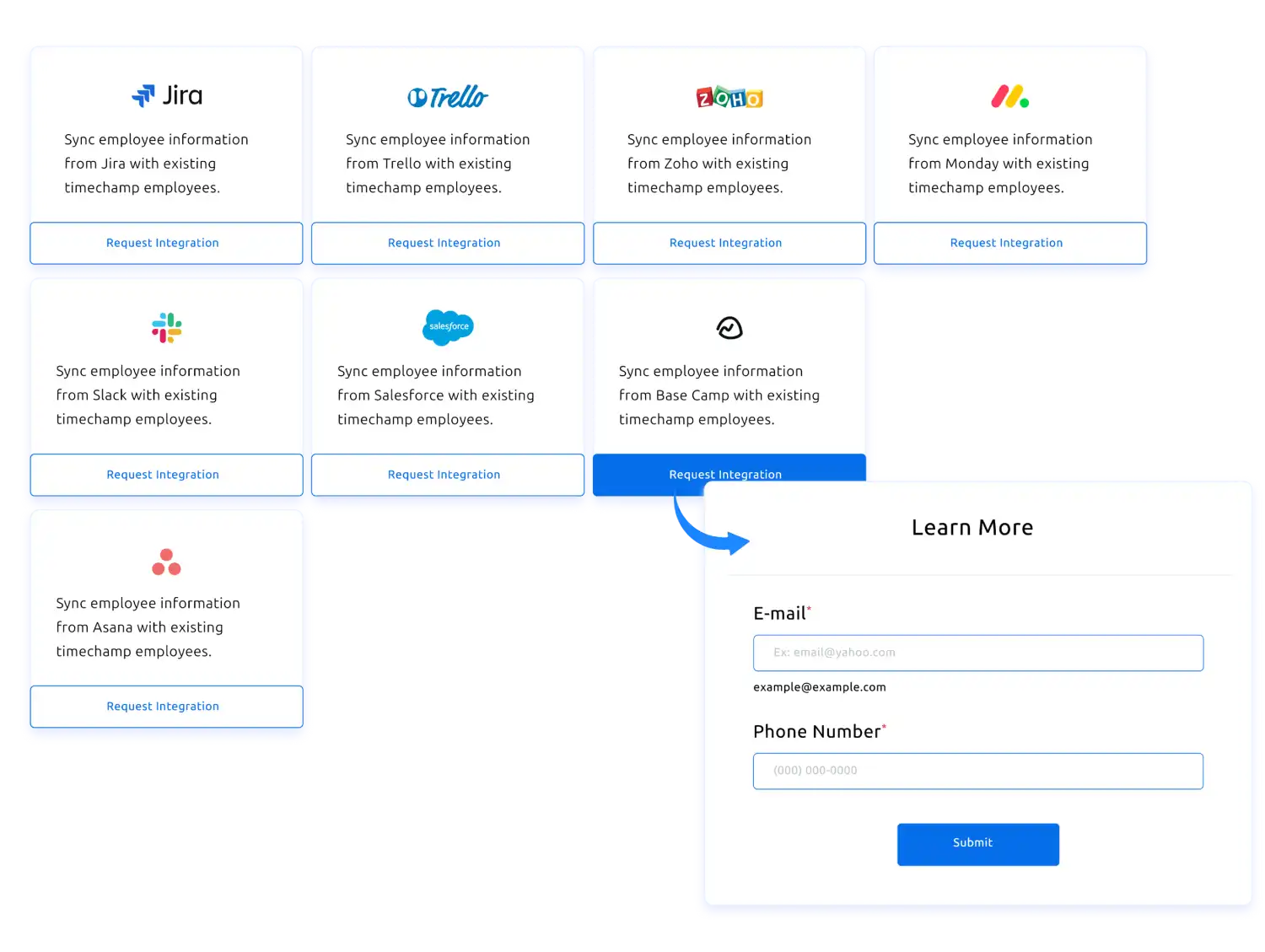
Integrate the task timer with your current task tools to record time without switching platforms or disrupting workflows.
Join a short demo and discover how Time Champ’s task timer brings clarity to tasks, hours, and productivity.
A quick comparison showing how task timers bring more structure and visibility to everyday work.


Yes, teams that adopted Time Champ’s task timer gained a clearer grip on daily work without adding complexity. Task-level visibility replaced guesswork, work hours followed a predictable rhythm, and teams moved through the day with fewer disruptions. The task timer brought structure to execution and confidence in how time was managed across tasks and projects.
With Time Champ’s task timer, teams:
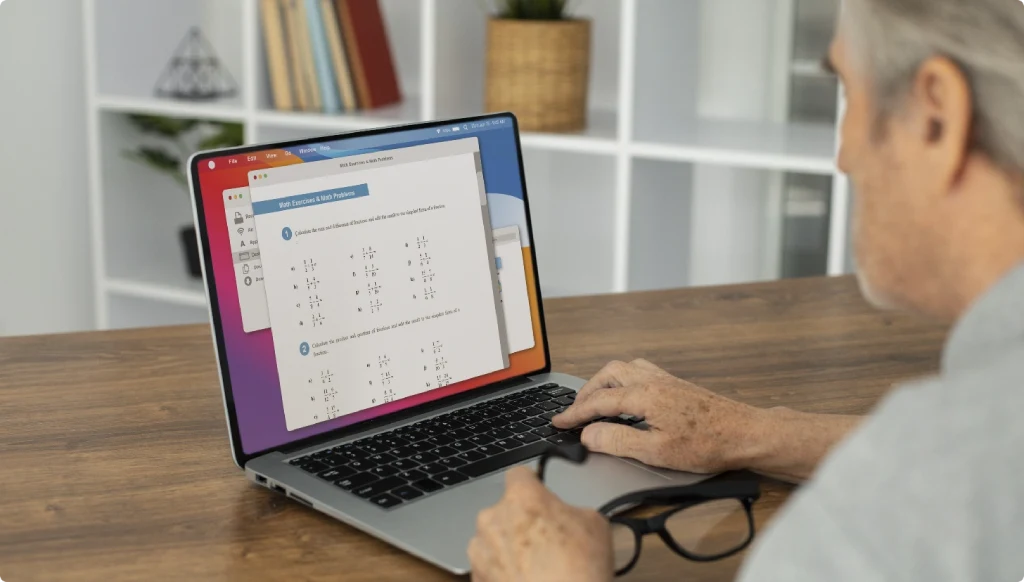

Gained Clear Task-Level Visibility
Leaders saw how time was distributed across tasks and projects, which helped them understand execution patterns and guide work with clarity rather than assumptions.

Worked with Shared Clarity
Teams stayed aligned using consistent task-time records, reducing confusion around ownership, progress, and effort throughout the workday.

Planned Better and Maintained Steady Output
Managers used accurate task-time data to balance workloads, avoid delays, and keep work moving smoothly across ongoing tasks and projects.
Set up your workspace in a few seconds, so everything is ready before you start tracking tasks and work hours.
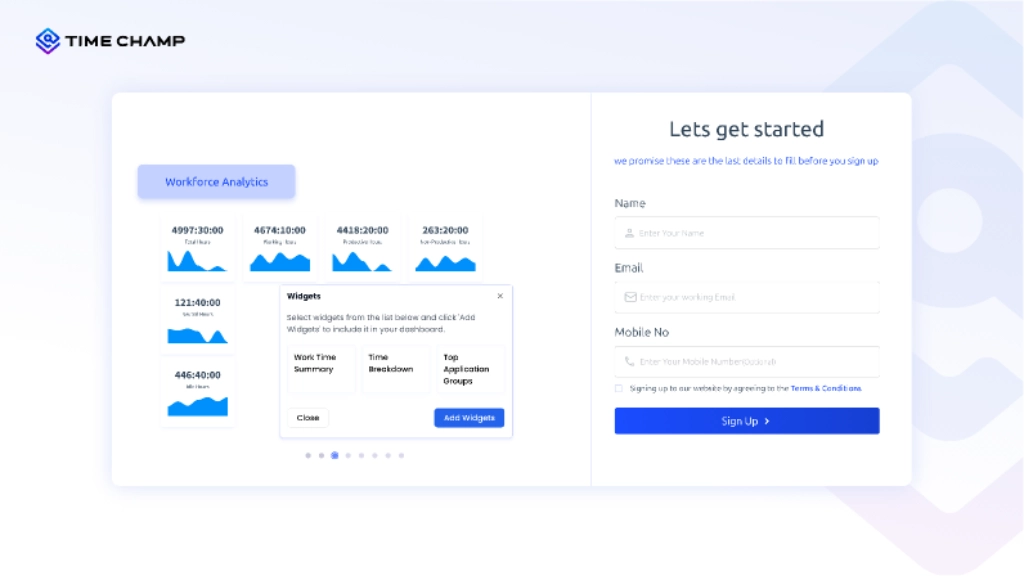
Invite team members, assign roles, and configure access levels to keep work organized and collaboration smooth.
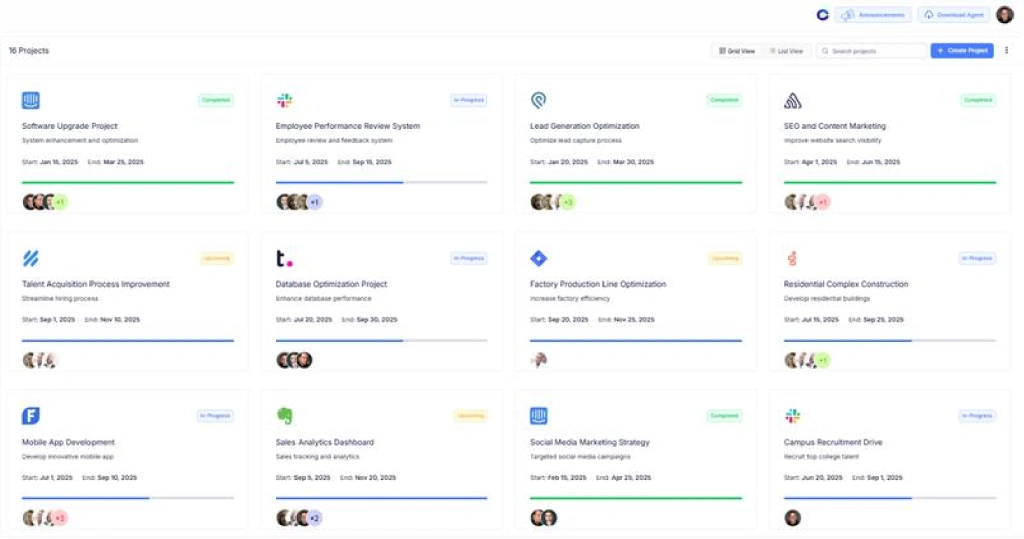
Create projects, assign tasks, and organize work using tags, so everything stays clear and easy to follow.
Add a short task description and start the timer to track time. If needed, you can begin tracking first and update task details later without interrupting work.
Analyze tracked task time to compare planned effort with actual work, identify gaps, and adjust workloads or timelines more effectively.
Review submitted timesheets, approve or reject entries, and generate invoices automatically based on approved hours to keep billing accurate and efficient.

Workload Distribution Across Teams

Timesheet and Payroll Accuracy

Overtime and Burnout Detection

Task-Based Performance Reviews

Hybrid and Remote Work Visibility
A Smarter Task Timer Built on Workforce Intelligence

Time Champ helped bring structure to our daily workflows. With clearer visibility into how time was spent and how work moved across teams, we improved efficiency and reduced delays across projects.

Time Champ has been a reliable partner for us. Over the past three years, it has significantly improved how we organize our operations and manage day-to-day work.
We were dealing with untracked work hours and a drop in productivity, and many tasks were going unnoticed. Time Champ gave us the clarity we needed to manage work more effectively. Since then, we have seen better focus, fewer delays, and stronger overall results.

Before Time Champ, manual tracking caused inconsistencies. With clear, privacy-respecting insights into work activity, payroll accuracy improved, and overall performance increased.
Managing remote teams became far more manageable with Time Champ. We gained clearer insight into work habits, productivity, and attendance, while custom reports helped us focus on what needed attention.

Time Champ gave us the clarity we were missing. Its insights helped us understand work patterns deeply while remaining simple, adaptable, and cost-effective for teams of any size.


 4.7/5 avg.
Join our family of 1500+ companies using smart insights to redefine workforces!

Free Trial
No Credit Card Required


