
Audio Tracking Software for Smarter Workplace Visibility

Capture audio context around work activity to support compliance reviews, training, and quality assurance — with clear policies, consent, and role-based access.

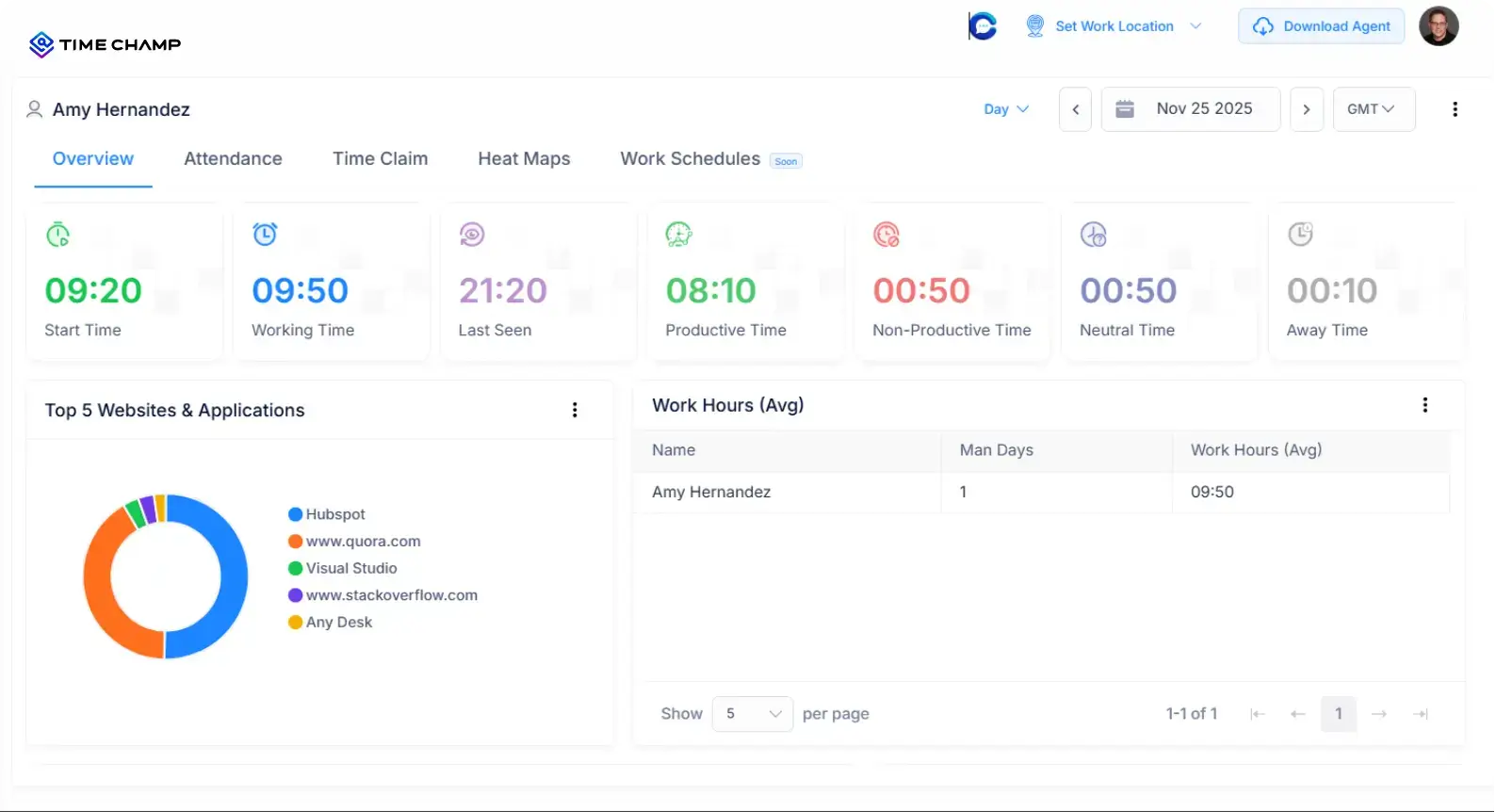
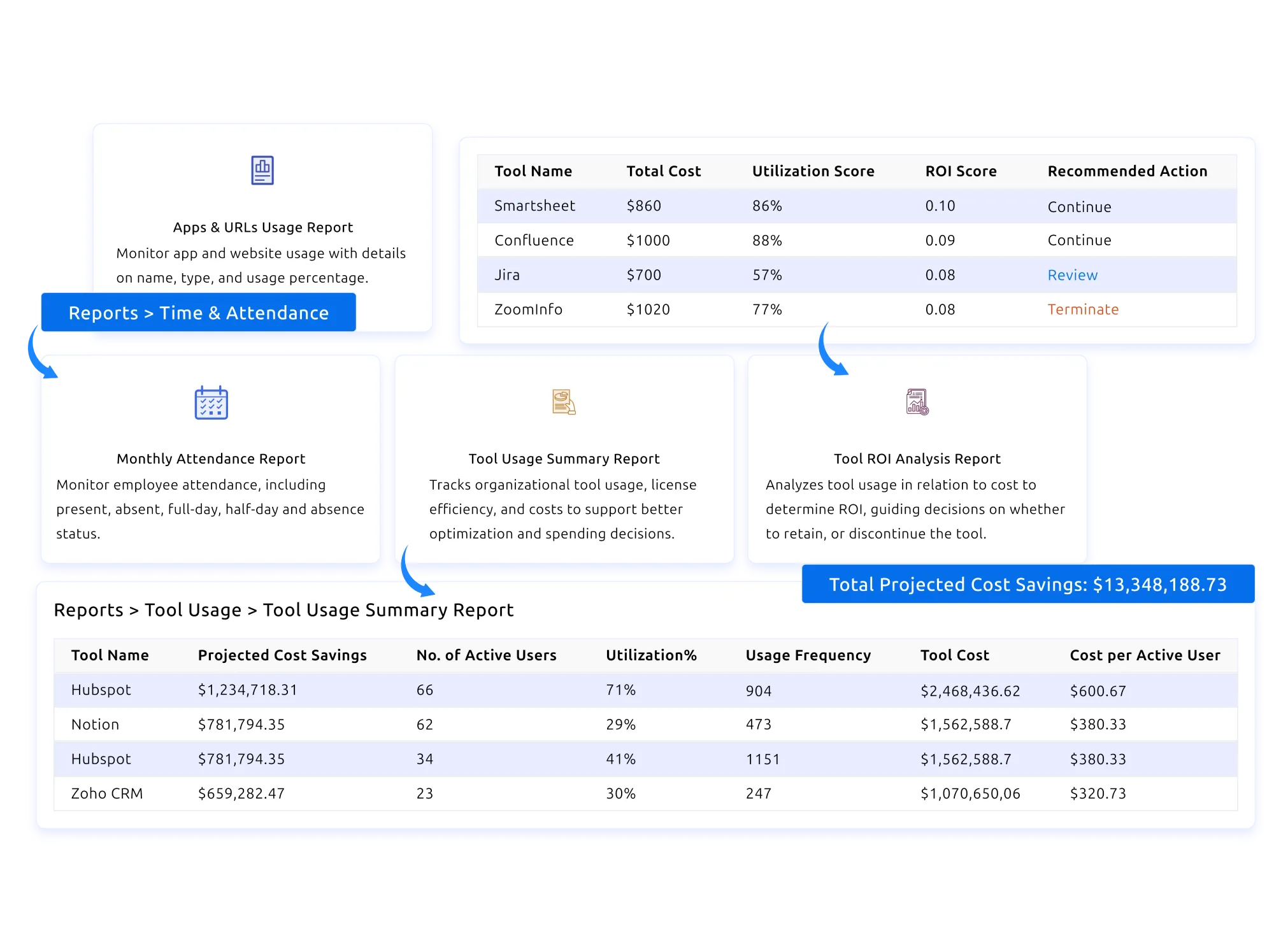
Audio tracking software dashboard preview
Trusted by 1500+ Companies Worldwide
127+
Countries
1500+
Companies
100K+
Users
2.5M+
Insights Generated

Audio Tracking Built for Compliance, Quality, and Trust

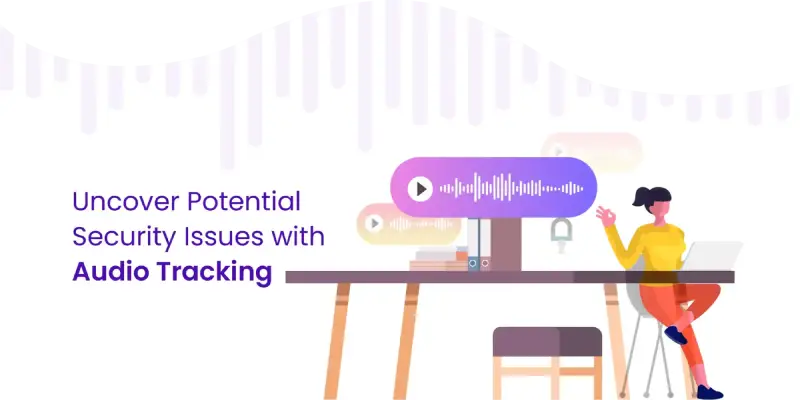
Audio tracking dashboard preview
scheduled capture icon

Scheduled Audio Capture

Capture audio only during clearly defined work sessions and scheduled windows — never around the clock. Capture rules are visible to employees and configurable per role.

consent icon

Consent & Notification Controls

Employees see when audio capture is active. Consent prompts, notifications, and opt-in workflows are built in so your program stays transparent and compliant by default.

tamper-resistant icon

Tamper-Resistant Storage

Captured audio is stored with integrity checks so recordings can’t be edited after the fact. Useful for compliance reviews, training audits, and quality assurance programs.

role-based access icon

Role-Based Review Access

Only authorized roles can review audio. Access is logged, time-bounded where required, and traceable — matching how regulated industries manage sensitive data.

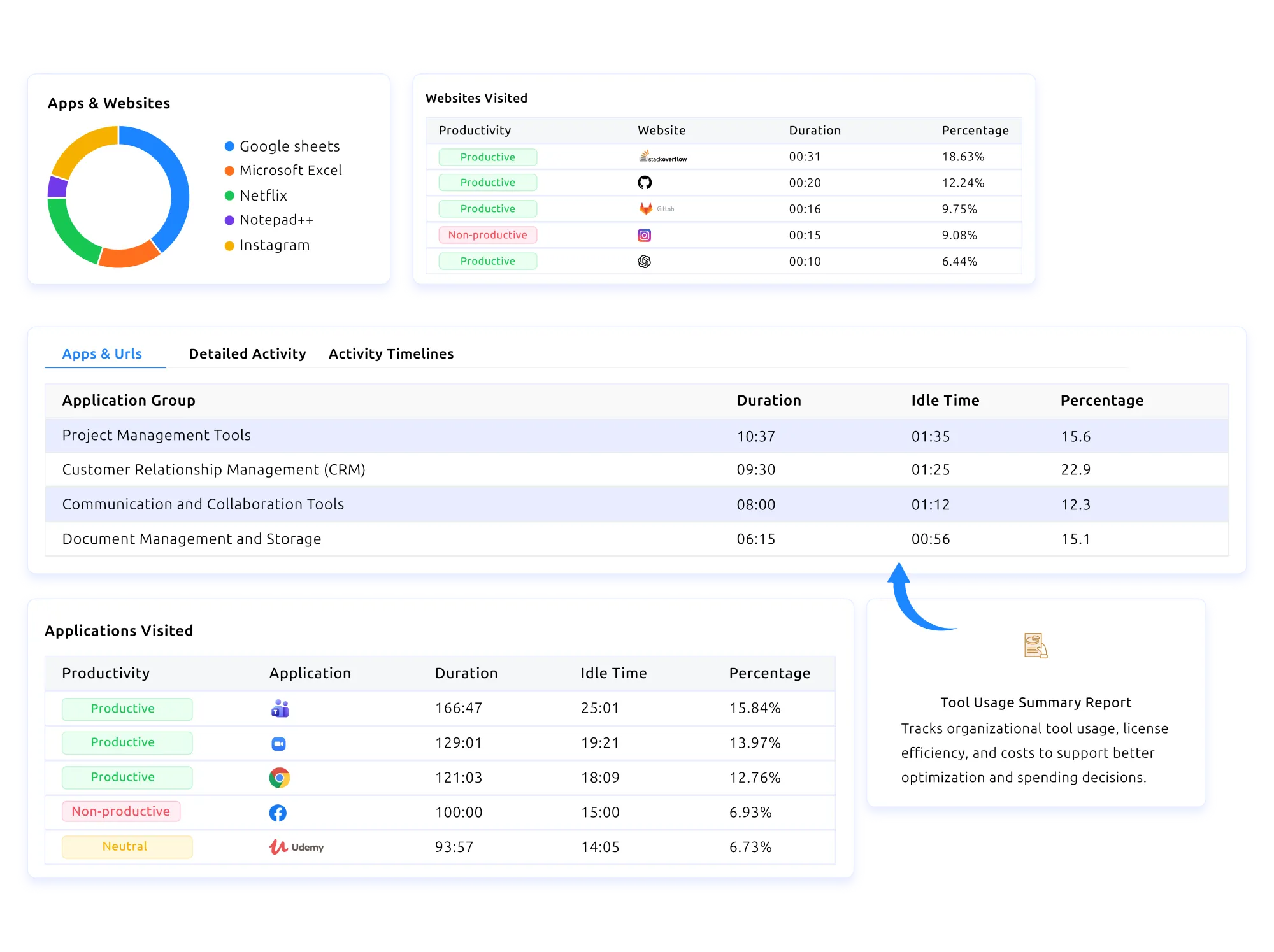
Audio activity context view
linked activity icon

Linked Activity & Audio Context

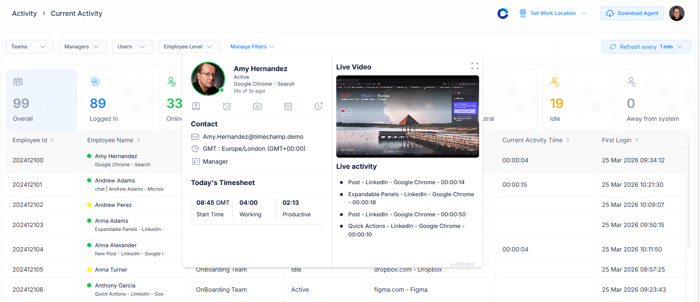
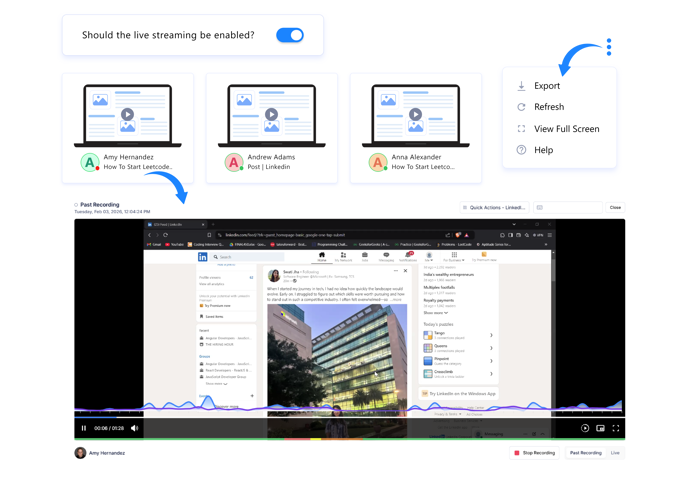
Audio recordings are tied to the activity, application, or session that was active at the time. Reviewers see what was happening on screen alongside the audio — not audio in isolation.

searchable logs icon

Searchable Audio Logs

Find specific recordings by date, user, project, or session. No more scrubbing through hours of audio — jump straight to the moment you need to review.

encrypted storage icon

Encrypted Transmission & Storage

Audio is encrypted in transit and at rest. Combined with access logs and retention policies, your audio data stays as secure as the rest of your sensitive business records.

audit log icon

Full Review Audit Trail

Every access, playback, and export is logged. If a recording is reviewed, you know who, when, and why — supporting both internal governance and external compliance.

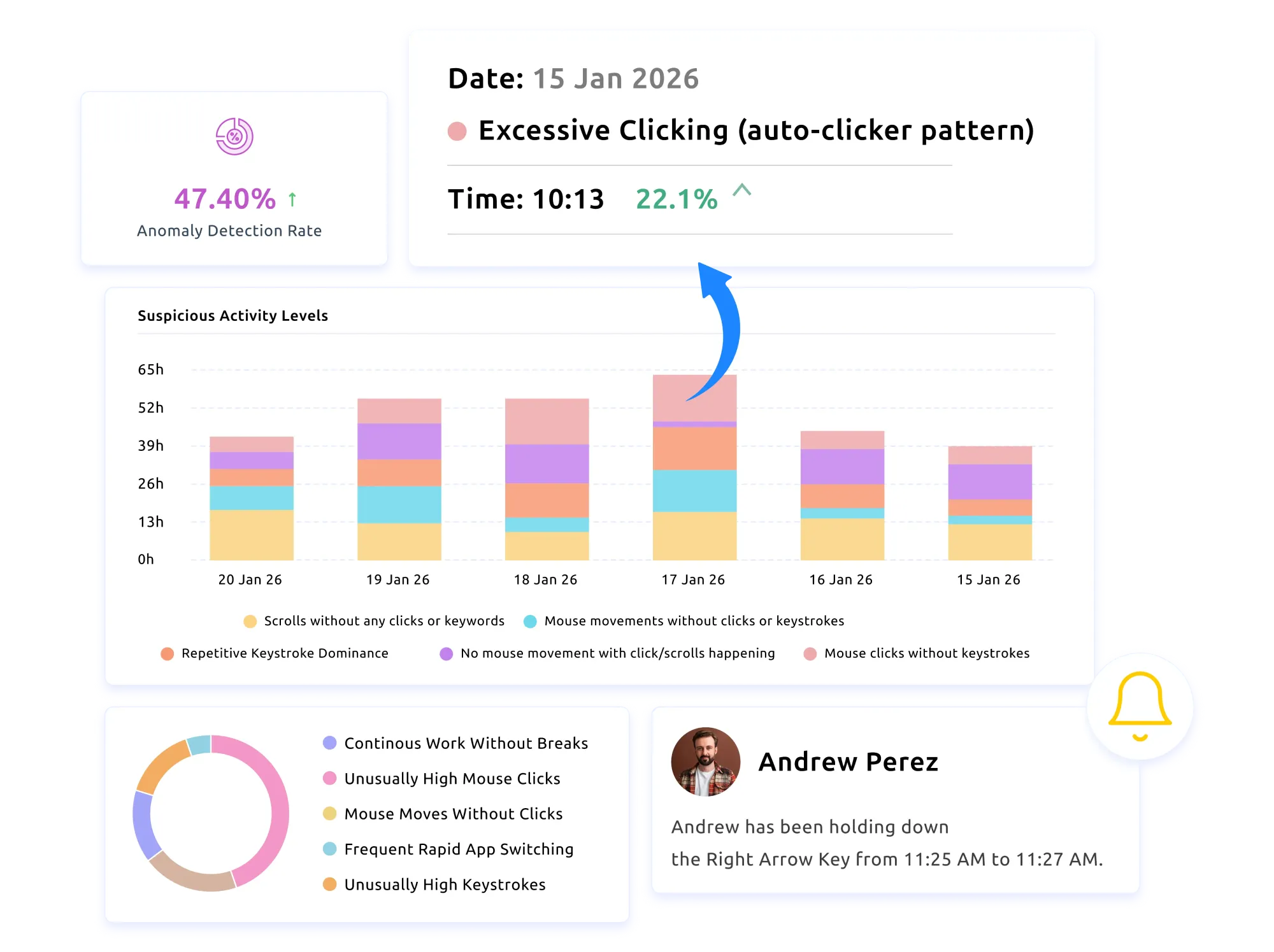
Compliance-ready audio capture
capture schedule icon

Configurable Capture Rules

Define when, where, and for which roles audio capture is active. Set rules per team, per project, or per shift instead of a single global toggle.

compliance icon

Compliance-First Workflow

Built around the consent, retention, and access principles that most regulated industries require. Helps your team meet obligations without bolting on a separate compliance tool.

retention icon

Retention Policy Controls

Set how long recordings are stored before automatic deletion. Different rules for different teams, regions, or projects — matching your data governance policy.

reports icon

Audit-Ready Review Reports

Export structured review reports for QA programs, compliance reviews, or training audits — with the metadata reviewers need to cite specific moments.

Ad-Hoc Audio Recording vs. Time Champ Audio Tracking

How a structured audio tracking system changes the way teams capture, review, and govern workplace audio:

Ad-Hoc Audio Recording

  • comparison icon
    Recordings scattered across personal devices
  • comparison icon
    No consent workflow — legal risk
  • comparison icon
    Easy to lose, edit, or delete files
  • comparison icon
    No audit trail of who reviewed what
  • comparison icon
    No retention policy — data lingers indefinitely
  • comparison icon
    Manual search through hours of recordings

Time Champ Audio Tracking

  • comparison icon
    Centralized, structured audio storage
  • comparison icon
    Built-in consent prompts and notifications
  • comparison icon
    Tamper-resistant storage with integrity checks
  • comparison icon
    Full access and review audit logs
  • comparison icon
    Configurable retention with auto-deletion
  • comparison icon
    Searchable by user, session, project, or date

Is Time Champ Audio Tracking Right for Your Compliance Program?thinking image

Yes — especially if your team runs quality assurance, training programs, or compliance reviews that depend on structured audio context.

Time Champ’s audio tracking gives compliance and QA leaders the consent, storage, access, and retention controls they need to run trustworthy programs.

With Time Champ, teams:

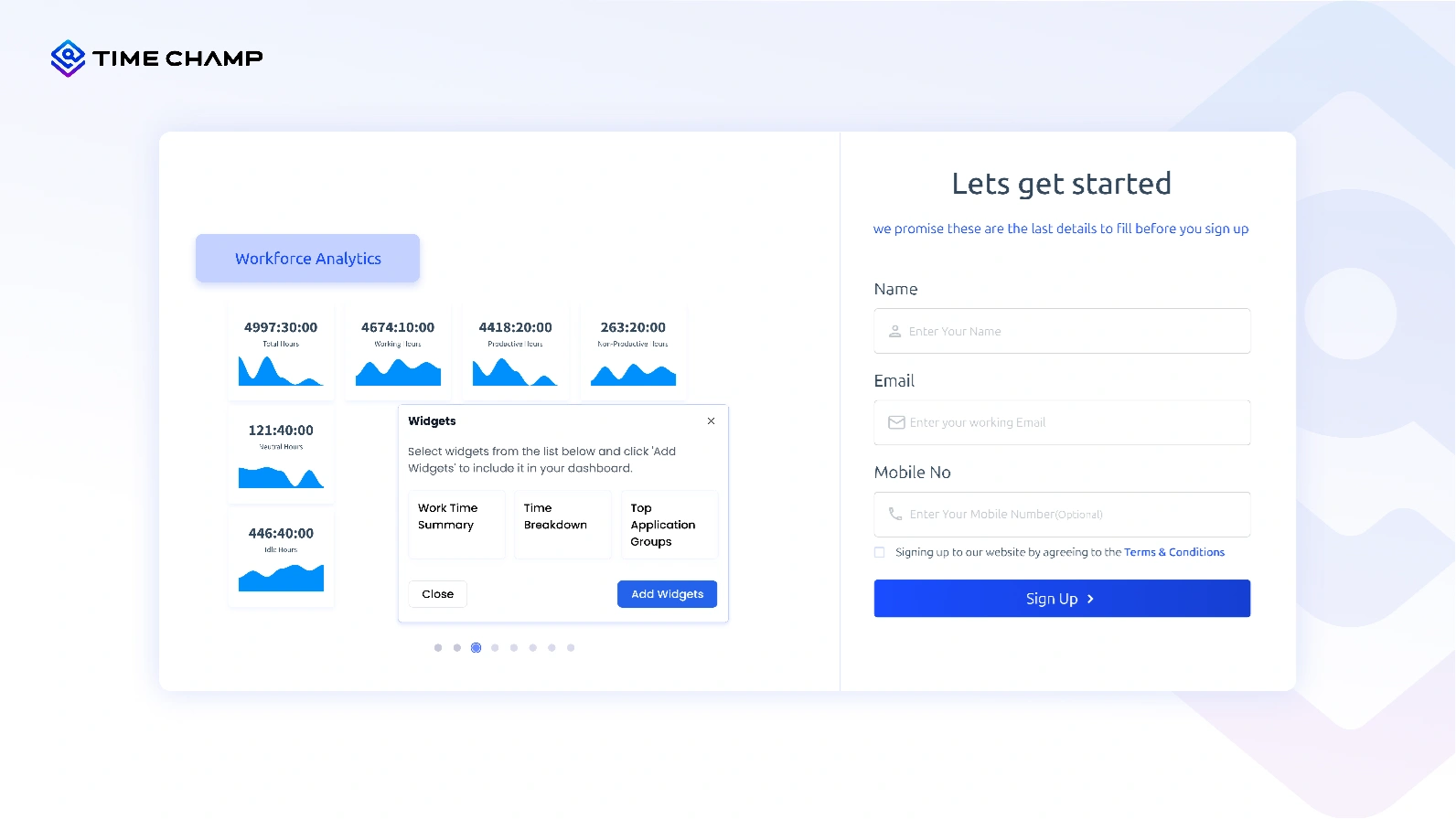
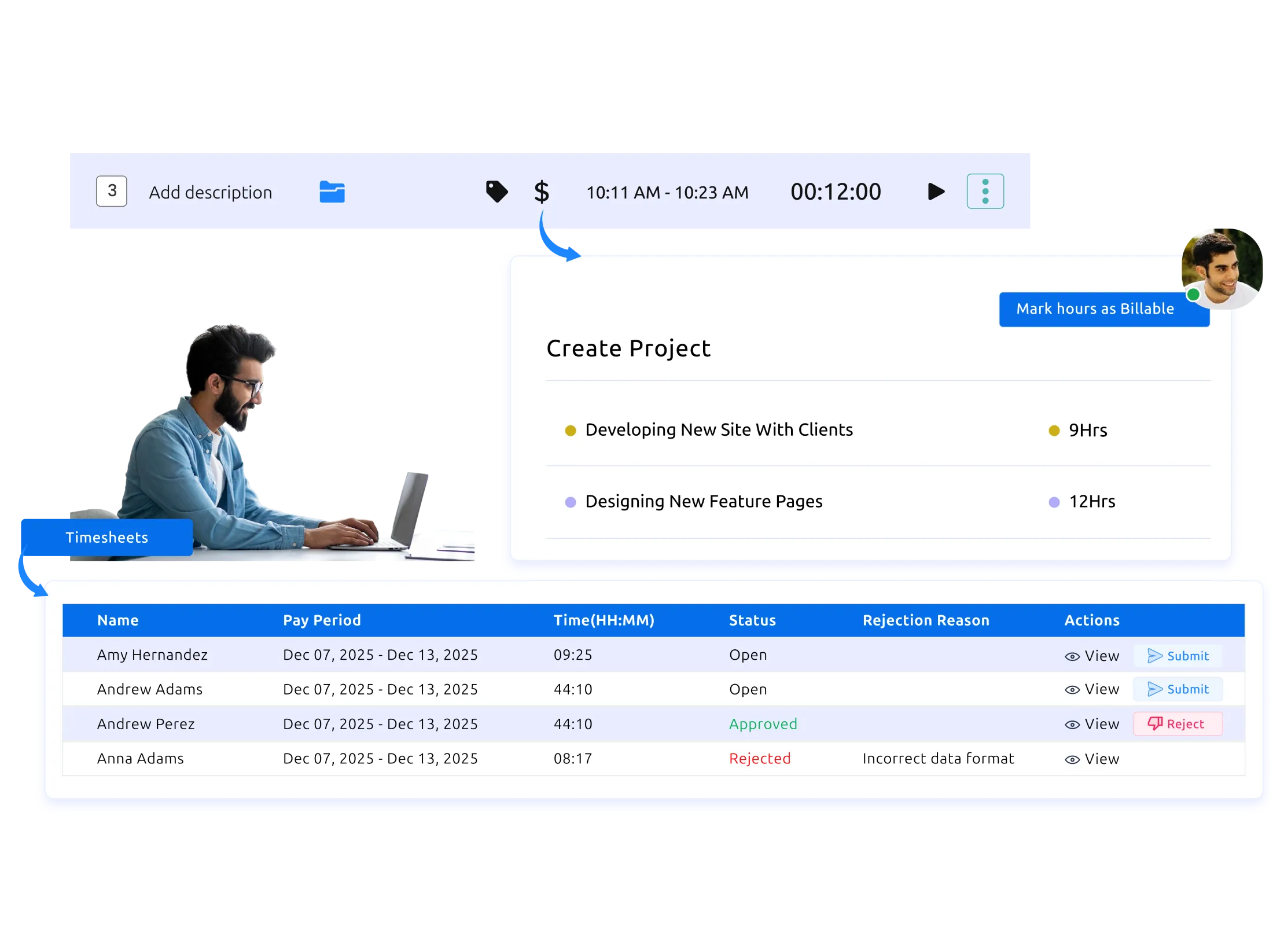
Time Champ feature preview
transparent capture icon

Transparent Capture

Their teams worked under a clearly explained capture policy with visible notifications — replacing the trust gap that ad-hoc recording always creates.

audit trail icon

Defensible Audit Trails

Every access, review, and export was logged. When auditors or legal asked who reviewed what and when, the answer was already in the system.

controlled retention icon

Controlled Retention

Automated deletion ran on the schedule the team configured. Data didn’t linger past its policy, and the team stayed aligned with their data governance commitments.

Run a structured audio tracking program with Time Champ — consent, storage, access, and retention controls built in from day one.

Bring your workflow to our platform. We’ll bring the precision behind every second.

Get Started now!
How Time Champ Audio Tracking Works
  • 1
    Create Your Account
  • 2
    Configure Capture Policies
  • 3
    Set Storage & Retention Rules
  • 4
    Capture in the Background
  • 5 Review & Export with Audit Logs
Create Your Account

Sign up for free and set up your Time Champ workspace in minutes.

Create Your Account
Configure Capture Policies

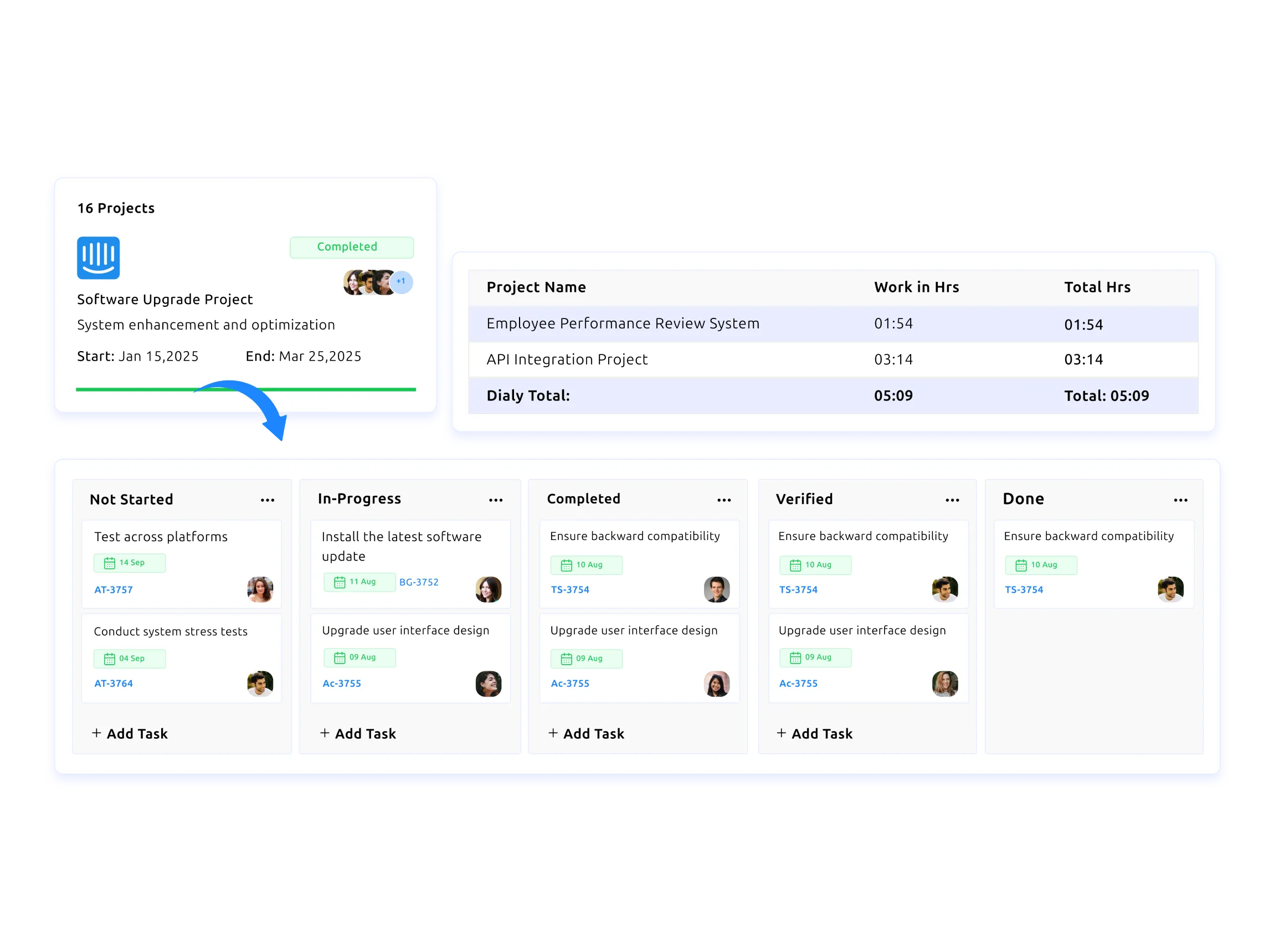
Define which teams, projects, or shifts have audio capture enabled, and set the consent workflow that fits your industry.
Configure Capture Policies
Set Storage & Retention Rules

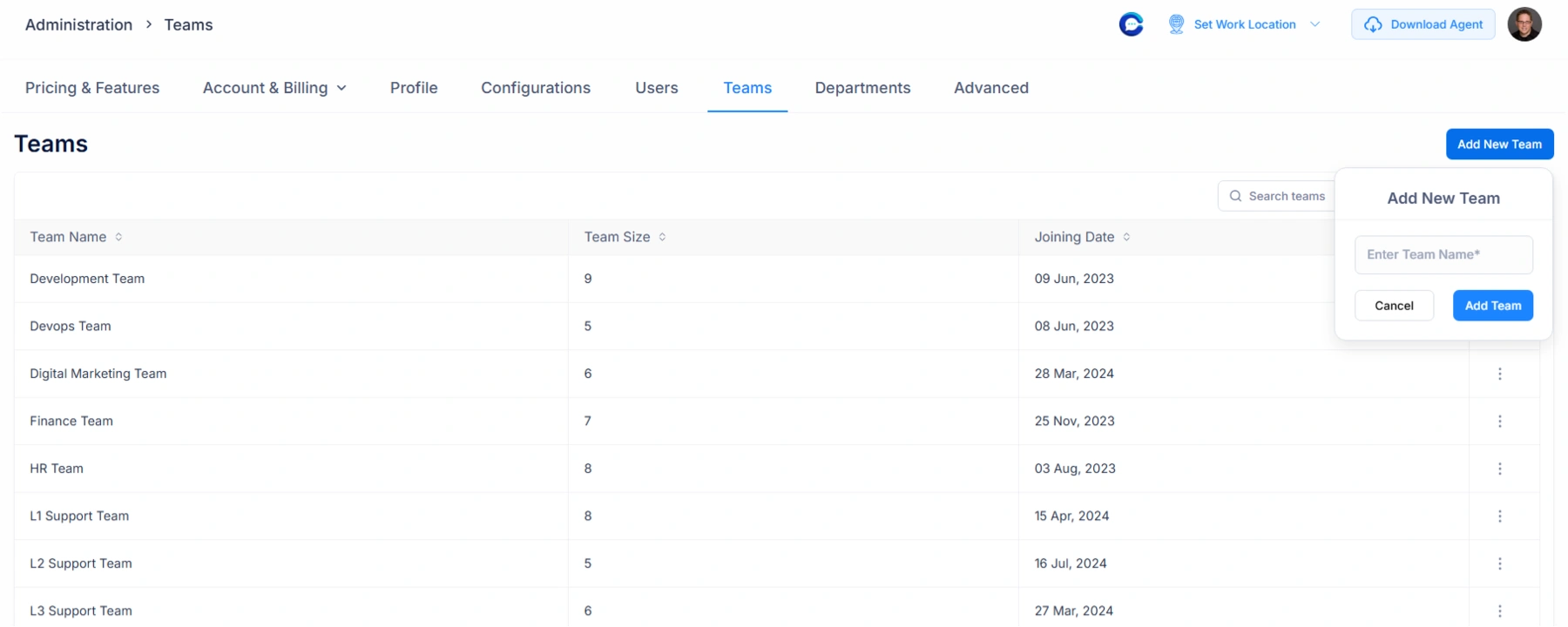
Choose how long recordings are retained, who can access them, and what access events get logged.
Set Storage & Retention Rules
Capture in the Background

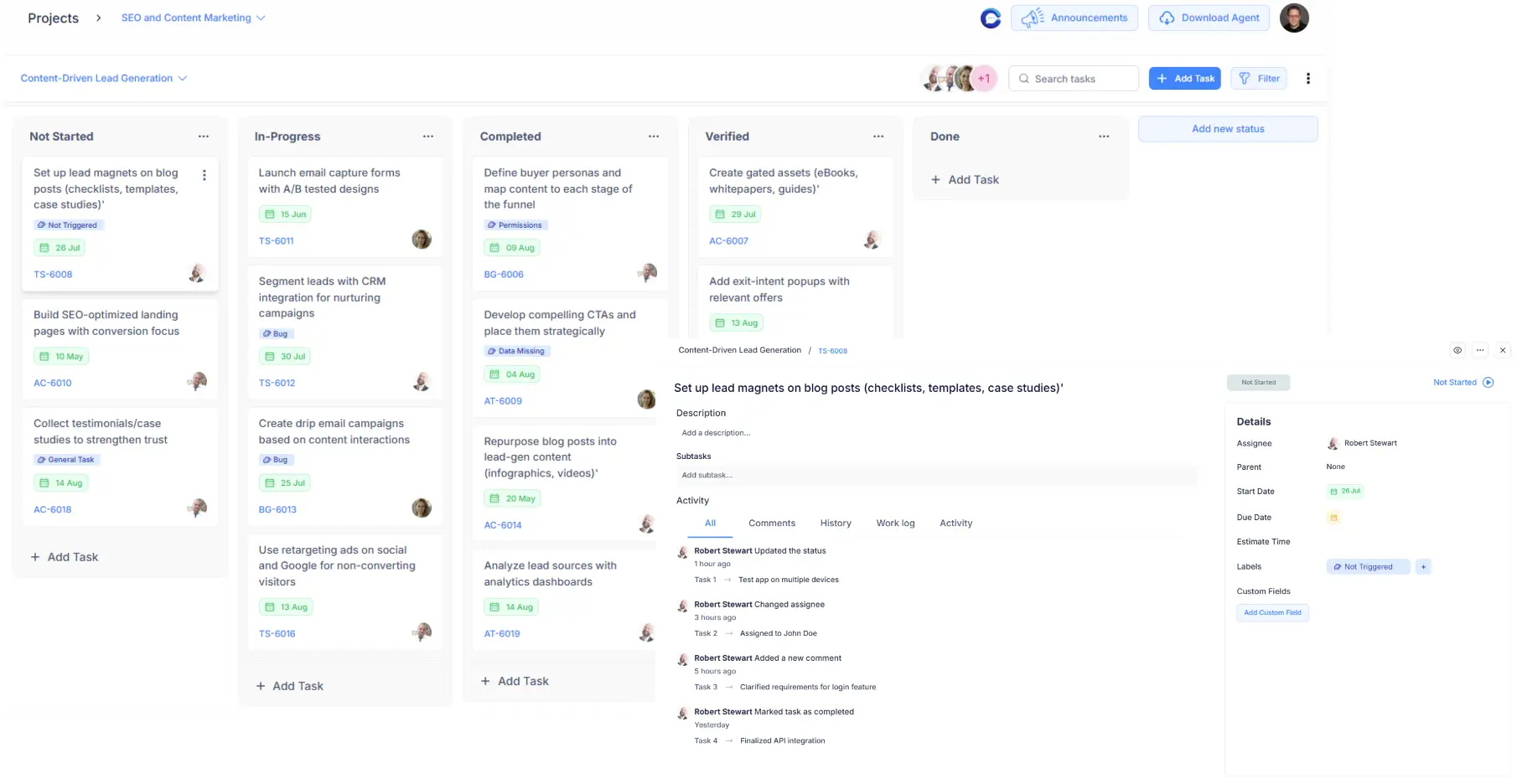
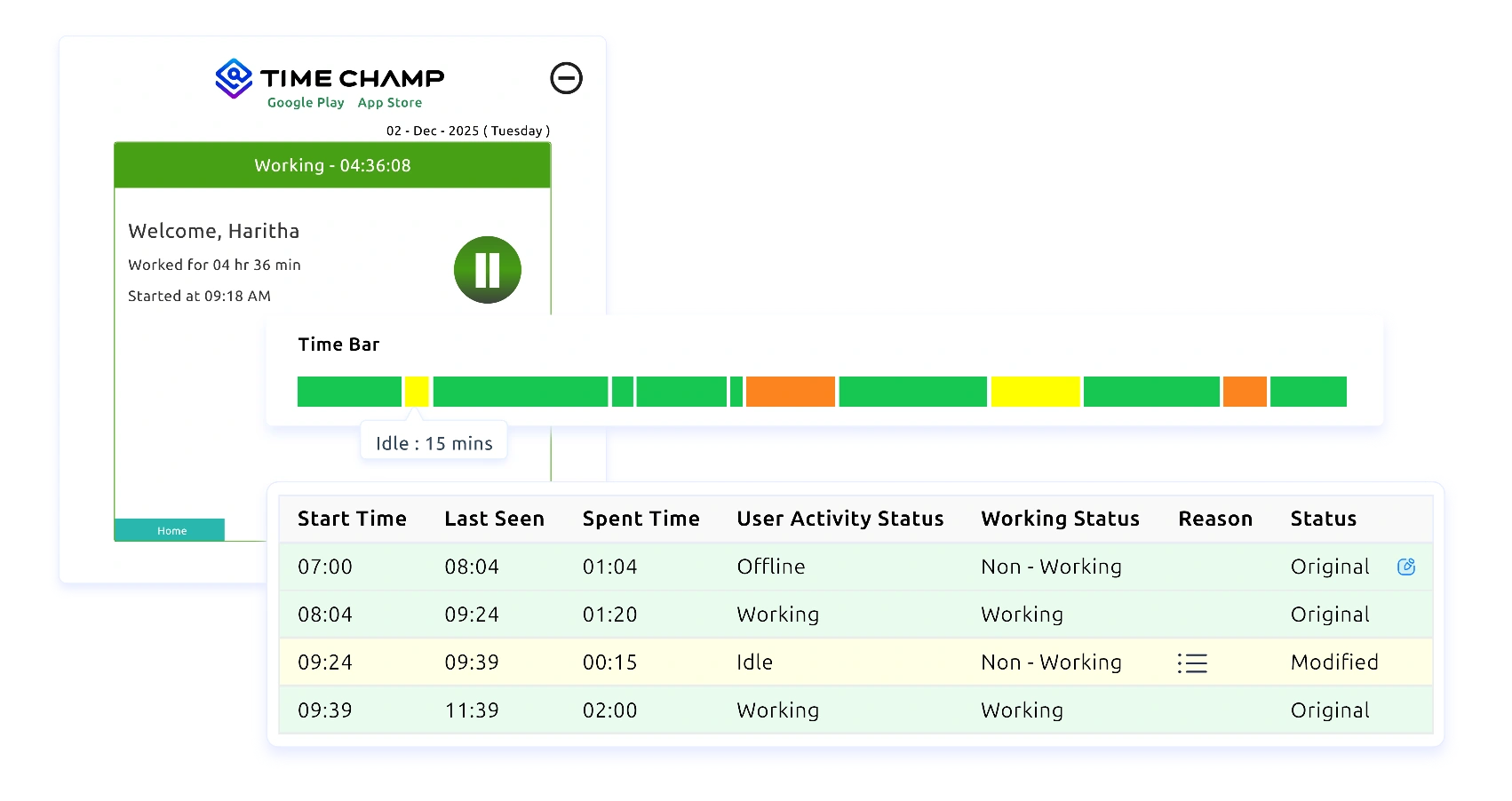
Time Champ captures and stores audio with integrity checks during the scheduled windows. Employees see clear capture notifications.
Capture in the Background
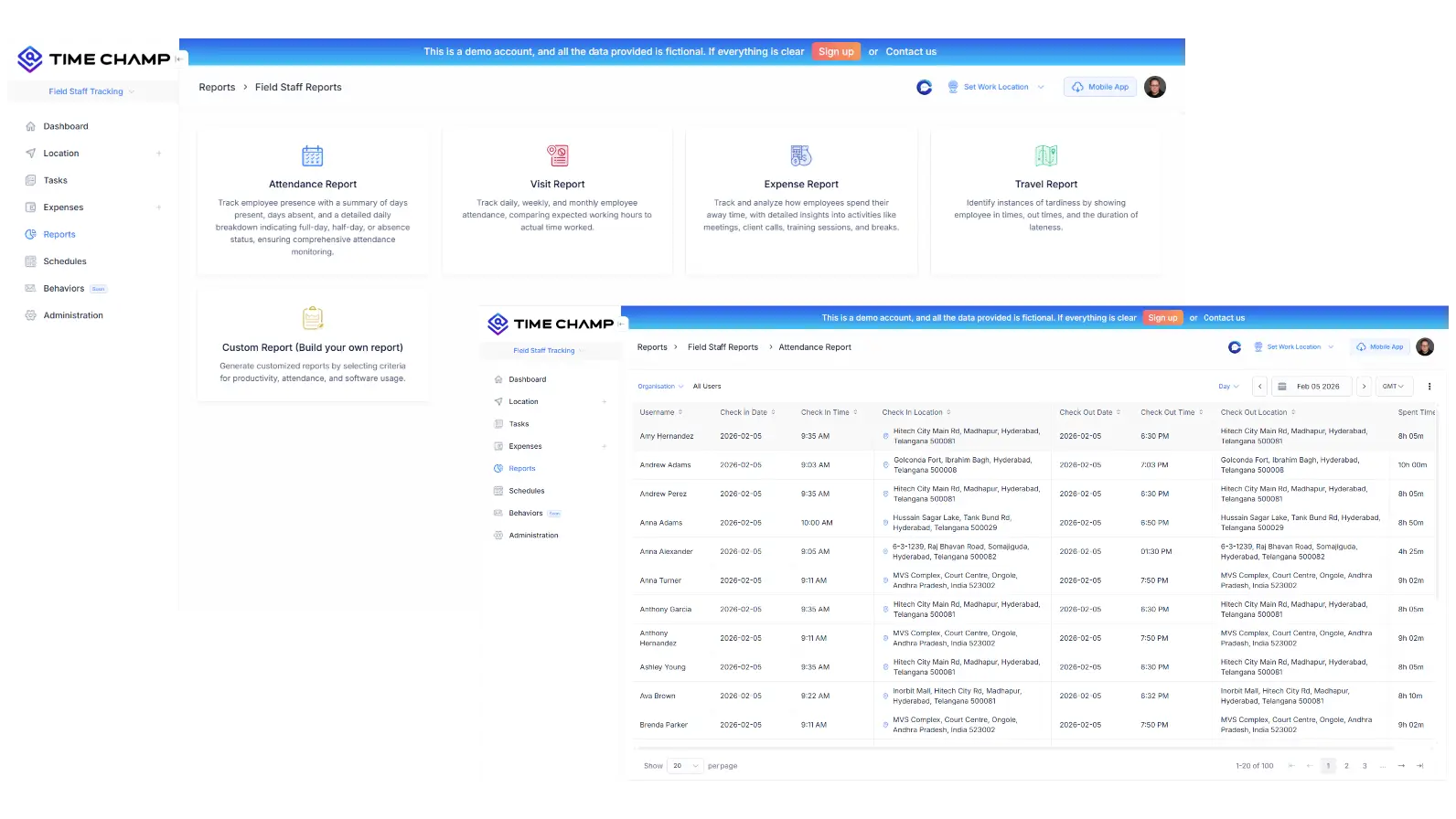
Review & Export with Audit Logs

Authorized reviewers search, play, and export recordings. Every action is logged for governance.
Review & Export with Audit Logs

Audio Tracking Use Cases

qa icon

Quality Assurance Reviews

training icon

Training & Onboarding Reviews

compliance icon

Compliance Audit Support

incident review icon

Incident Investigation

consent icon

Consent-Backed Recording Programs

access icon

Role-Based Review Workflows

retention icon

Retention-Policy Compliance

audit trail icon

Audit-Ready Review Logs

searchable icon

Searchable Recording Archives

A Compliance-First Audio Tracking Tool for QA and Training Teams

See What Our Happy Customers Say

Agilisium
Saw 70% Boost in Workforce Productivity
Automated, accurate attendance eliminated manual effort.
Smarter efficiency reduced operational delays
Agilisium companylogo

Simply awesome! If you have suggestions, Time Champ is always open to your ideas, share your thoughts, and help shape what comes next.

Agilisium
Vserve Ebusiness Solutions
52% Rise in Employee Accountability
Improved visibility into team operations
Saw a 56% increase in overall team productivity
Vserve Ebusiness Solutions

Time Champ redefined our daily operations. It has simplified how we track staff and manage daily operations. Weʼve seen real results in productivity and accountability. Iʼd recommend it to any business looking for an easy, all-in-one solution

Arun Raj
Envision
Saw 47% Improvement in Work Quality
Reduced effort and time in payroll processing
Achieved better task prioritization across teams
Envision

We replaced a tool that fell short with Time Champ, and our operations improved instantly. Its flexible tracking, attendance, productivity, and screenshots made our workflow far more efficient.

Sharat Kumar,
Process Analyst at Envision Enterprise Solutions
Markets & Markets
Saw 25% Boost in Team Productivity
Stronger compliance posture with structured audio review
Achieved a 38% boost in operational efficiency
Markets & Markets

Time Champ has transformed how we manage our workforce. With real-time monitoring and deep insights, we’ve reduced inefficiencies, improved productivity, and supported healthier work-life balance, all without compromising employee privacy.

Markets and Markets
Milestone Technologies
Saved up to 1,270 Accuracy in Billing Hours
Achieved better accuracy and efficiency in client billing  
Improved scheduling that enhanced overall productivity 
Milestone Technologies

Time Champ is a trusted buddy for us. We have been using it for 3 years now, and it has greatly helped us streamline our operations.  

Premish Paul,
 Executive Leader at Milestone Technologies
 AAA Insolvency
Achieved 46%Enhancement in Workflow Efficiency
Improved monitoring through real-time insights
39% increase in employee productivity
 AAA Insolvency

Time Champ showed how time is spent, boosted team productivity, simplified billing, and improved performance with its easy-to-use, clear system.

Priyanka Mazoomdar
See What Makes Teams Choose Time Champ

Recognized for Excellence, Trusted by Teams Worldwide

Time Champ’s earns top ratings for helping teams work smarter with clarity, focus, and measurable growth.

gridleader award timechamp high perfomer timechamp spring momentum awards timechamp easier todo award asia high perfomer spring mid market high perfomer high perfoemr small high user adoption awards timechamp awards regional leader timechamp asia pasific leader easiestsetup timechamp high perfoemr small high perfomer timechamp midmarket leader mid market high perfomer high perfomer timechamp mid market high perfomer
stars image
g2 Logo stars image

4.8

capterra logo stars image

5.0

crozdesk logo stars image

5.0

softwaresuggest logo stars image

5.0

A Complete Guide to Audio Tracking in the Workplace

Guide Topics

    What is Workplace Audio Tracking?
    Workplace audio tracking is the structured capture of audio context around defined work sessions, governed by consent, retention, and access controls. It supports quality assurance, training, and compliance programs — not surveillance.
    What It Is Not
    It is not always-on recording. It is not undisclosed listening. A well-designed audio tracking program runs only during pre-defined windows, with visible employee notification and explicit consent.
    What Teams Use It Well
    Customer support teams running QA programs, training organizations reviewing onboarding sessions, regulated industries auditing client interactions, and incident-response teams investigating specific events.
    Why Audio Tracking Matters for Compliance and Quality
    For teams that already record audio in some form, structured audio tracking turns ad-hoc files into a defensible system.
    Consent and Transparency
    Built-in consent workflows replace the legal risk of ad-hoc recording with a process you can show to regulators, auditors, and your own employees.
    Tamper-Resistant Storage
    Integrity checks ensure recordings can’t be edited after capture. Useful for incident investigations and compliance reviews where chain of custody matters.
    Searchable Review Workflows
    Find specific moments by date, user, project, or session — without scrubbing through hours of audio. QA and training teams cover more sessions in less time.
    Configurable Retention
    Match your data governance policy. Set different retention windows per team, project, or region, and let the system handle deletion automatically.
    Best Practices for Running an Audio Tracking Program
    A successful audio tracking program is built on transparency and discipline, not on more recording.
    Document a Clear Policy First
    Write down what is captured, when, by whom, where it’s stored, how long it’s kept, and how it’s used. Share it openly and review it annually.
    Make Consent Visible and Explicit
    Don’t bury consent in onboarding paperwork. Surface it when capture starts, log it, and make it easy for employees to ask questions.
    Restrict Access by Default
    Only grant audio access to roles that genuinely need it. Log every access. Audit access logs as part of your governance cadence.
    Use the Recordings for Coaching, Not Surveillance
    Audio tracking creates the most value when it’s framed as a tool for improvement and learning. Teams that treat it as monitoring lose trust fast.
    capteraa small logo goolereview small logo g2crowd small logo crozdesk small logo companyreviewsmall logo
    star image 4.7/5 avg.

    Ready to Manage Your Workforce Smarter?

    Join our family of 1500+ companies using smart insights to redefine workforces!

    tick mark indicating free trial available

    Free Trial

    tick mark indicating no credit card required

    No Credit Card Required