15 Best Time Tracking Tools for Virtual Assistants
Compare the best time tracking tools for virtual assistants to track hours, manage clients, boost productivity, simplify billing, and stay organized.
Many virtual assistants handle multiple clients, projects, and requests throughout the day. Between switching tasks, responding to messages, and meeting deadlines, keeping an accurate record of every billable hour is not always easy. Small tasks can easily go untracked, causing you to miss billable hours and leaving money on the table.
Over time, this can reduce your earnings, create extra administrative work, and make it difficult to understand where you spend most of your time. A reliable time tracking tool for virtual assistants helps you capture every billable hour, organize client work, and simplify billing.
In this guide, we compare the best virtual assistant time tracking software to help you track hours accurately, manage clients more efficiently, and improve productivity.
Why Do Virtual Assistants Need Time Tracking?
Handling multiple clients and tasks at the same time can make it difficult to keep track of every hour you work. Time tracking gives you a clear picture of how you spend your time and helps you stay organized throughout the day. Here are the reasons virtual assistants use time tracking tools.
- Track Billable Hours Accurately: When you work on several tasks throughout the day, it is easy to overlook small blocks of time. Time tracking helps you capture every billable hour so you can invoice clients with confidence.
- Understand How You Spend Your Time: Time tracking reveals which tasks take up most of your day. With better visibility, you can identify areas where you need to improve efficiency or adjust priorities.
- Reduce Administrative Work: Modern time tracking software automatically records hours, generates reports, and organizes timesheets. This saves time that would otherwise go into manual tracking and paperwork.
- Build Stronger Client Trust: Clear time records give clients greater visibility into the work completed. This level of transparency can strengthen relationships and support long-term collaborations.
Best Time Tracking Software for Virtual Assistants
To help you find the right fit, we've reviewed the top options available and highlighted where each one performs best. Here is the quick list of the best time tracking tools for virtual assistants:
1. Time Champ - Best for time tracking, employee monitoring, and productivity tracking
2. Toggl Track - Best for simple time tracking and billable hour management
3. Clockify - Best for free time tracking and timesheet management
4. Harvest - Best for invoicing, expense tracking, and client billing
5. Hubstaff - Best for remote team monitoring and workforce management
6. Time Doctor - Best for productivity monitoring and workforce accountability
7. TimeCamp - Best for automatic time tracking and invoicing
8. Everhour - Best for project management tool integrations
9. DeskTime - Best for automatic productivity tracking and activity analysis
10. My Hours - Best for client billing and project budgeting
11. RescueTime - Best for focus management and productivity improvement
12. Timely - Best for AI-powered automatic time tracking
13. ClickUp - Best for project management with built-in time tracking
14. Apploye - Best for time tracking, employee monitoring, and payroll management
15. Jibble – Best for attendance tracking, GPS tracking, and workforce accountability
| Software | Best For | Starting Price | Free Trial | Reviews |
|---|---|---|---|---|
| Time Champ | Time tracking, employee monitoring, and productivity tracking | $3.9/user/month | Yes | G2: 4.8/5 Capterra: 4.9/5 |
| Toggl Track | Simple time tracking and billable hours | $9/user/month | Yes | G2: 4.6/5 Capterra: 4.7/5 |
| Clockify | Free time tracking and timesheet management | $5.49/user/month | Yes | G2: 4.5/5 Capterra: 4.8/5 |
| Harvest | Invoicing and client billing | $9/user/month | Yes | G2: 4.3/5 Capterra: 4.6/5 |
| Hubstaff | Remote employee monitoring and workforce management | $4.99/user/month | Yes | G2: 4.4/5 Capterra: 4.5/5 |
| Time Doctor | Productivity monitoring and workforce accountability | $6.67/user/month | Yes | G2: 4.4/5 Capterra: 4.5/5 |
| TimeCamp | Automatic time tracking and invoicing | $2.49/user/month | Yes | G2: 4.7/5 Capterra: 4.7/5 |
| Everhour | Project management integrations | $8.50/user/month | Yes | G2: 4.7/5 Capterra: 4.7/5 |
| DeskTime | Productivity tracking and activity monitoring | $6.42/user/month | Yes | G2: 4.5/5 Capterra: 4.5/5 |
| My Hours | Project budgeting and client billing | $4/user/month | Yes | G2: 4.6/5 Capterra: 4.8/5 |
| RescueTime | Focus tracking and productivity improvement | $7/month | Yes | G2: 4.8/5 Capterra: 4.6/5 |
| Timely | AI-powered automatic time tracking | $9/user/month | Yes | G2: 4.8/5 Capterra: 4.7/5 |
| ClickUp | Project management with time tracking | $7/user/month | Yes | G2: 4.6/5 Capterra: 4.6/5 |
| Apploye | Time tracking and employee monitoring | $4.50/user/month | Yes | G2: 4.7/5 Capterra: 4.8/5 |
| Jibble | Attendance tracking and GPS monitoring | $7.99/user/month | Yes | G2: 4.8/5 Capterra: 4.8/5 |
1. Time Champ - Best for Time Tracking, Employee Monitoring, and Productivity Tracking
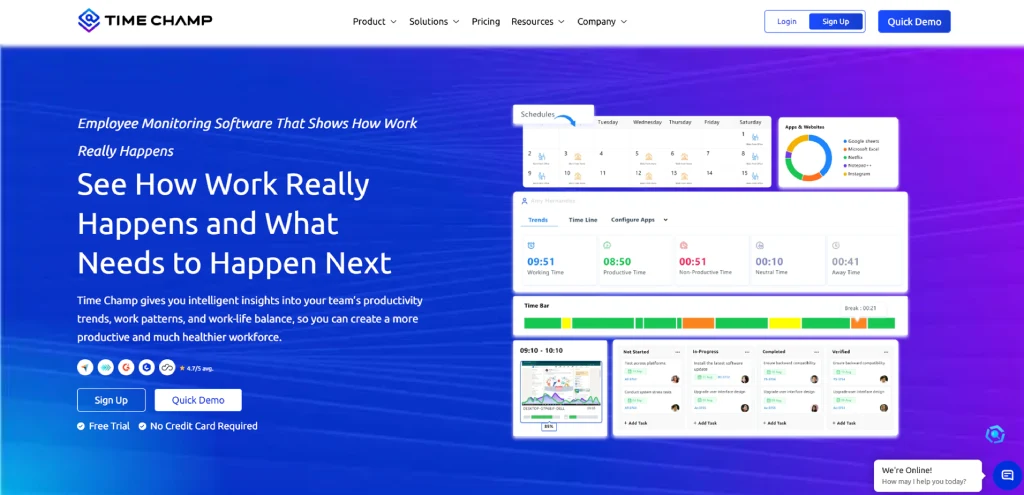
Time Champ is an employee monitoring and time tracking platform that helps you understand how employees spend their time across projects, tasks, and client work. Instead of switching between separate tools for time tracking, attendance, productivity monitoring, and reporting, you can manage everything from a single platform. This makes it a practical choice for virtual assistants and remote teams that need accurate work hour tracking, client transparency, and better visibility into daily activities.
You get a clear view of work patterns, productivity trends, app and website usage, attendance, and project time allocation from one dashboard. Responsive support, guided onboarding, and affordable pricing help you implement the platform quickly and expand usage as your team grows.
Key Features
- Time Tracking: Time Champ automatically records work hours as soon as work begins, helping you track time without constantly starting and stopping timers. It also supports offline tracking, so your work hours remain accurate even if your internet connection drops.
- Timesheets and Invoicing: Detailed timesheets organize hours by client, project, and task, making it easy to review work and prepare invoices. Instead of relying on estimates, you can use actual tracked hours when billing clients.
- Attendance Management: Attendance tracking helps you monitor work hours, shifts, breaks, and schedules from a single dashboard. This gives you a clear record of availability and working patterns without maintaining separate attendance logs.
- Project Management: Manage projects and tasks efficiently to keep work organized by priority, deadline, and progress. You can monitor time spent on individual tasks and compare planned hours vs actual effort to stay on schedule and within scope.
- Productivity Monitoring: Time Champ provides insights into productive and non-productive time based on app and website usage. This helps you understand work habits and identify opportunities to improve focus and efficiency.
- Activity Tracking: Activity tracking captures keyboard and mouse activity levels, along with application and website usage. This provides a clearer picture of how work hours are spent throughout the day.
- Location Tracking: For VAs who support clients with field-based teams or coordinate work across different locations, GPS-based location tracking helps monitor and verify work locations during work hours. This feature provides greater operational visibility and accountability, making it easier to manage location-based activities and distributed teams.
- Data Loss Prevention: To strengthen data security, data loss prevention features help you protect sensitive business information by monitoring file transfers, USB usage, unauthorized file movements, and access to risky websites. This helps you identify potential security risks and prevent data misuse.
- Reports and Analytics: Customizable reports provide detailed insights into work hours, attendance, productivity, projects, and team performance. These reports make it easier to analyze trends and make informed decisions.
- Alerts and Notifications: You can receive notifications for late arrivals, late logins, extended inactivity, and idle time. The system also alerts you about productivity drops, suspicious activity, and non-productive app usage. This helps you stay informed and take action when needed without constantly monitoring your team.
- Integrations: Time Champ integrates with popular platforms such as Jira, Trello, Asana, ClickUp, Azure DevOps, Slack, and Basecamp. These integrations help keep your tracked time connected with the tools you already use to manage projects and workflows.
Pros
- Affordable pricing when compared to many alternatives.
- Detailed reporting and analytics for better decision-making.
- Easy onboarding and responsive customer support.
- Suitable for remote, hybrid, and in-office teams.
- Strong visibility into app usage, website usage, and work habits.
Cons
- Some advanced monitoring features may require initial setup and configuration.
- Mobile experience has fewer capabilities than desktop platforms.
Pricing
Time Champ offers a 7-day free trial, giving you time to explore the platform and evaluate its features before selecting a plan.
- Starter: $3.9 per user/month (billed annually)
- Professional: $6.9 per user/month (billed annually)
- Enterprise: $13.9 per user/month (billed annually)
Each plan supports different team requirements and feature needs, making it easier to choose the option that matches your workflow and scale. You can view the complete plan comparison and pricing details on the Time Champ pricing guide.
Best For
Virtual assistants, agencies, BPOs, remote teams, and growing businesses that need time tracking and productivity insight in a single platform.
Reviews
Ready to manage your virtual assistant work with more clarity?
Use Time Champ to track time accurately, stay organized, and bill clients with confidence.
2. Toggl Track - Best for Simple Time Tracking and Billable Hour Management
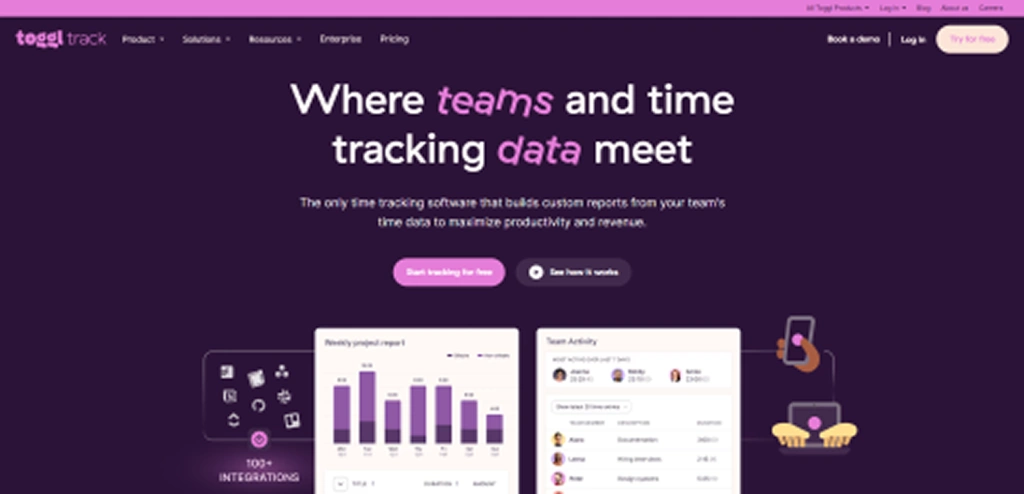
Toggl Track is a simple time tracking tool built for freelancers, consultants, and virtual assistants who want to track hours without employee monitoring features. It focuses on time logging, reporting, billable hours, and project tracking, making it a good option if your clients only need accurate time records and not detailed activity monitoring.
Key Features
- One-click time tracking lets you start or stop timers and sync entries across devices.
- Billable hours and rates allow different billing rates for clients, projects, or tasks.
- Reports and timesheets help review tracked hours and export time data easily.
- Calendar integration automatically adds meetings and scheduled events to your tracked work hours.
Pros
- Clean and easy-to-use interface.
- Quick setup with minimal learning curve.
- Supports web, desktop, and mobile apps.
- Strong reporting capabilities for client billing.
Cons
- No employee monitoring features.
- No built-in attendance tracking.
- Lacks GPS location tracking.
- Limited scheduling and workforce management capabilities.
Pricing
- Starter: $9 per user/month
- Premium: $18 per user/month
- Enterprise: Custom pricing
Best For
Freelance virtual assistants, independent contractors, consultants, and other client-facing professionals who need a simple way to track billable hours.
Reviews
- G2: 4.6/5
- Capterra: 4.7/5
Toggl Track works well for basic time tracking, but it may not fit every workflow. Check out these Toggl Track alternatives to compare more feature-rich options.
3. Clockify - Best for Free Time Tracking and Timesheet Management
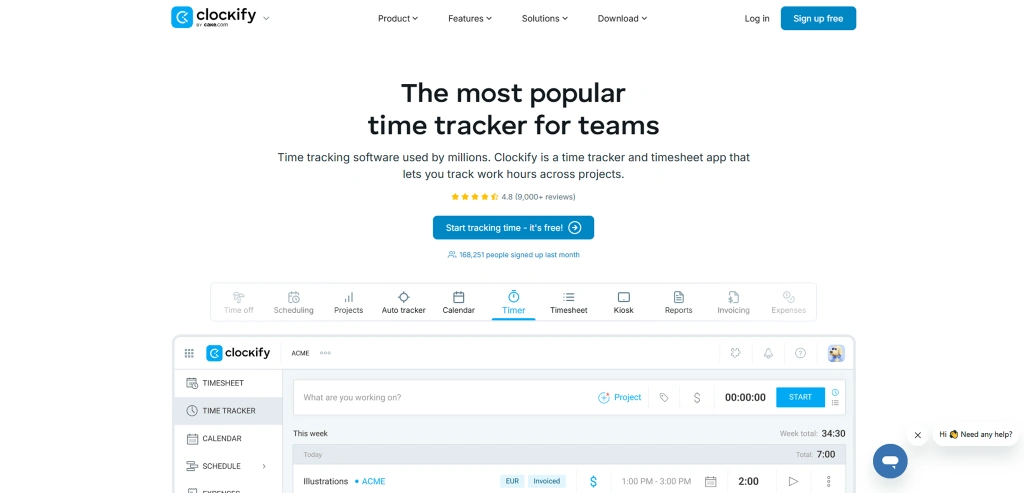
Clockify is a time tracking and timesheet tool that helps track work hours, manage projects, and record billable time. The platform is mainly focused on time tracking and basic project management for individuals and teams. Its simple interface makes it a practical choice for virtual assistants who need to track client hours and manage billable work. However, it focuses mainly on time tracking and lacks some advanced workforce management and productivity monitoring features.
Key Features
- Time tracking with both live timers and manual timesheet entries.
- Generate invoices automatically based on recorded work hours.
- Pomodoro timer supports focused work sessions, while idle detection helps identify inactive time.
- Kiosk mode for teams using a shared device.
Pros
- Easy to learn and simple to use.
- Offers timer, timesheet, and calendar views.
- Available on web, desktop, and mobile devices.
- Good reporting for freelancers and small teams.
Cons
- Advanced features require paid plans.
- Project management capabilities are fairly basic.
- Limited customization in certain areas.
- Lacks deeper employee monitoring and productivity analytics.
Pricing
- Standard: $5.49 per user/month (billed annually)
- Pro: $7.99 per user/month (billed annually)
- Enterprise: $11.99 per user/month (billed annually)
Best For
Freelance virtual assistants, startups, small agencies, and budget-conscious teams that need straightforward time tracking, timesheets, and reporting without a large upfront investment.
Reviews
- G2: 4.5/5
- Capterra: 4.8/5
Need more advanced reporting, automation, or project tracking features? Explore these Clockify alternatives to find the right fit for your workflow.
4. Harvest - Best for Invoicing, Expense Tracking, and Client Billing
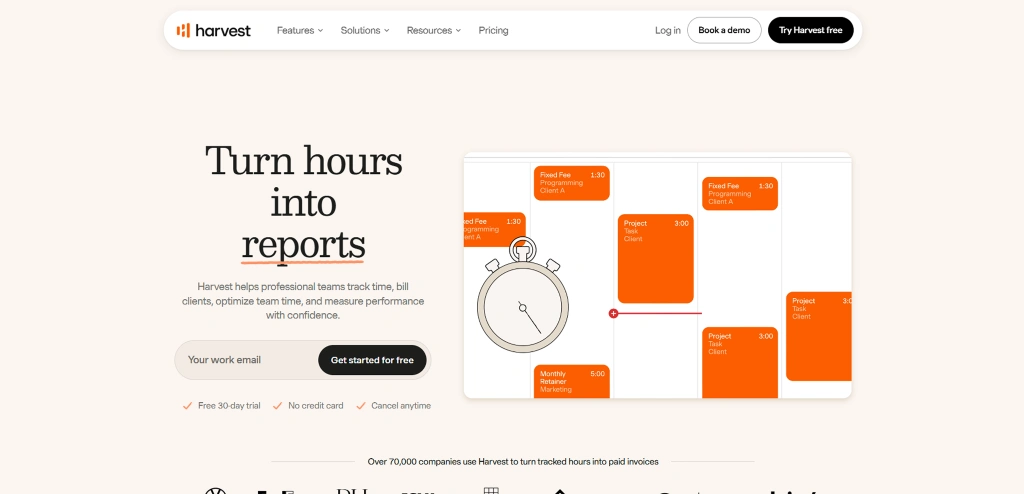
Harvest is a time tracking and invoicing software built for freelancers, virtual assistants, consultants, and small service-based teams. It combines time tracking, expense management, invoicing, and payment collection in one platform, making it a practical option for virtual assistants who bill clients based on tracked hours.
Key Features
- Time tracking allows users to track work hours with a running timer or by manually entering time into timesheets.
- Billable vs non-billable hour tracking helps separate client work from internal tasks for more accurate billing.
- Expense tracking enables users to record business expenses and upload receipts for easier expense management.
- Timesheet approvals allow you to review and approve team timesheets before billing or reporting.
Pros
- Simple and easy-to-use interface with minimal learning curve.
- Combines time tracking and invoicing within one platform.
- Supports expense tracking alongside daily work hours.
- Provides professional invoice templates for client billing.
Cons
- Per-user pricing can become expensive as teams grow.
- Limited project management functionality.
- Fewer workforce management features than some alternatives.
- Not ideal for organizations that need employee monitoring.
Pricing
- Teams: $9 per user/month
- Enterprise: $14 per user/month
Best For
Freelance virtual assistants, consultants, and small agencies that want time tracking, invoicing, expense management, and payment collection within the same platform.
Reviews
- G2: 4.3/5
- Capterra: 4.6/5
5. Hubstaff - Best for Remote Team Monitoring and Workforce Management
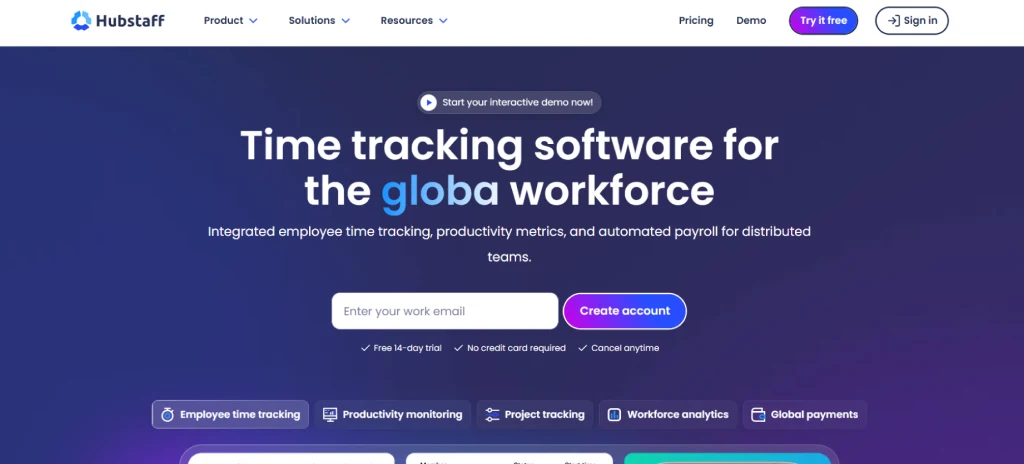
Hubstaff is a time tracking and employee monitoring platform built for remote and distributed teams. In addition to tracking work hours, it offers activity monitoring, screenshots, attendance tracking, payroll, and workforce management tools. Virtual assistants who work as part of remote teams or client-managed workflows may find Hubstaff's tracking and reporting features useful for maintaining accurate work records.
Key Features
- Automatic and manual timesheets make it easier to track, review, and approve work hours.
- Screenshot monitoring captures work activity during tracked sessions.
- Activity tracking measures keyboard and mouse usage levels.
- App and website tracking records, tools, and sites used during work.
Pros
- Easy setup with minimal training required.
- Reliable time tracking across projects and tasks.
- Employee monitoring improves remote work visibility.
- Works on desktops, web, and mobiles.
Cons
- Monitoring features may feel intrusive for some teams.
- Advanced functionality requires higher-tier plans.
- Pricing can increase as team size grows.
- Time tracking accuracy can occasionally be inconsistent.
Pricing
- Starter: $4.99 per user/month
- Grow: $7.50 per user/month
- Team: $10 per user/month
- Enterprise: $25 per user/month (billed annually)
Best For
Remote teams, outsourcing companies, virtual assistant agencies, and businesses that need both time tracking and employee monitoring within the same platform.
Reviews
- G2: 4.4/5
- Capterra: 4.5/5
Looking for a different approach to time tracking and employee monitoring? Compare these Hubstaff alternatives to find the best option for your needs.
6. Time Doctor - Best for Productivity Monitoring and Workforce Accountability
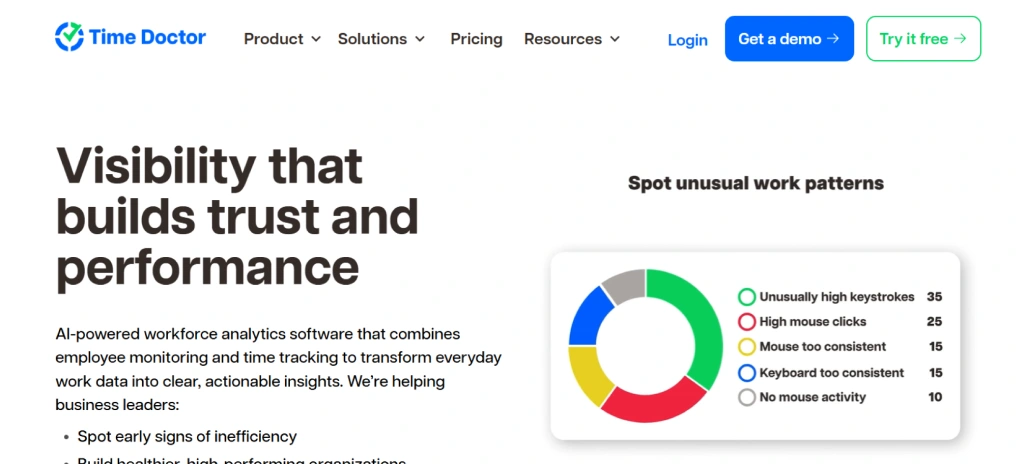
Time Doctor is a time tracking and employee monitoring platform that helps you record work hours, monitor activity, and gain better visibility into employee productivity and daily work patterns. It also offers detailed insights into task progress, work habits, and overall performance, helping you improve accountability, streamline workflows, and maintain accurate records of completed work. This can be useful for virtual assistants who work as part of remote teams or agencies where clients expect detailed work-hour records and accountability.
Key Features
- Productivity reports categorize activity as productive, unproductive, or neutral.
- Idle time detection identifies inactive periods and prompts users to review tracked time.
- Distraction alerts notify users when non-work activities occur during tracked sessions.
- Attendance and schedule management help track work hours and availability.
Pros
- Payroll integrations simplify contractor and employee payments.
- Offline tracking prevents lost work hours.
- Supports remote, hybrid, and distributed teams.
- Integrates with many commonly used business tools.
Cons
- Mobile experience is not as feature-rich as the desktop version.
- Some advanced capabilities require higher-priced plans.
- Initial setup can take time for larger teams.
- Reporting options can feel overwhelming for smaller teams.
Pricing
- Basic: $6.67 per user/month (billed annually)
- Standard: $11.67 per user/month (billed annually)
- Premium: $16.70 per user/month (billed annually)
- Enterprise: Custom pricing
Best For
Organizations that need stronger accountability, client-facing work reports, workforce analytics, and built-in payroll support for managing distributed employees and contractors.
Reviews
- G2: 4.4/5
- Capterra: 4.5/5
Want more flexibility, simpler tracking, or better value? Explore these Time Doctor alternatives and compare your options.
7. TimeCamp - Best for Automatic Time Tracking and Invoicing
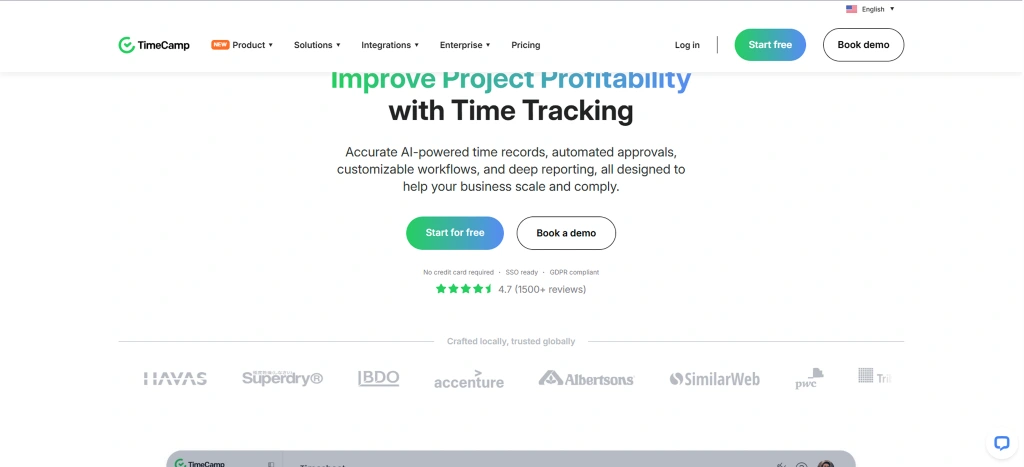
TimeCamp is a time tracking and productivity management tool that combines automatic time tracking, timesheets, attendance management, and invoicing within a single platform. It uses activity-based tracking and productivity monitoring features to help VAs accurately record work hours, analyze time usage, and improve operational efficiency across projects and daily tasks.
Key Features
- Automatic time tracking uses keywords and activity rules to assign time entries to projects and tasks.
- Manual timers and timesheets allow flexible time tracking based on different work styles.
- Task management includes task lists, Kanban boards, and resource planning tools.
- Project tracking organizes work by project, task, and client for better visibility.
Pros
- Invoicing features reduce the need for separate billing tools.
- Attendance and leave tracking support team management.
- Budget tracking helps monitor project costs more effectively.
- Productivity reports provide useful visibility into daily activities.
Cons
- Some advanced functionality requires higher plans.
- Interface responsiveness can vary when handling larger datasets.
- Screenshot monitoring is only available on premium plans.
- Certain workflows may require additional setup to work effectively.
Pricing
- Starter: $2.49 per user/month (billed annually)
- Premium: $3.99 per user/month (billed annually)
- Ultimate: $4.99 per user/month (billed annually)
- Enterprise: Custom pricing
Best For
Freelance virtual assistants, small agencies, remote teams, and budget-conscious businesses that need automatic time tracking, invoicing, attendance management, and productivity reporting within a single platform.
Reviews
- G2: 4.7/5
- Capterra: 4.7/5
If TimeCamp doesn't fully match your workflow, these TimeCamp alternatives are worth considering for additional features and flexibility.
8. Everhour - Best for Project Management Tool Integrations
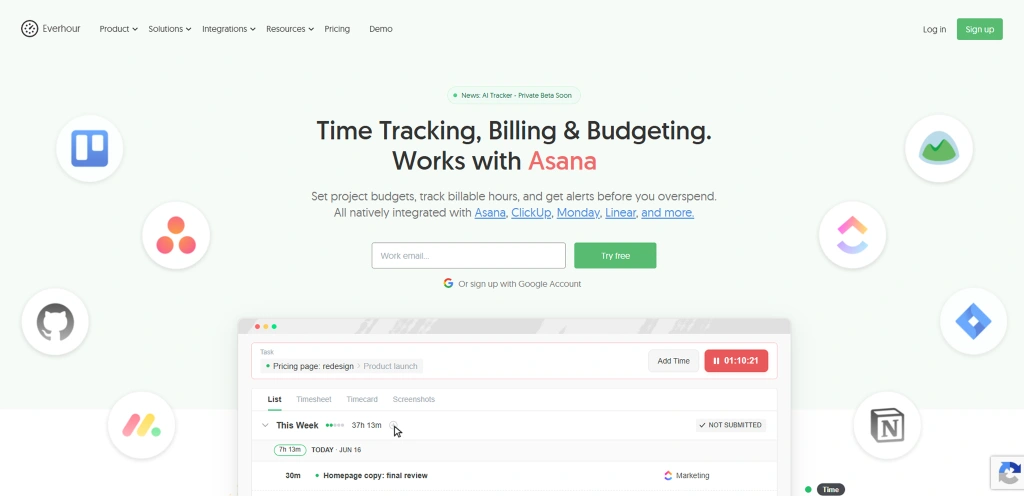
Everhour is a time tracking tool designed to work directly inside popular project management platforms. Instead of switching between multiple applications, you can track time from within tasks and projects in tools such as Asana, ClickUp, Trello, Jira, Notion, Basecamp, and Monday.com. This approach makes it a practical option for virtual assistants who spend most of their day working inside client project management systems.
Key Features
- Native integrations allow time tracking directly inside Asana, ClickUp, Trello, Jira, Notion, Basecamp, and Monday.com projects.
- The browser extension adds timers, estimates, and tracked hours directly within project tasks.
- Billable hour tracking supports different billing rates across projects and clients.
- Budget tracking helps monitor project hours and spending limits before overruns occur.
Pros
- Reduces the need to switch between applications.
- Strong integration experience with client workflows.
- Easy to learn for teams already using PM tools.
- Invoicing features simplify client billing processes.
Cons
- Many advanced features require the paid plan.
- Pricing may feel expensive for very small teams.
- Some integrations may require browser extensions for full functionality.
- Project management features depend heavily on connected tools.
Pricing
- Team: $8.50 per user/month (billed annually)
- Custom: Contact Everhour for pricing
Best For
Virtual assistants, agencies, consultants, and service-based teams that use project management tools like Asana, ClickUp, Trello, Jira, or Notion. It is ideal for those who want time tracking integrated directly into their workflow.
Reviews
- G2: 4.7/5
- Capterra: 4.7/5
9. DeskTime - Best for Automatic Productivity Tracking and Activity Analysis
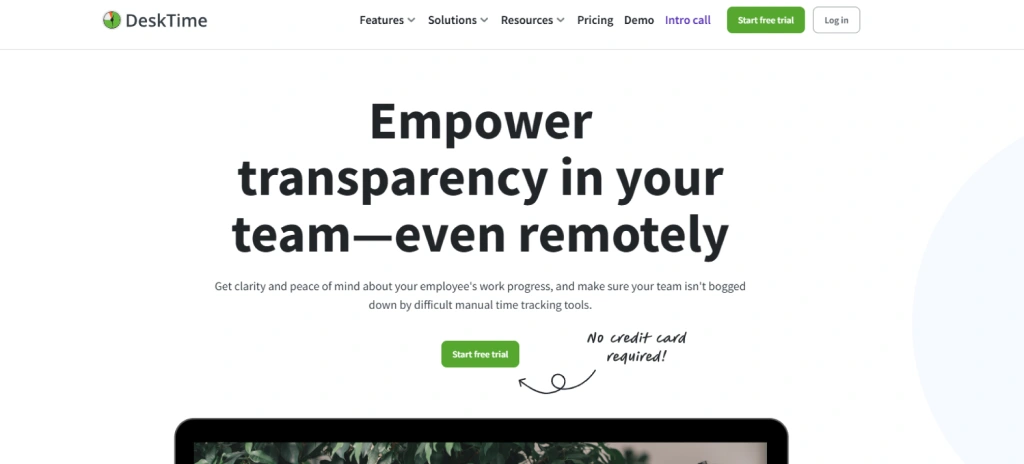
DeskTime is an automatic time tracking and productivity management tool that focuses heavily on work patterns, productivity insights, and activity analysis. It can be a useful option for virtual assistants who want better visibility into how they spend their time across different clients, projects, and tasks. Instead of relying on manual timers, it tracks work activity automatically in the background and classifies time based on the applications, websites, and projects employees use.
Key Features
- Cost calculation helps estimate labor costs and project expenses.
- Detailed reports provide insights into productivity, attendance, and project activity.
- Shift scheduling helps organize work schedules and availability.
- Productivity tracking classifies activities as productive, unproductive, or neutral.
Pros
- Cost tracking helps monitor project profitability.
- Available across desktop, web, and mobile platforms.
- Reports make it easier to review productivity trends.
- Suitable for both individuals and growing teams.
Cons
- Productivity classifications may need manual adjustments.
- Mobile functionality is not as extensive as the desktop version.
- Certain productivity metrics require configuration for best results.
- Advanced monitoring features require higher-tier plans.
Pricing
- Pro: $6.42 per user/month (billed annually)
- Premium: $9.17 per user/month (billed annually)
- Enterprise: Custom pricing
Best For
Virtual assistants, remote teams, agencies, and service-based businesses that want automatic time tracking, productivity insights, attendance monitoring, and detailed visibility into how employees spend their work hours.
Reviews
- G2: 4.5/5
- Capterra: 4.5/5
Looking for a different way to track productivity and work hours? Check out these DeskTime alternatives and compare their features.
10. My Hours - Best for Client Billing and Project Budgeting
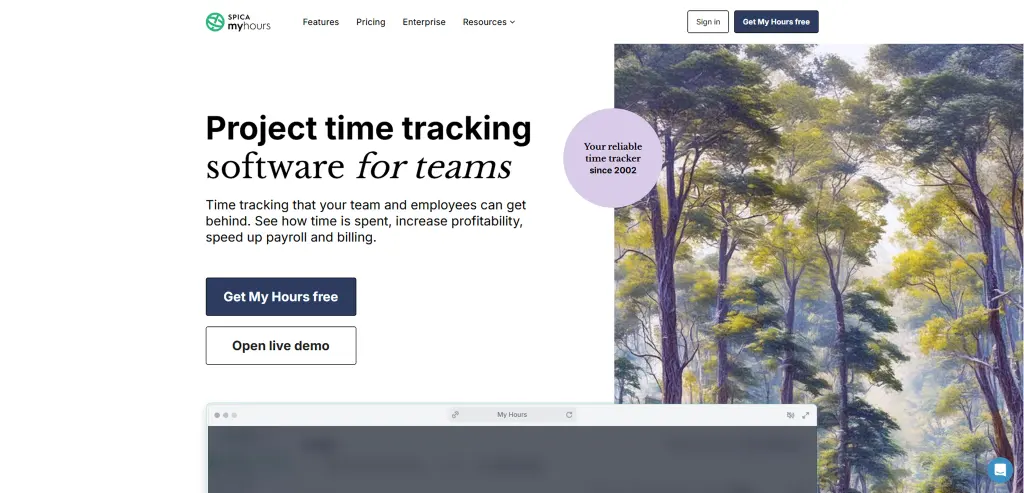
My Hours is a straightforward time tracking tool built for consultants, freelancers, and small service-based teams. It focuses on accurate time tracking, project budgeting, client billing, and detailed timesheets without adding employee monitoring features. For virtual assistants managing multiple clients, projects, and billable hours, My Hours provides an easy way to track time and monitor project budgets.
Key Features
- Time tracking works through both timers and manual time sheet entries.
- Timesheet approvals support review and approval workflows for teams.
- Detailed reports can export data in PDF, Excel, and CSV formats.
- Expense tracking allows users to record project costs alongside work hours.
Pros
- Simple interface makes daily tracking easy to manage.
- Billable rate management works well for client-based services.
- Budget tracking helps keep projects within scope.
- Project profitability insights add extra business visibility.
Cons
- Reporting capabilities are less advanced than those of some competitors.
- Overtime and break tracking offers only a limited set of options.
- Some project configurations can take time to set up.
- No built-in employee monitoring features.
Pricing
- Basic: $4 per user/month (billed annually)
- Pro: $8 per user/month (billed annually)
- Enterprise: Custom pricing
Best For
Solo virtual assistants, freelancers, consultants, and small service teams that need reliable time tracking, project budgeting, client billing, and easy-to-share timesheet reports without employee monitoring features.
Reviews
- G2: 4.6/5
- Capterra: 4.8/5
Make every billable hour count with Time Champ.
Stay organized, track better, and scale your virtual assistant business with ease.
11. RescueTime - Best for Focus Management and Productivity Improvement
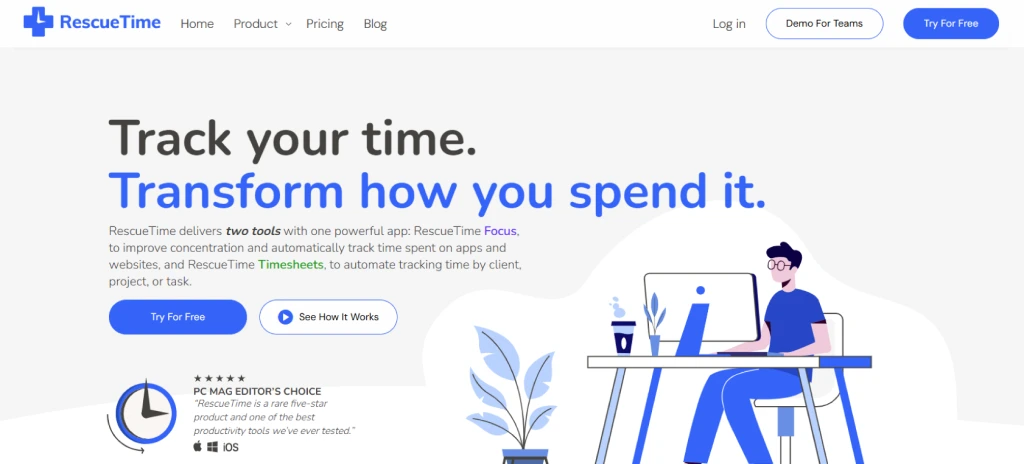
RescueTime is a productivity-focused time tracking tool that automatically records how you spend time across apps, websites, and devices. For virtual assistants managing multiple clients and responsibilities, it provides valuable insights into daily work habits and focus levels. Rather than concentrating on client billing and project-based timers, RescueTime helps you understand where your time goes and identify distractions that affect productivity.
Key Features
- Focus sessions block distracting websites and applications during deep work periods.
- Productivity reports show how time breaks down across productive, neutral, and distracting activities.
- Daily and weekly summaries highlight work patterns and productivity trends.
- Goal tracking helps monitor focus time and productivity targets.
Pros
- Focus Sessions help reduce distractions during important work.
- Weekly summaries make it easier to review time usage.
- Goal tracking encourages more consistent work routines.
- Detailed activity insights reveal where time actually goes.
Cons
- Not designed primarily for client billing workflows.
- Limited project and task management capabilities.
- Some advanced features require paid plans.
- Learning productivity reports may take time initially.
Pricing
- Solo: $7 per month
- Solo + Timesheets: $12 per month
- Team: $10 per user/month
- Team + Timesheets: $16 per user/month
Best For
Solo virtual assistants, freelancers, consultants, and remote professionals who want to understand their productivity patterns, reduce distractions, build stronger focus habits, and gain better visibility into how they spend their workday.
Reviews
- G2: 4.2/5
- Capterra: 4.6/5
12. Timely - Best for AI-powered Automatic Time Tracking
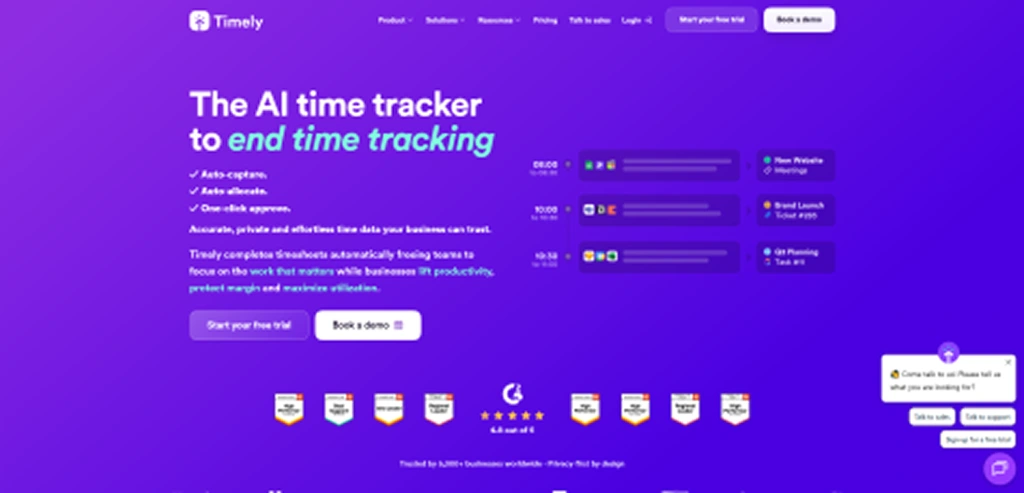
Timely is an AI-powered time tracking tool that automatically records work activity in the background and turns it into review-ready timesheets. Instead of using manual timers, it tracks the apps, websites, meetings, and documents you use throughout the day. This can be helpful for virtual assistants who want a more complete record of their work without constantly starting and stopping timers.
Key Features
- AI timesheets organize tracked work into projects and billable hours.
- Memory Tracker captures activity across apps, websites, documents, and meetings.
- Project tracking helps monitor time spent on client work.
- Billable hour tracking supports invoicing and client reporting.
Pros
- AI-generated timesheets save time during weekly reviews
- Privacy-focused approach avoids screenshots and keystroke tracking.
- Strong integration library supports existing workflows.
- Team planning tools help manage workloads effectively.
Cons
- Pricing is higher than that of many traditional time trackers.
- Learning the full platform can take some time initially.
- Some project entries may require manual review before approval.
- Automatic app categorization may occasionally need adjustments.
Pricing
- Starter: $9 per user/month (billed annually)
- Premium: $16 per user/month (billed annually)
- Unlimited: $22 per user/month (billed annually)
- Enterprise: Custom pricing
Best For
Freelance virtual assistants and client-facing professionals who need effortless time tracking, organized timesheets, and clear billing records.
Reviews
- G2: 4.8/5
- Capterra: 4.7/5
If Timely's automated approach isn't the right fit, these Timely alternatives offer different ways to track and manage time.
13. ClickUp - Best for Project Management with Built-in Time Tracking
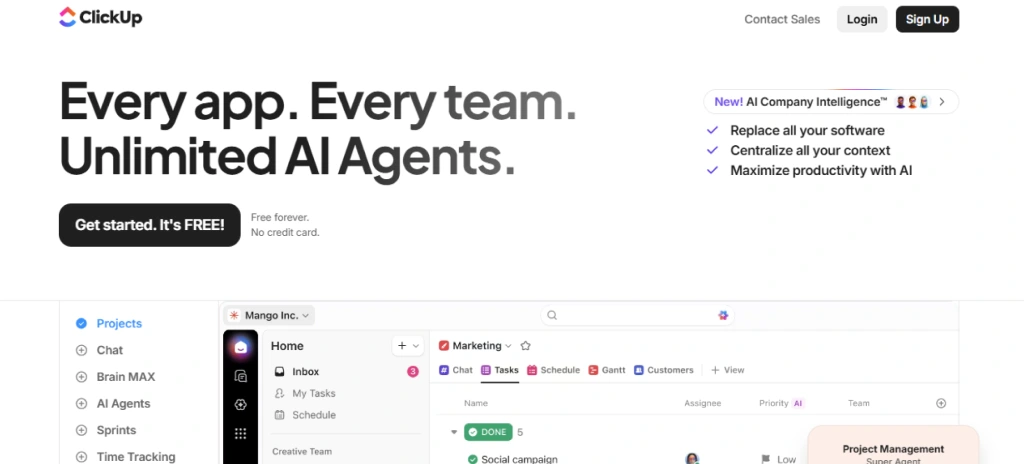
ClickUp is primarily a project management and work management platform, but it also includes built-in time tracking features. It combines tasks, projects, documents, reporting, collaboration, and time tracking in one workspace, making it a practical option for virtual assistants who already use ClickUp to manage client work. Its time tracking functionality integrates directly into tasks and projects, allowing you to record work hours without switching between separate applications, though it may not offer the same depth of tracking features as specialized time tracking software.
Key Features
- ClickUp Brain provides AI-powered assistance for work management.
- Time estimates allow comparison between planned and actual hours.
- Task management includes lists, boards, calendars, and Gantt chart views.
- Custom reporting dashboards help monitor projects and team performance.
Pros
- Combines project management and time tracking in one platform.
- Flexible task management supports different workflows and work styles.
- Multiple project views help organize work more effectively.
- Reporting dashboards provide visibility into workloads and progress.
Cons
- The interface can feel overwhelming for first-time users.
- Learning the platform may take time because of its many features.
- Time tracking is not its primary focus.
- The platform offers limited payroll and invoicing capabilities.
Pricing
- Unlimited: $7 per user/month (billed annually)
- Business: $12 per user/month (billed annually)
- Enterprise: Custom pricing
Best For
Virtual assistants, agencies, startups, and project-based teams that want task management, project planning, collaboration, and basic time tracking within a single platform, rather than using separate tools for each function.
Reviews
- G2: 4.6/5
- Capterra: 4.6/5
14. Apploye - Best for Time Tracking, Employee Monitoring, and Payroll Management
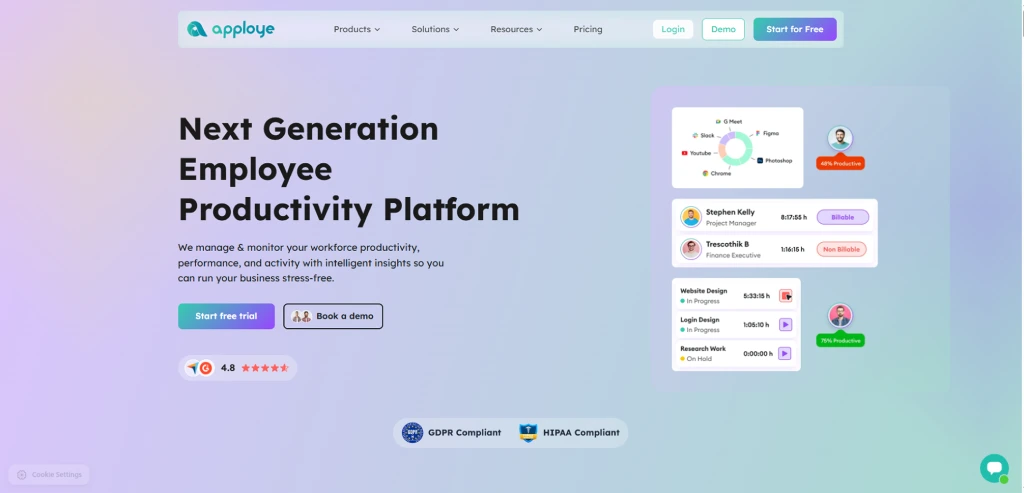
Apploye is a time tracking and employee monitoring platform designed for remote teams, agencies, and virtual assistant businesses. It combines time tracking, productivity monitoring, project management, invoicing, payroll, and reporting in a single platform. With support for both desktop and mobile devices, it helps teams track work hours, monitor productivity, manage projects, and simplify client billing from one place.
Key Features
- Offline tracking continues recording time without an internet connection.
- Project and task tracking provide visibility into client work and project progress.
- Detailed reports provide insights into time usage, productivity, and project performance.
- Screenshot capture helps improve accountability and transparency.
Pros
- Automatic tracking reduces manual timesheet management.
- Project budgeting helps control project costs more effectively.
- Project and task management features help organize workloads.
- Screenshot monitoring adds additional accountability when needed.
Cons
- Monitoring features may not suit every team culture.
- Interface navigation can take time to learn initially.
- Invoice customization options are somewhat limited.
- Advanced monitoring settings may require additional configuration.
Pricing
- Elite: $4.50 per user/month
- Power: $8 per user/month
- Enterprise: Custom pricing
Best For
Suited for virtual assistant firms, remote teams, agencies, and outsourcing businesses that need an all-in-one solution for time tracking, employee monitoring, project management, invoicing, payroll, and productivity management.
Reviews
- G2: 4.7/5
- Capterra: 4.8/5
Looking for additional monitoring, reporting, or workforce management capabilities? Check out these Apploye alternatives.
15. Jibble – Best for Attendance Tracking, GPS Tracking, and Workforce Accountability
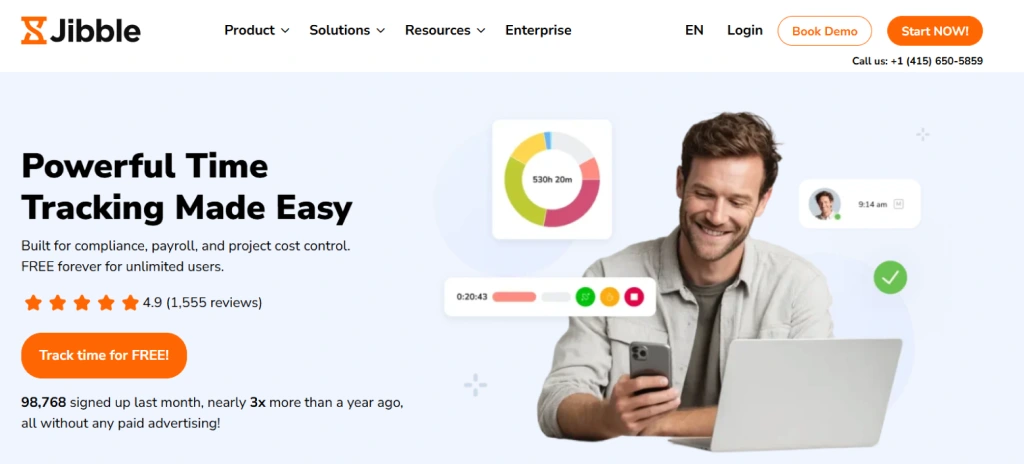
Jibble is a time tracking and attendance management solution for businesses that need to monitor employee work hours, attendance, and workforce activity. You can use it to track time, monitor employee locations with GPS, verify clock-ins with facial recognition, and manage attendance records. It works on web browsers, desktop computers, mobile devices, and kiosk setups, making it suitable for both office-based and field employees.
Key Features
- Attendance management tracks work hours, absences, and late arrivals.
- Time-off management allows employees to submit leave requests digitally.
- Activity monitoring includes screenshots and productivity tracking on desktop devices.
- Automated timesheets simplify payroll preparation and attendance reviews.
Pros
- Facial recognition helps reduce buddy punching concerns.
- GPS tracking improves accountability for mobile teams.
- Geofencing helps ensure accurate attendance records.
- Reports help simplify payroll and work hour reviews.
Cons
- Shift scheduling features are not available.
- Availability management features are not included.
- Report customization options could be more flexible.
- No built-in team communication functionality.
Pricing
- Premium: $7.99 per user/month
- Ultimate: $22 per user/month
- Enterprise: Custom pricing
Best For
Small businesses, field service teams, remote teams, virtual assistants, and organizations that need time tracking, attendance management, GPS tracking, and workforce accountability without investing in expensive workforce management software.
Reviews
- G2: 4.8/5
- Capterra: 4.8/5
If you need more than attendance and GPS tracking, explore these Jibble alternatives to find a solution that better fits your workflow.
How to Choose the Best Virtual Assistant Time Tracking Software?
Choosing the right virtual assistant time tracking software depends on your workflow, billing needs, and the features that matter most to your business. Since tools vary widely in what they offer, from basic time tracking to invoicing, reporting, and project management, it’s important to evaluate the key factors below before making a decision.
1. Look for Accurate Time Tracking
The foundation of any time tracking software for virtual assistants is accurate time tracking. Whether you prefer automatic tracking, manual timers, or timesheets, the tool should reliably record every billable hour. Small gaps in tracking may seem minor at first, but they can result in lost billable hours and reduced income over time. A good tool helps you capture all your work without constantly worrying about starting and stopping timers.
2. Make Sure It Supports Client and Project Tracking
Most virtual assistants work with multiple clients at the same time. Your software should allow you to organize time by client, project, and task so you can quickly see where your hours go. This makes reporting easier and helps prevent confusion when preparing invoices. It also gives you better visibility into which clients and projects require the most attention.
3. Check the Reporting and Timesheet Features
Reports are often just as important as tracking itself. Detailed reports help you review your workload, identify trends, and provide clients with clear records of completed work. Look for software that offers customizable reports, timesheet exports, and project summaries. Having this information readily available can save hours of manual work every month.
4. Consider Invoicing and Billing Capabilities
If you bill clients by the hour, invoicing features can save a significant amount of time. Some tools automatically convert tracked hours into invoices, while others support billable rates for different clients and projects. This reduces manual calculations and helps ensure billing accuracy. The fewer steps between tracking and invoicing, the easier it becomes to manage client payments.
5. Look for Useful Integrations
Many virtual assistants already use tools such as Asana, Trello, ClickUp, Google Calendar, Slack, or Jira. Choosing software that integrates with your existing tools can simplify daily work and reduce duplicate data entry. Integrations help make sure that projects, tasks, and tracked time remain connected in one workflow instead of scattered across multiple platforms.
Why manage your work with multiple tools when one platform can handle it all?
Start your free trial of Time Champ and simplify the way you track time and manage client work.
Conclusion
Choosing the right time tracking software for virtual assistants can completely change the way you work. Instead of guessing where your time goes, you get a clear view of your tasks, billable hours, and productivity throughout the day. The right tool should fit your workflow, help you manage client work efficiently, and keep your hours organized without adding extra administrative work.
If you need a platform that goes beyond basic time tracking, Time Champ combines time tracking, productivity monitoring, project visibility, reporting, and employee monitoring in one place. It can be a practical choice for virtual assistants who want better control over their time and workload.

Thasleem Shaik

Table of Content
 Why Do Virtual Assistants Need Time Tracking?
- Best Time Tracking Software for Virtual Assistants
- How to Choose the Best Virtual Assistant Time Tracking Software?
- Conclusion
Instant Signup
Thank you for your request!
We have received your signup request and our team will get back to you soon. In the meantime, you can book a demo to see Time Champ in action.
Book a DemoFree trial. No credit card required. Prefer a walkthrough? Book a demo.
Related Blogs

The best virtual assistant software for every job, from Time Champ for task tracking to Calendly for scheduling, find perfect tools to delegate every task.
Shabana Shaik | Feb 25, 2025
Explore the best time management apps like Time Champ, Todoist, Asana, Notion, Motion, and more to reduce distractions and keep your team organized.
Guna Lakshmi | May 26, 2026
Compare the best employee monitoring apps for BYOD devices, with privacy controls, security features, pricing, and use cases for remote and hybrid teams.
Shabana | Apr 28, 2026
Compare Time Champ with top time tracking tools like Time Doctor, Hubstaff, Toggl, DeskTime, and more. Explore the best fit for your team in 2026.
Guna Lakshmi | May 15, 2026
Explore the best Microsoft 365 time tracking tools to improve productivity, reduce payroll errors, and simplify project management workflows.
Guna Lakshmi | May 23, 2026
Explore 17 frequently asked questions about time tracking tools, including productivity, remote work, payroll, monitoring, features, and business benefits.
Anjali | May 19, 2026


 4.7/5 avg.
Ready to Manage Your Workforce Smarter?
Join our family of 1500+ companies using smart insights to redefine workforces!

Free Trial
No Credit Card Required