17 Frequently Asked Questions about Time Tracking Tools
Explore 17 frequently asked questions about time tracking tools, including productivity, remote work, payroll, monitoring, features, and business benefits.

Do you ever wonder where your team's hours actually go? Maybe deadlines keep slipping, timesheets don't add up, or you just can't get a clear picture of what your remote employees are working on. These are real problems, and many businesses deal with them daily. Time tracking tools help you with complete visibility into employee activity, project completion, productivity levels, attendance, and daily operations.
I have gathered some of the most commonly asked questions about time tracking tools from the internet to help you understand how they support productivity, payroll, project management, and remote team monitoring.
What Is Time Tracking?
Time tracking is the process of monitoring and analyzing how your employees, teams, and freelancers spend their work hours on different tasks, applications, projects, and daily activities. Companies use time tracking software to increase productivity, monitor workload, calculate billable hours, simplify payroll, and achieve better visibility regarding overall work performance.
Time tracking matters because it helps you know how time is spent, identify inefficiencies, improve project planning, and make better operational decisions. It also supports accountability, resource optimization, accurate reporting, and improves team collaboration in remote and in-office teams.
1. What Are Time Tracking Tools?
Time tracking tools refer to software solutions that help you record, monitor, and analyze how time is spent on specific tasks and projects. These applications automatically log work hours, simplify timesheet management, improve productivity tracking, support accurate payroll and billing, and provide you with better visibility into employee performance and project progress.
2. Why Are Time Tracking Tools Important in 2026?
Time tracking tools became important in 2026 as businesses needed better visibility into the remote work performance, productivity, project duration, and workforce efficiency. These tools can help you reduce manual reporting and enhance accountability within the teams. They also support effective resource planning, simplify payroll, and help you to make accurate decisions with real-time workforce insights.
3. How Does Time Tracking Software Work?
Employee Time tracking software record and organize employees’ work hours using timers, automatic background tracking, or manual entry systems. These platforms track all the tasks performed by employees, along with applications, websites visited, project activity, and idle periods, generating time sheets and productivity reports. You can use this data to enhance project management, payroll processing, and monitor workflows effectively.
4. Are Time Tracking Tools Useful for Remote Teams?
Remote teams can stay more organized, connected, and accountable across different work locations with better visibility into daily work activities. The tools help you track progress, attendance, project timelines, and productivity without constant supervision. You can monitor workloads more effectively, while remote and hybrid work employees can gain better clarity on priorities, deadlines, and time management.
5. What Features Should I Look for in a Time Tracking Tool?
Look for features like automatic time tracking, attendance management, productivity reports, automated timesheets, and idle time detection when selecting a time tracking tool. Other features like payroll management, integration support, real-time dashboards, and mobile accessibility also help to improve the usability. A user-friendly interface, along with customizable reporting capabilities, can help you efficiently manage workflows and your workforce performance.
6. Does the Time Tracking Application Monitor Employee Activity?
Many time tracking applications monitor employee activity through tracking app usage, websites visited, active work hours, and idle periods during the workday. Some tools also offer features like productivity scores, screenshots, and employee activity reports for better visibility. You should use these features transparently to maintain employee trust while enhancing accountability, operational efficiency, and productivity analysis within the teams.
7. Can Time Tracking Tools Improve Employee Productivity?
Time tracking tools help to boost employee productivity by helping teams understand how their time is spent each day at work. These tools highlight productivity gaps, identify distractions, and support effective task prioritization. You can balance work better while employees get clear visibility into their work habits, which helps to enhance focus, efficiency, and overall performance constantly.
Losing track of employee work hours and productivity?
Time Champ helps you track time automatically and improve team accountability.
8. What Is the Difference Between Manual and Automatic Time Tracking?
With manual time tracking, employees manually record their working hours using a timer or timesheet, which can create missed entries or errors sometimes. Automatic time tracking records the employees’ activities in the background without constant user input. Automatic systems generally provide more accurate reports and can offer better productivity insights for businesses and remote teams.
9. Can Freelancers Benefit from Time Tracking Tools?
Freelancers can benefit from the time tracking tools as they help to manage billable hours, deadlines, client projects, and daily workloads more efficiently. This helps to increase accuracy in invoicing, simplify project estimation, and provide better visibility into time utilization. It also helps freelancers become more productive, avoid overworking, and maintain transparency with clients with accurate time reports and records.
10. Are Time Tracking Tools Legal to Use?
Time tracking tools are legal to use when businesses follow labor laws, transparent workplace policies, and employee privacy regulations. You should clearly inform employees about what data will be collected, why you collect it, and how it is used. Ethical monitoring practices, employee awareness, and secure data handling help you maintain compliance while protecting employee privacy and trust.
11. Do Time Tracking Tools Support Integrations with Other Business Software?
Many time tracking tools support integration with payroll software, project management, communication apps, accounting systems, and HR software. This helps you to reduce manual entry, increase workflow efficiency, and integrate business operations efficiently. You can also integrate time tracking platforms with tools like QuickBooks, Slack, Jira, Trello, Asana, and Microsoft Teams for effective collaboration and reporting.
12. Which Industries Commonly Use Time Tracking Software?
Industries like healthcare, IT, software development, education, consulting, marketing, and customer support commonly use time tracking software. These businesses depend on time tracking to manage billable work hours, monitor productivity, track project timelines, and enhance workforce efficiency. Remote and hybrid work models have also increased adoption across many growing industries worldwide.
13. How Can I Ensure Employee Trust While Using Time Tracking Tools?
You can build trust among employees by clearly explaining why you use time tracking tools and how the collected data will support productivity, operational improvement, and workload management. Transparent communication, appropriate monitoring policies, and employee privacy can help reduce employee resistance. Focusing on performance improvements without unnecessary surveillance will build a healthy work environment for employees.
14. What Are the Major Challenges of Adopting Time Tracking Software?
The major challenges you might face while adopting time tracking software include employee resistance, concerns regarding privacy, errors with manual data entry, inefficient implementation approaches, and a lack of transparency. Some employees may have concerns about monitoring features if communication is unclear. You can overcome these problems through proper onboarding procedures, transparent policies, automation, and using the productivity tracking system responsibly.
15. Can Time Tracking Tools Track Project Progress?
Time tracking tools help you track project progress by tracking task progress, time spent on various activities, workload, and project schedules. You can identify delays early, enhance resource allocation, and accurately monitor team performance. These insights can help you complete the projects efficiently while maintaining productivity, better operational planning, and profitability in the teams.
16. How Does Using Time Tracking Software Help with Payroll?
Time tracking software helps in payroll processing through automatically tracking employee working hours, overtime, attendance, and leave data in one place. You can reduce manual calculations, minimize payroll processing errors, and enhance the accuracy of payments using automated timesheets. Some platforms can also directly integrate with the payroll systems, helping you to pay employees' salaries more quickly and accurately.
17. Can Time Tracking Software Help Reduce Employee Burnout?
Time tracking software helps prevent employee burnout by identifying long working hours, excessive workloads, and unhealthy productivity patterns before they turn into serious problems. You can improve task distribution, balance workloads more effectively, and encourage healthier work schedules. Better visibility of employee capacity can also help you to ensure that your employees maintain a good work-life balance and sustainable team productivity levels.

Anjali

Table of Content
 What Is Time Tracking?

Related Blogs

Understand the role of productivity tracking in remote work and how it improves team clarity, workload balance, and performance with real insights.
Thasleem Shaik | May 01, 2026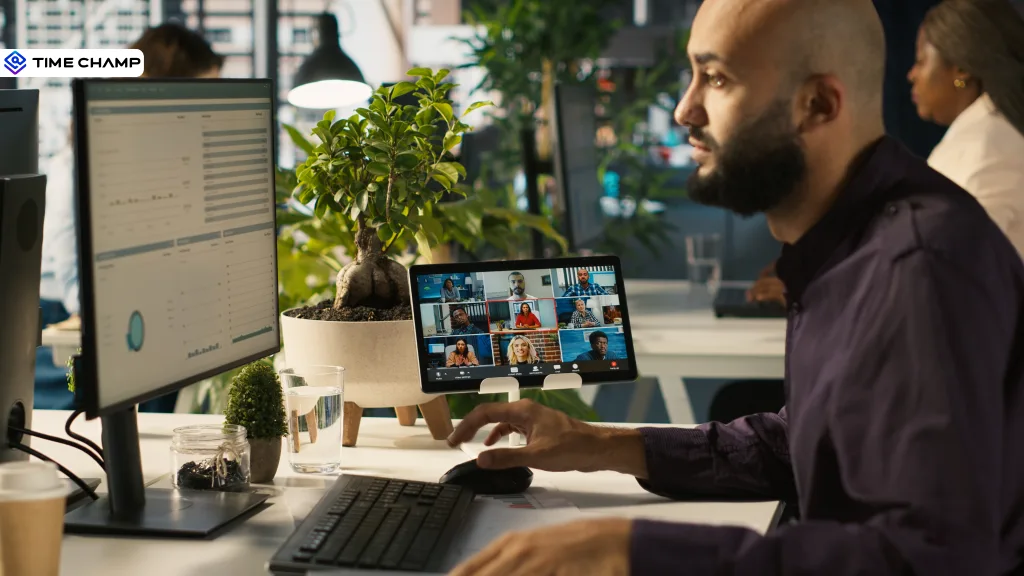
Learn how time tracking improves remote team productivity through better visibility, accountability, performance tracking, and smarter team management.
Anjali | May 16, 2026
Track the right remote worker productivity metrics to understand performance, improve output, and avoid micromanagement with clear insights.
Thasleem Shaik | Apr 24, 2026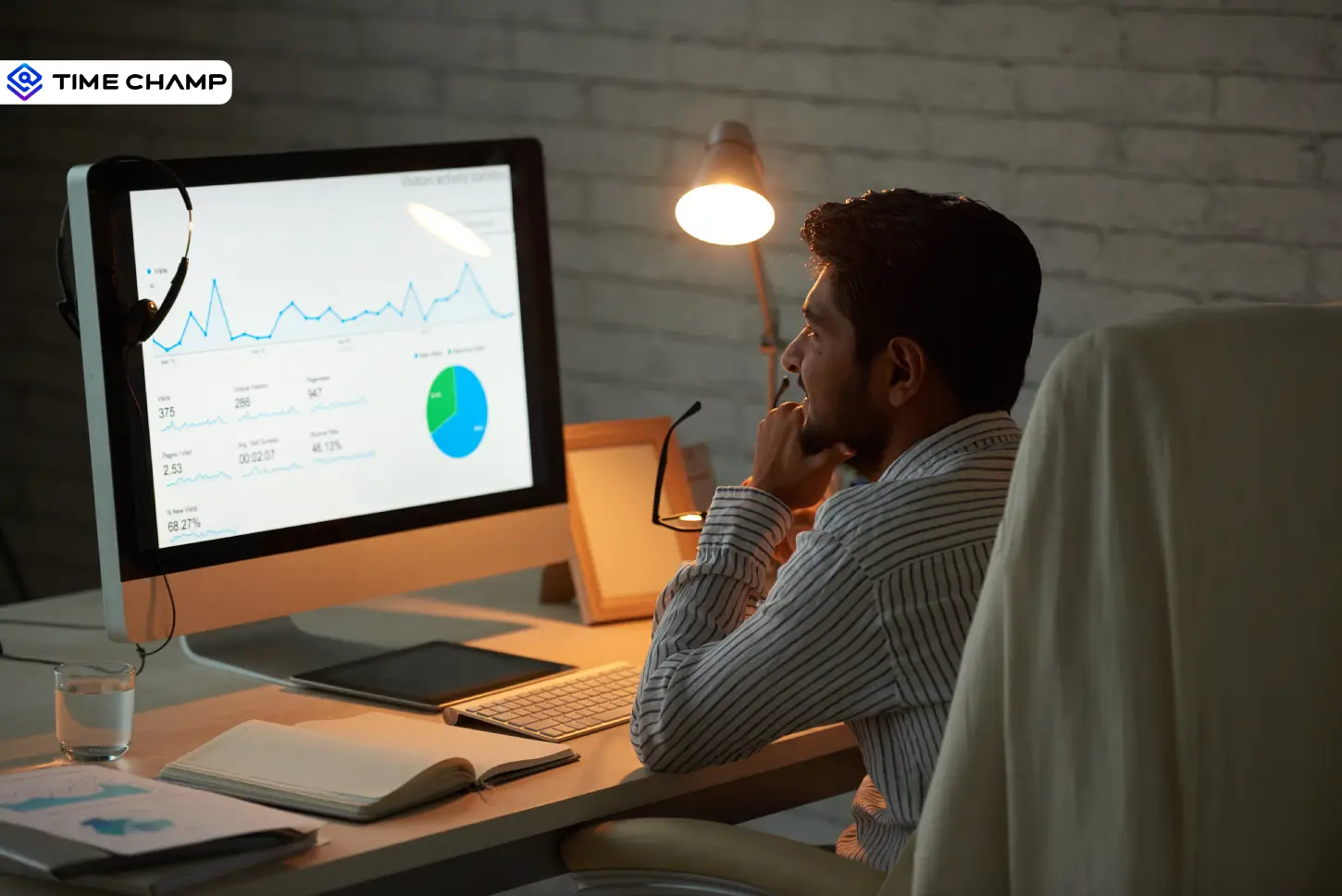
Explore the top benefits of productivity tracking software for better visibility, balanced workloads, smarter planning, and improved business decisions.
Guna Lakshmi | Apr 30, 2026
Learn how to integrate productivity tracking with project management without broken workflows or manual exports. A practical step-by-step guide.
Guna Lakshmi | May 06, 2026
Remote workforce management, also called virtual workforce management, helps teams stay engaged. Explore its definition, benefits, challenges & tools.
Thasleem Shaik | September 16, 2025


 4.7/5 avg.
Ready to Manage Your Workforce Smarter?
Join our family of 1500+ companies using smart insights to redefine workforces!

Free Trial
No Credit Card Required