Best Workforce Analytics Tools for 2026
Explore top workforce analytics tools for 2026 to monitor productivity, attendance, and team performance in real-time.
Workforce analytics tools have become an important part of managing remote and hybrid teams. They give you a clear view of how work is actually happening across your team. When you don’t have that visibility, it’s easy to miss productivity issues, attendance gaps, or early signs of burnout. Over time, these small issues can turn into bigger problems.
The right workforce analytics tools help you catch these patterns early, understand what’s working, and make better decisions for your team. Actually, nearly 70% of employees welcome organizations using data insights about them if it leads to personalized support. But choosing the right tool depends on your needs. Some are built for daily activity tracking, while others focus more on long-term workforce planning. Many teams end up using a mix of both.
This guide covers the 10 best workforce analytics tools for 2026 with key features, best-fit use cases, and current pricing. It also includes a quick comparison table and a decision framework to help you choose the right tool for your team.

Did You Know?
The global workforce analytics market was valued at $2.14 billion in 2023 and is expected to reach $5.53 billion by 2030, growing at a CAGR of 15.3%.
What Are Workforce Analytics Tools?
Workforce analytics tools are the platforms that help you turn everyday employee data into useful insights. With these tools, you get a clear understanding of how your team is working. This includes things like productivity levels, attendance patterns, and the overall organizational health.
These tools usually fall into two main types. The first is operational analytics tools, which focus on daily work. They track things like which apps employees use, how productive your employees are during work hours, attendance, and general work patterns. This data updates in real time, so you can make quick decisions and fix issues before they grow.
The second type is strategic analytics tools. These focus more on long-term planning. They help you understand trends like employee turnover, skill gaps across teams, workforce growth, and salary comparisons. In most cases, you’ll need both types of tools. One helps you manage daily work, while the other helps you plan. Using only one often leaves important gaps.
Want clear visibility into your team’s daily work? Try Time Champ to track productivity and performance in real time.
What to Look for in a Workforce Analytics Tool
Choosing workforce analytics tools can feel confusing because many tools offer similar features on the surface. But the real difference comes down to how useful the data is and whether it actually helps you take action.
Here are five things that truly matter when choosing the right tool:
1. Real-Time Data
Tools that update continuously based on daily work activity give you instant visibility into productivity drops, attendance issues, and behavior changes. This helps you act early. Tools that only generate weekly or monthly reports show you what has already happened. If you are managing remote or distributed teams, real-time data becomes essential.
2. Role-based Access Controls
A workforce analytics platform handles sensitive employee data, so you need clear control over data visibility. A team lead should only see their team. An HR leader should see company-wide trends. Employees should be able to view their own data. Without this level of control, you can run into privacy and data management issues.
3. Integration with existing Systems
Workforce analytics tools work best when they connect with your existing systems, like HRIS, payroll, and project management tools. The best tools bring everything together into one clear view. It is also important to check which integrations are included, along with costs.
4. Productivity Trend Tracking
Real-time reporting is helpful because it shows what is happening right now, but it doesn’t give you a complete view of how your team is performing over time. To truly understand your employees, you need to see how productivity is changing across days or weeks. When you can see whether it’s improving or dropping over the past few weeks, you can take action at the right time.
5. Employee Transparency
When employees can view their own data, it quickly changes how they engage with their work. They can clearly see their productivity, attendance, and work patterns, which helps them understand where they stand. This encourages them to take ownership of their performance and improve on their own. It also reduces the feeling of constant monitoring and builds trust within your team.
The 10 Best Workforce Analytics Tools for 2026
Here are the 10 best workforce analytics tools for 2026 that help you understand how your team works and where improvements are needed. Each tool offers different strengths, from real-time activity tracking to long-term workforce planning, so you can choose the one that fits your team’s needs.
1. Time Champ
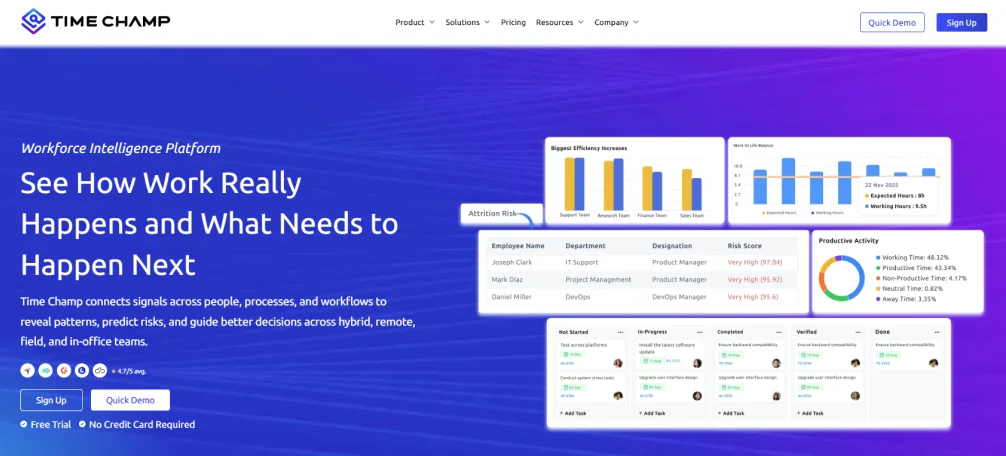
Time Champ is a workforce intelligence and employee monitoring software that delivers real-time operational analytics for your remote, hybrid, in-office, and field teams. It captures activity, productivity, attendance, and behavioral data automatically from daily work activity without requiring manual input from you or your employees.
Key Features
- Real-time activity monitoring tracks apps, websites, and tasks during work sessions.
- Role-based productivity scoring classifies every app as productive, non-productive, or neutral per role.
- Automated time tracking captures work hours without manual timesheets, with payroll-ready exports.
- Automated attendance and shift tracking detect logins, logouts, late check-ins, and shift compliance.
- Data loss prevention monitors USB monitoring, file movement tracking, and upload violations.
- Real-time alerts notify you about productivity drops, idle spikes, and attendance anomalies.
- Exportable reporting provides daily, weekly, and monthly reports in XLSX, CSV, and PDF formats.
Remote, hybrid, in-office, and field teams. Operations managers, HR leaders, and IT security teams who need real-time operational visibility and behavioral analytics from a single platform. Trusted by 1,500 companies and 100,000 users.
Pricing
Plans start at $3.90 per user/month, with a free trial to explore the features before you commit.
Need better control over team productivity and attendance? Time Champ brings everything into one simple dashboard.
2. Workday
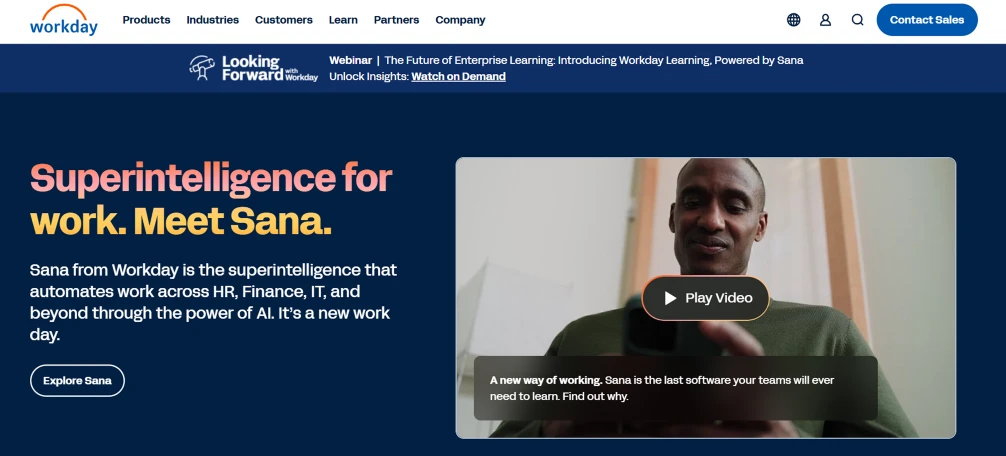
Workday is an enterprise HRIS platform with a built-in analytics layer called Prism Analytics. It combines HR, finance, and operational data into a unified workforce planning system used by large organizations managing thousands of employees across global teams.
Key Features
- Prism analytics combines and analyzes data from Workday and external sources in one view.
- Augmented analytics AI shows key trends and metric drivers automatically.
- Workforce benchmarking compares performance against industry peers.
- Skills cloud identifies skill gaps and informs workforce planning decisions.
- Real-time workforce transactions connect HR data and analytics within a single system
Best for
Large enterprise organizations with complex global workforce structures need unified HR and analytics in a single platform. Best suited for HR leaders, CHROs, and workforce planning teams.
Pricing
For pricing details, contact the Workday sales team.
3. Visier
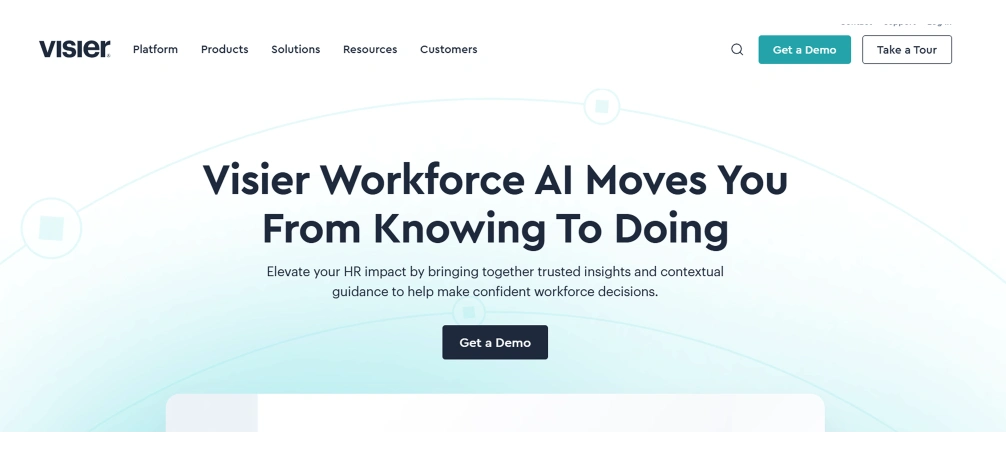
Visier is a dedicated people analytics platform built specifically for enterprise HR teams. It focuses on workforce planning, predictive analytics, and strategic HR decision-making over real-time operational visibility.
Key Features
- Predictive turnover modeling identifies employees at flight risk before they resign
- DEI analytics tracks diversity, equity, and inclusion metrics across the organization
- Compensation benchmarking compares pay equity against market data
- Workforce planning and scenario modeling estimate headcount and cost for future periods
- Pre-built HR dashboards cover retention, performance, and talent acquisition out of the box
Best for
Enterprise HR teams and CHROs focused on strategic decisions, workforce planning, and long-term strategy. Best for organizations where HR analytics is a standalone function separate from day-to-day operational management.
Pricing
For pricing details, contact the Visier sales team.
4. Rippling
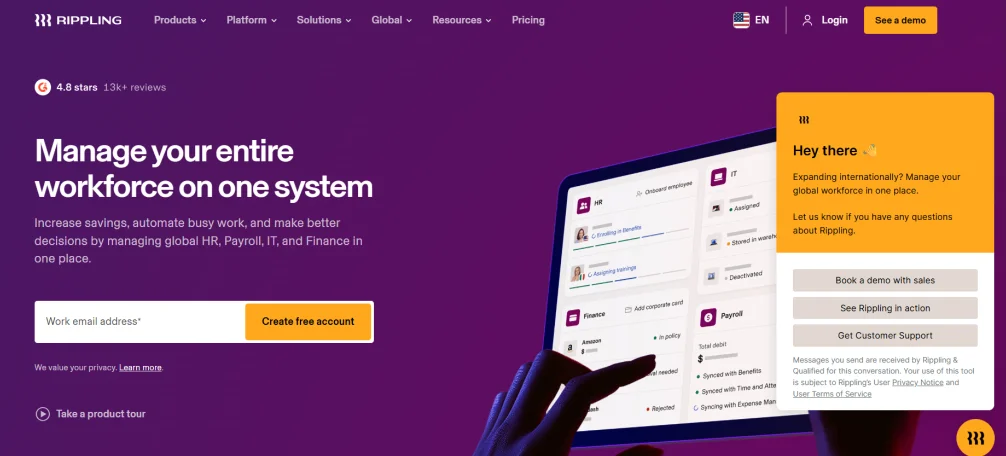
Rippling is a workforce platform that unifies HR, IT, and finance data into a single system. Its analytics capabilities include headcount planning, workforce cost analysis, and automated reporting across HR and payroll data.
Key Features
- Unified HR and payroll reporting analyzes HR, IT, and finance data in one system.
- Headcount planning predicts workforce cost and composition for future hiring decisions.
- Workforce analytics dashboards analyze department-level data across all business units.
- Automated compliance reporting analyzes regulatory requirements across applicable jurisdictions.
- 500+ integrations connect to major HR, payroll, and productivity platforms.
Best for
Companies that want to consolidate HR, IT, and payroll data in one platform with analytics built across all three. Particularly strong for companies managing rapid headcount growth or frequent organizational changes.
Pricing
For pricing details, sign up and contact the Rippling sales team.
5. HiBob (Bob)
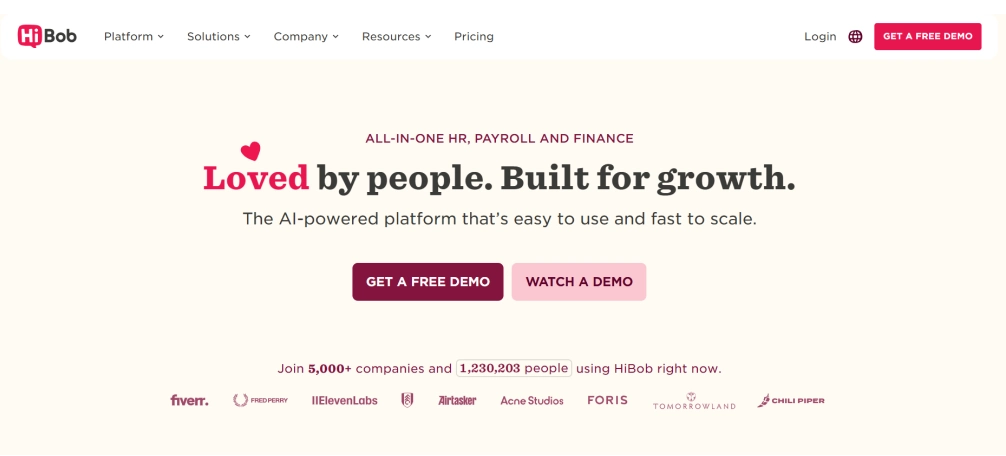
HiBob is a modern HRIS platform with strong people analytics features. It combines core HR functions with performance and engagement insights in one system. It is also known for being easy to use and adopt across teams.
Key Features
- Performance analytics tracks goal progress and reviews results across teams.
- Engagement insights uses pulse surveys to show team sentiment and satisfaction trends.
- Compensation analytics benchmarks pay and tracks fairness across departments.
- Workforce planning dashboards show headcount and planning data in one view.
- Team health tracking monitors team morale and culture over time.
Best for
Mid-sized companies that want a modern HR platform with more than basic reporting. Suitable for HR leaders who want to use data in everyday management decisions.
Pricing
Custom pricing. Contact HiBob for a quote.
6. Hubstaff
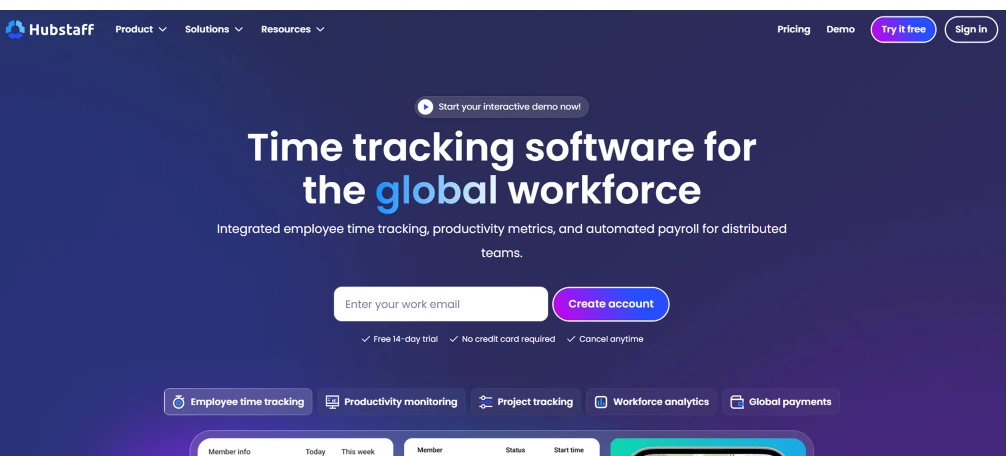
Hubstaff is a time tracking and activity monitoring tool with workforce analytics features. It supports remote and field teams by combining time tracking, GPS location tracking, and productivity insights in one platform.
Key Features
- Time tracking with activity monitoring tracks work hours and app usage automatically.
- GPS tracking and geofencing verify employee location during work hours.
- Productivity reports show app and website usage with time breakdowns per employee.
- Payroll integration sends time data directly to payroll systems.
- Workforce dashboards show time, activity, and location data in one place.
Best for
Remote and field teams that need accurate time tracking and location verification. Useful for agencies, construction teams, and service businesses.
Pricing
Plans start at $4.99 per user/month.
7. ActivTrak
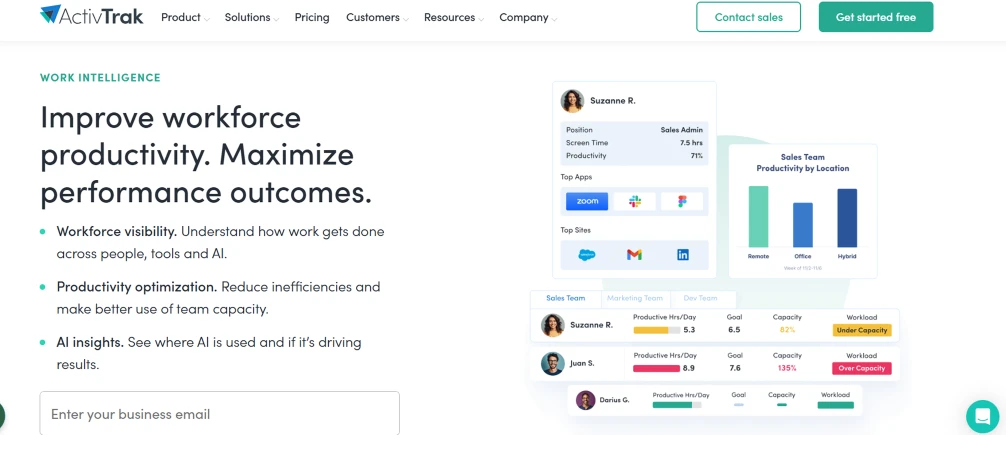
ActivTrak is a productivity analytics tool focused on improving workload balance and team performance. It is built mainly for knowledge-based teams and positions itself as an insights tool over a monitoring system. It gives you clear insights into how work is distributed and where improvements are needed.
Key Features
- Workload analysis identifies overworked and underutilized employees.
- Productivity benchmarking compares individual performance with role-based standards.
- Focus time tracking measures uninterrupted deep work time per day.
- Team productivity dashboards compare performance across team members.
- Coaching insights and suggestions based on work patterns.
Best for
Knowledge work teams in industries like tech, finance, and professional services. Suitable for team leads and operations managers.
Pricing
Basic plan starts at $10/user/month.
8. Lattice
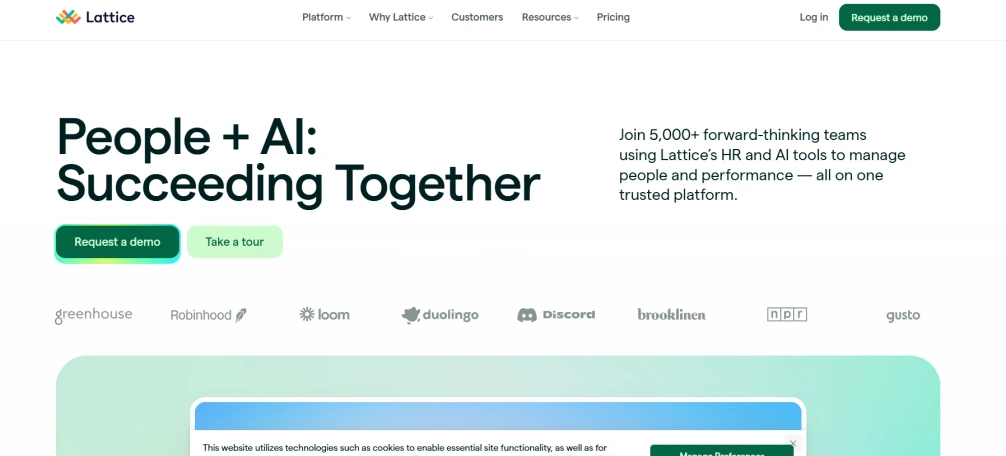
Lattice is a performance management and people analytics platform that combines goal tracking, performance reviews, and engagement surveys with analytics reporting. It is designed for companies that want to connect individual performance data to organizational workforce insights.
Key Features
- Goal and OKR tracking tracks the progress of individual and team goals in real time.
- Performance review analytics combines review data across the organization.
- Engagement surveys collect employee feedback through automated surveys.
- Retention risk analytics identifies employees who may be at risk of leaving.
- Compensation management manages pay reviews and fairness reporting.
Best for
HR teams focused on performance and goal tracking. Suitable for mid-size and enterprise companies with structured review systems.
Pricing
Plan starts at $11 per user/month.
9. BambooHR
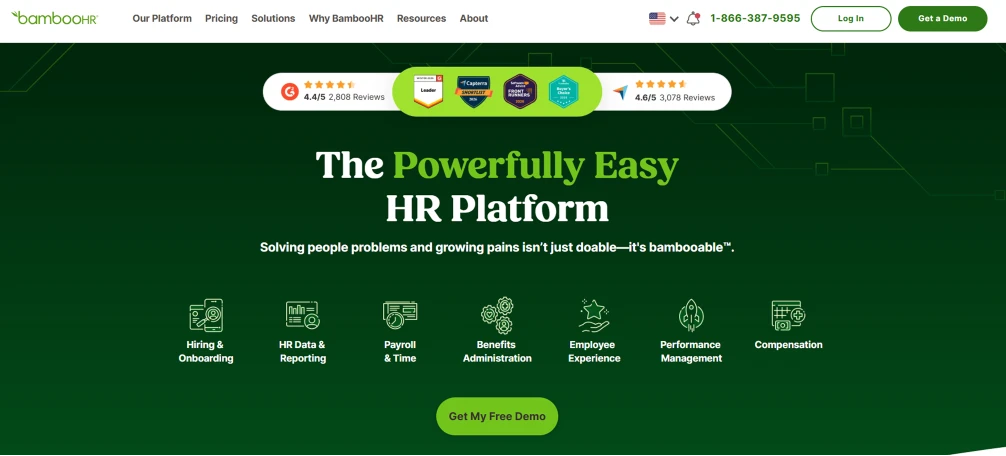
BambooHR is an HR software platform for small and mid-size businesses with built-in reporting and analytics across the employee lifecycle. It covers hiring, onboarding, performance, and offboarding in one system with accessible HR reporting. BambooHR makes it easy to understand your workforce without needing complex tools.
Key Features
- Turnover and retention reporting shows why employees leave and where attrition increases.
- Headcount analytics tracks workforce size and growth trends.
- Employee satisfaction surveys collect feedback through eNPS and pulse surveys.
- Time-off and absence analytics show leave patterns across teams.
- Core HR reporting provides reports for hiring, onboarding, performance, and exit.
Best for
Small and mid-sized businesses that want simple HR software with useful reporting.
Pricing
Custom pricing based on company size.
10. Deel
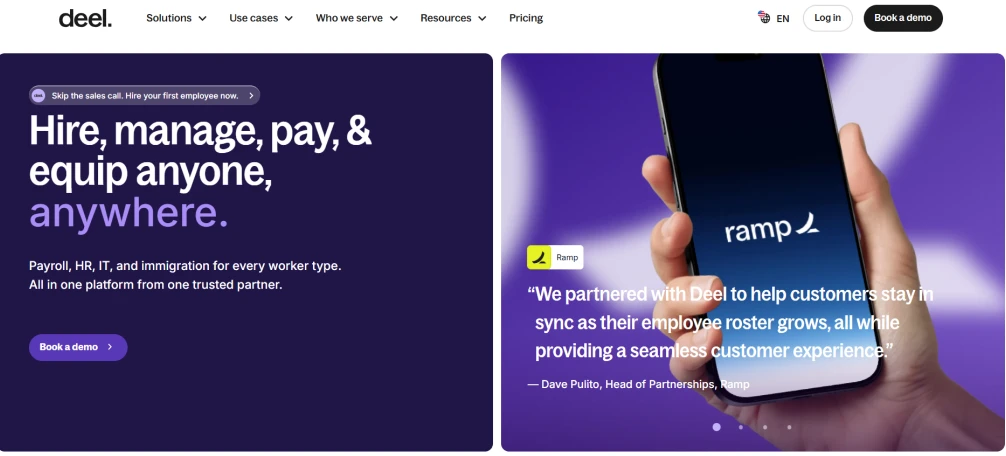
Deel is a global workforce platform that helps companies hire, pay, and manage employees and contractors across countries. Its analytics capabilities focus on global headcount, workforce cost, and compliance reporting for distributed teams.
Key Features
- Global headcount analytics shows workforce cost and structure across countries.
- Contractor vs employee reporting gives a combined view of all worker types.
- International compliance reporting generates reports based on local regulations.
- Scenario planning helps plan workforce cost and structure for expansion.
- HRIS integrations connect with HR platforms for unified data.
Best for
Companies managing global teams, contractors, and international workforce structures.
Pricing
For pricing details, contact the Deel sales team.
Quick Comparison: 10 Workforce Analytics Tools at a Glance
The table below summarizes all 10 tools across the factors that matter most when making a selection decision.
| Tool | Best For | Key Analytics Features | Starting Price |
|---|---|---|---|
| Time Champ | Remote, hybrid, in-office, and field teams |
| $3.90/user/month |
| Workday | Large enterprise organizations |
| Custom |
| Visier | Enterprise HR and people analytics |
| Custom |
| Rippling | Fast-growing mid-market companies |
| Custom |
| HiBob | Mid-market HR teams |
| Custom |
| Hubstaff | Remote and field teams |
| $4.99/user/month |
| ActivTrak | Knowledge work and productivity teams |
| $10/user/month |
| Lattice | Performance-driven HR teams |
| $11/user/month |
| BambooHR | Small and mid-size businesses |
| Custom |
| Deel | Globally distributed teams |
| From $49/month |
How to Choose the Right Workforce Analytics Tool
The right workforce analytics tool depends on the gap you are trying to solve. The framework below helps you match your needs with the right type of tool. For a deeper understanding of how these tools support decision-making, you can refer to our guide on data-driven management.
Start with Real-Time Activity Tracking
If your main challenge is not having clear, real-time visibility into how your remote or hybrid team is working, you need an operational analytics tool.
Common signs include:
- You rely on check-ins to understand if work is progressing
- You cannot identify productivity drops early
- Attendance and shift tracking are handled manually
The right tools for this include Time Champ, Hubstaff, and ActivTrak. Time Champ offers the most complete feature set in this category, including activity tracking, productivity scoring, attrition prediction, data loss prevention, and automated attendance, all at a competitive price.
Use Data for HR Planning and Strategy
If your challenge is at the organizational level, such as predicting employee turnover, planning headcount, identifying skill gaps, or benchmarking compensation, you need a strategic analytics platform.
You may notice this problem if:
- Workforce decisions are made without reliable data
- Retention is managed reactively instead of proactively
- There is no clear visibility into the workforce structure and cost
The right tools for this include Workday, Visier, Rippling, HiBob, and Deel, depending on your company size and needs. Workday and Visier are built for large enterprises with dedicated analytics teams. Rippling and HiBob are strong choices for mid-sized companies. Lattice works well for performance-focused teams.
Run Operational and Strategic Analytics Together
Most mid-sized and enterprise organizations benefit from using both types of tools. One helps you manage daily work, while the other supports long-term planning. These tools also serve different roles within the organization. Operations managers and team leads rely on operational data every day, while HR leaders and executives use strategic insights for monthly or quarterly planning.
Time Champ workforce management solution integrates with major HRIS platforms, allowing operational data to feed into strategic planning without requiring you to maintain two separate data sources.
Ready to improve how your team works every day? Start with Time Champ for real-time workforce insights.
Conclusion
Workforce analytics tools are useful only when the data helps you make better decisions. The tools in this guide cover everything workforce analytics can offer in 2026. The key is choosing the one that fits your needs and solves your visibility gaps. When you pick the right tool, you get insights that actually help you act, not just data to look at. For a deeper understanding of what monitoring software should include, you can explore our full guide on employee monitoring.

Guna Lakshmi


Table of Content
-
 What Are Workforce Analytics Tools?
-
What to Look for in a Workforce Analytics Tool
-
The 10 Best Workforce Analytics Tools for 2026
-
Quick Comparison: 10 Workforce Analytics Tools at a Glance
-
How to Choose the Right Workforce Analytics Tool
-
Conclusion
Instant Signup
Thank you for your request!
We have received your signup request and our team will get back to you soon. In the meantime, you can book a demo to see Time Champ in action.
Book a DemoFree trial. No credit card required. Prefer a walkthrough? Book a demo.
Related Blogs
Find the best employee monitoring tools for 2026. Compare features, pricing, pros & cons to manage workforce performance and improve productivity.
Jahnavi Pulluri | Apr 17, 2026
The right employee performance tracking software turns activity data into decisions. See what to look for, how to compare, and what works for your team.
Guna Lakshmi | Apr 18, 2026
Find the 10 best performance management software for 2026. Compare features, pricing, pros & cons to boost employee performance.
Tarun Kumar Reddy | Apr 02, 2026
Learn how to choose the right remote employee monitoring software with the right features, scalability, and usability to manage remote teams effectively.
Guna Lakshmi | Apr 14, 2026
Find the 10 best workflow automation software for 2026. Compare features, pricing, pros & cons to automate tasks and improve team efficiency.
Guna Lakshmi | Apr 08, 2026
Top task management software tools that help organize work, streamline collaboration, improve productivity, enhance clarity, and simplify team workflows.
Thasleem Shaik | June 31, 2025


 4.7/5 avg.
Ready to Manage Your Workforce Smarter?
Join our family of 1500+ companies using smart insights to redefine workforces!

Free Trial
No Credit Card Required