Top 10 Time Doctor Alternatives for Better Time Tracking
Explore top Time Doctor alternatives with better tracking, insights, and flexibility. Find the right tool to improve how you manage work time.
You picked up Time Doctor because you needed a reliable way to track where your team’s hours actually go. It seemed like the right call at first. But over time, the interface started feeling hard to work with, the pricing didn’t feel justified, or the features didn’t align with how your workflow actually runs. At that point, you start questioning whether your current time tracking setup still works for you. Small teams often standardize on work schedule types before investing in dedicated time-tracking software.
The space has evolved quickly, and today, you have access to several strong Time Doctor alternatives built for different workflows, budgets, and team setups. Whether you want deeper project visibility, clearer reporting, or better value for what you spend, the right Time Doctor competitors can solve those gaps without adding complexity. This list breaks down the top 10 time doctor alternative options available right now, so you can compare them side by side and choose what actually fits your workflow.
What Are the Limitations of Time Doctor?
Time Doctor covers the basics of time tracking, but gaps start to appear as your workflow becomes more complex. You may notice delays in daily use, limited flexibility, or data that doesn’t fully reflect how work actually happens. These limitations often push teams to explore better Time Doctor alternatives. Here are the key areas where Time Doctor falls short:
- Rigid Interface That Slows Navigation: The layout feels outdated and takes extra clicks to move between tasks, reports, and settings. As a result, you lose momentum when switching between views or trying to access data quickly.
- Limited Flexibility in Customization: You can’t easily tailor dashboards, reports, or tracking rules to match your exact workflow. As your needs change, the tool doesn’t adjust well to support them.
- Frequent Manual Adjustments: You may need to correct or edit time entries regularly. Because of this, the data may not always feel fully reliable.
- Limited Integrations for Advanced Workflows: It connects with a few tools, but deeper integrations or automation options remain limited. This leaves gaps when your workflow depends on multiple systems working together.
- Basic Scheduling Features: The scheduling module only allows start and end times. It lacks shift swapping, open shift claiming, color-coding, and built-in leave management. Anything beyond basic setup requires manual CSV edits, which takes time and adds unnecessary effort.
- Weak Mobile App: The mobile app provides only basic time tracking features, such as starting and stopping timers and selecting projects. It does not include dashboards, productivity insights, detailed timesheets, or integrations. This limits how effectively you can track and manage work when you rely on mobile access.
10 Best Alternatives to Time Doctor
If Time Doctor no longer fits the way you work, switching tools can feel like a big decision. The difference comes down to how clearly a tool shows your time, how easily you can use it every day, and how well it fits your workflow. The options below give you that flexibility without adding unnecessary complexity.
| Software | Key Features | Ideal Solution for | Free Trial |
|---|---|---|---|
| Time Champ |
|
Mid-size to enterprise teams that require structured workforce visibility | Yes |
| ManicTime |
|
Individuals or small teams that rely on automatic background tracking | Yes |
| Tick |
|
Teams focused on project budgets and task-level tracking | Yes |
| Timely |
|
Teams that use AI-based automatic time tracking with minimal manual input | Yes |
| TimeCamp |
|
Small to mid-size teams needing basic tracking with billing support | Yes |
| Timesheet 365 |
|
Teams already using Microsoft 365 for integrated time tracking workflows | Yes |
| Buddy Punch |
|
Teams that manage attendance and shifts with simple tracking needs | Yes |
| Toggl Track |
|
Freelancers and teams that prefer simple and flexible manual time tracking | Yes |
| Apploye |
|
Remote and hybrid teams that want time tracking with built-in monitoring | Yes |
| Hubstaff |
|
Teams that use time tracking along with workforce and field tracking capabilities | Yes |
1. Time Champ
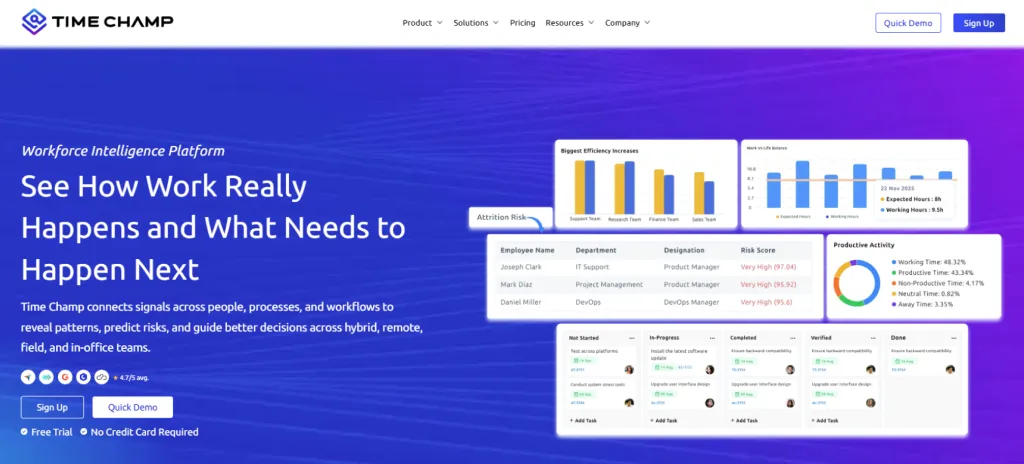
Time Champ is an employee monitoring software that gives you a full picture of how work actually happens across your team. It captures employee active time, idle time, app and website usage, and daily work patterns automatically, so you never have to chase your team for timesheets or rely on manual entries that are often inaccurate.
Time Champ stands out as a strong Time Doctor alternative by combining employee monitoring with actionable productivity insights. You get real-time visibility into how remote, hybrid, or in-office teams spend their time, with data presented in clear dashboards that help you identify bottlenecks, balance workloads, and make quicker decisions without constant follow-ups.
Features
- Automatic Time Tracking: Captures work hours, active time, and idle time in real time without requiring manual input. You get accurate data without relying on timers or manual entries.
- App and Website Monitoring: Tracks every application and website used during work hours, allowing you to classify them as productive, non-productive, or neutral for better visibility.
- Automated Timesheets: Generates accurate, tamper-proof timesheets based on real activity data, removing the need for manual logging and corrections.
- Productivity Insights: Shows how employees spend time across tasks, apps, and activities, helping you identify patterns, reduce time gaps, and improve overall workflow.
- Project Management Tracking: Links time entries directly to tasks and projects, making it easier to track progress, manage workloads, and stay aligned with deadlines.
- Hybrid Work Management: Tracks work across remote, in-office, and flexible setups, giving you consistent visibility into work hours and activity regardless of location.
- Field Staff Tracking: Uses GPS tracking to monitor location, movement, and work hours for teams working outside the office, helping you stay informed without constant follow-ups.
- Data Loss Prevention (DLP): Monitors file activity and prevents unauthorized data transfers, helping you protect sensitive information and maintain data security.
- Burnout and Attrition Detection: Identifies early signs like long working hours and reduced focus, helping you take timely action before it impacts performance.
- Role-Based Access Controls: Allows you to control who can access specific data, keeping visibility limited based on roles and responsibilities.
- Integrations: Works with project management, payroll, and collaboration tools so you can keep everything connected without switching between systems.
Pros
- Simple interface that is easy to use daily.
- Combines time tracking with deeper work insights.
- Provides clear and structured reports.
- Reduces manual effort with automated tracking.
- Flexible enough to fit different workflows.
Cons
- Advanced features may take time to fully explore.
- Requires setup to match your workflow properly.
Pricing
Time Champ offers a 7-day free trial so you can explore the platform and its workflows before committing to a plan.
- Starter: $3.9 per user per month (billed annually)
- Professional: $6.9 per user per month (billed annually)
- Enterprise: $13.9 per user per month (billed annually)
Each plan comes with a different set of features, so you can choose based on your team size and how you want to manage your workforce operations.
Ratings
- G2: 4.8/5
- Capterra: 4.9/5
Turn your time data into clear, actionable insights that actually improve how work moves.
Start with Time Champ and track every hour with better visibility and control.
2. ManicTime
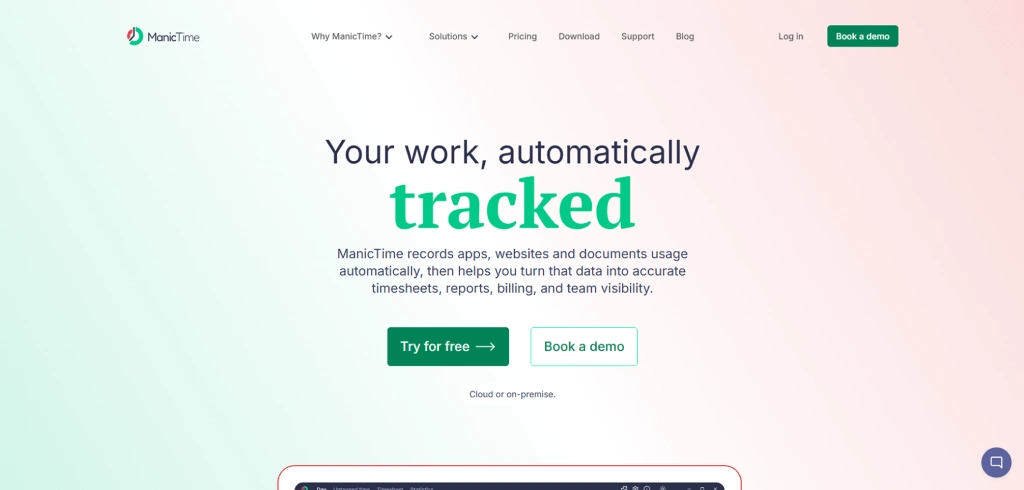
ManicTime focuses on automatic time tracking by capturing your activity across apps and websites in the background. It builds a detailed timeline of your day without requiring manual timers. You review that timeline later and assign time to tasks or projects, which gives accurate records but also requires regular tagging to keep reports useful.
Features
- Automatic activity tracking records apps, websites, and documents used throughout the day without manual timers.
- Visual timeline view shows your day in an hour-by-hour breakdown, making it easy to see where time goes.
- Offline tracking continues to capture activity even without an internet connection.
- Tag-based categorization lets you assign tracked time to specific tasks, projects, or clients, so you can organize your work clearly and generate more useful reports
Pros
- Tracks time automatically without relying on timers.
- Provides detailed activity data for accurate tracking.
- Offers both cloud and on-premise options for data control.
- Works fully offline, so tracking continues without Wi-Fi.
Cons
- Interface feels outdated and less intuitive.
- Requires regular tagging to organize data properly.
- Does not capture non-computer work clearly.
- Initial setup takes time because you need to configure categories, tags, and reports before you get useful insights.
Pricing
For exact plans and options, contact ManicTime directly.
Ratings
- G2: 4.4/5
- Capterra: 5/5
3. Tick
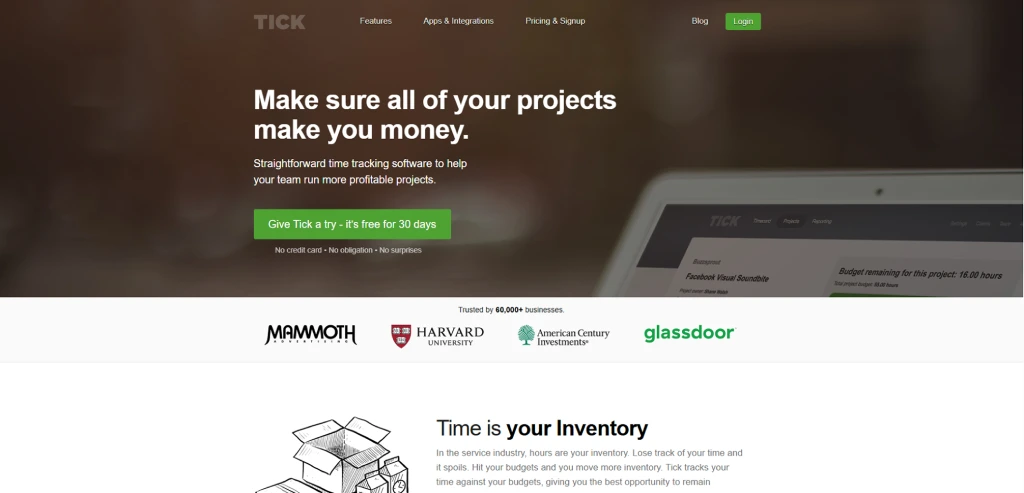
Tick keeps time tracking simple by working around projects and budgets. You track time against specific tasks, and the tool compares those hours with your planned budget. It works well when you want a clear link between time spent and project limits, but it depends more on manual input than automatic tracking.
Features
- Real-time budget tracking across projects and individual tasks, with instant feedback after every time entry.
- Multiple timers running simultaneously, so you can toggle between tasks without losing a second.
- One-click timecard that lets you select a project, pick a task, and start tracking in three steps.
- Integrations connect with tools like Basecamp, Asana, Trello, and QuickBooks for smoother workflow continuity.
Pros
- Easy to use with a clean and simple setup.
- Strong focus on tracking project budgets.
- Helps you stay aligned with time limits on tasks.
- Works well for small teams and project-based work.
Cons
- No offline mode on mobile, which creates gaps in low-connectivity setups.
- Lacks built-in employee monitoring features like screenshots and activity tracking.
- Not suitable for complex workflows or larger teams.
- Limited automation and advanced tracking capabilities.
Pricing
For exact pricing details, check Tick’s official pricing page.
Ratings
- G2: 4.5/5
- Capterra: 4.5/5
4. Timely
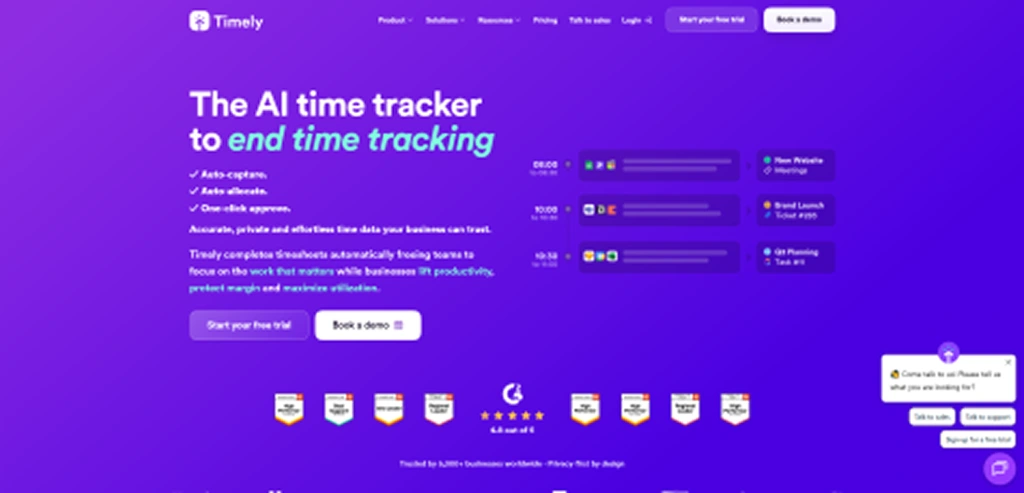
Timely is a time tracking tool built for teams and individuals who want accurate records of their work without manually starting timers. It automatically captures activity throughout the day and organizes it into a visual timeline that can later be turned into timesheets. This approach makes it especially useful for virtual assistants, agencies, consultants, and remote teams that manage multiple clients and projects at once.
Features
- Automatic time tracking that records apps, websites, and documents used during the day.
- Memory timeline that visually reconstructs your workday to make timesheet creation easier.
- Project and client tracking to assign work hours to specific tasks and billable projects.
- Automatic time categorization that groups similar work activities together.
- Team workload monitoring to see how time is distributed across projects and members.
- Detailed productivity and project reports for tracking billable and non billable hours.
Pros
- Automatic tracking reduces the need to start and stop timers.
- Clear timeline view makes timesheets easy to build.
- Good visibility into how time is spent across projects.
- Helps teams identify untracked billable work.
Cons
- Automatic tracking may raise privacy concerns for some users.
- Pricing is higher compared with some manual time tracking tools.
- Limited project management capabilities compared with full work management platforms.
- Some users report a learning curve when first organizing activities.
Pricing
Timely offers a 14-day free trial. Paid plans start at $9 per user per month.
Ratings
- G2: 4.8/5
- Capterra: 4.7/5
5. TimeCamp
TimeCamp offers a mix of automatic time tracking and project-based tracking, giving you visibility into how you spend time across tasks and clients. It tracks activity in the background and helps you turn that data into timesheets, reports, and invoices. While it covers a wide range of features, you may need higher plans to access advanced capabilities.
Features
- Automatic time tracking records time in the background based on app usage and activity.
- Project and task tracking lets you assign time to specific tasks for better visibility.
- Billable hours and invoicing convert tracked time into invoices, making it easier to manage client billing and payments.
- Idle time detection identifies inactive periods to improve tracking accuracy.
Pros
- Easy to use with a simple setup that helps you start tracking quickly.
- Offers a free plan with basic features or simple use cases for small teams.
- Supports billing and invoicing, making it useful for client-based work.
- Connects with multiple tools, helping you keep your workflow in sync.
Cons
- Some important features are available only in higher plans.
- Reporting and customization options feel limited for detailed analysis.
- Tracking may not sync properly at times, which can affect accuracy.
- Mobile app offers only basic features and lacks advanced functionality.
Pricing
- Starter: $2.49 per user (billed annually)
- Premium: $3.99 per user (billed annually)
- Ultimate: $4.99 per user (billed annually)
Ratings
- G2: 4.7/5
- Capterra: 4.7/5
6. Timesheet 365
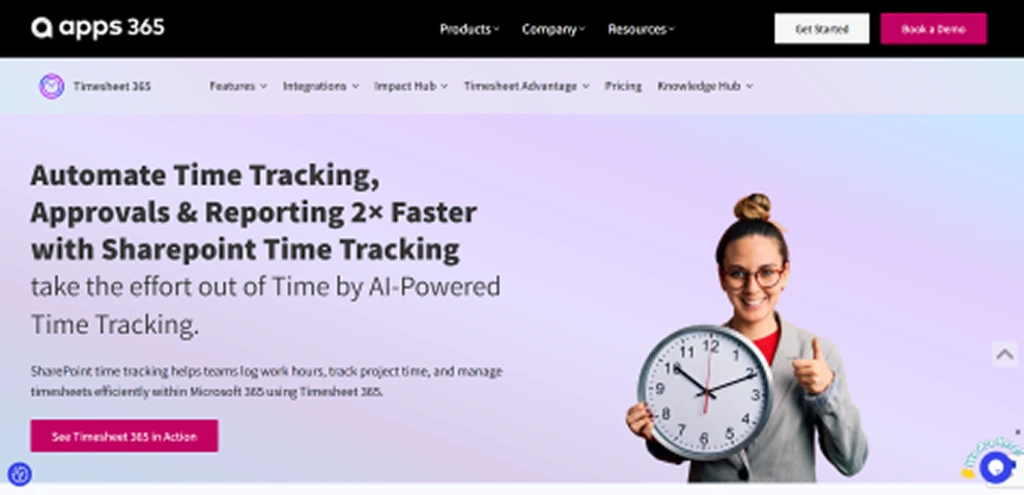
Timesheet 365 works inside Microsoft 365, so you can track time, manage tasks, and handle approvals without switching tools. It connects directly with Teams, SharePoint, and Outlook, making it easier to log hours and keep everything in one place. This setup works well if your workflow already runs on Microsoft tools, but it may feel limited outside that ecosystem.
Features
- Microsoft 365 integration connects directly with Teams, SharePoint, and Outlook for seamless tracking.
- Task-based time tracking lets you log hours against tasks, projects, and clients for better clarity.
- Automated timesheets and approvals streamline submission and multi-level approval workflows.
- Custom fields allow you to capture details like locations or job roles.
Pros
- Works directly inside Microsoft 365 tools you already use.
- Keeps time tracking, approvals, and reporting in one place.
- Supports structured workflows with approval processes.
- Helps manage projects and billing from the same system.
Cons
- Works best only within the Microsoft 365 ecosystem.
- Setup and configuration can take time initially.
- The interface may feel complex for new users.
- Limited flexibility if you use non-Microsoft tools.
Pricing
For exact pricing details, check the Timesheet 365 official pricing page.
Ratings
- G2: --
- Capterra: --
7. Buddy Punch
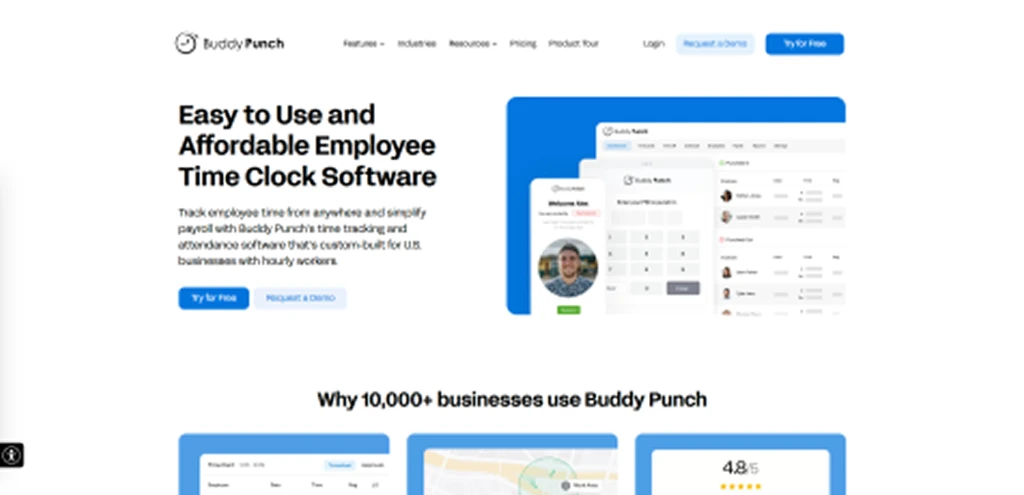
Buddy Punch works as a time clock and attendance tool that lets you track hours, manage schedules, and handle payroll-ready data in one place. You can clock in using web or mobile apps with options like GPS, PINs, or facial recognition, which makes it useful for on-site and remote tracking. It fits well for basic time tracking and attendance, but it focuses more on clock-ins than deep productivity insights.
Features
- Time tracking and attendance record work hours through web and mobile apps with real-time updates.
- Multiple punch-in options support GPS, PIN, QR code, and facial recognition for flexible tracking.
- Employee scheduling lets you create schedules, manage shifts, and track availability.
- Time-off management handles leave requests, approvals, and PTO tracking.
Pros
- Easy to use with a simple setup for quick adoption.
- Offers multiple ways to clock in, including GPS and mobile access.
- Handles attendance, scheduling, and payroll in one place.
- Works well for teams that need basic shift and attendance management.
Cons
- No offline mode, which can create issues in low-connectivity environments.
- Lacks advanced employee monitoring and productivity insights.
- Some features, like scheduling and GPS, come as add-ons.
- Reports offer limited visual insights for deeper analysis.
Pricing
- Starter: $4.49 per user per month
- Pro: $5.99 per user per month
- Enterprise: $10.99 per user per month
Ratings
- G2: 4.8/5
- Capterra: 4.8/5
8. Toggl Track
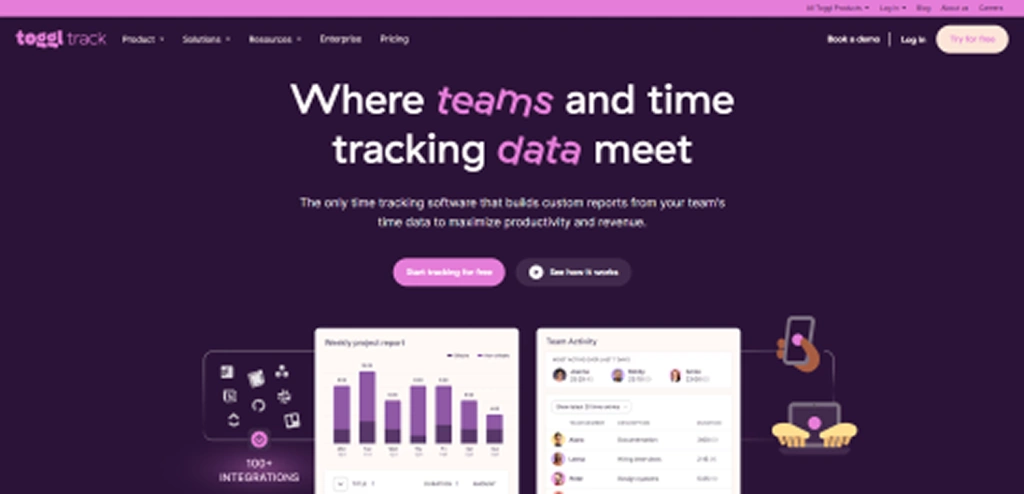
Toggl Track keeps time tracking simple with a clean interface and quick start timers. You can track time across projects, tag entries, and generate reports without much setup. It works well for flexible tracking, but since it depends on manual timers, you need to stay consistent to maintain accuracy.
Features
- One-click time tracking lets you start and stop timers instantly across web, mobile, and desktop apps.
- Project and task tracking organizes time entries by client, project, and tags for better clarity.
- Calendar view shows your tracked time alongside scheduled events for better capacity planning.
- Offline tracking allows you to log time without internet and sync data later automatically.
Pros
- Simple and easy-to-use interface that helps you start tracking time without a steep learning curve.
- Flexible tracking across desktop, mobile, and browser so you can log time from anywhere.
- Provides detailed reports that help you understand time usage across projects and tasks.
- Strong integrations that fit well into existing workflows.
Cons
- Requires manual start and stop of timers, which can lead to missed entries.
- Lacks built-in employee monitoring features like screenshots or activity tracking.
- Advanced features are available only in higher-priced plans.
- Limited built-in billing and expense tracking capabilities.
Pricing
- Starter: $9 per user per month
- Premium: $18 per user per month
Ratings
- G2: 4.6/5
- Capterra: 4.7/5
9. Apploye
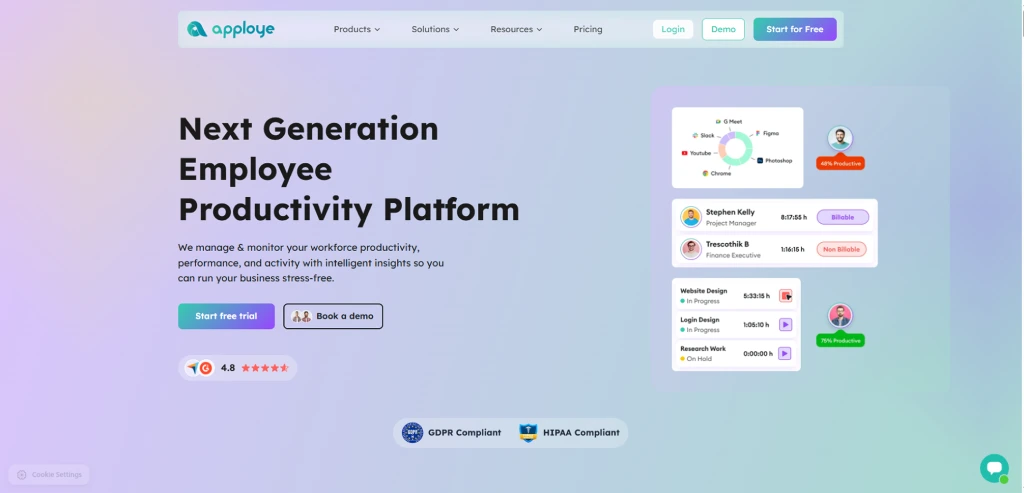
Apploye combines time tracking with employee monitoring, giving you a clear view of how work hours translate into activity and output. It tracks time automatically, captures screenshots, and records app and website usage, so you can understand work patterns without relying on manual logs. It works well for remote and hybrid setups, but advanced control and flexibility may feel limited as your workflow grows.
Features
- Automatic time tracking records work hours across desktop and mobile without manual timers.
- Activity and app monitoring tracks app and website usage so you can clearly see how your teams spend time.
- Timesheets and reporting generate daily, weekly, and custom reports for analysis.
- Invoicing and billing feature convert tracked hours into accurate invoices, making it easier to manage client payments and billing workflows.
Pros
- Easy to use with a clean interface and simple setup.
- Tracks time and activity automatically for better accuracy.
- Offers detailed insights with screenshots and activity data.
- Supports project tracking and task management for better workflow visibility.
Cons
- Limited advanced features for complex workflows or scaling teams.
- Monitoring features may feel intrusive if not configured carefully.
- Lacks strong payroll integrations.
- Customization and automation options remain basic.
Pricing
- Elite: $4.50 per user per month
- Power: $8 per user per month
Ratings
- G2: 4.6/5
- Capterra: 4.8/5
10. Hubstaff
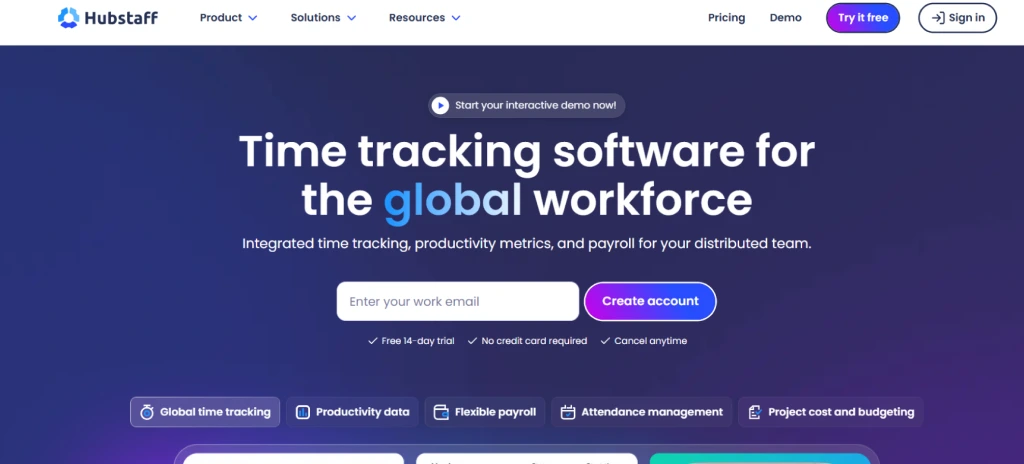
Hubstaff combines time tracking with employee monitoring and workforce management, giving you visibility into work hours, activity levels, and project progress. You can track time using timers or automatic tracking, while features like screenshots, app usage, and GPS tracking help you understand how work happens across teams. It works well for structured tracking, but the monitoring approach may not suit every workflow.
Features
- Project and budget tracking helps you manage project hours, costs, and profitability.
- Payroll and invoicing convert tracked time into payments and invoices automatically.
- GPS tracking tracks location for field-based work and mobile teams.
- Integrations connect with tools like Jira, Trello, Asana, Slack, and QuickBooks.
Pros
- Tracks time accurately across multiple devices and platforms.
- Provides detailed insights into activity and productivity.
- Supports payroll and invoicing within the same system.
- Works well for remote, hybrid, and field teams.
Cons
- Monitoring features may feel too intrusive for some workflows.
- Interface can feel complex when setting up advanced features.
- Pricing increases as you add more features or users.
- Mobile experience lacks some desktop-level functionality.
Pricing
- Starter: $4.99 per user per month
- Grow: $7.50 per user per month
- Team: $10 per user per month
- Enterprise: $25 per user per month
Ratings
- G2: 4.4/5
- Capterra: 4.5/5
Conclusion
The right tool helps you track time clearly, understand how work actually happens, and take action without adding extra effort. Time Doctor may handle basic tracking, but the alternatives listed here give you better visibility, more control, and a setup that fits your workflow. Whether you need deeper insights, simpler tracking, or stronger integrations, the right choice helps you move from just tracking hours to improving how you complete work every day.
If your current tool feels limiting, it’s time to upgrade.
Choose Time Champ and track work with clarity and confidence.

Thasleem Shaik


Table of Content
-
 What Are the Limitations of Time Doctor?
-
10 Best Alternatives to Time Doctor
-
Conclusion
Related Blogs

Find the top 11 Flowace alternatives with an easier setup, better features with fair pricing, and flexible tools for remote and hybrid teams.
Thasleem Shaik | Mar 13, 2025
Looking beyond Clockify? Compare the top 10 Clockify alternatives for improved time tracking, boosted team productivity, and project and workflow management.
Thasleem Shaik | Mar 13, 2025
Compare the top 10 Alternatives for We360.ai and choose the best software to boost team efficiency, automate tracking, and optimize your workflow.
Thasleem Shaik | Mar 13, 2025
Looking for the best ProHance alternatives? Find out the top 10 ProHance alternatives, perfect for optimizing team performance and operational visibility.
Chetana Choudary | June 31, 2025
Looking for ActivTrak alternatives? Explore the best options that can enhance productivity, improve time tracking, and support remote teams effectively.
Guna Lakshmi | June 31, 2025
Explore the top 10 Keka alternatives offering smarter HR and payroll solutions. Compare features, pricing, and benefits to find the best fit for your business.
Jahnavi Pulluri | July 30, 2025


 4.7/5 avg.
Ready to Manage Your Workforce Smarter?
Join our family of 1500+ companies using smart insights to redefine workforces!

Free Trial
No Credit Card Required