12 Best Cloud-Based Productivity and Collaboration Tools (2026)
Compare top cloud-based productivity and collaboration tools for communication, project management, file sharing, teamwork, and productivity tracking.
Work no longer happens in a single office, on a single device, or within a single application. You rely on multiple tools every day to communicate with your team, manage projects, share files, run meetings, and keep work moving forward. Choosing the right combination of cloud-based productivity and collaboration tools can help you stay organized, reduce confusion, and improve the way your team works together.
The challenge is not finding more tools. The challenge is selecting the ones that fit your workflow and deliver real value. After exploring and comparing a wide range of options, we’ve put together a collection of the most useful cloud productivity and collaboration tools for different business needs. We’ll walk you through what each tool offers, where it works best, and how it can help create a smoother, more connected way of working for your team.
What Are Cloud-Based Productivity and Collaboration Tools?
Cloud-based productivity and collaboration tools are software applications that run on the internet and help your team communicate, manage projects, share files, conduct meetings, and collaborate from any location. Instead of storing data on individual devices, these tools keep everything connected and accessible through the cloud.
Whether you work from the office, remotely, or in a hybrid setup, cloud collaboration tools give your team a shared workspace where everyone can access information, track progress, and stay aligned in real time. Common categories include messaging platforms, project management software, file storage solutions, video conferencing tools, knowledge management systems, and time tracking software.
In the following sections, we'll take a closer look at each category and how it supports your team in productivity and collaboration.
12 Best Cloud-Based Productivity and Collaboration Tools by Category
With so many tools available today, choosing the right ones can feel overwhelming. Some tools help you communicate faster, while others focus on project planning, file sharing, meetings, documentation, or tracking work.
To make your decision easier, we've grouped the best cloud-based productivity and collaboration tools by category. This helps you quickly find the tools that match your workflow, team size, and day-to-day business needs.
1. Time Champ- Best for employee monitoring, project management, and productivity tracking
2. Asana- Best for project planning, task management, and workflow automation
3. ClickUp- Best for project management, team collaboration, and workflow customization
4. Trello- Best for visual project management and Kanban workflows
5. Slack - Best for team communication and workplace messaging
6. Microsoft Teams- Best for business communication, meetings, and collaboration
7. Google Chat - Best for Google Workspace collaboration and team messaging
8. Google Workspace - Best for document collaboration, file sharing, and cloud productivity
9. Microsoft 365- Best for business productivity, document creation, and cloud storage
10. Zoom- Best for video conferencing, virtual meetings, and webinars
11. Notion - Best for knowledge management, documentation, and team collaboration
12. Confluence- Best for team documentation, company wikis, and knowledge sharing
| Software | Best For | Starting Price | Free Trial | Reviews |
|---|---|---|---|---|
| Time Champ | Time tracking, employee monitoring, project management, and productivity tracking | $3.9/user/month | Yes | G2: 4.8/5 Capterra: 4.9/5 |
| Asana | Project and task management | $10.99/user/month | Yes | G2: 4.4/5 Capterra: 4.5/5 |
| ClickUp | Project management, productivity, and workflow automation | $7/user/month | Yes | G2: 4.6/5 Capterra: 4.6/5 |
| Trello | Visual task and project management | $5/user/month | Yes | G2: 4.4/5 Capterra: 4.5/5 |
| Slack | Team communication and messaging | $4.38/user/month | Yes | G2: 4.5/5 Capterra: 4.7/5 |
| Microsoft Teams | Team communication, meetings, and collaboration | $4/user/month | Yes | G2: 4.4/5 Capterra: 4.5/5 |
| Google Chat | Google Workspace communication and collaboration | $3.50/user/month | Yes | G2: 4.4/5 Capterra: 4.5/5 |
| Google Workspace | File storage, document collaboration, and productivity | $3.50/user/month | Yes | G2: 4.6/5 Capterra: 4.7/5 |
| Microsoft 365 | Document creation, file storage, and business productivity | $6/user/month | Yes | G2: 4.6/5 Capterra: 4.6/5 |
| Zoom | Video conferencing and virtual meetings | $14.16/user/month | Yes | G2: 4.5/5 Capterra: 4.6/5 |
| Notion | Knowledge management, documentation, and team collaboration | $10/user/month | Yes | G2: 4.6/5 Capterra: 4.7/5 |
| Confluence | Team documentation and knowledge management | $5.42/user/month | Yes | G2: 4.1/5 Capterra: 4.5/5 |
Category 1: Productivity and Project Management
1. Time Champ - Best for employee monitoring, project management, and productivity tracking
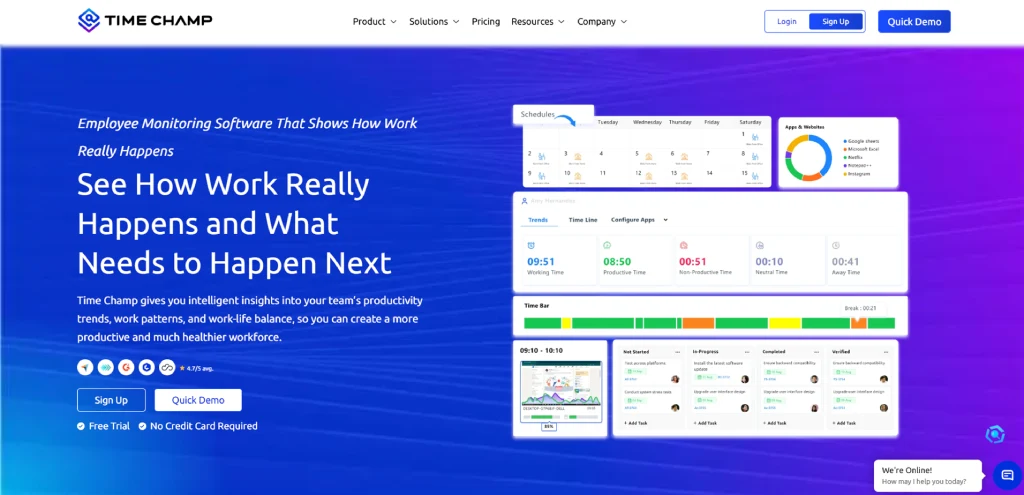
Time Champ is a powerful employee monitoring and project management software that helps you gain complete visibility into employee activities, productivity, and project progress across your organization. From tracking employee productivity and project progress to monitoring attendance, work hours, and application usage, Time Champ brings everything together in one platform. Whether you manage an office, remote, or hybrid team, it helps you make informed decisions, improve accountability, and keep projects on track without adding extra administrative work.
Key Features
- Time Tracking: Track work hours automatically with detailed timesheets, activity logs, and real-time productivity insights. Get a clear view of where time goes across projects, tasks, and teams.
- Automated Attendance Management: Track attendance, breaks, idle time, late arrivals, and work schedules without relying on manual entries.
- Employee Monitoring: Monitor application usage, website activity, screenshots, screen recordings, and work patterns to understand how work happens throughout the day.
- Productivity Tracking: Measure productive, unproductive, and neutral activities with detailed productivity reports and performance analytics.
- Project Management: Plan projects, assign tasks, track deadlines, monitor progress, and ensure work moves forward without delays.
- Task Management: Create tasks, assign responsibilities, set priorities, and monitor completion status from a centralized dashboard.
- Screenshots and Screen Recordings: Capture work activity through screenshots and screen recording features to improve transparency and accountability.
- Location Tracking: Monitor employee locations, job site visits, and field operations through GPS-based tracking capabilities.
- Data Loss Prevention: Protect sensitive business information with website blocking, USB control, file monitoring, and data protection features.
Pros
- Easy to implement and simple to use across teams.
- Automates time tracking and reduces manual reporting.
- Helps improve accountability and work transparency.
- Supports project management and employee monitoring in one platform.
- Strong customer support helps with onboarding and adoption.
Cons
- Some advanced features may require additional onboarding time.
- Mobile app performance can occasionally vary across devices.
Pricing
Time Champ provides a 7-day free trial, so you can explore its capabilities and choose a plan with confidence.
- Starter: $3.9 per user/month (billed annually)
- Professional: $6.9 per user/month (billed annually)
- Enterprise: $13.9 per user/month (billed annually)
Each plan accommodates varying team sizes and feature requirements, helping you select the option that best fits your workflow and business needs. For a detailed comparison of plans and complete pricing information, visit the Time Champ pricing page.
Reviews
- G2: 4.8/5
- Capterra: 4.9/5
Need a better way to track productivity and ensure projects stay on schedule?
Try Time Champ to gain complete visibility into work progress and help your team perform at its best.
2. Asana - Best for project planning, task management, and workflow automation
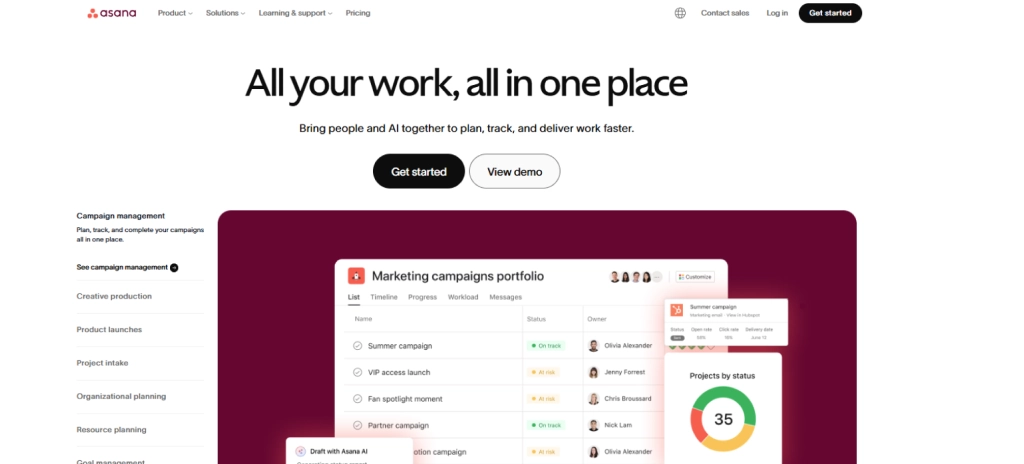
Asana is a popular project and task management platform that helps you organize work, manage projects, and keep your team aligned on priorities. It provides multiple project views, workflow automation, goal tracking, and collaboration features that make it easier to plan, execute, and monitor work from a single workspace. Whether you're managing daily tasks or large cross-functional initiatives, Asana helps bring structure and visibility to your projects.
Key Features
- Project portfolios for managing multiple projects in one place.
- Workflow automation with custom rules and triggers.
- Goal tracking for individuals, teams, and company objectives.
- Task assignments with ownership and progress tracking.
Pros
- Supports multiple project management methodologies.
- Strong collaboration features for cross-functional teams.
- Flexible workflows that adapt to different business needs.
- Multiple project views improve visibility and planning.
Cons
- Initial setup may feel overwhelming for new users.
- Certain workflow configurations require additional setup time.
- Native time tracking capabilities are less advanced than dedicated time tracking software.
- Large projects with many tasks can become difficult to manage without proper organization.
Pricing
- Starter: $10.99 per user/month (billed annually)
- Advanced: $24.99 per user/month (billed annually)
Reviews
- G2: 4.4/5
- Capterra: 4.5/5
3. ClickUp - Best for project management, team collaboration, and workflow customization
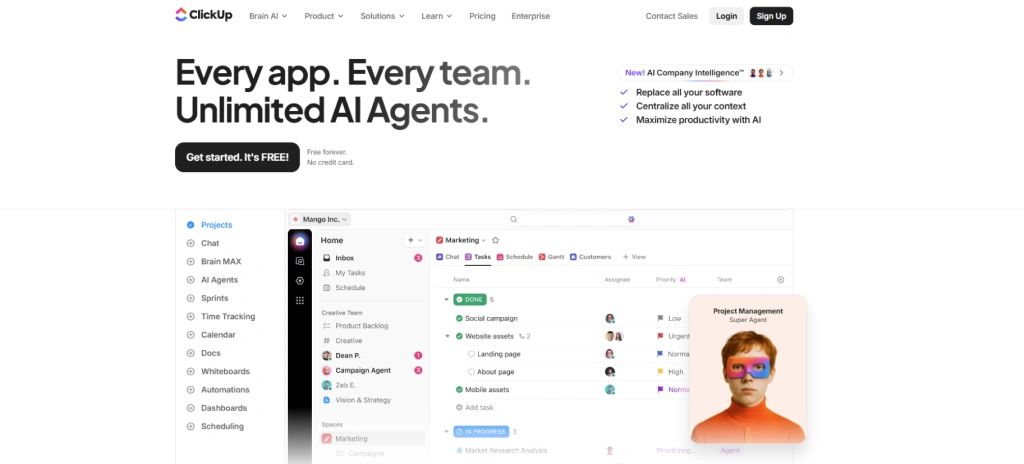
ClickUp is an all-in-one project management and productivity tracking platform designed to bring tasks, documents, communication, goals, and workflows into a single workspace. It helps you plan projects, manage workloads, track time, automate processes, and collaborate with your team without switching between multiple applications. Its flexibility and extensive customization options make it a strong choice for growing teams that want complete control over how they manage work.
Key Features
- Task and subtask management with priorities, statuses, and dependencies.
- Multiple project views, including list, board, calendar, timeline, gantt charts, and workload views.
- ClickUp Docs for documentation and knowledge sharing.
- ClickUp Brain AI for content creation, task summaries, and workflow assistance.
Pros
- Highly customizable to fit different workflows and business needs.
- Combines project management, collaboration, and documentation in one platform.
- Powerful task management and project planning capabilities.
- Built-in AI features help speed up daily work.
Cons
- A large number of features can create a steep learning curve.
- The interface may feel overwhelming for first-time users.
- Timesheet controls are less flexible than some workforce management platforms.
- Performance can occasionally slow down in large workspaces.
Pricing
- Unlimited: $7 per user/month (billed annually)
- Business: $12 per user/month (billed annually)
Reviews
- G2: 4.6/5
- Capterra: 4.6/5
4. Trello - Best for visual project management and Kanban workflows
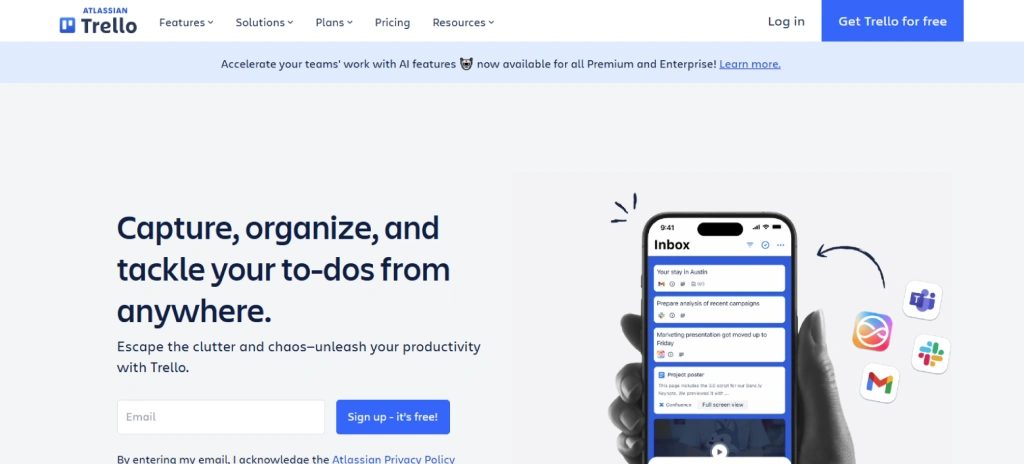
Trello is a visual project management tool that helps you organize tasks, projects, and workflows using an easy-to-understand Kanban board system. Its drag-and-drop interface makes it simple to track progress, assign work, and collaborate with your team. Trello is especially popular among small teams, startups, and businesses looking for a straightforward way to manage projects without the complexity of traditional project management software.
Key Features
- Kanban boards, lists, and cards for visual task management.
- Drag-and-drop functionality for updating task status.
- Task assignments with due dates and deadlines.
- Custom labels for organizing and prioritizing work.
Pros
- Simple and intuitive interface with minimal learning curve.
- Flexible board structure adapts to different workflows.
- Strong collaboration features for team coordination.
- Works well for agile workflows and task tracking.
Cons
- Lacks native time tracking capabilities.
- Does not include built-in shift scheduling features.
- Large and complex projects can make boards feel cluttered.
- Requires manual setup to create structured workflows.
Pricing
- Standard: $5 per user/month
- Premium: $10 per user/month
- Enterprise: $17.50 per user/month
Reviews
- G2: 4.4/5
- Capterra: 4.5/5
Category 2: Communication and Messaging
5. Slack - Best for team communication and workplace messaging
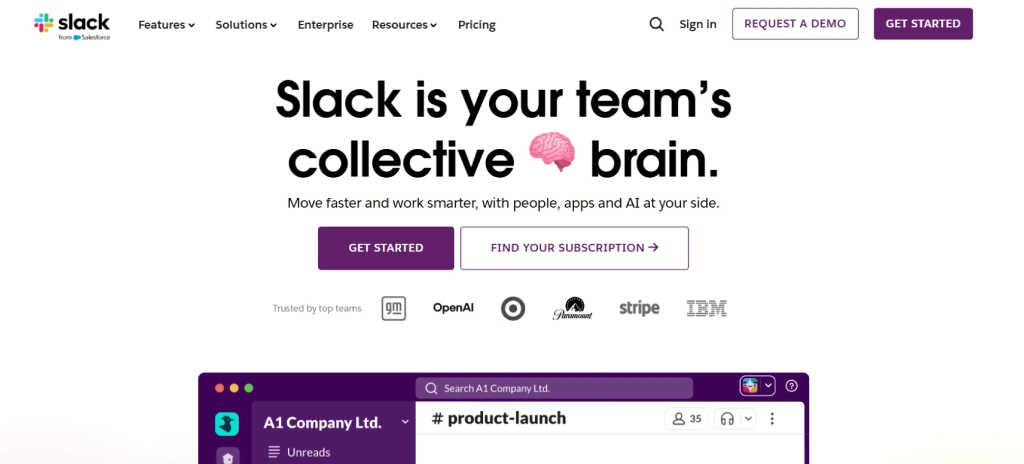
Slack is one of the most popular team communication platforms that helps you keep conversations, files, and updates in one place. Instead of relying on long email threads, you can organize discussions through channels, connect with teammates instantly, and collaborate with internal and external teams. Its extensive integrations and easy-to-use interface make it a popular choice for businesses of all sizes.
Key Features
- Direct messaging for one-on-one and group conversations.
- Organized channels for teams, departments, and projects.
- Slack Connect for secure collaboration with clients, vendors, and partners.
- Workflow automation to reduce repetitive manual tasks.
Pros
- Clean and intuitive interface that is easy to navigate.
- Supports real-time communication across teams.
- Well-organized channels reduce communication clutter.
- Available in multiple languages for international teams.
Cons
- Paid plans can become expensive as your team grows.
- Free version includes limited features and message history.
- Large workspaces can generate excessive notifications.
- Busy channels can bury important updates.
Pricing
- Pro: $4.38 per user/month
- Business+: $9 per user/month
Reviews
- G2: 4.5/5
- Capterra: 4.7/5
6. Microsoft Teams - Best for business communication, meetings, and collaboration
Microsoft Teams is a collaboration platform that combines messaging, video meetings, file sharing, task management, and workplace communication in a single application. If your organization already uses Microsoft 365, Teams helps you keep conversations, documents, meetings, and workflows connected without switching between multiple tools. It works well for office, remote, and hybrid teams that need a centralized collaboration hub.
Key Features
- One-on-one and group chat with rich text formatting.
- Team channels for department and project discussions.
- Mobile clock-in and clock-out functionality with location verification.
- HD video meetings with screen sharing capabilities.
Pros
- Strong security, compliance, and administrative controls.
- Supports large organizations and distributed teams.
- Makes file sharing and document collaboration simple.
- Reduces the need for multiple communication tools.
Cons
- New users may need time to become familiar with the interface.
- Can consume significant system resources on older devices.
- Performance may slow down when handling large workloads.
- Too many notifications can become distracting.
Pricing
- Microsoft Teams Essentials: $4 per user/month (billed annually)
- Microsoft 365 Business Basic: $6 per user/month (billed annually)
- Microsoft 365 Business Standard: $12.50 per user/month (billed annually)
Reviews
- G2: 4.4/5
- Capterra: 4.5/5
7. Google Chat - Best for Google Workspace collaboration and team messaging

Google Chat is a team messaging and collaboration platform that comes as part of Google Workspace. It helps you communicate with your team through direct messages, group conversations, and dedicated collaboration spaces. With deep integration across Gmail, Google Drive, Docs, Sheets, Meet, and Gemini AI, Google Chat makes it easy to keep conversations, files, tasks, and projects connected in one place.
Key Features
- Direct messaging for one-on-one and group conversations.
- Spaces for organizing discussions by team, project, or department.
- Threaded conversations to keep discussions structured and easy to follow.
- Gemini AI-powered conversation summaries and recaps.
Pros
- Works seamlessly with the entire Google Workspace ecosystem.
- Eliminates the need to switch between multiple Google applications.
- Strong search functionality helps locate information quickly.
- AI-powered features help summarize discussions and identify action items.
Cons
- Fewer third-party integrations compared to platforms like Slack.
- Offers only limited advanced customization options.
- Lacks built-in voice calling capabilities outside Google Meet.
- Not ideal for organizations that rely heavily on non-Google tools.
Pricing
- Starter: $3.50 per user/month
- Standard: $7 per user/month
- Plus: $11 per user/month
Reviews
- G2: 4.4/5
- Capterra: 4.5/5
Category 3: File Storage and Document Collaboration
8. Google Workspace (Docs, Sheets, Slides, Drive) - Best for document collaboration, file sharing, and cloud productivity
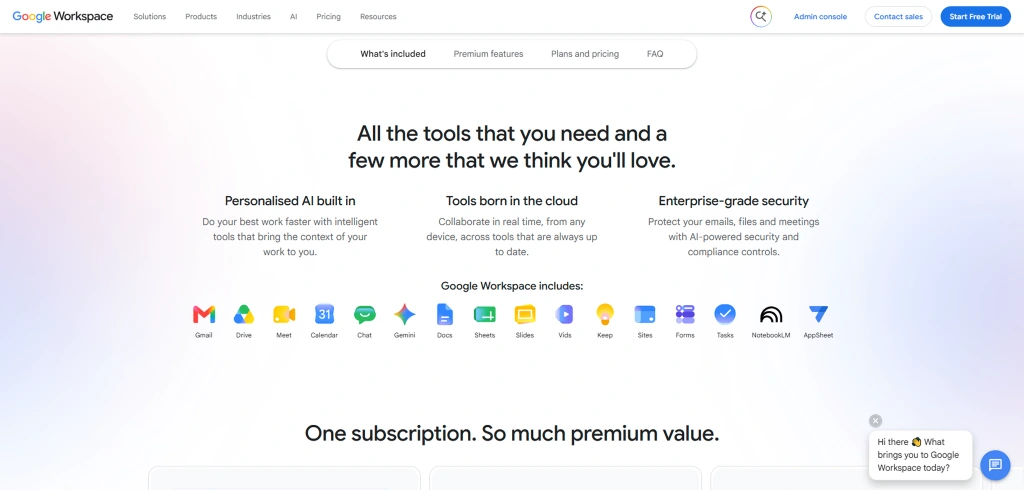
Google Workspace is a cloud-based productivity suite that combines document creation, file storage, communication, and collaboration tools in a single platform. It includes Google Docs, Sheets, Slides, Drive, Gmail, Calendar, Meet, and other applications that help your team work together from anywhere. With real-time collaboration and automatic cloud syncing, Google Workspace makes it easy to create, share, and manage work without worrying about version control or file accessibility.
Key Features
- Google Docs for document creation and editing.
- Google Sheets for data management and analysis.
- Google Slides for presentations and team collaboration.
- Google Drive for secure cloud file storage and sharing.
- Google Calendar for scheduling and meeting management.
- Google Meet for video conferencing and virtual meetings.
Pros
- Enables seamless real-time collaboration across teams.
- Simple and intuitive interface with minimal learning curve.
- Strong integration between all Google applications.
- Accessible from any device with an internet connection.
Cons
- Some advanced features require higher-tier plans.
- Offline functionality is not as robust as desktop-based alternatives.
- Performance may vary when working with very large datasets.
- Large files may occasionally experience synchronization delays.
Pricing
- Starter: $3.50 per user/month
- Standard: $7 per user/month
- Plus: $11 per user/month
Reviews
- G2: 4.6/5
- Capterra: 4.7/5
Is a lack of visibility making it harder to manage remote and hybrid teams?
Try Time Champ to gain a clear view of work activities, project progress, and team performance.
9. Microsoft 365 (Word, Excel, PowerPoint, OneDrive) - Best for business productivity, document creation, and cloud storage
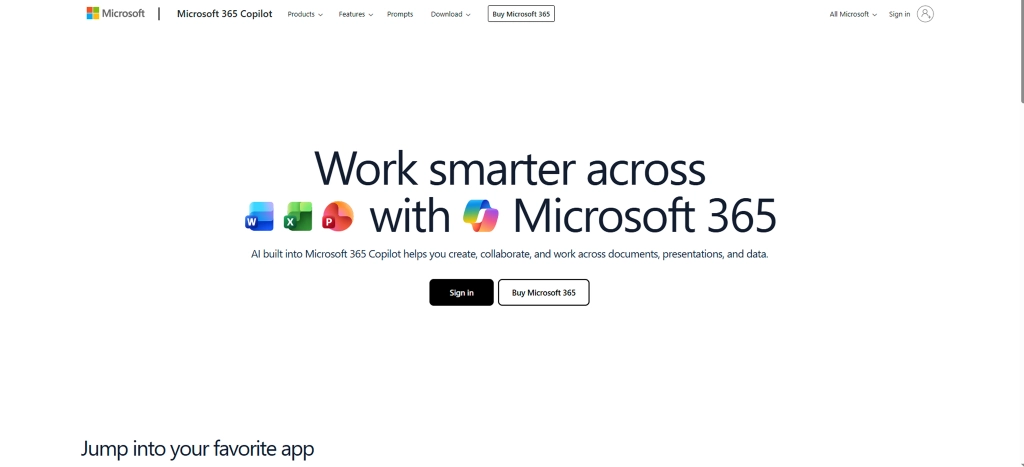
Microsoft 365 is a cloud-based productivity platform that includes popular tools such as Word, Excel, PowerPoint, Outlook, and OneDrive. It helps businesses create and manage documents, work with data, communicate through email, store files securely, and work together more efficiently. With online access, regular updates, built-in security features, and AI-powered tools, Microsoft 365 helps you stay productive and organized in your daily work.
Key Features
- Microsoft Word for document creation and editing.
- Microsoft Excel for data analysis, reporting, and spreadsheets.
- Microsoft PowerPoint for presentations and visual storytelling.
- OneDrive for secure cloud storage and file synchronization.
- Outlook for email, calendars, and contact management.
Pros
- AI-powered Copilot features help with writing, analysis, and presentations.
- Strong security, compliance, and data protection capabilities.
- Makes document collaboration fast and efficient.
- An extensive ecosystem of integrations and add-ons.
Cons
- Frequent updates may require teams to adapt to interface changes.
- Some advanced AI features require additional licensing.
- New users may not utilize the full range of available features.
- Complex licensing options can make plan selection confusing.
Pricing
- Microsoft Teams Essentials: $4 per user/month (billed annually)
- Microsoft 365 Business Basic: $6 per user/month (billed annually)
- Microsoft 365 Business Standard: $12.50 per user/month (billed annually)
Reviews
- G2: 4.6/5
- Capterra: 4.6/5
Category 4: Video Conferencing
10. Zoom - Best for video conferencing, virtual meetings, and webinars
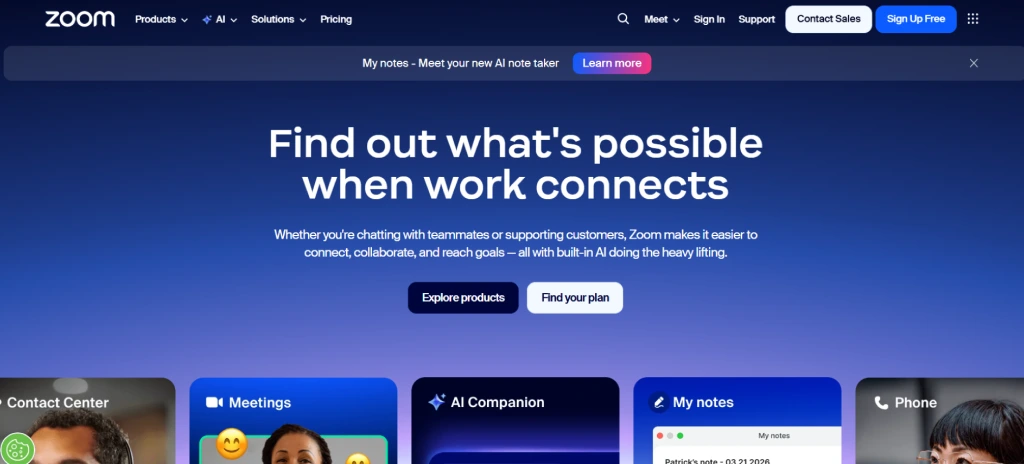
Zoom is one of the most widely used video conferencing platforms for virtual meetings, webinars, online collaboration, and team communication. It helps you connect with colleagues, clients, and remote teams through high-quality video calls, screen sharing, team chat, and collaboration tools. Its ease of use, reliable performance, and ability to support both small and large meetings make it a popular choice for businesses, educational institutions, and distributed teams.
Key Features
- HD video and audio conferencing for virtual meetings.
- Screen sharing for presentations and collaboration.
- Waiting rooms for meeting security and participant management.
- Team Chat for instant messaging and collaboration.
Pros
- Easy to set up and join meetings.
- High-quality video and audio performance.
- Reliable meeting experience for remote collaboration.
- Supports large meetings and webinars.
Cons
- Advanced features require higher-tier subscriptions.
- The interface can feel crowded when managing multiple meetings and settings.
- Background noise may occasionally affect meeting quality.
- Internet connectivity issues can impact call stability.
Pricing
- Pro: $14.16 per user/month (billed annually)
- Business: $15.58 per user/month (billed annually)
Reviews
- G2: 4.5/5
- Capterra: 4.6/5
Category 5: Knowledge Management and Documentation
11. Notion - Best for knowledge management, documentation, and team collaboration
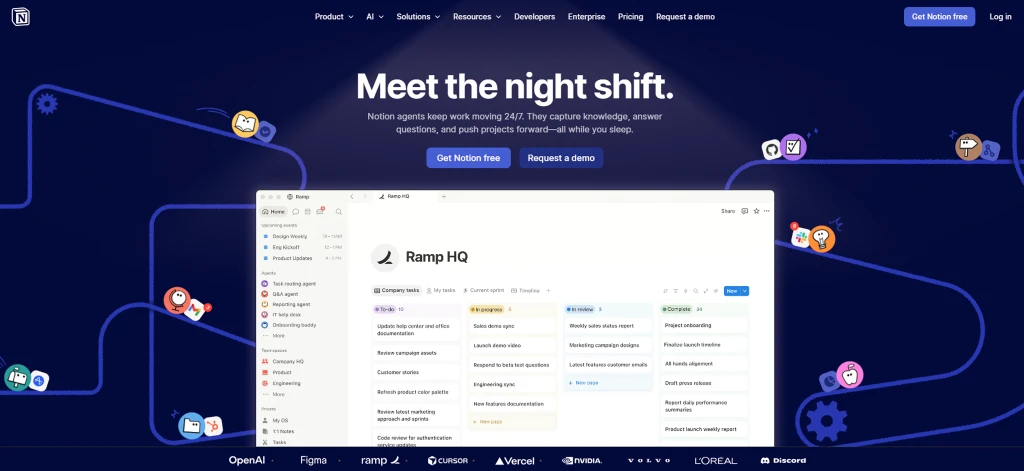
Notion is a flexible workspace platform that combines note-taking, documentation, project management, databases, and team collaboration in a single tool. It helps you organize knowledge, manage tasks, create internal wikis, and collaborate on projects without switching between multiple applications. Its customizable structure makes it suitable for individuals, startups, and growing teams that want a centralized place for information and work management.
Key Features
- Note-taking and document creation for teams and individuals.
- Templates for projects, documentation, meeting notes, and workflows.
- Notion AI for writing, summarizing, and content generation.
- Rich media support, including images, videos, files, and embeds.
Pros
- Combines documentation, note-taking, and project management in one platform.
- Highly customizable to match different workflows and business needs.
- Clean and modern interface that keeps information organized.
- AI-powered features assist with writing and content organization.
Cons
- Initial setup can feel overwhelming because of extensive customization options.
- New users may need time to understand the workspace structure.
- Large databases can sometimes affect performance.
- Mobile experience is less intuitive than the desktop version.
Pricing
- Plus: $10 per user/month
- Business: $20 per user/month
Reviews
- G2: 4.6/5
- Capterra: 4.7/5
12. Confluence - Best for team documentation, company wikis, and knowledge sharing
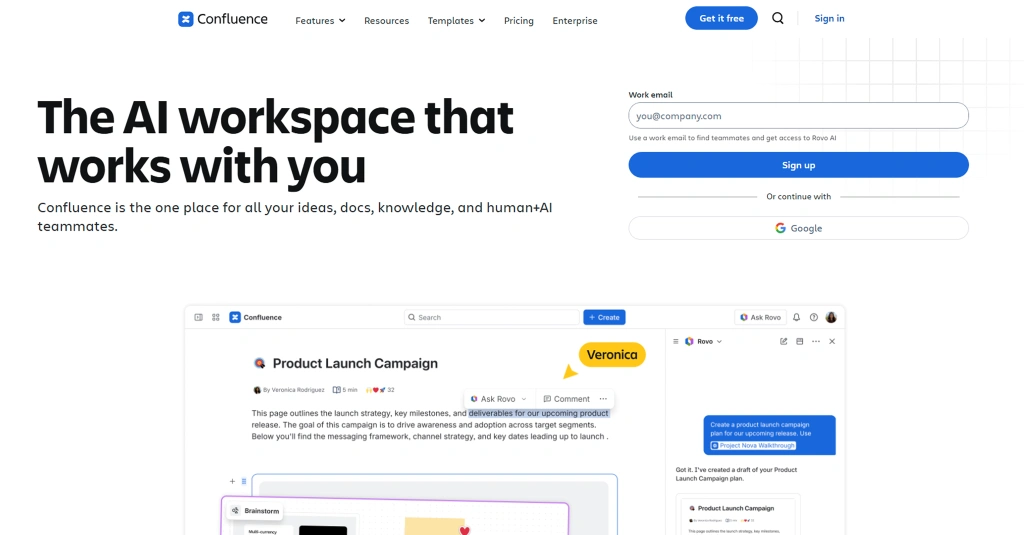
Confluence is a knowledge management and team documentation platform developed by Atlassian. It helps you create, organize, share, and manage information in a centralized workspace. From project plans and meeting notes to company policies and team documentation, Confluence makes it easy to keep knowledge accessible and searchable across your organization. Its integration with Jira and other Atlassian products makes it particularly valuable for teams that need structured documentation alongside project management.
Key Features
- Real-time collaborative editing for documents and pages.
- Team workspaces and dedicated project spaces.
- Centralized knowledge base and company wiki creation.
- Page comments and inline feedback for collaboration.
Pros
- Strong collaboration features for teams working on shared documents.
- Powerful search capabilities make information easy to locate.
- Flexible content organization through spaces, pages, and labels.
- Permission controls help manage access to sensitive information.
Cons
- New users may need time to become familiar with the platform structure.
- Interface can feel complex for simple documentation needs.
- Large pages with extensive content may affect performance.
- Permission management can become difficult in larger organizations.
Pricing
- Standard: $5.42 per user/month
- Premium: $10.44 per user/month
Reviews
- G2: 4.1/5
- Capterra: 4.5/5
How to Choose the Right Cloud-Based Tools for Your Team?
Choosing the right cloud-based productivity and collaboration tools is not about picking the platform with the most features. It is about finding tools that fit the way your team communicates, collaborates, and manages work every day. A well-suited solution can make daily tasks easier, keep information organized, and support better teamwork across different locations. Let's look at the key factors that can help you choose the best option for your team.
1. Identify Your Team's Primary Needs
Start by understanding what your team needs most. Some teams need stronger communication tools, while others require project management, document collaboration, knowledge sharing, or time tracking capabilities.
Create a list of your biggest workflow challenges and look for tools that solve those specific problems. Choosing software based on actual business needs helps you avoid paying for features your team does not use.
2. Look for Seamless Integrations
Your collaboration tools should work well with the applications you already use. Smooth integrations between communication platforms, project management software, file storage systems, and productivity tools help reduce manual work and improve workflow continuity. A connected tech stack also prevents information from getting scattered across multiple systems, making it easier for your team to stay organized.
3. Prioritize Ease of Use
Even the most powerful platform can create problems if your team struggles to use it. A clean interface, simple navigation, and a short learning curve can speed up adoption and reduce training time.
Before making a decision, test the platform through a free trial or demo. This gives you a clear idea of how easily your team can adapt to the tool.
4. Consider Collaboration and Communication Features
Effective teamwork depends on clear communication. Look for tools that support real-time messaging, video meetings, file sharing, task collaboration, and document editing. Modern teams often rely on a combination of communication, project management, and documentation tools to keep work moving without unnecessary delays.
5. Evaluate Security and Compliance
Your collaboration platform will likely store sensitive business information, project data, and internal communications. Security should be a key part of your evaluation process.
Look for features such as data encryption, multi-factor authentication, role-based permissions, compliance certifications, and access controls. These capabilities help protect information and reduce security risks.
Are disconnected tools making collaboration more complicated than it should be?
Try Time Champ to centralize project management, team tracking, and work visibility in one platform.
Conclusion
Choosing the right cloud-based productivity and collaboration tool becomes easier when you match it with the problem you want to solve.
- Want better project and task control? Try Time Champ or Asana.
- Need faster team conversations? Try Slack or Microsoft Teams.
- Need smooth file sharing and document collaboration? Try Google Workspace or Microsoft 365.
- Looking for better meetings or team knowledge management? Try Zoom or Notion.
We suggest shortlisting the tools that fit your daily workflow, testing them with your team, and choosing the one that makes work feel simpler, not heavier.

Thasleem Shaik

Table of Content
 What Are Cloud-Based Productivity and Collaboration Tools?
- 12 Best Cloud-Based Productivity and Collaboration Tools by Category
- How to Choose the Right Cloud-Based Tools for Your Team?
- Conclusion

Related Blogs
Compare the best time tracking tools for virtual assistants to track hours, manage clients, boost productivity, simplify billing, and stay organized.
Thasleem Shaik | Jun 04, 2026
Best productivity tools for teams in 2026, ranked and compared by features, pricing (from $3/user/mo) and G2 ratings. Find the right fit for your team.
Anjali | May 30, 2026
Explore the best Microsoft 365 time tracking tools to improve productivity, reduce payroll errors, and simplify project management workflows.
Guna Lakshmi | May 23, 2026
Looking for the best freelance time tracking software? Explore the top free and paid tools to track work hours, manage projects, and improve productivity.
Guna Lakshmi | May 18, 2026
Explore the best employee monitoring tools for contractors. Track work hours, productivity, and manage contractors with clear visibility and control.
Thasleem Shaik | Apr 28, 2026
Discover the top agency workforce monitoring tools in 2026 to track productivity, manage remote teams, and improve efficiency across your workforce operations.
Jahnavi Pulluri | Apr 28, 2026


 4.7/5 avg.
Ready to Manage Your Workforce Smarter?
Join our family of 1500+ companies using smart insights to redefine workforces!

Free Trial
No Credit Card Required