10 Best Team Communication Apps for Collaboration in (2026)
Find the best team communication apps for 2026. Compare features, pricing, pros & cons to improve collaboration, productivity, and team alignment.
If you've ever tried to find the right team communication app, you already know the drill, dozens of options, overlapping feature sets, pricing pages that don't tell you what you actually need to know, and reviews that all sound like the same marketing department wrote them.
Here's the honest problem most buyers run into, a messaging app built for Silicon Valley developers feels wrong for a field crew. An enterprise platform built for 10,000 employees is overkill, and genuinely confusing, for a 30-person agency.
This guide cuts through that. You'll find 10 team communication apps that are genuinely worth your time in 2026, compared honestly across features, pricing, and fit, so you can make a decision that actually sticks.
What is Team Communication Software?
Team communication software is a platform that centralizes how your team sends messages, shares files, and coordinates tasks. It helps to connect whether your people are in one office, spread across time zones, or working in the field. At its core, it replaces fragmented communication (email threads, WhatsApp groups, sticky notes) with a single, organized space where conversations, updates, and collaboration happen in one place. Understanding communication challenges in remote work can help you identify exactly what gaps your team needs to fill.
What Are the 10 Best Team Communication Apps?
The right team communication app can either simplify your workday or add more confusion. With most teams juggling multiple tools every day, choosing one that keeps conversations, tasks, and updates in one place helps you stay focused and avoid miscommunication. Here are the 10 best apps that actually improve how your team collaborates.
| Tool | Best For | Free Plan | Starting Price |
|---|---|---|---|
| Time Champ | Workforce intelligence + communication | Yes | $3.9/user/month |
| Slack | Messaging teams | Yes | $4.38/user/month |
| Microsoft Teams | Microsoft 365 users | No | $1.24/user/month |
| Zoom | Video communication | Yes | $14.16/user/month |
| Google Chat | Google Workspace users | No | $7/user/month |
| Connecteam | Field & frontline teams | Yes | $29/up to 30 users/month |
| Troop Messenger | Security-sensitive teams | No | $2.5/user/month |
| Flock | Small teams | Yes | $4.50/user/month |
| Asana | Task-driven communication | Yes | $0 (Personal plan) |
| Pumble | Simple collaboration | Yes | $2.49/user/month |
1. Time Champ
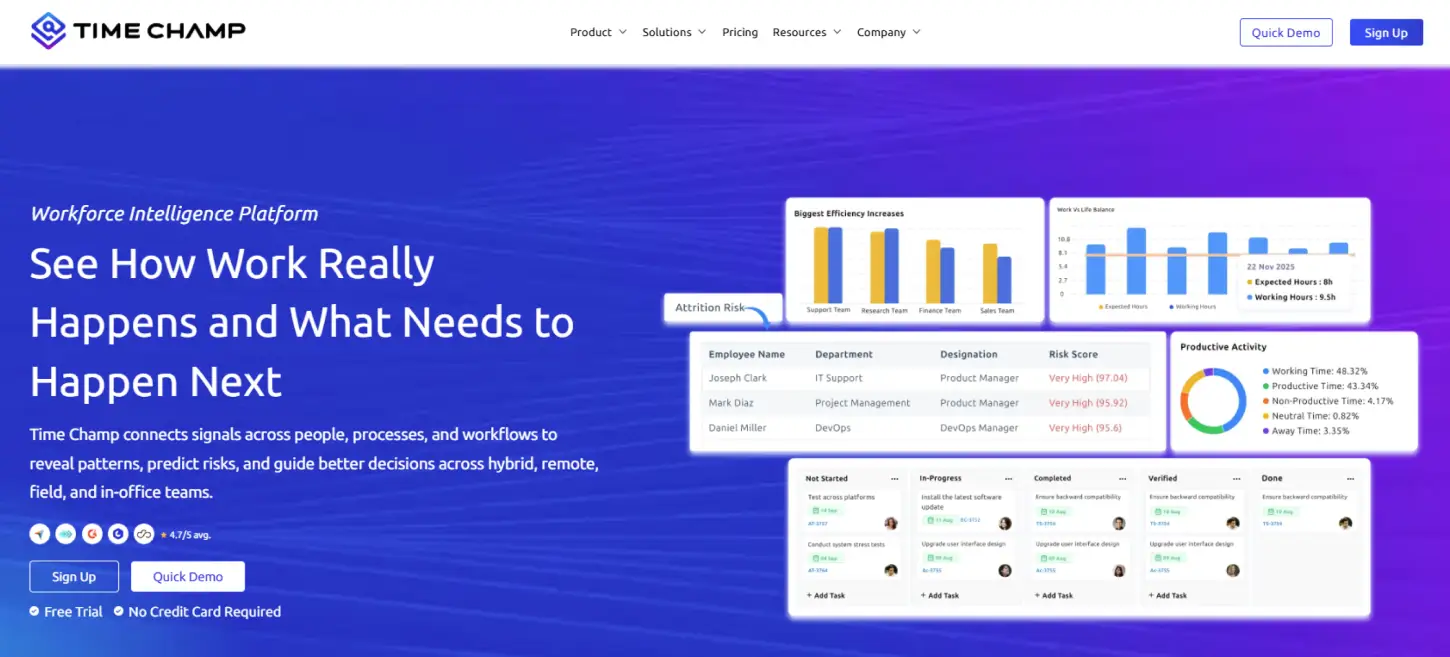
Time Champ is a workforce intelligence and employee monitoring platform that combines team communication with deep visibility into how your team actually works by tracking productivity, attendance, and behavior in one place. It shows how your employees are spending their time, whether workflows are running smoothly, and where friction is building before it becomes a problem. If you want communication, attendance, project tracking, and productivity data under one roof without stitching together five different tools, Time Champ can be a good choice.
Pros
· Combines communication with productivity tracking
· Simple and easy-to-use dashboard
· Affordable pricing
· Strong customer support and onboarding
Cons
· May feel feature-rich for very small teams
· Some advanced features may require onboarding time
Features
- Real-time activity tracking helps you understand how your team communicates and works across tasks.
- Automated attendance tracking ensures clear visibility of team availability for better coordination.
- Better remote team coordination helps you manage distributed teams with clarity and structure.
- Productivity reports help you identify gaps and improve team collaboration efficiency.
- Idle time tracking ensures communication is based on actual productive work time.
- Project tracking keeps your entire team aligned on progress, updates, and goals.
- Integrations with tools like Slack and Trello help you centralize communication and workflows.
- Task tracking keeps communication directly connected to actual work and responsibilities.
Use Cases
Best for:
· Small to mid-sized businesses
· Remote and hybrid teams
· HR teams and project managers
· IT, marketing, and operations teams
Pricing
Starter: $3.9/user/month
Professional: $6.9/user/month
Enterprise: $13.9/user/month
Reviews
G2: 4.8
Capterra: 4.9
Tired of juggling different tools just to keep your team aligned?
Time Champ brings communication, attendance, productivity, and project tracking into one single platform!
2. Slack
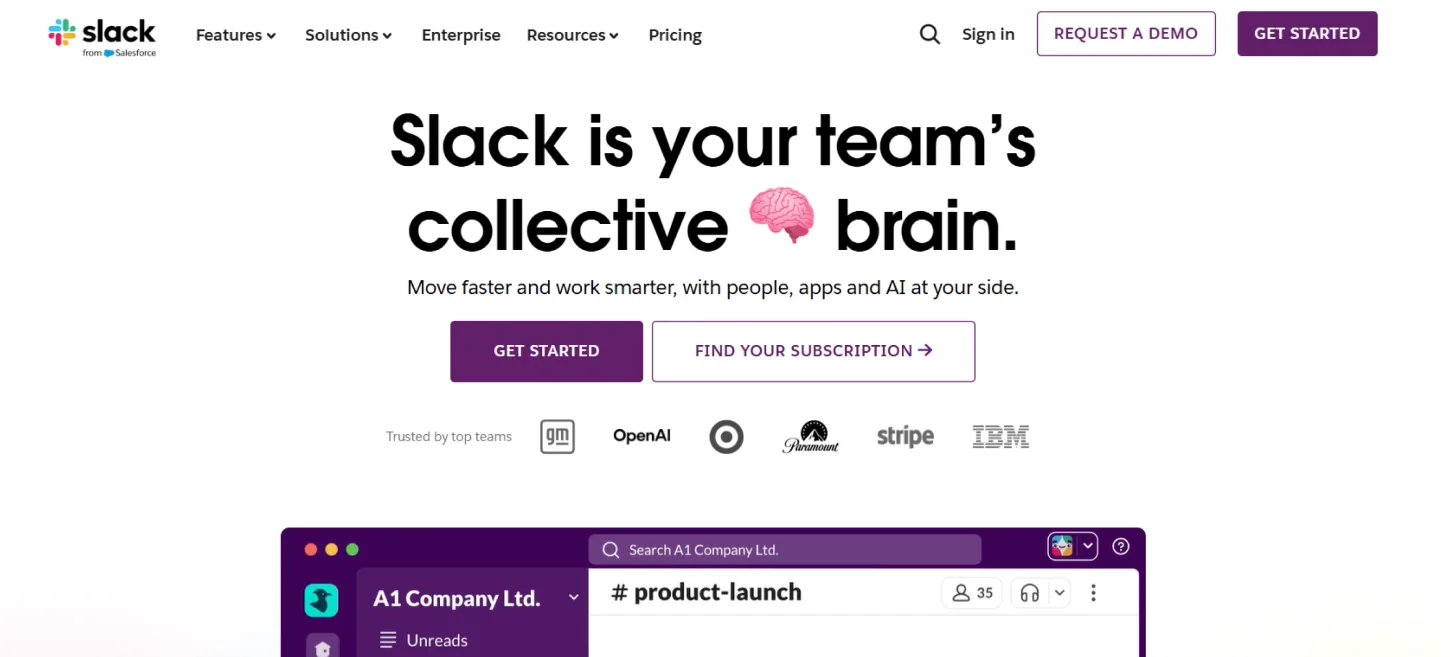
Slack is a channel-based messaging platform built for knowledge workers and distributed teams. It organizes conversations into channels by topic, project, or team, and integrates with over 2,000 third-party apps, making it a good choice for technical organizations. It also helps you replace scattered emails with structured, real-time conversations.
But it doesn't tell you anything about how your team is actually working, like no time tracking, attendance data, or productivity insights. If you want to cover communication gaps as well as visibility gaps, you need to add separate tools for that.
Pros:
- Massive integration ecosystem (2,000+ apps)Strong search across message historyWorkflow automation via Slack's built-in tools
- Clean interface, most teams pick up quickly with minimal training
Cons:
- Free plan limits message history to 90 days
- No built-in time tracking, attendance, or productivity monitoringNotification overload is a common complaint in larger teams
Features:
· Channel-based messaging (public, private, shared)
· Direct and group messaging
· File sharing and document collaboration
· Voice and video calls
· Workflow builder and automation
Use Cases:
Best for:
Mid-to-large knowledge-worker teams, remote-first companies, and tech organizations with complex integration needs.
Pricing:
Free: $0 with limited features
Pro: $4.38/user/month
Business +: $9/user/month
Enterprise: Contact the Slack sales team
Review:
G2: 4.5
Capterra: 4.7
3. Microsoft Teams
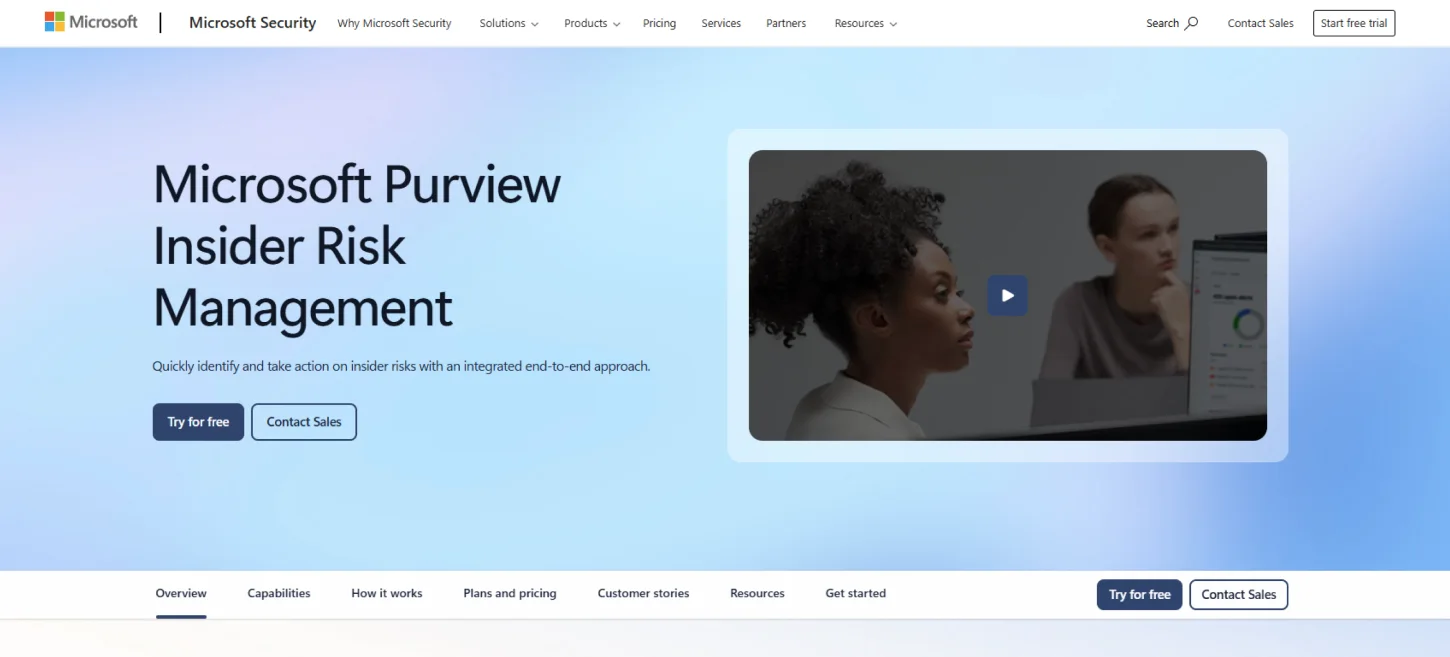
Microsoft Teams is a unified communication and collaboration platform deeply embedded in the Microsoft 365 ecosystem. If your organization already runs on Word, Excel, Outlook, and SharePoint, Teams is the natural extension. It brings chat, video meetings, file co-editing, and team channels into the same environment.
Pros:
- Seamless integration with the Microsoft 365 suite
- Robust video conferencing with recording and transcription
- Strong enterprise security and compliance features
Cons:
- Requires a Microsoft subscription to get full value
- Notifications are frequently cited as confusing to manage
- The interface can feel overwhelming for new users
Features:
· Video and audio meetings with recording, transcription, and breakout rooms
· File sharing and real-time co-editing (Word, Excel, PowerPoint)
· Integration with Microsoft 365, SharePoint, and OneDrive
· Teams Phone (calling plans available)
Use Cases
Best for: Enterprises and mid-market organizations already invested in the Microsoft ecosystem, particularly those in finance, legal, healthcare, and education.
Pricing:
Microsoft Teams Essentials: $ 1.24/user/month
Microsoft 365 Business Basic: $ 1.57/user/month
Microsoft 365 Business Standard: $ 8.33/user/month
Rating:
G2: 4.4
Capterra: 4.5
4. Zoom
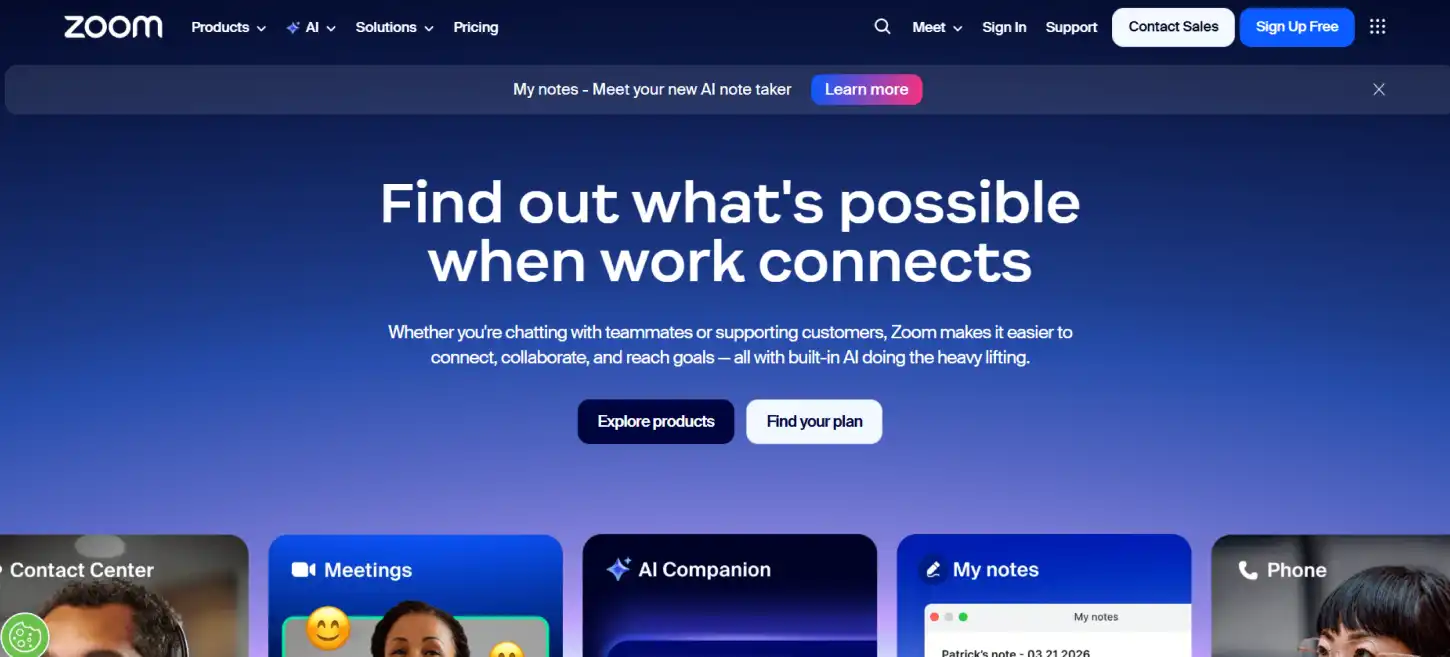
Zoom is a video conferencing platform that lets your team connect face-to-face, whether you're running a quick internal call, a client presentation, or a large webinar. Beyond meetings, you also get team messaging, phone calls, and AI-powered meeting summaries that automatically capture what was discussed in the meeting.
Where Zoom falls short is in everyday communication. The chat features exist but feel secondary to the meeting experience. Most teams still reach for a separate messaging tool alongside it.
Pros:
· AI-powered meeting summaries and transcription
· Good video quality and reliability
· Integrates well with Slack and Microsoft Teams
Cons:
· Limited chat and collaboration features
· Not designed for ongoing team communication
· Requires additional tools for full workflow management
Features:
· HD video and audio conferencing
· Team chat and direct messaging
· Webinar and virtual event hosting
· Screen sharing and annotation
Use Cases:
Best for:
· Remote meetings and client calls
· Training sessions and webinars
· Distributed teams needing face-to-face interaction
Pricing:
Basic: Free
Pro: $14.16/user/month
Business: $18.33/user/month
Enterprise: Contact Zoom sales team
Reviews:
G2: -
Capterra: -
5. Google Chat
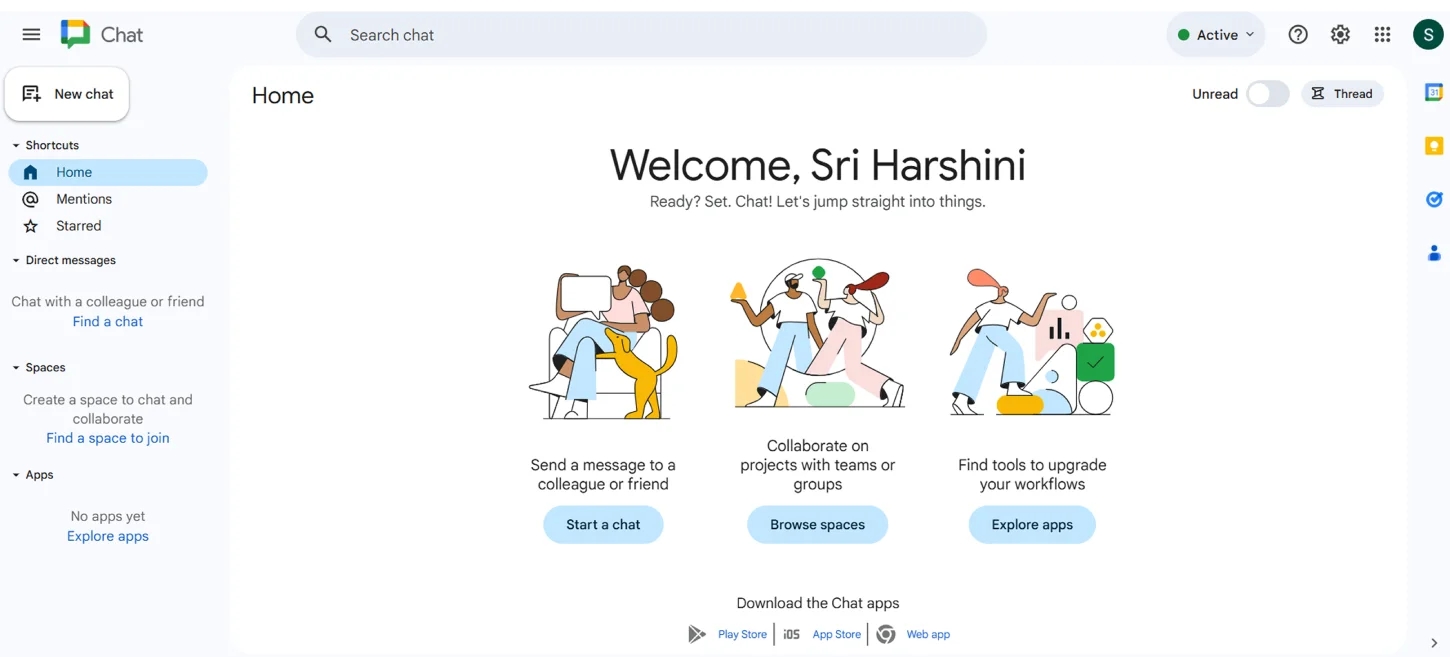
Google Chat is a simple communication tool that lives inside Google Workspace, designed for teams that already rely on Google apps such as Gmail, Google Docs, Google Drive, and Google Meet. It keeps communication lightweight and easy without adding unnecessary complexity. You can communicate directly within your existing workflow without switching between multiple tools, which helps save time and reduces confusion.
Pros:
· Seamless integration with Gmail and Google Drive
· Clean and simple interface
· Works well for small to mid-sized teams
Cons:
· Limited functionality outside the Google ecosystem
· No built-in workforce tracking or attendance features
· Fewer customization options
Features:
· Direct messaging and group chats
· Spaces for team collaboration
· Integration with Google Docs, Sheets, and Drive
Use Cases:
Best for:
· Teams already using Google Workspace
· Small to mid-sized teams
· Simple communication needs
Pricing:
Starter: $7/user/month
Standard: $14/user/month
Plus: $22/user/month
Enterprise: Contact the Google Chat sales team
Reviews:
G2: -
Capterra: 4.5
6. Connecteam
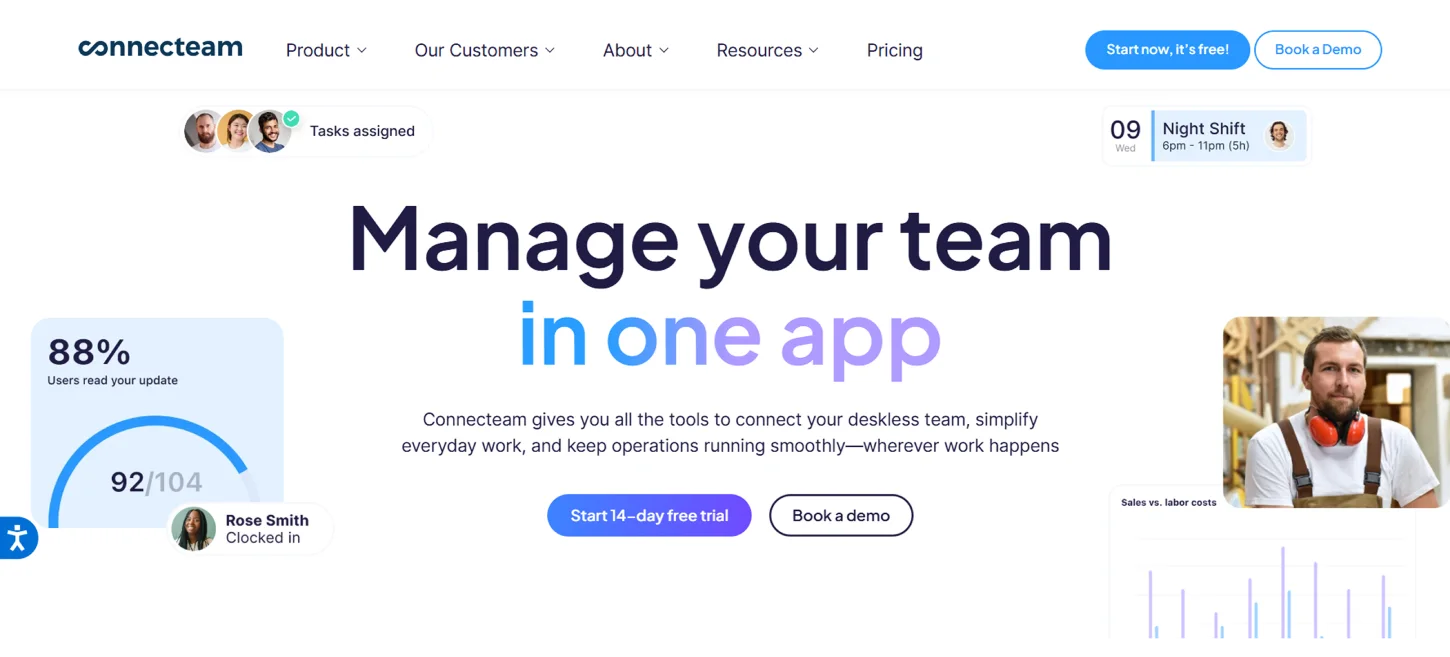
Connecteam is a mobile-first communication and operations platform built for teams that don't work at a desk. Whether you manage retail staff, logistics drivers, healthcare workers, or construction crews, it brings team chat, scheduling, task management, and HR tools into a single app. It helps to manage daily operations while keeping your team informed and aligned in real time. Learn more about how to manage a remote workforce to understand the full range of tools and strategies available.
If your team is primarily office-based or relies on complex integrations, Connecteam may feel limited.
Pros:
· Designed specifically for frontline and non-desk teams
· Combines communication, scheduling, and HR tools
· Easy-to-use mobile app for employees on the go
Cons:
· Limited advanced integrations compared to larger platforms
· May not suit office-based or highly technical teams
Features:
· Employee scheduling and shift management
· Task management and checklists
· Time tracking and attendance tools
· Forms, surveys, and feedback collection
Use Cases:
Best for:Retail, hospitality, logistics, healthcare, and any industry managing large numbers of non-desk employees.
Pricing:
Free: $0 with limited features
Basic: $29/ up to 30 users/month
Advanced: $49/ up to 30 users/month
Expert: $99/ up to 30 users/month
Enterprise: Contact sales team
Reviews:
G2: 4.6
Capterra: 4.6
Struggling to see what your remote team is actually working on?
Time Champ gives you real-time visibility into every task, app, and work hour without any guesswork.
7. Troop Messenger
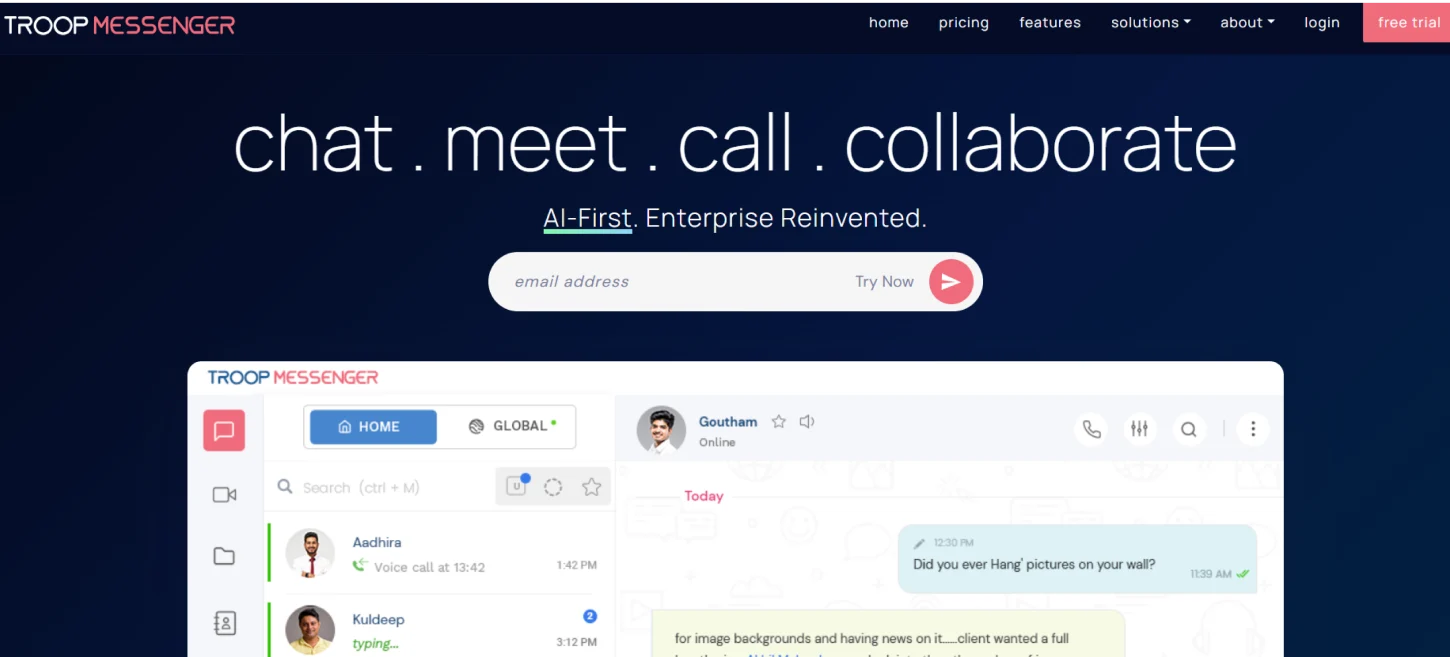
Troop Messenger is a business messaging platform built with a strong emphasis on security and compliance. It offers a range of communication modes, from standard messaging to a unique "Burnout" mode for off-the-record conversations. It provides a controlled environment where you can manage internal communication without relying on public messaging tools.
If your organization doesn't have strict security requirements, this tool feels overwhelmed. But for government agencies, defense contractors, and regulated industries, it's built exactly for those needs.
Pros:
· Strong security architecture, including on-premises deployment options
· Affordable pricing for small teams
· Works across web, desktop, and mobile
Cons:
· Limited third-party integrations
· Smaller community and fewer resources than market leaders
· No built-in workforce analytics or productivity tracking
· Customer support response times can vary
Features:
· Direct and group messaging
· Voice and video calling
· File sharing and screen sharing
· Burnout mode (off-the-record, self-destructing messages)
· Remote access and control
Use Cases:
Best for: Security-sensitive organizations, government agencies, defense contractors, and regulated industries requiring on-premises deployment.
Pricing:
Premium: $2.5/user/month
Enterprise: $5/user/month
Superior: $9/user/month
Reviews:
G2: 4.7
Capterra: 4.8
8. Flock
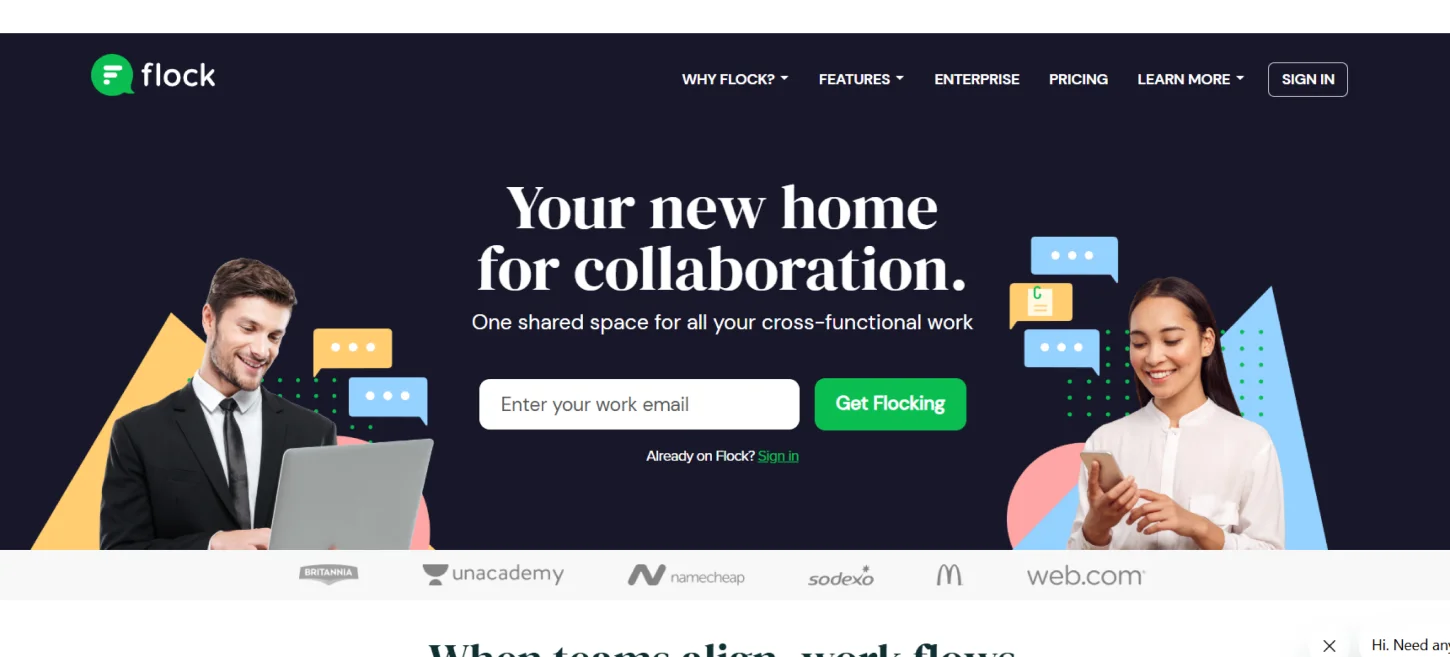
Flock is a team communication and collaboration tool designed to simplify workplace messaging while offering basic productivity features. What makes Flock worth considering is how much it packs in at its price point. It combines chat, video calls, and task management into one platform, helping you reduce tool switching and keep conversations connected to work. If you need enterprise-level reporting or advanced security features, Flock simply isn't built for that.
Pros:
· More affordable than Slack at comparable feature levels
· Built-in polls, reminders, and to-do lists
· Clean and easy-to-navigate interface
· Video calls included without add-ons
Cons:
· Smaller integration ecosystem than Slack or Teams
· Less suitable for large enterprise deployments
· File storage limits on lower tiers
· Limited admin and governance controls for complex organizations
Features:
· Channels and direct messaging
· Built-in task management
· Video conferencing and screen sharing
· File sharing and searchable history
· Polls, reminders, and notes
Use Cases:
Best for: Small to mid-size teams looking for a Slack alternative at a more accessible price, particularly startups, agencies, and SMBs.
Pricing:
Starter: Free
Enterprise: Contact sales team
Pro: $4.50/user/month
Reviews:
G2: 4.4
Capterra: 4.5
9. Asana
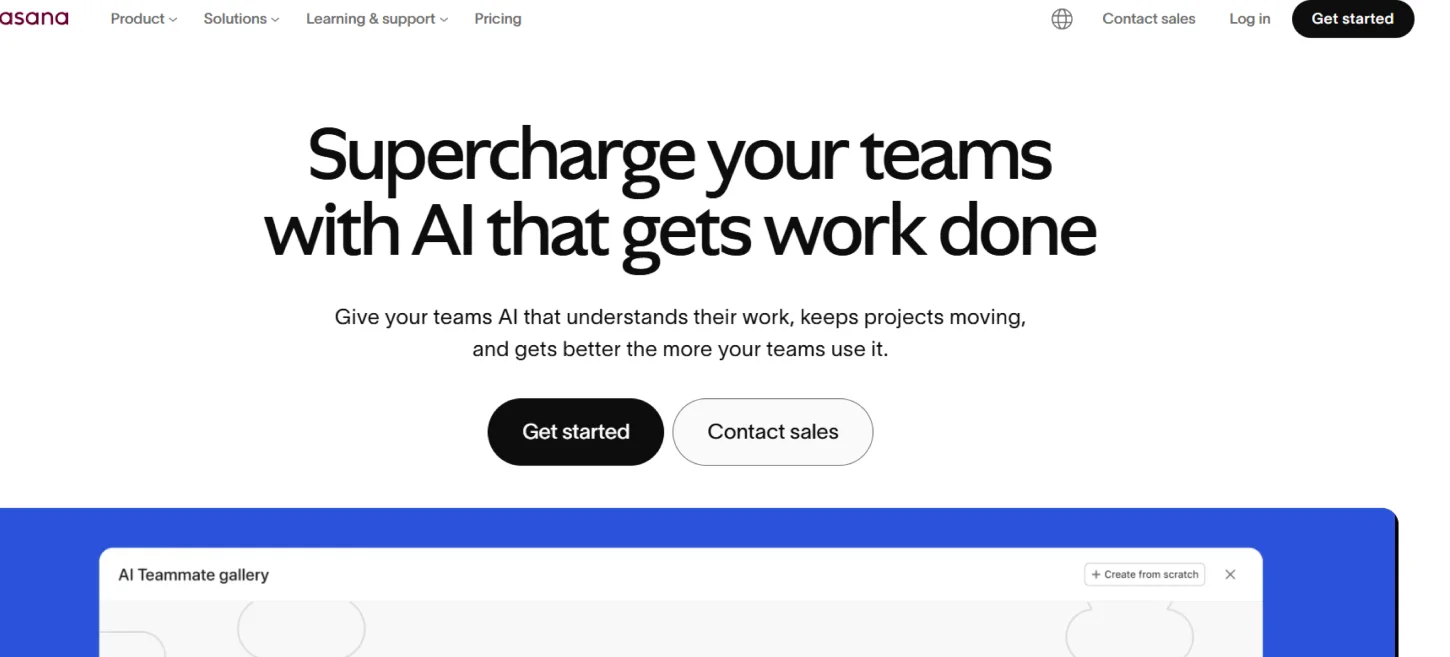
Asana is primarily a project and task management platform, but it functions as a communication tool by allowing teams to collaborate directly within tasks and workflows. This helps you reduce confusion, improve accountability, and ensure that every conversation stays relevant to the work being done.
Since it is not designed for real-time messaging, you may find it less effective for quick discussions or instant communication, especially if your team relies heavily on chat-based collaboration.
Pros:
· Strong focus on structured communication through tasks
· Clean and intuitive interface
· Excellent for managing complex workflows
· Improves visibility into project progress
Cons:
· Limited real-time chat functionality
· Advanced features can be expensive
· Not ideal for informal or quick conversations
Features:
· Task and project management with built-in collaboration
· Timeline and calendar views for planning
· Workflow automation to reduce manual work
· Comments and file sharing within tasks
· Reporting dashboards and progress tracking
Use Cases:
Best for: Teams where work is project-driven and structured, marketing, product, operations, and cross-functional teams that need clear ownership and progress tracking.
Pricing:
Personal: $0 with limited features
For more pricing details contact the sales team
Reviews:
G2: 4.4
Capterra: 4.5
10. Pumble
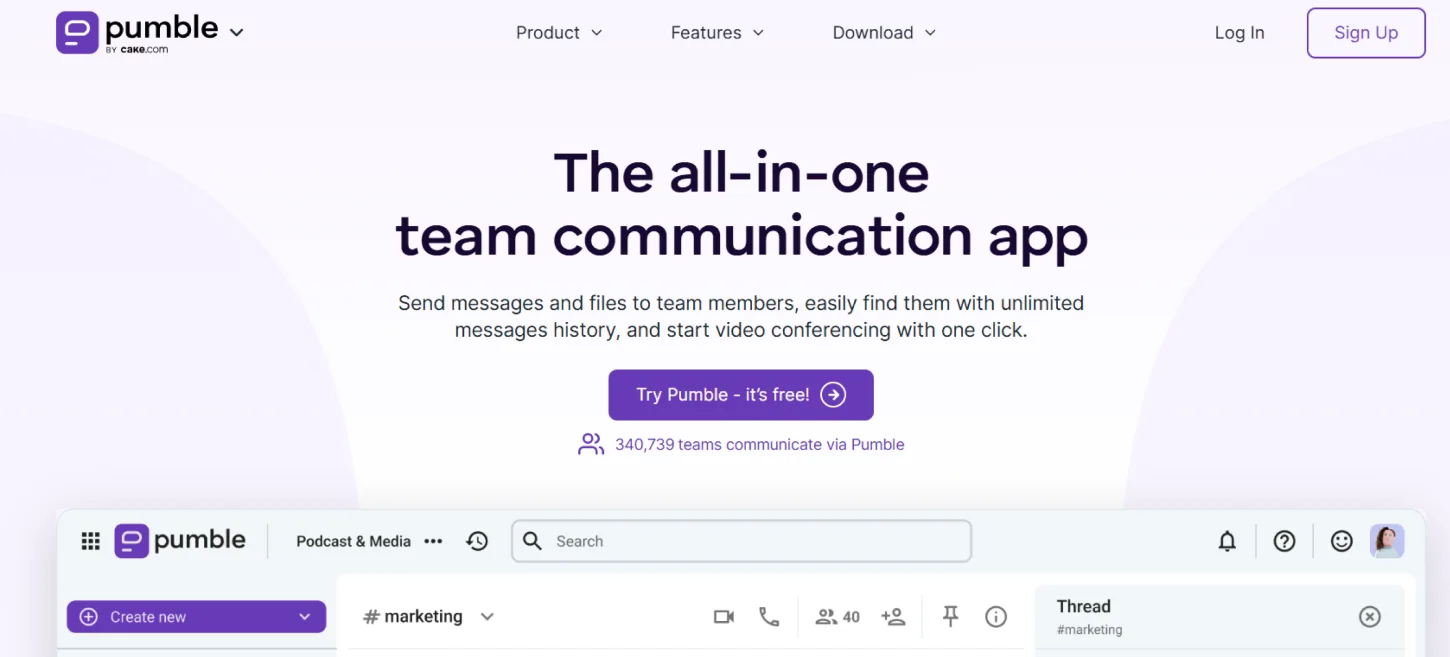
Pumble is a team communication tool designed as a simple and affordable alternative to platforms like Slack. It focuses on providing unlimited messaging history without charging high subscription costs. If your team wants a straightforward chat tool without complexity or high pricing, Pumble offers a clean and reliable option.
Pros:
· Unlimited message history on the free plan
· Unlimited users on the free tier
· Clean, familiar interface (similar to Slack - low learning curve)
· Affordable paid tiers
Cons:
· Smaller integration ecosystem than Slack or Teams
· Fewer advanced features for enterprise deployments
· Video calling features are more limited than dedicated tools
Features:
· Channels and direct messaging
· File sharing and searchable chat history
· Voice and video calls
· Guest access and permissions
· Basic integrations
Use Cases:
Best for: Startups, small businesses, and budget-conscious teams that need organized messaging without the cost of Slack's paid tiers.
Pricing:
Pro: $2.49/user/month
BUSINESS: $3.99/user/month
ENTERPRISE: $6.99/user/month
Productivity Suite: $12.99/user/month
Reviews:
G2: 4.4
Capterra: 4.7
Team Communication Apps Checklist
Choosing the right team communication app is about finding a tool that actually fits how your team works every day. If the tool feels complicated or doesn’t match your workflow, your team won’t use it. Here are some important checklists you can check before choosing a tool:
Cost and Value:
Don't compare per-seat prices alone. Calculate your total cost at your actual team size, including the features you'll genuinely use. A tool that looks free often needs three paid add-ons to cover your real workflow. Check whether the pricing scales reasonably as you grow, or whether you'll face a forced upgrade the moment you add 10 more people.
Tech Stack Compatibility and Integrations
Your communication tool needs to work with what you already use. If your team runs on Google Workspace, a native integration saves you real time every week. If you manage projects in Jira or Monday, check whether your shortlisted tools connect properly, or whether your team ends up manually copying updates between platforms.
Features That Match How You Actually Work
This is something you have to check for sure. Look for features that actually satisfy your requirements. For example, a field team managing 50 technicians across multiple job sites needs GPS tracking, geofencing, and attendance verification-like features. So, try to match the features to your workflow. Understanding employee shift scheduling can also help you plan communication workflows around your team's actual working hours.
Support and Onboarding
The best tool is the one your team actually uses. Poor onboarding is one of the most common reasons communication tool rollouts fail. Before you commit, check whether the vendor offers structured onboarding support, clear documentation, and reliable response times, because you'll need all three when you're rolling it out across your team.
Security and Compliance
If your team handles sensitive client data or operates in a regulated industry, look specifically for end-to-end encryption, role-based access controls, audit logs, data residency options, and compliance certifications like GDPR, SOC 2, and ISO 27001.
Scalability
The tool that works for 15 people today needs to hold up for 150 people in two years. Check whether pricing, admin controls, and platform performance scale with you. Because switching to a completely new tool later disrupts your entire team and costs you far more than you'd expect.
Ready to move beyond basic messaging and get real workforce visibility?
See how Time Champ give you the clarity, structure, and insights that chat tools simply can't provide.
Conclusion
Most team communication tools cover the basics, like messaging, file sharing, and a few integrations. The difference shows up in what happens beyond the chat window. If you manage remote, hybrid, or field teams and you need more than knowing who's online. Check for a platform that is built around workforce intelligence that gives real-time productivity data, automated attendance, GPS tracking, attrition signals, and project visibility to ensure efficient workflows. Start a free trial, and some tools even offer a free trial, explore them and choose the right one.

Table of Content
-
 What is Team Communication Software?
-
What Are the 10 Best Team Communication Apps?
-
Team Communication Apps Checklist
-
Conclusion
Related Blogs

Discover ways to overcome communication challenges in remote work and boost collaboration. Find solutions for miscommunication, time zone issues, more!
Tarun Kumar Reddy | Oct 25, 2024
Discover the top 10 collaboration tools for remote teams that enhance communication, productivity, and project management. Boost your team’s efficiency!
Sai Keerthi Uppala | Oct 25, 2024
Formal vs Informal Communication in the workforce. Understand definitions, key differences, similarities, examples, and when to use each style at work.
Tarun Kumar Reddy | Apr 02, 2026
Struggling to keep your remote team connected? Explore 10 proven strategies to boost engagement, strengthen teamwork, and build a thriving remote culture!
Tarun Kumar Reddy | Mar 14, 2025
Explore grapevine communication, its types, benefits, and workplace impact. Learn tips to manage informal communication effectively.
Thasleem Shaik | Mar 22, 2024
Build a strong communication culture in remote teams to improve collaboration, trust, and productivity. Explore key strategies for seamless teamwork!
Sai Keerthi Uppala | Feb 24, 2025


 4.7/5 avg.
Ready to Manage Your Workforce Smarter?
Join our family of 1500+ companies using smart insights to redefine workforces!

Free Trial
No Credit Card Required