Top 10 Best Time Tracking Tools for Freelancers (Free & Paid)
Looking for the best freelance time tracking software? Explore the top free and paid tools to track work hours, manage projects, and improve productivity.
Have you ever finished a busy workday and wondered where all your time actually went?
Between client calls, emails, revisions, meetings, and project planning, you’re probably losing billable hours every week without realizing it. Over time, those missed hours can seriously reduce your income. That’s why tracking your work hours is one of the smartest habits you can build as a freelancer. The right time tracking tool helps you understand where your work hours go, bill clients accurately, improve productivity, and avoid burnout.
In this guide, you’ll discover the 10 best time tracking tools for freelancers, including free and paid options, so you can choose the right tool for your workflow and stop losing valuable work hours.
Why Tracking Time is Important for Freelancers
As freelancing continues to grow globally, managing work hours efficiently is becoming more important than ever. In fact, the freelance market is expected to reach $14.17 billion by 2029, showing how rapidly the freelance economy is expanding.
When you manage multiple clients and projects, it’s easy to lose track of how much time you actually spend working. You may think a project only took a few hours, but once you include meetings, revisions, research, emails, and planning, you often spend far more time than you estimated.
Without proper time tracking, you end up undercharging clients, overworking yourself, or spending too much time on low-value tasks. Tracking your time helps you understand exactly where your work hours go so you can make smarter decisions about pricing, productivity, and workload management.
Here’s how time tracking helps you as a freelancer:
- Bill clients more accurately
- Identify which projects are actually profitable
- Reduce distractions and improve focus
- Avoid burnout by understanding your workload
- Manage your day more efficiently
Over time, tracking your work hours also helps you build better work habits. You’ll start noticing which tasks consume too much time, when you’re most productive, and where your workflow needs improvement.
Quick Comparison Table: All 10 Tools at a Glance
Choosing the right time tracking tool can feel confusing because every platform offers different features, pricing plans, and workflows.
The comparison table below gives you a quick overview of the best time tracking tools for freelancers so you can quickly find the option that fits your workflow, budget, and project needs.
| Time Champ | Managing client work with automatic time tracking and timesheets | 7-day trial | $3.99/user/month | 4.8 |
| Toggl Track | Tracking daily work hours with simple manual timers | Yes | $9/user/month | 4.6 |
| Clockify | Managing projects and billable hours on a budget | Yes | Custom pricing | 4.5 |
| Harvest | Tracking billable hours and sending client invoices | Yes | $9/seat/month | 4.3 |
| RescueTime | Understanding productivity habits and reducing distractions | Limited | $7/month | 4.2 |
| Everhour | Tracking time directly inside project management tools | Yes | $8.50/seat/month | 4.7 |
| My Hours | Organizing client projects with simple time tracking | No | $5/user/month | 4.6 |
| EARLY (Formerly Timeular) | Using a physical device for interactive time tracking | No | $7.50/user/month | 4.6 |
| TimeCamp | Combining automatic tracking with manual time entries | Yes | $3.99/user/month | 4.7 |
| Jibble | Tracking work hours while traveling or working remotely | Yes | Custom pricing | 4.8 |
Tired of forgetting timers and missing billable hours?
Automatically track your work activity and simplify freelance time management with Time Champ.
The 10 Best Time Tracking Tools for Freelancers
Not every freelancer works the same way. You need automatic tracking, invoicing, productivity insights, or simple manual timers, depending on your workflow.
The best time tracking tool is the one that helps you stay consistent, organized, and productive. Here are the best tools you can use to manage your work hours and client projects more efficiently.
1. Time Champ
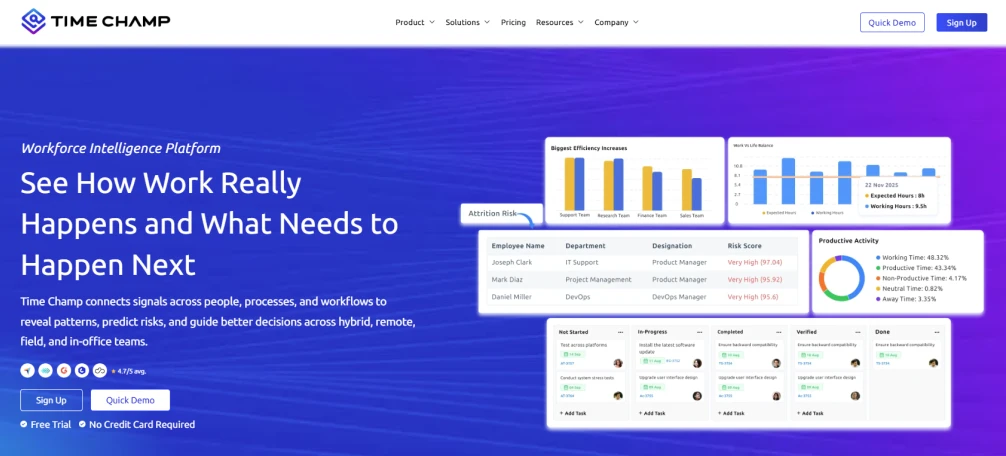
Time Champ is an employee monitoring and time tracking tool that helps you track work hours, activity, and productivity from one platform. It helps you track work hours, manage client projects, create invoices, and monitor productivity from one centralized platform.
You can automatically track your work activity in the background, reduce missed billable hours, and understand how your time is spent throughout the day.
Key Features
- Automatic Time Tracking: Automatically records your work activity so you can track work hours without constantly remembering to start timers.
- Project & Task Management: Helps you organize client work more efficiently and keep projects on schedule.
- Timesheets: Automatically organizes tracked work hours into detailed timesheets, making it easier to review, manage, and track client work accurately.
- Productivity Reports: Shows how your work hours are spent so you can identify productive periods and reduce time wasted on distractions.
- Idle Time Tracking: Detects inactive time to help you improve focus and maintain more accurate timesheets.
- App & Website Usage: Gives you visibility into daily work habits so you can understand where your time actually goes and improve productivity.
Pros
- Helps improve billing accuracy and reduce missed work hours
- Provides better visibility into daily productivity and workload
- Suitable for freelancers, remote workers, and growing teams
- Clean dashboard that makes work tracking more organized and easier to manage
Cons
- Advanced features take some time to fully understand for new users
- Some freelancers feel the monitoring features are more detailed than they need
Pricing
Time Champ offers a 7-day free trial with access to its core productivity and time tracking features.
- Starter:$3.99/user/month (billed annually)
- Professional:$6.9/user/month (billed annually)
- Enterprise:$13.9/user/month (billed annually)
To explore detailed plans, features, and pricing options, visit the Time Champ Pricing page.
Reviews
- G2:4.8
- Capterra:4.9
2. Toggl Track
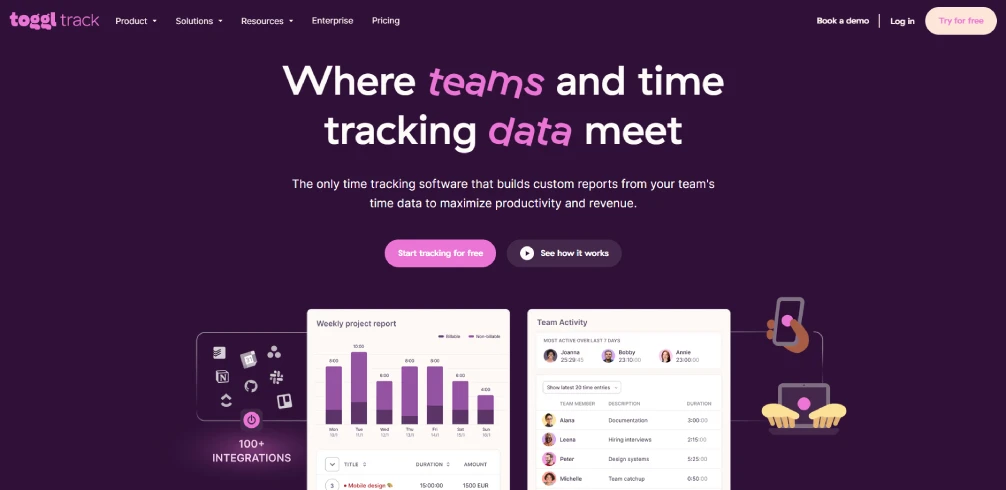
Toggl Track is a simple and easy-to-use time tracking tool designed for freelancers who prefer manual timer-based tracking. Its clean interface helps you track tasks quickly without a complicated setup process.
You can organize projects, track billable hours, and generate reports that show where your work time goes.
Features
- One-click timer tracking helps you quickly start and stop timers while working on different client projects.
- Project and client organization allow you to separate tasks, clients, and billable work more efficiently.
- Detailed reporting gives you insights into how much time you spend on specific projects and tasks.
- Calendar integrations help you connect scheduled meetings and work sessions with tracked hours.
Pros
- Very easy to use and beginner-friendly
- Clean and distraction-free interface
- Helpful reports for tracking billable hours
Cons
- Limited automatic tracking features
- Advanced reports require higher plans
- Manual timers can be easy to forget
Pricing
- Free:$0 for a limited number of users
- Starter:$9/user/month (billed annually)
- Premium:$18/user/month (billed annually)
- Enterprise:Contact the Toggle track sales team for the enterprise plan
Reviews
- G2:4.6
- Capterra:4.7
3. Clockify
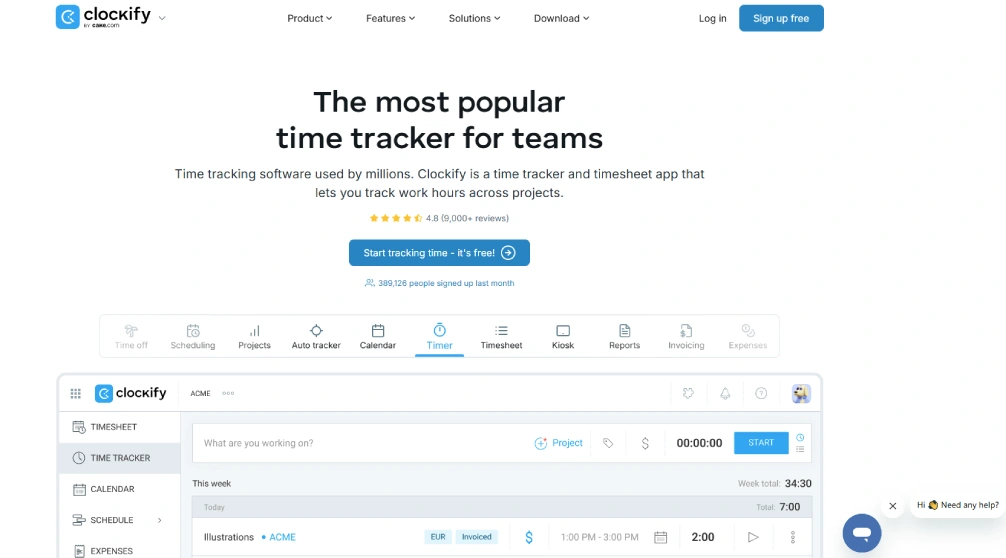
If you want reliable time tracking without increasing your monthly expenses, Clockify gives you enough features to manage client work, organize tasks, and review productivity from one platform.
Key Features
- Unlimited time tracking allows you to track as many projects and tasks as needed without restrictions on the free plan.
- Billable hour tracking helps you separate paid and non-billable work for accurate client invoicing.
- Timesheets and reports give you a clear view of how your work hours are distributed throughout the week.
- Project management features help you organize tasks, clients, and deadlines from one dashboard.
Pros
- Free plan for freelancers
- Easy project and task organization
- Helpful reports for time analysis
Cons
- The interface feels basic for some users
- Some advanced features require upgrades
- Mobile app performance can occasionally feel slow
Pricing
Contact Clockify sales for pricing details
Reviews
- G2: 4.5
- Capterra:4.8
4. Harvest
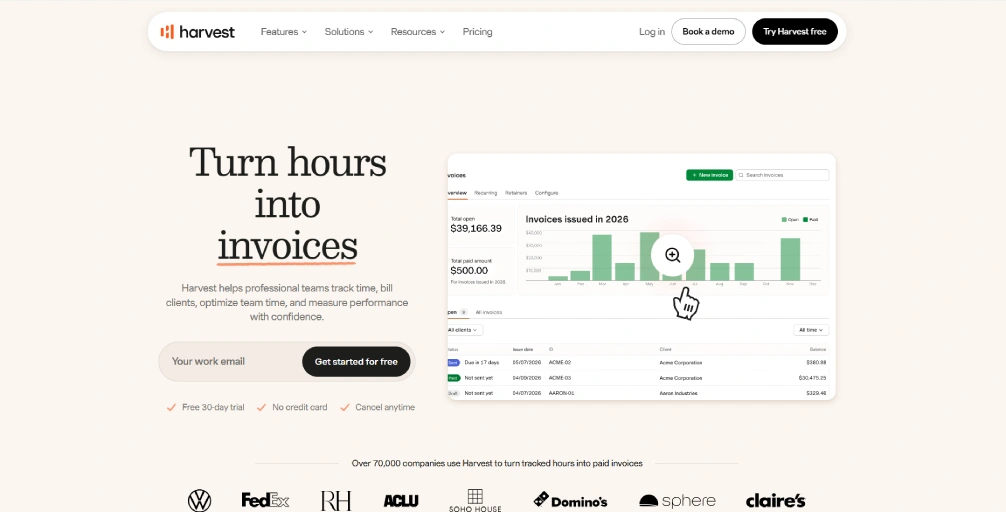
Harvest is a time tracking and invoicing tool built for freelancers who regularly bill clients and manage project budgets. Instead of switching between separate tools for time tracking and invoicing, you can handle both from one platform.
Harvest becomes especially useful when you work on fixed-price projects and need better visibility into how much time each project actually consumes before it affects profitability.
Features
- Time tracking helps you record billable work hours across different projects and clients.
- Invoice generation allows you to convert tracked time directly into professional invoices.
- Expense tracking helps you monitor project-related expenses alongside work hours.
- Budget monitoring shows whether projects are staying within estimated time and cost limits.
Pros
- Strong invoicing and billing features
- Helpful project budgeting tools
- Easy-to-understand reporting system
Cons
- Limited features on the free plan
- Pricing is higher than some alternative tools
- Advanced features feel unnecessary for simple workflows
Pricing
- Free for limited users
- Teams:$9/seat/month (billed annually)
- Enterprise:$14/seat/month (billed annually)
Reviews
- G2:4.3
- Capterra:4.6
5. RescueTime
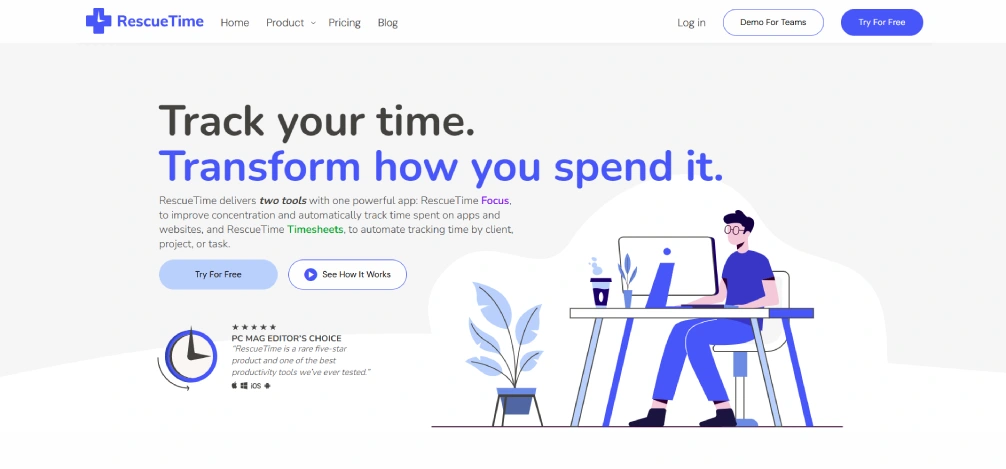
RescueTime is an automatic productivity and time tracking tool that focuses more on understanding your work habits than manually tracking timers. Instead of asking you to constantly start and stop tasks, it quietly tracks your activity in the background. It also helps you identify productivity patterns and improve focus over time.
Features
- Automatic activity tracking records the apps and websites you use throughout the day.
- Productivity reports help you identify distractions and understand where your work hours go.
- Goal tracking helps you set productivity targets and monitor daily progress.
- Daily summaries give you quick insights into your most productive and distracting activities.
Pros
- Excellent automatic tracking system
- Helpful focus and distraction management tools
- Detailed productivity insights and reports
Cons
- Less suitable for invoicing workflows
- Limited project-based tracking features
- Some users prefer more manual control
Pricing
- Solo:$7/month (billed annually)
- Solo + Timesheets + Focus: $12/month (billed annually)
- Team:$10/user/month (billed annually)
- Team + Timesheets + Focus: $16/user/month (billed annually)
Reviews
- G2:4.2
- Capterra:4.6
6. Everhour
Everhour is a time tracking tool designed for freelancers who already manage projects inside platforms like Asana, Trello, ClickUp, or Jira. Instead of forcing you to switch between tabs constantly, it integrates directly into your existing workflow. When your daily work depends heavily on task management and project planning tools, Everhour helps you track time more efficiently within your existing workflow.
Features
- Project management integrations allow you to track time directly inside tools like Asana and Trello.
- Time tracking helps you monitor billable hours across multiple projects and tasks.
- Budget tracking shows whether projects are staying within estimated time limits.
- Task management features help you organize workloads and monitor project progress.
Pros
- Integrations with project management tools
- Easy workflow management for collaborative projects
- Helpful budgeting and reporting features
Cons
- Works best only with integrations
- Less useful without project management software
- Pricing feels high for solo freelancers
Pricing
Free for limited individuals and small teams with limited features
- Team:$8.50/seat/month (billed annually)
- Custom:For custom tier prices, contact Everhour sales team
Reviews
- G2:4.7
- Capterra:4.7
7. My Hours
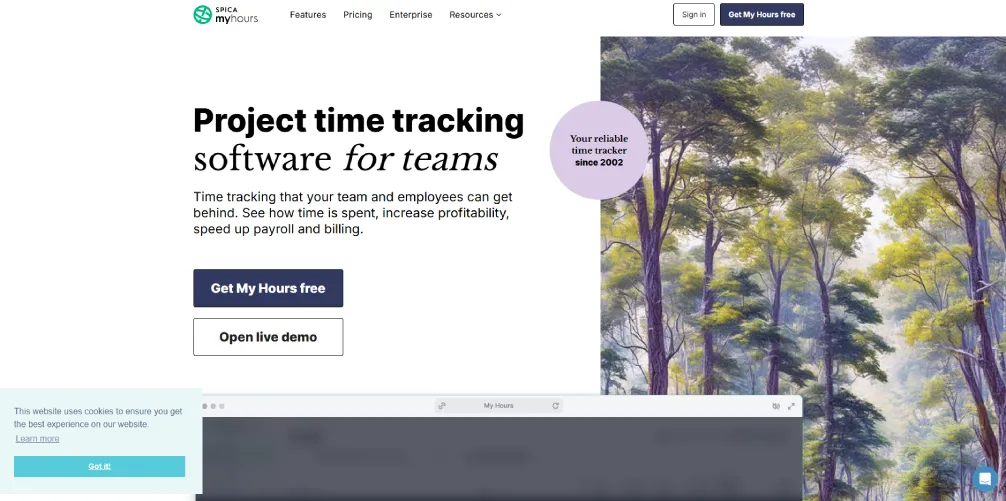
My Hours is a simple time tracking tool built for freelancers who want a clean dashboard without complicated monitoring features. It focuses mainly on tracking work hours, managing projects, and generating simple reports.
If you prefer a lightweight experience that feels easy to manage daily, My Hours helps you stay organized without overwhelming your workflow with unnecessary complexity.
Features
- Time logging helps you manually track billable and non-billable work hours.
- Project tracking allows you to organize client work separately for better reporting.
- Budget management helps you estimate and monitor project profitability.
- Task organization features make it easier to manage deadlines and workloads.
Pros
- Simple and beginner-friendly interface
- Easy project and task management
- Useful reporting for freelancers
Cons
- Limited automation features
- Fewer productivity insights compared to advanced tools
- The interface feels too simple for some users
Pricing
- Basic:$5/user/month (billed annually)
- Pro:$9/user/month (billed annually)
- Enterprise:For enterprise planning, contact My Hours sales team
Reviews
- G2:4.6
- Capterra:4.8
Finding it difficult to track client work, invoices, and productivity together? Manage everything from one platform with Time Champ’s all-in-one time tracking and productivity solution.
Manage everything from one platform with Time Champ’s all-in-one time tracking and productivity solution.
8. EARLY (Once Timeular)
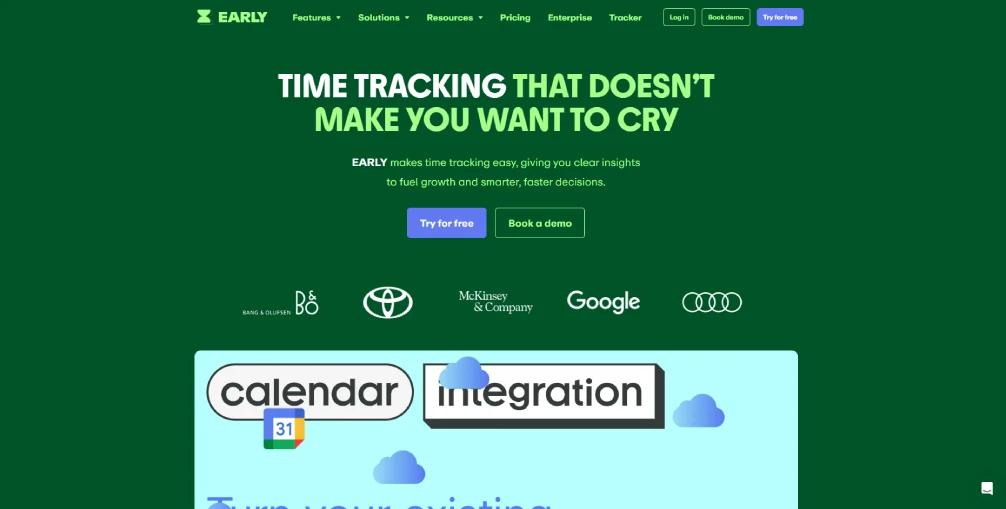
EARLY is a unique time tracking tool that combines software tracking with a physical tracking device. Instead of relying only on digital timers, you can flip the physical tracker to switch between different tasks and projects. This interactive approach makes time tracking feel more engaging and helps you stay more aware of how your work hours are actually spent throughout the day.
Features
- Task tracking helps you monitor work hours across multiple projects and clients.
- Reporting and analytics provide insights into how your time is distributed.
- Project management features help you organize tasks and workloads more efficiently.
- Mobile and desktop apps allow you to review reports and track hours from different devices.
Pros
- Unique and interactive tracking experience
- Encourages consistent tracking habits
- Easy switching between tasks
Cons
- Pricing feels expensive for solo freelancers or beginners
- Less suitable for minimal workflows
- May take time to adjust to the system
Pricing
- Personal:$7.50/user/month
- Personal Pro:$11.70/user/month
- Team:$15.80/user/month
- Enterprise:For enterprise plan details, contact EARLY sales team
Reviews
- G2: 4.6
- Capterra: 4.6
9. TimeCamp
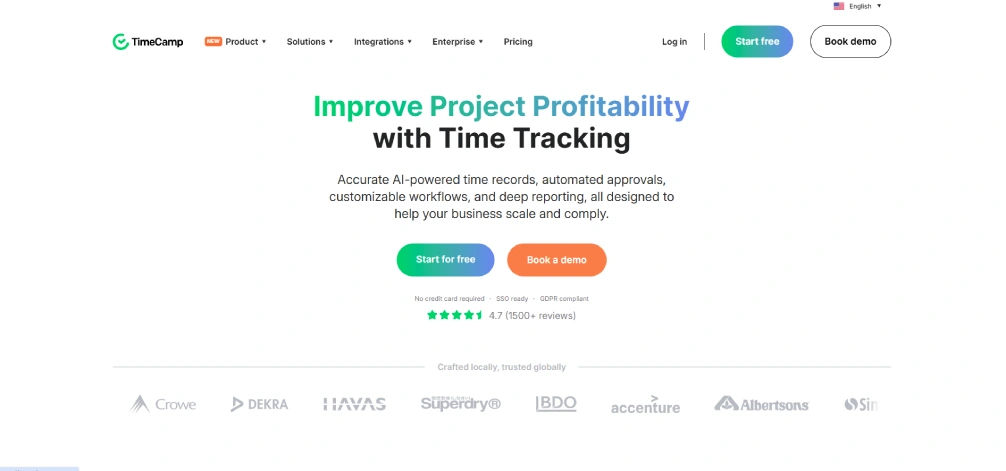
TimeCamp is a flexible time tracking and productivity management tool that supports both automatic and manual tracking methods. It helps you manage projects, monitor productivity, and create invoices without relying only on manual timers.
If your workflow changes frequently between focused work sessions and client projects, TimeCamp gives you more flexibility in how you track your work hours.
Features
- Automatic time tracking records work activity while you use other apps and websites.
- Manual timers allow you to track tasks and projects whenever needed.
- Invoicing features help you convert tracked hours into client invoices.
- Productivity reports show how your work hours are distributed across tasks and projects.
Pros
- Flexible automatic and manual tracking options
- Helpful reporting and invoicing tools
- Good productivity monitoring features
Cons
- The interface may feel complex initially
- Some advanced features require higher plans
- Setup can take time for new users
Pricing
- Starter: $3.99/user/month (billed annually)
- Premium: $6.99/user/month (billed annually)
- Ultimate:$9.99/user/month (billed annually)
Reviews
- G2: 4.7
- Capterra:4.7
10. Jibble
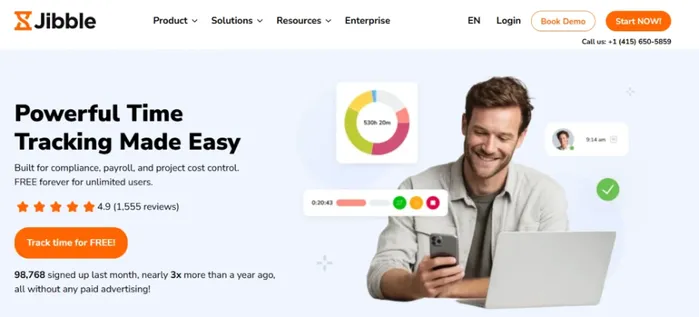
Jibble is a mobile-friendly time tracking tool designed for freelancers who frequently work remotely, travel for projects, or manage on-site client work. It focuses heavily on mobile tracking, attendance management, and GPS-based time tracking.
If your work happens outside a traditional desk setup, Jibble makes it easier to track work hours accurately from different locations using your phone.
Features
- GPS time tracking helps you monitor work hours from different locations.
- Mobile attendance tracking allows you to clock in directly from your smartphone.
- Timesheet management helps you organize tracked hours and project work.
- Project tracking features allow you to separate tasks and clients more efficiently.
Pros
- Strong mobile and GPS tracking features
- Generous free plan
- Easy attendance and time tracking setup
Cons
- More focused on attendance management
- Advanced features do not suit every freelancer
- The interface feels feature-heavy for simple tracking needs
Pricing
- It offers a free forever plan with unlimited users
- For advanced features, contact the Jibble sales team.
Reviews
- G2:4.8
- Capterra:4.8
5 Common Mistakes Freelancers Make When Tracking Time
Time tracking can help you improve productivity, bill clients more accurately, and understand how your workday is actually spent. But if you make a few common mistakes, your tracking data becomes inaccurate.
Avoiding these mistakes can help you manage your workload better, improve pricing decisions, and stop losing billable hours.
Mistake 1: Only Tracking Client Work
If you only track direct client work and ignore tasks like emails, meetings, revisions, research, invoicing, or project planning, you’re missing a large part of your actual workload.
These activities still consume valuable hours during your day. When you track everything, you get a more realistic understanding of how much time each client truly requires and whether your pricing is profitable.
Mistake 2: Forgetting to Start or Stop Timers
If you rely completely on manual timers, it’s easy to forget to start or stop tracking when your day gets busy. Missing small chunks of working time every day can slowly reduce your billable hours without realizing it.
Using automatic tracking features or building a consistent tracking habit can help you improve accuracy and avoid losing valuable work hours.
Mistake 3: Ignoring Non-Billable Hours
If you only focus on billable tasks, you won’t fully understand where your work hours actually go each week. Tasks like client communication, planning, file organization, and revisions still affect your schedule and productivity.
Tracking non-billable work helps you identify time-consuming activities that need better workflows, automation, or scheduling improvements.
Mistake 4: Switching Tools Too Often
If you constantly switch between productivity tools searching for the “perfect” system, your tracking data becomes inconsistent and harder to analyze over time.
Instead of changing tools frequently, choose one that fits your workflow and use it consistently. The longer you track your work in one system, the more valuable your productivity insights become.
Mistake 5: Using Time Tracking Only for Billing
If you only use time tracking to create invoices, you miss many valuable productivity insights. Your tracking reports can also help you identify distractions, improve scheduling, manage workload better, and avoid burnout.
When you regularly review your reports, you can understand when you work most efficiently and which projects consume more time than expected.
A Simple 30-Minute Time Tracking Setup for Freelancers
Setting up time tracking is much easier than most of you think. With the right setup, you can organize your workflow, track billable hours more accurately, and start improving productivity in less than 30 minutes.
Step 1: Pick a Tool from the Comparison Table
Start by choosing a tool that matches your workflow, budget, and tracking style. If you prefer automatic tracking, tools like Time Champ or RescueTime work better for you. If you want simple manual timers, Toggl Track or Clockify feel easier to manage. The most important thing is choosing a tool that feels simple enough to use consistently every day.
Step 2: Start the Free Plan or Trial
Most time tracking tools offer free plans or free trials, so you can test the software before paying for a subscription. Spend a few minutes exploring the dashboard, creating projects, and understanding how the tracking system works. This helps you decide whether the tool fits naturally into your daily workflow.
Step 3: Create Separate Projects for Each Client
Creating separate projects helps you track client work more accurately and understand which projects consume most of your time. Even if you only manage a few clients, organized project tracking makes reporting, invoicing, and productivity analysis much easier later.
Step 4: Track Your First 3 Days
For the first few days, focus only on tracking your work consistently instead of trying to improve productivity immediately. Your goal is simply to collect accurate data about how you currently work. Track everything, including meetings, emails, revisions, research, and non-billable tasks.
Step 5: Review Your Weekly Data
At the end of the week, review your reports carefully and look for patterns in how you spend your time. You may discover that certain clients consume more hours than expected, distractions take more time than you realized, or some projects are less profitable than they appear.
Step 6: Improve Pricing or Workflow Based on Insights
Once you understand how you actually spend your work hours, you can start making smarter decisions about pricing, scheduling, and productivity. You can decide to increase rates for time-consuming projects, reduce distractions during focus hours, or improve repetitive workflows. Small improvements like these can create a big impact on your productivity and profitability over time.
Need better visibility into where your freelance work hours actually go?
Track billable hours, reduce distractions, and improve workflow efficiency with Time Champ.
Conclusion
The right time tracking tool helps you manage your freelance work more efficiently while improving productivity, pricing, and billable hours. Whether you want automation, invoicing, productivity insights, or simple timers, effective time tracking tools help you avoid losing valuable work hours. Pick one tool, track your time regularly, and use your data to improve how you work and earn over time.

Guna Lakshmi

Table of Content
 Why Tracking Time is Important for Freelancers
- Quick Comparison Table: All 10 Tools at a Glance
- The 10 Best Time Tracking Tools for Freelancers
- 5 Common Mistakes Freelancers Make When Tracking Time
- A Simple 30-Minute Time Tracking Setup for Freelancers
- Conclusion

Related Blogs
Learn how time tracking improves remote team productivity through better visibility, accountability, performance tracking, and smarter team management.
Anjali | May 16, 2026
Want to boost productivity? Uncover 20 time tracking best practices that can transform your workflow and help you achieve more with less effort.
Guna Lakshmi | July 01, 2025
Discover effective ways to build employee trust in automatic time tracking software and create a transparent, productive, and positive work environment.
Thasleem Shaik | Mar 13, 2025
Find out why you may need to monitor freelancer work, including key pros and cons that affect productivity, quality, accountability, and trust in teams.
Jahnavi Pulluri | Apr 29, 2026
Get free freelance timesheet templates designed for accurate time tracking, better organization, and effective time management
Mounika Sai | Jan 09, 2024
Learn how automated time tracking improves team productivity, reduces manual work, builds trust, and delivers smarter workforce insights for managers today.
Anjali | May 15, 2026


 4.7/5 avg.
Ready to Manage Your Workforce Smarter?
Join our family of 1500+ companies using smart insights to redefine workforces!

Free Trial
No Credit Card Required