10 Best Internal Communication Tools for Teams in (2026)
Discover the 10 best internal communication tools for 2026 with a comparison of features, pricing, pros, and cons to boost engagement and collaboration.
Internal communication tools are not completely about chat, they determine the way teams work together, execute, and remain engaged. Yet 61% of U.S. employees who are unlikely to stay in their jobs cite poor internal communication as a contributing factor, and more than a quarter say it’s a major reason. Employee engagement will decline much before the performance when updates are ambiguous, and information is scattered. Strong informal and formal communication compounds over time; each cycle of feedback improves the next rollout.
This blog helps you understand the best internal communication tools for teams in 2026. It also helps you to choose an effective internal communication solution which actually works in your workplace.
What is Internal Communication Software?
Internal communication software is a digital platform that helps organizations to share information, coordinate work and collaborate within teams. It consolidates messages, announcements, files, and updates to keep employees well-informed and focused, irrespective of their location. These internal communication platforms minimize the data silos, enhance transparency, and support accurate decision-making, making them essential communication tools in the modern workplace.
What Are the 10 Best Internal Communication Tools?
Choosing the right internal communication tool can directly affect how clearly your teams share updates, collaborate, and stay aligned. The tools below are selected based on how effectively they support real team communication and collaboration.
| Tool | Key Features | Team Size | Key Strength |
|---|---|---|---|
| Time Champ | Workforce intelligence + internal communication | SMBs to Enterprises | Integrates the communication visibility with productivity insights |
| Slack | Real-time team messaging | SMBs to Enterprises | Fast, channel-based collaboration |
| Microsoft Teams | Enterprise communication & meetings | Mid-size to Enterprises | Deep Microsoft ecosystem integration |
| Zoom | Video-first internal communication | All team sizes | Reliable video and webinars |
| Simpplr | Employee engagement & modern intranet communication | Mid-size to Enterprises | Personalized content and employee communication experience |
| Interact | Structured intranet and internal knowledge sharing | Mid-size to Enterprises | Centralized company information and organized internal communication |
| Staffbase | Frontline & internal communications | Mid-size to Enterprises | Strong internal news & intranet features |
| Connecteam | Deskless and frontline teams | SMBs to Mid-size | Mobile-first communication |
| Monday.com | Work + communication visibility | SMBs to Enterprises | Communication tied to work progress |
| Chanty | Simple team messaging | Small teams | Easy setup, low learning curve |
1. Time Champ
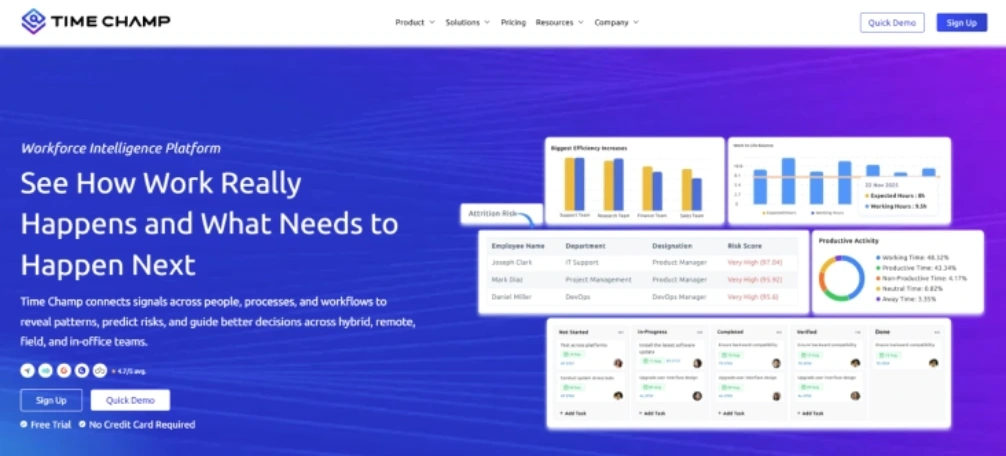
Time Champ is a workforce intelligence platform that supports internal communications, helping teams to gain a clear visibility into how work is done. It includes a built-in Communicator app for internal communication as well as time and activity tracking, productivity analysis, attendance management, and location tracking. Users also find it easy to integrate their current communication tools with Time Champ to centralize everything in a single platform.
Time Champ sets it apart from other communication tools with its practical approach, effective support, clear onboarding, and dashboards, which turn the daily work data into actionable insights. Time Champ integrates the communication with execution, helping managers and teams to remain aligned, focused, and accountable without complexity issues.
Pros
- Time Champ combines communication with execution by offering built-in communication features along with integrations that link conversations to real work activity and productivity.
- Provides clear and actionable dashboards that help managers and teams to understand how work happens.
- Offers a clear and smooth onboarding and responsive support, which makes it easy for the teams and managers to adopt without long training procedures.
- Minimizes tool overload by integrating workforce intelligence and internal communication visibility in a single platform.
- ·Enhances alignment and accountability through providing workloads, progress, and performance with shared visibility to the teams.
Cons
- May require time for teams to adapt to the new workforce intelligence tools.
- Needs proper initial setup to configure the workflows and dashboards.
- Works accurately with teams when they use it consistently, especially in the initial stages.
- Insights improve over time as more work data is collected and analyzed.
Features
- Workforce Intelligence Dashboards: Provides a real-time view of employee productivity, activity, and workloads to support better decision-making.
- Internal Communication Visibility: Connects the team communication with actual work progress to enhance alignment and execution.
- Productivity and Activity Tracking: Shows time utilization across tasks and projects to enhance focus without micromanagement.
- Workload and Capacity Insights: Helps the managers balance workloads by identifying the underutilized and overworked teams early.
- Reports and Actionable Insights: Transform the daily work information into simple reports that support the reviews, planning, and accountability.
- Integrations with Everyday Tools: Easily integrates with already existing communication tools to ensure a smooth adoption.
Best Suited for
Small to mid-sized businesses, IT, software development, BPOs, consulting, professional services, remote, hybrid, and office-based teams.
Pricing
- Comes with a 7-day free trial
- Starter Plan: $3.9/user/month
- Professional Plan: $6.9/user/month
- Enterprise Plan: $13.9/user/month
Reviews
G2: 4.8/5
Capterra: 4.9/5
2. Slack
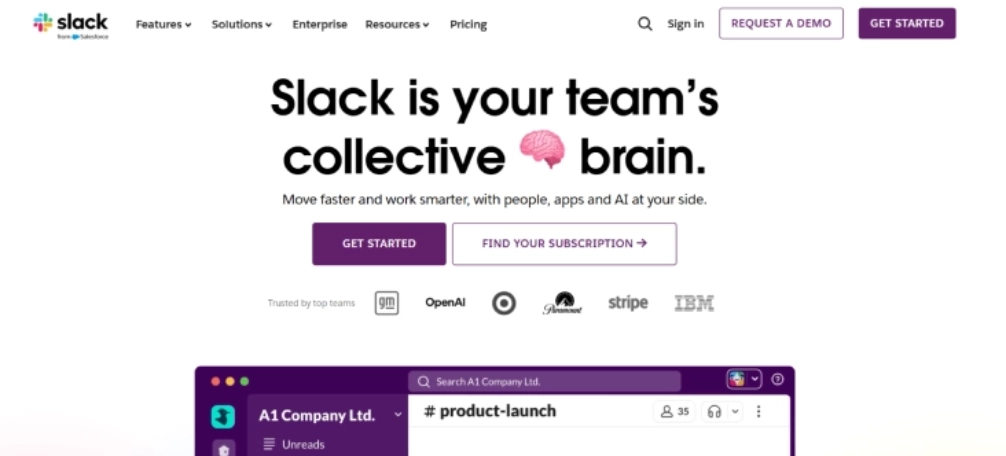
Slack is a real-time internal communication platform, which is designed for teams to collaborate through direct messages, channels, and integrations. It focuses mainly on fast conversations and quick information sharing with limited visibility into how work gets done.
Pros
- Makes team communication fast and easy through organized channels.
- Provides real-time collaboration in remote and distributed teams.
- Combines with a wide range of workplace tools.
- Easy to set up and get started with the minimal setup.
Cons
- Discussions may get too noisy, which leads to losing important updates.
- Lack of transparency into real work beyond communications.
- Need multiple integrations to connect the communication with the execution.
- Costs increase quickly as the teams grow and require the advanced features.
Features
- Organizes the team communication through structured channels for ongoing discussions and updates.
- Teams can use instant messages and group chats to exchange messages easily.
- Users can share files and search past messages to recover the data easily.
- Connects with the popular productivity tools to streamline the daily workflows and notifications.
Best suited for
Small to mid-sized teams, startups, remote, and hybrid teams, which mainly focus on real-time communication.
Pricing
Comes with a free trial
Standard: $6.67 per user/per month
Plus: $12.50 per user/per month
Enterprise Grid: Contact the Slack support team for more pricing details.
Reviews
G2: 4.5
Capterra: 4.7
3. Microsoft Teams

Microsoft Teams is a collaboration and internal communication tool, incorporating video meetings, chat, file sharing, and Microsoft 365 integration. It is commonly utilized by enterprises, which already depend on Microsoft tools for daily work and communication.
Pros
- Integrates easily with the Microsoft 365 applications, such as Excel, Outlook, and Word.
- Supports chat, collaboration, and video conferencing within a single platform.
- It is best for the large teams with an organized communication requirement.
- Offers business-level security and compliance services.
Cons
- Can feel complicated for the new users because it offers new features.
- Performance may slow down on existing devices or with low bandwidth.
- Needs the Microsoft 365 subscription to be fully functional.
- Teams that require minimal communication can face issues with the interface.
Features
- Enables the teams to interact through structured chats organized into teams and channels.
- It supports video and audio meetings with the screen sharing feature for team discussions and collaborations.
- Allows file sharing and real-time collaboration on the documents in the platform.
- The platform is highly integrated with the Microsoft 365 applications to streamline daily work.
Best suited for
Mid-sized to large businesses, IT services, education, hybrid, and office-based teams using Microsoft 365.
Pricing
Teams Essentials: $4.80 - 1 user per month
Reviews
G2: 4.4
Capterra: 4.5
4. Zoom
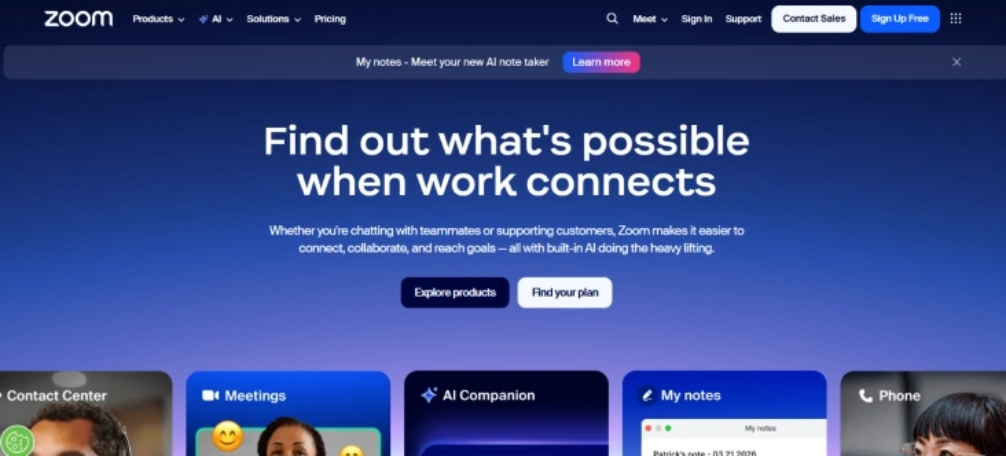
Zoom is a video-first internal communication tool which is used for webinars, meetings, and team collaboration. Its video quality and user-friendly interface make its adoption easy for users across devices. Zoom also supports large virtual events and company-wide meetings, making it suitable for distributed teams.
Pros
- Supports video and audio calls for team meetings of all sizes.
- Simple to conduct meetings for the teams with minimal setup.
- Provides virtual meetings, webinars, and check-in features to a team.
- Supports the desktop, mobile, and browser platforms.
Cons
- Mainly concentrates on team meetings with limited ongoing chat features.
- Needs additional tools for tracking task progress and work visibility.
- Advanced features are available only on the paid plans.
- Can contribute to the meeting overload if it is not carefully managed.
Features
- Enables high-quality audio and video meetings with the screen sharing feature.
- Supports the webinar and large virtual events for internal communication.
- Allows meeting recordings for later review and sharing of knowledge.
- Provides basic chat and file sharing during and after meetings.
Best suited for
Remote, hybrid, and distributed teams that depend on reliable video communication and virtual meetings.
Pricing
Comes with a free trial
Pro: $13.33 - 1 host per month
Business: $18.33 per month
Enterprise: Contact the Zoom support team for more pricing details.
Reviews
G2: 4.5
Capterra: 4.6
5. Simpplr
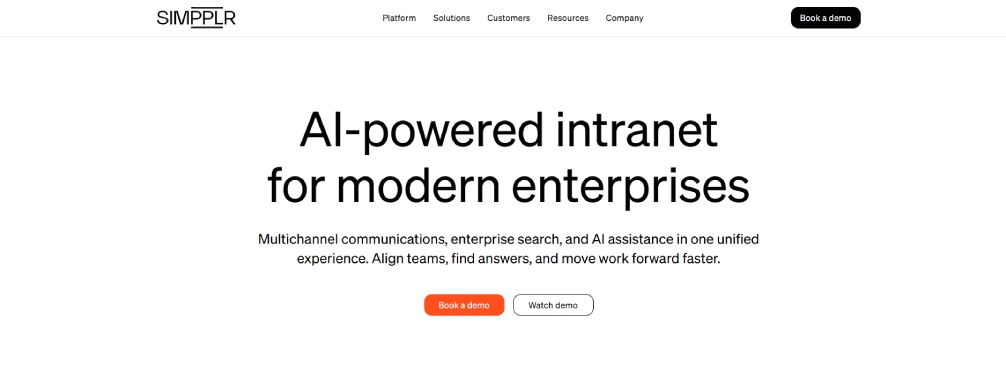
Simpplr is an internal communication platform that focuses on enhancing employee interaction by personalizing content and providing a modern intranet user experience. It helps organizations keep employees informed using targeted updates and centralized information.
Pros
- Presents customized content according to the employee roles and interests.
- Helps centralize the resources, policies, and news of the company.
- Enhances employee engagement using a modern intranet experience.
- Supports communication across the distributed and large teams.
Cons
- Minimal support for the real-time team discussions.
- Needs the setup and content planning to experience the robust adoption.
- Less focused on the daily tasks' execution and tracking productivity.
- Pricing might feel high for the smaller teams.
Features
- Provides a personalised intranet for company news and updates.
- Uses content targeting to deliver relevant information to employees.
- Supports the mobile access for employees who work from different locations.
- Provides the analytics to track the content engagement and reach.
Best suited for
Mid-sized to large enterprises focused on internal communications, engagement, and employee experience.
Pricing
Contact the Simpplr support team for pricing details.
Reviews
G2: 4.6
Capterra: 4.8
6. Interact
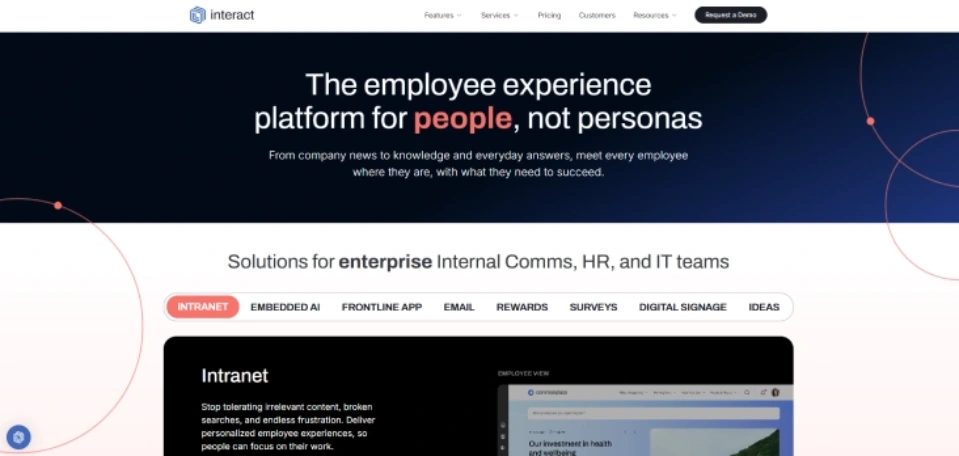
Interact is an intranet solution and internal communication tool that helps businesses to centralize information, manage content, and enhance employee engagement. It mainly focuses on the organized communication, making enterprise knowledge easier to find, share, and maintain across the teams.
Pros
- Centralizes the company documents, news, and internal resources.
- Supports organized internal communication through the intranet pages.
- Helps enhance information access within the organization.
- Suitable for large organizations with formal communication tools.
Cons
- Minimal real-time conversational communication and messaging.
- Needs constant content management to remain effective.
- Lower visibility into the everyday work execution and overall productivity.
- Can become complicated for the smaller teams with simple needs.
Features
- Interact provides a centralized intranet for company news and updates.
- Supports sharing the internal knowledge and document management.
- Allows content customization to various teams and roles.
- Provides analytics to monitor the use of content and employee interaction.
Best suited for
Mid-sized to large enterprises needing a structured intranet for internal communication and knowledge sharing.
Pricing
Contact the Interact support team for pricing details.
Reviews
G2: 4.5
Capterra: 4.6
7. Staffbase
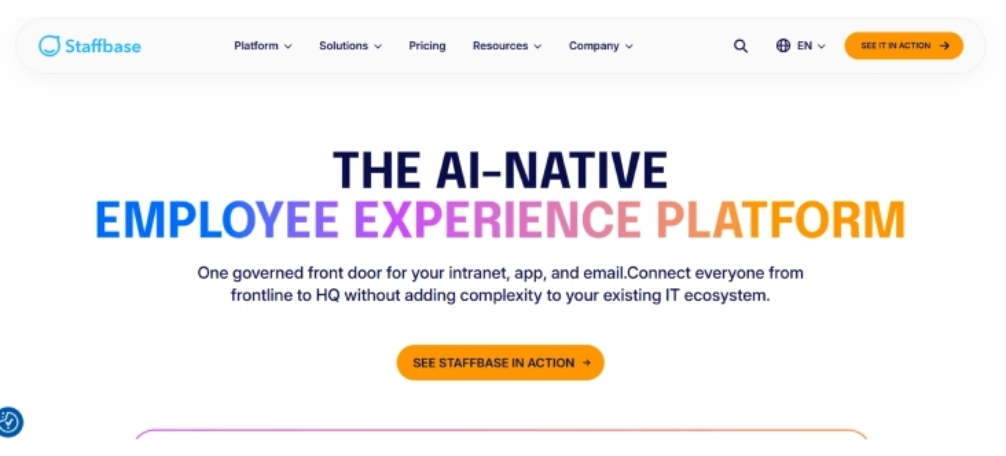
Staffbase is an internal communication platform designed to help organizations share updates, news and messages with employees through a variety of channels. It is used to reach the deskless, frontline, and distributed teams at scale.
Pros
- Effective for the company-wide announcements and internal campaigns.
- Strong mobile experience for frontline and deskless employees.
- Provides multi-channel communication across one platform.
- Fits well with large-scale and global organizations.
Cons
- Offers limited real-time support for team-level collaboration.
- Poor visibility into the daily work progress and task execution.
- Needs content planning to keep the consistent employee engagement.
- May feel heavy for the small teams that have simple communication requirements.
Features
- Delivers company news and updates through a centralized platform.
- Supports mobile applications to reach frontline and deskless employees easily.
- Allows a specific messaging feature to particular teams and locations.
- Offers analytics to measure the message reach and employee engagement.
Best suited for
Mid-sized to large enterprises with frontline, deskless, or geographically distributed teams needing consistent internal communication.
Pricing
Contact the Staffbase support team for more pricing details.
Reviews
G2: 4.6
Capterra: 4.7
8. Connecteam
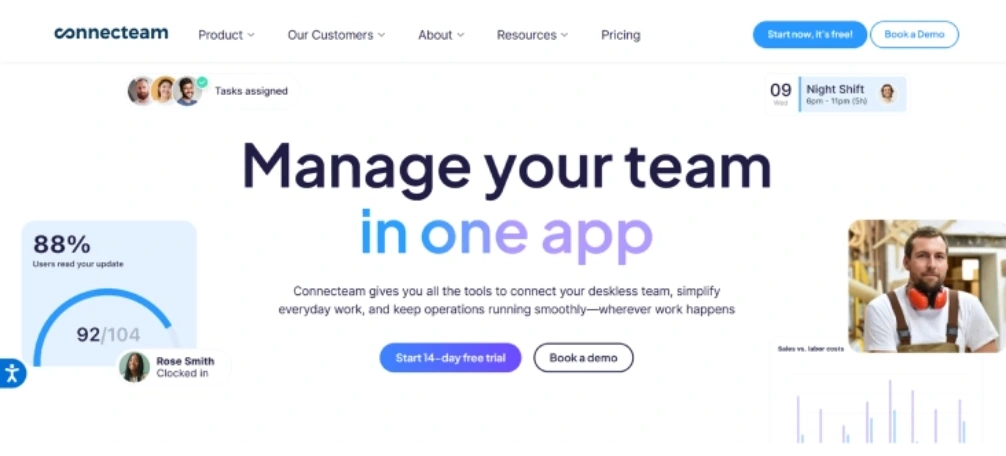
Connecteam is a mobile-friendly internal communication tool designed for teams that work outside the office. It helps organizations keep frontline and field employees connected through simple communication and workforce management tools.
Pros
- Easy to use for frontline and non-desk employees.
- A mobile-first approach helps improve communication everywhere.
- Integrates communication with simple workforce management capabilities.
- Offers a fast setup feature for both small and mid-sized teams.
Cons
- Poor advanced collaboration for the knowledge-based teams.
- Not appropriate for the complex or office projects.
- Analytics and reporting are basic compared to the enterprise platforms.
- May be limited to organizations that have different communication requirements.
Features
- Allows communication within the team by announcements and in-app chat.
- Facilitates employee scheduling, time tracking and simple task management.
- Provides mobile access for frontline and field employees.
- Includes the basic reports to monitor the usage and team activity.
Best suited for
Small to mid-sized businesses with frontline, deskless, or field-based teams.
Pricing
Comes with a free trial
Basic: $29.00 - 30 users per month
Advanced: $49.00 - 30 users per month
Expert: $99.00 – 30 users per month
Reviews
G2: 4.6
Capterra: 4.6
Monday.com
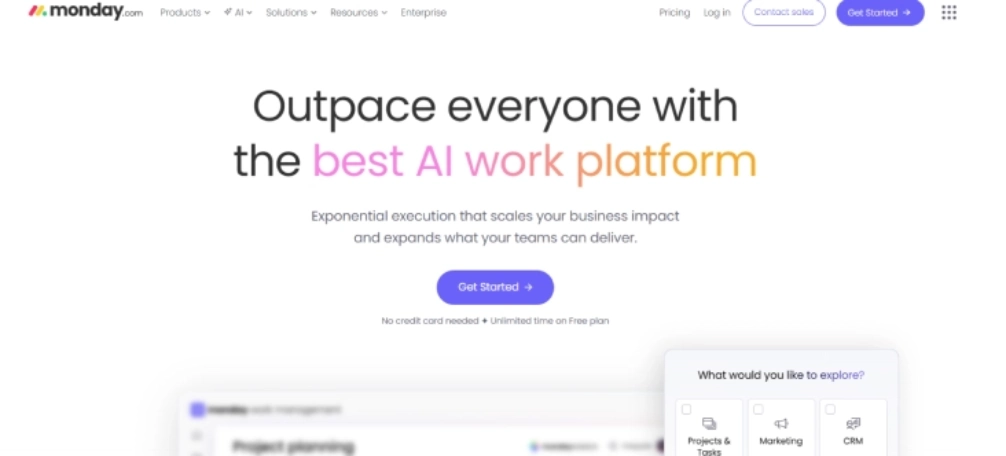
Monday.com is a work management platform that facilitates internal communication by connecting conversations with tasks, projects and workflows. Teams use it to organize their work, monitor the work progress, and collaborate efficiently.
Pros
- Connects the communication directly with project and task updates.
- Provides flexible workflows which adapt to the different requirements of the team.
- Gives clear transparency into the ownership and work progress.
- Scales with the growing teams and complicated work.
Cons
- Requires setup time to configure boards and workflows properly.
- Might feel complex to the teams that require basic communication.
- Expenses increase as the teams add more users or advanced features.
- Not much effective for real-time and informal communication.
Features
- Allows teams to handle projects using customizable boards.
- Efficiently supports the updates and comments directly in workflows and tasks.
- The platform provides automation to streamline routine work processes.
- Integrates with the popular tools to centralize communication and work.
Best suited for
Small to large teams managing projects, workflows, and structured internal collaboration.
Pricing
Basic: Comes with a free trial
Standard: $12.00
Pro: $19.00
Enterprise: Contact the Monday.com support team for more pricing details.
Reviews
G2: 4.7
Capterra: 4.6
Chanty
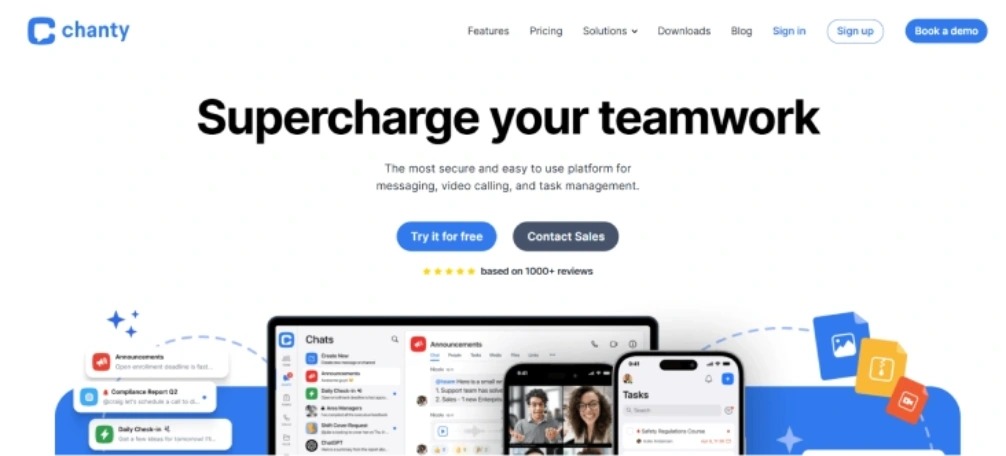
Chanty is a simple internal communication tool which is built for teams that need basic messaging without complexity. It concentrates on the team chats and work discussions, making it easy to adopt for smaller teams.
Pros
- Simple and clean interface that is easy to adopt.
- It is easy to set up and requires minimal configuration.
- Facilitates simple team communication and teamwork.
- Affordable option for the small teams.
Cons
- Limited advanced features for complex and large organizations.
- Simple reporting and analytics solutions.
- Low transparency into the work productivity and overall progress.
- Not ideal for the teams which need deep integrations or automation.
Features
- Allows team communication via instant and group chat.
- Supports basic task discussions within the conversations.
- Allows the message history search and file sharing.
- Offers integrations with a limited set of work tools.
Best suited for
Small teams and startups need simple and low-cost internal communication tools.
Pricing
Comes with a free trial
Business: $3.00 per month
Reviews
G2: 4.4
Capterra: 4.7
Internal Communication Tools Checklist
Choosing team communication apps depends on how they support daily work, employees, and business growth. Use the checklist below to evaluate the internal communication tools based on what truly impacts your business.
Cost and Pricing Flexibility
See beyond the initial cost and evaluate how the cost increases as your team expands. Clear pricing helps you to avoid the unexpected costs while ensuring the internal communication tool offers consistent value across the teams.
Tech Stack Compatibility and Integrations
Select internal communication software which is compatible with your current tools. It helps your teams adapt to the platform without interrupting daily operations because strong integrations lead to reduced context switching and enhance workflow continuity.
Important Features for Your Teams
Look for the features which support actual communication needs, such as announcements, messaging, teamwork, and visibility into the work. AI receptionist tools can further streamline team communication. The right attributes enable teams to remain focused, minimize miscommunication, and become more productive.
Support and Onboarding Experience
Enquire if the tool provides a good support and onboarding experience so your teams can adopt it without confusion or delays. When employees understand the platform quickly, they can use it effectively and improve communication quality from the start.
Security and Data Protection
Check whether the platform offers strong security and data protection features to keep company and employee information safe. Reliable access controls, encryption, and compliance standards help reduce risk and protect sensitive internal communication.
Scalability for Future Growth
Choose the solution which can efficiently grow with your business. Scalable internal communication platforms can support the expanding teams, new procedures, and locations without the need for continuous platform shifts.
See how Time Champ improves internal communication with work visibility.
Explore our Workforce Intelligence platform today.
Conclusion
Choosing the right internal communication tool begins by understanding the working, communication and daily task execution of your teams. The most appropriate platforms not only share messages, but they also minimize confusion, enhance alignment, and make better decisions as your business expands.
Clarity in communication leads to quicker response, engagement and confidence when performing a task. The appropriate tool will transform the daily discussions into actionable developments.

Table of Content
-
 What is Internal Communication Software?
-
What Are the 10 Best Internal Communication Tools?
-
Internal Communication Tools Checklist
-
Conclusion
Related Blogs

Discover ways to overcome communication challenges in remote work and boost collaboration. Find solutions for miscommunication, time zone issues, more!

Corporate communication is a process of establishing organizational communication and between the organization and its various stakeholders.

Build a strong communication culture in remote teams to improve collaboration, trust, and productivity. Explore key strategies for seamless teamwork!
Employee relations is a term that describes the kind of connections that exist between the employer and the employees of an organization.

Learn what workforce engagement management (wem) is, why it matters in contact centers, components, benefits, and how to choose the right software.

Learn effective remote team alignment strategies to enhance communication, boost productivity, and keep your team connected.


 4.7/5 avg.
Ready to Manage Your Workforce Smarter?
Join our family of 1500+ companies using smart insights to redefine workforces!

Free Trial
No Credit Card Required