11 Best Workflow Automation Software For [2026]
Find the 11 best workflow automation software for 2026. Compare features, pricing, pros & cons to automate tasks and improve team efficiency.
Many organizations deal with hundreds of repetitive tasks every day. Approving requests, assigning tasks, sending reminders, updating spreadsheets, and moving data between tools can take hours of manual work. Workflow automation software helps you solve this problem by automatically handling routine processes. Teams that take workflow automation explained seriously avoid the most common rework cycles later. The detail here sits inside a wider conversation covered in our best project management software guide.
But when you start searching for the best workflow automation software, you’ll quickly notice a challenge: there are dozens of platforms claiming to automate everything. So how do you choose the right solution?
In this guide, you’ll discover the 11 best workflow automation tools for 2026. We’ll compare their features, pricing, pros, and limitations so you can choose a platform that actually fits your team’s workflow.
What is Workflow Automation Software?
Workflow automation software is a tool that automatically manages repetitive tasks and processes within a business. Automated workflows help you assign tasks when a project begins, send approval requests, notify team members when work is completed, and update reports automatically. These automated workflow solutions help you reduce manual work, improve workforce efficiency, and ensure processes run smoothly across departments.
Want to automate your team’s workflows more efficiently?
See how Time Champ helps automate tasks and keep teams productive.
What Are the 11 Best Workflow Automation Software?
Choosing the right workflow automation software helps teams automate repetitive tasks, reduce manual work, and keep processes running smoothly. However, with many workflow automation tools available, selecting the right one can be challenging.
To help you decide, here’s a quick comparison of the 11 best workflow automation software for 2026.
| Tool | Key Features | Ideal Solution | Free Plan |
|---|---|---|---|
| Time Champ | Workforce productivity & automation |
| ✅ |
| Pega | Enterprise workflow automation |
| ❌ |
| Zapier | App integrations & task automation |
| ❌ |
| Kissflow | Business process automation |
| ✅ |
| monday.com | Team workflow automation |
| ✅ |
| ProcessMaker | Process automation |
| ✅ |
| Nintex | Enterprise automation |
| ✅ |
| ClickUp | Task workflow automation |
| ❌ |
| Pipefy | Process management |
| ✅ |
| Wrike | Workflow automation for projects |
| ✅ |
| Softr | AI app building & built-in workflow automation |
| ✅ |
Next, you’ll see a detailed breakdown of each tool, so you can clearly understand which one fits your workflow, team size, and budget.
1. Time Champ
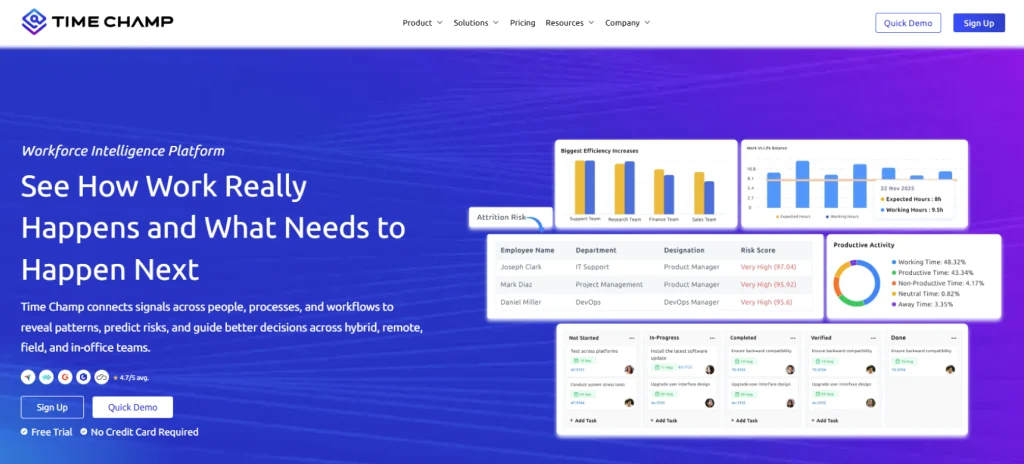
Time Champ is a workforce intelligence and workflow automation platform designed to help you understand how work happens across your teams. Time Champ combines productivity tracking, employee insights, and automated workflow monitoring to give you a clear view of how processes run and where improvements are needed.
Many workflow automation tools help you automate tasks, but they don’t show how employees actually spend their time. Time Champ fills that gap by combining automation with real productivity data and workforce analytics. If you want to improve efficiency, reduce manual processes, and gain deeper visibility into team performance, Time Champ can be a good choice for you.
Pros
- Easy onboarding and simple interface
- Affordable pricing compared to many automation platforms
- Combines productivity insights with workflow automation
- Strong customer support and fast issue resolution
- Works well for remote and hybrid teams
Cons
- Some advanced enterprise automation features are still evolving
- Teams need time to fully explore all analytics features
Features
Time Champ provides a combination of workflow automation tools and workforce intelligence features that help you optimize how work gets done.
- Automated activity tracking tracks how employees spend their work hours across apps, websites, and tasks.
- Productivity monitoring identifies productive and unproductive activities to improve team efficiency.
- Smart alerts and notifications allow you to get alerts for unusual activity, missed tasks, or workflow disruptions.
- Automated attendance tracking simplifies employee attendance management without manual input.
- Project and task management help you see the task progress and workflow status across projects.
- Performance analytics dashboard provides insights into team productivity, workload distribution, and operational efficiency.
- Custom reports and workflow insights help you get automated reports to analyze productivity trends.
- Integrations help you connect with project management platforms, communication tools, HR and payroll systems.
Use Cases
Time Champ is ideal for:
- Small and mid-sized businesses
- Hybrid and remote teams
- IT companies and digital agencies
- Customer support and BPO teams
Pricing
- Starter: $3.9/user/month
- Professional: $6.9/user/month
- Enterprise: $13.9/user/month
- 7-day free trial available
Reviews
- G2: 4.8/5
- Capterra: 4.9/5
Want to improve your team’s workflow and productivity?
See how Time Champ helps you automate processes and gain better team insights.
2. Pega
Pega is a workflow automation platform designed for large enterprises that need advanced process automation and AI-based decision management. It helps you automate complex business processes such as customer service operations, financial workflows, and enterprise-level task management.
Pros
- Strong AI-driven workflow automation
- Suitable for complex enterprise processes
- Highly customizable automation system
Cons
- Expensive for small businesses
- Setup and implementation can be complex
- Requires technical expertise
- Longer onboarding time compared to simpler tools
Features
- AI-Powered workflow automation helps to automate complex business decisions and workflow steps.
- Case management helps your organization to manage customer requests, support cases, and operational tasks in structured workflows.
- Process modelling allows you to visually design and optimize workflows before implementing automation.
- Decision automation automatically recommends the next action based on business rules and data.
Use Cases
Best for:
- Large enterprises
- Financial institutions
- Insurance companies
- Customer service automation teams
Pricing
For Pricing details, contact the Pega support team.
Ratings
- G2: 4.2
- Capterra: 4.4
3. Zapier
Zapier is one of the most widely used workflow automation tools for connecting apps and automating repetitive tasks. It allows you to automate actions between different tools using “Zaps.” For example, when a form is submitted, a task can automatically be created in a project management tool.
Pros
- Connects 6000+ apps
- Easy to create automations
- No coding required
Cons
- Complex workflows can become expensive
- Limited internal project management features
- Heavy reliance on integrations
Features
- App Integrations connects over 6,000 apps to automate actions between different software tools.
- Multi-Step Workflows allow users to create automation sequences that trigger multiple actions across apps.
- Conditional Logic enables workflows to run different actions depending on specific conditions or triggers.
- Data Transfer Automation automatically moves data between apps, reducing manual data entry.
Use Cases
Best for:
- Large enterprises
- Financial institutions
- Insurance companies
- Customer service automation teams
Pricing
- Free: Limited features
- Professional: $15.29/month
- Team: $52.77/month
- Enterprise: Contact the support team
Reviews
- G2: 4.5
- Capterra: 4.7
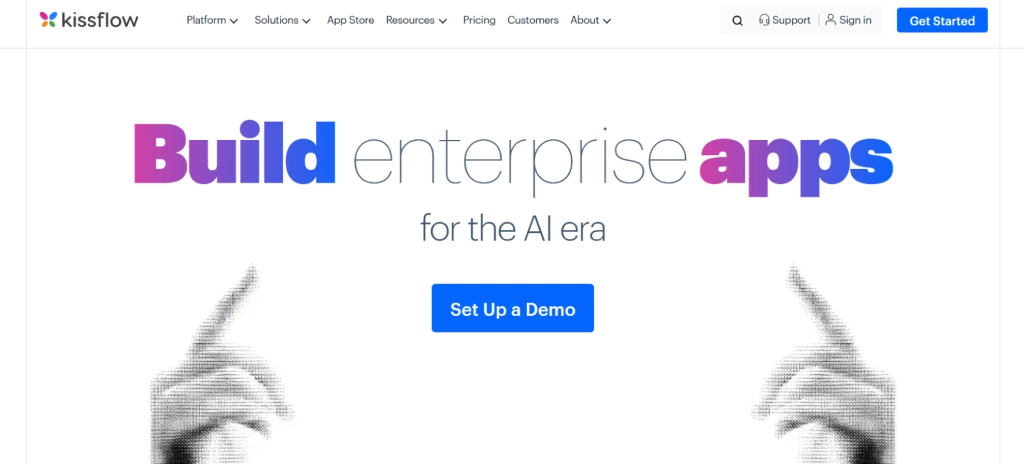
4. Kissflow
Kissflow is a business process automation platform designed to automate your internal workflows without heavy coding. It offers a visual workflow builder that helps you design approval processes, task routing, and business operations automation. You don’t need to rely on manual processes for approvals. Kissflow digitizes these processes to help you create structured workflows that automatically route tasks to the right people.
Pros
- Connects 6000+ apps
- Easy to create automations
- No coding required
Cons
- Complex workflows can become expensive
- Limited internal project management features
- Heavy reliance on integrations
Features
- App Integrations connects over 6,000 apps to automate actions between different software tools.
- Multi-Step Workflows allow users to create automation sequences that trigger multiple actions across apps.
- Conditional Logic enables workflows to run different actions depending on specific conditions or triggers.
- Data Transfer Automation automatically moves data between apps, reducing manual data entry.
Use Cases
Best for:
- Large enterprises
- Financial institutions
- Insurance companies
- Customer service automation teams
Pricing
- Free: Limited features
- Professional: $15.29/month
- Team: $52.77/month
- Enterprise: Contact the support team
Reviews
- G2: 4.5
- Capterra: 4.7
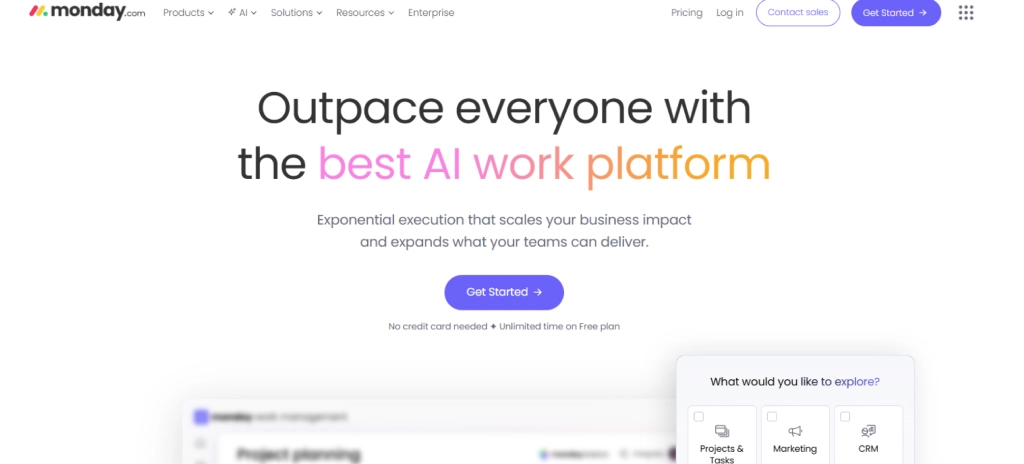
5. monday.com
Monday.com is a widely used work management and workflow automation platform that helps you organize projects, track tasks, and automate routine actions. The platform uses visual boards where you can manage workflows, assign tasks, and create automation rules that trigger actions automatically.
Pros
- Visual project management interface
- Flexible workflow automation rules
- Good collaboration features
Cons
- Automation limits on lower plans
- Pricing increases with team size
- Can feel overwhelming for new users
Features
- Automation rules automate repetitive tasks like status updates, notifications, and task assignments.
- Workflow boards and visual boards help teams track projects, tasks, and workflows in real time.
- Custom dashboards display project data, performance insights, and workflow progress in one place.
- Team collaboration tools enable teams to communicate, comment, and share files within workflows.
Use Cases
Best for:
- Marketing teams
- Project management workflows
- Creative teams
Pricing
- Free: $0/up to 2 seats
- Basic: $9/seat/month
- Standard: $12/seat/month
- Pro: $19/seat/month
- Enterprise: Contact the monday.com sales team
Reviews
- G2: 4.7
- Capterra: 4.6
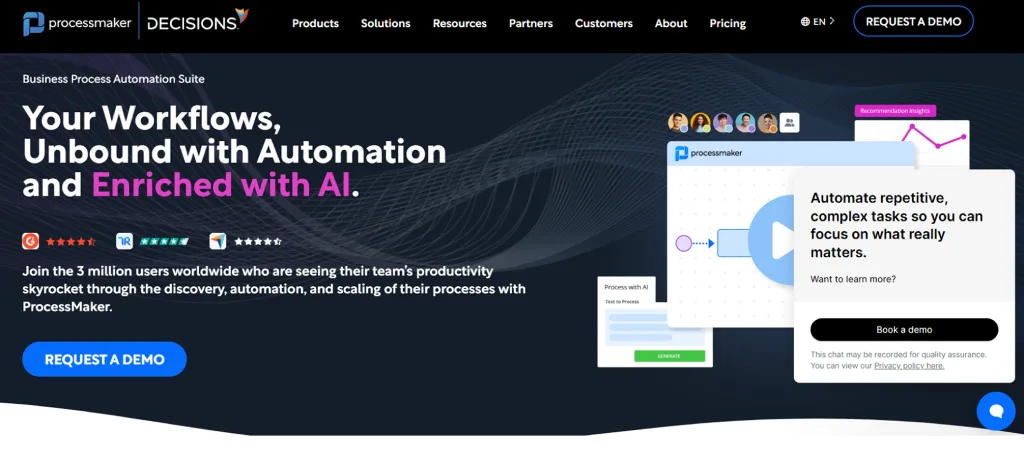
6. ProcessMaker
ProcessMaker is a business process management (BPM) and workflow automation platform designed to automate structured business processes across departments. This platform helps you design workflows, task routing, and monitor processes through dashboards and analytics tools.
Pros
- Strong BPM capabilities
- Flexible workflow automation
- Suitable for enterprise workflows
Cons
- Requires technical setup
- The interface can feel outdated
- Implementation time may be long
Features
- Workflow Automation Engine automates repetitive business processes across departments.
- Task routing automatically assigns tasks to the appropriate team member based on process rules.
- Process monitoring tracks workflow performance and identifies bottlenecks in operations.
- API integrations connect workflow automation with other enterprise systems and databases.
Use Cases
Best for:
- Manufacturing companies
- Large operational teams
- Enterprise process automation
Pricing
- Standard: $3,000/month
- Professional: Contact the support team
- Enterprise: Contact the support team
Reviews
- G2: 4.3
- Capterra: 4.5
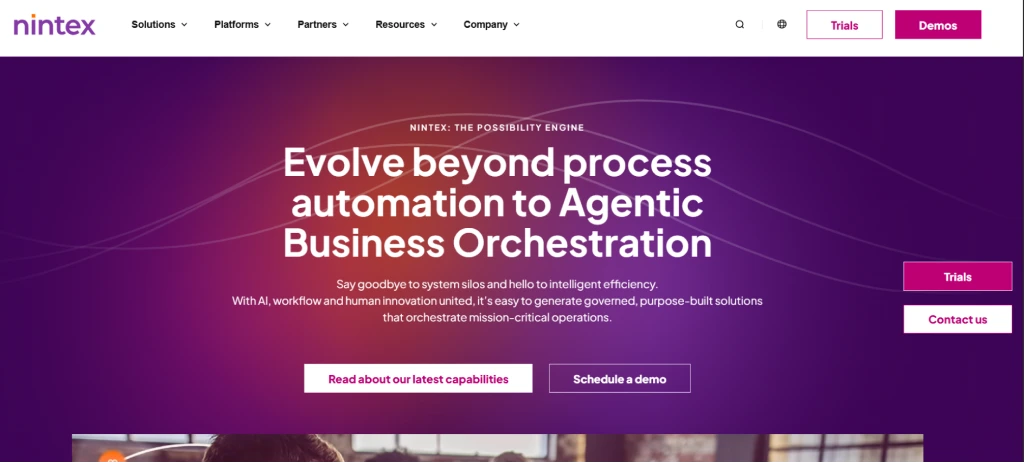
7. Nintex
Nintex is a workflow automation platform focused on process automation, document workflows, and enterprise-level process management. It helps you automate repetitive tasks that involve approvals, document handling, and structured workflows. It also helps you automate processes like contract approvals and compliance documentation to reduce manual work and improve overall team efficiency.
Pros
- Advanced process automation
- Document workflow automation
- Enterprise-level platform
Cons
- Expensive pricing
- Implementation may require consultants
- Not ideal for small teams
Features
- Process mapping helps teams visually map and document workflows for better automation planning.
- Document automation automatically generates documents such as contracts, reports, and forms.
- Workflow approvals automate approval processes for business operations and compliance requirements.
- Process analytics provides insights into workflow efficiency and operational performance.
Use Cases
Best for:
- Enterprise workflow automation
- Document-based industries
- Compliance-driven organizations
Pricing
Contact the Nintex support team for pricing details.
Reviews
- G2: 4.3
- Capterra: -
8. ClickUp
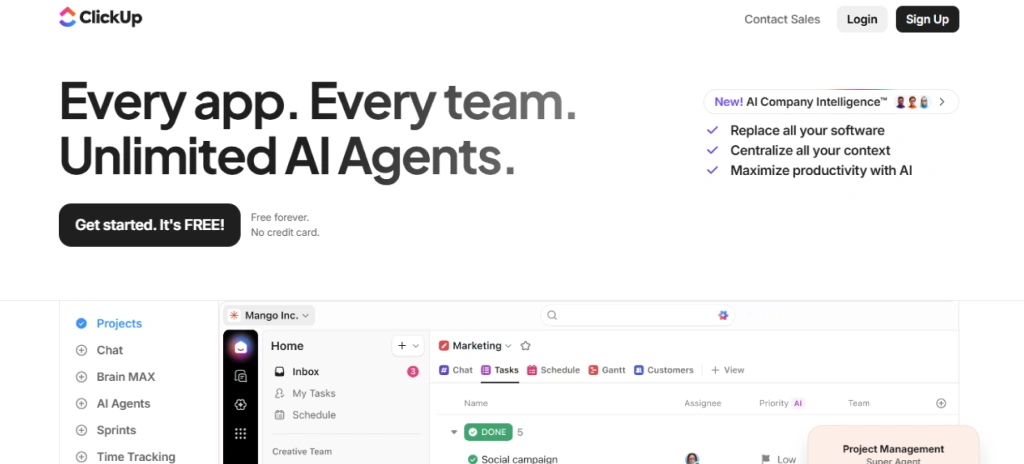
ClickUp is an all-in-one work management and workflow automation tool that combines task management, project planning, collaboration, and automation in a single platform. You can build workflows using tasks, statuses, and automation rules that automatically trigger actions when certain conditions are met.
Pros
- All-in-one work management tool
- Flexible automation rules
- Free plan available
Cons
- Interface can feel cluttered
- Learning curve for new users
- Some performance issues were reported
Features
- Task automation automates task assignments, status changes, and project updates based on triggers.
- Project workflow management helps teams organize and automate workflows across projects and departments.
- Custom dashboards display workflow progress, workload distribution, and performance insights.
- Time tracking tracks how long tasks take to help teams improve workflow efficiency.
Use Cases
Best for:
- Startups
- Product teams
- Remote teams
Pricing
- Free Forever: Limited Features
- Unlimited: $7/per user/month
- Business: $12/user/month
- Enterprise: Custom
Reviews
- G2: 4.7
- Capterra: 4.6
9. Pipefy
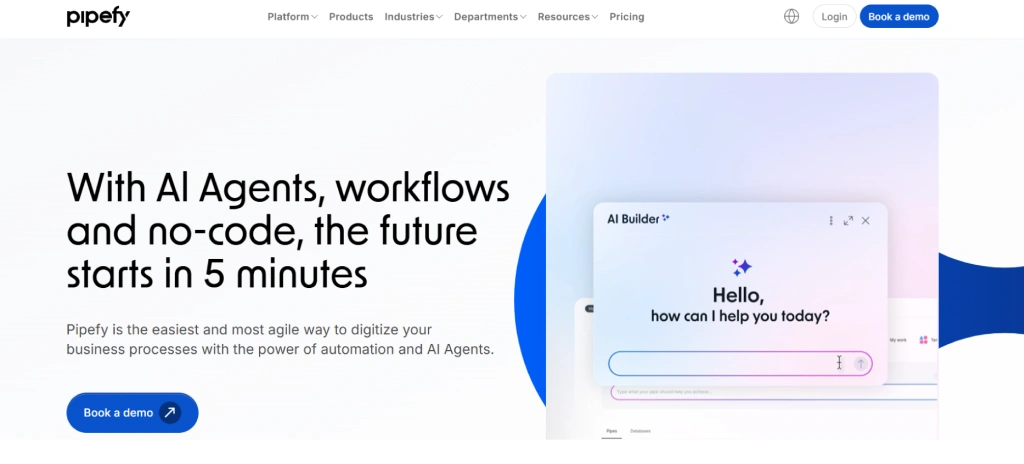
Pipefy is a process management and workflow automation platform designed to help you standardize and automate operational processes. Without needing to rely on spreadsheets or manual approvals, you can build structured workflows. It also offers pre-built templates such as HR onboarding, procurement requests, and customer service workflows to help you implement quick automation.
Pros
- Visual workflow builder
- Good process templates
- No-code automation
Cons
- Limited advanced reporting
- Some integrations require higher plans
- Can be restrictive for complex processes
Features
- Workflow templates offer ready-made process templates to quickly automate common business workflows.
- Task automation automatically moves tasks between workflow stages as progress is made.
- Approval workflows route requests and approvals automatically to the appropriate decision makers.
- Process tracking helps teams monitor the status of workflows and identify delays.
Use Cases
Best for:
- HR teams
- Procurement processes
- Operations teams
Pricing
Contact the Pipefy support team for pricing details.
Reviews
- G2: 4.6
- Capterra: 4.6
10. Wrike
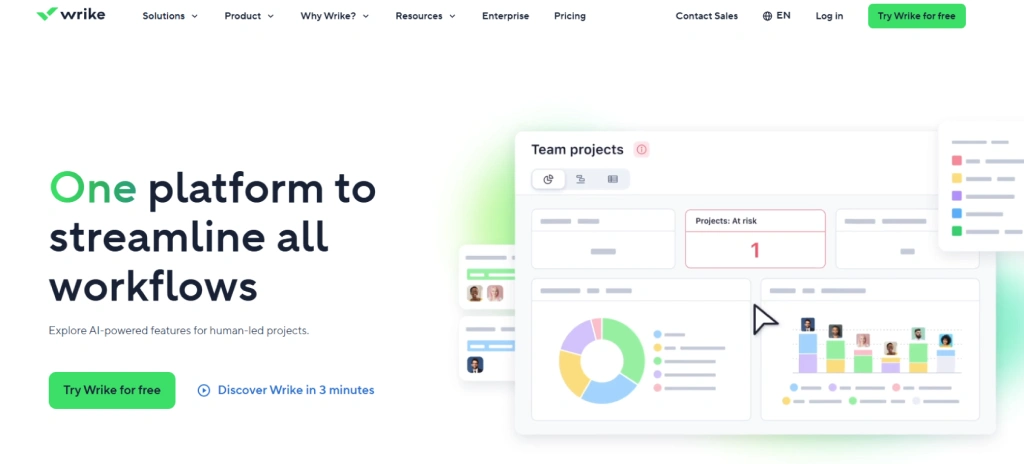
Wrike is a project management and workflow automation platform designed to help you manage complex projects and automate parts of your workflow. It allows you to automate repetitive actions such as task assignments, status updates, and approval processes within project workflows.
Pros
- Strong project workflow automation
- Detailed reporting dashboards
- Good team collaboration features
Cons
- Pricing can be high for small teams
- Automation features are limited in basic plans
- Learning curve for new users
Features
- Task automation rules automate repetitive actions such as assigning tasks or updating project statuses.
- Workflow tracking provides visibility into task progress and workflow performance.
- Resource management helps teams allocate resources efficiently across projects.
- Project dashboards display workflow data, deadlines, and team workloads in real time.
Use Cases
Best for:
- Marketing teams
- Creative agencies
- Large project teams
Pricing
- Free: $0/user/month with limited features
- Team: $10/user/month
- Business: $25/user/month
- Pinnacle: Contact the support team
- Apex: Contact the support team
Reviews
- G2: 4.2
- Capterra: 4.4
11. Softr
Softr is an AI app builder for creating real business software without code, with workflow automation built directly into the platform. Teams can build internal tools, operational apps, CRMs and other business systems, then automate the processes behind them without having to connect a separate automation platform.
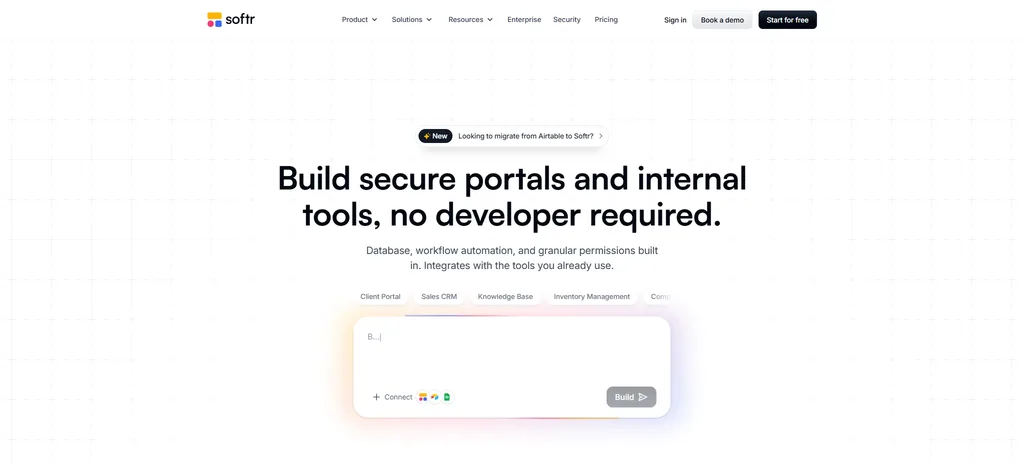
Softr combines a native database, visual app builder, forms, granular permissions and workflows in one platform. Its workflows can start from database changes, form submissions, button clicks, webhooks or schedules, then use conditions, branching, loops, API calls and AI-powered actions to complete multi-step business processes. Teams can generate an initial setup with AI and continue editing it visually, which makes Softr accessible to non-technical business users while keeping workflows customizable.
Pros
- Combines apps, databases, forms and workflows in one platform instead of requiring several separate tools.
- Visual workflow builder makes automation accessible to non-technical teams.
- Workflows can be triggered directly by user actions and data changes inside Softr apps.
- Granular permissions help teams control who can view and interact with data and processes.
Cons
- Not designed for developers who want to export and own the complete underlying codebase.
- Highly bespoke or deeply algorithmic applications may still require a traditional development stack.
- Workflow usage limits vary by plan, so teams with high automation volumes should review their expected usage before choosing a tier.
Features
- Visual workflow automation lets teams build multi-step processes using conditions, filters, branches, loops, wait steps and scheduled actions.
- App and database triggers start workflows when records change, users submit forms or someone takes an action inside a Softr app.
- AI-powered workflow steps can summarize, categorize, enrich and process information as part of an automation.
- Native Softr Databases provide the primary data layer for apps and workflows, with external data sources available when needed.
- API and webhook support lets teams connect workflows with external business systems.
- AI Co-Builder and visual editing allow teams to generate an initial business app and continue maintaining it without relying entirely on prompts or developers.
Use Cases
Best for:
- Operations teams automating recurring business processes
- Internal approval and request workflows
- Marketing and sales operations
- CRMs, trackers and operational apps
- Agencies building business systems for clients
- Teams that want apps, data and automation managed in one platform
Pricing
- Free: $0
- Basic: $19/month
- Pro: $99/month
- Business: $329/month
- Enterprise: Custom pricing
Prices above are based on annual billing. Softr currently includes Workflows across its plans.
Reviews
- G2: 4.7/5
- Capterra: 4.7/5
Workflow Automation Software Checklist
Choosing the right workflow automation software can feel overwhelming because many platforms offer similar capabilities. To make the right decision, you should evaluate a few key factors that directly impact how well the software will support your workflows.
Pricing and Overall Value
When comparing workflow automation tools, start by evaluating the pricing structure. Some platforms offer affordable plans for small teams, while enterprise-level solutions may require a much larger investment. Before choosing a tool, first check if the pricing fits your current budget. Ideally, select a solution that balances cost, features, and long-term value for your business.
Technology Compatibility and Integrations
Your workflow automation software needs to work smoothly with the tools your team already uses. When evaluating a platform, check whether it integrates with your existing tech stack. Strong integrations allow your workflows to move smoothly between systems without requiring manual updates.
Essential Workflow Automation Features
Not every workflow automation platform offers the same capabilities. Before selecting a tool, think about the specific workflows you want to automate. Rechec,k like do you need task automation for project workflows, workflow monitoring to track progress, or automated reports and dashboards?s. Make sure the tool solves your real workflow challenges.
Customer Support and Onboarding Experience
Even the best workflow automation tools require some level of setup and learning. If the platform is difficult to adopt, your team may struggle to use it effectively. Look for tools that provide clear onboarding guidance, helpful documentation, and responsive customer support.
Security and Data Protection
Workflow automation software often handles your sensitive business information. This includes employee data, operational workflows, or internal documents. Before choosing a platform, you should verify that it offers data encryption, secure user access controls and compliance with security standards.
Scalability and Future Growth
As your business grows, your workflows will likely become more complex. The automation tool you choose today needs to support your needs in the future. Choosing a scalable platform ensures you won’t need to switch tools when your team, processes, or workload expands.
Ready to simplify your team’s workflows?
Learn how Time Champ helps you automate tasks and improve team performance.
Conclusion
Choosing the right workflow automation software depends on how your team works, the complexity of your processes, and the level of automation you need. Some tools focus mainly on connecting apps, while others help you automate structured business processes across departments. A good first step is to explore the platform through a demo or start with the 7-day free trial. This allows you to see how the system fits your workflows and whether it supports the way your team actually works.

Table of Content
-
 What is Workflow Automation Software?
-
What Are the 11 Best Workflow Automation Software?
-
Workflow Automation Software Checklist
-
Conclusion
Related Blogs
Discover the 10 best enterprise project management software for 2026. Compare features, pricing, pros and cons to scale the operations and align strategy.
Anjali | Apr 02, 2026
Find the 10 best project portfolio management software for 2026. Compare the features, pricing, pros & cons to prioritize projects and control budgets.
Anjali | Apr 02, 2026
Find the best project resource management software for 2026. Compare features, pricing, pros & cons to optimize resources and deliver projects on time.
Thasleem Shaik | Apr 02, 2026
Find the 10 best performance management software for 2026. Compare features, pricing, pros & cons to boost employee performance.
Tarun Kumar Reddy | Apr 02, 2026
Find the 10 best workforce intelligence software for 2026. Compare features, pricing, pros, cons to boost operational clarity and team performance.
Thasleem Shaik | Feb 11, 2026
Explore the 10 best workload management tools for 2025. Compare features, pricing, and benefits to boost team efficiency and productivity.
Thasleem Shaik | November 17, 2025


 4.7/5 avg.
Ready to Manage Your Workforce Smarter?
Join our family of 1500+ companies using smart insights to redefine workforces!

Free Trial
No Credit Card Required