10 Best Enterprise Project Management Software in (2026)
Discover the 10 best enterprise project management software for 2026. Compare features, pricing, pros and cons to scale the operations and align strategy.
Choosing the right enterprise project management software may feel time-consuming and confusing. Generally, most of the platforms promise enterprise readiness, but still lack complete visibility, scalability, and alignment. Fragmented tools, poor portfolio visibility, and rigid workflows usually slow down the execution procedure. The best enterprise project management solution supports strategic planning, implementation, and performance at scale. Teams that take work plan definition seriously avoid the most common rework cycles later. Anyone weighing this decision usually starts with our best project management software guide for the full landscape.
This blog will help you understand the enterprise project management tools that enhance control, simplify complexity, and help you align projects with your organizational objectives.
What is Enterprise Project Management Software?
Enterprise project management software helps you to easily plan, track, and control multiple projects across portfolios and teams from a unified system. It focuses on budgets, resources, timelines and performance information to enhance visibility and decision-making. Unlike other basic project tools, enterprise project management systems efficiently support the governance models, complex workflows, and strategic platforms. These platforms enable you to minimize the execution challenges, focus on initiatives, and keep the project aligned with your organizational goals.

Did You Know?
According to the PMI’s 2025 report, only 18% of the project professionals demonstrate high business acumen. Those professionals deliver better outcomes, remain on budget, and achieve strategic goals more effectively than their competitors. This highlights how important strong enterprise project management capabilities are in driving the real business value.
Struggling with poor project visibility?
Time Champ gives you complete clarity.
What are the 10 Best Enterprise Project Management Software?
Choosing the right enterprise project management software becomes easier when you compare the tools based on your business needs. Some platforms focus on planning and collaboration, while others offer deeper visibility, control, and performance insights. Here are the 10 best enterprise project management tools to help you find the right fit for your needs.
| Software | Best For | Key Strength | Fit for |
|---|---|---|---|
| Time Champ | Workforce-driven project control | Workforce intelligence & productivity analytics | Strong for enterprises requiring people & project visibility |
| Asana | Strategic project coordination | Alignment of goals and work clarity | Better with cross-functional enterprise teams |
| Wrike | Large-scale project planning | Improved reporting and effective resource management | Strong enterprise governance and controls |
| Monday.com | Custom workflows | Extremely adjustable boards and automation | Scalable for the different enterprise use cases |
| Scoro | End-to-end business management | Project, finance, and billing in one platform | Best suited to service-based businesses |
| ClickUp | All-in-one project execution | Tasks, docs, goals, and dashboards | Grows well with rapidly expanding businesses |
| Zoho Projects | Budget-conscious enterprises | Deep integration with the Zoho ecosystem | Cost-effective enterprise project management |
| Jira | Enterprise IT & software teams | Agile and DevOps project tracking | Best with enterprise IT management processes |
| Productive | Agency and professional services | Profitability and resource tracking | Strong in terms of project performance visibility |
| Trello | Simple project organization | Visual Kanban-style management | Limited for complex enterprises |
1. Time Champ
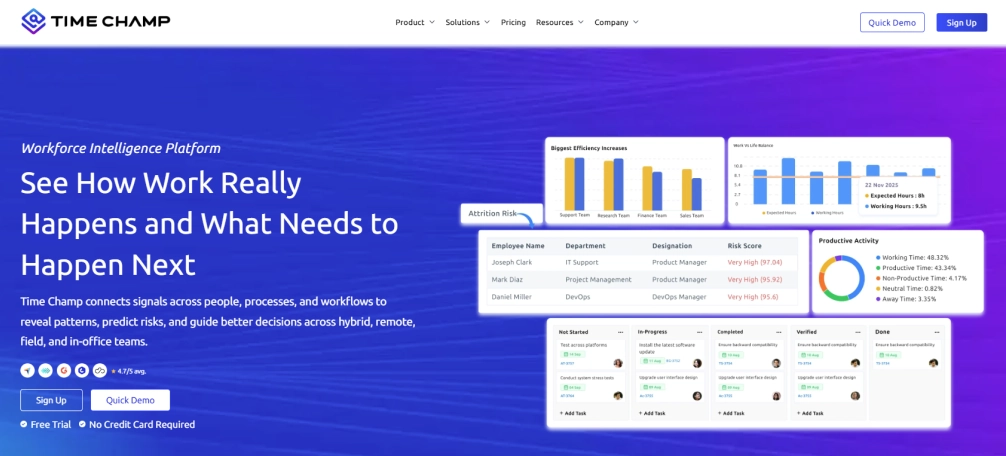
Time Champ is a workforce intelligence and enterprise project management tool which is designed to integrate projects with the real workforce behavior. It mainly concentrates on the execution clarity without surface-level task tracking. Compared to many other project management software platforms, Time Champ shows how the effort, time, and productivity impact delivery outcomes. This will help you identify bottlenecks at early stages, reduce rework, and make better plans.
Time Champ also provides good support, clear dashboards, and quick onboarding that will help to speed up the adoption in your teams. Its workforce intelligence sets it apart from other traditional enterprise project management solutions through aligning the projects, workforce, and performance within a single system.
Pros
- Shows accurate work patterns, eliminating the need for manual updates.
- Helps improve sprint planning by providing accurate work data that supports realistic workload distribution decisions.
- Helps you with task management, progress tracking, and deadlines of various projects and teams.
- Presents the practical insights without confusing reports and dashboards.
- Helps you identify project and sprint bottlenecks early, before delivery gets impacted.
- Offers a strong value for the cost, compared to other enterprise PM platforms.
Cons
- The setup of dashboards will take a short time to fit into internal workflows.
- Advanced insights effectively work after gathering sufficient usage data.
- Custom reporting may feel limited in terms of specialized needs.
- New teams to the workforce analytics might require a short orientation time.
Features
- Workforce Intelligence & Productivity Analytics- Helps you gain complete visibility into how work happens and improves delivery accuracy and team utilization.
- Automated Time Tracking- Helps to capture real effort data, eliminating manual reporting and helping with improved project planning.
- Project & Task Tracking- Helps monitor dependencies, progress, and schedules from one unified enterprise project management system.
- Capacity & Workload Insights- Balances the team workloads using the real-time data and supports effective resource allocation.
- Performance Dashboards & Reports- Offers clear and actionable insights which support better and more accurate decision-making.
- Activity & App Usage Tracking- Helps you understand focus patterns and productivity trends without creating micromanagement pressure.
- Integrations- Connects easily with the tools the customers already use, including Asana, Jira, ClickUp, Trello, Slack and Microsoft Teams.
Best For
IT services, small and mid-sized businesses, SaaS companies, operations-focused enterprises, and consulting teams.
Pricing
- Comes with a 7-day free trial
- Starter Plan: $3.9/user/month
- Professional Plan: $6.9/user/month
- Enterprise Plan: $13.9/user/month
Reviews
G2: 4.8/5
Capterra: 4.9/5
Projects misaligned with business strategy?
Time Champ connects execution to outcomes.
2. Asana
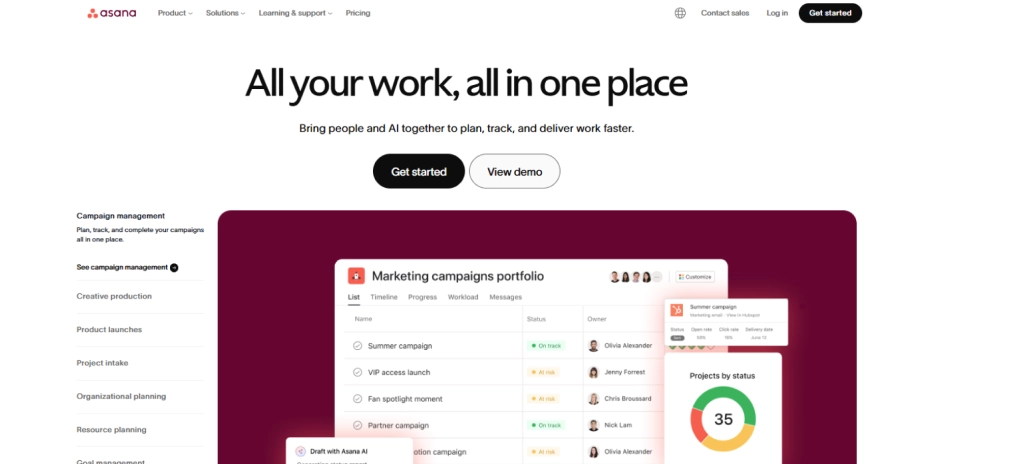
Asana is a work management tool, which is designed to help teams manage their tasks effectively, collaborate, and monitor project progress with proper workflows and accurate goal visibility. It offers an organized way to coordinate the work across the teams while keeping work priorities and project deadlines clear.
Pros
- Easy to adopt with a clean and intuitive user interface
- Offers employee task tracking and team collaboration capabilities.
- Helps to align the daily operations with objectives and timelines.
- Supports workflow automation, which eliminates manual coordination.
Cons
- Provides limited portfolio and capacity planning to enterprise-level projects.
- Lacks in-built workforce intelligence and productivity analytics.
- Offers basic reporting, which might not support the complicated enterprise requirements.
- Becomes very expensive if the teams and advanced features scale.
Features
- Asana helps you to manage different tasks and projects with organized workflows and proper ownership.
- Visualizes the project timelines and dependencies to ensure that you can plan and track work.
- The platform helps you monitor the progress and goals of specific teams.
- Helps to automate repetitive tasks through customizable templates to minimize manual work.
Best For
Ideal for product & marketing teams, small and mid-sized teams, and cross-functional groups.
Pricing
- Comes with a free trial for 2 users.
- Starter: $10.99 per user/per month
- Advanced: $24.99 per user/per month
- Enterprise: Contact the Asana support team for more details about pricing.
Reviews
G2: 4.4
Capterra: 4.5
3. Wrike
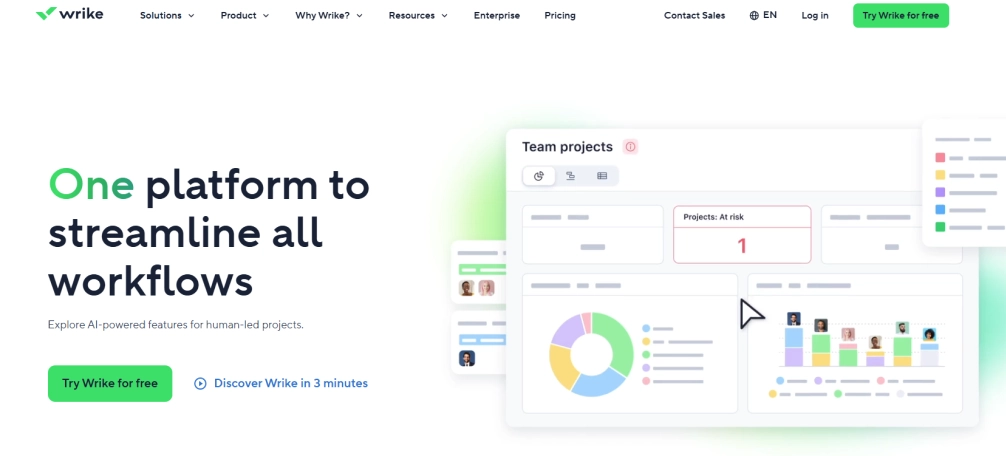
The Wrike project management platform is designed to help teams effectively plan, track, and handle complex tasks with proper reporting and workflows. It effectively works with the organizations that need structured procedures and detailed monitoring across multiple teams and projects.
Pros
- Supports the complicated project structures and dependencies.
- Provides effective reporting and customizable dashboards.
- Well handles the cross-team collaboration reasonably.
- Provides granular user permissions and access controls for enterprise governance.
Cons
- New users might struggle to understand the interface.
- Set up and customization take more time.
- Advanced features only work with higher pricing tiers.
- The fast-evolving teams can find it heavy.
Features
- Dependency task and project management.
- Offers custom dashboards and reports.
- Enables workflow automation and request form.
- Resource and workload management.
Best For
Mid-sized to enterprise teams, professional services, marketing operations, and teams managing complicated and multi-layered projects.
Pricing
- Free: $0
- Team: $10 (2-15 users)
- Business: $25 (5-200 users)
- For Pinnacle & Apex, pricing details, contact the Wrike support team.
Reviews
G2: 4.2
Capterra: 4.4
4. Monday.com
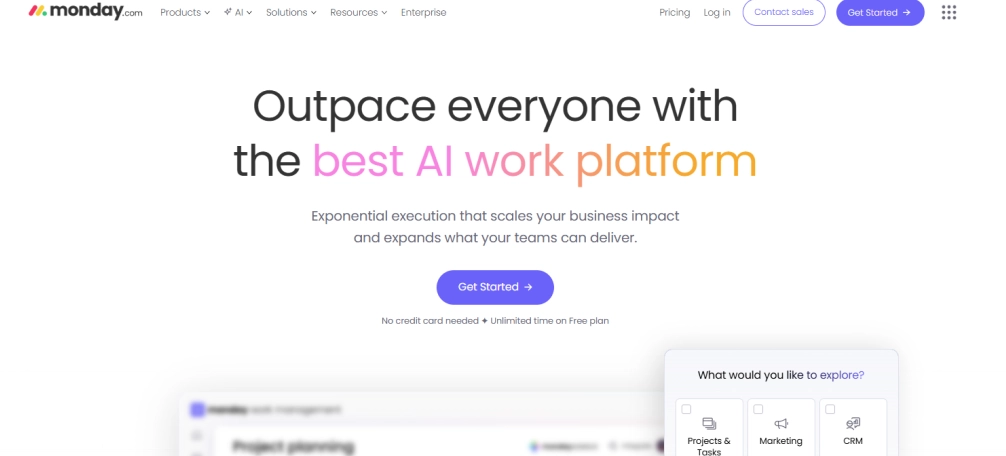
Monday.com is a work management software which helps teams to effectively plan their tasks, customize workflows, and monitor work visually across dashboards. It better fits the teams which prefer flexibility and visual clarity over rigid enterprise structures.
Pros
- Highly customizable workflows, which adapt to various team requirements.
- Easy to understand and visual interface with the timelines and boards.
- Effective automation features reduce the manual effort.
- Promotes collaboration within different departments and teams.
Cons
- When the usage increases, customization feels complicated.
- Reporting feels limited for enterprise-level portfolio management.
- Advanced features of the platform require high-tier plans.
- Usage of the platform can feel less structured for complex and large projects.
Features
- Visual board project and task management.
- Provides unique workflows, templates, and automation.
- Offers dashboards for monitoring the task status and progress.
- Workload and timeline views for better planning.
Best For
Works well with the small to mid-sized teams, marketing departments, operations and cross-functional teams.
Pricing
- Free: Comes with a free trial for 2 seats
- Basic: $9 - 4 seats per month
- Standard: $12 - 3 seats per month
- Pro: $19 - 3 seats per month
- Enterprise: Contact the Monday.com support team for more pricing details.
Reviews
G2: 4.7
Capterra: 4.6
5. Scoro
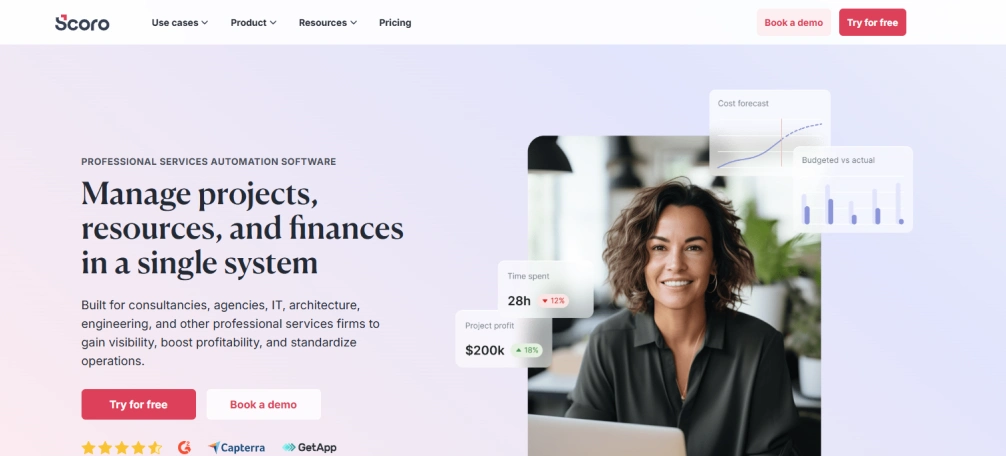
Scoro is a business management software which integrates financial tracking, project management, and resource planning in a single system. It offers a clear view of the costs, delivery, and resources to support informed decision-making.
Pros
- Integrates the projects, financials, and billing in a unified platform.
- Offers robust visibility into the project profitability.
- Effectively support the utilization tracking and resource planning.
- Eliminates the reliance on different disconnected tools.
Cons
- The interface might look complex to first-time users.
- The setup is a time-consuming process to align with the financial workflows.
- Less flexible for the teams outside professional services.
- Limited customization for the non-financial use cases.
Features
- Timeline-based project and task management.
- Time tracking, billing, and invoicing.
- Resource planning and utilization reporting.
- Profitability tracking and financial dashboards.
Best For
Works well with professional service organizations, consulting agencies, and finance teams.
Pricing
- Core: $19.90 per month
- Growth: $32.90 per month
- Performance: $49.90 per month
- Enterprise: Contact the Scoro support team for more pricing details.
Reviews
G2: 4.5
Capterra: 4.5
6. ClickUp
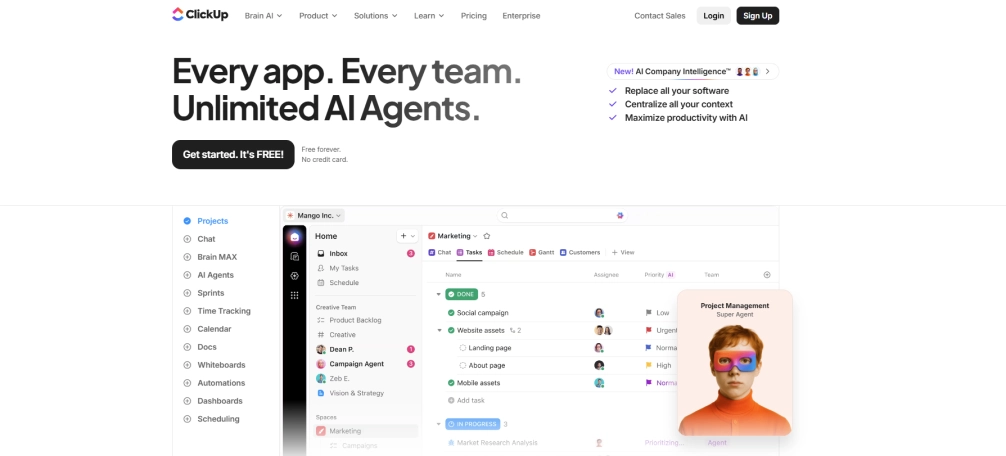
ClickUp is an all-in-one productivity solution that helps to organize tasks, documents, goals, and projects in a single workspace. It focuses more on flexibility than on structure. It allows the teams to customize workflows effectively to match their preferred way of working.
Pros
- ClickUp integrates various work tools into a single platform.
- Provides a good customization for both the views and workflows.
- Supports effective collaboration with the documents, comments, and goals.
- Offers an excellent value for the feature scope.
Cons
- The ClickUp interface might feel cluttered as the features increase.
- With heavy usage, the performance might slow down.
- Takes time to configure effectively.
- Reporting lacks depth for the enterprise portfolios.
Features
- ClickUp supports task and project management using multiple flexible views.
- Facilitates effective documentation, tracking goals, and real-time collaboration within teams.
- This offers workflow automation that has customizable templates and rule-based actions.
- Dashboards help you to monitor the progress and track performance in a single place.
Best For
ClickUp is suitable for small to mid-sized teams, product teams, and startups.
Pricing
- Free: Comes with a free trial
- Unlimited: $7.00 per use per month
- Business: $12.00 per user per month
- Enterprise: Contact the ClickUp support team for more pricing details.
Reviews
G2: 4.7
Capterra: 4.6
7. Zoho-Projects
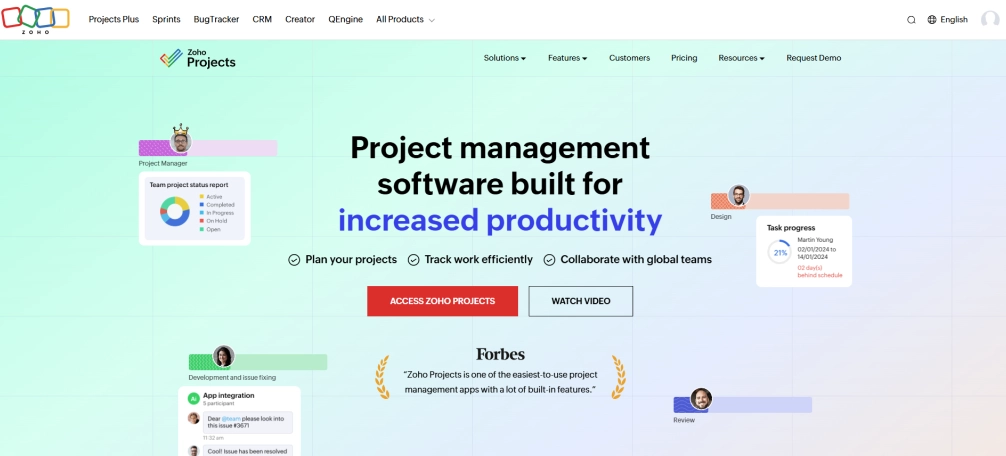
Zoho Projects is a project management tool which focused mainly on planning, tracking, and collaboration. It fits the larger Zoho ecosystem for business workflow connections. It enables teams to control the projects while keeping the data aligned with CRM, finance and other internal systems.
Pros
- Offers affordable prices that can fit a budget-conscious team and developing organizations.
- Effectively integrates with the Zoho CRM, Finance, and other Zoho applications.
- Provides an organized project planning with task dependencies and milestones.
- Zoho Projects offers useful collaborative applications to distributed and cross-functional teams.
Cons
- Compared to the latest enterprise project management tools, its interface looks outdated.
- Advanced enterprise portfolio analysis still has limited reporting options.
- Less integration with any third-party other than the Zoho ecosystem.
- Highly complex enterprise environments face scalability issues.
Features
- Zoho Projects manages tasks and projects with milestones, project dependencies, and timelines.
- Monitors time and effort to enhance billing and productivity rates.
- Zoho Projects enables collaboration with comments, feeds, and document sharing.
- Produces simple reports to monitor employee performance and progress.
Best For:
Zoho Projects fits best for the IT services, mid-sized businesses, and internal teams.
Pricing
- Free: Comes with a free trial
- Premium: $4.00 for unlimited projects
- Enterprise: $9.00 for unlimited projects
- Ultimate: $14.00 per month
Reviews
G2: 4.3
Capterra: 4.5
8. Jira
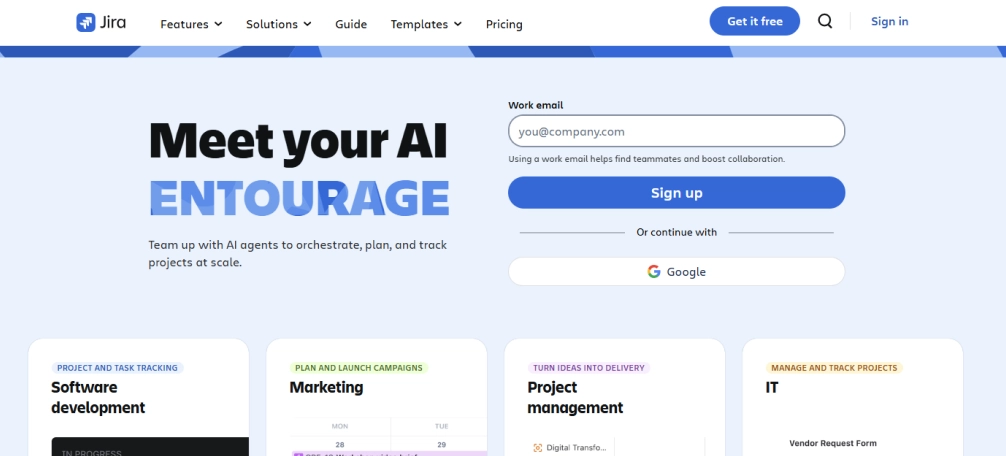
Jira is an issue and project tracking platform which is built for software development teams. It mainly concentrates on agile execution and technical workflows. It allows the teams to control the sprints, backlogs, and releases with proper control and traceability.
Pros
- Provides effective support to agile techniques such as Scrum and Kanban.
- Offers strong issue monitoring for software and IT projects.
- Jira integrates with the DevOps and developer tools.
- Scales effectively for the product teams and also large engineering teams.
Cons
- Has a steep learning curve for the non-technical teams.
- Jira's interface looks complex for the simple project tracking requirements.
- Requires the configuration to match the non-agile workflows.
- Lack of visibility into the workforce productivity
and capacity.
Features
- Manages issues, bugs, and tasks using agile boards.
- Helps with the sprint planning, backlogs, and release tracking.
- Offers workflow customization and automation regulations.
- Creates sprint performance and delivery insights reports.
Best For
Jira fits best for the software development teams, IT, DevOps, and agile-driven enterprises.
Pricing
- Free: 10 users per month
- Standard: $7.53 – 50000 users per month
- Premium: $13.53 per month
- Enterprise: (Per year) Contact the Jira support team for more pricing
details.
Review
G2: 4.3
Capterra: 4.4
9. Productive
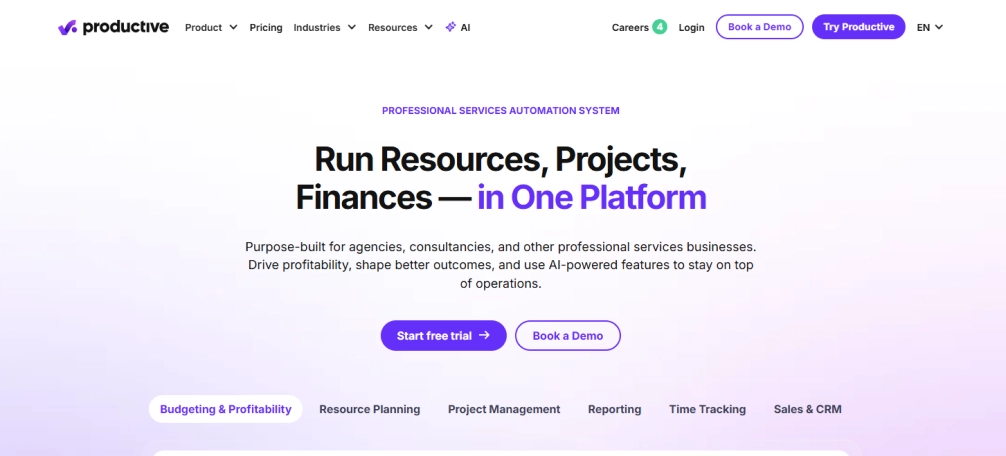
Productive is a project management platform, focused on resource utilization and profitability. It integrates the project tracking with the financial visibility. It helps teams to connect delivery performance with revenue and margin insights in a single, structured system.
Pros
- Tracks project profitability along with the delivery progress.
- Supports the utilization of insights and resource planning.
- Productive helps the agencies to manage budgets and billing accurately.
- Centralizes the time tracking, projects, and financial information.
Cons
- Productive is less flexible for the non-agency or product-based teams.
- The interface may feel restricted for other services compared to professional services.
- Has limited integrations compared to the broader enterprise platforms.
- Customization of the reports can feel constrained for the complex requirements.
Features
- Productive manages the projects with timelines, budgets, and financial tracking.
- Monitors the time and costs to measure profitability accurately.
- Productive platform effectively plans the resources and monitors utilization across teams.
- Provides financial and performance reporting dashboards.
Best For
Works best for consulting organizations, agencies, and professional service teams.
Pricing
- Essential: $9.00 per month
- Professional: $24.00 per month
- Ultimate: $32.00 per month
Reviews
G2: 4.6
Capterra: 4.6
10. Trello
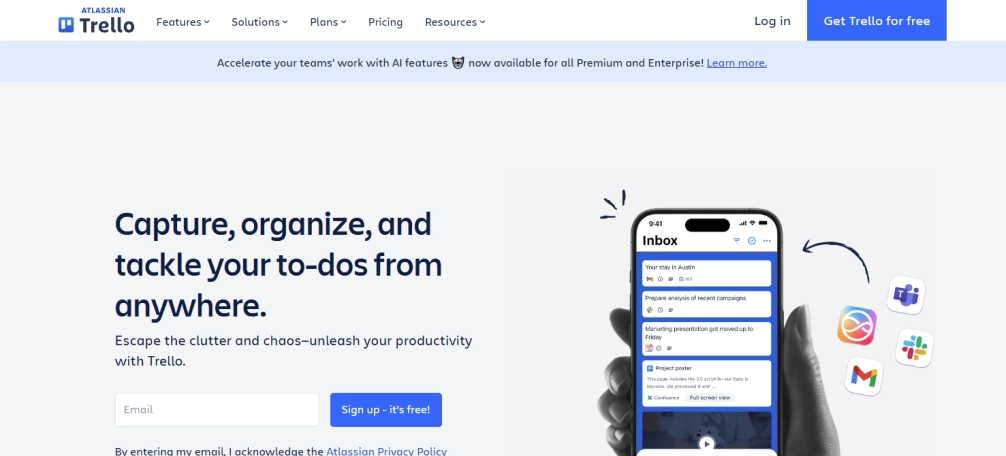
Trello is a visual and simple project management platform which built around the Kanban boards. It emphasizes the ease of use over the enterprise-level complexity.It helps teams to organize tasks effectively with minimal setup and training.
Pros
- Trello is very user-friendly and requires a very short onboarding time.
- Visual boards make the task status instantly clear and effective.
- Works well with the lightweight project tracking.
- An affordable option for individuals and small teams.
Cons
- Lacks advanced enterprise project management capabilities.
- Only offers limited reporting and analytics capabilities.
- Does not effectively support the complex dependencies or portfolios.
- Provides limited scalability for growing organizations.
Features
- Trello organizes every task in the form of lists, boards, and cards effectively.
- Supports the basic automation through the Butler regulations.
- Connects with popular tools to support simple, lightweight workflows without complexity.
- Trello connects effectively with the popular tools to support simple workflows without
adding complexity.
Best For
Works best with personal projects, small teams, and startups.
Pricing
- Free: Comes with a free trial
- Standard: $5.00 per month
- Premium: $10.00/ 100 users per month
- Enterprise: Contact the Trello support team for more pricing details.
Reviews
G2: 4.4
Capterra: 4.5
Enterprise Project Management Software Checklist
Choosing the right project management software actually begins with understanding how every single decision impacts the visibility, execution, and long-term growth. The right enterprise project management software should support strategy, not slow it down.
Cost and Value at Scale
Don’t just focus on the license price, but assess the long-term value. Enterprise project management tools reduce the rework, enhance delivery speed, and justify the costs through measurable performance gains.
Tech Stack Compatibility and Integrations
Select enterprise project management software which is compatible with your current tech stack. The robust integrations avoid data silos and maintain the project, finance, and workforce systems aligned effectively.
Essential Enterprise Features
Prioritize the features which support resource planning, portfolio management, and governance. A strong enterprise project management system can manage complexity without creating friction.
Support and Onboarding Experience
utilize the reliable onboarding and responsive support to minimize the adoption time. The best enterprise project management solutions help teams get productive quickly without heavy training overhead.
Security and Compliance
Choose the enterprise software by prioritizing the strong security controls. Look for the role-based permissions, data encryption, and compliance controls which safeguard crucial project and business data.
Scalability and Future Readiness
Select an enterprise project management solution that grows with you. Scalable platforms manage the portfolios, growing teams, and workflows without any performance loss or process redesign.
Conclusion
Choosing the right enterprise project management shapes how the projects effectively connect to the strategy and performance. While each tool serves different enterprise requirements, true impact comes from workforce alignment and real-time visibility. When you need more control over execution, productivity, and outcomes, Time Champ brings workforce intelligence and project data together in a single and streamlined platform.

Table of Content
-
 What is Enterprise Project Management Software?
-
What are the 10 Best Enterprise Project Management Software?
-
Enterprise Project Management Software Checklist
-
Conclusion
Related Blogs
Explore the best remote employee management software systems for productivity, collaboration, and performance tracking.
Use our effective task management strategies to stay organized, reduce stress, and boost team’s productivity by prioritizing tasks and managing time effectively.
Guna Lakshmi | July 01, 2025
Explore the essentials of project time management, its importance, best processes and top tips to meet deadlines without fail and boost workforce productivity.
Shabana Shaik | Oct 10, 2024
est construction project management tools that improve contractor performance, procurement, and team collaboration for professionals in the construction field.
Mounika Sai | Jan 10, 2024
Discover strategic workforce planning: definition, process, tools, and templates. Align talent with business goals and prepare your workforce for the future.
Shabana Shaik | September 16, 2025
Find out what a project description is and know its meaning and get user-friendly templates to help you outline your projects.
Shabana Shaik | Jun 03, 2024


 4.7/5 avg.
Ready to Manage Your Workforce Smarter?
Join our family of 1500+ companies using smart insights to redefine workforces!

Free Trial
No Credit Card Required