10 Best Resource Management Software & Tools for (2026)
Find the best project resource management software for 2026. Compare features, pricing, pros & cons to optimize resources and deliver projects on time.
You don't always lose projects because of bad work. You lose them because you had no clear picture of who was free, what the team was already carrying, and whether the deadline was realistic at all. Those gaps build up quietly, and by the time you catch them, they already cost you time, budget, or both. Misunderstandings about resource planning guide are responsible for more late-stage scope changes than any technical issue.
This guide covers the 10 best resource management software options for 2026, with a full breakdown of features, pricing, and real use cases to help you pick the right fit for your team.
What Is Resource Management Software?
Resource management software helps you plan, allocate, and track your team's work across projects and workflows. It gives you a real-time view of who is working on what, how much bandwidth your team actually has, and where capacity is running thin before it causes a problem.
It ties your team's availability directly to your project timelines. You can see whether you have the right people with enough time to hit your deadlines, without chasing status updates or running manual headcounts.
What Are the 10 Best Resource Management Software?
The right resource management software makes it easier to assign work, track availability, and keep your projects moving without constant manual effort. Here are ten tools, each broken down by usability, allocation controls, reporting, integrations, and value for the team size it fits best.
| S.No | Software | Key Features | Ideal Solution for | Free Trail |
|---|---|---|---|---|
| 1. | Time Champ |
| Mid-size to enterprise teams needing structured workforce visibility and allocation control | Yes |
| 2. | Ganttic |
| Teams that prefer visual scheduling and portfolio-level planning | Yes |
| 3. | Kantata |
| Professional services and agencies managing billable teams | No |
| 4. | Celoxis |
| PMOs and enterprises managing multi-project portfolios | Yes |
| 5. | GoodDay |
| Small to mid-sized teams needing flexible task and workload planning | No |
| 6. | Teamdeck |
| Remote teams that need simple scheduling and leave tracking | Yes |
| 7. | Hub Planner by Milient |
| Mid-size to large teams managing complex resource allocation | Yes |
| 8. | Retain |
| Professional services firms that need compliance and skills-based allocation | Yes |
| 9. | Silver Bucket |
| Medium-sized companies needing straightforward resource planning | Yes |
| 10. | Parallax |
| Digital agencies and consulting teams linking resource planning with revenue forecasting | No |
1. Time Champ
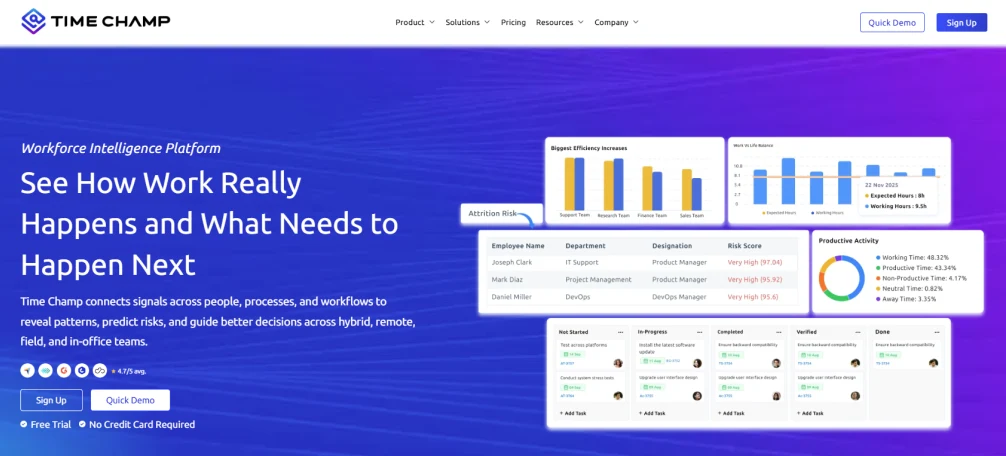
Time Champ is a workforce intelligence and resource management platform designed for teams that need clarity across people, projects, and performance. It goes beyond basic scheduling by connecting time usage, workload distribution, and utilization trends into a single operational view.
What sets Time Champ apart is its focus on decision visibility. Many tools show assignments. Time Champ shows how those assignments affect capacity, efficiency, and delivery timelines. Rather than functioning as only project resource management software, it integrates resource planning with workforce analytics, thereby making it beneficial for operations leaders, IT teams, and rapidly expanding enterprises.
Pros
- Provides a clear view of who holds each assignment, how much capacity remains, and where delivery pressure is increasing.
- Bring time usage, allocation, and performance insights into one system instead of scattering them across tools.
- Helps avoid loss of revenue by identifying resources underutilized and overworked teams before it hits margins.
- Quick to deploy without long training cycles or complex configuration.
- Responsive support that remains consistent as teams expand across departments or regions.
- Works reliably for hybrid and remote teams that need visibility across locations and time zones.
- Simplifies scheduling with real-time availability insights, making it easier to adjust assignments without disrupting ongoing work.
Cons
- Sometimes there is a slowdown in navigation, and this disrupts the workflow.
- The dashboard carries a lot of data, so users who prefer a minimal interface may need some time to get comfortable with it.
Features
- Live resource allocation visibility across projects, departments, and shifts.
- Capacity tracking that compares available hours against assigned work.
- Utilization insights that flag overload and underuse early.
- Project-level effort mapping connected to actual time usage patterns.
- Role-based dashboards tailored for different levels of oversight.
- Automated attendance capture aligned with allocation data.
- Workforce performance trends that support more accurate planning.
- Smart alerts that notify managers when workloads exceed limits, deadlines are at risk, or idle capacity increases.
- Integrations with Slack, Jira, Microsoft Teams, Trello, and other widely used workplace tools.
- Detailed and customizable reports to assist teams in conducting a review of allocation trends, time allocation, and planning accuracy.
Use Cases
- Best for mid-size to enterprise teams in IT services, BPO, and shared services.
- Works well for operations-heavy industries managing large, distributed workforces.
- Fits remote, hybrid, and field teams that need visibility across locations without added complexity.
- Ideal for HR, delivery, and operations leaders who need role-relevant data without digging through reports.
Pricing
Time Champ offers a 7-day free trial so teams can evaluate the platform before committing.
- Starter: $3.9 per user per month
- Professional: $6.9 per user per month
- Enterprise: $13.9 per user per month
Pricing varies depending on the features selected and the size of the organization, making it suitable for growing teams as well as larger enterprises with broader operational needs.
Reviews
- G2: 4.8/5
- Capterra: 4.9/5
Still guessing who has capacity for the next project in your team?
Use Time Champ to track workloads, allocate resources, and keep every project on schedule.
2. Ganttic
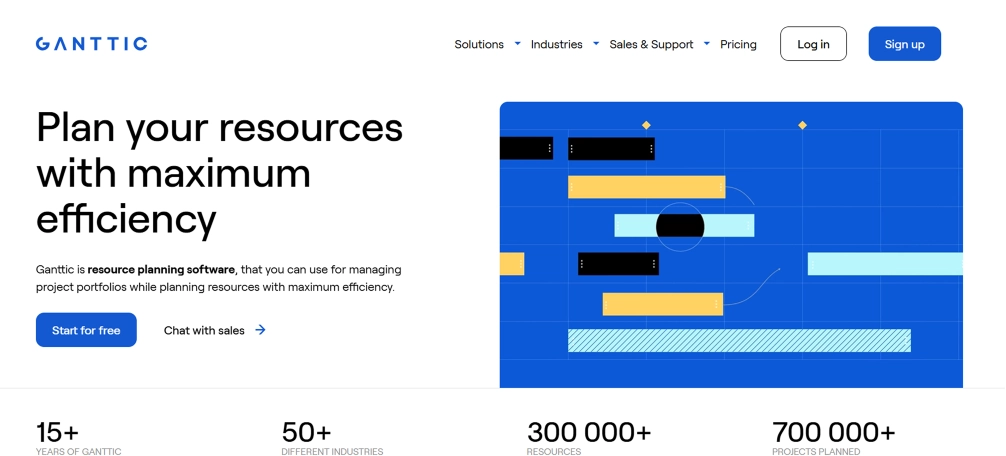
Ganttic is a resource planning and scheduling software designed to allow teams to have a clear view of the projects, people, and equipment. Organizations commonly use it at the portfolio level, and it helps them manage workloads and track resource availability at a high level. The platform offers a visual planning interface and flexible view options, allowing users to switch between project and resource-focused perspectives depending on what needs attention.
Pros
- Strong visual planning interface that makes schedules easier to understand at a glance.
- Flexible view options that allow switching between project and resource perspectives.
- Simple drag-and-drop functionality for adjusting tasks quickly.
- Being browser-based, it is handy to use without any sophisticated setup.
Cons
- There are gaps in the visibility of monthly data that periodically disrupt the planning at the beginning of a new period.
- Some critical details do not sync between the job view and the resource view.
- Handling separate unassigned task pools can make capacity planning seem very restricted.
- The interface may require a short learning period for new users.
Features
- Visual gantt charts that track who is working on what in real time, so nothing slips through unnoticed.
- Utilization monitoring at individual resources, resource groups, and entire project portfolios in one view.
- Drag and drop task management gives the ability to move, divide, or reassign tasks without re-creating the entire plan.
- Multi-resource scheduling allows assigning one task to multiple resources in a single step.
- Custom views enable the management of the visibility of various stakeholders, managers, and team members.
Use Cases
- Most suitable for project portfolio managers who deal with numerous projects and resource pools simultaneously.
- Suits well with teams requiring a very high level of visibility of the scheduling of people and equipment.
- Fits industries like construction, engineering, creative agencies, and IT, where resource conflicts are common.
- Suitable for managers who need to share planning views with stakeholders without giving full system access.
Pricing
Reach out to Ganttic directly to learn about their pricing.
Reviews
- G2: 4/5
- Capterra: 4.3/5
3. Kantata
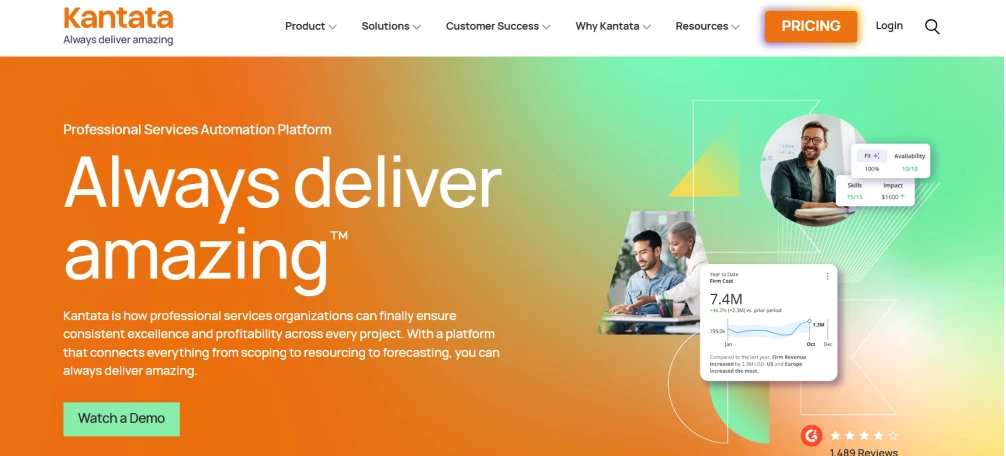
Kantata is a resource management software built specifically for professional services teams and agencies. It integrates resourcing, project financials, and delivery into one platform. The skills-based planning approach helps to identify the most suitable talents for the various works, find the missing skills at an early stage, and enable team development to happen in parallel with project execution.
Pros
- Clear capacity visibility makes it easier to balance workloads across teams.
- Good reporting abilities to monitor utilization and performance trends.
- Built-in timer and time tracking features support accurate billing.
- Simple interface that makes the navigation easy to use on a day-to-day basis.
Cons
- Some advanced capabilities come only with higher-tier plans.
- Creating detailed custom reports may require additional training.
- Scheduler performance can slow down with very large projects.
- Mobile experience may feel limited for heavy, on-the-go use.
Features
- Project time tracking that lets teams log time accurately against tasks, helping project leads make informed adjustments mid-delivery.
- Skills-based resource planning that matches team members to work based on capability, not just availability.
- Capacity and utilization monitoring in real time so workloads stay balanced, and no one carries more than they can handle.
- Visual project planning with timelines and task views that improve clarity across teams and stakeholders.
- Team collaboration tools that keep communication and coordination tied directly to project workflows.
Use Cases
- Best in professional services firms, agencies, and consulting teams operating in complex and multi-project environments.
- Works well for organizations where billable hour accuracy and financial visibility matter as much as delivery.
- Fits teams that need skills-based staffing decisions rather than simple availability-based scheduling.
- Suitable for mid-size to enterprise organizations running large project portfolios with cross-functional teams.
Pricing
Reach out to Kantata directly to learn about their pricing.
Reviews
- G2: 4.2/5
- Capterra: 4.2/5
4. Celoxis
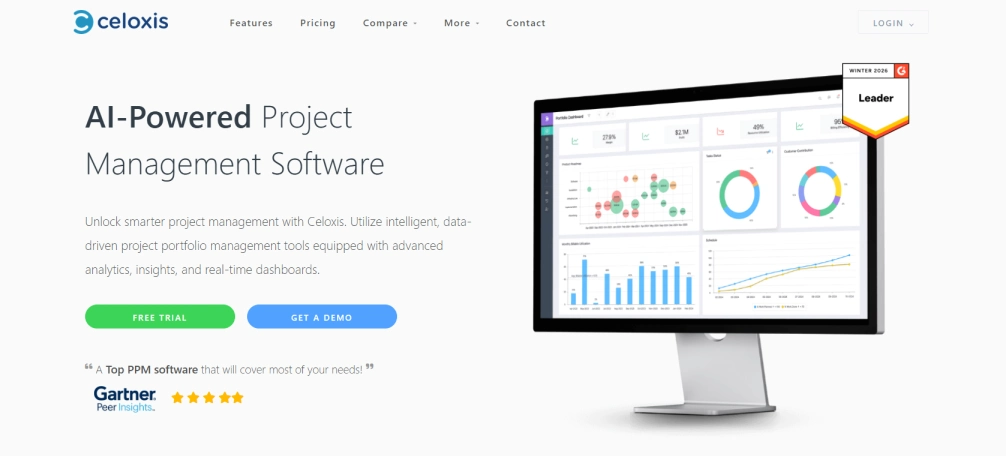
Celoxis is an AI resource management software built for organizations running multiple projects at the same time. It links resource planning, project financials, and portfolio-level reporting under a single place that enables the PMOs and delivery teams to keep track of capacity, budgets, and schedules without the need to navigate systems. The AI-powered auto staffing feature stands out by automatically assigning the right resources based on skill set, availability, and workload, cutting down the manual effort that usually goes into allocation decisions.
Pros
- Integrated financial tracking connects directly to resource allocation.
- Dynamic Gantt charts that simplify timeline planning.
- Highly customizable dashboards for different reporting needs.
- Built-in time tracking that supports utilization analysis.
Cons
- Onboarding is time-consuming with a steep learning curve, particularly in teams that are new to portfolio management software.
- The interface is overwhelming to beginners, as it has a lot of features.
- Report building requires effort and familiarity with the system before it becomes efficient.
- The menu structure is complex and takes time to navigate comfortably.
Features
- Cross-project resource management that monitors the work of employees on multiple projects running concurrently and also takes into account dependencies and priorities.
- Centralized capacity planning has live availability of the whole team across the entire portfolio.
- Utilization tracking covering both billable and non-billable allocations with portfolio-level reporting.
- Project-linked financial controls that connect resource plans directly with budgets and cost tracking.
- Time-zone management that will automatically adjust schedules and assignments of global teams.
Use Cases
- Best with PMOs and professional services organizations with a big multi-project portfolio.
- Works well for mid-size to enterprise organizations where resource planning and financial oversight need to stay connected
- Fits global teams that need automatic time-zone adjustments across distributed workforces.
- Suitable for delivery managers who need portfolio-level visibility into capacity, utilization, and project costs simultaneously.
Pricing
Reach out to Celoxis directly to learn about their pricing.
Reviews
- G2: 4.6/5
- Capterra: 4.4/5
5. GoodDay
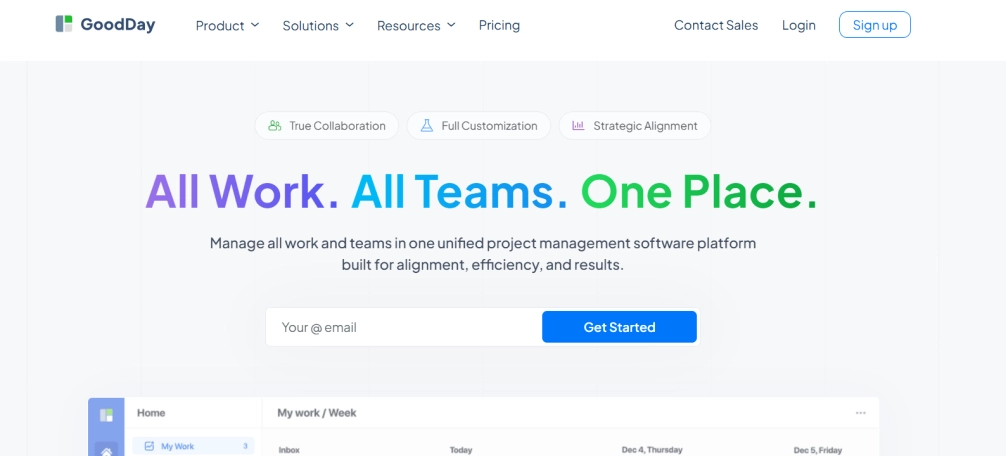
GoodDay is a flexible resource planning and project management platform built to help organizations balance workloads, assign resources efficiently, and maintain clear visibility across projects. It allows project-level and task-level planning to enable more control over team capacity and execution. With strong visual planning tools, custom workflows, and portfolio-level insights, it helps improve coordination and ensures resources support the right priorities.
Pros
- Strong visual planning tools, including Gantt and Kanban views.
- Supports agile workflows, making it suitable for fast-moving teams.
- Flexible customization for workflows, task types, and project views.
- Automation capabilities that assist in changing schedules when the timelines change.
Cons
- Not well-suited for complex projects with a large number of tasks, as things can get difficult to manage.
- Interface takes time to get comfortable with, especially for teams new to project management software.
- Advanced features require training before teams can use them effectively.
- Limited offline functionality can be a constraint for teams working in low-connectivity environments.
Features
- Project-based resource planning that provides an overview from the top level on how projects use resources and where there is insufficient capacity.
- Task-based resource planning that goes deeper into individual and team workload so that the organization, assignments, and deadlines stay under control.
- Customizable workflows and project views that adapt to how each team operates, rather than forcing a fixed structure
- Agile support with Scrum and Kanban views for teams that work in sprints or manage continuous workflows.
- Automated reports and analytics that surface planning insights without requiring manual data pulls.
Use Cases
- Best for small to mid-size teams looking for a flexible and visual approach to resource allocation management.
- Works well for teams running agile workflows alongside traditional project management structures.
- Fits businesses across industries that need portfolio-level visibility without the complexity of enterprise-grade tools.
- Suitable for teams moving away from spreadsheets who need a structured but adaptable starting point for resource planning.
Pricing
- Professional: $6 per user/month
- Business: $10 per user/month
Reviews
- G2: 4.3/5
- Capterra: 4.7/5
6. Teamdeck
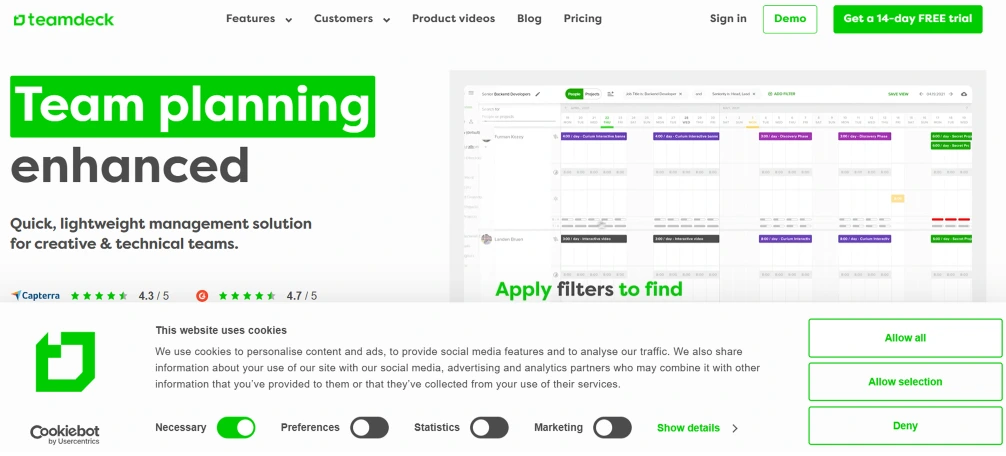
Teamdeck is a resource scheduling platform that combines bookings, time tracking, and leave management within a single planning interface. Teams often use it to get a clear view of planned versus actual work, along with visibility into availability and time off. This platform prioritizes simplicity in scheduling while at the same time providing reporting and payroll-related insights.
Pros
- Combining scheduling, time tracking, and leave management in one timeline keeps planning simple and organized.
- Configurable reports allow teams to create the view that they require, instead of having to work around templates.
- Custom fields for roles, skills, and departments make it easier to find the right people for the right tasks.
- Intuitive interface makes day-to-day resource planning quick to navigate once set up.
Cons
- Does not include advanced project management capabilities.
- Basic plan limits timesheet entry to managers.
- Access to certain features requires higher-tier plans.
- Some reports may require manual adjustments for deeper analysis.
Features
- Resource scheduling timeline that displays workload, availability, timesheets, and leave days together in one customizable view.
- Time tracking and timesheets that compare planned versus actual work time so teams can spot and address gaps early.
- Leave and vacation management with half-day and full-day leave requests, manager approvals, and automatic deductions from each user's total leave balance.
- Resource utilization reports that cover team performance, budget tracking, payroll, and absences in shareable formats.
- Revenue forecasting provides the ability to monitor and track the costs of projects, profits, and budgets in various currencies, and compare planned hours with the time tracked.
Use Cases
- Small to mid-sized teams requiring simple resource scheduling.
- Remote teams managing availability and leave across locations.
- Organizations that need time tracking tied to payroll calculations.
- Teams that are looking for a combined booking and leave management solution.
Pricing
Reach out to Teamdeck directly to learn about their pricing.
Reviews
- G2: 4.3/5
- Capterra: 4.7/5
7. Hub Planner by Milient
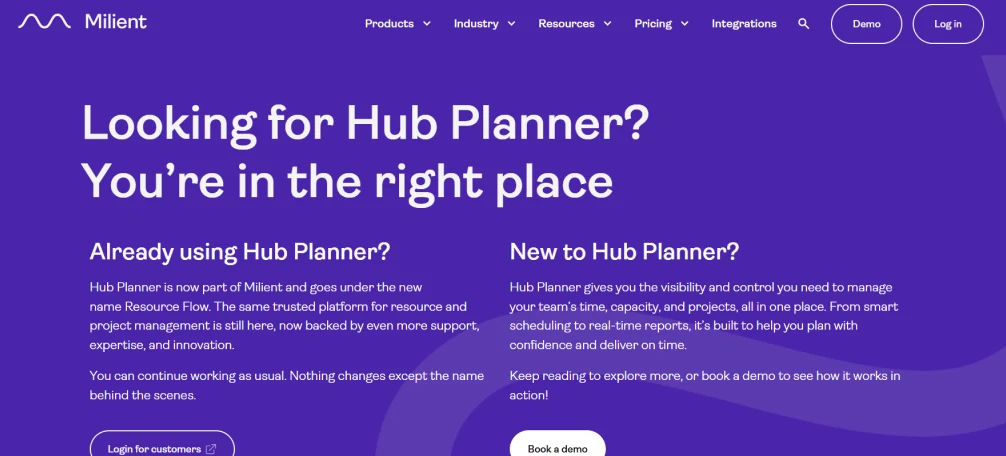
Hub Planner is a resource management system designed to serve organizations that handle various projects and complicated workloads. It focuses on scheduling, capacity planning, time tracking, and reporting, making it suitable for midsize and large teams that need structured oversight. Instead of relying on spreadsheets, teams can use Hub Planner to allocate resources clearly, monitor availability, and keep projects aligned with business goals.
Pros
- Advanced scheduling tools that provide clear visibility into assignments.
- Strong capacity planning for balancing workloads across teams.
- Comprehensive built-in reporting with utilization and performance metrics details.
- Skill-based search filters to quickly identify available resources.
- Integrated timesheets that connect actual hours with planned work.
Cons
- Editing custom fields may require manual adjustments or support assistance.
- Interface can feel slightly dense at first, requiring time to get comfortable with navigation.
- The mobile version offers fewer features compared to the desktop experience.
- Time entry can involve additional steps when adding detailed descriptions.
Features
- A visual resource scheduler that displays the team members' tasks and their schedules, helping teams to stay together through different projects and timelines.
- Real-time capacity planning that tracks availability, manages time off, and balances workloads before burnout becomes a risk.
- Skills matching that ensures tasks go to team members with the right capabilities, improving both outcomes and resource efficiency.
- Demand forecasting can leverage real-time data to balance pipeline needs, skills, and project requirements in order to perform smarter long-term planning.
- Fixed cost management that tracks static project costs and their real-time impact on overall budgets.
Use Cases
- Best for mid-size to large organizations managing complex, multi-project environments with diverse resource needs.
- Works well for finance, professional services, and operations teams that need detailed time tracking tied directly to project billing.
- Fits international teams that need capacity planning and scheduling across different locations and time zones.
- Suitable for those delivery managers who require day-to-day scheduling visibility as well as long-term resource forecasting in one place.
Pricing
Reach out to Milient directly to learn about their pricing.
Reviews
- G2: 4.2/5
- Capterra: 4.5/5
8. Retain
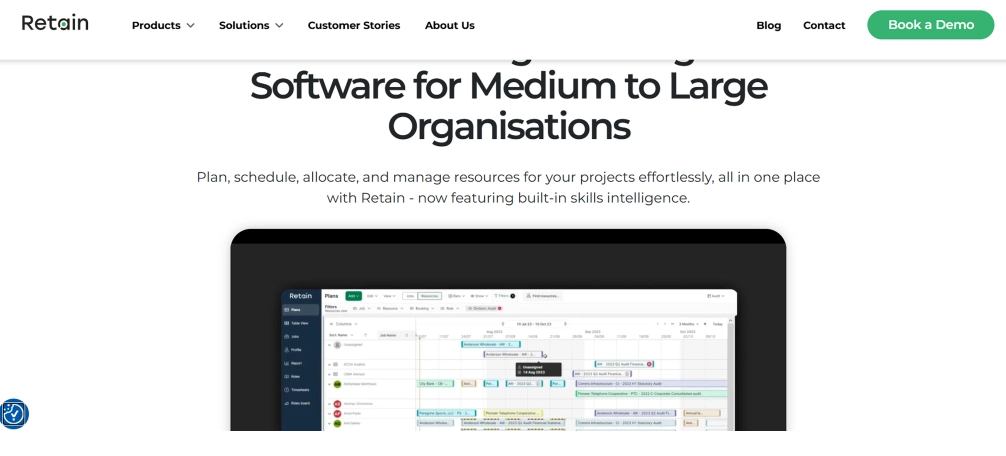
Retain is a resource planning platform focused on professional services firms that depend on skills accuracy, compliance, and billable utilization. It takes a skills-first approach, combining AI-driven matching with behavioral insights to assign the right people to the right projects. In comparison to generic scheduling tools, Retain links the capacity planning to the certifications, departmental visibility, and long-term workforce development, which is particularly applicable to audit, tax, advisory, and consulting environments.
Pros
- Real-time workforce visibility across departments and locations.
- Useful forecasting tools for balancing supply and client demand.
- Supports compliance tracking and certification oversight.
- Multi-currency support for firms operating internationally.
Cons
- Session timeouts can interrupt work during planning reviews.
- Software updates might change some user settings.
- Reporting often requires exporting data for deeper analysis.
- Some advanced features are less intuitive without training.
Features
- The AI-powered skills analyze the skills, project experience, and availability to determine the most suitable resource match to each engagement.
- Skills+ taxonomy enabled by Lightcast, which has over 30, 000 skills to provide a uniform skills language across the whole company.
- Behavioral profiling that incorporates style of communication and working preferences to develop balanced, highly functional teams.
- Cross-department visibility connecting audit, tax, and advisory teams under one unified platform.
- Forecasting and business planning that assist the firms to plan the future workstreams, scale operations, and satisfy client demand by training and recruiting employees on time.
Use Cases
- Best in audit, tax, and advisory firms dealing with compliance, certifications, and hourly billed targets across departments.
- Fits professional services organizations that need skills-based staffing.
- Uses well in companies located in several locations that require multi-currency and cross-location transparency.
- Suitable for leadership teams that need real-time workforce insight to plan for demand peaks and long-term growth.
Pricing
Reach out to Retain directly to learn about their pricing.
Reviews
- G2: 4.3/5
- Capterra: 4.4/5
Finding it hard to balance workloads across teams?
Try Time Champ to distribute work better and keep teams working at the right pace.
9. Silver Bucket
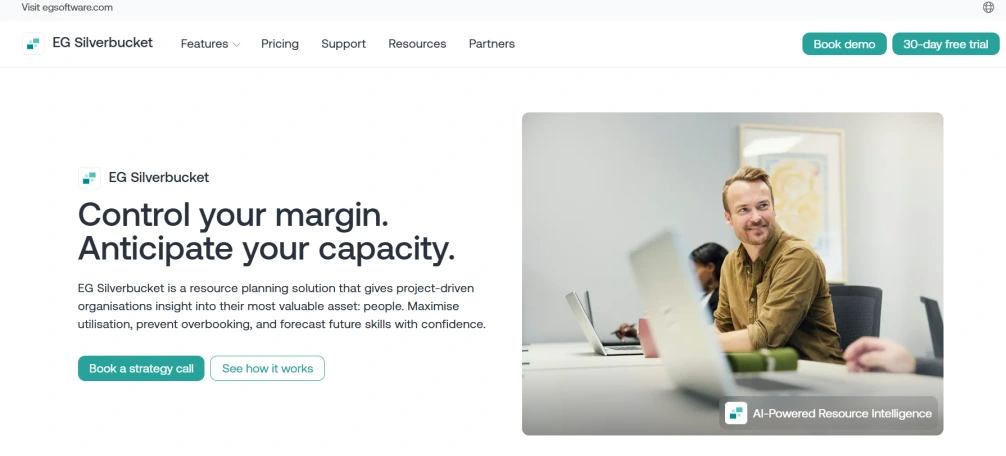
Silverbucket is a resource management platform built to help organizations plan, assign, and monitor resources with greater accuracy. It focuses on improving project delivery by ensuring the right people support the right projects at the right time. With features such as forecasting, competency matching, and time tracking, it helps teams maintain visibility into resource availability and future capacity.
Pros
- Clean and easy-to-use interface that simplifies day-to-day scheduling.
- Clear visibility of resources for several projects at the same time.
- Responsive customer support when questions or issues arise.
- Competency tracking helps match the right skills to the right tasks.
Cons
- Reporting capabilities may feel limited compared to more advanced platforms.
- Initial setup may be a time-consuming process, particularly with bigger teams.
- Fewer advanced customization options for complex workflows.
- The functionality might be simple for organizations that require in-depth portfolio management.
Features
- Resource overview provides a clear, centralized picture of how projects distribute resources and where gaps exist.
- Project resource planning ensures the right people support the right projects at the right time.
- Time tracking shows how teams and projects spend hours across different activities.
- Role-based access control and data encryption protect sensitive resources and project data from being accessible to unauthorized individuals in the organization.
- Integrations with HubSpot, Microsoft Azure, Millnet, Power BI, Visma Severa, Value Frame, Parm, and Toggl Track.
Use Cases
- Best for medium-sized companies in engineering, architecture, IT, and consulting that need clean resource visibility without a complex setup.
- Works well for organizations moving away from spreadsheets that want a focused resource management and planning software without unnecessary features.
- Fits teams that prioritize ease of use and quick adoption over deep customization.
- Ideal for both enterprises and small companies that require dependable resource allocation across a number of different projects at the same time.
Pricing
Reach out to Silverbucket directly to learn about their pricing.
Reviews
- G2: 4.4/5
- Capterra: 4.3/5
10. Parallax
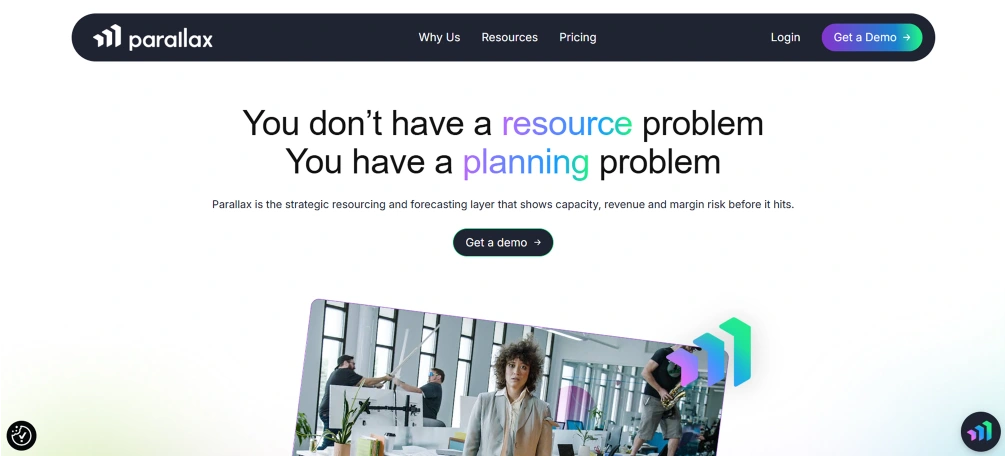
Parallax is a resource planning and operations platform designed for digital service organizations that need forward-looking visibility into team capacity and project performance. It assists in creating resource plans, predicting project requirements, and tracking the use to keep the teams on track and projects profitable. With built-in financial tracking and operational insights, Parallax helps organizations make informed decisions, balance workloads, and improve overall delivery efficiency.
Pros
- Strong forward planning tools that show future capacity gaps early.
- Supportive customer service in the onboarding process and solving problems.
- Resource projections that support better revenue planning.
- The collaboration capabilities maintain planning coordination between teams.
Cons
- A steep learning curve requires significant training before teams can use the platform effectively.
- Performance slows down noticeably when handling large data requests.
- UI may be clunky at some points, and it may require more clicks than are necessary to perform simple tasks.
- Occasional software bugs and data inconsistencies can complicate early adoption.
Features
- Resource planning and management that visualizes the workloads in real time and helps teams to prevent overbooking and underutilization across projects.
- Project forecasting involves making predictions using existing information, which justifies future resource requirements and budgets.
- Role autofill that automatically assigns roles based on availability and skill set, reducing manual planning effort.
- Pipeline management that aligns resources with the project pipeline in order to allow teams to prioritize the work and ensure a constant, predictable flow of work.
- Operations intelligence that diagnoses resource utilization and productivity to help teams deliver within their constraints.
Use Cases
- Best for digital agencies, software development, and consulting teams that need sales-aligned project management software and resource planning.
- Fits small to mid-size organizations in marketing, finance, and consulting that need ROI visibility alongside resource management.
- Works well for sales-driven teams that need their resource plans connected directly to the project pipeline.
- Suitable for delivery leads who need real-time workload visibility and forward-looking capacity data in one place.
Pricing
Reach out to Parallax directly to learn about their pricing.
Reviews
- G2: 4.7/5
- Capterra: 4.4/5
Resource Management Software & Tools Checklist
How to choose resource management software starts with understanding the key factors that affect planning, efficiency, and long-term operational success. The points below highlight the essential aspects that help select a tool that supports clear visibility, accurate allocation, and smooth project execution.
1. Pricing Structure and Long-Term Value
Start by evaluating how the pricing aligns with the value provided. Look beyond the base cost and examine what the software includes, such as reporting, forecasting, integrations, and support. A lower-cost tool may seem attractive, but limited visibility or missing capabilities can create inefficiencies that cost more over time. Select a solution that delivers the right balance between affordability and functionality.
2. Compatibility with Your Existing Tech Stack
The resource management planning software must integrate well with the systems that you already operate. Review integrations with CRM platforms, accounting tools, collaboration apps, and project management systems. If the software does not sync properly, your team will waste time exporting data and updating records manually. Strong integrations reduce duplication and keep planning accurate across departments.
3. Core Features That Support Real Planning
Focus on capabilities that directly impact allocation accuracy. Look for real-time capacity visibility, workload balancing, forecasting tools, and utilization tracking. If you manage billable work, ensure the system connects allocation with financial reporting. A good resource allocation management software tool should assist you in not overbooking, finding out when there is idle capacity, and adjusting plans before issues escalate.
4. Data Security and Access Control
Resource planning involves sensitive information such as salaries, availability, and project financials. Confirm that the software uses encryption and role-based access controls. Strong security protects internal data and builds trust across departments.
5. Scalability and Flexibility
The software that is effective on a team of 20 people should also perform the same when the team doubles its size. Determine if the platform can support increasing the number of users, new projects, and more complicated workflows without a complete change of the system. Choosing a scalable team resource management software from the start saves a costly migration later.
Conclusion
The right resource management software brings clarity, confidence, and control to daily work. It helps create balanced workloads, avoid last-minute surprises, and ensure every project moves forward smoothly. When the software fits naturally into existing workflows and supports future growth, planning becomes easier, and decisions feel more certain. This leads to better teamwork, stronger outcomes, and a more organized and dependable way to manage projects.
Too many tools, but no clear picture of resources?
Use Time Champ to track and manage your resources in one clear view.

Table of Content
-
 What Is Resource Management Software?
-
What Are the 10 Best Resource Management Software?
-
Resource Management Software & Tools Checklist
-
Conclusion
Related Blogs
Track time smarter, not harder! Explore the 10 best time tracking apps to simplify time management and maximize productivity effortlessly!
Sai Keerthi Uppala | 05 December 2023
Find the 10 best workforce intelligence software for 2026. Compare features, pricing, pros, cons to boost operational clarity and team performance.
Thasleem Shaik | 11 February 2026
Find the 10 best employee scheduling software for 2025. Compare features, pricing, pros & cons to boost productivity and manage teams better.
Chethana Choudary | 14 November 2025
Explore the 10 best workload management tools for 2025. Compare features, pricing, and benefits to boost team efficiency and productivity.
Thasleem Shaik | 17 November 2025
Find the best capacity planning software tools for IT, manufacturing, and more. Compare features, pricing, pros, and cons to choose the right tool for 2025.
Guna Lakshmi | 11 November 2025
Want a hassle-free way to track attendance? Explore the 21 top employee attendance management systems that make time tracking smart, and stress-free!
Jahnavi Pulluri | 24 July 2025


 4.7/5 avg.
Ready to Manage Your Workforce Smarter?
Join our family of 1500+ companies using smart insights to redefine workforces!

Free Trial
No Credit Card Required