Time Champ > Blog > 10 Best Workforce Intelligence Software for 2026 > Content
10 Best Workforce Intelligence Software for 2026
Find the 10 best workforce intelligence software for 2026. Compare features, pricing, pros, cons to boost operational clarity and team performance.
Choosing the right workforce intelligence software is harder than it looks. You’re flooded with tools that promise visibility and productivity, but very few actually help you understand how work happens or support confident decisions.
This guide highlights 10 workforce intelligence tools for 2026 that stand out for reliable insights, scalable performance, and practical value across different business roles. You will gain an understanding of which platforms meet various organizational requirements, what each tool does best, and how the right tool helps transform workforce data into clear, actionable results.
What Is Workforce Intelligence Software?
Workforce intelligence software collects, integrates, and analyzes data about your workforce, such as performance, skills, work patterns, and engagement, to produce timely, actionable insights that improve planning and decision-making. It goes beyond basic reports by showing what is happening, why it is happening, and what actions to take next. Using analytics and AI, it connects everyday work behavior with real business results, making decisions clearer and more practical.
This software provides you with clear data to support staffing, workload distribution, performance reviews, and planning decisions. These decisions rely on actual work patterns instead of assumptions or disconnected reports.
What Are the 10 Best Workforce Intelligence Software?
Below is a list of workforce intelligence software to help you compare features, identify the right fit for your needs, and choose a tool that supports informed decisions and effective team management.
| Software | Key Features | Ideal For | Free Trial |
|---|---|---|---|
| Time Champ |
|
Organizations needing clear workforce visibility | Yes |
| Pega |
|
Large enterprises with complex operations | Contact Pega for free trial detail |
| Cornerstone |
|
Enterprise talent and learning teams | Contact Cornerstone for free trial details |
| Sapience Analytics |
|
Basic activity visibility teams | Yes |
| Sapience Analytics |
|
Large enterprises, capacity planning | Contact Sapience Analytics for free trial details |
| Phenom |
|
Enterprise talent acquisition amp; development | Contact Phenom for free trial details |
| iMocha |
|
Skills assessment and mapping teams | Contact iMocha for free trial details |
| NICE CXone |
|
Contact centers focusing on quality | Yes |
| ActivTrak |
|
Remote/desk-based team productivity | Yes |
| Workstatus |
|
Small to mid-sized teams | Yes |
This section highlights workforce intelligence platforms that organizations rely on to achieve operational clarity in teams. This list evaluates each tool based on how clearly it shows work patterns, supports decision-making, and fits into real operating environments.
1. Time Champ
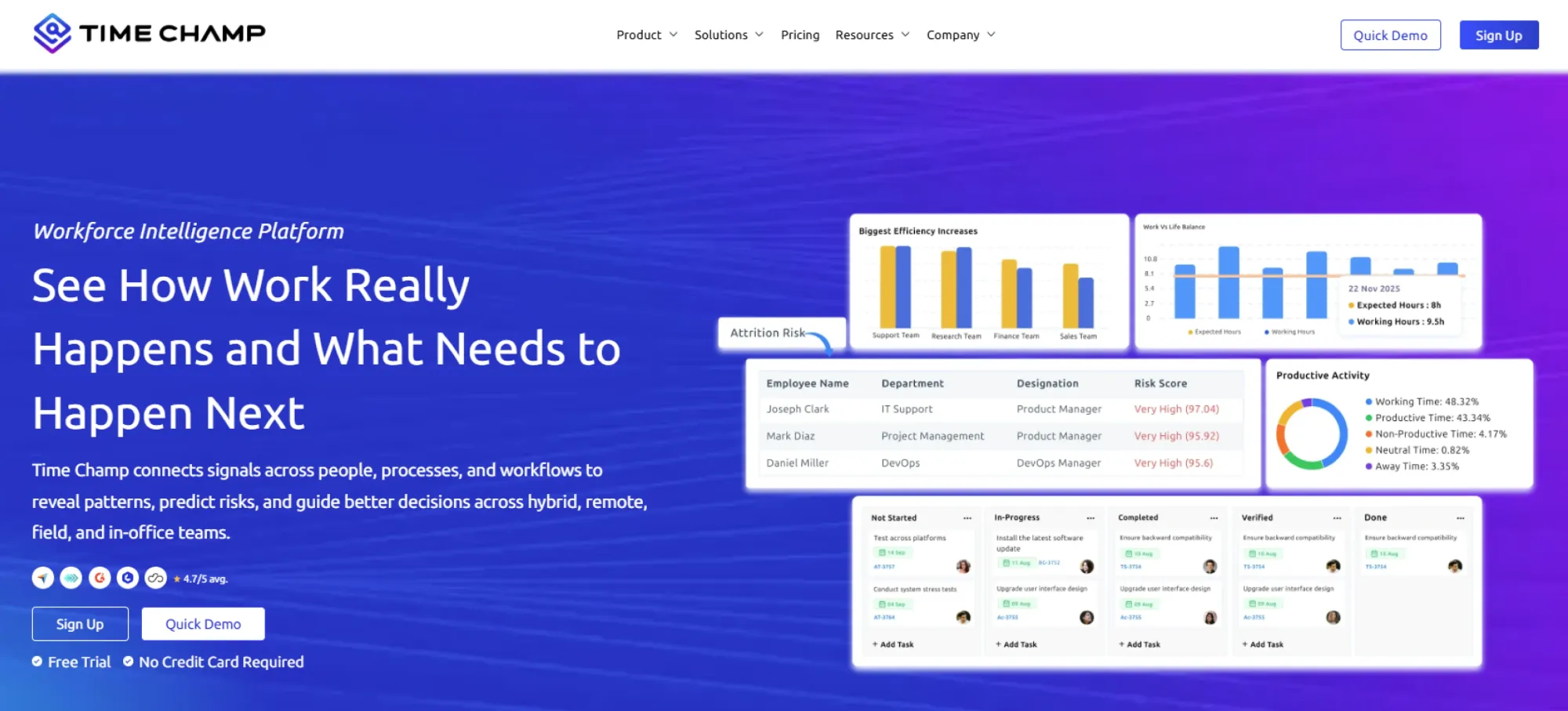
Time Champ is a workforce intelligence software that turns everyday work data into clear, decision-ready insights. It gives organizations clear visibility into work distribution, highlights time loss areas, and shows how workloads affect performance across roles. Time Champ connects time, tasks, and output to help leaders plan capacity, improve utilization, and address inefficiencies before they affect results. It’s built to support data-driven workforce planning, performance reviews, and operational decisions with confidence.
Pros
- Built for organizations managing distributed, hybrid, and field teams with consistent visibility across work types.
- Helps leaders assess utilization, efficiency, and workload balance across roles and departments with confidence.
- Provides smart alerts to flag issues such as excessive idle time, late logins, or productivity drops, allowing managers to act before problems escalate.
- Helps to identify workflow gaps, time wastage areas, and task bottlenecks in the workflow at an initial stage before they can impact delivery.
- Helps managers spot overworked or underutilised teams early, enabling better workload balance and reduced burnout.
- Generates accurate, review-ready timesheets that reflect real work patterns, making payroll, billing, and internal reviews easier and more reliable.
- Grows easily with the organization, adapting to more teams, locations, and reporting needs over time.
- Ensures consistent system coverage across Mac, Linux, and Windows without slowing down everyday work.
Cons
- Occasional lag during navigation or updates may interrupt the flow of work.
- Users who like a very minimal and stripped-down interface can find the interface busy.
Features
Automated Time Capture
Time Champ records work hours automatically without relying on manual input. It tracks start times, end times, and active work periods accurately, giving teams reliable time data with minimal effort. This reduces errors, saves time, and ensures time records stay consistent across teams and projects.
Attendance Management
Time Champ helps you manage attendance with clear, structured tracking across shifts and teams. You can review employee clock-ins, clock-outs, late arrivals, early exits, and break compliance based on your rules. With built-in shift scheduling for fixed and rotational teams, you maintain accurate coverage and stay prepared for last-minute changes without losing control of attendance records.
Workforce Analytics and Performance Insights
Time Champ brings together work data into clear analytics that show how productivity, efficiency, and performance vary across teams and roles. You can clearly see what works, what slows teams down, and where they must provide support. This clarity helps move decisions from instinct to evidence.
Activity-Based Productivity Insights
Time Champ analyzes activity data to show useful productivity insights, not just basic activity records. You can understand how tools, applications, and work patterns influence output and effort distribution. This helps pinpoint time loss, focus gaps, and burnout risks without constant check-ins or micromanagement.
Project and Task Management
Time Champ keeps all your projects and tasks organized and visible from start to finish. You can track progress in real time, separate billable work from internal tasks, and monitor budgets, costs, and resource use. Accurate visibility helps you balance workloads, protect margins, and deliver projects on time.
Resource Utilization and Capacity Insights
The platform gives clear insight into how teams and projects use work time, making it easy to spot overworked or underutilised resources. You can see how work flows across tasks, identify workload gaps early, and adjust plans before delivery suffers. Balanced workloads support better capacity planning, smoother execution, and consistent team performance.
Complete Workforce Visibility
Time Champ gives you full visibility into how teams work throughout the day. It records screens during work hours, captures screenshots at defined intervals or manually, and supports real-time screen view through office TV. You can review past screen recordings and activity history anytime, helping you understand work patterns and maintain transparency across teams and projects.
Detailed Reports for Strategic Workforce Decisions
Provides detailed reports on time and attendance, activity, tool usage, schedules, project performance, and ROI optimization. Reports support customization and downloads in multiple formats for audits, reviews, and leadership planning.
Use Cases
- Best for small, mid-sized, and enterprise organizations.
- Ideal for IT services, consulting, SaaS, BPOs, and operations teams.
- Works well for remote, hybrid, and on-site work environments.
- Suitable for organizations focused on cost control, utilization, and performance clarity.
Pricing
Time Champ offers a 7-day free trial, so organizations can evaluate the platform before committing.
- Starter: $3.9 per user per month
- Professional: $6.9 per user per month
- Enterprise: $13.9 per user per month
Pricing scales based on features and organizational needs, making it practical for both growing teams and large deployments.
Reviews
- G2: 4.8/5
- Capterra: 4.9/5
Ready to strengthen workforce intelligence across teams?
Use Time Champ to uncover insights that drive measurable value.
2. Pega
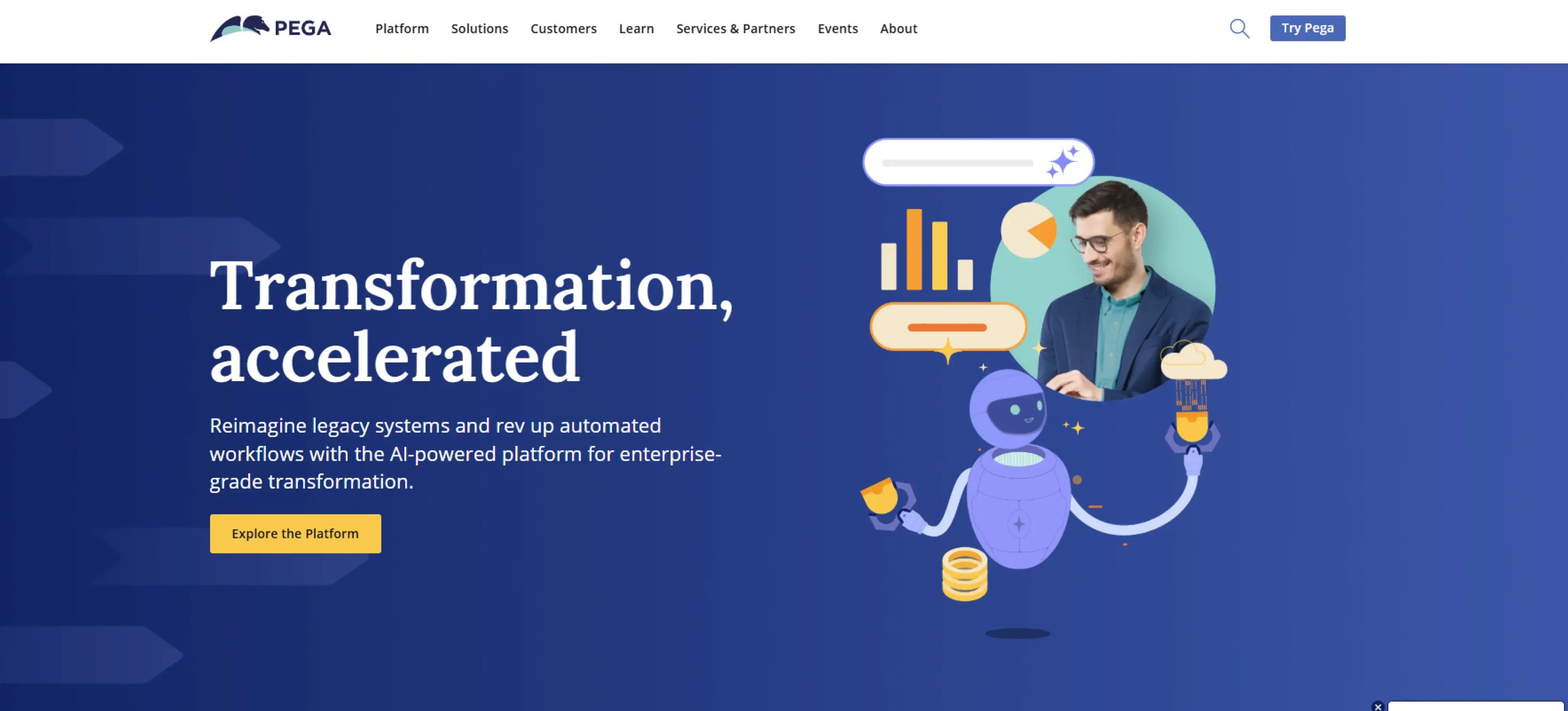
Pega is a low-code workforce intelligence and automation platform built for large organizations that need to manage complex workflows and adapt operations as business requirements change. It uses AI-driven decisioning and workflow automation to solve complex business challenges, from improving customer interactions to automating services and optimizing operations.
Pros
- Offers strong workflow automation for complex, rule-based processes.
- Supports large-scale operational transformation initiatives.
- Provides flexible architecture that adapts to evolving business requirements.
- Helps identify where automation will deliver the most value before investing time and resources.
Cons
- Steep learning curve, especially for teams new to the platform.
- The interface may feel slow due to heavy backend processing.
- Customization can be very time-consuming in terms of testing and setting up.
- Higher cost and more setup effort compared to simpler workforce tools focused on a single use case.
Features
- Process analysis and visualization tools map how work moves and highlight areas that need improvement.
- Intelligent automation that chooses the right approach across BPM, case management, RPA, and low-code development.
- Opportunity analysis to measure the potential impact and value of automation initiatives.
- Process AI–driven automation that predicts SLA risks, prevents delays, and routes work more effectively using real-time workflow data and intelligent decisioning.
Use Cases
- Best suited for enterprise organizations.
- Commonly used in large IT services, financial services, and operations-heavy environments.
- Suited to complex work which is process-driven, but not day-to-day workforce management.
Pricing
Reach out to Pega directly for detailed pricing information.
Reviews
- G2: 4.2/5
- Capterra: 4.6/5
3. Cornerstone
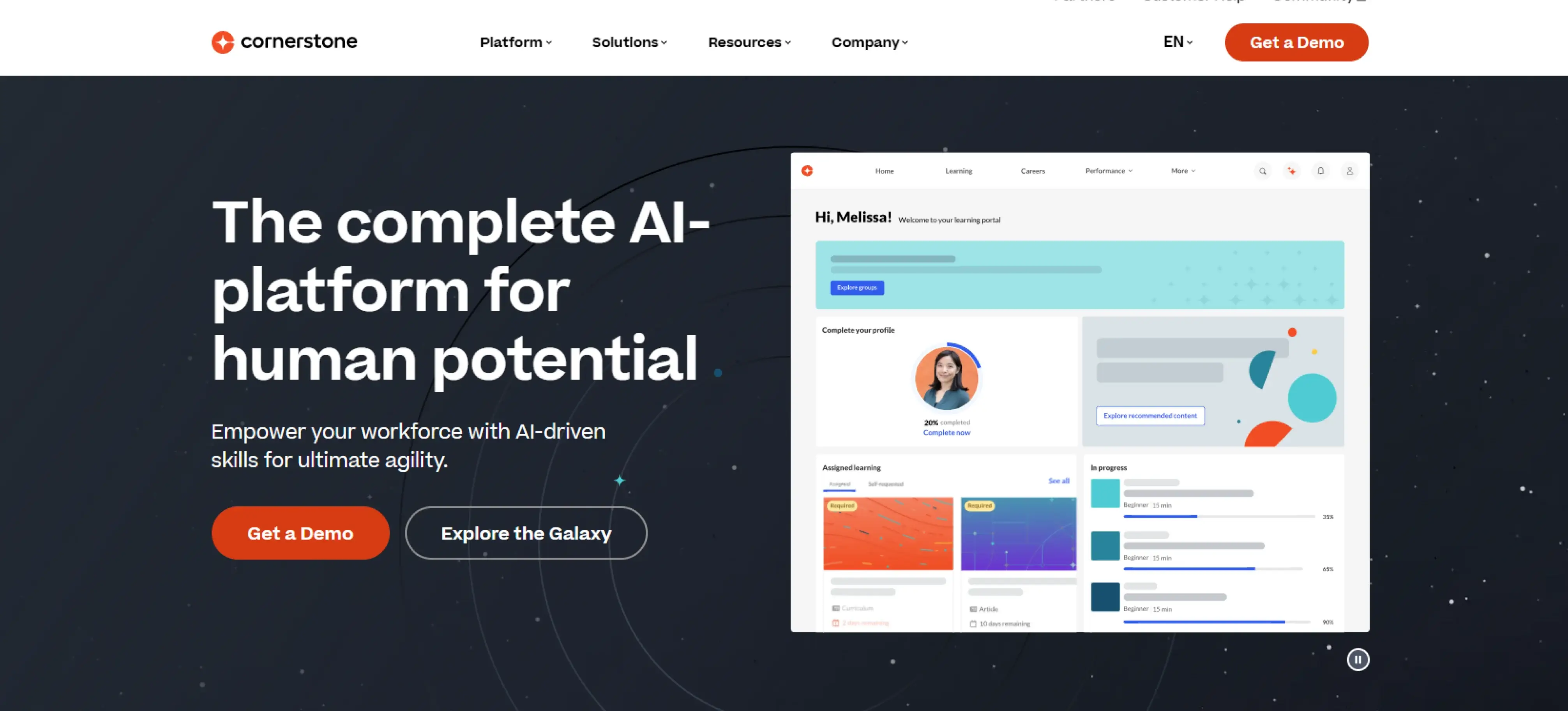
Cornerstone Galaxy is a workforce agility platform focused on skills development, learning, and talent growth. It helps organizations identify skill gaps, support employee development, and deliver learning experiences tailored to different roles and career paths.
Pros
- Strong focus on skills, intelligence, and workforce development.
- Supports learning, upskilling, and talent mobility initiatives.
- Designed for large organizations managing complex talent programs.
- Offers structured learning experiences across multiple formats.
Cons
- Interface design feels inconsistent across different modules.
- Integration challenges can affect learning workflows and data flow.
- Customer support response times are slower for technical issues.
- Configuration and permissions require time to learn and manage.
Features
- Skills gap analysis to find out the developmental needs in the entire workforce.
- Learning management tools that support multiple learning formats.
- Talent development and career growth planning capabilities.
- Workforce insights connect skills, roles, and learning progress in one view.
Use Cases
- Best suited for large organizations.
- Commonly useful for HR-led environments focused on learning and development.
- Perfect for employee talent development, upskilling, and workforce planning.
Pricing
Contact Cornerstone for pricing details.
Reviews
- G2: 4.1/5
- Capterra: 4.3/5
4. Insightful
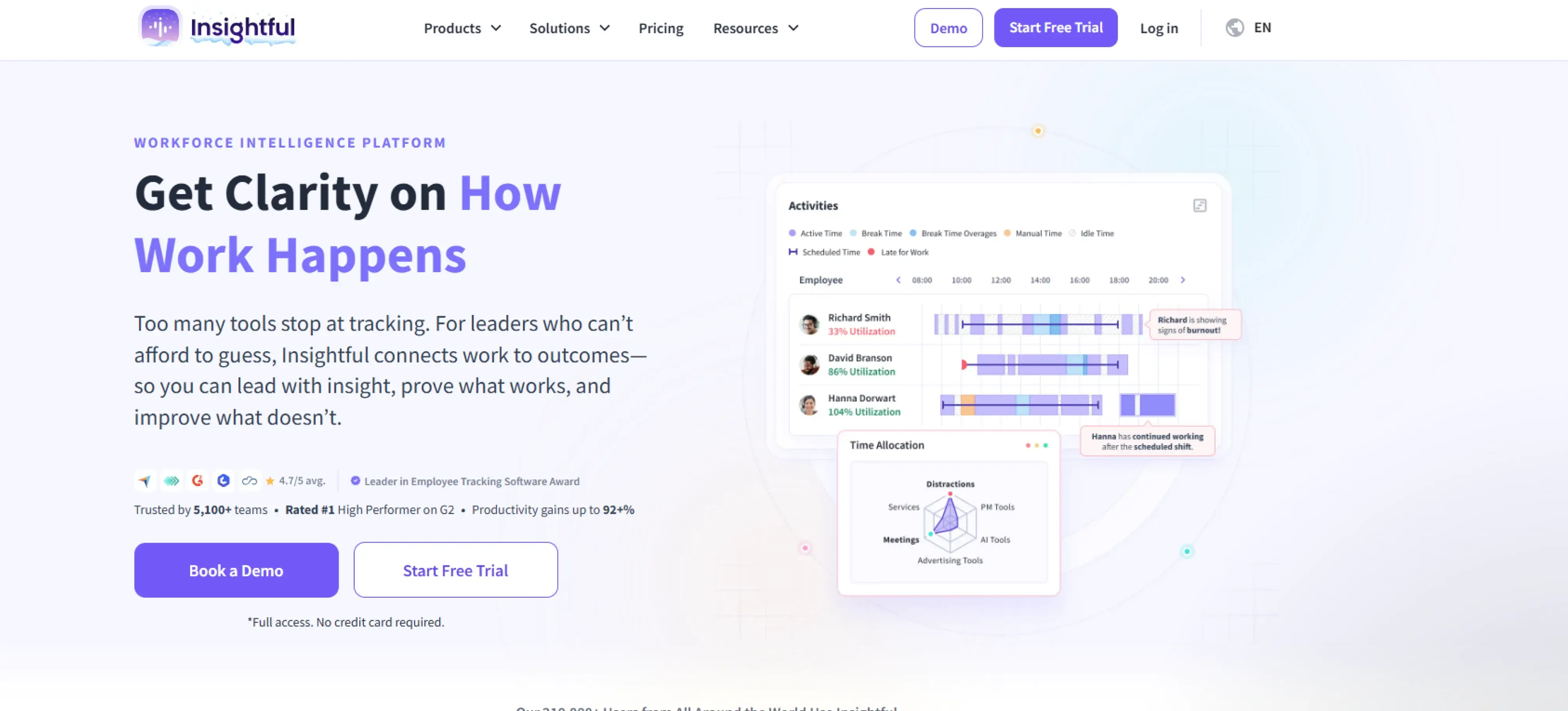
Insightful is a workforce intelligence tool that tracks time, activity, and application usage. It assists organizations in the distribution of work hours and offers systematic reports of focus and activity patterns across teams. Insightful continuously captures work activity and organizes it in simple timelines and reports, making it easier for managers to review work patterns and maintain operational consistency.
Pros
- Provides clear visibility into time spent on tasks and applications.
- Offers structured activity and productivity reports.
- Easy to deploy for teams who need quick activity tracking.
- Useful for understanding basic work patterns and idle time.
Cons
- Emphasis on monitoring can feel rigid in flexible or trust-led environments.
- Limited context around activity data, making insights harder to act on.
- Lacks built-in collaboration or performance support features.
- Limited customization options for workflows and reports.
Features
- Apps and website usage tracking to understand which tools and sites employees use across individuals, teams, and the organization.
- Screenshot monitoring to capture random screens or flag suspicious and risky activities for compliance and security.
- Activity tracking to review active and idle time through detailed logs, including approved manual entries when required.
- Stealth mode monitoring to detect suspicious behavior and protect company data without disrupting workflows.
Use Cases
- Ideal for small to mid-sized teams.
- Well-suited for remote, hybrid, and desk-based work environments where activity tracking supports daily oversight.
- Fits organizations focused on basic activity visibility rather than strategic workforce analysis.
Pricing
- Productivity Management: $6.40 per user/month (billed annually)
- Time Tracking: $8 per user/month (billed annually)
- Process Improvement: $12 per user/month (billed annually)
Reviews
- G2: 4.7/5
- Capterra: 4.7/5
5. Sapience Analytics
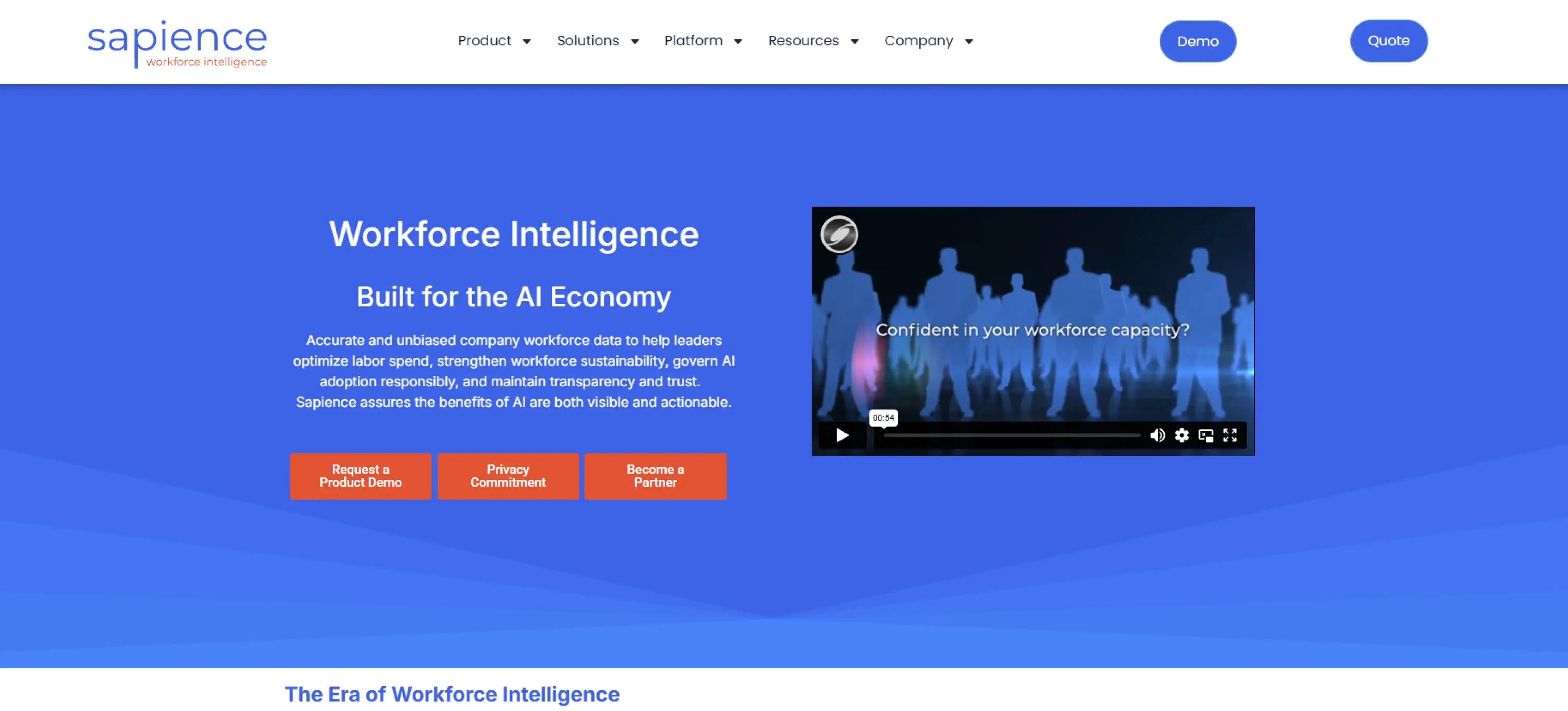
Sapience Analytics is an enterprise workforce analytics platform designed to help organizations understand productivity, capacity, and labor efficiency across global teams. It analyzes digital work patterns to support leaders in workforce planning, cost control, and operational performance across on-site, remote, and hybrid environments.
Pros
- Provides enterprise-level visibility into workforce capacity and utilization.
- Supports both direct and contingent workforce analysis.
- Offers structured metrics such as capacity utilization, productive time ratios, and labor efficiency
- Designed for large organizations managing complex, distributed operations.
Cons
- Poor integration in comparison with modern and modular platforms.
- The user interface can feel complex and crowded, increasing adoption effort.
- Teams that require custom analytics have limited flexibility in reporting.
- Tool Performance can slow down when dealing with a significant amount of workforce data.
Features
- Valuable insights that highlight productivity, capacity utilization, and labor efficiency.
- AI-driven telemetry to assess how work patterns shift with automation and new tools.
- Capacity tracking that separates value-driven work from operational overhead.
- Board-ready KPIs that connect workforce data with cost and ROI metrics.
Use Cases
- Best for large enterprises.
- Frequently useful in IT services, financial services, and operations-driven industries where workforce efficiency directly impacts costs and delivery.
- Ideal for capacity planning, labor optimization, and executive reporting.
Pricing
Contact Sapience Analytics for pricing details.
Reviews
- G2: 4.5/5
- Capterra: 4.8/5
6. Phenom
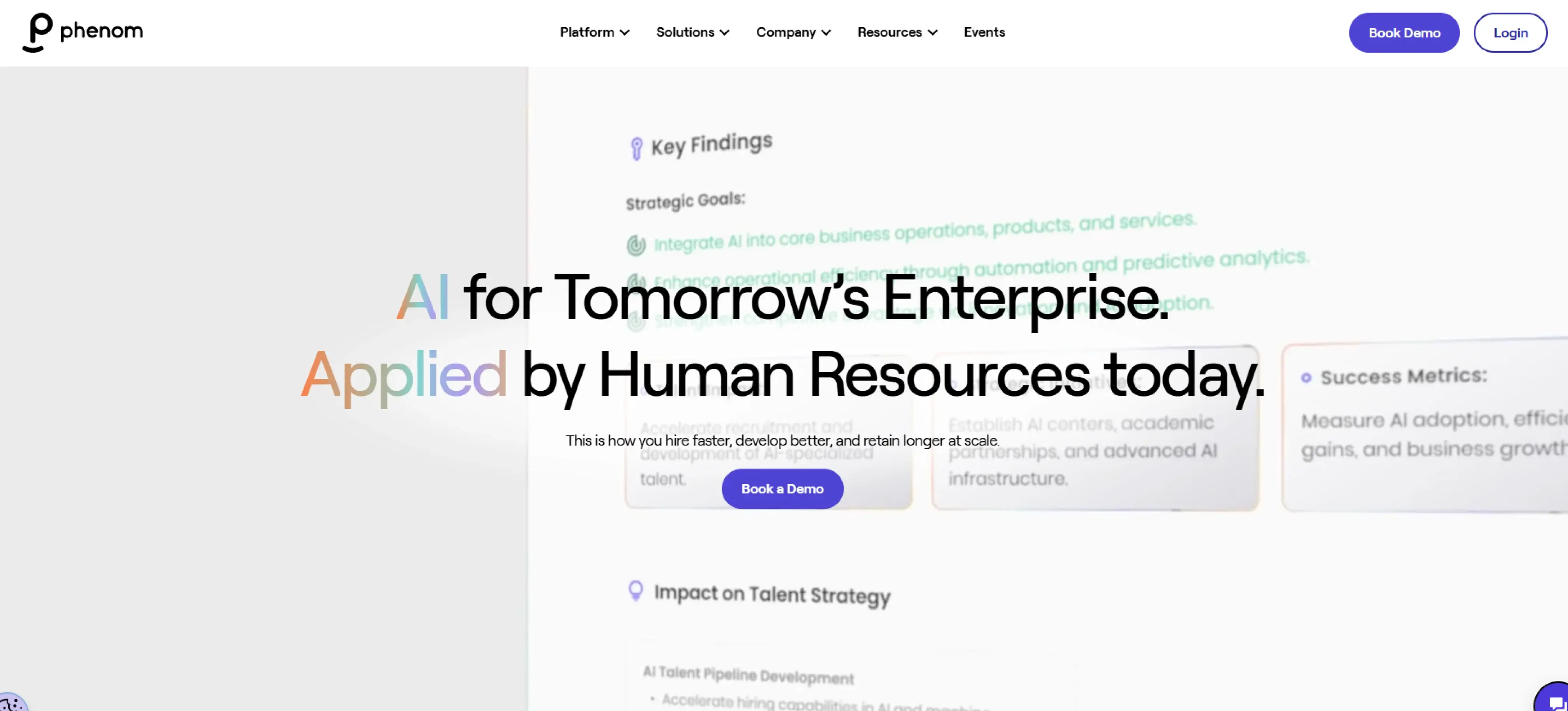
Phenom is a people-focused talent platform that supports hiring, internal mobility, and employee development across large organizations. It brings the candidates, employees, recruiters, and HR departments together using AI-based tools that assist in talent identification, career development, and retention in large organizations.
Pros
- Strong focus on talent experience across hiring and employee development.
- Gives insight into the skills and career growth of the workforce.
- Enhances internal mobility with career paths, mentoring and gigs.
- Built for enterprises managing large and diverse talent ecosystems.
Cons
- Onboarding and adoption are time-consuming due to the complexity of the platform.
- Technical problems often interfere with the hiring and learning processes.
- Data accuracy challenges affect skill filtering and candidate information.
- User familiarity with tools and settings takes time to develop.
Features
- The career site offers personalized job recommendations according to skills, interests, and location.
- Chatbot automates candidate questions, screening and interview schedules.
- Talent analytics represent the lead sources, application progress, and campaign performance.
- Direct sourcing helps teams engage and hire contingent talent efficiently.
- The CRM helps to create and operate talent pipelines using actionable insights.
Use Cases
- Best suited for large organizations.
- Typical in HR-based talent acquisition and development situations.
- Ideal for hiring, internal mobility, and workforce skills planning.
Pricing
Contact Phenom directly for pricing details.
Reviews
- G2: 4.3/5
- Capterra: 3.9/5
7. iMocha
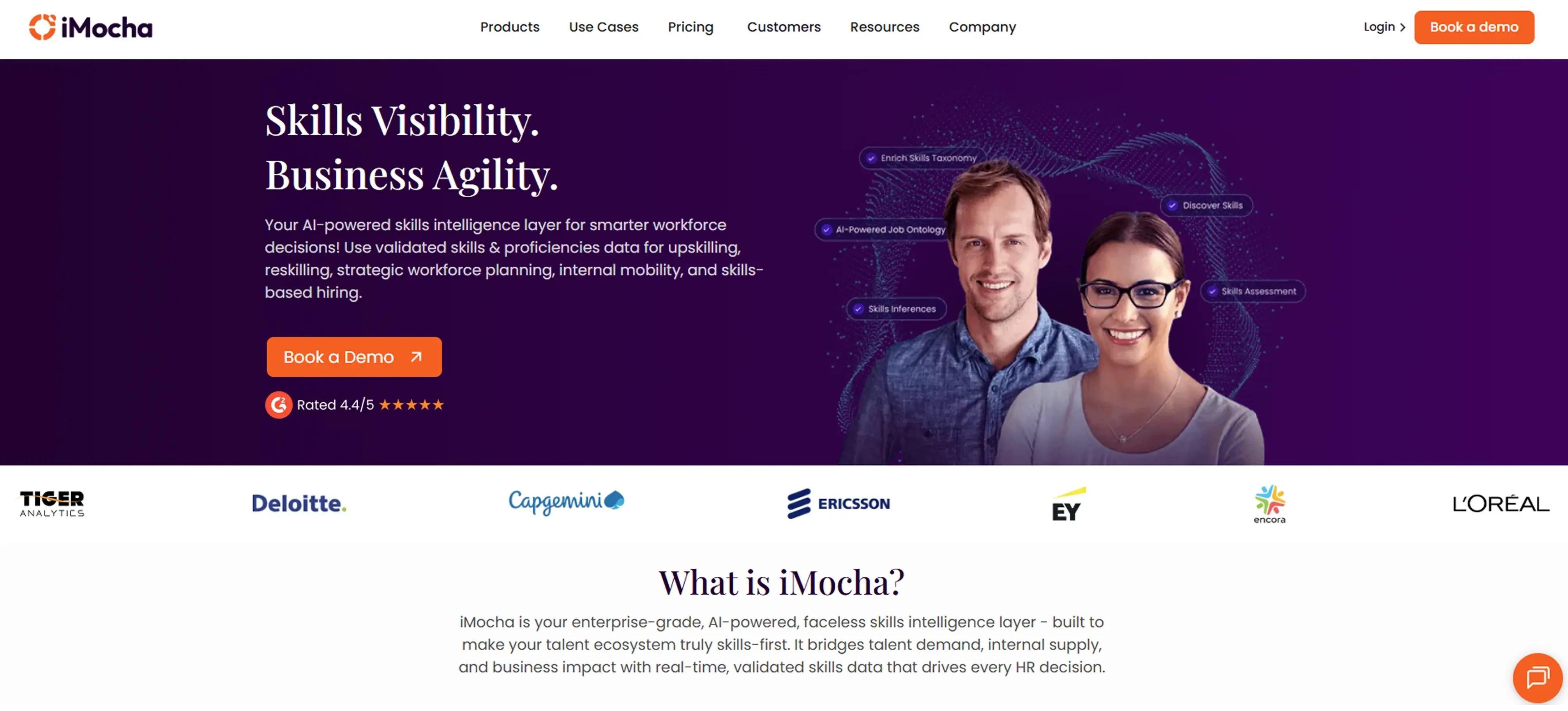
iMocha is a skills intelligence platform that helps organizations map job roles to required skills and assess workforce capabilities using structured evaluations. It targets skills taxonomy, job architecture and assessments to promote workforce planning, internal mobility and reskilling programs.
Pros
- Strong focus on skills mapping and job-role alignment.
- Helps determine the skill shortages and the level of proficiency in the teams.
- Enables fair evaluations with anonymous assessments and smooth testing.
- Integrates with existing HR systems for skills data continuity.
Cons
- Limits reporting and analytics depth for deeper insights
- Makes navigation difficult when managing large skill sets or assessments
- Requires extra effort to edit and format assessments
- Restricts workflow flexibility due to limited customization options
Features
- Skill taxonomy to organize and track role-specific capabilities.
- Unified competency framework for consistent skill evaluation.
- Strategic workforce planning to align current skills with future needs.
- Data-driven reskilling insights based on assessment results.
Use Cases
- Best for mid-sized to enterprise organizations.
- Commonly useful for HR, LD, and talent development teams.
- Ideal for skills assessment, reskilling, and workforce planning.
Pricing
Contact iMocha directly for pricing details.
Reviews
- G2: 4.4/5
- Capterra: 4.5/5
8. NiCE
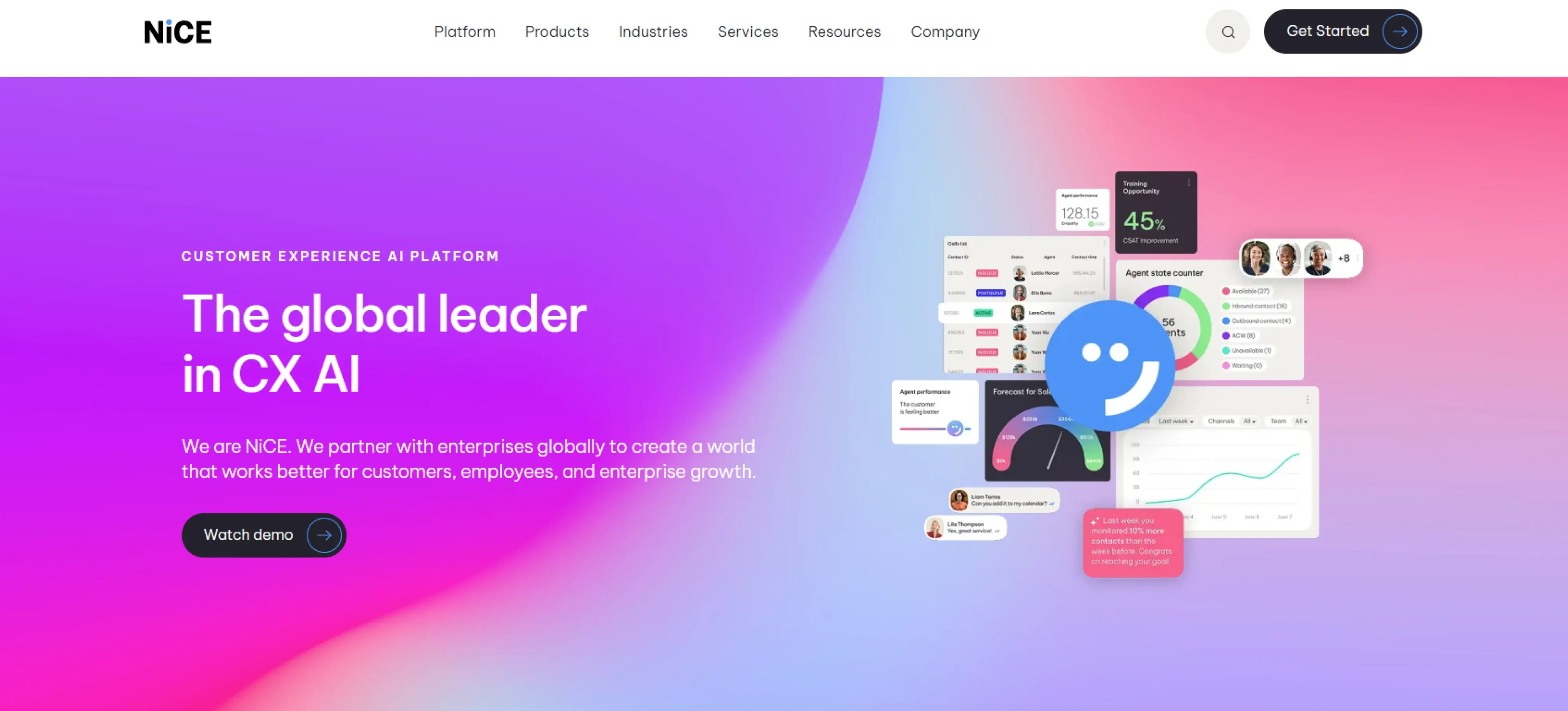
NiCE is a cloud-based platform used by contact centers to manage high volumes of customer interactions across multiple channels. It gives organizations visibility into agent activity, performance trends, and service consistency. With clear operational insights, teams can manage workloads more effectively and maintain quality across contact center operations.
Pros
- Leverages AI-based information to measure the performance of the agents and their quality of services.
- Supports omnichannel interactions across voice, chat, email, and messaging.
- Facilitates real-time tracking and coaching when dealing with customers.
- Provides detailed trend reports on agent performance, service quality, and workload patterns over time.
Cons
- Offers limited flexibility when used only for quality assurance purposes.
- Lacks real-time coaching capabilities due to a focus on workforce management features.
- Creates a steep learning curve for smaller teams with limited technical resources.
- Requires higher-priced plans to access advanced functionality.
Features
- Screen and voice recording for in-depth review of customer interactions.
- Rule-based workflows and scoring models to standardize QA processes.
- Automated quality management for consistent performance evaluation.
- Sentiment analysis to determine customer experience when interacting.
Use Cases
- Best suited for large enterprises using the NiCE ecosystem.
- Ideal for contact centers that have good compliance and quality assurance needs.
- Works well as part of a broader CX and workforce management stack.
Pricing
- CXone Mpower Ultimate Suite: $ 249 per month
- CXone Mpower Digital Agent: $71 per month
- CXone Mpower Complete Suite: $209 per month
Reviews
- G2: 4.3/5
- Capterra: 4.9/5
9. ActivTrak
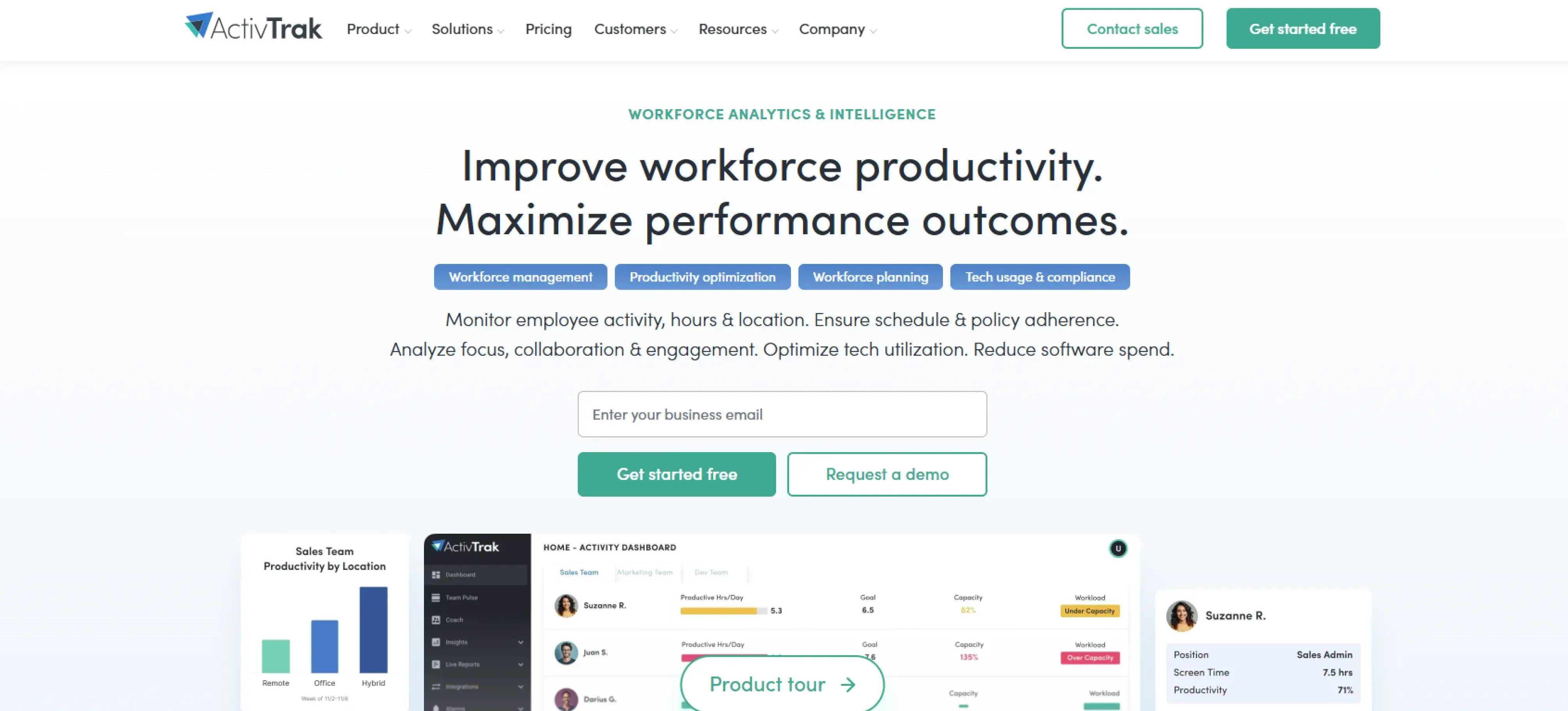
ActivTrak is a workforce productivity tool that tracks computer-based activity and time usage across teams. It assists organizations in knowing how employees are using work hours through capturing application usage, website activity, and productivity trends, especially in remote and desk-based environments.
Pros
- Gives you real-time insight into the activity of employees at work.
- Helps identify basic productivity patterns and time usage trends.
- Offers simple reports for understanding application and website usage.
- Supports remote team oversight with minimal setup.
Cons
- Offers fewer options to customize reports and settings.
- Provides minimal integration with other business tools.
- Does not track activity when employees work offline.
- Offers basic reporting that may not meet strategic analysis needs.
Features
- Coaching insights to help managers identify early signs of productivity decline and burnout using activity-based signals.
- Technology spend optimization that highlights application usage to uncover unused licenses, adoption gaps, and training needs.
- Capacity and headcount planning to align staffing decisions with actual workload demands.
- Impact analysis that shows how policy changes or leadership shifts influence productivity over time.
Use Cases
- Best suited for small to mid-sized teams.
- Works well for remote and computer-based teams that rely on digital work.
- Fits organizations looking for basic activity and time visibility.
Pricing
- Essential: $10 per user/month (billed annually)
- Essential Plus: $15 per user/month (billed annually)
- Professional: $19 per user/month (billed annually)
Reviews
- G2: 4.3/5
- Capterra: 4.6/5
10. Workstatus
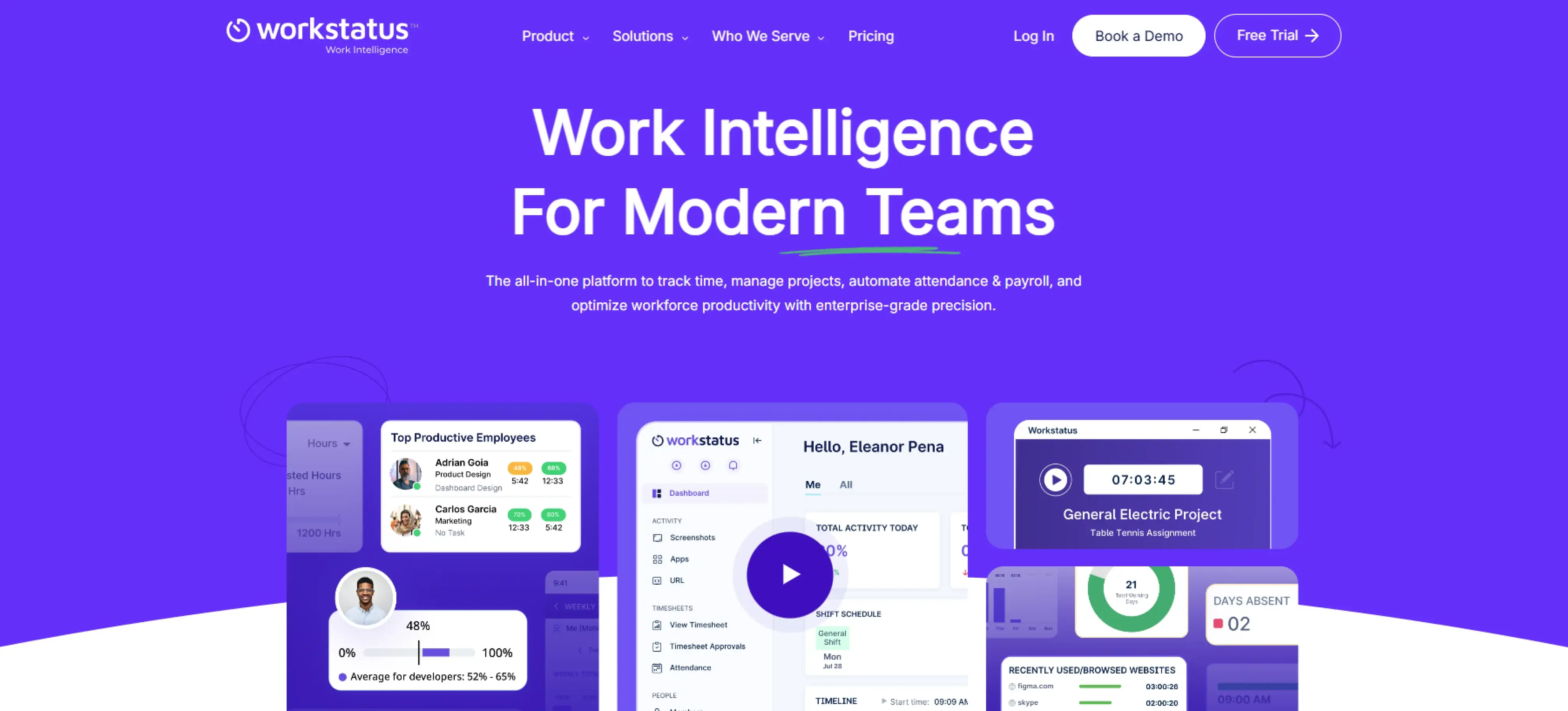
Workstatus is a workforce monitoring and productivity tool that helps organizations track time, manage tasks, and understand daily work activity. It shows how teams spend work hours, tracks tasks at a detailed level, and delivers basic insights into productivity and cost usage. This makes it suitable for teams that need straightforward oversight of work without complex analytics or advanced workforce planning features.
Pros
- Provides basic productivity analytics to support everyday decisions.
- Combines time tracking with task management for simple workflows.
- Includes budget and cost visibility for project tracking.
- Mobile app enables easy tracking and updates while on the move.
Cons
- Small teams might consider the prices to be high.
- Calendar integration issues affect meeting and schedule tracking.
- Reporting and analytics offer limited customization.
- Integration gaps can disrupt workflow continuity.
Features
- Productivity analytics to track performance metrics and workflow efficiency.
- Budget performance analysis to track costs and identify overruns.
- Mobile-based habit tracking for real-time updates and consistency.
- Agile task workflows to coordinate teams and manage work more effectively.
Use Cases
- Best applicable to small or mid-sized teams.
- Suitable for task-driven and project-based teams that need simple operational oversight.
- Ideal for organizations that need basic productivity and cost tracking rather than advanced workforce intelligence.
Pricing
Contact Workstatus directly for pricing details.
Reviews
- G2: 4.6/5
- Capterra: --
Tired of jumping between tools to understand your workforce?
Try Time Champ Workforce Intelligence to see everything in one clear view.
Workforce Intelligence Software Checklist
How to choose workforce intelligence software? It depends on how well it helps your organization understand work patterns, support better decisions, and grow without added complexity. Use the checklist below to evaluate tools based on real business impact, not feature count.
1. Cost and Value Alignment
Look beyond the price tag and assess what you get in return. The right software reduces inefficiencies, improves utilization, and supports better planning, allowing you to justify costs through measurable results rather than the number of licences purchased.
2. Tech Stack Compatibility and Integrations
Workforce intelligence software should fit naturally into your existing systems. Strong integrations with project tools, HR systems, payroll, and collaboration platforms reduce manual work, enhance the quality of data, and allow teams to perform their work without interruption.
3. Features That Support Real Decisions
Prioritize features that explain how work happens, not just what happened. Time usage, productivity patterns, utilization insights, and workload balance should directly support staffing, performance reviews, and operational planning.
4. Support and Onboarding Experience
Good onboarding and responsive support help you start using the software without confusion. Clear setup guidance and timely assistance make it easier to use the tool consistently and see value early.
5. Security and Data Protection
Workforce data is sensitive. Choose software that follows strong security practices, enforces role-based access controls, and meets compliance standards to deliver insights without compromising trust or regulatory requirements.
6. Scalability for Growing Teams
The platform should grow with your organization. As teams expand, locations increase, or organizations adopt new work models, the software must handle higher data volumes and reporting needs without slowing down or forcing process changes.
Conclusion
Workforce intelligence software helps you clearly understand how work happens and where improvements matter most. With the right platform, you can plan resources more effectively, spot risks early, improve productivity, and support teams with accurate, reliable data. Over time, this visibility strengthens accountability, reduces guesswork, and helps you make confident decisions that keep your organization running smoothly.
Looking to turn workforce visibility into real performance gains?
Try Time Champ to connect work patterns to meaningful outcomes.

Thasleem Shaik


Table of Content
-
 What Is Workforce Intelligence Software?
-
What Are the 10 Best Workforce Intelligence Software?
-
Workforce Intelligence Software Checklist
-
Conclusion
Related Blogs

Learn why businesses need workforce intelligence software, how it transforms business strategy, and how it works to drive strategic decision-making.
Thasleem Shaik | February 11, 2026
Discover 10 ways HR teams can use workforce intelligence to improve hiring, retention, performance management, and drive smarter data-driven HR decisions.
Anjali | february 11, 2026
Explore how workforce intelligence supports healthcare organizations in workforce planning, burnout reduction, staffing, and informed HR decision-making.
Chethana Choudary | February 11, 2026
Learn why billing breakdowns damage BPO trust, why clients value workforce intelligence billing, how it strengthens billing models & implementation steps.
Thasleem Shaik | February 11, 2026
Learn why workforce intelligence matters for investment & strategy teams, what makes it a strategic asset, how teams use it & how it supports decisions.
Chethana | February 18, 2026
Learn what business intelligence (BI) is, why it matters, how it works, explore key benefits, challenges & how AI is used to enhance business decisions.
Anjali | February 11, 2026


 4.7/5 avg.
Ready to Manage Your Workforce Smarter?
Join our family of 1500+ companies using smart insights to redefine workforces!

Free Trial
No Credit Card Required