10 Best Project Portfolio Management Software For [2026]
Find the 10 best project portfolio management software for 2026. Compare the features, pricing, pros & cons to prioritize projects and control budgets.
Many project portfolio management tools look identical at first glance, and only 22% of organizations use formal project management software despite its clear impact on performance. Almost every tool guarantees you to provide complete visibility and control, but few support strategy, capacity planning, and portfolio-level decisions. You often find the tools that track projects well but fail to connect with the resources, budget, or business outcomes during the evaluation. Many organizations begin with team charter templates and adapt them to their internal workflow. The detail here sits inside a wider conversation covered in our best project management software guide.
Certain tools create friction through the manual updates, difficult setups, and poor integrations. This results in delayed insights, unclear priorities, and less confidence while making big decisions. What matters most is practical clarity, accurate data, and software that fits naturally into real workflows.

Did You Know?
According to IJITPM, a broad range of project portfolio management (PPM) tools have been developed, but there’s a limited understanding of the factors affecting their adoption in organizations, highlighting that adoption decisions remain a major challenge for many companies.
What is Project Portfolio Management Software?
Project portfolio management software helps you to effectively plan, prioritize, and monitor multiple projects from a single system. It provides you with a clear view of the project value, risks, budgets, and resource capacity, helping you select the right tasks at the right time. Unlike basic project tools, project portfolio management software focuses on alignment. It highlights how the projects support the business objectives and compete with the limited resources. You can use it to balance the workloads, compare initiatives, and make accurate decisions across the entire portfolio.
What Are the 10 Best Project Portfolio Management Software?
When you manage multiple projects, the right software can shape how clearly you plan, prioritize, and allocate resources. Some tools focus on strategic oversight, while others help you improve execution and team visibility. The comparison below helps you identify which platform aligns best with your portfolio needs.
| Software | Best For | Key Feature | Ideal Team Size |
| Time Champ | Workforce-driven portfolios | Real-time workforce and portfolio visibility | SMBs to Mid-market |
| Pega | Large enterprises | AI-driven decision workflows | Enterprise |
| Smartsheet | Operational portfolios | Spreadsheet-style portfolio tracking | SMBs to Enterprise |
| Wrike | Complex project teams | Advanced workload management | Mid to Large teams |
| monday.com | Visual portfolio tracking | Customisable dashboards | SMBs |
| Teamwork | Client-focused teams | Project profitability tracking | SMBs |
| Workfront | Marketing portfolios | Enterprise workflow control | Enterprise |
| Planview | Strategic portfolios | Advanced portfolio optimization | Enterprise |
| Microsoft Project | Microsoft-based teams | Native Microsoft ecosystem | Mid to Enterprise |
| Jira | Agile portfolios | Strong issue and sprint tracking | Tech teams |
1. Time Champ
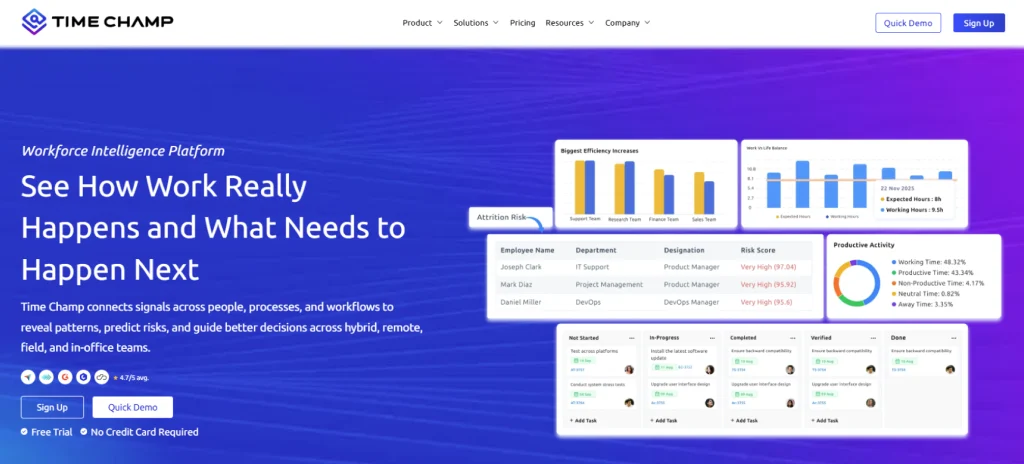
Time Champ is an employee monitoring tool that goes a step further with workforce intelligence. It is designed for teams that require portfolio decisions supported by real execution data. It mainly focuses on how work actually happens across the teams, projects, and portfolios. You can gain complete visibility into real effort utilization and capacity, which helps you to prioritize projects with confidence. Unlike many other portfolio tools, which rely on manual updates, Time Champ shows the actual work patterns as they occur. This makes it easier to spot the overloaded teams, hidden inefficiencies, and transform the priorities early, particularly when you manage different projects at the same time.
Pros
- Time Champ uses the real-time workforce data to replace manual estimates.
- It offers clear visibility into the employee capacity, effort, and utilization.
- Fast setup with minimal setup configuration.
- Strong value for the teams which monitor time and productivity.
- Supports the portfolio decisions with the actual work patterns.
Cons
- Less emphasis on advanced financial portfolio modelling
- Minimal in-built risk scoring features.
- Requires active time tracking for acquiring the best results.
Features
- Real-time Effort Tracking at Scale: Captures actual work hours across the projects and portfolios without delays. This provides you with the reliable effort data for effective prioritization.
- Workforce Analytics that Explain Why Work Slips: Shows the utilization, idle time and overload patterns clearly. You can effectively spot the productivity gaps before they impact the delivery.
- Active Productivity and Idle-time Detection: Identifies productivity gaps and employee inactivity in real-time. You can respond instantly before delays grow.
- Automatic Activity Capture across Tools: Monitor the tasks, applications, and work patterns without manual input. This eliminates the friction in reporting.
- Live Dashboards for Managers and Leaders: Continuously updates the live workforce and project activity, enabling decisions rely on the current data.
- Real-time Integrations with Delivery Tools: Syncs the live data with Asana, Trello, Jira, and Slack. Effort and project progress remain on track without additional work.
Best Suited For:
Small to mid-sized businesses, IT services, SaaS, consulting, and operations-driven teams.
Pricing
- Comes with a 7-day free trial
- Starter Plan: $3.9/user/month
- Professional Plan: $6.9/user/month
- Enterprise Plan: $13.9/user/month
Reviews
Managing multiple projects but still lacking clarity on team capacity and effort?
Experience how Time Champ brings real-time control to your portfolio.
2. Pega
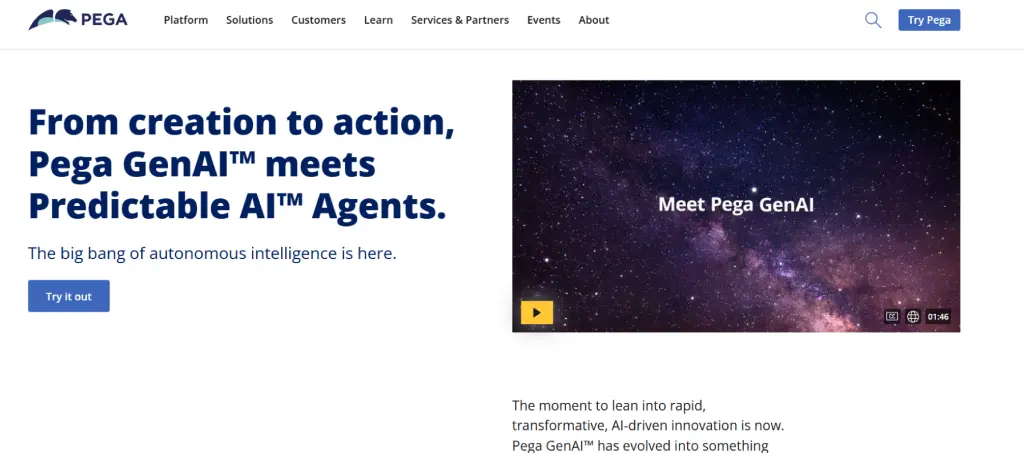
Pega is an enterprise platform that focuses on decision management and workflow automation. It supports portfolio governance through rule-based processes and analytics, mainly for large organizations. It also enables real-time insights and case management capabilities, which help teams to streamline operations and enhance strategic decision-making.
Pros
- Supports complicated portfolio workflows in the large and regulated enterprise.
- Provides governance, compliance, and decision automation.
- Scales effectively for the enterprises which manage various interdependent initiatives.
- Supports a variety of enterprise systems and legacy systems.
Cons
- Requires long implementation before the teams see meaningful value.
- High maintenance and licensing costs limit the accessibility for the smaller enterprises.
- Steep learning curve for the delivery teams and non-technical users.
- Reduced transparency into actual performance across the teams.
Features
- Rule-based decision and workflow management
- Portfolio governance and compliance tracking
- Enterprise reporting and analytics
- System integrations for large IT environments
Best Suited For:
Large enterprises in regulated industries to manage the process-driven and complex portfolios.
Pricing
- Low-code Factory Edition: $35 per month
- Standard Edition: $90 per month
- Enterprise Edition: Custom Quote
Reviews
G2: 4.2/5
Capterra: 4.4
3. Smartsheet
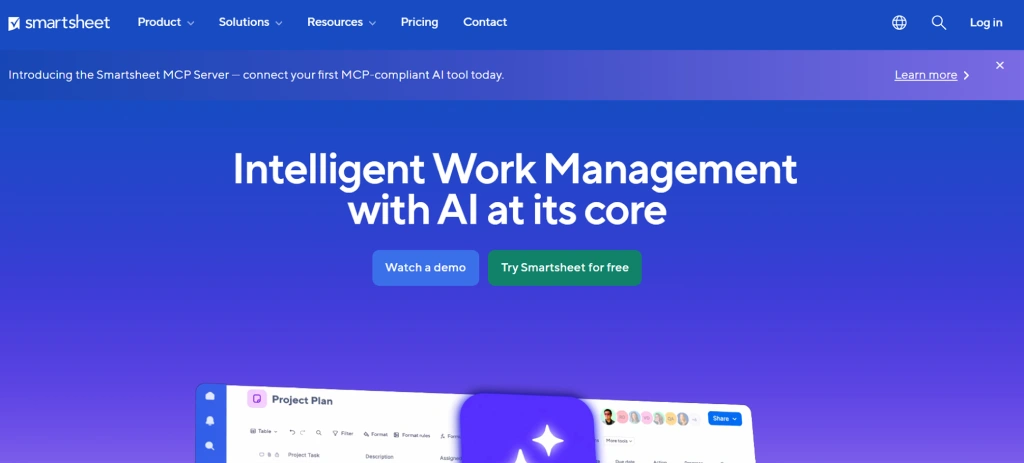
Smartsheet is a work management software which uses the spreadsheet-style layouts for portfolio and project tracking. The teams widely use this platform for operational visibility, with less support for strategic portfolio planning. It also offers collaboration tools, automation, and reporting features, which help to streamline task coordination and enhance workflow transparency.
Pros
- Most teams have reduced the initial learning effort through a familiar spreadsheet-like interface.
- Flexible views help the teams to monitor several projects under the same workspace.
- The automation features help to reduce the manual repetitive updates.
Cons
- Portfolio insights highly depend on the manual data accuracy.
- Capacity and resource planning lack depth for the complex portfolios.
- Reporting becomes difficult as portfolio scale increases.
- Advanced features increase the overall cost quickly.
Features
- Grid-based project tracking organizes team tasks, schedules, and ownership.
- Portfolio dashboards offer an integrated view of the different projects and their progress.
- Automation of workflow eliminates repetitive manual activities and enhances the consistency of the process.
- Team collaboration tools support better communication, file sharing, and coordinated work.
Best Suited For
Small to mid-sized teams which manage the operational or departmental portfolios.
Pricing
- Pro: $9 - 1 user per month
- Business: $19 - 3 users per month
- Enterprise: For more pricing details, contact the Smartsheet support team.
Reviews
G2: 4.4/5
Capterra: 4.5/5
4. Microsoft Project

Microsoft Project is a conventional project and portfolio planning application developed under the Microsoft ecosystem. It mainly focuses on the scheduling, dependencies, and organized project planning. It also offers reporting and resource management tools which help teams monitor progress, allocate workloads, and maintain project timelines effectively.
Pros
- Effective scheduling and dependency management for the structured project environments.
- Integrates well with the Microsoft 365 and organizational tools.
- It promotes portfolio-level planning and roadmaps.
- Widely adopted across enterprise organizations
Cons
- The interface is complicated for both new and non-technical users.
- Less real-time insight into the real workforce effort.
- Needs significant setup to use at the portfolio level.
- Less flexible to agile or rapidly changing work.
Features
- The timelines and schedules of the project define the deadlines, dependencies and structured delivery plans.
- Portfolio roadmaps visualize long-term initiatives and how they align with the organizational objectives.
- Resource planning tools assign the workforce and effort across the projects based on availability.
- Microsoft ecosystem integrations effectively connect with the related tools and Microsoft 365.
Best Suited For
Mid to large enterprises using the Microsoft-based project environments.
Pricing
- Planner Plan 1: $10
- Planner and Project Plan 3: $30
- Planner and Project Plan 5: $55
- Project Standard 2024: $679.99
- Project Professional 2024: $1129.99
- Project Server: For more pricing details, contact the Microsoft Project support team.
Reviews
G2: 4/5
Capterra: 4.4/5
5. Monday.com
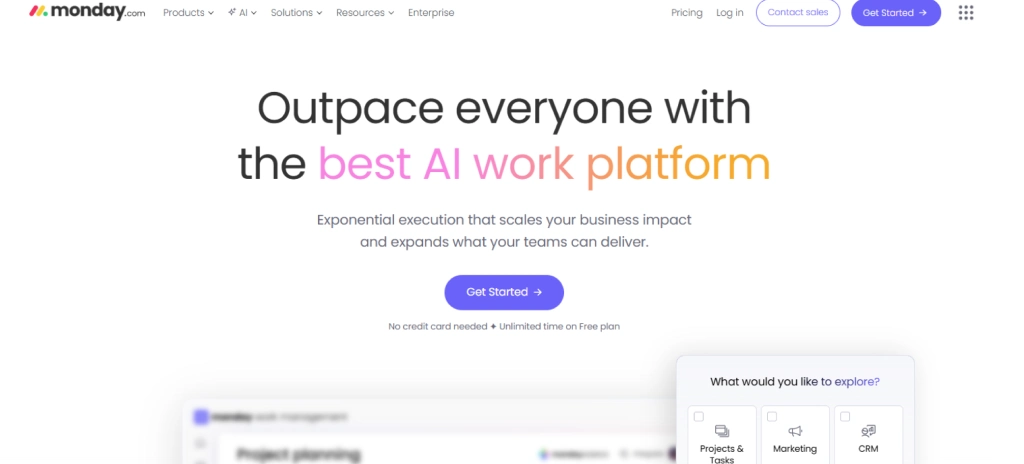
Monday.com is a visual work management platform that supports portfolio tracking through configurable boards. It mainly focuses on flexibility and collaboration rather than on deep portfolio analytics. Teams often use it to coordinate the cross-functional work and maintain visibility across the ongoing initiatives.
Pros
- Visual interface enhances the clarity for the cross-functional teams.
- High level of customization across boards and dashboards.
- Faster team adoption with minimal training effort.
- Useful automation for routine workflow management.
Cons
- Portfolio insights heavily rely on how the configured boards.
- Limited depth in the capacity and utilization analysis
- Pricing grows quickly as team size increases
- Reporting needs manual refinement for better accuracy.
Features
- Custom dashboards highlight the portfolio progress, priorities and performance metrics.
- Portfolio boards organize different projects into visual and structured views.
- Workflow automation streamlines the daily operations and minimizes the manual coordination effort.
- Collaboration tools support the team's coordination, shared visibility, and updates.
Best Suited For
Small to mid-sized teams which handle collaborative portfolios.
Pricing
- Free: $0 - per 2 seats
- Basic: $9 - 4 seats per month
- Standard: $12 - 3 seats per month
- Pro: $19 - 3 seats per month
- Enterprise: Contact the Monday.com support team for more pricing details.
Reviews
G2: 4.7/5
Capterra: 4.6/5
6. Teamwork
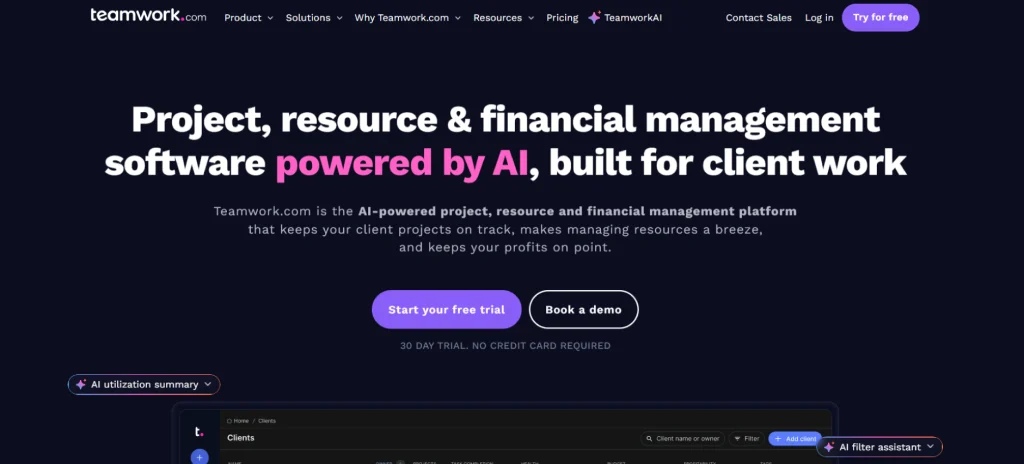
Teamwork platform is a project management tool designed for client-focused delivery teams. It provides complete visibility into multiple client projects. Teamwork effectively helps the teams to track tasks, schedules, and client-specific work in a single place.
Pros
- Provides strong support for managing the different client projects
- Tasks, milestones, and deadline monitoring will help teams to remain on track.
- Improved teamwork capabilities support team communication across distributed and remote teams.
- A simple interface helps new users to learn and adopt the tool faster.
Cons
- Less strategic portfolio planning capabilities for the long-term, and a high-level decision-making procedure.
- Resource forecasting lacks accuracy and depth for complex and changing workloads.
- Portfolio reporting remains static and needs manual effort for effective insights.
- Not designed to support a large enterprise portfolio with advanced security requirements.
Features
- Project and task tracking coordinates work among the clients and on active engagements.
- Time tracking records the effort the workforce spent on the client projects and tasks.
- Client permissions control the access and visibility for the external investors.
- Basic portfolio views offer a simple overview of various ongoing projects.
Best Suited For
Ideal for the consultancies, agencies, and service-based teams.
Pricing
- Free: $0 – 5 users per plan or month
- Deliver: $10.99 – 1 user minimum. per user/per month
- Grow: $19.99 - 5 user minimum. per user/per month
- Scale: $54.99 – Request a demo for more details
- Enterprise: Contact the Teamwork support team for more pricing details.
Reviews
G2: 4.4/5
Capterra: 4.5/5
Struggling to prioritize projects without clear workforce visibility?
See how Time Champ turns real execution data into confident portfolio decisions.
7. Workfront
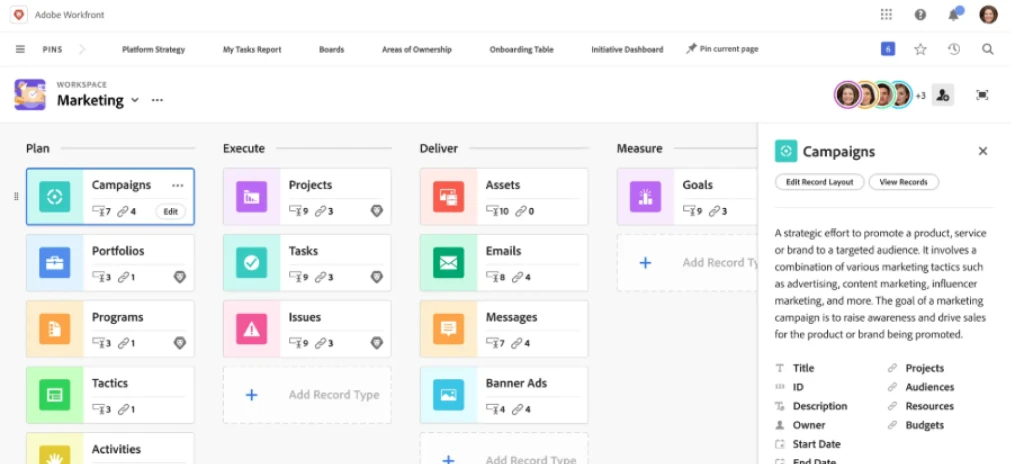
Workfront is an enterprise work management platform focused on large-scale portfolio governance. It helps the marketing and operations teams to manage the approvals, complex workflows, and cross-functional portfolios. The platform focuses on standardization of processes, workload coordination, and visibility into the enterprise activities.
Pros
- Strong enterprise-level workflow and governance controls support the compliance and approvals.
- Effectively scales across large departments and complicated multi-portfolio environments.
- Detailed reporting and approval workflows which improve the decision accountability and oversight.
- Suits best for the structured enterprise environments with the defined procedures and control requirements.
Cons
- Teams face delays in the implementation and onboarding process, which delays value realization.
- High expense structure makes it unsuitable for small and mid-sized teams.
- The user interface feels complex when dealing with everyday operational tasks.
- Limited flexibility for the continuously changing work and evolving project needs.
Features
- Enterprise workflows standardize the procedures across the teams and departments.
- Portfolio dashboards present high-level visibility regarding the current ongoing initiatives.
- Resource management assigns the individuals and effort among enterprise projects.
- Reporting tools effectively support the executive-level insights and performance monitoring
Best Suited For
Ideal for the large organizations that manage structured work portfolios.
Pricing
For more pricing details, contact the Workfront support team.
Reviews
G2: 4.1/5
Capterra: 4.4/5
8. Planview
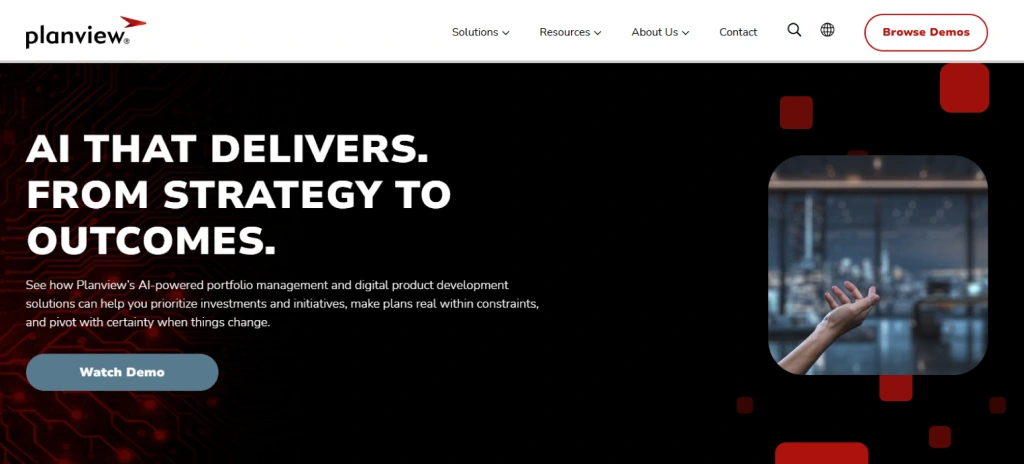
Planview is a portfolio management platform which mainly focuses on strategic planning and investment decisions. It supports long-term portfolio optimization by helping enterprises to evaluate the initiatives based on the value, risk, and alignment with business objectives.
Pros
- Effective strategic portfolio planning that supports the long-term and organizational-wide decision-making.
- Complex financial and investment visibility that helps the leaders assess the costs, risks, and returns.
- It is designed to support the enterprise-level portfolios that manage the complex initiatives across different business units.
- In-depth reporting that supports the executive reviews and informed leadership decisions.
Cons
- Set up, configuration, and continuous administration require specialized expertise.
- Creates highly complete ownership expenses for the implementation, licensing, and maintenance.
- Delivers less time to value due to the complicated onboarding procedure.
- Provides less real-time transparency into the actual execution and the workforce activity.
Features
- Portfolio optimization evaluates the initiatives depending on the risk, value, and priority.
- Financial planning helps in effective budgeting, forecasting, and investment comparisons.
- Resource forecasting evaluates the future capacity requirements across the projects.
- Strategic roadmaps effectively visualize the portfolio direction and long-term plans.
Best Suited For
Ideal for enterprises which manage investment and strategy-based portfolios.
Pricing
Free: Comes with a free trial
Team: $29
For more pricing details, contact the Planview support team.
Reviews
G2: 4.1/5
Capterra: 4.1/5
9. Wrike
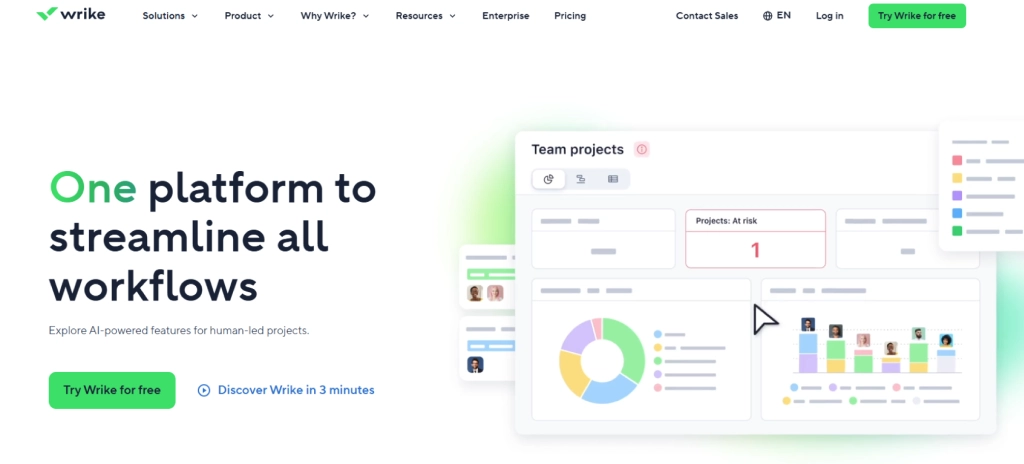
Wrike is a work management tool that effectively supports the portfolio views across complex projects. Teams use this platform to handle the timelines and workloads effectively in different initiatives from a single workspace. It also provides configurable workflows and reporting features, which help the teams maintain visibility as the project complexity increases.
Pros
- Its strong task and workload management features support the complex project coordination.
- It offers flexible project structures that adapt effectively as the teams grow and change.
- Delivers useful reporting, which helps the managers to gain clear project-level insights.
- It scales effectively for mid-sized enterprises managing various active projects.
Cons
- It requires manual configuration to set up and maintain the portfolio structures.
- Shows the resource data delays when teams fail to update the information consistently.
- It gives a cluttered interface that can impact the new or occasional users.
- Increases overall expenses as the team moves to the advanced pricing plans.
Features
- Workload views effectively display the task distribution and capacity of the teams.
- Portfolio dashboards summarize the status of different projects.
- Automation rules minimize repetitive actions and manual procedure handling.
- Reporting tools generate clear insights for tracking project performance.
Best Suited For
Best for the mid-sized teams that manage different complex projects.
Pricing
Free: $0
Team: $10 (2-15 users)
Business: $25 (5-200 users)
Contact the Wrike support team for additional pricing details.
H4: Reviews
G2: 4.2/5
Capterra: 4.4/5
10. Jira
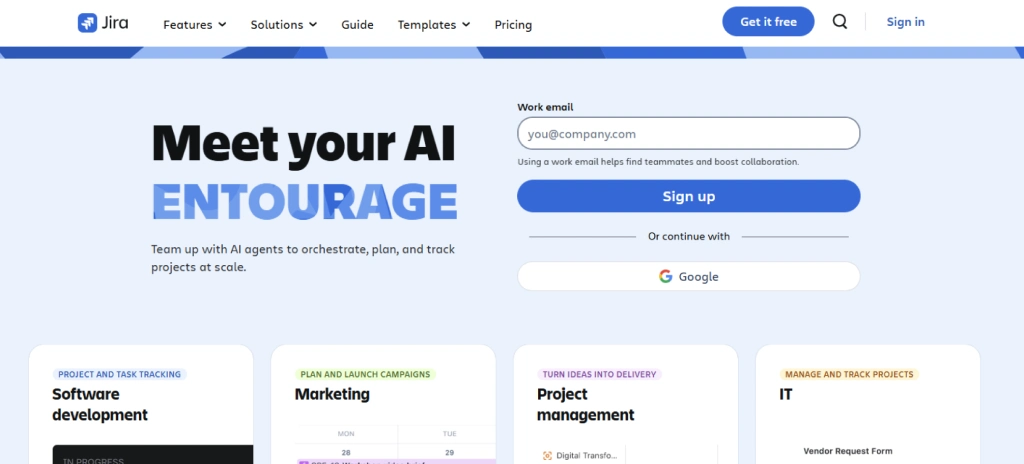
Jira is an agile project management software with effective portfolio support through roadmaps and add-ons. It focuses primarily on software development teams which manage the sprint-based work. This platform helps the teams to monitor issues, dependencies, and delivery progress while aligning the agile projects with higher-level plans.
Pros
- To deliver the software, it offers strong sprint and agile management features.
- It offers highly flexible workflows, which adapt well to the development and technical teams.
- Supports a large ecosystem of integrations and add-ons for the extended functionality.
- It earns trust from the software delivery teams that manage complex and changing projects.
Cons
- Relies on add-ons to deliver complete portfolio management capabilities
- It offers limited native resource and capacity planning for the portfolio-level decisions.
- Non-technical users might find it difficult to navigate and configure it.
- Manual configuration is required to generate useful and clear reports.
Features
- Sprint and issues tracking support the execution and agile planning.
- Roadmaps visualize the high-level delivery plans and timelines.
- Automation of workflow simplifies issue management and repetitive tasks.
- Integration support connects effectively with collaboration and development tools.
Best Suited For
Ideal for the software teams that manage agile portfolios.
Pricing
Free: 10 users per month
Standard: $7.53 – 50000 users per month
Premium: $13.53 per month
Enterprise: (Per year) Contact the Jira support team for more pricing details.
H4: Reviews
G2: 4.3/5
Capterra: 4.4/5
Project Portfolio Management Software Checklist
Choosing project portfolio management software highly depends on how well the tool supports your decisions and long-term growth. The right choice simplifies the portfolio oversight without creating any operational issues. Use the checklist below to assess the software based on the real business impact.
Cost and Long-Term Value
Forget the base price and focus on the overall ownership expenses. ROI might get impacted by licensing, add-ons, implementation, and future upgrades. Ensure the application you choose offers an effective and affordable application needs to offer clear visibility and decision support features without compelling you to upgrade to the expensive hardware as your portfolio grows.
Tech Stack Compatibility and Integrations
Your portfolio software must effectively integrate with the existing tools, such as time tracking, tool management, and collaboration tools. Strong integrations reduce the data silos, manual updates, and ensure that the portfolio decisions depend on accurate and connected data.
Features That Support Real Decisions
Mainly focus on the features which help you prioritize the projects, balance existing resources, and report matters more than the long feature lists. The right features can help you act immediately and avoid guesswork.
Support and Implementation Experience
Reliable support and a clear implementation procedure reduce the disruption during the adoption. Effective software helps the teams get productive quickly, limits the configuration effort, and provides consistent assistance when the portfolios scale or evolve.
Evaluate the support and implementation process by the vendor. Clear implementation procedures eliminate the disruption during adoption and help teams become productive more quickly. Effective software limits the configuration effort and offers constant support as the portfolios change or scale.
Security and Data Protection
Portfolio data also includes the timelines, financials, and workforce information. Strong security standards, compliance practices, and access controls safeguard the sensitive data and maintain trust across teams and leadership.
Review how the software safeguards the portfolio information, including schedules, financials, and workforce information. Secure standards, compliance practices, and access protection help identify sensitive data and build trust between teams and leaders.
Scalability for Future Growth
Select the software which scales with your enterprise. Make sure it handles the projects, complexity, and users without any performance issues. Scalable tools support growth without forcing frequent system implementation or changes.
Not sure which portfolio tool effectively fits your team?
Try Time Champ to gain clear, real-time project visibility.
Conclusion
The selection of the right project portfolio management software begins with better clarity into how work actually happens within your organization. When you compare the project portfolio management tools, the main focus is on the resource balance, visibility, and execution data. The right project portfolio management software helps you to prioritize projects accurately, control the costs, and scale without chaos.

Table of Content
-
 What is Project Portfolio Management Software?
-
What Are the 10 Best Project Portfolio Management Software?
-
Project Portfolio Management Software Checklist
-
Conclusion
Related Blogs

Learn what productivity intelligence is, why it's important, how it works, ways it transforms team performance, pros & cons, and how to measure it.
Shabana Shaik | Feb 11, 2026
Discover resource planning templates for HR, projects, teams, and IT. Free downloads in Excel, Word, and PDF for efficient planning & how to manage it.
Thasleem Shaik | October 30, 2025
Learn what workforce productivity is, key factors, metrics, and ways to measure and optimize it. Discover AI’s role in improving workforce efficiency.
Chethana Choudary | October 01, 2025
Discover workforce analytics: definition, types, and benefits. Explore how workforce analytics tools and metrics improve HR planning, retention & efficiency.
Chethana Choudary | September 01, 2025
Discover workforce productivity analytics in 2025: what it is, why it matters, key metrics, benefits, and how AI enhances workforce performance
Thasleem Shaik | September 25, 2025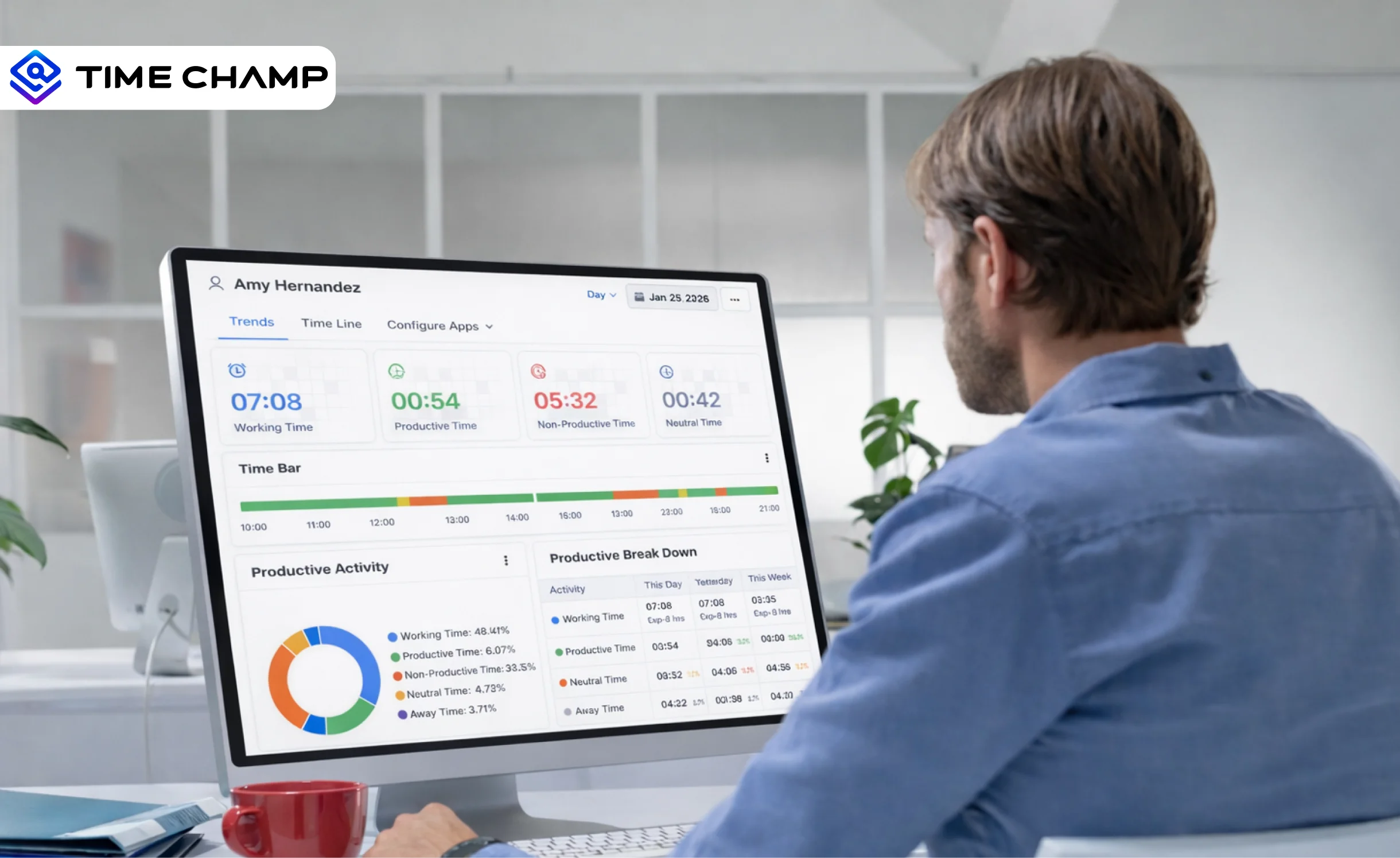
Discover what workforce intelligence is, why it's critical, real examples, implementation steps, key benefits, challenges & how AI transforms the future.
Guna Lakshmi | Feb 11, 2026


 4.7/5 avg.
Ready to Manage Your Workforce Smarter?
Join our family of 1500+ companies using smart insights to redefine workforces!

Free Trial
No Credit Card Required