12 Data Loss Prevention Best Practices to Protect Sensitive Data
Implement data loss prevention practices to protect sensitive data, reduce security risks, prevent breaches, and strengthen your organization's security.

The cost of losing sensitive data goes far beyond recovering files. A single incident can interrupt operations, expose confidential information, and create compliance challenges that take months to resolve.
Building a strong defense starts with following the right data loss prevention best practices. This guide shares 12 proven data loss prevention techniques that help you identify risks, secure sensitive data, and improve your overall protection against data leaks.

1. Create a Clear Data Handling Policy
Every strong DLP program starts with a written policy, not a tool. If you skip this step, your software ends up enforcing rules that your team doesn't clearly understand.
Build your data loss prevention policy around these steps:
- Document what counts as sensitive data in your company, including PII, PHI, PCI, intellectual property, and financial records.
- Define who can access each data type, under what conditions, and through which channels.
- Set clear rules for sharing, storing, encrypting, and destroying data.
- Write the policy in plain language so that every employee can understand and follow it. Avoid technical jargon because it can confuse your team.
- Update the policy every year and communicate every change across your team.
2. Identify Data Vulnerabilities and Classify Data
You cannot protect your sensitive data until you know where it exists. Before you set another rule or invest in another tool, identify every location where your sensitive data resides.
Follow these steps to close that gap:
- Audit every location that contains sensitive data, including servers, endpoints, cloud storage, and email.
- Identify who has access to each data set and verify whether they still need that access.
- Classify each data set based on its sensitivity, such as Public, Internal, Confidential, and Restricted.
- Look for weak spots such as outdated permissions, shared accounts, unencrypted storage, and unmanaged devices.
- Prioritize your most sensitive and highest-risk data first, then work your way through the remaining data.
3. Deploy a Comprehensive DLP Solution
Once your policy and data map are in place, you're ready to deploy tools that enforce both. When choosing data loss prevention software, look for these capabilities:
- Coverage across every channel you use, including network, endpoint, cloud, and email.
- Native integration with your firewall, SIEM, and identity management systems.
- Automated data classification, since manual tagging cannot keep up as your data continues to grow.
- Visibility into how AI tools your team uses every day to handle sensitive data.
That last point becomes more important every year. AI adoption continues to grow rapidly. 78% of companies will use GenAI tools internally by 2026, yet many DLP programs still fail to track how sensitive data moves into tools like Microsoft Copilot, Gemini, and ChatGPT. Closing that visibility gap early helps reduce unnecessary security risks.
4. Implement Role-Based Access Control (RBAC)
Give employees access only to the data and systems their role requires. This simple practice closes one of the biggest security gaps in many DLP programs.
Put RBAC into practice with these steps.
- Assign permissions based on roles instead of individual users. This approach makes access much easier to manage as your team changes.
- Apply the principle of least privilege by default. Start every new account with no access, then grant only the permissions the role requires.
- Review access rights every quarter because role changes and employee departures can leave unnecessary access in place if you don't review them regularly.
- Extend RBAC to service accounts and automated processes, not just employee accounts.

Did You Know?
Stolen credentials continue to be a major security risk. Verizon's Data Breach Investigations Report found that 22% of data breaches involved stolen credentials, while 88% of attacks on basic web applications relied on them. RBAC adds an extra layer of protection by limiting an attacker's access, even if they manage to sign in.
5. Use Data Encryption and Masking
RBAC controls who can access your data. Encryption protects the data itself, so even if one security control fails, the information remains unreadable to anyone who gains unauthorized access.
- Encrypt data at rest, in motion, and in use wherever your systems support it.
- Use AES-256 for stored data and TLS 1.3 for data moving across your network, as these are the current industry standards.
- Apply data masking in test, staging, and development environments so your QA and development teams work with realistic but fake data instead of actual customer records.
- Make data masking mandatory for every non-production environment because a leaked test database can still lead to a data breach.
6. Add Multi-Factor Authentication (MFA)
A stolen or guessed password gives an attacker very little access when you add a second layer of verification. MFA remains one of the most effective security controls you can deploy, and you can implement it in days rather than months.
- Enable MFA for every account that can access sensitive data, not just admin and IT accounts.
- Choose authenticator apps or hardware security keys instead of SMS codes because attackers can intercept SMS more easily.
- Enforce MFA first for remote access, cloud applications, and privileged accounts because they present the highest security risk.
- Roll out MFA in phases across departments if a full deployment feels disruptive. Start with Finance, HR, and IT.
Microsoft's research shows that MFA blocks more than 99.2% of account compromise attacks. It is one of the simplest security measures you can implement while providing a high level of protection.
7. Educate Employees on Data Handling
Your data handling policy, RBAC, encryption, and MFA can only protect your data when your team understands why each one matters. DLP best practices become less effective when employees think security is someone else's responsibility. Use these steps to build better security awareness across your team:
- Conduct quarterly training on data handling, phishing awareness, and incident reporting instead of limiting training to employee onboarding.
- Use phishing simulations to measure how well your training works, not just whether employees completed it.
- Recognize employees who report suspicious activity or possible security issues before they lead to a data breach.
- Tailor training to each role because your finance team needs different examples than your support team handling customer PII.
8. Monitor Data Transfers and Downloads
Sensitive data often leaves through channels you already use, such as email attachments, cloud uploads, USB drives, and file sharing platforms. The real challenge is detecting suspicious activity as it happens instead of discovering it days or weeks later.
- Track file transfers, downloads, and uploads across every endpoint and cloud application your team uses.
- Set alerts for large file transfers, activity outside normal working hours, and connections to unfamiliar destinations.
- Combine data-focused DLP with employee behavior monitoring to identify patterns that a single tool might miss. A broader employee monitoring approach gives you better visibility into potential risks.
- Review flagged activity within hours, not days, because delayed reviews reduce the value of real-time monitoring.
Take control of your sensitive data with complete visibility.
Start your free Time Champ trial and strengthen your data security.
9. Conduct Regular Data Audits
Your policies only work when your day-to-day practices match them. Regular data audits help you identify gaps between what your policies define and what actually happens across your systems.
- Conduct access audits every quarter and verify who can access each data set and whether they still need that access.
- Verify that your data classifications still reflect how your team currently uses the data.
- Test your DLP rules regularly. Move sensitive files between different locations to test whether your DLP rules detect or block unauthorized transfers.
- Use every audit finding to improve your policies and strengthen your future security training.
10. Keep Security Software Regularly Updated
Outdated software creates security gaps that attackers can exploit. Keeping your operating systems, applications, and security tools up to date helps you fix known vulnerabilities before they put your sensitive data at risk.
- Automate software updates across your operating systems, applications, and security tools wherever possible.
- Prioritize critical security patches and install them within 24 to 48 hours of release.
- Test patches in a staging environment before deploying them to critical production systems.
- Include your DLP tools in your patching schedule because outdated security tools can leave gaps in your protection.
11. Establish Clear Incident Response Protocols
Prepare for the possibility of a security incident before it happens. A clear incident response plan helps your team act quickly, reduce the impact, and recover faster when a data breach occurs.
- Document your containment steps, communication procedures, and recovery process before you need them.
- Assign clear responsibilities to your response team so everyone knows what to do during an incident.
- Conduct incident response drills at least twice a year to test your response plan and improve team readiness.
- Include your legal, PR, and leadership teams in the response plan so everyone can coordinate effectively during an incident.
12. Maintain Compliance with Data Protection Regulations
Data protection regulations continue to evolve, and failing to meet them can lead to legal and financial consequences. GDPR fines alone have exceeded €7.1 billion, with €1.2 billion, showing how seriously regulators enforce data protection laws.
- Map your DLP program to the specific regulatory requirements that apply to your industry and region.
- Automate compliance reporting wherever your tools support it, so you're better prepared for audits.
- Review applicable regulations every year because requirements and enforcement priorities can change.
- Treat compliance gaps as a separate security risk because weak controls can increase your overall exposure.
DLP compliance practices work best when you make them part of your daily operations instead of preparing for them only before an audit. This approach helps you protect sensitive data while staying compliant.
How Time Champ Strengthens Your Data Loss Prevention Strategy
Protecting sensitive data requires more than security policies alone. You also need the right controls to monitor risky activities, restrict unauthorized actions, and respond quickly when potential threats arise. Time Champ includes several data loss prevention features that help you strengthen your security strategy and reduce the risk of data leaks. Here are the key features that help prevent data loss.
- Website Blocking: Block access to distracting or high-risk websites and stop uploads to unauthorized cloud storage such as personal Dropbox or Google Drive accounts. Configure the restrictions by role, department, or the sensitivity of the data your team handles.
- USB Device Control: Monitor when an external USB device connects to your system or block unauthorized devices to prevent sensitive files from leaving through USB drives or portable storage devices.
- File System Change Monitoring: Track every file creation, edit, and deletion in real-time. Catch ransomware activity at its earliest stage and pull together the forensic evidence you need for a post-incident review.
- Suspicious Activity Alerts: Receive instant alerts when unusual activities or policy violations occur, allowing you to investigate and respond before the risk escalates.
- Screen Recording: Record on-screen activity when required to review security incidents, verify events, and support investigations.
- Screenshot Monitoring: Capture screenshots at configured intervals to maintain visibility into work activity and identify actions that could put sensitive data at risk.
- Application Usage Tracking: Monitor the applications in use to identify unauthorized software or activities that may increase the risk of data exposure.
- URL Tracking: Track the websites users visit to identify access to risky or unapproved web services and support compliance with your security policies.
- Activity Reports: Review detailed reports on user activity, file events, website access, and security-related actions to identify trends and improve your data protection strategy.
- DLP Policies: Create and apply custom data loss prevention policies based on your security requirements to control access to sensitive data, regulate data sharing, and protect your information across your environment.
- Compliance Reports: Generate detailed compliance reports to track security activities and review your security posture. Support compliance with GDPR, HIPAA, PCI DSS 4.0, and ISO 27001 while staying prepared for internal and external audits.
Looking for a smarter way to protect your sensitive data?
Use Time Champ to strengthen your security controls and prevent data loss.
Conclusion
Data loss prevention best practices help you protect sensitive information before it turns into a costly security incident. Every step, from controlling access to monitoring data movement, plays an important role in reducing risks and strengthening your security. Time Champ helps you put these best practices into action with powerful DLP features that keep your sensitive data protected.

Thasleem Shaik

Table of Content
 1. Create a Clear Data Handling Policy
- 2. Identify Data Vulnerabilities and Classify Data
- 3. Deploy a Comprehensive DLP Solution
- 4. Implement Role-Based Access Control (RBAC)
- 5. Use Data Encryption and Masking
- 6. Add Multi-Factor Authentication (MFA)
- 7. Educate Employees on Data Handling
- 8. Monitor Data Transfers and Downloads
- 9. Conduct Regular Data Audits
- 10. Keep Security Software Regularly Updated
- 11. Establish Clear Incident Response Protocols
- 12. Maintain Compliance with Data Protection Regulations
- How Time Champ Strengthens Your Data Loss Prevention Strategy
- Conclusion

Related Blogs
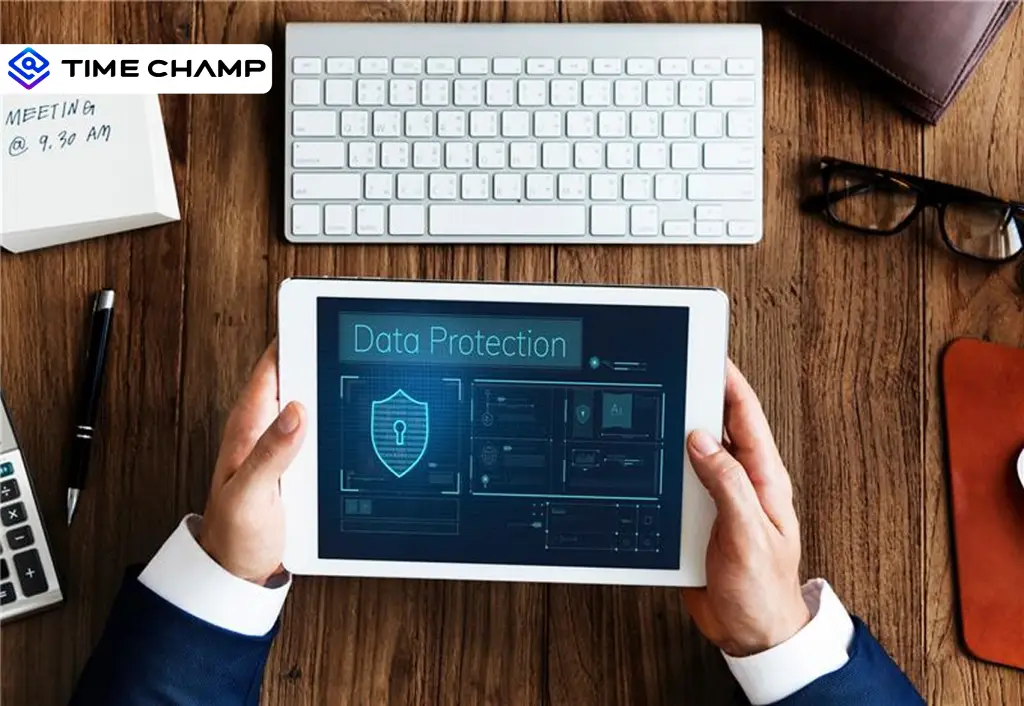
Protect sensitive business data in hybrid work environments with strong security controls and practical strategies to prevent data breaches.
Guna Lakshmi | Jun 10, 2026
Learn how AI-powered workplace productivity monitoring affects employee data privacy, compliance, transparency, accountability, and trust in organizations.
Jahnavi Pulluri | May 11, 2026
Data encryption in employee monitoring is non-negotiable. Learn the standards, certifications, and six questions to ask before signing with any vendor.
Sai Keerthi Uppala | May 07, 2026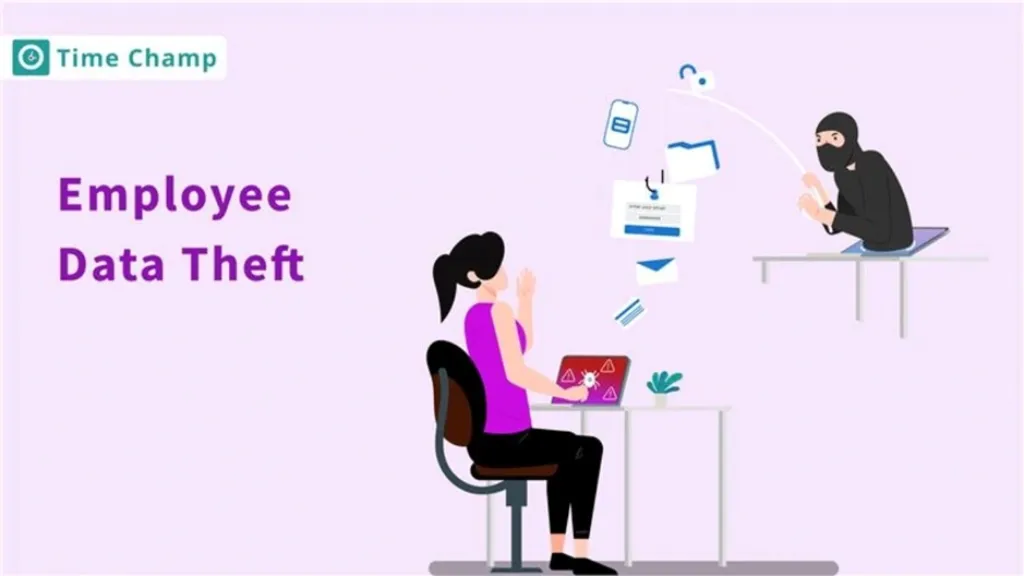
Explore why employee data theft happens and how smart, proactive steps can help protect your organization.
Jahnavi Pulluri | July 01, 2025
Explore the different types of data loss and learn how they can impact your information. Understand the risks and protect your data effectively.
Thasleem Shaik | Jan 17, 2025
Discover how Email Data Loss Prevention (DLP) protects sensitive data from leaks and unauthorized access, strengthening your organization
Jahnavi Pulluri | Jan 20, 2025


 4.7/5 avg.
Ready to Manage Your Workforce Smarter?
Join our family of 1500+ companies using smart insights to redefine workforces!

Free Trial
No Credit Card Required