10 Best GPS Location Tracking Apps for Employees
Find the best GPS location tracking apps for employees to track routes, manage time across sites, and keep work organized with real-time insights.
When your team works across job sites, client locations, or spends time traveling between tasks, it becomes difficult to track where work is actually happening. Relying on check-in calls or manual logs only gives partial information, not a clear view of real activity on the ground.
That is exactly why businesses are shifting to GPS location tracking apps for employees. The right app provides live location updates, accurate work hours, and a reliable record of daily movement. This list covers 10 GPS tracking apps for employees to help you choose the one that fits your team’s size, workflow, and budget.
What Is GPS Location Tracking?
GPS location tracking is a technology that uses GPS signals to pinpoint where a device is at any given moment. When your employee carries a GPS-enabled phone or device, the app records their location and sends that data to you in real time.
This means you always know where your field team is, without making a single phone call. You can see who is on-site, who is running late, and how long each visit actually took. It is not just about location either. Most employee GPS tracking software also captures route history, time spent at each stop, and movement patterns throughout the day.
So instead of relying on end-of-day updates or guesswork, you get an accurate real-time view of what your team actually did and where they went throughout the shift.
What Are the Top 10 GPS Location Tracking Apps for Employees?
When you need clear visibility into where work takes place, GPS location tracking apps help you track movement, routes, and time spent across locations. They make it easier to coordinate work, avoid delays, and keep everything on track without constant back-and-forth.
Here is a list of the top 10 GPS location tracking apps you can consider:
| S. No | Software | Key Features | Ideal Solution For | Free Trial |
|---|---|---|---|---|
| 1 | Time Champ |
| Field service teams, delivery operations, and businesses managing employees across multiple job sites | Yes |
| 2 | Hubstaff |
| Field service companies and remote teams needing location verification tied to payroll | Yes |
| 3 | Connecteam |
| Deskless and field-based teams that need tracking, combined with scheduling and communication | Yes |
| 4 | Jibble |
| Small businesses and startups that need basic GPS attendance without an upfront cost | Yes |
| 5 | Timeero |
| Sales teams, home care workers, and field technicians are traveling between multiple locations daily | Yes |
| 6 | Workyard |
| Construction, landscaping, and field service teams that need location accuracy across project sites | Yes |
| 7 | QuickBooks Time |
| Businesses using QuickBooks that need location-verified time logs connected to payroll | Yes |
| 8 | FieldServicely |
| Small to mid-size field service businesses in plumbing, HVAC, electrical, and maintenance | Yes |
| 9 | Geo Tracker |
| Solo operators, freelancers, and small teams that need straightforward route and location logging | No |
| 10 | Clappia |
| Businesses with unique field workflows that need a fully customizable GPS tracking setup | Yes |
1. Time Champ
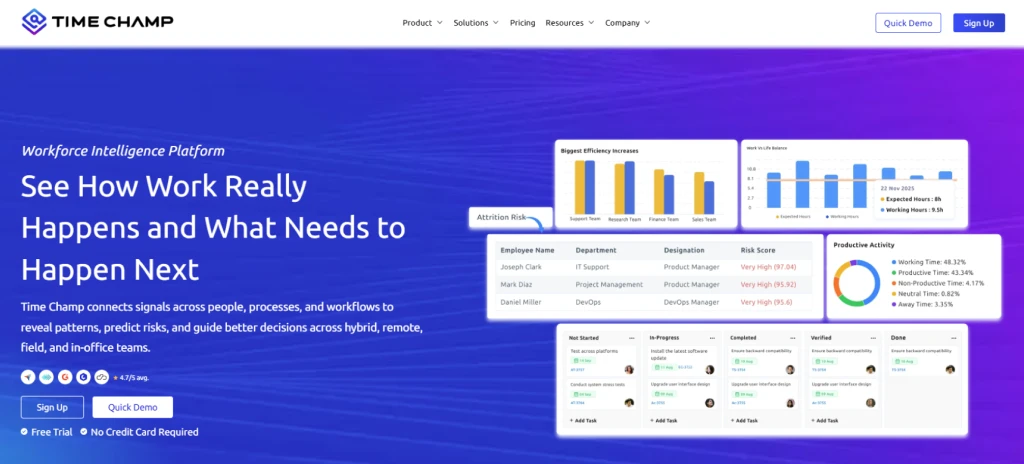
Time Champ is an employee monitoring software built for teams that need full visibility into attendance, productivity, and field activity. Beyond tracking hours on a screen, it also tracks employee movement during work hours. With built-in GPS location tracking, Time Champ lets you monitor where your field employees are during work hours, verify check-ins from job sites, and maintain accurate attendance records tied directly to physical locations. It bridges the gap between office-based oversight and on-ground operations, making it a practical fit for businesses managing employees across multiple locations.
Pros
- Tracks live GPS location of field employees and logs movement throughout the shift.
- Automatically captures attendance when employees check in from approved locations, cutting out manual entries.
- Connects location data with time logs so you can see who worked where and for how long.
- Helps you spot if employees are at the right job site at the right time without needing to call them.
- Works reliably for distributed teams operating across cities, regions, or different time zones.
- Quick to set up without complex device configuration or long onboarding cycles.
- Responsive support that stays consistent even as your team grows.
Cons
- Navigation can occasionally slow down, which may interrupt the workflow.
- The dashboard holds a significant amount of data, so users who prefer a simpler interface may take some time to get used to it.
Features
- Real-time GPS tracking that shows the live location of each field employee.
- Geo-fencing that triggers automatic check-in and check-out when employees enter or leave a defined location.
- Location-based attendance capture is tied to specific job sites or office boundaries.
- Route history lets you review the travel log of any employee across a shift.
- Live map view showing where your entire field team is at any given moment.
- Idle time detection that flags extended periods of inactivity during working hours.
- Role-based dashboards that give different levels of visibility depending on the user.
- Smart alerts that notify you when an employee leaves an assigned area or misses a location-based check-in.
- Integrations with Slack, Jira, Microsoft Teams, Trello, and other tools your team already uses.
- Detailed, customizable reports covering location history, attendance accuracy, and field activity trends.
Use Cases
- Best suited for field service teams, delivery operations, and businesses managing employees across multiple job sites.
- Works well for IT services, BPO, and shared services companies that need location-linked attendance.
- Fits remote and hybrid setups where verifying physical presence at client or project sites matters.
- Ideal for operations and HR leads who need location and time data in one view without digging through separate systems.
Pricing
Time Champ offers a 7-day free trial so you can evaluate the platform before committing.
- Starter: $3.9 per user per month
- Professional: $6.9 per user per month
- Enterprise: $13.9 per user per month
Pricing adjusts based on the features you need and the size of your team, so it scales whether you are a growing business or a larger operation with broader needs.
Reviews
- G2: 4.8/5
- Capterra: 4.9/5
Need clear visibility into where work happens across locations?
Use Time Champ to track movement, monitor time on-site, and keep every task aligned with real-time location data.
2. Hubstaff
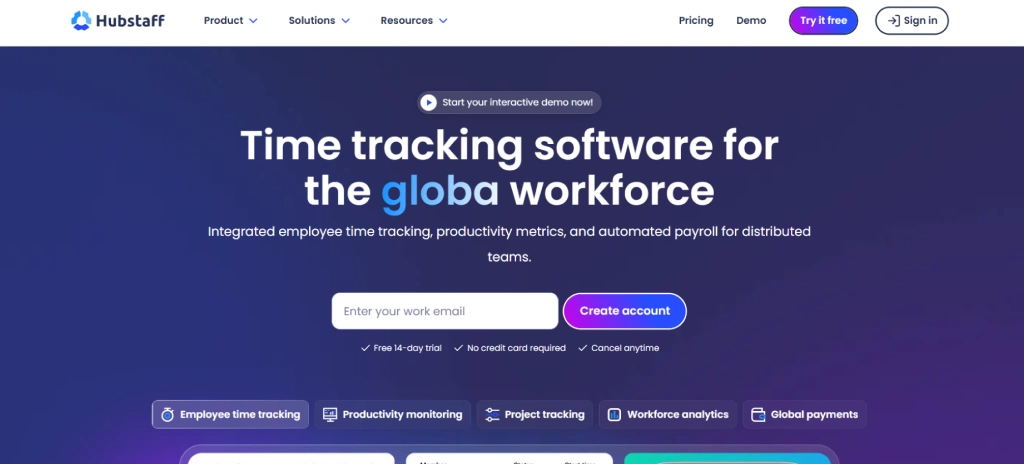
Hubstaff is a time tracking and employee monitoring tool with built-in GPS tracking. It's widely used by field service companies and remote teams that need location verification alongside timesheet data.
Pros
- Designed from the ground up for non-desk teams, so the interface stays practical for field use.
- GPS breadcrumbing shows the full movement trail of a team member throughout the day.
- Combines location tracking with shift scheduling in one place.
Cons
- Advanced GPS features require higher-tier plans.
- Can feel feature-heavy for teams that only need basic location tracking.
Features
- Live GPS tracking with breadcrumb trail.
- Geofencing with clock-in restrictions by location.
- Time clock tied to GPS-verified location.
- Job scheduling with location assignment.
- Mobile-first design for field use.
Pricing
- Basic: $29 per month
- Advanced: $49 per month
- Expert: $99 per month
Reviews
- G2: 4.6/5
- Capterra: 4.6/5
3. Connecteam
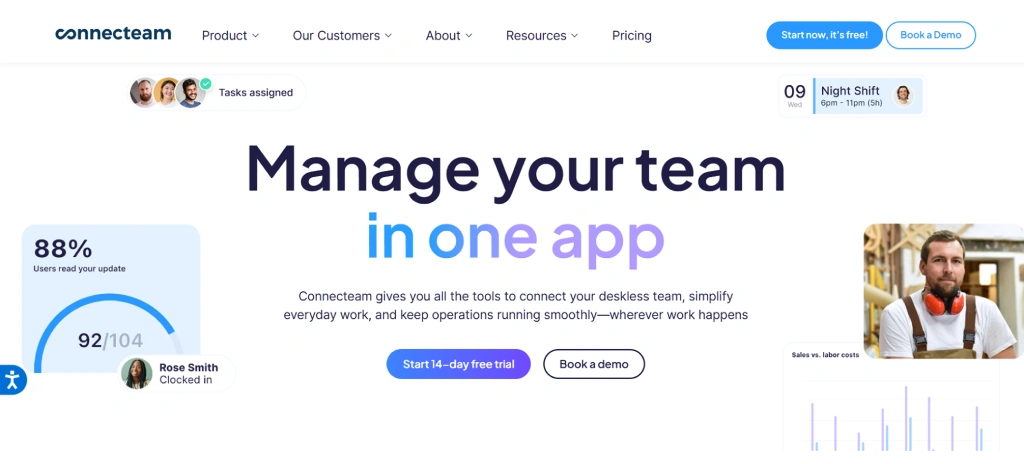
Connecteam is an all-in-one platform built specifically for deskless and field-based teams. Its GPS tracking features sit inside a broader suite that covers scheduling, communication, and task management.
Pros
- Designed from the ground up for non-desk teams, so the interface stays practical for field use.
- GPS breadcrumbing shows the full movement trail of a team member throughout the day.
- Combines location tracking with shift scheduling in one place.
Cons
- Advanced GPS features require higher-tier plans.
- Can feel feature-heavy for teams that only need basic location tracking.
Features
- Live GPS tracking with breadcrumb trail.
- Geofencing with clock-in restrictions by location.
- Time clock tied to GPS-verified location.
- Job scheduling with location assignment.
- Mobile-first design for field use.
Pricing
- Basic: $29 per month
- Advanced: $49 per month
- Expert: $99 per month
Reviews
- G2: 4.6/5
- Capterra: 4.6/5
4. Jibble
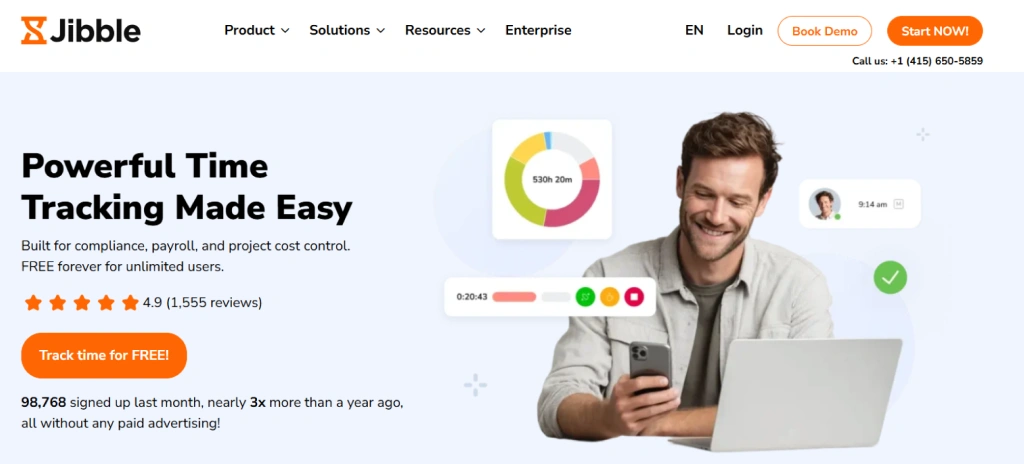
Jibble is a free-to-start time and attendance tracking app that includes GPS location verification as a core feature. It is designed to make sure employees are clocking in from the right place, using GPS coordinates or geo-fenced zones tied to their work locations.
Pros
- Generous free plan that covers basic GPS attendance for unlimited users.
- Simple and clean interface that is easy for field employees to use.
- Supports face recognition alongside location verification for added accuracy.
Cons
- Advanced GPS features and detailed reporting require a paid upgrade.
- Limited integrations compared to more established tools in this category.
- Not the strongest option for teams needing deep productivity analytics alongside location data.
Features
- GPS-verified clock-in and clock-out.
- Geo-fencing with location-based attendance enforcement.
- Face recognition combined with GPS for dual verification.
- Automated timesheets generated from location-tagged entries.
- Mobile app for iOS and Android.
Use Cases
- Best suited for small businesses and startups that need GPS attendance without an upfront cost.
- Works well for retail, hospitality, and service teams with fixed or semi-fixed work locations.
- Fits growing teams that want a simple setup before investing in a more advanced platform.
Pricing
- Premium: $4.49 per user per month
- Ultimate: $7.99 per user per month
Reviews
- G2: 4.8/5
- Capterra: 4.8/5
5. Timeero
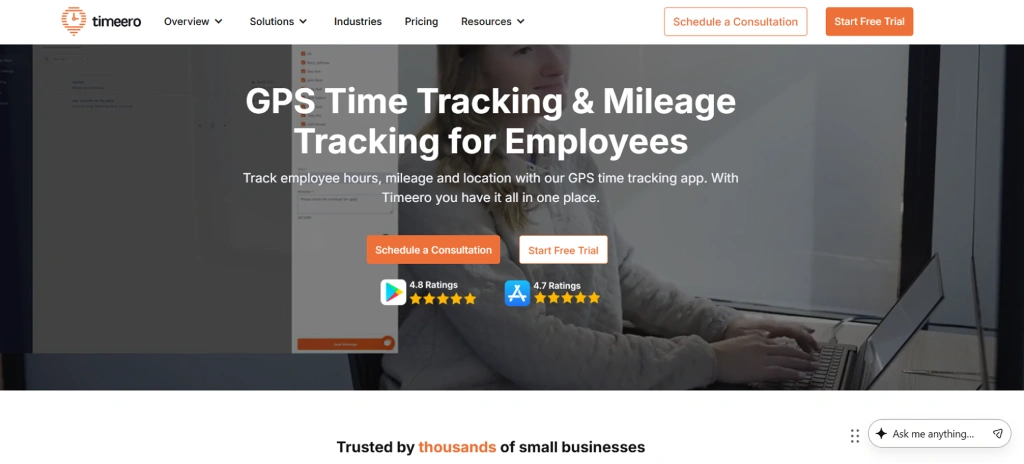
Timeero is a GPS time tracking app built specifically for mobile and field workers. It focuses on combining accurate location tracking with mileage logging, making it a practical choice for teams whose employees travel between multiple sites in a single day.
Pros
- Generous free plan that covers basic GPS attendance for unlimited users.
- Simple and clean interface that is easy for field employees to use.
- Supports face recognition alongside location verification for added accuracy.
Cons
- Advanced GPS features and detailed reporting require a paid upgrade.
- Limited integrations compared to more established tools in this category.
- Not the strongest option for teams needing deep productivity analytics alongside location data.
Features
- GPS-verified clock-in and clock-out.
- Geo-fencing with location-based attendance enforcement.
- Face recognition combined with GPS for dual verification.
- Automated timesheets generated from location-tagged entries.
- Mobile app for iOS and Android.
Use Cases
- Best suited for small businesses and startups that need GPS attendance without an upfront cost.
- Works well for retail, hospitality, and service teams with fixed or semi-fixed work locations.
- Fits growing teams that want a simple setup before investing in a more advanced platform.
Pricing
- Premium: $4.49 per user per month
- Ultimate: $7.99 per user per month
Reviews
- G2: 4.8/5
- Capterra: 4.8/5
6. Workyard
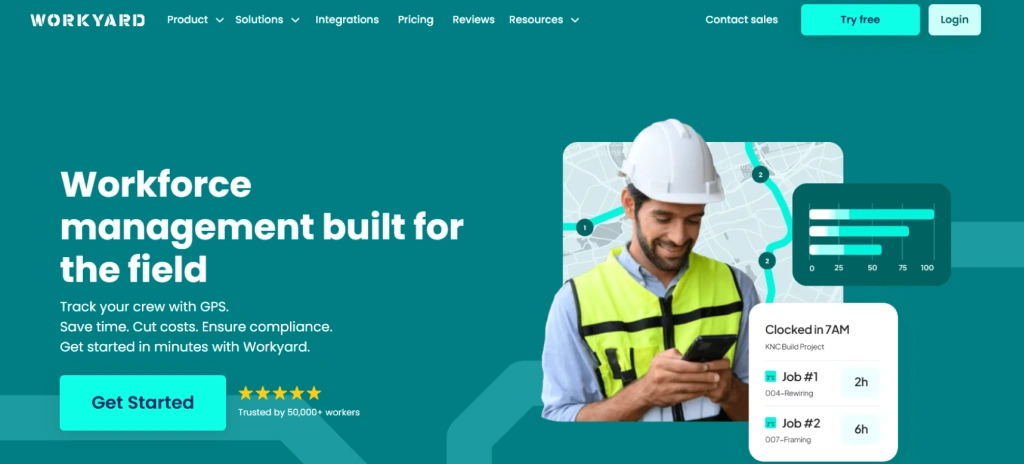
Workyard is a GPS workforce management tool built primarily for construction, landscaping, and field service industries. It focuses on giving you accurate, verified location data for employees working across job sites, with a scheduling layer built on top of the tracking features.
Pros
- High-accuracy GPS tracking designed to work in areas with inconsistent signal.
- Job site scheduling and location tracking sit in the same platform.
- Labor cost reporting helps you understand the spend by project and location.
Cons
- Pricing is on the higher side compared to general-purpose tracking tools.
- Better suited for construction and field services, so less flexible for office or hybrid setups.
- Mobile app experience can occasionally lag on older devices.
Features
- Precise GPS tracking tied to specific job sites.
- Geo-fencing with automatic time capture at project locations.
- Job site scheduling is linked to employee location data.
- Compliance tools for managing overtime and break requirements.
- Mobile app designed for field-heavy environments.
Use Cases
- Best for construction companies, landscaping businesses, and field service operations.
- Fits project-based teams that need labor cost visibility by job site.
- Works well for compliance-heavy industries where verified attendance records are essential.
Pricing
- Starter: $6 per user per month
- Pro: $13 per user per month
Reviews
- G2: 4.7/5
- Capterra: 4.8/5
7. QuickBooks Time (formerly TSheets)
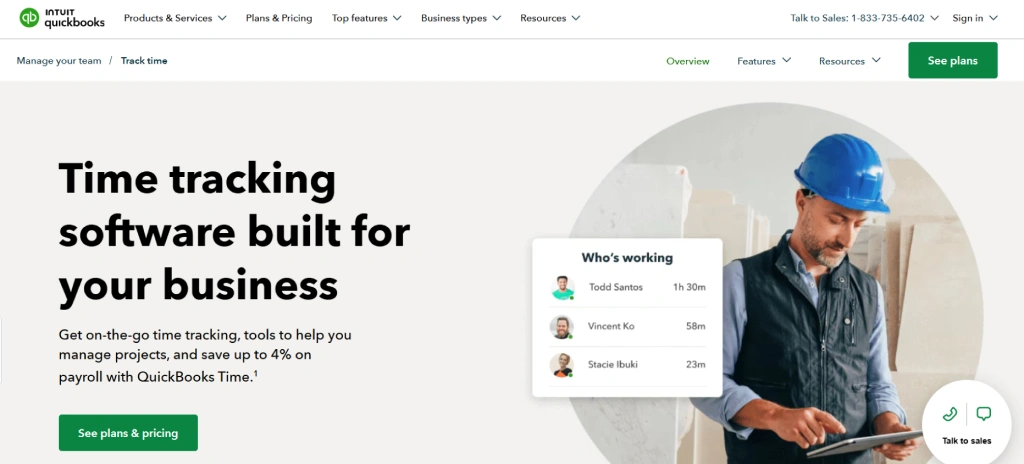
QuickBooks Time is a time tracking and scheduling tool with built-in GPS location tracking, designed for businesses that also want seamless payroll and accounting integration. It is widely used by field service teams who need accurate time logs tied to real locations, all feeding directly into QuickBooks for payroll processing.
Pros
- Geo-fencing with automatic clock-in reminders reduces missed punches from field employees.
- Supports crew scheduling alongside location tracking in one platform.
- Works offline and syncs data once the connection is restored.
Cons
- Pricing can add up quickly for larger teams, especially when you factor in the base fee.
- The interface can feel dated compared to newer tools in this space.
- Some advanced features require higher-tier plans that are not always clearly explained upfront.
Features
- Geo-fencing with location-based clock-in reminders and alerts.
- Job and shift scheduling tied to location data.
- Mileage tracking for employees traveling between sites.
- Mobile app for iOS and Android with offline support.
- Overtime alerts and break tracking for compliance.
Use Cases
- Best suited for small to mid-size businesses already using QuickBooks for accounting and payroll.
- Works well for field service, construction, and cleaning companies that need location-verified time logs.
- Fits teams where payroll accuracy and audit-ready time records are a top priority.
- Good for businesses that want scheduling, tracking, and payroll in one connected workflow.
Pricing
- Custom pricing based on features. Contact QuickBooks Time for a quote.
Reviews
- G2: 4.7/5
- Capterra: 4.5/5
8. FieldServicely
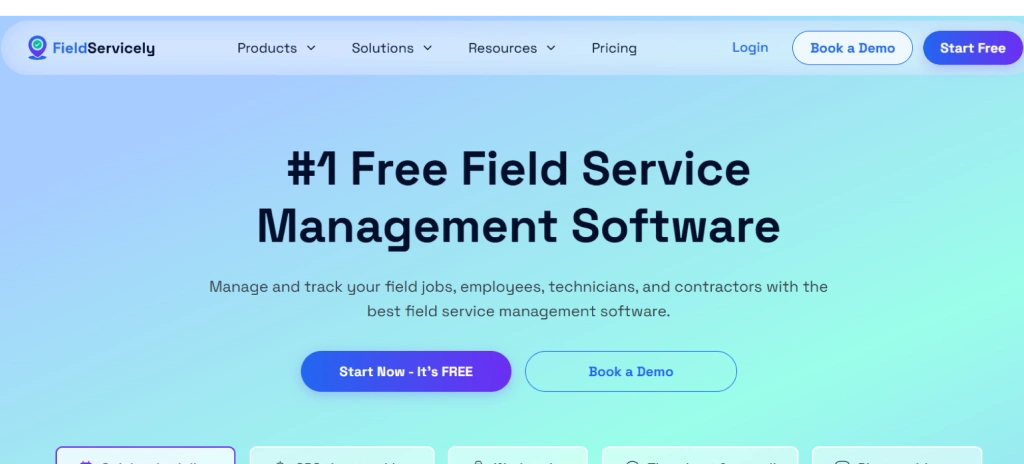
FieldServicely is a field service management platform that combines GPS tracking, job scheduling, and task management into one tool. It is built for businesses that send employees out to client locations and need a clear picture of where teams are, what jobs are active, and how efficiently work is being completed on the ground.
Pros
- Combines GPS tracking with job dispatch and task management, removing the need for separate tools.
- Live map view lets you see employee locations and active job statuses at the same time.
- Clean mobile interface that field employees can use without much training
Cons
- Not as feature-rich as dedicated workforce management platforms for larger operations.
- Limited integrations with external payroll or HR systems.
- May not scale as smoothly for teams beyond a certain size.
Features
- Job scheduling and dispatch are connected to employee location data.
- Customer and job history records are accessible from the mobile app.
- Notifications and updates when jobs are started, completed, or delayed.
- Photo and note capture from job sites linked to specific tasks.
- Mobile app for iOS and Android.
Use Cases
- Best suited for small to mid-size field service businesses in plumbing, electrical, HVAC, and maintenance.
- Works well for teams that need location tracking and job management in a single lightweight platform.
- Fits businesses dispatching employees to client sites throughout the day who need real-time visibility.
- Good for operations where field employees need to log job updates, capture photos, and report completion on the go.
Pricing
- Standard: $9 per user per month
- Elite: $12 per user per month
Reviews
- G2: --
- Capterra: --
9. Geo Tracker
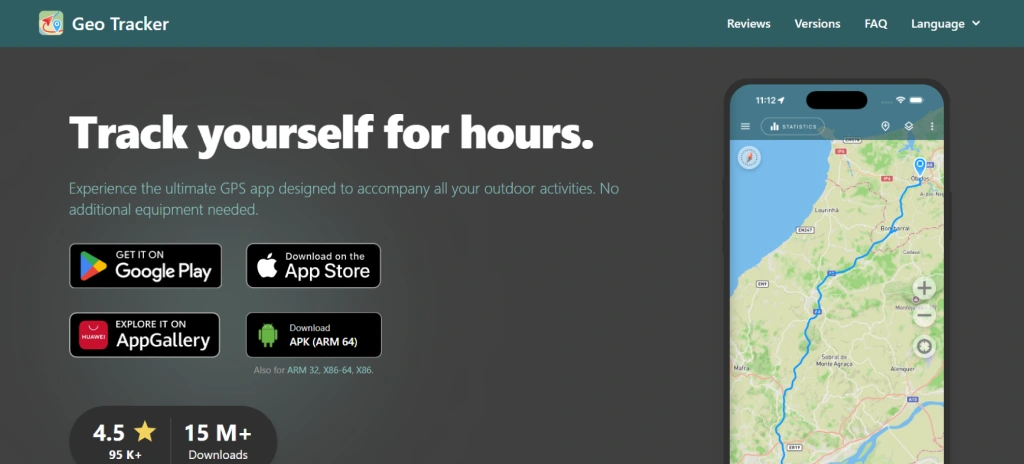
Geo Tracker is a straightforward GPS tracking app that focuses on recording routes, logging location history, and tracking movement across a shift. It is lighter than most workforce management platforms but delivers reliable location data for teams that do not need complex scheduling or payroll features layered on top.
Pros
- Simple and easy to use, with minimal setup required.
- Accurate route tracking that logs detailed movement history throughout the day.
- Useful for teams that just need clean location data without extra features getting in the way.
Cons
- Very limited in terms of workforce management features beyond location tracking.
- No built-in scheduling, payroll integration, or attendance automation.
- Not designed for larger teams or enterprise-level tracking requirements.
- Lacks geo-fencing and advanced alert capabilities found in more complete tools
Features
- GPS route recording with detailed location history per employee.
- Track logging that captures movement at regular intervals throughout a shift.
- Map view showing recorded routes and current location.
- Export options for location and route data.
- Lightweight mobile app available on Android.
Use Cases
- Best suited for solo operators, freelancers, and very small teams that need simple location logging.
- Works for delivery, courier, and inspection roles where route documentation is the main requirement.
- Fits businesses that want a no-frills location record without paying for a full workforce platform.
- Good as a supplementary tracking tool alongside a broader HR or operations system.
Pricing
- Custom pricing based on features. Contact Geo Tracker for a quote.
Reviews
- G2: --
- Capterra: --
10. Clappia
Clappia is a no-code platform that lets you build custom business apps, including GPS-enabled field tracking solutions, without writing any code. Instead of using a fixed product, you configure your own tracking workflow, forms, and location capture rules based on exactly what your operation needs.
Pros
- Fully customizable, so your GPS tracking setup matches your exact workflow rather than a generic template.
- No coding required, meaning your operations team can build and adjust the app without IT involvement.
- Integrates with Google Sheets, Slack, WhatsApp, and other tools for automated data flow.
Cons
- Teams without any process documentation may struggle to define what to build before starting.
- Advanced automation and integrations require higher-tier plans.
- Not ideal if you want a quick deployment with no configuration effort.
Features
- GPS location capture within custom forms and workflows.
- Mobile app access for field employees to submit location data and complete tasks.
- Dashboard and reporting views built around your own data fields.
- Integration with Google Sheets, Slack, WhatsApp, and third-party tools via webhooks.
- Offline data capture with sync when connectivity returns.
Use Cases
- Best suited for businesses with non-standard field workflows that need a tailored tracking solution.
- Works well for logistics, inspection, and survey teams that require custom forms alongside location data.
- Fits operations teams in manufacturing, utilities, and infrastructure that need location tracking built into broader field reporting.
Pricing
- Custom pricing based on features. Contact Clappia for a quote.
Reviews
- G2: 4.5/5
- Capterra: 4.7/5
Get a clear view of where work happens, without relying on updates or guesswork.
Try Time Champ to track locations, verify check-ins, and keep every work hour accounted for.
GPS Tracking App Selection Checklist
Choosing the right GPS tracking app for employees is not just about picking the one with the most features. The wrong choice can slow your team down, drain your budget, or leave gaps in visibility right when you need it most. Here is what actually matters when you are evaluating your options.
1. Cost and Value Fit
Pricing structures vary widely across employee GPS tracking software. Some tools charge per user, others have a flat base fee on top, and a few lock essential features like geo-fencing behind higher tiers. Before committing, look at what you actually get at each plan level. A tool that costs less but hides the features you need behind an upgrade is not really the cheaper option.
2. Tech Stack Compatibility and Integrations
Your field employee tracking app should connect cleanly with the tools you already use, whether that is your payroll system, HR platform, or project management tool. If your employee location tracking software works in isolation and your team has to manually transfer data between systems, it ends up adding extra work instead of simplifying it. Check for native integrations with tools like QuickBooks, Slack, or Jira before you decide.
3. Features That Match Your Operations
Not every GPS tracking app is built for the same kind of work. A sales team that moves between client sites has different needs than a construction crew on a single job site all day. Look for features that match your actual workflow, whether that is geo-fencing, route history, an employee clock-in app with GPS, live map view, or idle time alerts. Buying features you will never use is just as wasteful as missing the ones you need.
4. Onboarding and Support
A tool is only useful if your team actually adopts it. If the setup takes too long or feels complex, and support responds slowly, rollout stalls and you end up with inconsistent data. Look for platforms that offer a straightforward onboarding process and responsive support that does not disappear after the sale. This matters even more when you are tracking field employees across multiple locations or time zones.
5. Security and Data Privacy
When you are dealing with employee location monitoring, you are handling sensitive data. Make sure the platform you choose has clear data encryption standards, role-based access controls, and a transparent privacy policy. Your team deserves to know how their location data is stored, who can see it, and for how long. Skipping this step can create compliance issues down the line.
6. Scalability
As your team grows, adds new job sites, or expands into new regions, your requirements will change quickly. Your employee GPS tracker should handle that growth without forcing you to switch platforms. Check whether pricing scales reasonably and whether the system can support more users, locations, and data without slowing down.
Conclusion
Choosing the right GPS location tracking app comes down to how clearly it helps you understand where work happens and how your team uses time across locations. When you have accurate location data, you can reduce delays, plan work better, and avoid unnecessary gaps without relying on guesswork. Focus on a solution that fits your workflow, keeps tracking simple, and gives you the visibility needed to keep everything running smoothly.
Finding it hard to manage work happening outside the office?
Use Time Champ to capture location data, reduce delays, and keep work moving without gaps.

Thasleem Shaik


Table of Content
-
 What Is GPS Location Tracking?
-
What Are the Top 10 GPS Location Tracking Apps for Employees?
-
GPS Tracking App Selection Checklist
-
Conclusion
Related Blogs
Find the best team communication apps for 2026. Compare features, pricing, pros & cons to improve collaboration, productivity, and team alignment.
Guna Lakshmi | Apr 08, 2026
Find the best employee goal-setting software for 2026. Compare features, pricing, pros & cons to track goals, boost performance, and align teams.
Anjali | Apr 08, 2026
Discover the 10 best internal communication tools for 2026 with a comparison of features, pricing, pros, and cons to boost engagement and collaboration.
Anjali | Apr 08, 2026
Find the 10 best workflow automation software for 2026. Compare features, pricing, pros & cons to automate tasks and improve team efficiency.
Guna Lakshmi | Apr 08, 2026
Discover the 10 best enterprise project management software for 2026. Compare features, pricing, pros and cons to scale the operations and align strategy.
Anjali | Apr 02, 2026
Find the best project resource management software for 2026. Compare features, pricing, pros & cons to optimize resources and deliver projects on time.
Thasleem Shaik | Apr 02, 2026


 4.7/5 avg.
Ready to Manage Your Workforce Smarter?
Join our family of 1500+ companies using smart insights to redefine workforces!

Free Trial
No Credit Card Required