Best Project Management Tools for Remote Engineering Teams
Discover the best project management tools for remote engineering teams. Compare features and improve collaboration, productivity, and project delivery.
Managing a remote team involves more than assigning tasks and setting deadlines. Different time zones, delayed code reviews, scattered communication, and complex workflows can make it difficult to keep projects moving forward. The right project management tools help you bring tasks, collaboration, and project visibility into one place, so your team can work efficiently, even when working hours don't overlap.
In this guide, you'll find the best project management tools for remote engineering teams, their key features, and how they help you improve collaboration, streamline workflows, and deliver projects on time.
Best Project Management Tools at a Glance
Choosing the right project management tool can help you manage tasks, coordinate distributed teams, and maintain visibility across engineering workflows.
The table below compares best project management tools for remote engineering teams based on their primary use cases, engineering capabilities, free plans, and trial availability.
| S. No | Tool | Best For | Pricing |
|---|---|---|---|
| 1. | Time Champ | Project management, time tracking, and productivity insights | From $3.90/user/month |
| 2. | Linear | Async-first workflows for engineering teams | From $10/user/month |
| 3. | Jira | Complex, multi-team engineering workflows | From $7.91/user/month |
| 4. | Shortcut | Simple Agile project management | From $8.50/user/month |
| 5. | GitHub Projects | Teams working alongside code repositories | From $4/user/month |
| 6. | Azure DevOps | CI/CD-integrated software delivery | From $6/user/month |
| 7. | ClickUp | Engineering and non-engineering teams | From $7/user/month |
| 8. | Asana | Cross-functional project coordination | From $10.99/user/month |
| 9. | Monday.com | Visual project planning and stakeholder collaboration | From $9/seat/month |
| 10. | Trello | Small teams using simple Kanban boards | From $5/user/month |

Did You Know?
According to the Project Management Institute, 66% of project professionals use project management software always or often when managing projects. This highlights how project management tools support planning, task coordination, and project execution.
1. Time Champ
Best project management tool for remote engineering teams
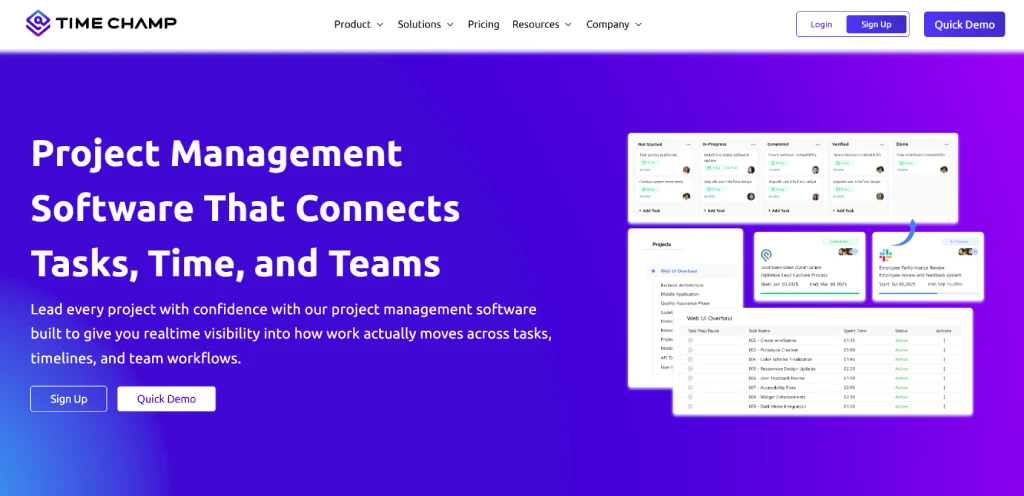
Time Champ is a project management tool for remote teams that helps you plan projects, assign tasks, manage resources, and track progress from one organized platform. You can create projects, define budgets, assign responsibilities, and monitor how work moves through different stages.
With features such as task management, capacity planning, built-in time tracking, Kanban boards, workflow controls, and project reporting, Time Champ gives you the tools to manage your projects more efficiently.
Key Features of Time Champ
- Project Planning: Create and organize projects, define budgets, and establish clear project structures for smoother execution.
- Task Management: Assign tasks, set priorities, define deadlines, and manage responsibilities from one platform.
- Resource Allocation: Allocate resources based on availability and workload to improve team capacity planning.
- Automatic Time Tracking: Record time spent on projects and tasks to improve work-hour visibility and reporting.
- Kanban Boards: Visualize task progress and manage workflows through customizable Kanban boards.
- Sprint and Goal Management: Organize work into sprints, set goals, and review progress through project reports.
Pricing
Time Champ offers the following pricing plans:
| Plan | Pricing |
|---|---|
| Starter | $3.90/user/month, billed annually |
| Professional | $6.90/user/month |
| Enterprise | $13.90/user/month |
| Free Trial | 7 days for unlimited users |
For more details, visit theofficial Time Champ pricing page.
Pros and Cons
| Pros | Cons |
|---|---|
| Combines project management and time tracking | Teams with highly specialized development workflows may need additional tools |
| Supports resource allocation and capacity planning | Advanced features may depend on the selected plan |
| Offers Kanban boards and task management | Requires setup to align workflows with your project needs |
| Includes budget tracking and project reports | Some teams may need integrations for their existing development tools |
Reviews
G2: 4.8
Capterra: 4.9
2. Linear
Best for async project management and engineering workflows
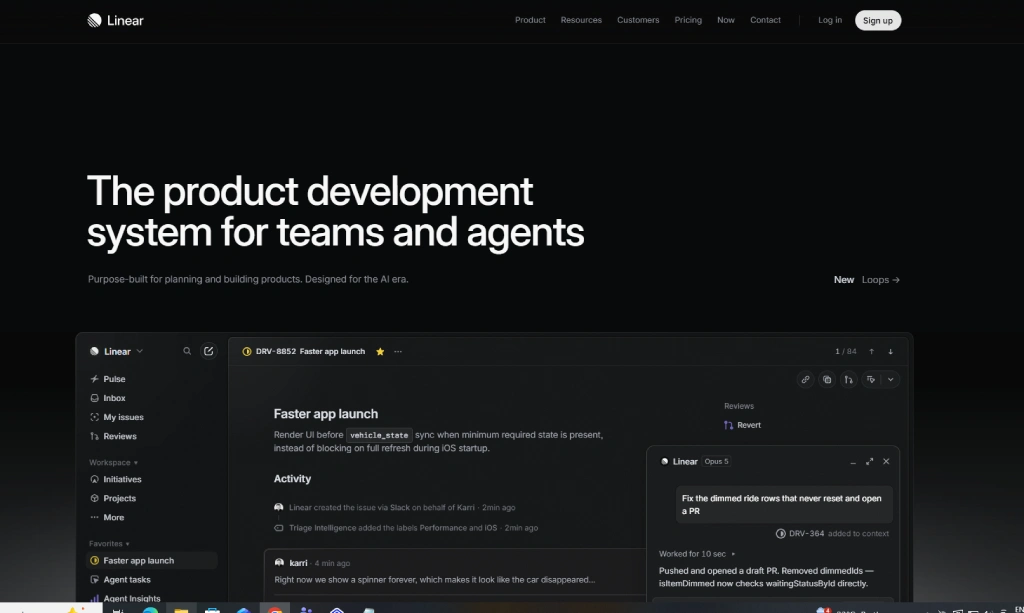
Linear is a project management and issue tracking tool designed for remote engineering teams. It helps you organize projects, assign tasks, manage sprints, and review progress through a simplified interface. While Linear offers a clean user experience, its workflow is more focused on product and engineering teams than on general business project management.
Key Features of Linear
- Issue tracking helps you create, assign, and organize development tasks while making it easier to resolve problems.
- Project management helps you plan projects, set milestones, and organize tasks across development activities.
- Sprint and cycle planning allows you to group tasks into cycles, prioritize work, and manage sprint goals.
- Roadmaps help you outline upcoming projects, set priorities, and align your team with development goals.
- Team collaboration allows your team to share updates, discuss tasks, and stay informed about project progress.
Pricing
| Plan | Pricing |
|---|---|
| Free | $0 per user/month |
| Basic | $10 per user/month |
| Business | $16 per user/month |
| Enterprise | Custom pricing |
Pros and Cons
| Pros | Cons |
|---|---|
| Clean and user-friendly interface | More focused on product and engineering workflows |
| Supports issue tracking and sprint planning | May require time to adapt to its structured workflow |
| Offers integrations with tools such as GitHub and Slack | Advanced features are available on higher-tier plans |
| Helps teams organize development projects | May not be suitable for teams seeking broad business project management features |
Reviews
G2: 4.6
Capterra: 4.4
3. Jira
Best for managing complex software development projects
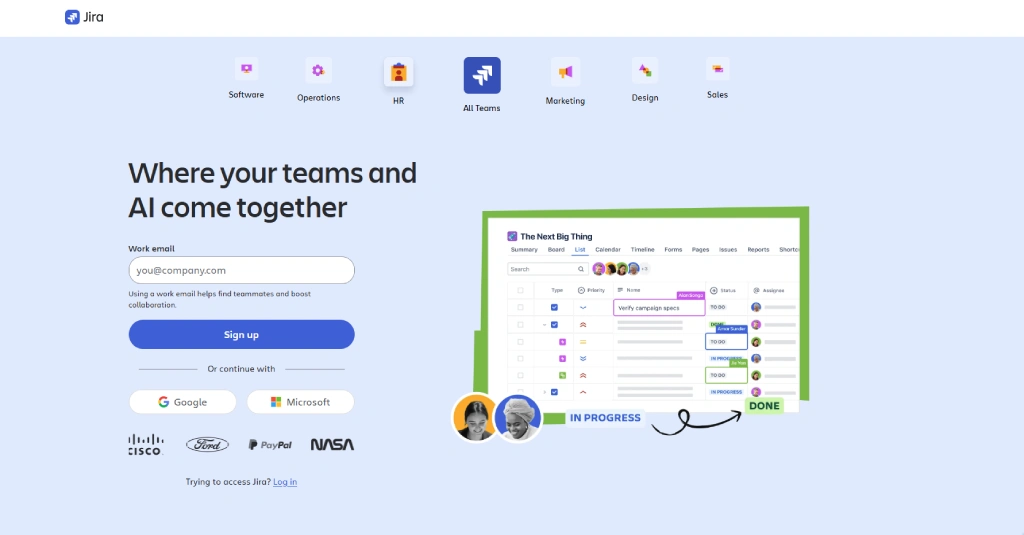
Jira is a software development tool that helps teams organize and manage work throughout the development lifecycle. It allows you to prioritize backlogs, plan sprints, manage issues, and customize workflows to match your team's requirements. However, its extensive configuration options can make it more complex to set up and use, especially for teams managing simpler projects.
Key Features of Jira
- Backlog management allows you to organize upcoming work, prioritize tasks, and prepare items for future sprints.
- Scrum and kanban boards help you visualize workflows, manage tasks, and review progress throughout the development process.
- Sprint planning allows you to organize tasks into sprints, set priorities, and manage development goals.
- Reports and dashboards help you review project performance, analyze team progress, and identify potential delays.
Pricing
| Plan | Monthly Pricing | Annual Pricing (201-300 Users) |
|---|---|---|
| Free | $0 for up to 10 users | $0 for up to 10 users |
| Standard | $7.91/user/month | $23,500/year |
| Premium | $14.54/user/month | $43,500/year |
| Enterprise | Custom pricing | Custom pricing for 801+ users |
Pros and Cons
| Pros | Cons |
|---|---|
| Offers issue tracking and agile project management features | Can be difficult for new users to learn |
| Supports custom workflows and reporting | Setup can be complicated for simple projects |
| Integrates with development and collaboration tools | Additional plugins may increase costs |
| Includes Scrum and Kanban boards | Costs increase with more users |
Reviews
G2: 4.3
Capterra: 4.4
4. Shortcut
Best for Agile project planning and sprint management
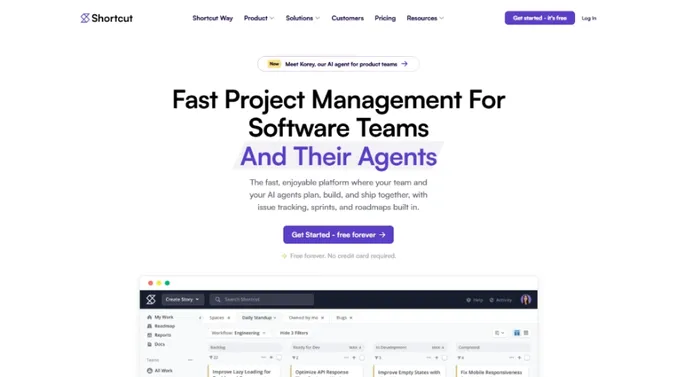
Shortcut is a project organizing tool that helps software development teams plan projects, organize tasks, manage sprints, and coordinate workflows. It offers a straightforward workflow for development teams, but teams that need advanced time tracking or broader business project management features may require additional tools.
Key Features of Shortcut
- Boards help you organize and view work on Kanban boards, making it easier to follow task progress.
- Roadmaps give you a broader view of workloads, helping you plan projects and understand upcoming work.
- Sprints help you manage tasks within a set time period and organize development work into focused cycles.
- Reporting allows you to measure and review team progress to understand how projects are moving forward.
Pricing
Shortcut offers the following monthly and annual pricing plans:
| Plan | Monthly Pricing | Annual Pricing |
|---|---|---|
| Free Plan | $0/user/month | $0/user/month |
| Team Plan | $10/user/month | $8.50/user/month |
| Business Plan | $16/user/month | $12/user/month |
| Enterprise Plan | Custom pricing | Custom pricing |
Pros and Cons
| Pros | Cons |
|---|---|
| Connects product planning with development work | Mainly designed for software development teams |
| Offers Stories, Epics, Iterations, and Roadmaps | May not meet advanced time tracking requirements |
| Provides GitHub integration for connecting code and project work | Some advanced reporting and workflow features require paid plans |
| Includes Objectives and project reporting | May not be suitable for teams seeking a general-purpose business management platform |
Reviews
G2: 4.4
Capterra: 4.6
5. GitHub Projects
Best for managing projects alongside code repositories
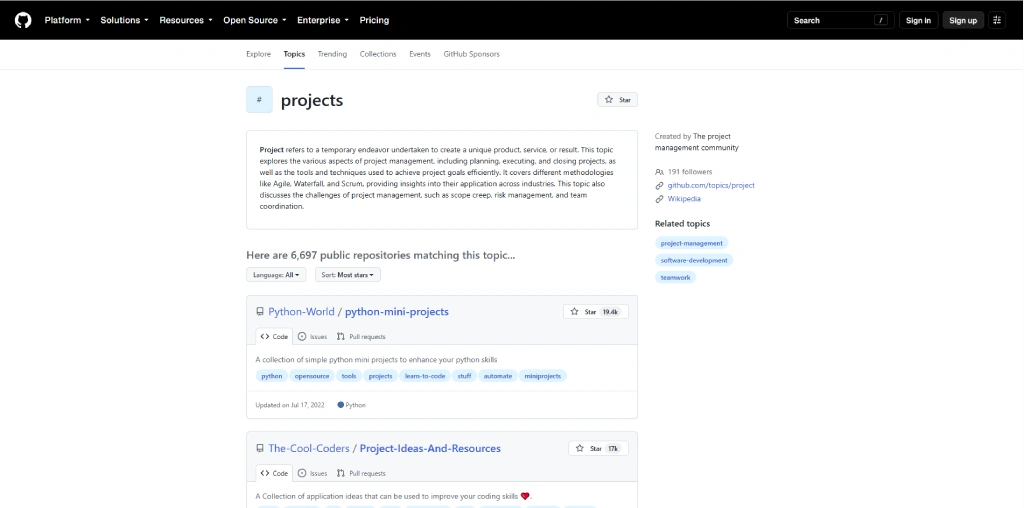
GitHub Projects is a project management tool built into GitHub that helps you plan and organize development work alongside your code repositories. It allows you to manage issues and pull requests using tables, boards, and roadmaps, making it easier to connect project tasks with development activities.
However, teams looking for built-in time tracking, resource planning, or broader project management features may need additional tools.
Key Features of GitHub Projects
- Project views allow you to organize work using tables, boards, and roadmaps based on your team's workflow.
- Custom fields help you add information such as priorities, status, dates, and other project details to organize your work.
- Issues and pull requests connect project tasks with development work, allowing you to manage changes and requests alongside your code.
- Roadmaps help you plan upcoming work, review timelines, and follow progress across projects.
Pricing
GitHub Projects is included with GitHub's Free plan. Paid GitHub plans offer additional collaboration, administration, and development features.
| Plan | Monthly Pricing | Annual Pricing |
|---|---|---|
| Free | $0 | $0 |
| Team | $4/user/month | $4/user/month for the first 12 months |
| Enterprise | $21/user/month | $21/user/month for the first 12 months |
Pros and Cons
| Pros | Cons |
|---|---|
| Works directly with GitHub repositories and development workflows | Best suited to teams already using GitHub |
| Supports tables, boards, and roadmaps | May require additional tools for time tracking and resource planning |
| Connects issues and pull requests with project tasks | Some project management features may require configuration |
| Offers custom fields and project insights | May not provide the broader business management features available in dedicated project management tools |
Reviews
G2: 4.7
Capterra: 4.8
Need better project visibility and resource planning?
Use Time Champ to manage tasks, track work hours, and improve project delivery.
6. Azure DevOps
Best for software development with built-in CI/CD tools
Azure DevOps is a software development platform that helps teams plan projects, manage code, automate testing, and deliver applications. It includes tools such as Azure Boards, Azure Repos, Azure Pipelines, Azure Test Plans, and Azure Artifacts.
Azure DevOps brings project planning and software delivery into one platform. It works well for teams that need development, testing, and deployment tools together, but its wide range of features can make the platform difficult for beginners to learn.
Key Features of Azure DevOps
- Azure boards helps you plan projects, manage work items, organize backlogs, and use Kanban boards to follow task progress.
- Azure repos provides Git repositories for managing source code, reviewing changes, and collaborating with developers.
- Azure pipelines helps you automate build, testing, and deployment processes through continuous integration and continuous delivery.
- Azure test plans allows you to plan, manage, and run software tests to check application quality.
Pricing
| Plan | Pricing |
|---|---|
| Stakeholder | Free |
| Basic | First 5 users free, then $6/user/month |
| Basic + Test Plans | $52/user/month |
Pros and Cons
| Pros | Cons |
|---|---|
| Combines project planning, source control, testing, and deployment tools | Can be difficult for beginners to learn |
| Supports continuous integration and continuous delivery | Some features require additional payments |
| Integrates with Microsoft and development tools | The interface may feel complex for smaller projects |
| Offers tools for managing the software development lifecycle | Advanced setup may require technical knowledge |
Reviews
G2: 4.2
Capterra: 4.4
7. ClickUp
Best for managing tasks, sprints, and team workloads
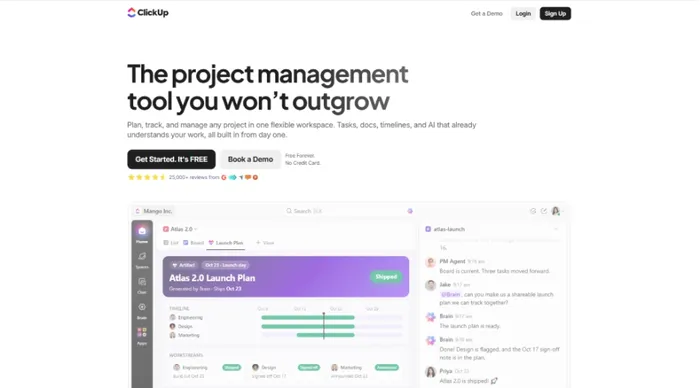
ClickUp is an all-in-one project management tool for remote engineering teams that helps you organize tasks, manage projects, collaborate with your team, and review progress from one platform. It includes features such as multiple project views, Docs, dashboards, time tracking, and workload management.
ClickUp offers a wide range of features for remote engineering teams, but its many customization options can make the platform difficult to learn.
Key Features of ClickUp
- Task management helps you create tasks, assign responsibilities, set deadlines, and organize work using subtasks and custom fields.
- Multiple project views allow you to manage projects through List, Board, Calendar, Gantt, and Table views based on your team's preferences.
- Docs help you create project documentation, share information, and collaborate on requirements and development plans.
- Dashboards allow you to review project data, monitor progress, and create reports using customizable widgets.
Pricing
ClickUp offers the following monthly and annual pricing plans:
| Plan | Monthly Pricing | Annual Pricing |
|---|---|---|
| Free Forever | $0 | $0 |
| Unlimited | $10/user/month | $7/user/month |
| Business | $19/user/month | $12/user/month |
| Enterprise | Custom pricing | Custom pricing |
Pros and Cons
| Pros | Cons |
|---|---|
| Combines task management, documentation, reporting, and time tracking | The large number of features can make the platform difficult to learn |
| Offers multiple views for organizing projects | Initial workspace setup may require time |
| Supports workload management and sprint planning | Some users report performance and loading issues |
| Provides customizable workflows and integrations | Advanced features may require higher-tier plans |
Reviews
G2: 4.6
Capterra: 4.6
8. Asana
Best for coordinating projects across remote teams
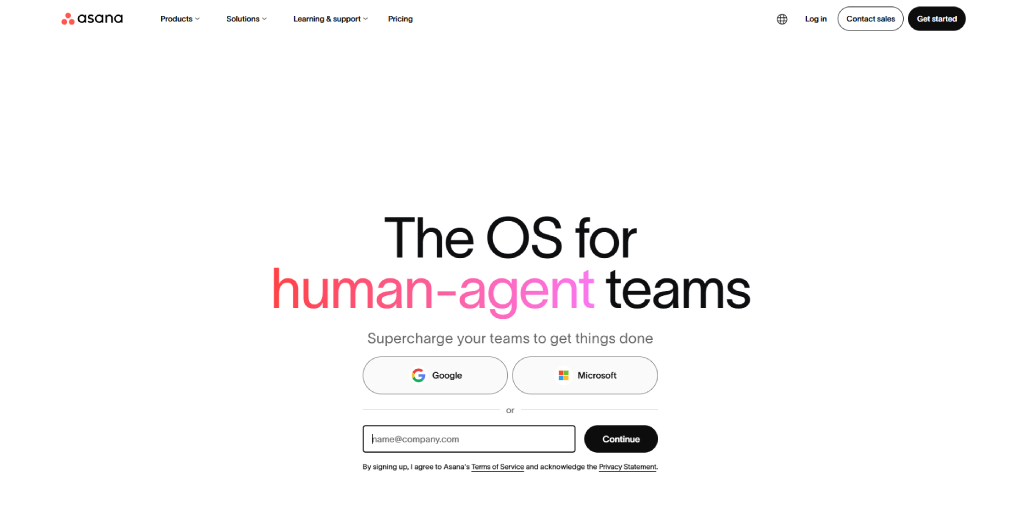
Asana is a project management tool that helps you organize tasks, manage projects, set deadlines, and coordinate work across teams. It offers features such as project views, task dependencies, timelines, forms, and workflow automation.
Asana works well for remote teams that need clear task ownership and project visibility. However, some advanced features, including workload management and portfolio planning, are available only on higher-tier plans.
Key Features of Asana
- Tasks and subtasks help you break projects into smaller activities, assign responsibilities, and set deadlines for each task.
- Project views allow you to organize work through lists, boards, calendars, and timeline views based on your project requirements.
- Task dependencies help you connect related tasks and identify which activities need to be completed before others can begin.
- Forms allow you to collect work requests and organize incoming tasks in a structured way.
Pricing
Asana offers the following monthly and annual pricing plans:
| Plan | Monthly Pricing | Annual Pricing |
|---|---|---|
| Personal | $0 | $0 |
| Starter | $13.49/user/month | $10.99/user/month |
| Advanced | $30.49/user/month | $24.99/user/month |
| Enterprise | Custom pricing | Custom pricing |
Pros and Cons
| Pros | Cons |
|---|---|
| Offers multiple views for organizing projects | Advanced features require higher-tier plans |
| Supports task dependencies and workflow automation | Pricing can increase as teams grow |
| Helps teams manage goals and multiple projects | May require setup to manage complex workflows |
| Provides a clear interface for task and project management | Time tracking may require integrations or a higher-tier plan |
Reviews
G2: 4.4
Capterra: 4.5
Looking for a smarter way to manage your projects?
Use Time Champ to simplify workflows, balance workloads, and gain real-time insights into team productivity.
9. Monday.com
Best for visual project planning and team collaboration
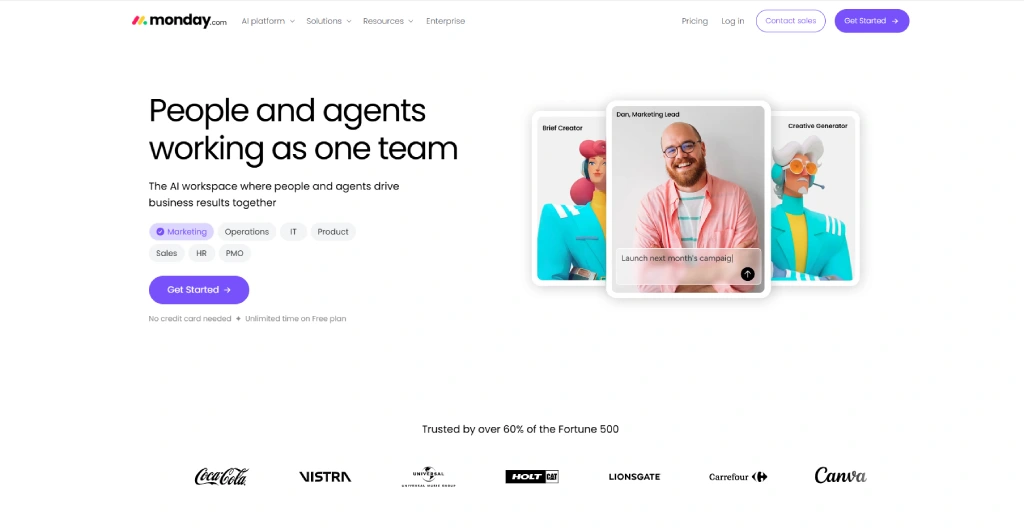
Monday.com is a visual work management platform that helps you organize projects, manage tasks, coordinate teams, and customize workflows. It uses boards, columns, and different project views to help you organize work based on your team's requirements.
Monday.com offers flexible project planning and collaboration features, making it useful for teams managing different types of work. However, its pricing is based on seat packages, and some advanced features, such as time tracking and higher-level reporting, are available only on specific plans.
Key Features of Monday.com
- Customizable boards help you organize tasks, assign team members, set deadlines, and manage project information using flexible columns.
- Timeline and Gantt views allow you to visualize project schedules, understand task dependencies, and follow upcoming deadlines.
- Workload management helps you review team assignments and identify workload imbalances when planning projects.
- Dashboards allow you to bring project information together and review progress, deadlines, and performance through visual reports.
Pricing
Monday.com offers the following monthly and annual pricing plans for a 10-seat team:
| Plan | Monthly Pricing | Annual Pricing |
|---|---|---|
| Free | $0, up to 2 seats | $0, up to 2 seats |
| Basic | $12/seat/month | $9/seat/month |
| Standard | $14/seat/month | $12/seat/month |
| Pro | $24/seat/month | $19/seat/month |
| Enterprise | Custom pricing | Custom pricing |
Pros and Cons
| Pros | Cons |
|---|---|
| Offers customizable boards and multiple project views | Seat-based pricing may increase costs for smaller teams |
| Supports dashboards, automations, and integrations | Advanced features require higher-tier plans |
| Provides workload management for project planning | Setting up complex workflows may take time |
| Easy to adapt for different team workflows | Some software development features require additional tools. |
Reviews
G2: 4.7
Capterra: 4.6
10. Trello
Best for simple Kanban boards and task management
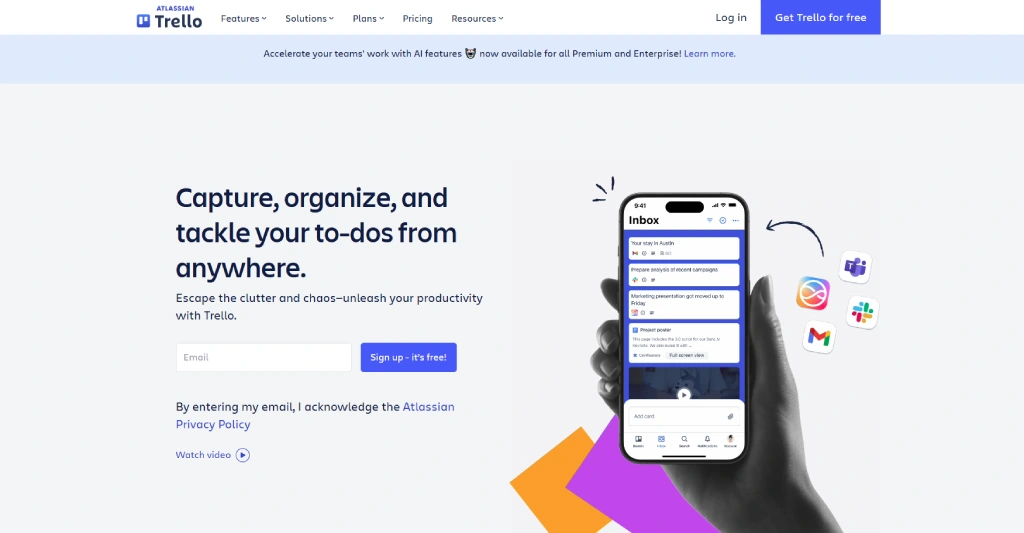
Trello is a visual project management tool for remote engineering teams that helps you organize tasks, manage workflows, and collaborate through boards, lists, and cards. It allows you to assign tasks, set due dates, add checklists, and organize project information in one place. However, teams managing complex projects may need additional tools or Power-Ups for advanced reporting, dependencies, and detailed project planning.
Key Features of Trello
- Boards, lists, and cards help you organize projects into different stages and move tasks through your workflow.
- Task assignment allows you to assign cards to team members and set due dates for better responsibility management.
- Checklists help you break tasks into smaller steps and review completed activities within each card.
- Automation helps you automate routine actions, such as moving cards, assigning members, and updating due dates.
Pricing
Trello offers the following pricing plans:
| Plan | Monthly Pricing | Annual Pricing |
|---|---|---|
| Free | $0 | $0 |
| Standard | $6/user/month | $5/user/month |
| Premium | $12.50/user/month | $10/user/month |
| Enterprise | $21/user/month | $17.50/user/month |
Pros and Cons
| Pros | Cons |
|---|---|
| Simple and visual board-based project management | May not be suitable for complex project dependencies |
| Easy to set up and use for team collaboration | Advanced views are available on paid plans |
| Supports automation and integrations through Power-Ups | Detailed reporting may require additional tools |
| Offers a free plan for small teams | Large boards can become difficult to manage |
Reviews
G2: 4.4
Capterra: 4.5
How to Choose the Best Project Management Tool for Remote Engineering Teams
Consider the following factors when choosing a project management tool for remote engineering teams:
- Project Requirements: Choose a tool that supports your project structure, whether you need task management, sprint planning, Kanban boards, roadmaps, or workflow automation.
- Team Collaboration: Look for features that help your team communicate, share updates, assign responsibilities, and collaborate across different locations.
- Task and Workflow Management: Check whether the tool supports task dependencies, deadlines, priorities, and customizable workflows that match your team's working style.
- Time Tracking and Resource Planning: If you need to manage work hours, team capacity, and resource allocation, choose a platform that includes these features or supports relevant integrations.
- Integrations: Make sure the tool works with the development and collaboration platforms your team already uses, such as GitHub, Slack, or other software development tools.
- Ease of Use: Select a platform your team can understand and adopt without spending too much time learning complicated workflows.
- Pricing and Scalability: Compare free and paid plans, user-based costs, available features, and how pricing changes as your team grows.
- Reporting and Progress Tracking: Choose a tool that helps you review project status, identify delays, and understand how work is progressing.
Before making a decision, try the free plan or trial when available. Test the tool with your team's actual workflow to see whether it meets your project management needs.
Ready to simplify project management for your remote teams?
Use Time Champ to improve task visibility, balance workloads, and deliver projects on time with real-time insights.
Conclusion
Choosing the right project management tool can help your remote engineering team stay organized, collaborate effectively, and deliver projects on time. From Linear and Jira to Asana, Monday.com, and Trello, each platform offers different features for managing tasks, planning projects, and coordinating workflows.
The best project management tools for remote engineering teams are the ones that fit your team's working style, project complexity, and budget. Compare their features, pricing, integrations, and ease of use before making your decision.

Guna Lakshmi

Table of Content
 Best Project Management Tools at a Glance
- 1. Time Champ
- 2. Linear
- 3. Jira
- 4. Shortcut
- 5. GitHub Projects
- 6. Azure DevOps
- 7. ClickUp
- 8. Asana
- 9. Monday.com
- 10. Trello
- How to Choose the Best Project Management Tool for Remote Engineering Teams
- Conclusion
Related Blogs

Learn what a project management framework is, its components, importance, popular methodologies, benefits, and challenges for organizations.
Guna Lakshmi | Apr 08, 2026
Discover what a project charter is, its purpose, key components, and examples. Learn how to write an effective charter to start projects with clear direction.
Thasleem Shaik | Apr 02, 2026
Learn what is project planning: key components, examples, templates, strategies, benefits, challenges & tools to ensure project success and efficiency.
Guna Lakshmi | Apr 08, 2026
Discover what is project scheduling, definition, key components, types, templates, strategies, pros & cons, real examples, and software for efficiency.
Tarun Kumar Reddy | Apr 02, 2026
Kanban vs Scrum board explained. Understand their key differences, features, benefits, and when to use each method to manage projects effectively.
Thasleem Shaik | Apr 02, 2026
Project timeline guide: definition, key components, examples, templates, pros & cons, management tips, and software for efficient project tracking and planning.
Guna Lakshmi | Apr 02, 2026


 4.7/5 avg.
Ready to Manage Your Workforce Smarter?
Join our family of 1500+ companies using smart insights to redefine workforces!

Free Trial
No Credit Card Required