How to Monitor Employees in a Remote Work Environment
Learn how to monitor employees in a remote work environment with ethical employee monitoring practices that improve productivity, accountability, and trust.
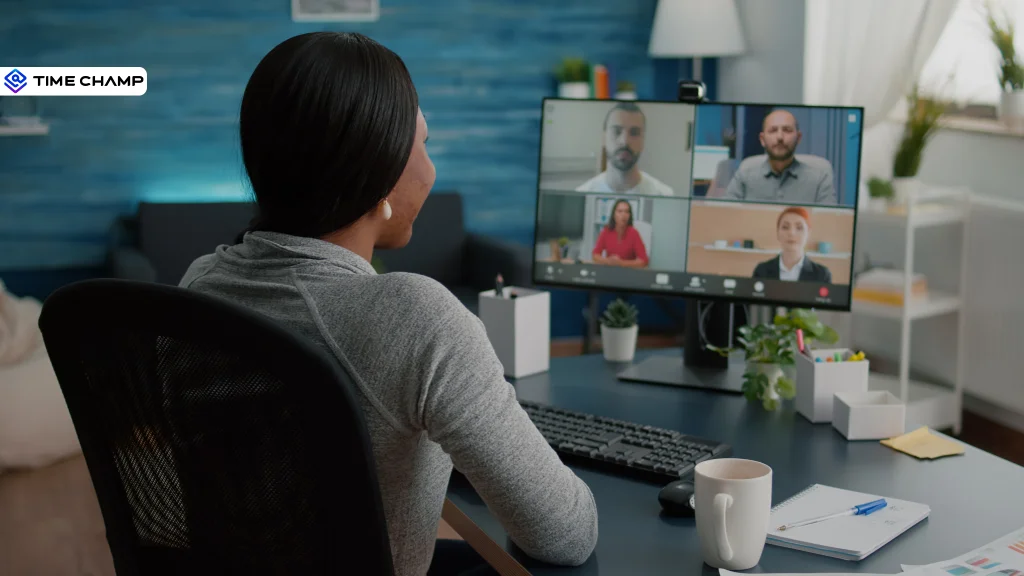
"How do you know your remote team is actually working?" It's a question that comes up for almost every manager. Without the visibility of an office, it can be difficult to know how work is progressing. But checking in all the time or tracking every little activity isn't the answer.
The solution is smarter employee monitoring, not more surveillance. So, how do you get the visibility you need without making your team feel like they're being watched?
Let's look at how you can monitor employees in a remote work environment while improving productivity and building trust.
What is Employee Monitoring?
Employee monitoring is the process of tracking employees' work-related activities, such as time spent on tasks, application and website usage, attendance, and productivity, to understand how work is progressing. It helps organizations improve efficiency, identify workflow inefficiencies, ensure compliance, and support employee performance while maintaining transparency and trust.
Benefits of Monitoring Remote Employees
So, why do companies monitor remote employees in the first place? It's not about keeping an eye on every move, it's about making work easier for everyone. Let's look at the biggest benefits.
1. Improves Productivity
When you can see how work is progressing, it's easier to find what's slowing your team down. Employee monitoring helps you identify time-consuming tasks and ensure employees spend more time on meaningful work instead of repetitive activities.
2. Creates Fairer Workloads
In a remote team, it's easy for some employees to end up with more work than others. Monitoring gives you a clear view of workloads, making it easier to redistribute tasks, avoid burnout, and keep everyone working at a sustainable pace.
3. Reduces the Need for Constant Check-ins
You don't have to message employees every hour asking for updates. With the right monitoring tools, you can see task progress in real time, giving your team more freedom while keeping yourself informed.
4. Strengthens Data Security
Remote employees often work from different networks and devices, which can increase security risks. Employee monitoring helps you detect unusual activity, ensure company policies are followed, and protect sensitive business data.
5. Makes Performance Reviews More Accurate
Instead of depending on memory or assumptions, you can use real work data during performance reviews. This leads to fairer feedback, better coaching conversations, and clear goals for improvement.
6. Helps You Support Employees Better
Monitoring isn't just about measuring performance. It also helps you notice when someone is struggling, falling behind, or needs extra guidance, so you can step in with the right support before small issues become bigger problems.
Remote work shouldn't leave you guessing.
What to Monitor in a Remote Work Environment?
One of the biggest questions managers ask is, "What can I actually monitor?" The answer is simple, you can monitor work-related activities on company-owned devices and systems, as long as your employees know what's being tracked and why.
| What You Can Monitor | What It Tells You | Why It Matters |
|---|---|---|
| Time and activity | Active and idle work time | Find productivity gaps and balance workloads |
| App and website usage | Tools and websites employees use | Reduce distractions and optimize software usage |
| Productivity trends | Focus time and work patterns | Improve coaching and workload planning |
| Screenshots (optional) | Occasional visual proof of work | Add context for remote work when used transparently |
| Project and task time | Time spent on specific projects | Improve billing, planning, and project estimates |
| Location (for field teams) | GPS data from company devices | Verify on-site visits and field work |
Remember, employee monitoring isn't about tracking every click or minute of the day. The real value comes from looking at trends over time instead of closely watching individual employees.
How to Monitor Remote Employees the Right Way
Employee monitoring only works when your team understands what you're tracking and why. If employees feel like they're being watched, trust breaks down.
Here are some best practices to follow:
1. Be Transparent from the Start
Tell your employees exactly what you're monitoring, why you're monitoring it, and who has access to the data. Being open about your monitoring practices builds trust and helps avoid confusion or privacy concerns.
2. Monitor with a Clear Purpose
Don't track data just because you can. Make sure every metric has a clear reason behind it, whether it's to improve productivity or balance workloads. If a metric doesn't provide useful insights, there's no need to collect it.
3. Focus on Trends, Not Individuals
Instead of watching every employee's activity, look at patterns across your team. Trends help you understand what's working, find recurring issues, and make better decisions without making employees feel micromanaged.
4. Measure Results, Not Just Activity
Being online all day doesn't always mean productive work is getting done. Focus on completed tasks, project progress, and outcomes rather than keystrokes, mouse movements, or online status.
5. Use Monitoring Data to Support Your Team
Monitoring should help you identify employees who may be overloaded, stuck, or in need of extra guidance. Use these insights to start supportive conversations, remove roadblocks, and help your team perform at their best.
6. Create a Clear Employee Monitoring Policy
Document your monitoring practices in a simple policy that explains what is tracked, why it's tracked, and how the data is used. When everyone understands the rules, it's easier to build accountability while maintaining trust.
How to Choose the Right Employee Monitoring Software?
The right employee monitoring software can make your job much easier, but only if you choose the right one. So, how do you know which tool is worth investing in? Let's look at the features that really matter.
1. Transparent Monitoring
Choose software that clearly shows employees what is being tracked and why. Transparency builds trust and helps avoid privacy concerns.
2. Actionable Insights
The best employee monitoring software goes beyond activity logs. Look for features like productivity trends, focus time, workload reports, and performance dashboards that help you make informed decisions.
3. Flexible Monitoring Options
Different teams have different needs. Choose a solution that lets you customize what you monitor based on employee roles, departments, or company policies.
4. Support for Remote and Hybrid Teams
Make sure the software works seamlessly across different devices, locations, and time zones. This is especially important if your workforce is fully remote or follows a hybrid work model.
5. Easy to Use
A complicated tool creates more work for everyone. Look for software with a simple interface that's easy for both you and employees to understand.
6. Reliable Support and Fair Pricing
Good customer support can save time when you run into issues. Also, choose software with transparent pricing so you know exactly what you're paying for as your team grows.
Why Time Champ Is a Smart Choice for Remote Employee Monitoring
Once you know what features to look for, the next step is choosing a tool that brings everything together. Time Champ is remote employee monitoring software designed to help you track remote employees without fostering a culture of micromanagement. Instead of simply tracking employee activity, it provides actionable insights into productivity, workloads, and work patterns, helping you make informed decisions while supporting your team's growth.
Here's how Time Champ helps you manage your remote workforce more effectively:
1. Real-Time Productivity Insights
Get a clear view of how your team spends their work hours with productivity reports, focus time, app and website usage, and activity trends. This helps you identify bottlenecks and improve workflows without constantly checking in.
2. Automatic Time Tracking
Time Champ automatically tracks time spent on projects and tasks, eliminating the need for manual timesheets. Your team can focus on work while you get accurate data for project planning, payroll, and client billing.
3. Workload and Performance Monitoring
See who's overloaded, who's underutilized, and where additional support is needed. With workload insights, you can distribute tasks more fairly and prevent employee burnout.
4. Project and Task Tracking
Monitor project progress in real time, track time spent on individual tasks, and make sure deadlines stay on schedule. This helps teams stay aligned, even when working from different locations.
5. Privacy-Focused Monitoring
Time Champ is built with transparency in mind. You can customize what gets monitored and clearly communicate your monitoring policy, helping you maintain employee trust while gaining meaningful insights.
6. Actionable Reports and Dashboards
Turn work data into simple reports that help you make informed decisions. Whether you're reviewing productivity trends, team performance, or project progress, Time Champ gives you the information you need in one place.
Know what's getting done without asking all day
Track progress, understand workloads, and let your team work without constant follow-ups
Conclusion
Managing a remote team is easier when you have a clear view of how work is progressing. Employee monitoring gives you the information you need to improve productivity, balance workloads, and support your team without constant check-ins. When you combine transparent monitoring practices with the right employee monitoring software, you can build accountability while maintaining employee trust. Focus on tracking work that matters, and use those insights to create a more productive remote workplace.

Jahnavi Pulluri

Table of Content
 What is Employee Monitoring?
- Benefits of Monitoring Remote Employees
- What to Monitor in a Remote Work Environment?
- How to Monitor Remote Employees the Right Way
- How to Choose the Right Employee Monitoring Software?
- Why Time Champ Is a Smart Choice for Remote Employee Monitoring
- Conclusion

Related Blogs
Help your remote employees stay productive and stress-free with simple and effective strategies to reduce work-related pressure and improve well-being.
Jahnavi Pulluri | Mar 12, 2025
Learn effective tips to know if your remote employees are working for ensuring productivity and accountability.
Shabana Shaik | Oct 26, 2024
Handle the challenges of managing remote employees with clear solutions for accountability, communication, time zones, security, and team engagement.
Thasleem Shaik | Sep 29, 2026
Learn why remote employee monitoring matters, its key pros and cons, and how to overcome challenges with the right approach for better productivity and trust.
Anjali | Apr 28, 2026
Learn what remote employee engagement really means, why it slips away, ideas and activities that genuinely work, and how to measure if they are working.
Shabana Shaik | Jul 20, 2026
Learn how remote employee tracking and DLP work together to prevent data leaks, secure remote teams, and support privacy, compliance, and safer workflows.
Anjali | May 09, 2026


 4.7/5 avg.
Ready to Manage Your Workforce Smarter?
Join our family of 1500+ companies using smart insights to redefine workforces!

Free Trial
No Credit Card Required