10 Best Task Mining Software in 2026: Top Tools Compared
Compare the 10 best task mining software in 2026, with features, benefits, and selection tips to choose the right solution for smarter workflow analysis.
Identifying how your employees complete tasks, where workflows slow down, and which activities waste time can be difficult without clear visibility. Manual process reviews often miss the small workflow issues that affect productivity. Task mining software helps you capture task-level activities and uncover workflow patterns, bottlenecks, and opportunities for improvement.
In this guide, you’ll see a comparison of 10 task mining tools for 2026, along with their key features and use cases. You’ll also learn the key factors to consider when choosing a task mining solution.
What is Task Mining Software?
Task mining software is an AI-powered tool that captures and analyzes user interactions across digital work environments to reveal how tasks are completed. It examines activities such as clicks, keystrokes, application usage, and screen actions to identify workflow patterns, bottlenecks, repetitive work, and opportunities for process improvement or automation.
10 Best Task Mining Software in 2026
Choosing the right task mining software is much simpler when you evaluate options based on features, team suitability, and user feedback. The table below compares 10 popular tools across these factors to help you shortlist the right option for your needs.
| Tool | Key Features | Ideal Time Size | Reviews |
|---|---|---|---|
| Time Champ | Automatic time tracking, activity tracking, app and website usage, productivity analytics, screenshots, workforce dashboards, automated timesheets | Small to enterprise teams | • G2: 4.8 • Capterra: 4.9 |
| Celonis Task Mining | Process mining, workflow visualization, task analysis, AI-driven insights | Mid-market to enterprise teams | • G2: 4.5 • Capterra: 4.6 |
| Microsoft Power Automate | Process mining, workflow automation, RPA, Microsoft 365 integration | Small to enterprise teams | • G2: 4.4 • Capterra: 4.4 |
| Soroco Scout | Task mining, work graph, workflow discovery, friction detection | Enterprise teams | • G2: No reviews found • Capterra: No reviews found |
| UiPath Task Mining | Desktop activity capture, task discovery, variation analysis, automation identification | Mid-market to enterprise teams | • G2: 4.4 • Capterra: 4.6 |
| EdgeVerve AssistEdge | RPA automation, bot management, process monitoring, workflow automation | Mid-market to enterprise teams | • G2: 4.0 • Capterra: 4.4 |
| Mimica | AI task mining, automation discovery, process documentation, no-touch analysis | Mid-market to enterprise teams | • G2: No reviews found • Capterra: 5.0 |
| ABBYY Timeline | Task mining, process discovery, process monitoring, simulation | Mid-market to enterprise teams | • G2: 4.5 • Capterra: 4.5 |
| Skan AI | Process discovery, task analysis, workflow insights, automation identification | Mid-market to enterprise teams | • G2: 4.0 • Capterra: No reviews found |
| Pega Workforce Intelligence | Activity capture, productivity insights, process discovery, automation identification | Enterprise teams | • G2: 4.2 • Capterra: 4.4 |
1. Time Champ
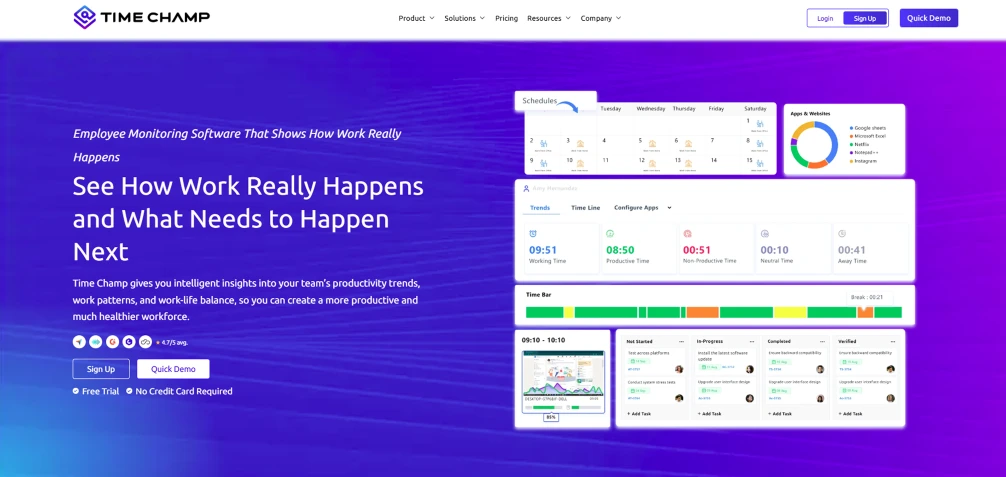
Time Champ is smart employee monitoring software designed to capture and analyze detailed digital work activity, helping you understand how tasks are actually performed. It tracks applications, websites, and user activity in real time, along with task-level data, to reveal work patterns, productivity trends, and workflow inefficiencies. It turns everyday work behavior into actionable insights, enabling your teams to optimize processes and improve overall efficiency.
Pros
- Captures detailed digital activity across apps and websites.
- Provides real-time visibility into work patterns and productivity.
- Combines activity, time, task, and workforce insights in one platform.
- Offers privacy controls for screenshots and monitoring data.
Cons
- It may include more features than needed for basic task analysis.
- It is mainly a workforce monitoring tool, not a dedicated process mining tool.
- Some task and workflow analysis may need setup based on team needs.
Features
- App & Website Usage Tracking: Records applications used, websites visited, time spent, and usage patterns to reveal how employees interact with digital tools.
- Activity Tracking: Captures detailed activity across work hours, including active and idle periods, websites, applications, and time spent on each activity.
- Keystroke & Mouse Activity Insights: Visualizes click and keystroke intensity over time, helping identify activity patterns, focus periods, and productivity changes.
- Activity Timeline: Provides a chronological view of an employee’s workday, making it easier to identify task patterns, interruptions, and periods of inactivity.
- Screenshots & Screen Recordings: Adds visual context to tracked activity, helping you review how work progresses and verify task actions when needed.
- Automated Task Tracking: Tracks tasks and work items automatically and connects activity with timesheets, giving teams clearer visibility into the time and effort behind completed work.
Best Suited For: IT services, software development, BPO/ITeS, consulting firms, finance & accounting, healthcare administration, and remote-first technology companies.
Pricing
- Comes with a 7-day free trial
- Starter Plan: $3.9/user/month
- Professional Plan: $6.9/user/month
- Enterprise Plan: $13.9/user/month
Reviews
Struggling to see how work gets done across your team?
Use Time Champ to track activity, tasks, and workflow patterns in one place.
2. Celonis Task Mining
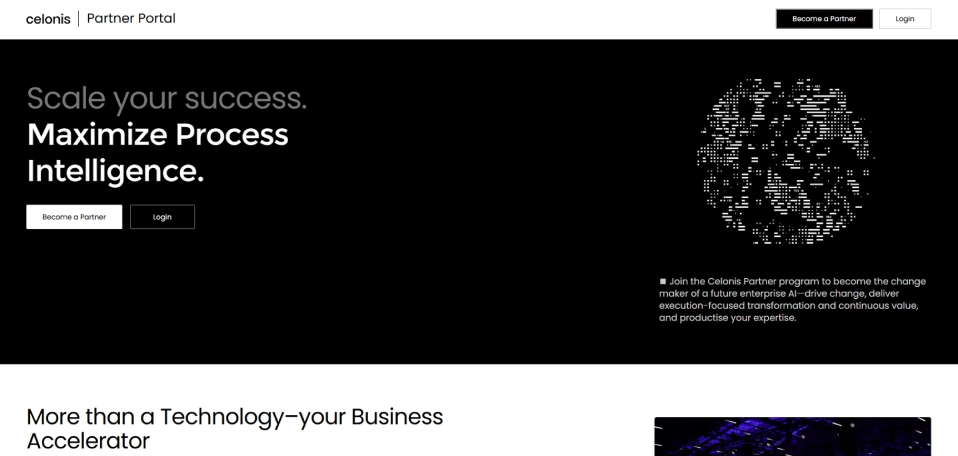
Celonis Task Mining captures user-level interactions such as clicks, copy-and-paste actions, application usage, and time spent across applications. It connects this desktop-level information with process data, giving you a broader view of how work is performed and where improvements are possible.
Pros
- Connects task-level activity with broader process data.
- Provides granular visibility into employee workflows.
- Helps identify non-value-adding activities and improvement opportunities.
- Benefits from Celonis’ wider process intelligence ecosystem.
Cons
- The platform can be complex for teams new to process mining.
- It is primarily designed for larger organizations with complex processes.
- Implementation may require technical and process expertise.
- Advanced capabilities may be more than smaller teams need.
Features
- Records clicks, copy-and-paste actions, application usage, and time spent per application.
- Combines task-level interaction data with process data for broader analysis.
- Helps teams examine how employees perform tasks across applications.
- Uses AI-based task discovery (introduced in 2026) to organize captured user actions into tasks and subtasks.
Best Suited For: Large enterprises and process excellence teams that need task-level insights connected with enterprise-wide process intelligence.
Pricing
- Contact the Celonissales team for pricing details.
Reviews
3. Microsoft Power Automate
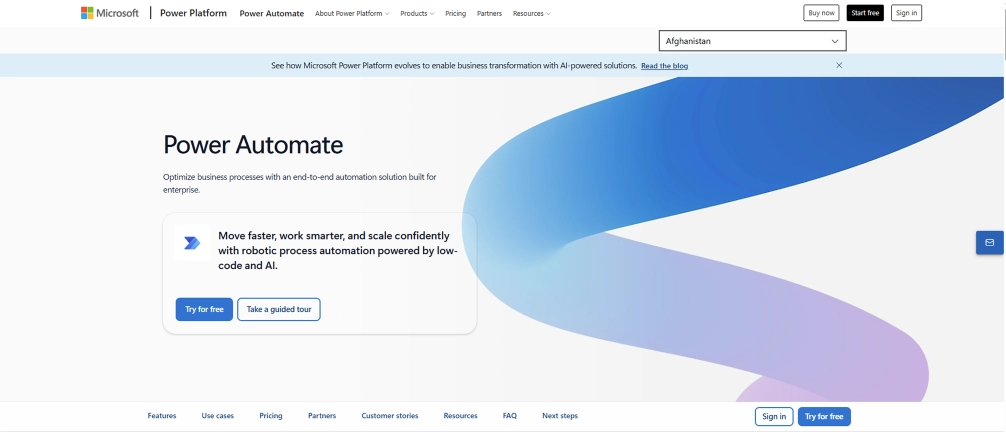
Microsoft Power Automate combines task mining and process mining with workflow automation and RPA. Its task mining capability can record user activities, analyze task variations, visualize process insights, and identify potential automation opportunities.
Pros
- Integrates naturally with the Microsoft ecosystem.
- Combines process analysis with workflow automation.
- Supports both desktop automation and cloud-based workflows.
- Can help identify automation opportunities from observed tasks.
Cons
- The platform can feel complex because of its broad automation capabilities.
- Advanced process and task mining may require technical expertise.
- Teams outside the Microsoft ecosystem may get less integration value.
- Managing large automation environments can require dedicated administration.
Features
- Records and analyzes user activities to reveal how tasks are performed.
- Creates process maps and analyzes process variations, metrics, and bottlenecks.
- Automates tasks across Windows applications and desktop environments.
- Uses process and task insights to identify areas that could benefit from automation.
Best Suited For: Microsoft 365 and Power Platform users needing task automation insights.
Pricing
- Comes with a free trial.
- Power Automate Premium: $15/user/month
- Power Automate Process: $150/user/month
- Power Automate Hosted Process: $215/user/month
Reviews
4. Soroco Scout
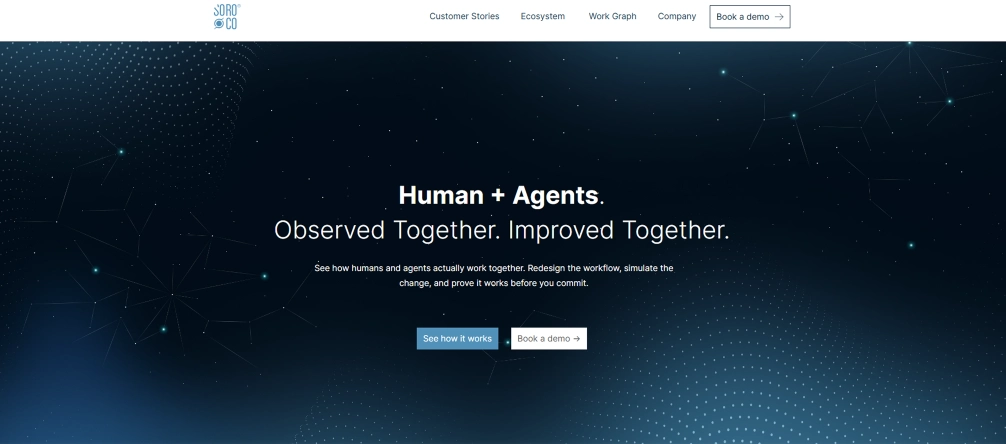
Soroco Scout uses its work graph approach to map how teams interact with digital systems and identify friction across workflows. The platform focuses on understanding work at the team level while using interaction data to uncover operational improvement opportunities.
Pros
- Provides a team-focused view of digital work.
- Uses interaction data to identify workflow friction.
- Built-in privacy features help reduce individual-level monitoring concerns.
- Supports broader operational improvement beyond individual task analysis.
Cons
- Its enterprise focus may not suit smaller teams.
- The Work Graph approach may require time for users to understand.
- Pricing information is not publicly transparent.
- Teams seeking simple employee monitoring may find it broader than necessary.
Features
- Builds a map of how teams experience and perform digital work.
- Uses human-machine interactions to identify workflow patterns and friction.
- Surfaces excessive manual effort and process problems affecting business outcomes.
- Uses anonymized user IDs and built-in privacy filters to protect sensitive information.
Best Suited For: Large enterprises and operations teams that want team-level workflow intelligence without focusing primarily on individual employee monitoring.
Pricing
- Contact the Soroco sales team for pricing details.
Reviews
- G2: No reviews found
- Capterra: No reviews found
5. UiPath Task Mining
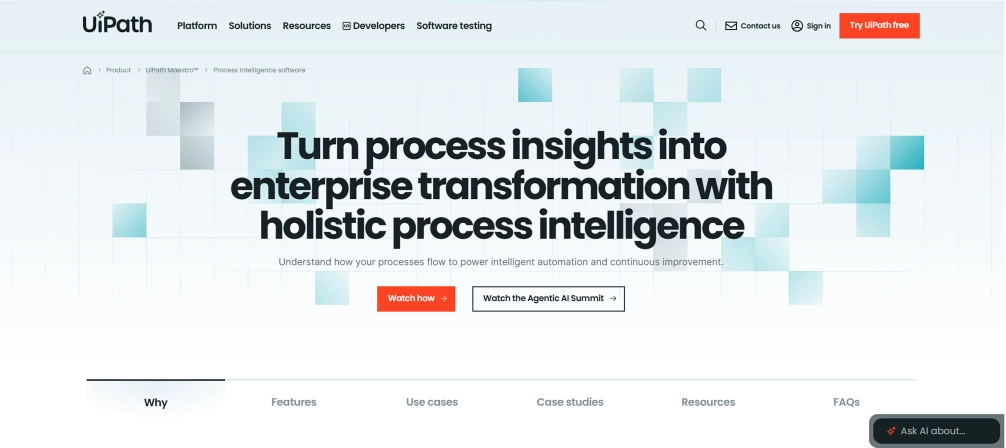
UiPath Task Mining was designed to capture desktop activity and uncover task variations, process improvements, and automation opportunities. UiPath Task Mining is part of UiPath’s automation suite and should be evaluated based on its current capabilities and product direction.
Pros
- Provides granular visibility into desktop-level work.
- Connects task discovery with automation opportunities.
- Fits naturally into the broader UiPath automation ecosystem.
- Can help identify process improvements alongside automation candidates.
Cons
- The unassisted task mining capability was deprecated and scheduled for removal in 2025.
- Product availability and capabilities have changed, making older comparisons outdated.
- UiPath’s broader automation platform can be complex for smaller teams.
- Teams may need to evaluate current UiPath discovery and automation capabilities without relying on legacy Task Mining functionality.
Features
- Records user interactions to provide visibility into how tasks are performed.
- Helps identify patterns and variations within user activities.
- Highlights tasks that may benefit from automation.
- Connects task-level desktop insights with broader process analysis.
Best Suited For: Existing UiPath customers evaluating desktop-level process discovery and automation, subject to the current availability of UiPath’s task-mining capabilities.
Pricing
- Basic: $25 per month
- Standard: Contact the UiPath sales team for details
- Enterprise: Contact the UiPath sales team for details
Reviews
6. EdgeVerve AssistEdge

EdgeVerve AssistEdge includes AssistEdge Discover, a process discovery and task mining capability designed to capture how employees perform work across applications. It groups repetitive user actions into meaningful events and can create process models for analysis and automation.
Pros
- Captures task-level activity across multiple applications.
- Strong connection between process discovery and RPA.
- Supports task simulation and process design.
- Designed for enterprise-scale automation initiatives.
Cons
- Its broad automation platform can be complex for smaller organizations.
- Best value comes when teams already have an automation strategy.
- Implementation may require process and RPA expertise.
- It may be more extensive than teams seeking basic task visibility.
Features
- Captures employee activities and automatically builds process insights.
- Collects detailed information about how users interact with applications.
- Allows teams to evaluate task improvements before implementing changes.
- Enables discovered processes to be designed and moved toward automation through AssistEdge RPA Studio.
Best Suited For: Enterprises with established RPA or automation programs that need detailed task discovery before automating processes.
Pricing
- Contact the EdgeVerve sales team for pricing details.
Reviews
7. Mimica
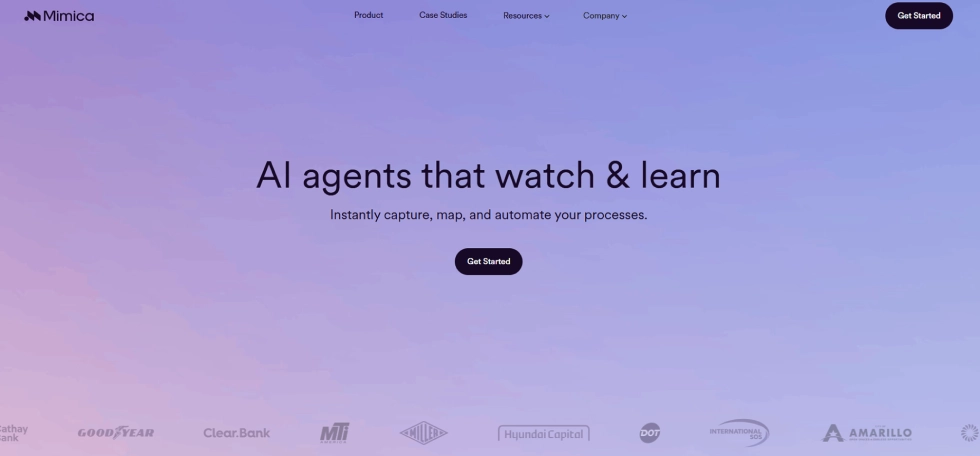
Mimica is an AI-powered task-mining and process-intelligence platform that captures user-level activity across desktops and turns it into detailed process maps. It focuses on finding inefficiencies, prioritizing improvement opportunities, and identifying suitable automation technologies.
Pros
- Captures detailed desktop activity without relying only on system logs.
- Uses AI to analyze large volumes of task activity.
- Prioritizes improvement opportunities based on potential value.
- Supports process discovery and automation planning in one platform.
Cons
- Its enterprise focus may not suit smaller businesses.
- Detailed desktop capture can require careful privacy and governance planning.
- Pricing is not publicly transparent.
- Organizations may need process expertise to turn discovered opportunities into measurable improvements.
Features
- Analyzes clicks, keystrokes, and other desktop actions to uncover how work is performed.
- Converts observed activities into detailed as-is process maps.
- Distinguishes value-adding and non-value-adding work.
- Scores opportunities and recommends technologies such as RPA, GenAI, OCR, and IDP.
Best Suited For: Enterprise process improvement and automation teams that need detailed task discovery with AI-based prioritization.
Pricing
- Contact the Mimica sales team for pricing details.
Reviews
- G2: No reviews found
- Capterra: 5.0
8. ABBYY Timeline
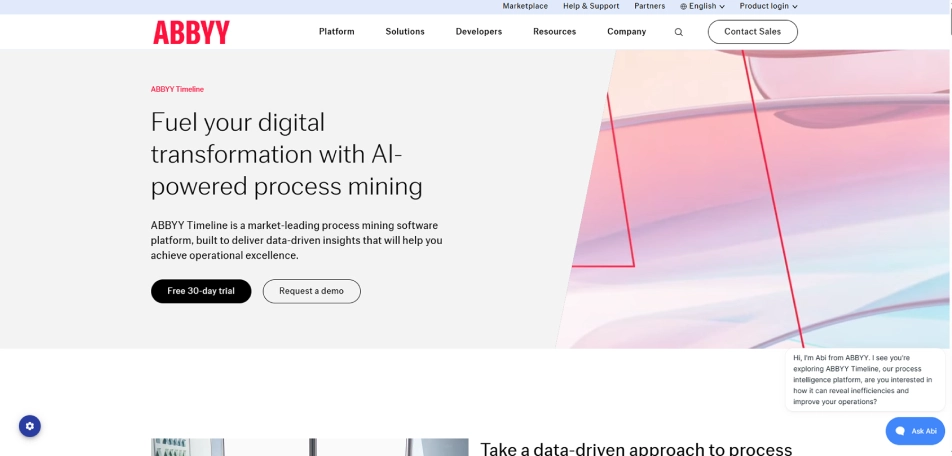
ABBYY Timeline combines process mining, process discovery, and task mining to provide visibility into how business processes and individual tasks operate. It also supports analysis, simulation, and monitoring to help you assess process changes before implementation.
Pros
- Combines process mining and task mining in one platform.
- Offers strong process analysis and visualization capabilities.
- Supports simulation before implementing process changes.
- Provides a broad set of analysis tools for process improvement.
Cons
- The platform may require specialist knowledge for advanced analysis.
- Its extensive capabilities can be overwhelming for smaller teams.
- It is better suited to structured process improvement programs than simple activity monitoring.
- Pricing and implementation details are not highly transparent publicly.
Features
- Captures and analyzes user actions to provide task-level visibility.
- Creates visual models of how processes actually operate.
- Allows teams to model potential process changes and assess their impact.
- Tracks process performance and provides analysis tools for identifying deviations and improvement opportunities.
Best Suited For: Mid-sized and enterprise organizations that need detailed process analysis, simulation, and task-level visibility.
Pricing
- Contact the ABBYY Timeline sales team for pricing details.
Reviews
9. Skan AI
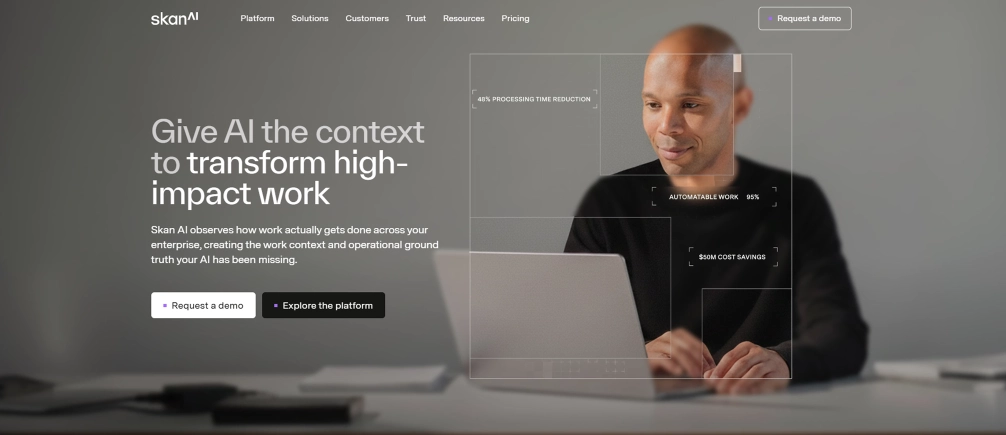
Skan AI takes an observation-first approach to process intelligence by continuously analyzing screen-level work activity. It combines task mining with broader process intelligence to show you how work happens across people, applications, and processes.
Pros
- Provides detailed visibility into screen-level work activity.
- Goes beyond isolated tasks toward broader process intelligence.
- Designed to support automation and AI-agent initiatives.
- Strong focus on observing real work without relying only on system logs.
Cons
- Its enterprise process intelligence approach may be excessive for simple task tracking.
- Screen-level observation requires careful privacy and governance controls.
- The platform may require specialist involvement during implementation.
- Public pricing information is limited.
Features
- Captures how users interact with applications while performing business tasks.
- Analyzes human-system interactions to identify task patterns and opportunities.
- Connects task-level observations with broader process context.
- Uses operational context to help you identify and improve work that can be supported by automation and AI agents.
Best Suited For: Large enterprises needing detailed workflow visibility and automation or AI-agent readiness.
Pricing
- Contact the Skan AI Timelinesales team for pricing details.
Reviews
- G2: 4.0
- Capterra: No reviews found
10. Pega Workforce Intelligence
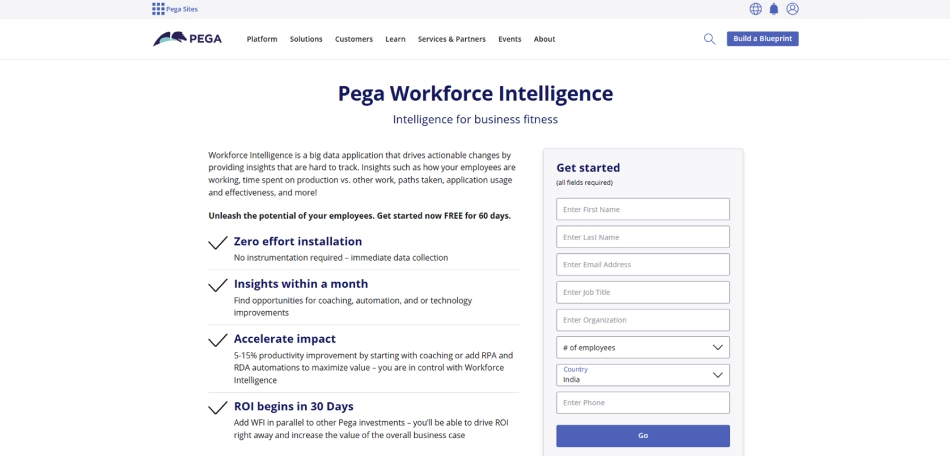
Pega Workforce Intelligence, now called Pega Task Mining, provides desktop-level visibility into how employees complete work. It captures user activity and helps you identify inefficiencies, idle time, manual steps, and opportunities to improve processes and automate.
Pros
- Provides granular visibility into desktop-level work.
- Can identify manual effort, idle time, and workflow inefficiencies.
- Works alongside Pega’s broader process mining and automation capabilities.
- Supports workforce and process improvement initiatives.
Cons
- The product is primarily aimed at enterprise environments.
- Desktop data collection requires careful governance and employee privacy planning.
- The strongest value comes within broader Pega automation and process initiatives.
- Windows is required for workforce intelligence data collection; Mac users can access the portal, but data collection on macOS is not supported according to Pega’s documentation.
Features
- Records user interactions to reveal how work is completed across applications.
- Examines employee activities to identify manual steps and workflow problems.
- Measures periods without keyboard or mouse activity and helps teams investigate potential capacity issues.
- Combines task-level insights with broader process visibility to identify improvement and automation opportunities.
Best Suited For: Large enterprises already using Pega for task insights, process mining, workflow management, and automation.
Pricing
- Contact the Pegasales team for pricing details
Reviews

Did You Know?
Gallup’s workplace research found that 77% of employees using AI for coding or automation report a positive impact on productivity, highlighting the value of task-specific technology.
How to Choose the Right Task Mining Software
Choosing the right task mining software requires more than comparing feature lists. Focus on how well each tool captures work activity, analyzes workflows, fits your team, and turns insights into measurable improvements. Use these steps to narrow down the right option:
1. Define Your Task Mining Goals
Start by identifying what you want to improve. Decide whether your priority is finding repetitive work, identifying bottlenecks, analyzing employee workflows, improving productivity, or discovering automation opportunities.
2. Check How the Tool Captures Work
Review what type of activity the software can capture. Look for support for application usage, clicks, keystrokes, screen activity, task duration, and other digital interactions relevant to your workflows. Task mining fills gaps that process data alone may miss.
3. Evaluate Analytics and Discovery Capabilities
Choose a tool that can turn captured activity into useful insights. Check for task discovery, workflow mapping, bottleneck identification, root-cause analysis, process comparison, and KPI reporting. These capabilities help move from raw activity data to actionable process improvements.
4. Prioritize Privacy and Data Controls
Check how the software handles employee and business data before deployment. Look for configurable data capture, anonymization, access controls, sensitive-data protection, and clear retention policies. Strong privacy controls help you use task-level insights responsibly.
5. Check Integrations and Automation Support
Make sure the tool connects with the applications and systems your teams already use. Also check whether it can identify automation opportunities or connect discovered workflows with RPA, AI, or other automation technologies.
6. Compare Scalability, Usability, and Cost
Finally, assess whether the software can scale with your workforce and workflows. Compare deployment requirements, ease of use, reporting capabilities, support, pricing, and implementation effort. Choose a platform that delivers useful insights without adding unnecessary complexity.
Not sure which tool fits your workflow and productivity goals?
Compare your needs with Time Champ’s activity and task tracking features.
Conclusion
Choosing the right task mining software depends on how well it captures work activity, reveals workflow patterns, and supports practical improvements. The tools compared here offer different strengths, from task discovery and process intelligence to automation and workforce visibility. Before making a decision, assess your goals, required features, integrations, privacy controls, scalability, and budget. Consider how easily the software can turn activity data into clear actions for your teams. Shortlist the tools that match your workflows, test their capabilities through demos or trials, and compare results against your objectives. Then select the solution that can deliver measurable improvements without adding unnecessary complexity.

Anjali

Table of Content
 What is Task Mining Software?
- 10 Best Task Mining Software in 2026
- How to Choose the Right Task Mining Software
- Conclusion
Instant Signup
Thank you for your request!
We have received your signup request and our team will get back to you soon. In the meantime, you can book a demo to see Time Champ in action.
Book a DemoFree trial. No credit card required. Prefer a walkthrough? Book a demo.
Related Blogs

Improve workforce visibility with Time Champ’s screen recording. Track workflows and review productivity in remote teams without invasive surveillance.
Guna Lakshmi | May 08, 2026
Choose the right task tracker with insights into its features, benefits, and how it helps your teams simplify task tracking and improve overall productivity.
Anjali | Aug 05, 2026
Analyzing employee monitoring data turns raw activity into decisions that improve performance. See the step-by-step framework, common mistakes, and how to act on what you find.
Thasleem Shaik | Apr 23, 2026
Choose the right employee productivity monitoring software. A 2026 guide covering features, evaluation criteria, remote work needs, and rollout tips.
Jahnavi Pulluri | May 06, 2026
Learn why workforce analytics is essential for process reinvention, how it reinvents key business processes, best practices & how to measure success.
Anjali | Apr 02, 2026
Learn how to monitor employee computer activity in the workplace using ethical, compliant methods to improve productivity and accountability.
Guna Lakshmi | Jun 29, 2026


 4.7/5 avg.
Ready to Manage Your Workforce Smarter?
Join our family of 1500+ companies using smart insights to redefine workforces!

Free Trial
No Credit Card Required