15 Best Software Development Tools for 2026
Looking for the best software development tools? Compare 15 top tools for coding, version control, DevOps, deployment, and project management!
As software development evolves, choosing the right tools is becoming more important. With AI transforming development workflows and new platforms emerging every year, relying on outdated tools is like using a screwdriver when everyone else has a power drill.
To help you stay ahead, we've compiled the 15 best software development tools in 2026. From coding and version control to DevOps, testing, and project management, this guide covers the top tools, their key features, pricing, pros and cons, and the teams they're best suited for.
What Are Software Development Tools?
Software development tools are applications, platforms, and technologies that help developers design, write, test, debug, deploy, and maintain software more efficiently. These tools simplify every stage of the software development lifecycle by improving collaboration, automating repetitive tasks, managing code changes, and ensuring faster, higher-quality software delivery.
Quick Comparison Table
With so many software development tools available, choosing one can feel like debugging someone else's code. Use this quick comparison table to compare the top options at a glance.
| Tool | Category | Best For | Starting Price |
|---|---|---|---|
| Visual Studio Code | Code Editor & IDE | General-purpose coding | Free |
| IntelliJ IDEA | Code Editor & IDE | Java & enterprise development | $19.90/month |
| Cursor | AI Code Editor | AI-assisted coding | $16/month |
| GitHub | Version Control & Collaboration | Code collaboration and repository management | $4/user/month |
| GitLab | Version Control & DevOps | End-to-end DevOps and CI/CD | Contact Sales |
| Bitbucket | Version Control & Collaboration | Atlassian-based development teams | $3.65/user/month |
| Docker | DevOps & Containers | Containerized application development | $9/user/month |
| Kubernetes | DevOps & Containers | Container orchestration at scale | Contact Sales |
| GitHub Actions | CI/CD Automation | Build, test, and deployment automation | $4/user/month |
| Time Champ | Project Management | Task time tracking and team productivity | $3.90/user/month |
| Jira | Project Management | Agile project management | $7.91/user/month |
| Notion | Documentation & Collaboration | Documentation and team knowledge management | $10/member/month |
| Postman | API Testing | API development and testing | $9/month |
| Vercel | Deployment Platform | Front-end application deployment | $20/month |
| Sentry | Monitoring | Error and performance monitoring | $26/month |
15 Best Software Development Tools
The software development process depends on a variety of tools that support every stage of the lifecycle, from writing and managing code to testing, deployment, collaboration, and application monitoring.
To make your search easier, we've organized the 15 best software development tools into five essential categories based on their primary purpose.
Category 1: Code Editors & IDEs
Code editors and Integrated Development Environments (IDEs) provide everything you need to write, edit, debug, and optimize code. They improve coding efficiency with intelligent suggestions, debugging tools, extensions, and integrated terminals.
1. Visual Studio Code
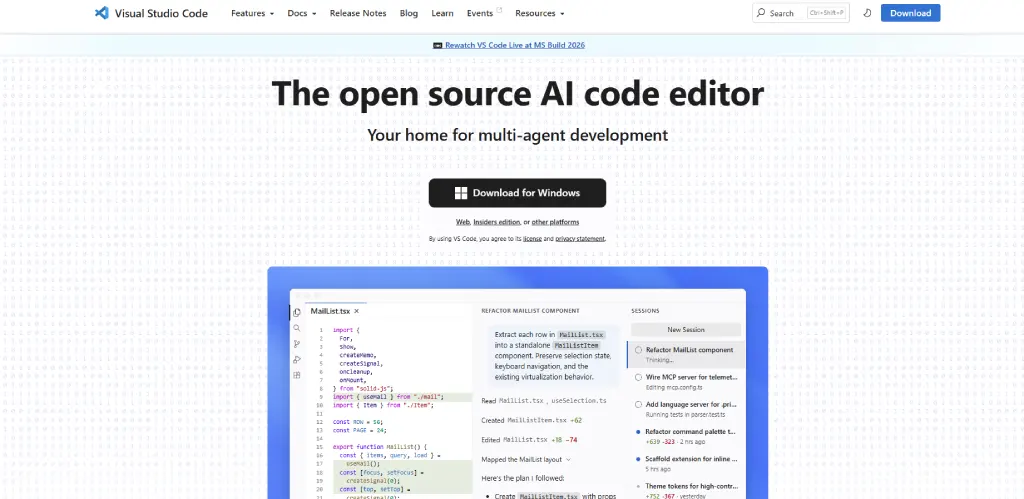
Visual Studio Code (VS Code) is a powerful and lightweight code editor developed by Microsoft that helps you write, edit, and manage code more efficiently. Whether you're building websites, mobile apps, or enterprise software, VS Code provides a smooth development experience with fast performance and excellent flexibility.
Its customizable interface and broad community support make it one of the most trusted choices for both individual developers and development teams.
Key Features
- Supports multiple programming languages
- IntelliSense for smart code completion
- Built-in Git integration
- Integrated debugging tools
- Built-in terminal
- GitHub Copilot integration
- Cross-platform support (Windows, macOS, and Linux)
Pros
- Lightweight editor with fast performance across different operating systems
- Huge extension marketplace that supports almost every development workflow
- Free and open-source with strong community support
Cons
- Can become resource-intensive when too many extensions are installed
- Requires additional plugins for advanced IDE capabilities
Pricing
Free (Open Source)
Best For
Developers looking for a fast, flexible, and customizable code editor for projects of any size.
2. JetBrains IntelliJ IDEA
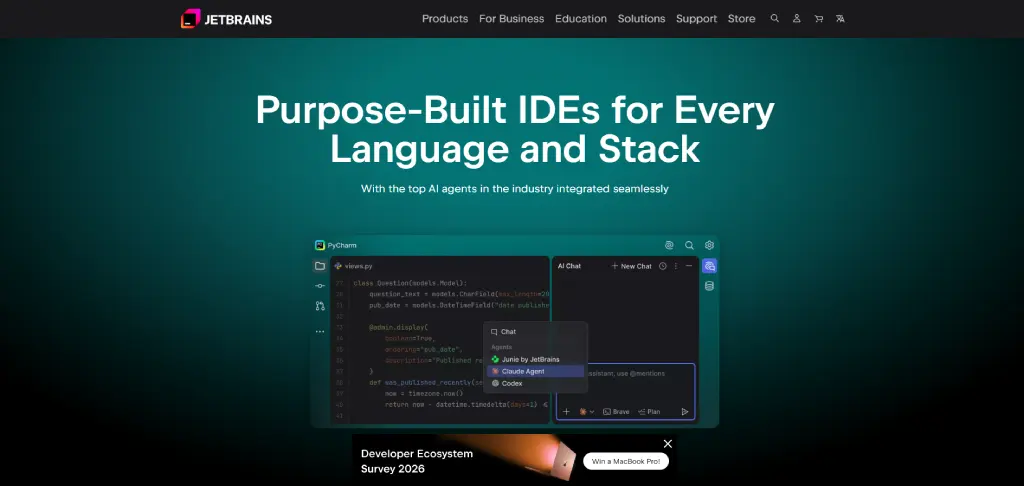
JetBrains IntelliJ IDEA is a professional integrated development environment (IDE) built to help you develop, test, and maintain applications with greater speed and accuracy. While it is widely known for Java and Kotlin development, it also supports several other programming languages through plugins.
Its intelligent coding assistance makes it a popular choice for building complex applications and large-scale enterprise projects.
Key Features
- Intelligent code completion and navigation
- Advanced code analysis and refactoring
- Built-in debugger and testing tools
- Integrated database management
- Version control system (Git) integration
- Support for frameworks like Spring, Hibernate, and Maven
- Plugin marketplace for extended functionality
- Cross-platform support (Windows, macOS, and Linux)
Pros
- Excellent code intelligence with smart suggestions and navigation
- Powerful debugging, testing, and code refactoring features
- Ideal for large-scale Java and enterprise application development
Cons
- Uses significant system memory on large projects
- Ultimate edition can be expensive for individual developers
Pricing
| Plan | Organizations (Billed Monthly) | Individual Use (Billed Monthly) |
|---|---|---|
| IntelliJ IDEA Ultimate | US $71.90/month | US $19.90/month |
| All Products Pack | US $97.90/month | US $29.90/month |
Best For
Java, Kotlin, and enterprise application developers who need a feature-rich IDE for complex software projects.

Did You Know?
76%of developers are using or planning to use AI tools in their development process, highlighting how AI-assisted development has become a mainstream part of modern software engineering.
3. Cursor
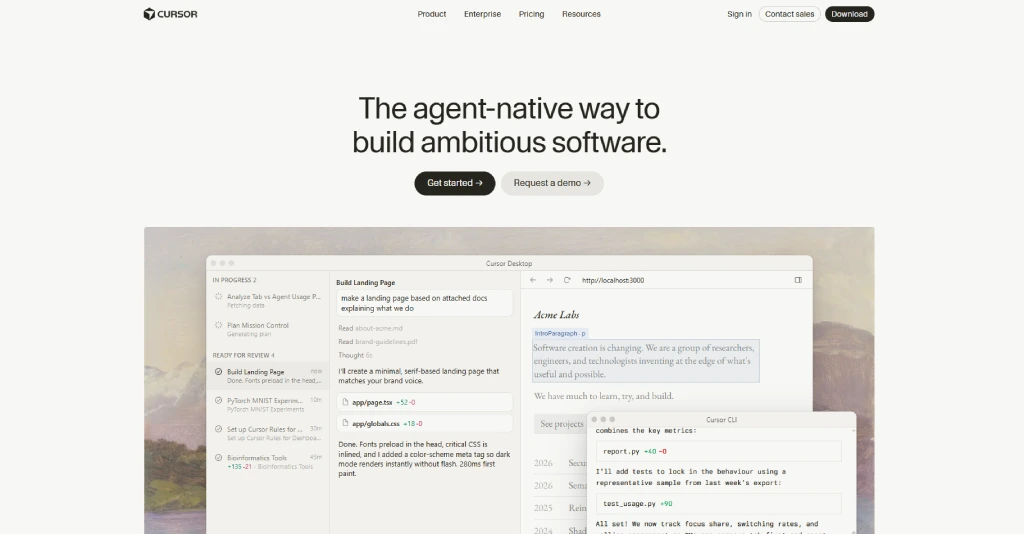
Cursor is an AI-first code editor designed to help you write, edit, and understand code more efficiently. Built on Visual Studio Code, it combines a familiar development environment with powerful AI capabilities that can assist with coding, debugging, refactoring, and documentation.
Whether you're starting a new project or maintaining an existing codebase, Cursor helps you complete development tasks faster with AI-powered assistance.
Key Features
- AI-powered code generation and editing
- Intelligent code explanations and suggestions
- Multi-file code refactoring
- AI-assisted debugging
- Built-in chat for code assistance
- Compatible with Visual Studio Code extensions
- Support for multiple programming languages
- Git integration for version control
Pros
- AI-powered coding assistance speeds up software development tasks
- Helps with debugging, refactoring, and code generation
- Familiar Visual Studio Code interface reduces the learning curve
Cons
- Advanced AI capabilities require a paid subscription
- AI-generated code still requires careful human review
Pricing
| Plan | Billed Monthly | Billed Annually |
|---|---|---|
| Hobby | Free | Free |
| Individual | $20/month | $16/month |
| Teams | $40/user/month | $32/user/month |
| Enterprise | Custom | Custom |
Best For
Developers who want to speed up coding, debugging, and code reviews using AI-powered assistance.
See how AI tools affect your team's actual productivity!
Track AI tool adoption, monitor focus time, and uncover productivity insights with Time Champ.
Category 2: Version Control & Collaboration
Version control and collaboration tools help you manage source code, track changes, collaborate with your team, and maintain a reliable development workflow. They make it easier to review code, resolve conflicts, and keep projects organized throughout the software development lifecycle.
4. GitHub
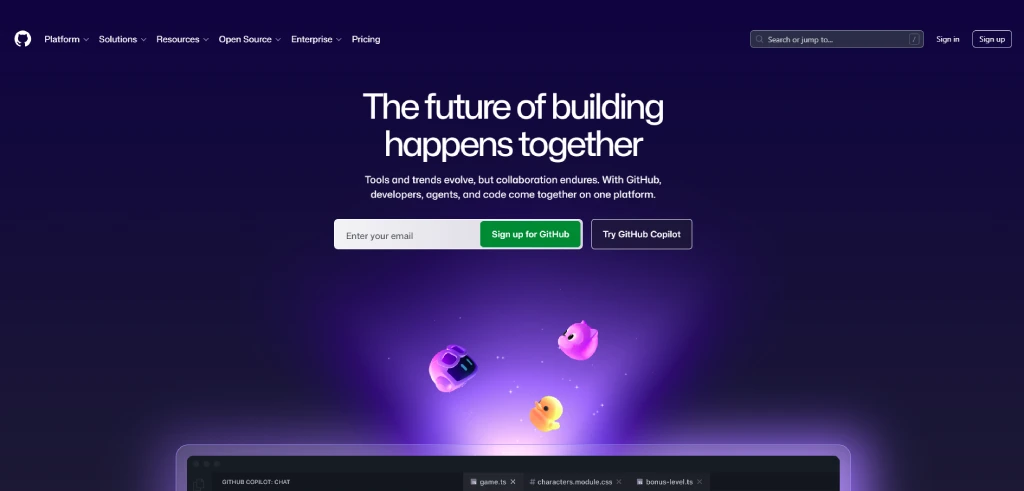
GitHub is one of the most widely used version control platforms that lets you store, manage, and collaborate on code using Git. Whether you're working on personal projects, open-source software, or enterprise applications, GitHub provides the tools you need to collaborate efficiently, review code, automate workflows, and manage development projects from a single platform.
Key Features
- Git-based source code management
- Pull requests and code reviews
- Issue and project tracking
- GitHub Actions for CI/CD automation
- GitHub Copilot integration
- Branch protection and access controls
- Repository collaboration and discussions
- Extensive third-party integrations
Pros
- Makes code collaboration simple for teams of all sizes
- Excellent Git integration with pull requests and code reviews
- Large open-source community with extensive third-party integrations
Cons
- Advanced enterprise features require higher-priced plans
- Built-in project management is less comprehensive than dedicated DevOps platforms
Pricing
| Plan | Price | Billing |
|---|---|---|
| Free | $0 USD | Per user/month |
| Team | $4 USD | Per user/month |
| Enterprise | Starting at $21 USD | Per user/month (Contact Sales) |
Best For
Developers and teams looking for a reliable platform to collaborate on code, manage repositories, and automate development workflows.
5. GitLab
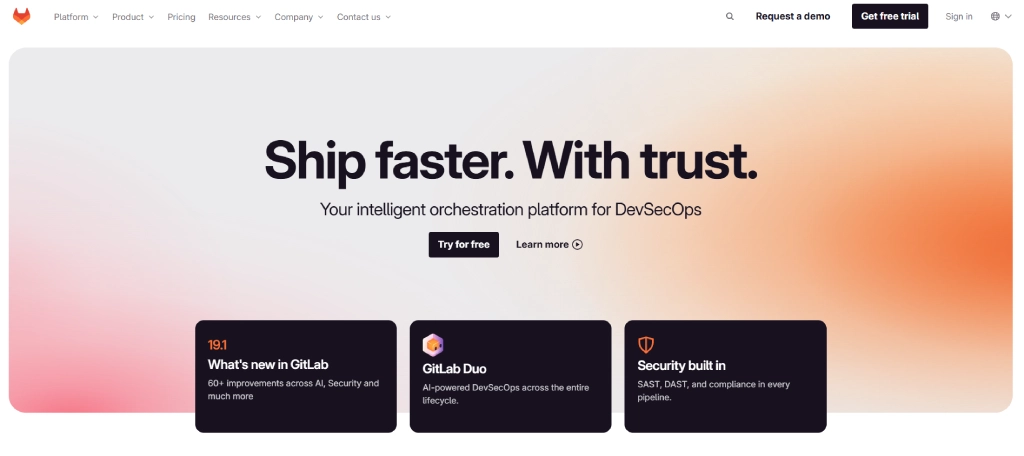
GitLab is a complete DevOps platform that allows you to manage your entire software development lifecycle from a single application. In addition to Git-based version control, it helps you automate testing, deployments, security checks, and project planning, making it a popular choice for organizations that want an integrated development workflow.
Key Features
- Git repository management
- Built-in CI/CD pipelines
- Issue tracking and project planning
- Security and vulnerability scanning
- Merge requests and code reviews
- Container registry
- DevOps analytics and reporting
- Self-managed and cloud-hosted deployment options
Pros
- Complete DevOps platform covering the entire development lifecycle
- Built-in CI/CD pipelines, security scanning, and automation tools
- Supports both cloud-hosted and self-managed deployments
Cons
- Steeper learning curve for new users
- Premium plans can become costly for larger organizations
Pricing
| Plan | Price | Billing |
|---|---|---|
| Free | $0 | Per user/month |
| Premium | Contact Sales (Let's Talk) | Custom pricing |
| Ultimate | Contact Sales | Custom pricing |
Best For
Organizations that want a single platform for source code management, CI/CD, security, and DevOps operations.
6. Bitbucket
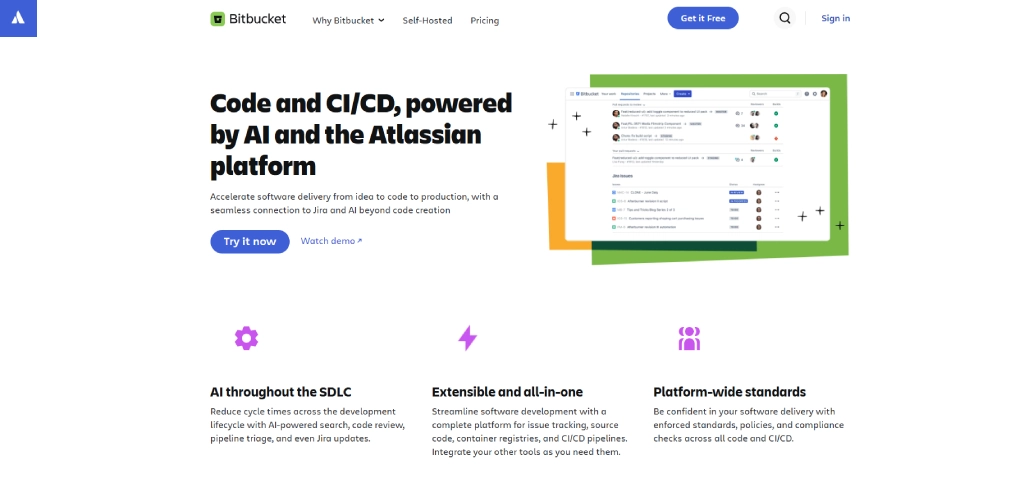
Bitbucket is a Git repository management platform developed by Atlassian that simplifies code collaboration for software teams. It integrates seamlessly with Jira, Confluence, and other Atlassian products, helping you connect project planning, issue tracking, and source code management in one streamlined workflow.
Key Features
- Git-based repository hosting
- Pull requests and code reviews
- Built-in CI/CD with Bitbucket Pipelines
- Seamless Jira and Confluence integration
- Branch permissions and merge checks
- Repository access controls
- Deployment tracking
- Cloud and self-hosted deployment options
Pros
- Excellent integration with Jira and other Atlassian products
- Built-in CI/CD pipelines simplify software deployment
- Strong repository permissions and access management
Cons
- Smaller developer community than GitHub
- Free plan has limitations for growing teams
Pricing
| Plan | Price | Billing |
|---|---|---|
| Free | $0 | Free forever for up to 5 users |
| Standard | $3.65 | Per user/month |
| Premium | $7.25 | Per user/month |
Best For
Development teams that are already using Jira, Confluence, or other Atlassian tools for project management and collaboration.
Category 3: DevOps & Containers
DevOps and container tools help you automate software development, deployment, and infrastructure management. They improve collaboration between development and operations teams, ensure consistent application performance, and make it easier to build, deploy, and scale applications across different environments.
7. Docker
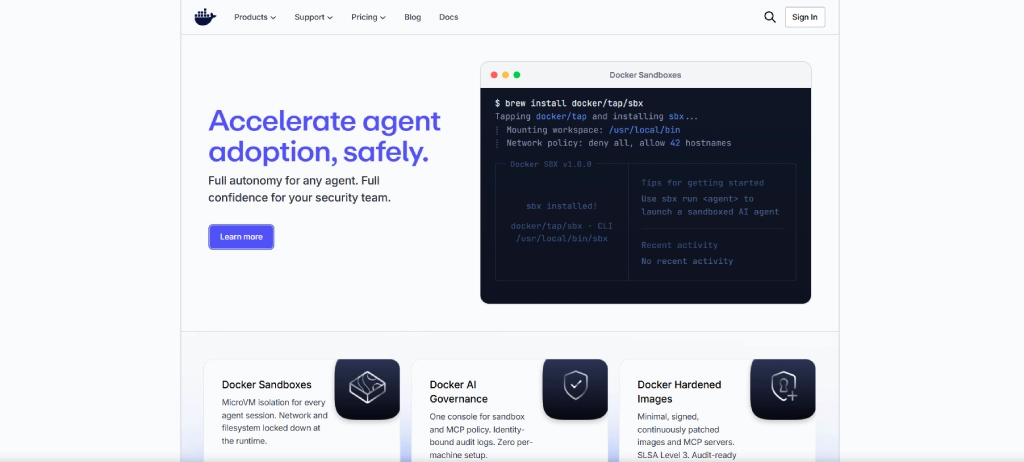
Docker is a containerization platform that allows you to package your application along with its dependencies into lightweight, portable containers. This ensures your software runs consistently across development, testing, and production environments while reducing compatibility issues and simplifying deployments.
Key Features
- Application containerization
- Docker Compose for multi-container applications
- Docker Hub for container image sharing
- Portable and consistent development environments
- Container image versioning
- Built-in security scanning
- Cross-platform compatibility
- Integration with Kubernetes and CI/CD tools
Pros
- Creates consistent development and production environments
- Simplifies application packaging and deployment across platforms
- Large ecosystem of container images and developer tools
Cons
- Requires time to learn container concepts and workflows
- Managing many containers can become operationally complex
Pricing
| Plan | Billed Monthly | Billed Yearly |
|---|---|---|
| Docker Personal | $0 | $0 |
| Docker Pro | $11/user/month | $9/user/month |
| Docker Team | $16/user/month | $15/user/month |
| Docker Business | $24/user/month | $24/user/month |
Best For
Developers and DevOps teams who are building, testing, and deploying containerized applications.
8. Kubernetes
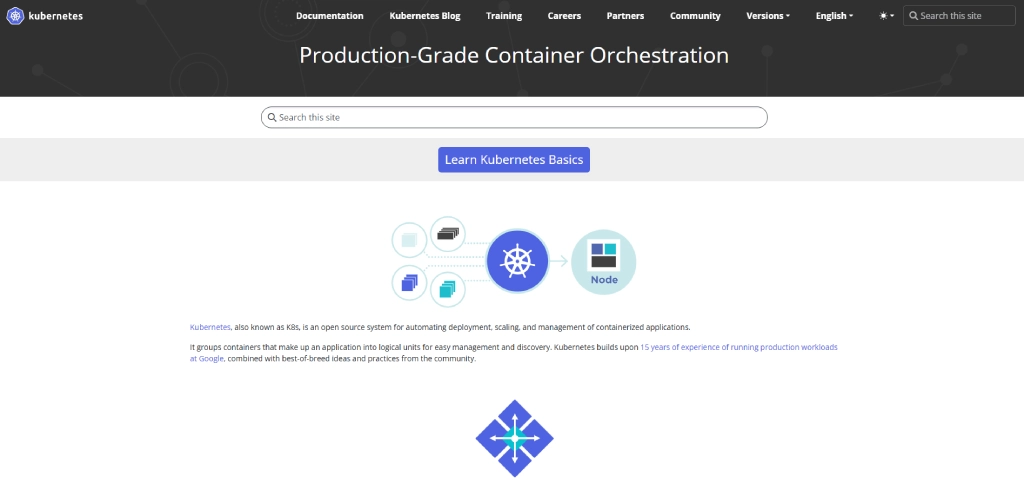
Kubernetes is an open-source platform that helps you deploy, manage, and scale containerized applications automatically. It simplifies infrastructure management by handling tasks such as load balancing, service discovery, scaling, and self-healing, making it ideal for running applications in production environments.
Key Features
- Automated container deployment
- Auto scaling and load balancing
- Self-healing for failed containers
- Service discovery and networking
- Rolling updates and rollbacks
- Storage orchestration
- Secret and configuration management
- Multi-cloud deployment support
Pros
- Automates deployment, scaling, and container management
- Provides high availability with self-healing capabilities
- Supports hybrid, cloud, and multi-cloud environments
Cons
- Initial setup and configuration can be challenging
- Requires experienced administrators for efficient management
Pricing
For pricing details, contact the Kubernetes team.
Best For
Organizations managing large-scale containerized applications across cloud or hybrid environments.
9. GitHub Actions
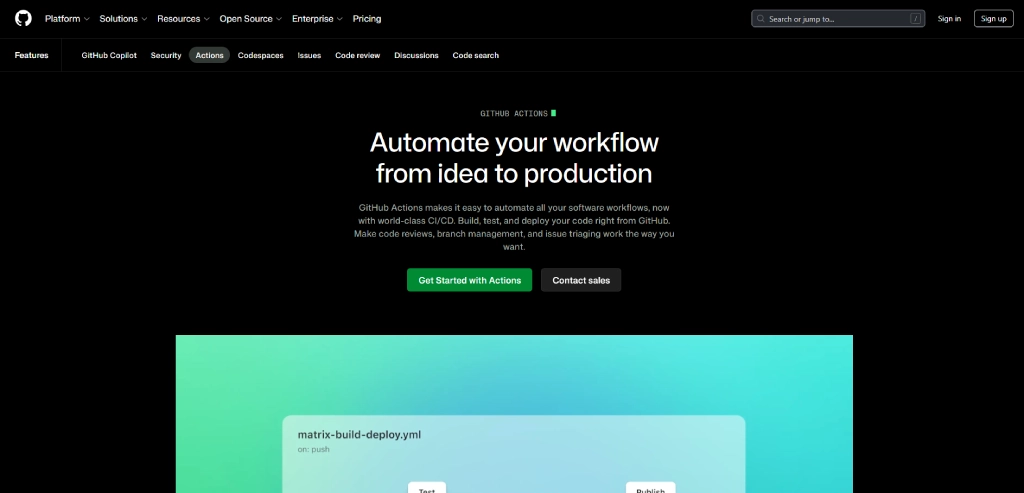
GitHub Actions is GitHub's built-in automation platform that lets you create workflows for building, testing, and deploying applications directly from your repositories. When you automate repetitive development tasks, it helps you improve code quality, accelerate releases, and simplify continuous integration and continuous deployment (CI/CD).
Key Features
- CI/CD workflow automation
- Event-based workflow triggers
- GitHub-hosted and self-hosted runners
- Marketplace with reusable workflow actions
- Automated testing and deployment
- Multi-platform build support
- Integration with GitHub repositories
Pros
- Seamlessly integrates with GitHub repositories and workflows
- Automates testing, builds, and software deployments
- Large marketplace of reusable workflow templates and actions
Cons
- Free plan includes usage limitations for automation minutes
- Complex workflows can be difficult to debug and maintain
Pricing
| Plan | Price | Billing |
|---|---|---|
| Free | $0 USD | Per user/month |
| Team | $4 USD | Per user/month |
| Enterprise | Starting at $21 USD | Per user/month |
Best For
Development teams looking to automate testing, builds, and deployments directly within GitHub.
Power your DevOps workflow with actionable workforce insights!
Gain the visibility you need to improve engineering efficiency and optimize workflows with Time Champ!
Category 4: Project Management
Project management tools help you plan, organize, and manage software development projects more effectively. They make it easier to assign tasks, monitor progress, collaborate with team members, and keep projects on schedule from planning to delivery.
10. Time Champ
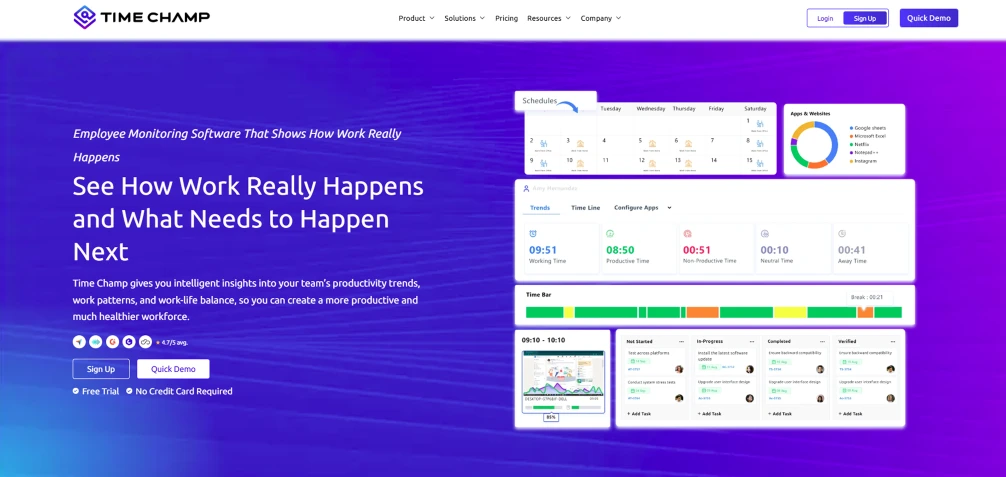
Time Champ is a time tracking and project management platform that helps you manage projects, monitor team productivity, and track time from a single dashboard. It gives you complete visibility into task progress, resource utilization, employee performance, and project timelines, enabling you to deliver projects on time while improving overall team efficiency.
Key Features
- Project and task management
- Automatic time tracking
- Team productivity monitoring
- Resource utilization insights
- Attendance and leave management
- Real-time dashboards and reports
- Project budgeting and timesheets
- Integrations with popular project management tools
Pros
- Combines time tracking, productivity monitoring, and project management
- Provides actionable workforce and resource utilization insights
- Flexible pricing suitable for startups and enterprise teams
Cons
- Advanced workforce analytics are available in higher-tier plans
- Smaller teams may not require all available enterprise features
Pricing
| Plan | Annual Billing | Quarterly Billing | 3 Years Billing |
|---|---|---|---|
| Starter | $3.90/user/month | $5.90/user/month | Contact Sales |
| Professional | $6.90/user/month | $10.90/user/month | Contact Sales |
| Enterprise | $13.90/user/month | $22.90/user/month | Contact Sales |
Best For
Businesses that want to manage projects, track time spent on tasks, employee productivity, and optimize team performance from a single platform.
Still juggling multiple tools to manage your development projects?
Bring time tracking, project management, and productivity insights together with Time Champ.
11. Jira
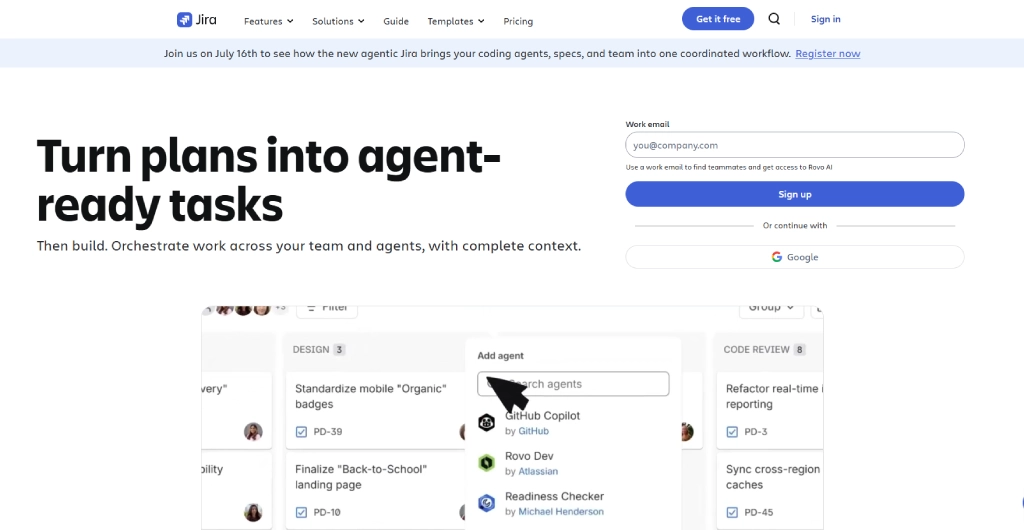
Jira is one of the most popular project management tools for software development teams. It helps you plan sprints, manage backlogs, track issues, and monitor project progress using Agile methodologies such as Scrum and Kanban. Its customizable workflows make it suitable for teams of all sizes.
Key Features
- Scrum and Kanban boards
- Sprint planning and backlog management
- Issue and bug tracking
- Custom workflows and automation
- Roadmaps and project timelines
- Advanced reporting and dashboards
- Integration with Atlassian products
- Role-based permissions
Pros
- Excellent support for Scrum and Agile project management
- Highly customizable workflows for different development teams
- Powerful dashboards, reports, and sprint planning features
Cons
- Interface can feel overwhelming for first-time users
- Premium plans increase costs as teams continue to grow
Pricing
| Plan | Monthly Billing | Annual Billing |
|---|---|---|
| Free | $0 for 10 users | $0 for 10 users |
| Standard | $7.91/user/month | $23,500/year (User tier: 201–300) |
| Premium | $14.54/user/month | $43,500/year (User tier: 201–300) |
| Enterprise | Contact Sales | Contact Sales |
Best For
Software development teams that use Agile methodologies to manage projects and track development progress.
12. Notion (or Confluence)
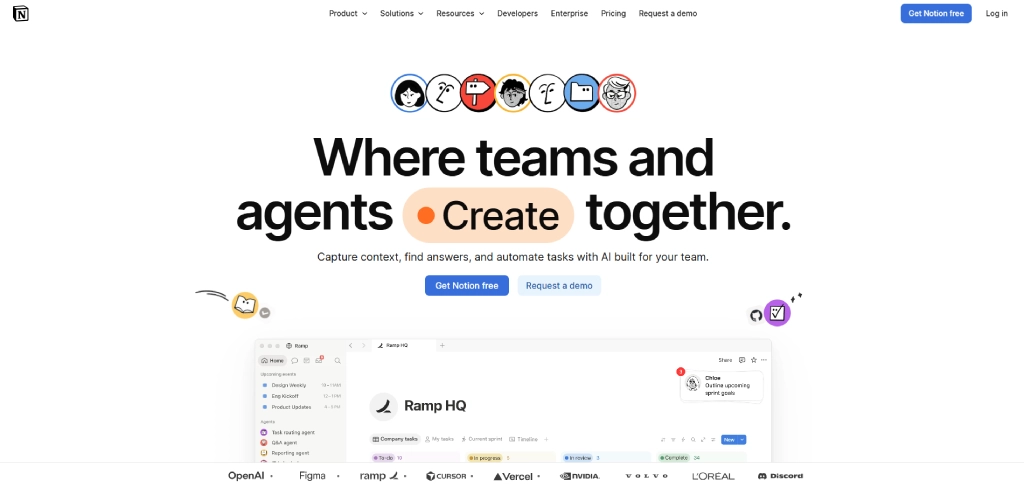
Notion is an all-in-one workspace that combines documentation, task management, knowledge sharing, and collaboration. It allows you to organize project plans, create technical documentation, manage team wikis, and collaborate with your team from a single platform.
Key Features
- Project and task management
- Team wikis and documentation
- Collaborative note-taking
- Custom databases and templates
- AI-powered writing assistance
- Real-time collaboration
- Workflow automation
- Integration with popular productivity tools
Pros
- Flexible workspace for documentation, projects, and knowledge management
- Real-time collaboration improves team communication and productivity
- Extensive template library for different business use cases
Cons
- Workspaces can become difficult to organize without clear structure
- Advanced security and permission controls require paid plans
Pricing
| Plan | Monthly Pricing | Yearly Pricing |
|---|---|---|
| Free | $0/member/month | $0/member/month |
| Plus | $12/member/month | $10/member/month |
| Business | $24/member/month | $20/member/month |
| Enterprise | Custom Pricing | Custom Pricing |
Best For
Teams looking for a flexible workspace to manage projects, documentation, and collaboration in one place.
Category 5: Testing, Deployment & Monitoring
Testing, deployment, and monitoring tools help you ensure your applications are reliable, perform well, and reach users quickly. They simplify API testing, automate deployments, and help you detect and resolve issues before they impact your users.
13. Postman
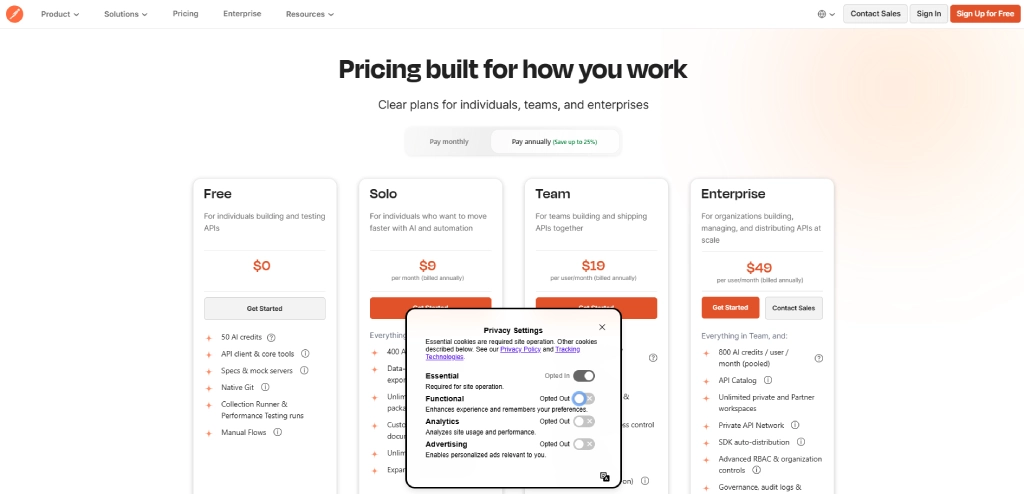
Postman is a popular API development platform that helps you design, test, document, and monitor APIs throughout the development lifecycle. It simplifies API collaboration by allowing you to organize requests, automate testing, and share collections with your team from a single workspace.
Key Features
- API design and testing
- Automated API testing
- API documentation generation
- Mock servers
- Environment and variable management
- Team collaboration workspaces
- API monitoring
- Integration with CI/CD pipelines
Pros
- Simplifies API development, testing, and documentation
- Strong collaboration features for development and QA teams
- Supports automated testing and CI/CD integrations
Cons
- Large workspaces may affect application performance
- Many collaboration features are available only in paid plans
Pricing
| Plan | Billed Monthly | Billed Annually |
|---|---|---|
| Free | $0 | $0 |
| Solo | $12/month | $9/month |
| Team | $23/user/month | $19/user/month |
| Enterprise | $59/user/month | $49/user/month |
Best For
Developers and QA teams that build, test, and manage APIs.
14. Vercel
Vercel is a cloud deployment platform that helps you build, preview, and deploy modern web applications with minimal configuration. It automatically deploys changes from your Git repositories, allowing you to release updates faster while optimizing application performance through its global edge network.
Key Features
- Automatic deployments from Git repositories
- Preview deployments for every code change
- Global edge network
- Built-in serverless functions
- Custom domains and SSL certificates
- Performance analytics
- Environment variable management
- Framework support, including Next.js, React, Vue, and Angular
Pros
- Enables fast deployment with minimal configuration required
- Optimized for high-performance modern web applications
- Excellent integration with Next.js and popular frontend frameworks
Cons
- Less suitable for complex backend infrastructure management
- Enterprise capabilities require custom pricing plans
Pricing
| Plan | Price |
|---|---|
| Hobby | $0/month |
| Pro | $20/month |
| Enterprise | Custom Pricing |
Best For
Front-end developers and teams deploying modern web applications.
15. Sentry
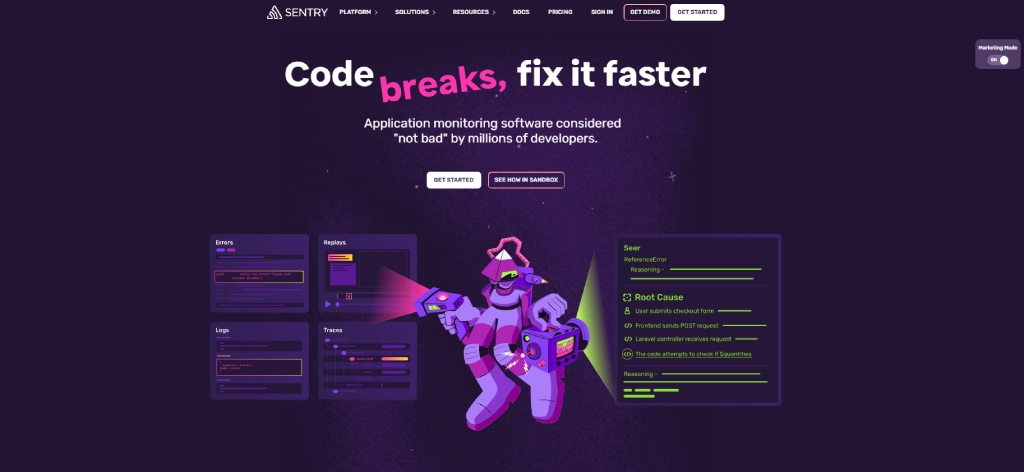
Key Features
- Real-time error monitoring
- Application performance monitoring
- Session replay
- Release health tracking
- Performance insights and alerts
- Root cause analysis
- Integration with GitHub, Jira, Slack, and other tools
- Support for multiple programming languages and frameworks
Pros
- Detects application errors and performance issues in real time
- Provides detailed diagnostics for faster issue resolution
- Integrates with popular development and collaboration tools
Cons
- Can generate excessive alerts without proper configuration
- Advanced monitoring capabilities require higher-tier paid plans
Pricing
| Plan | Billed Monthly | Billed Annually |
|---|---|---|
| Developer | Free | Free |
| Team | $29/month | $26/month |
| Business | $89/month | $80/month |
| Enterprise | Custom Pricing | Custom Pricing |
Best For
Development teams that want to monitor application performance, detect errors early, and improve software reliability.
6-Step Framework for Choosing Development Tools
You've seen the features, compared the pricing, and probably opened more tabs than you'd like to admit. Now, let's simplify the decision with a practical six-step framework for choosing the right development tool.
Step 1: Define What Problem You're Solving
Before evaluating any tool, identify the specific challenge you want to address. Whether it's improving code quality, accelerating deployments, strengthening collaboration, or reducing manual work, having a clear objective helps you focus on tools that solve real problems instead of adding unnecessary complexity.
Step 2: Check Your Existing Development Tools
Review the tools your team already uses across development, testing, deployment, and project management. Understanding your existing stack helps you identify feature overlaps, unused software, and integration requirements before introducing another platform.
Step 3: Find a Tool That Matches Your Team's Needs
Choose tools that integrate seamlessly with your current workflow and match your team's size and technical requirements. A startup may prioritize simplicity and affordability, while larger organizations often need advanced security, scalability, and administrative controls.
Step 4: Try the Tool Before Full Adoption
Test the tool with a small group before rolling it out across the organization. A pilot allows you to evaluate usability, performance, integrations, and team adoption while gathering feedback that supports a more confident purchasing decision.
Step 5: Calculate the Total Cost of Ownership
Look beyond the subscription price and consider the total cost of ownership. Include implementation time, training & development, maintenance, integrations, support costs, and productivity gains to understand the tool's long-term value.
Step 6: Roll Out the New Tool and Retire the Old One
Once you've selected a new tool, create a structured rollout plan while deciding how existing tools will be phased out. This reduces disruption, prevents duplicate software costs, and helps your team transition smoothly with proper documentation and training.
How Time Champ Fits into Your Developer Tool Stack
Your IDE writes the code, GitHub manages it, Docker deploys it, and Jira organizes it, but who tells you whether your workflow is actually efficient? Time Champ adds that missing layer by helping you understand how your development tools are being used and where you can work smarter.
Time Champ is an employee monitoring and time tracking software with workforce intelligence features. It automatically tracks time, monitors productivity, analyzes app and website usage, and protects sensitive data. Instead of replacing your existing development tools, it works alongside them to help you build more efficient workflows and make data-driven decisions. Here are some of Time Champ's key features:
App & Website Usage Analytics
See how much time you spend across your IDE, Git repositories, AI coding assistants, browsers, and collaboration tools. These insights help you identify distractions, optimize your workflow, and make better use of your development tools.
Productivity Analytics
Understand how your workday is divided between coding, code reviews, meetings, and other activities. Time Champ helps you identify productivity patterns, reduce context switching, and create more uninterrupted time for deep work.
Project & Task Time Tracking
Track time spent on projects, sprints, and development tasks automatically, without manual timesheets. This gives you accurate records for sprint planning, project reporting, client billing, and personal productivity.
Data Loss Prevention (DLP)
Protect your source code and sensitive project data with built-in Data Loss Prevention features. Monitor file transfers, USB activity, uploads, and application usage to reduce security risks and meet organizational compliance requirements.
Become a More Productive Developer!
Track your time, reduce distractions, and improve your productivity with Time Champ!
Conclusion
The right software development tools can help you code faster, collaborate better, and deliver high-quality software more efficiently. Choose a tool stack that fits your workflow, integrates seamlessly, and scales with your projects.
To maximize the value of your development tools, pair them with Time Champ. It provides ai tool usage and productivity insights you need to optimize your workflow, eliminate bottlenecks, and focus on building great software. Try now for free!

Guna Lakshmi

Table of Content
 What Are Software Development Tools?
- Quick Comparison Table
- 15 Best Software Development Tools
- Category 1: Code Editors & IDEs
- Category 2: Version Control & Collaboration
- Category 3: DevOps & Containers
- Category 4: Project Management
- Category 5: Testing, Deployment & Monitoring
- 6-Step Framework for Choosing Development Tools
- How Time Champ Fits into Your Developer Tool Stack
- Conclusion

Related Blogs

Is poor developer productivity slowing your business growth? Discover 12 proven tips to improve developer productivity and reduce bottlenecks.
Guna Lakshmi | Jun 23, 2026
Still relying on manual time tracking? Discover 10 proven time tracking use cases that boost productivity, reduce inefficiencies, and drive real ROI.
Guna Lakshmi | Jun 20, 2026
Find the best task timer apps for 2026. Compare features, pricing, pros & cons to boost productivity, track time accurately, and manage tasks efficiently.
Guna Lakshmi | Apr 02, 2026
Explore top workforce analytics tools for 2026 to monitor productivity, attendance, and team performance in real-time.
Guna Lakshmi | Apr 21, 2026
Understand how AI productivity tracking turns activity data into real insights. Explore use cases, benefits, and how to choose the best tool for your team.
Guna Lakshmi | May 06, 2026
Explore the top benefits of productivity tracking software for better visibility, balanced workloads, smarter planning, and improved business decisions.
Guna Lakshmi | Apr 30, 2026


 4.7/5 avg.
Ready to Manage Your Workforce Smarter?
Join our family of 1500+ companies using smart insights to redefine workforces!

Free Trial
No Credit Card Required