Top 10 Productivity Monitoring Software in 2026
Explore the top 10 productivity monitoring software in 2026, comparing features, pricing, fit, and privacy. Find the right tool to match your team’s needs.
Teams complete work every day, but productivity gaps stay hidden until it's too late. Calendar looks full, messages keep flowing, and tasks change status, but it still feels unclear where the time went. That gap between effort and insight is exactly why productivity monitoring software has become essential. It turns scattered work signals into a clear, structured view of how time, focus, and output come together across your team.
This guide breaks down the top 10 productivity monitoring software in 2026, highlighting their features, strengths, and limitations. It also helps you compare options and choose the right tool based on your team’s workflow, goals, and approach to visibility.
What is Productivity Monitoring Software?
Productivity monitoring software tracks how work gets done across apps, websites, and tasks during work hours and converts that activity into clear insights, such as focused time, idle time, and output trends. It gives teams a structured view of how time and effort convert into actual results.
A modern productivity monitoring tool typically performs five key functions:
- Capturing app and website usage with accurate timestamps.
- Measuring active time, idle time, and breaks.
- Classifying activity as productive, neutral, or distracting.
- Generating detailed reports on individual, team, and project levels.
- Connecting the activity data with outputs such as tasks completed or hours billed.
What are the 10 Best Productivity Monitoring Software?
Choosing the right productivity monitoring software depends on how your team works, what level of visibility you need, and how you balance performance with privacy. Some tools focus on deep workforce intelligence, while others are better suited for simple time tracking or individual productivity improvement.
Here’s a quick comparison of the top 10 productivity monitoring software in 2026 to help you evaluate them based on features, team size, and use case.
| Tool | Key Features | Ideal Team Size | Best For |
|---|---|---|---|
| Time Champ | Productivity monitoring, time tracking, activity monitoring, productivity analytics, and workforce insights | Small to large teams | Monitoring workforce intelligence |
| Hubstaff | GPS tracking, time tracking, payroll, and activity monitoring | Small to mid-sized | Service businesses with field staff |
| Time Doctor | Screenshots, distraction alerts, time tracking, reports | Mid-sized to large | BPO and outsourced operations |
| ActivTrak | Behavior analytics, productivity insights, team dashboards | Mid-sized to large | Hybrid teams that want insights |
| DeskTime | Automatic time tracking, app usage tracking, productivity scoring | Small teams | First-time small teams |
| Teramind | User behavior analytics, security monitoring, and insider threat detection | Large enterprises | Security-led enterprises |
| Insightful | Workforce analytics, real-time tracking, performance dashboards | Large enterprises | Large enterprises |
| Toggl Track | Simple time tracking, reporting, and integrations | Freelancers to small | Freelancers and consultants |
| RescueTime | Focus tracking, distraction blocking, and personal productivity reports | Individuals | Individual self-coaching |
| Monitask | Time tracking, screenshots, basic productivity reports | Small teams | Budget small teams |
1. Time Champ
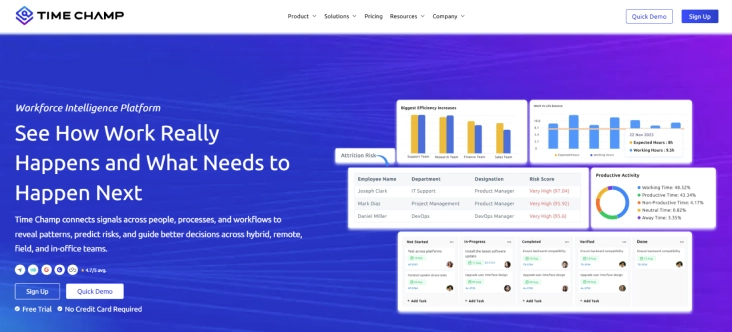
Time Champ is an employee monitoring software with a workforce intelligence layer that goes beyond basic tracking. It captures app and website usage, active and idle time, attendance, and project activity, then transforms this data into automated timesheets, capacity insights, and early burnout signals. Instead of just recording work, it helps teams understand performance patterns, improve focus, and make smarter decisions with real data.
Pros
- Delivers a complete view of productivity by combining tracking with actionable workforce insights.
- Reduces manual effort through automation in timesheets, attendance, and reporting.
- Helps you make smarter decisions with clear data on capacity and workload balance.
- Supports both remote and on-site teams with flexible tracking and GPS capabilities.
Cons
- Advanced insights may requires a setup period for new users.
- Full feature set may feel more than needed for very small teams.
- Initial setup requires proper configuration to get the most accurate insights.
Features
- Real-time Activity Tracking: Tracks app and website usage with clear productivity labels to show where time truly goes.
- Smart Activity Insights: Measures idle time and activity intensity to highlight focus patterns without guesswork.
- Automated Timesheets and Attendance: Eliminates manual entries with accurate, auto-generated work logs and attendance tracking.
- Project and Billable Tracking: Links time directly to tasks and projects for better billing accuracy and accountability.
- Workforce Intelligence Insights: Provides capacity forecasts, utilization trends, and early burnout risk indicators.
- Field Team GPS Tracking: Tracks on-site teams with location visibility for better coordination and accountability.
- Cross-platform Compatibility: Works seamlessly across Windows, macOS, Linux, Android, iOS, and Chrome OS environments.
Best Suited For
Remote, hybrid, in-office, and field teams.
Pricing
- Comes with a 7-day free trial
- Starter Plan: $3.9/user/month
- Professional Plan: $6.9/user/month
- Enterprise Plan: $13.9/user/month
Reviews
G2: 4.8/5
Capterra: 4.9/5
Struggling to understand where your team’s time goes each day?
Time Champ gives you clear visibility with real-time insights and workforce intelligence.
2. Hubstaff
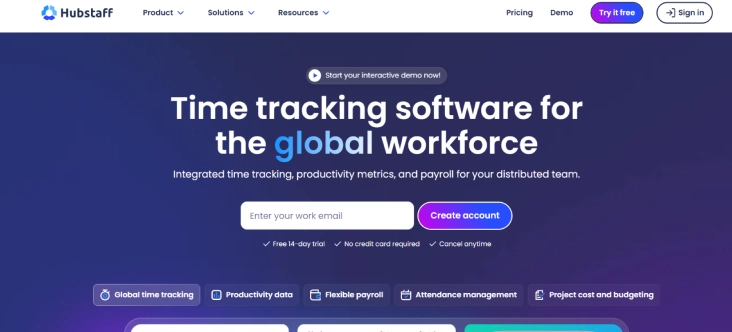
Hubstaff is productivity monitoring software designed to give teams clear visibility into time, work, and location. It focuses on helping businesses track hours accurately while keeping operations smooth across remote and field teams. The platform connects time tracking with payroll and project data, making it useful for service-based workflows. It balances monitoring with practical features that support billing and team coordination.
Pros
- Combines time tracking, payroll, and monitoring in one platform.
- Strong GPS tracking makes it ideal for field operations.
- Easy-to-understand reports for managers and teams.
Cons
- Screenshot features may feel intrusive for some teams.
- Limited deep productivity insights compared to advanced tools.
- Reporting customization options can feel restricted.
Features
- Tracks time with activity levels and optional screenshots to show how work progresses.
- Uses GPS tracking and geofencing to provide real-time visibility into field team locations.
- Automates payroll and invoicing by connecting tracked hours directly to payments.
- Allows teams to allocate time across projects and tasks for better tracking and control.
- Generates detailed reports that help analyze productivity and overall work hours.
Best Suited For
Service businesses that need to bill time, track location, and see proof of work.
Pricing
- Starter: $4.99/user/month
- Grow: $7.50/user/month
- Team: $10.00/user/month
- Enterprise: Contact the Hubstaff support team for more pricing details.
Reviews
G2: 4.4/5
Capterra: 4.5/5
3. Time Doctor
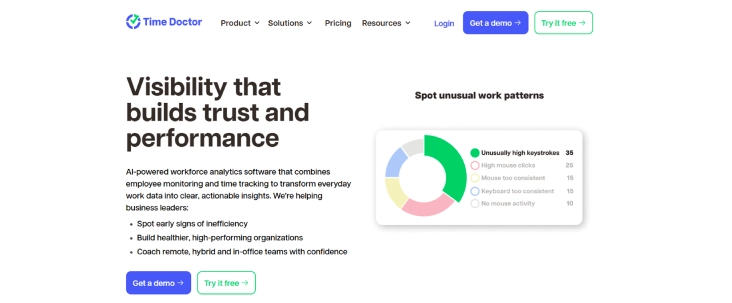
Time Doctor is a productivity monitoring tool built for teams that need strict accountability and structured workflows. It provides detailed tracking of work hours, application usage, and focus levels. The platform suits environments where output consistency and compliance matter. It helps you ensure that the time spent aligns closely with the assigned tasks.
Pros
- Strong accountability features for structured teams.
- Clear visibility into work habits and time usage.
- Helpful distraction alerts to improve focus.
Cons
- Heavy monitoring imposes strict tracking that creative roles may resist.
- Interface can feel slightly outdated in some areas.
- Requires careful setup to avoid over-monitoring.
Features
- Tracks time with screenshots and activity monitoring to show how work progresses throughout the day.
- Generates detailed reports that provide clear insights into time usage and productivity levels.
- Allows teams to track time across projects and tasks for better allocation and accountability.
- Integrates with project management tools to connect time tracking with ongoing workflows.
Best Suited For
Outsourced or BPO operations that need strict on-task tracking.
Pricing
- Basic: $6.70/user/month
- Standard: $11.70/user/month
- Premium: $16.70/user/month
Reviews
G2: 4.4/5
Capterra: 4.5/5
4. ActivTrak
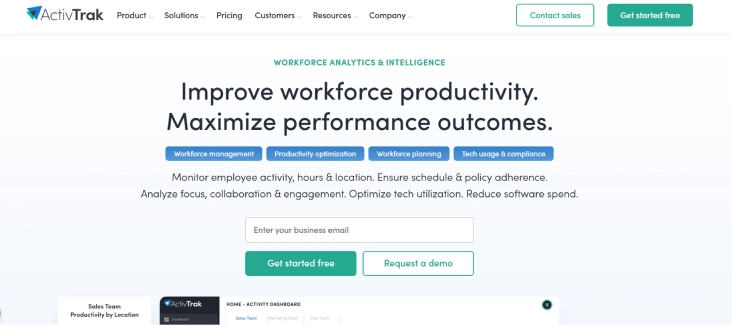
ActivTrak is a productivity monitoring platform that focuses on insights without surveillance. It helps teams understand how work happens without relying heavily on intrusive tracking methods. The platform uses behavior analytics to highlight productivity patterns and workflow gaps. It supports organizations that want data-driven decisions while maintaining employee trust.
Pros
- Emphasizes insights over invasive monitoring.
- Strong analytics for understanding team behavior.
- Clean dashboards that simplify data interpretation.
Cons
- Advanced features come at higher pricing tiers.
- Limited task-level tracking compared to some tools.
- May require time to fully understand analytics.
Features
- Tracks app and website usage to provide clear productivity insights across the team.
- Uses behavior analytics and performance dashboards to highlight work patterns and trends.
- Generates real-time and historical reports to help teams understand productivity over time.
- Offers screenshot-free monitoring options to maintain visibility without intrusive tracking.
Best Suited For
Hybrid teams that want insights without heavy surveillance.
Pricing
- Come with a free trial
- Essentials: $10 per user/ per month
- Essentials Plus: $15 per user/ per month
- Professional: $19 per user/ per month
Reviews
G2: 4.3/5
Capterra: 4.5/5
5. DeskTime
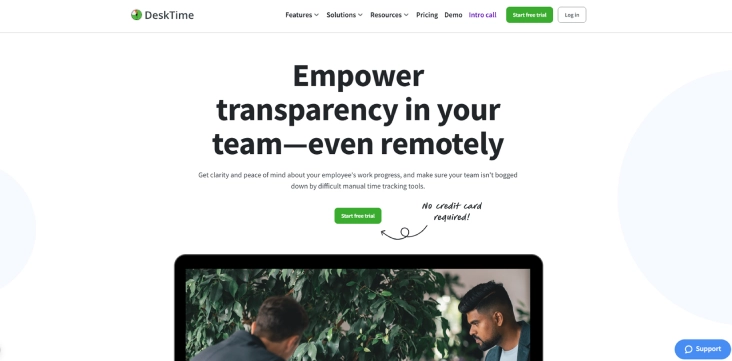
DeskTime is a simple productivity monitoring tool that helps teams get started with tracking quickly. It focuses on automatic time tracking and basic productivity insights without adding complexity. The platform suits small teams that want visibility into daily work patterns. It keeps setup easy while still offering useful tracking features.
Pros
- Quick setup with minimal learning curve.
- Automatic tracking reduces manual effort.
- Affordable pricing for small teams.
Cons
- Limited advanced analytics and insights.
- Fewer customization options for reports.
- Not ideal for large or complex teams.
Features
- Automatically tracks time based on app and website usage without manual input.
- Classifies tracked activities into productive and non-productive categories for better visibility.
- Allows teams to track time across projects to improve task allocation and planning.
- Provides basic reports that show individual and team performance clearly.
Best Suited For
Small teams new to productivity monitoring who want a simple start.
Pricing
- Pro: $4.58/user/month
- Premium: $6.42 /user/month
- Enterprise: Contact the DeskTime support team for more pricing details.
Reviews
G2: 4.5/5
Capterra: 4.5/5
6. Teramind
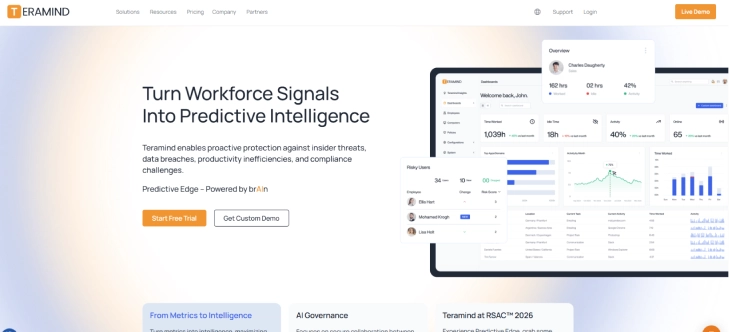
Teramind is an advanced monitoring solution designed for organizations that prioritize security and compliance. It provides deep visibility into user behavior while helping prevent data loss and insider threats. The platform combines productivity tracking with strong security controls. It fits enterprises that need both monitoring and risk management.
Pros
- Strong security and compliance capabilities.
- Detailed visibility into user behavior.
- Customizable monitoring policies for enterprises.
Cons
- Can feel complex for smaller teams.
- Higher pricing compared to standard tools.
- Extensive monitoring may raise privacy concerns.
Features
- Analyzes user behavior and monitors activity to provide deep visibility into work patterns.
- Prevents data loss and detects insider threats to strengthen organizational security.
- Records sessions and maintains detailed activity logs for complete tracking.
- Offers compliance-focused monitoring tools to support regulatory requirements.
Best Suited For
Security-sensitive enterprises and regulated industries.
Pricing
- Starter: $15/user/month
- UAM: $30/user/month
- DLP: $35/user/month
- Enterprise: Contact the Teramindsupport team for more pricing details.
Reviews
G2: 4.6/5
Capterra: 4.7/5
7. Insightful
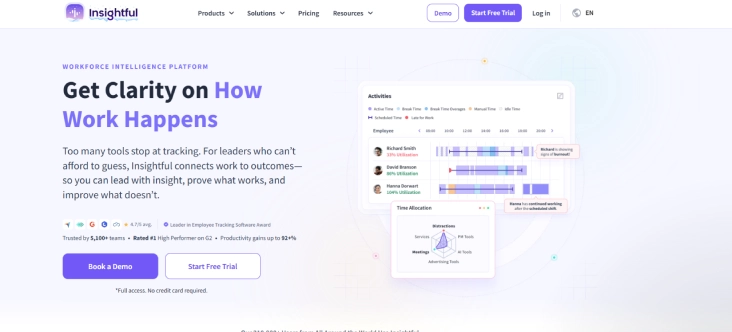
Insightful is a workforce analytics platform that helps large organizations understand productivity at scale. It focuses on turning activity data into actionable insights for performance and efficiency. The platform supports distributed teams across multiple regions. It helps leaders optimize workflows and improve overall productivity.
Pros
- Strong analytics for enterprise-level decision making.
- Supports large, distributed teams effectively.
- Detailed insights into workforce utilization.
Cons
- May feel complex for smaller teams.
- Requires setting up time for accurate insights.
- Higher cost for advanced features.
Features
- Tracks real-time activity and delivers workforce analytics to show how work happens across teams.
- Provides productivity insights and performance dashboards to help managers understand trends clearly.
- Tracks time across projects to ensure better allocation and accountability.
- Generates custom reports to support decision-making in large-scale operations.
Best Suited For
Enterprises with 1,000+ employees and multi-region teams.
Pricing
- Workforce Analytics: $10/user/month
- Workflow Optimization: $15/user/month
- Work Intelligence Bundle: $20/user/month
- Enterprise: Contact the Insightful support team for more pricing details.
Reviews
G2: 4.6/5
Capterra: 4.8/5
8. Toggl Track
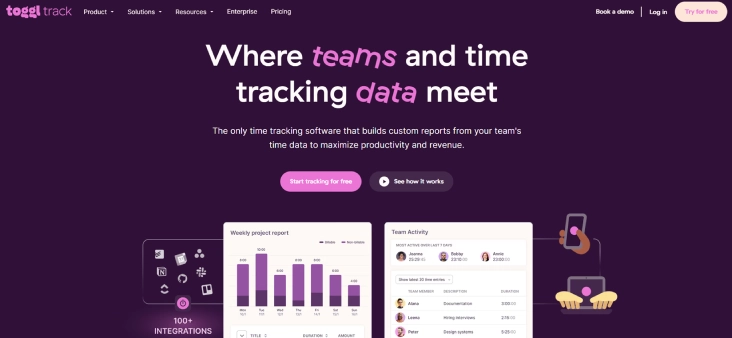
Toggl Track is a simple time tracking tool designed for individuals and small teams. It focuses on ease of use while providing clear visibility into how time is spent. The platform works well for freelancers and consultants who need accurate billing. It avoids heavy monitoring and keeps the experience lightweight.
Pros
- Easy to use with a clean interface.
- Great for freelancers and small teams.
- Strong reporting for billable work.
Cons
- Limited productivity monitoring capabilities.
- No deep activity tracking or insights.
- Not suitable for large team management.
Features
- Allow one-click time tracking with both manual and automatic options for flexibility.
- Organizes time based on projects and clients to keep work structured and easy to manage.
- Generate detailed reports that help to track billable hours and overall productivity.
- Works across multiple platforms to ensure access from any device.
Best Suited For
Freelancers, consultancies, and individual professionals.
Pricing
- Comes with a free trial
- Starter: $9/user/month
- Premium: $18/user/month
- Enterprise: Contact the Toggl Tracksupport team for more pricing details.
Reviews
G2: 4.6/5
Capterra: 4.7/5
9. RescueTime
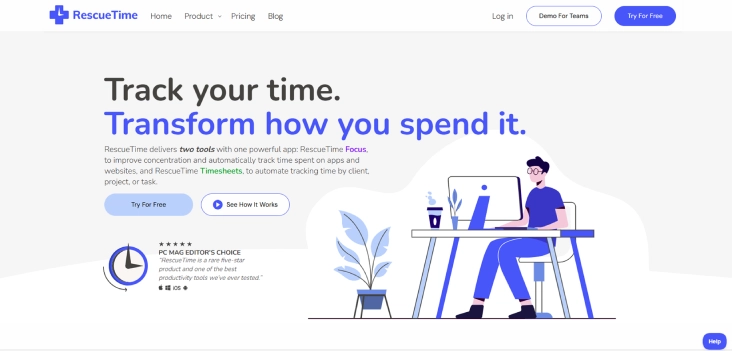
RescueTime focuses on personal productivity and helps individuals build better work habits. It tracks how time is spent across apps and websites, then provides insights to improve focus. The platform encourages self-awareness rather than team monitoring. It suits individuals who want to optimize their daily workflow.
Pros
- Strong focus on personal productivity improvement.
- Easy to set up and use.
- Helpful insights into building better habits.
Cons
- Not designed for team-level monitoring.
- Limited collaboration or management features.
- Basic reporting compared to enterprise tools.
Features
- Automatically tracks app and website usage to show how time is spent throughout the day.
- Offers focus sessions that help reduce distractions and improve concentration during work hours.
- Provides productivity scores and detailed reports to highlight patterns and performance trends.
- Supports goal setting and habit tracking to help users build better work routines.
Best Suited For
Individual contributors and solo founders who want to train themselves.
Pricing
- Come with a free trial
- RescueTime: $12/user/month
Reviews
G2: 4.2/5
Capterra: 4.6/5
10. Monitask
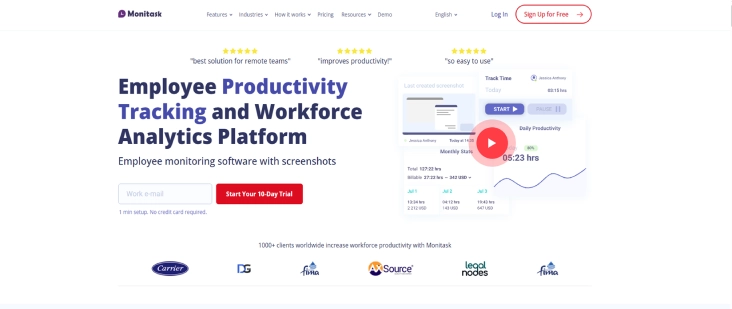
Monitask is a budget-friendly productivity monitoring tool built for small remote teams. It provides essential tracking features without adding unnecessary complexity. The platform focuses on time tracking, screenshots, and basic productivity insights. It helps teams maintain visibility while keeping costs low.
Pros
- Affordable pricing for small teams.
- Easy to set up and manage.
- Covers essential monitoring needs.
Cons
- Limited advanced features and analytics.
- Basic interface compared to premium tools.
- Fewer integrations with other platforms.
Features
- Tracks time with optional screenshots to provide visibility into daily work activity.
- It monitors employee activity and generates productivity reports for better performance insights.
- Allows project-based time tracking to organize work and measure output accurately.
- Tracks employee attendance to maintain clear records of work hours and availability.
Best Suited For
Small remote teams on a tight budget.
Pricing
- Pro: $4.99/user/month
- Business: $6.99/user/month
- Enterprise: Contact the Monitasksupport team for more pricing details.
Reviews
G2: 4.8/5
Capterra: 4.8/5
Too many tools, but still no clear picture of productivity and performance?
Time Champ turns activity data into actionable insights that help you make better decisions.
Productivity Monitoring Software Checklist
Choosing the right productivity monitoring software starts with understanding how visibility, performance, and team trust connect. The right tool should give clear insights into work without creating friction or unnecessary complexity.
Cost and Value for Teams
Focus on overall value rather than just monthly pricing. A good productivity monitoring tool reduces manual effort, improves efficiency, and supports better decisions that justify its cost overtime.
Tracking Depth and Accuracy
Select software that tracks apps, websites, idle time, and project activity in a meaningful way. Accurate tracking ensures the data reflects real work patterns, not just surface-level activity.
Insights and Reporting Quality
Prioritize tools that turn data into clear insights. Strong reporting should help you understand productivity trends, workload distribution, and areas that need improvement.
Automation and Ease of Use
Choose a tool that automates time sheets, attendance, and reports. Easy-to-use platforms reduce onboarding time and help teams adopt the system without resistance.
Privacy and Transparency
Look for tools that offer configurable tracking and clear visibility for employees. Transparent monitoring builds trust and prevents the feeling of surveillance.
Integration and Compatibility
Ensure the software integrates with your existing tools like project management, payroll, and communication platforms. Smooth integrations keep workflows connected and efficient.
Team Fit and Scalability
Pick a solution that matches your team size and work style, whether remote, hybrid, or field-based. The tool should scale as your team grows without adding complexity.
Trial and Real-World Testing
Start with a trial to evaluate how the tool performs in your actual workflow. Real usage helps confirm if the insights are accurate and useful for decision-making.
Conclusion
Productivity monitoring software in 2026 helps teams turn everyday work activity into clear, actionable insights. It helps teams move beyond guesswork by showing how time, focus, and output connect across tasks, projects, and workflows. The tools in this list range from simple time trackers to advanced platforms with workforce intelligence, each suited for different team sizes and needs. Choosing the right one depends on how your team works, the level of visibility you need, and how well the tool balances insight with trust. When implemented thoughtfully, the right software not only improves productivity but also supports better decisions, stronger accountability, and more efficient use of time.

Anjali

Table of Content
 What is Productivity Monitoring Software?
- What are the 10 Best Productivity Monitoring Software?
- Productivity Monitoring Software Checklist
- Conclusion

Related Blogs

Discover the real pros and cons of employee productivity tracking, how it impacts your team, and the right way to use it to support trust and performance.
Anjali | May 02, 2026
Implement a productivity tracking tool with clear steps, setup tips, and best practices to track employee productivity and improve team performance.
Thasleem Shaik | Apr 30, 2026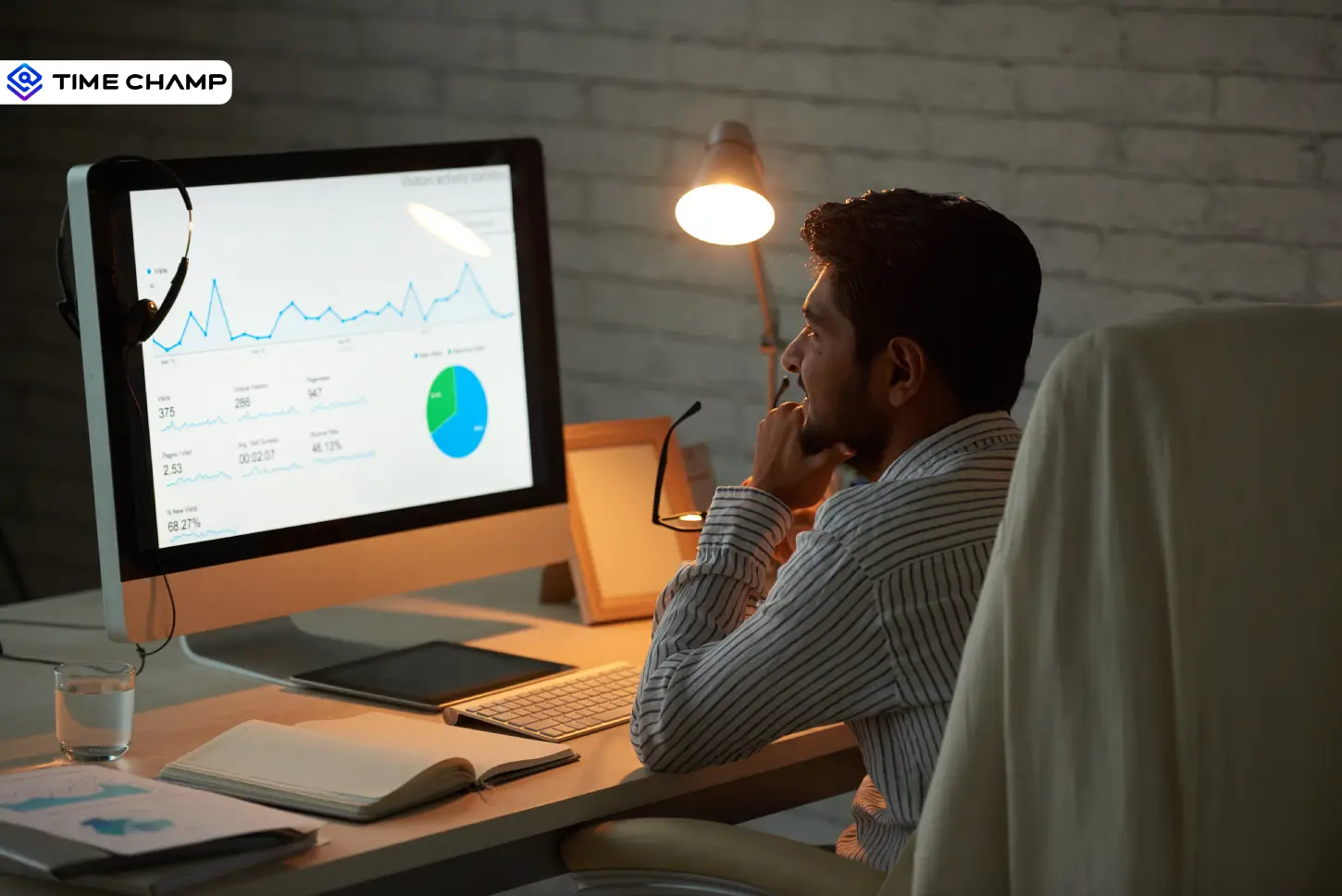
Explore the top benefits of productivity tracking software for better visibility, balanced workloads, smarter planning, and improved business decisions.
Guna Lakshmi | Apr 30, 2026
A practical guide to choosing productivity tracking software for your team, with comparisons of features, pricing, privacy, security, and rollout risks.
Jahnavi Pulluri | May 01, 2026
Productivity tracking is legal in the US, UK, and EU when you follow the rules. Get the per-region checklist, GDPR framework, and risk lines.
Guna Lakshmi | May 01, 2026
Understand the role of productivity tracking in remote work and how it improves team clarity, workload balance, and performance with real insights.
Thasleem Shaik | May 01, 2026


 4.7/5 avg.
Ready to Manage Your Workforce Smarter?
Join our family of 1500+ companies using smart insights to redefine workforces!

Free Trial
No Credit Card Required