11 Best Pomodoro Apps for Productivity and Focus (2026)
Compare the 11 best Pomodoro apps for 2026 by features, pricing, and use cases. Learn when the technique fails and what most apps miss for modern teams.
The average workday isn't usually lost because of one big distraction. It's lost to dozens of small ones, and before you know it, your afternoon is gone, and your most important work is still waiting.
That's why millions of people use the Pomodoro Technique. While you can follow this technique with any basic timer, dedicated Pomodoro apps make it much easier to stay consistent. The best ones go beyond countdowns by helping you block distractions, track your focus sessions, manage tasks, analyze productivity, and build better work habits over time.
In this blog, I’ll compare the 11 best Pomodoro apps for productivity and focus in 2026, covering their key features, pricing, pros, and ideal use cases.
What Makes a Pomodoro App Worth Using?
A good Pomodoro app does far more than count down 25 minutes. It helps you build a sustainable focus habit by tracking your sessions, automatically switching between work and breaks, and providing enough motivation, through insights, streaks, or a distraction-free design, to keep you consistent.
When comparing Pomodoro apps, these four factors matter most:
- Low Friction: Start a focus session in one or two clicks without navigating a lengthy setup.
- Custom Intervals: Adjust work and break lengths to match your personal focus rhythm, not just the default 25/5 split.
- Cross-Device Sync: Keep your sessions, tasks, and progress synced across your laptop, phone, and tablet.
- A Distraction-Free Interface: A clean design helps you stay focused instead of competing for your attention.
If you're new to this method, check out our blog: Pomodoro Technique before diving in. Otherwise, let's explore the best Pomodoro apps for 2026.
Choosing the right Pomodoro app is only half the battle
Track where deep work happens, where interruptions happen, and what’s costing focus
The 11 Best Pomodoro Apps In 2026
The best Pomodoro app depends on how you work. Whether you need a simple timer, built-in task management, or distraction-blocking features, these are the 11 best Pomodoro apps to try in 2026.
1. Pomofocus – Best Free Web Pomodoro App
Best For: Anyone who wants a simple, no-sign-up Pomodoro timer
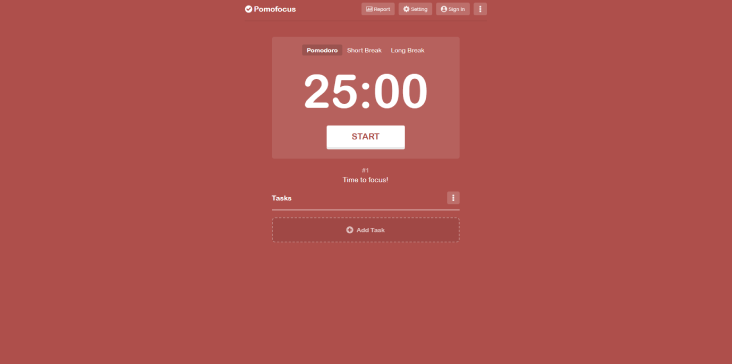
Pomofocus is one of the easiest Pomodoro apps to start using. It runs entirely in your browser, requires no account, and lets you begin a focus session in seconds. You can customize work and break intervals, assign timers to tasks, and track your daily Pomodoro sessions. The premium plan unlocks detailed reports and templates, but the free version covers everything most users need.
Key Features
- Browser-based timer
- Custom work and break intervals
- Task tracking
- Daily productivity reports
- Keyboard shortcuts
Platforms: Web
Pricing: Free, pricing starts from $3/month
Pros
- No installation or sign-up required
- Extremely simple interface
- Fully customizable timer
Cons
- Limited analytics on the free plan
- No dedicated desktop or mobile apps
2. Forest – Best Pomodoro App for Beating Phone Distractions
Best For: Students and anyone who gets distracted by their phone
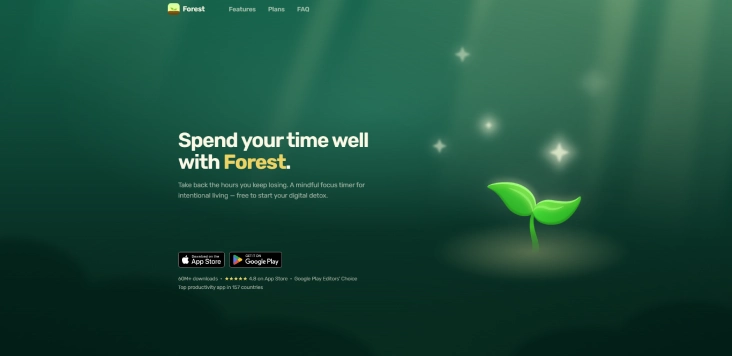
Forest makes staying focused surprisingly engaging. Start a focus session, and a virtual tree begins to grow. Leaving the app before the timer ends causes the tree to wither, adding a simple but effective layer of accountability. Over time, you build a virtual forest, and the app also partners with tree-planting organizations to support real-world environmental efforts.
Key Features
- Gamified focus sessions
- Virtual tree planting
- Deep Focus mode
- Focus on history and statistics
- Real tree planting program
Platforms: iOS, Android
Pricing: Paid on iOS, Free with in-app purchases on Android
Pros
- Great motivation to stay off your phone
- Beautiful interface
- Makes focus enjoyable
Cons
- Limited desktop support
- Better for individual use than for teams
3. Focus To-Do – Best Pomodoro App with Task Management
Best For: Users who want a Pomodoro timer and to-do list in one app
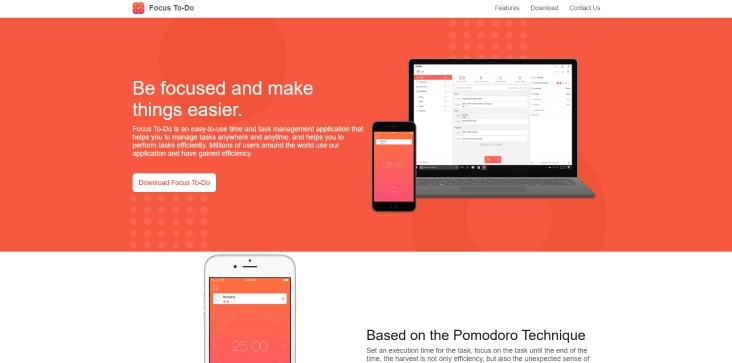
Focus To-Do combines a customizable Pomodoro timer with a capable task manager. Instead of switching between productivity apps, you can organize tasks, estimate effort, run focus sessions, and review productivity reports from one dashboard. It also syncs across multiple devices.
Key Features
- Built-in task manager
- Custom Pomodoro intervals
- Calendar view
- Productivity reports
- Cloud sync
Platforms: Windows, macOS, iOS, Android, Web, Chrome
Pricing: Free, pricing starts from $2.99/month
Pros
- Excellent value
- Cross-platform syncing
- Strong reporting
Cons
- Interface can feel busy
- Some advanced features require Premium
4. Focus Keeper – Best Pomodoro App for iPhone Users
Best For: Apple users who want a simple focus timer
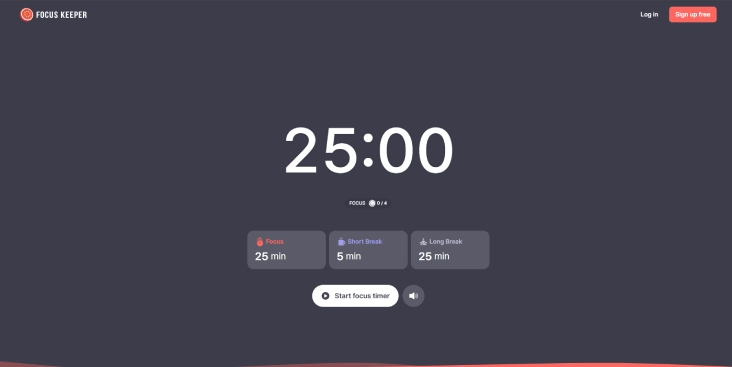
Focus Keeper recreates the classic Pomodoro experience with a clean circular timer and simple customization options. It includes productivity statistics and flexible work and break intervals without unnecessary complexity.
Key Features
- Classic Pomodoro timer
- Custom intervals
- Focus statistics
- Goal tracking
- Notifications
Platforms: iPhone, iPad, Apple Watch, Android
Pricing: Free
Pros
- Very easy to use
- Excellent Apple Watch support
- Clean interface
Cons
- Limited collaboration features
5. Be Focused – Best for the Apple Ecosystem
Best For: People who work across Mac, iPhone, and iPad
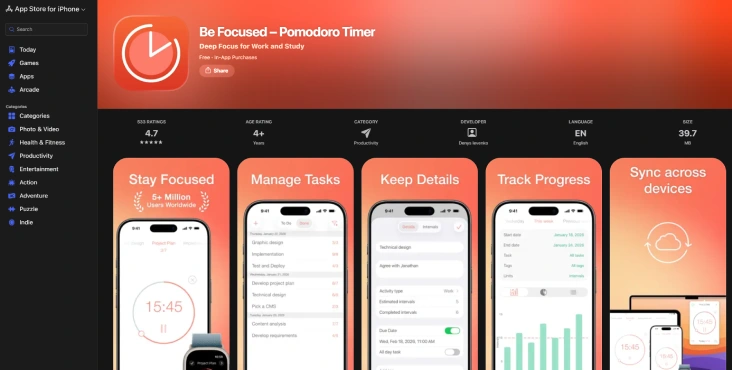
Be Focused offers seamless syncing between Apple devices while combining task management with customizable Pomodoro sessions. It keeps your sessions organized and provides simple reports to help identify productivity trends.
Key Features
- Apple ecosystem sync
- Task organization
- Custom timer lengths
- Daily reports
- Siri Shortcuts support
Platforms: macOS, iPhone, iPad
Pricing: Free, Pro version available
Pros
- Native Apple experience
- Reliable syncing
- Easy to customize
Cons
- No Android or Windows support
- Basic analytics
6. Session – Best Premium Pomodoro App for Mac
Best For: Professionals who want a premium focus experience
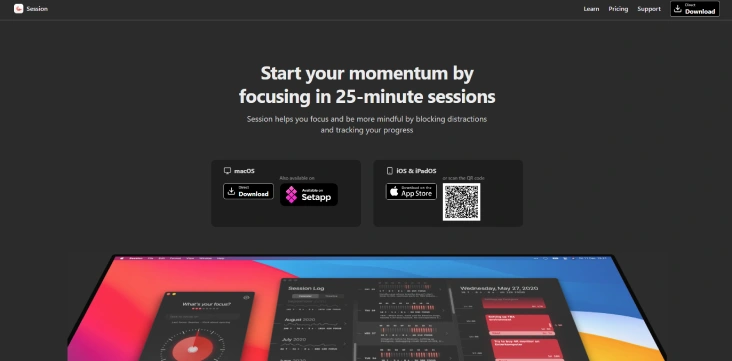
Session combines elegant design with thoughtful productivity tools. Beyond a customizable timer, it offers distraction blocking, focus reflections, analytics, and integrations with productivity apps. It feels more like a complete focus system than a simple timer.
Key Features
- Focus reflections
- Website and app blocking
- Productivity analytics
- Apple ecosystem integration
- Custom focus sessions
Platforms: macOS, iPhone, iPad
Pricing: Free, pricing starts at $4.99/monthly
Pros
- Beautiful design
- Advanced focus insights
- Excellent distraction blocking
Cons
- Subscription required
- Apple-only
7. TickTick – Best If You Already Use a Task Manager
Best For: Users who manage work inside TickTick
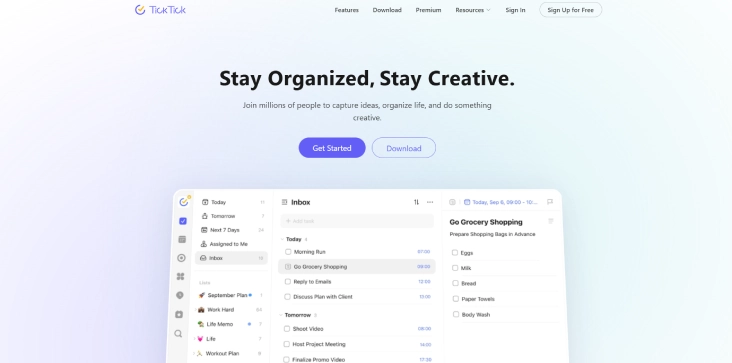
TickTick includes a surprisingly capable Pomodoro timer alongside its task management and calendar features. You can launch focus sessions directly from tasks, customize intervals, and even play white noise while working.
Key Features
- Built-in Pomodoro timer
- Task management
- Calendar integration
- White noise
- Productivity reports
Platforms: Windows, macOS, Linux, Web, iOS, Android
Pricing: Free, pricing starts from $35.99/year
Pros
- No need for a separate timer app
- Excellent task management
- Cross-platform support
Cons
- Premium unlocks the most advanced features
- Better suited to existing TickTick users
8. Toggl Track – Best for Freelancer
Best For: Freelancers, agencies, and consultants
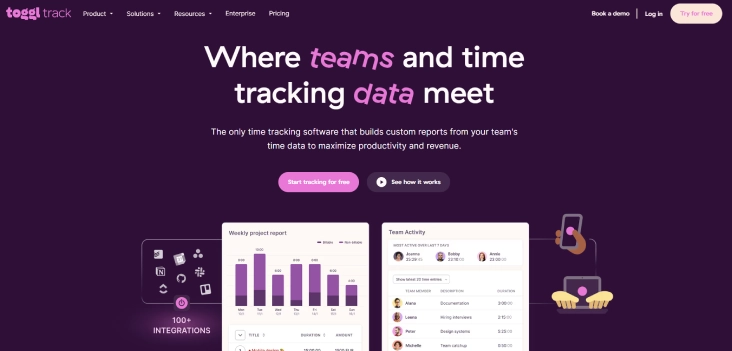
Toggl Track combines time tracking with Pomodoro sessions, making it ideal for professionals who need both productivity and accurate billing. It also generates detailed reports that help analyze where your working hours go.
Key Features
- Pomodoro mode
- Time tracking
- Billable hours
- Team reporting
- Project tracking
Platforms: Windows, macOS, Linux, Web, iOS, Android
Pricing: Free, pricing starts at $9/user/month
Pros
- Excellent reporting
- Ideal for client work
- Team management features
Cons
- More time tracker than dedicated Pomodoro app
- Can feel excessive for personal use
9. RoundPie (Formerly PomoDone) – Best for Project Management Integrations
Best For: Teams already using project management tools
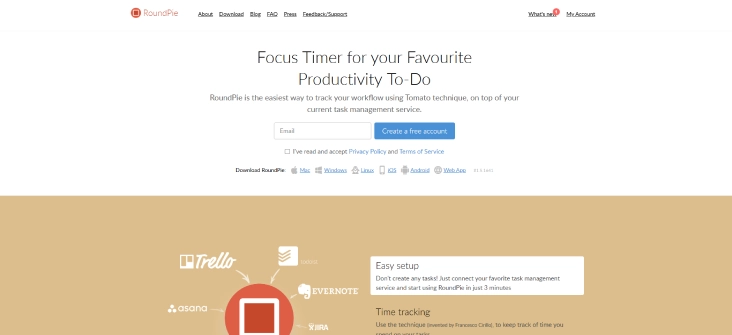
RoundPie connects your Pomodoro sessions to project management platforms such as Trello, Asana, Jira, ClickUp, and Todoist. Instead of recreating tasks, you work directly from your existing projects.
Key Features
- Integrates with project management apps
- Custom focus sessions
- Interruption tracking
- Browser extension
- Focus reports
Platforms: Windows, macOS, Linux, Web
Pricing: Paid plans available
Pros
- Excellent integrations
- Built for existing workflows
- Flexible customization
Cons
- Interface feels dated
- No generous free plan
10. Flow & Flocus – Best for Minimalist Focus Session
Best For: People who enjoy calm, distraction-free workspaces
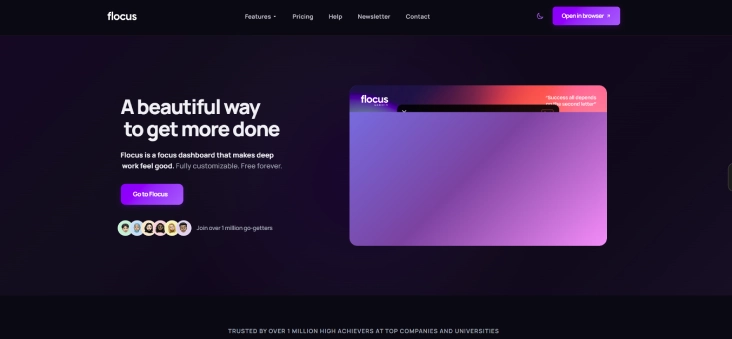
Flow and Flocus take different approaches to focus, but both prioritize simplicity. Flow offers a clean timer with simple productivity insights, while Flocus transforms your browser into a relaxing workspace complete with ambient sounds, beautiful backgrounds, and a built-in Pomodoro timer.
Key Features
- Minimal interface
- Ambient sounds
- Focus timer
- Productivity insights
- Aesthetic workspace
Platforms: Web (Flocus), Apple devices (Flow)
Pricing: Free, pricing starts at $5/month (annually)
Pros
- Beautiful interface
- Relaxing work environment
- Great for deep work
Cons
- Fewer productivity features
- Limited reporting
11. Marinara Timer – Best Free Shared Pomodoro Timer
Best For: Flexible individual or group focus sessions
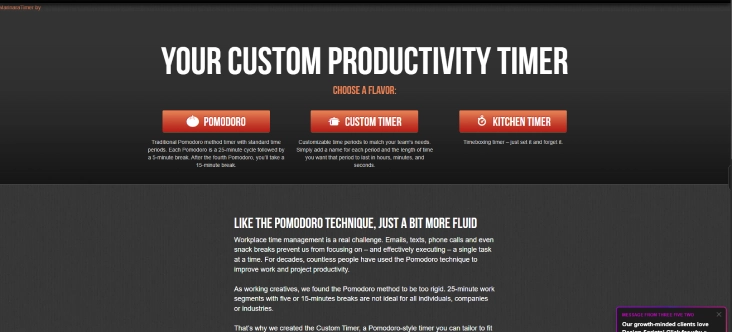
Marinara Timer is a simple web-based Pomodoro timer that lets you choose between classic, custom, and long timers. It also supports shareable timer links, making it a simple option for study groups or remote teams working together.
Key Features
- Classic and custom timers
- Shareable timer links
- No account required
- Browser-based
- Flexible countdowns
Platforms: Web
Pricing: Free
Pros
- Completely free
- Great for shared sessions
- No installation required
Cons
- Very basic interface
- No analytics or task management
When Does the Pomodoro Technique Backfire?
The Pomodoro Technique isn't ideal for every task or every person. A fixed 25-minute timer can interrupt deep creative work, and for some people, the countdown creates pressure instead of improving focus. If you're in a productive flow, a forced break may hurt more than help.
A 2025 study published in Behavioral Sciences found no significant improvement in task completion compared with other study methods, while participants also reported declining motivation over time.
The takeaway is simple: don't treat the 25/5 rule as mandatory. If it doesn't fit your workflow, experiment with longer focus blocks, shorter sprints, or flexible methods like Flowtime. The best Pomodoro app adapts to your work style, not the other way around.
What Every Pomodoro App Gets Wrong About Teams
Most Pomodoro apps are designed for individuals, not teams. They can tell you how many focus sessions you completed, but they can't show whether an entire team is getting uninterrupted focus time or constantly losing it to meetings, messages, and context switching.
That's a problem because interruptions are expensive. A personal Pomodoro app can't show managers where those interruptions happen or whether focus habits are actually improving across the team.
The result is a visibility gap. Individual streaks and completed timers don't necessarily translate into better team productivity. Managers need insights into how work is interrupted and where deep work is being protected, something most Pomodoro apps simply weren't built to provide.
Don't just count Time. Measure your real productivity
Start your free Time Champ trial and see where your focus time actually goes
Conclusion
There’s no single “best” Pomodoro app, only the one that fits how you work. Whether you prefer a simple timer, a full task manager, or a distraction-free focus tool, the right app can make consistency much easier. The key is not just tracking time but building a system that supports real focus. Start with one app, test it in your workflow, and adjust as your needs evolve.

Jahnavi Pulluri

Table of Content
 What Makes a Pomodoro App Worth Using?
- The 11 Best Pomodoro Apps In 2026
- When Does the Pomodoro Technique Backfire?
- What Every Pomodoro App Gets Wrong About Teams
- Conclusion

Related Blogs

Learn what time management skills are, compare key skills, explore examples with stats, and see how they differ from time management techniques.
Thasleem Shaik | Apr 08, 2026
Explore the essentials of project time management, its importance, best processes and top tips to meet deadlines without fail and boost workforce productivity.
Shabana Shaik | Oct 10, 2024
Still believe multitasking saves time? Discover 10+ common time management myths that are holding you back and learn what actually works.
Guna Lakshmi | Jun 03, 2026
Discover practical time management techniques to improve focus, prioritize tasks, reduce distractions, and manage your workday more effectively.
Thasleem Shaik | May 21, 2026
Learn how to build a time management plan that aligns roles, goals, and schedules. A practical, step-by-step guide to lead your team with clarity.
Thasleem Shaik | May 25, 2026
Compare the 10 best time management apps for 2026, with free plans, pricing, and what each tool is best for, so you can pick the right one for your team fast.
Guna Lakshmi | May 26, 2026


 4.7/5 avg.
Ready to Manage Your Workforce Smarter?
Join our family of 1500+ companies using smart insights to redefine workforces!

Free Trial
No Credit Card Required