13 Best Construction Project Management Software in 2026
Compare the 13 best construction project management software for 2026. Explore features, pricing, pros, cons, and tips for choosing the right solution.
Construction productivity has grown by just 1% a year over the past two decades, compared to 2.8% for the global economy and 3.6% for manufacturing, according to McKinsey Global Institute.
A big reason is the same everyday challenges: project delays, outdated drawings, material shortages, poor communication, and budgets that go off track before anyone notices.
Construction project management software helps keep everything in one place, from schedules and drawings to budgets, field updates, and team communication, making projects easier to manage.
In this blog, I'll compare the 13 best construction project management software tools for 2026, explore their key features, and help you choose the right one for your business, while highlighting why many platforms still lack real-time labor tracking.
What is Construction Project Management Software?
Construction project management software brings all project information into one place. It helps teams manage schedules, drawings, documents, budgets, daily reports, materials, and communication from a single platform. This makes it easier to track progress, solve problems quickly, and keep projects on schedule.
The 13 Best Construction Project Management Software
Every construction business has different needs, so the best software depends on the types of projects you manage, your team size, and the challenges you face.
Below, we'll look at what each tool does well, its drawbacks, and who it's best for.
1. Time Champ
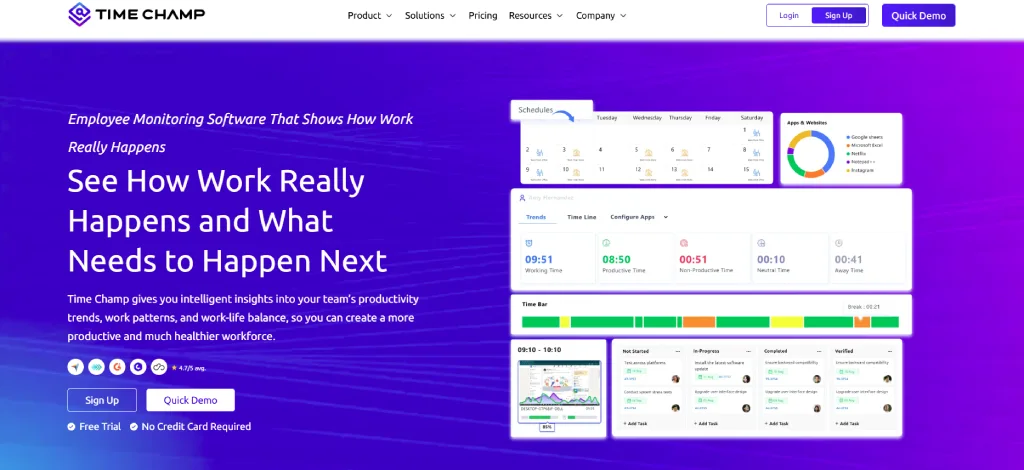
Best For: Contractors who want to track employee time, attendance, and labor costs across multiple job sites.
Key Features:
- GPS-based attendance with location-based clock-ins
- Offline time tracking that syncs when the internet is available
- Project and task management with Kanban boards and budget tracking
- Reports for labor costs, overtime, attendance, travel, and expenses
- Shift scheduling with alerts for missed check-ins
- Automatic timesheets and payroll-ready reports
Limitations: It doesn't include drawing management or RFIs, so you may need another tool for those tasks.
Pricing:
- Free Trial: 7-day free trial with full feature access
- Starter Plan: $3.9 per user per month (billed annually)
- Professional Plan: $6.9 per user per month (billed annually)
- Enterprise Plan: $13.9 per user per month (billed annually)
Reviews:
G2: 4.8
Capterra: 4.9
Ready to Simplify Your Construction Projects?
Manage projects, track workforce productivity, and improve team collaboration with Time Champ
2. Procore
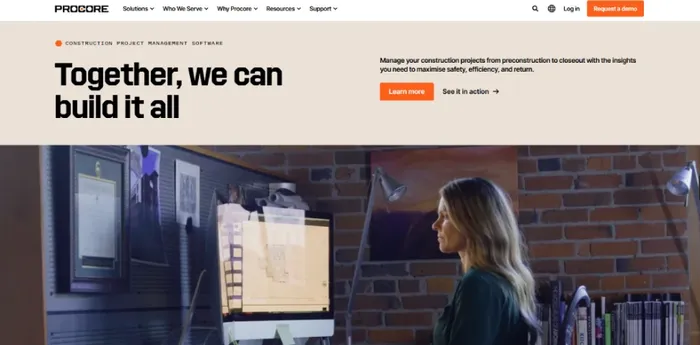
Best For: Mid-sized and large contractors who want one platform to manage the entire project.
Key Features:
- Drawing, document, RFI, and submittal management
- Daily logs, inspections, and safety tools
- Budget tracking, change orders, and cost management
- Supports unlimited users on many plans
Limitations: It can be expensive for small companies, and setup takes time.
Pricing: Custom pricing.
Reviews:
G2: 4.6
Capterra: 4.5
3. Autodesk Build (Formerly PlanGrid)
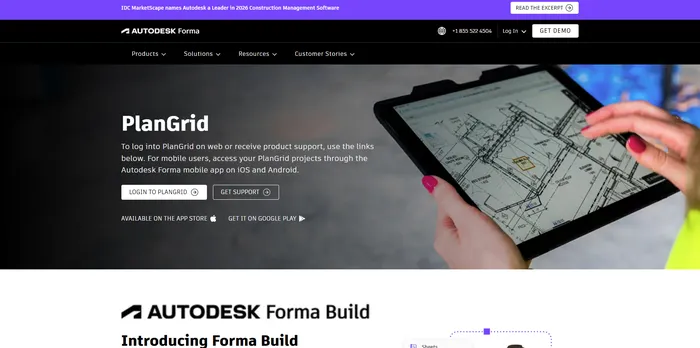
Best For: Teams already using Autodesk software.
Key Features:
- View and mark up drawings on mobile devices
- Manage RFIs, submittals, and project issues
- Track project costs and changes
- Easy connection with Autodesk design tools
Limitations: It has many features, so it can take time to learn and may be more than small teams need.
Pricing:
- Forma Build Essentials: $67/month (billed annually)
- Forma Build – per user: $117/month (billed annually)
- Forma Build: Contact Sales
Reviews:
G2: 4.4
Capterra: 4.5
4. Bluebeam Revu
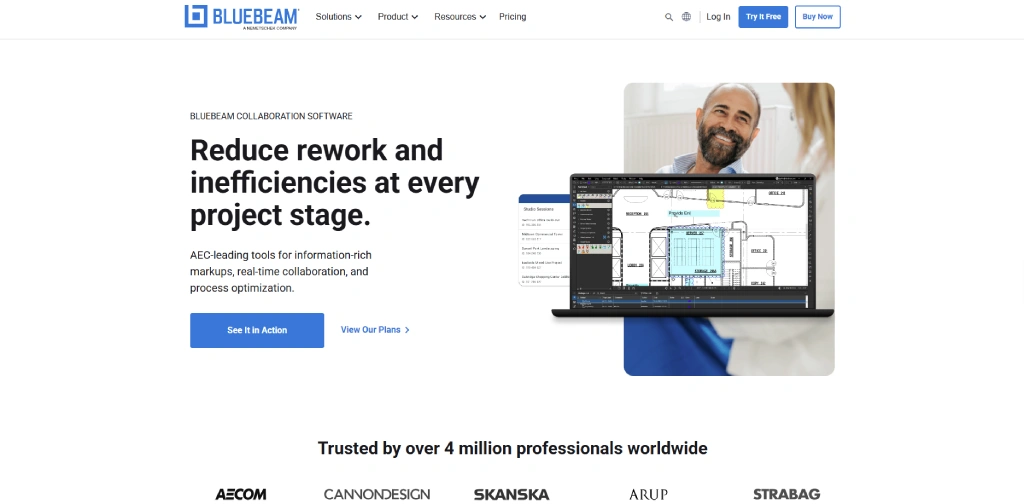
Best For: Contractors, architects, engineers, and construction teams that collaborate heavily on drawings and document markups.
Key Features:
- PDF markup and real-time document collaboration
- Quantity takeoffs and measurement tools
- Drawing comparison and version tracking
- Studio Sessions for team collaboration
- Integration with Autodesk, Procore, and Microsoft 365
Limitations: Focuses more on document management and collaboration than complete project management.
Pricing:
- Basics: $260/user (billed annually)
- Core: $330/user (billed annually)
- Complete: $440/user (billed annually)
- Max: $590/user (billed annually)
Reviews:
G2: 4.6
Capterra: 4.7
5. Fieldwire by Hilti
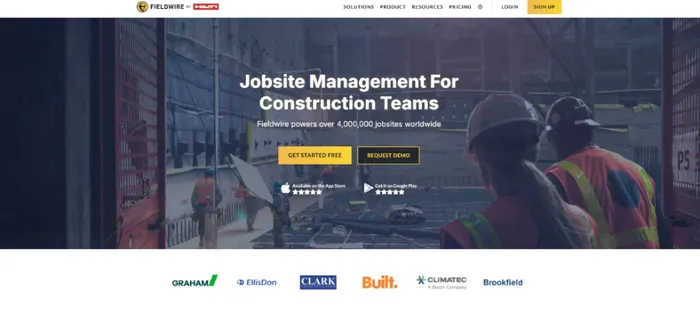
Best For: Site teams that need simple plan viewing and task management.
Key Features:
- View and mark up drawings with version control
- Task and punch list management
- Inspection forms and checklists
- Photo updates linked to project drawings
Limitations: Budgeting and cost management features are limited compared to full construction management platforms.
Pricing:
- Basic: $0/user/month (billed annually)
- Pro: $39/user/month (billed annually)
- Business: $64/user/month (billed annually)
- Business Plus: $89/user/month (billed annually)
Reviews:
G2: 4.5
Capterra: 4.6
6. Outbuild
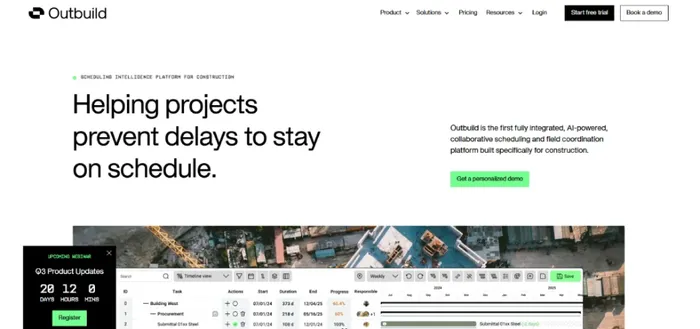
Best For: Contractors who use lean construction and team-based planning.
Key Features:
- Long-term, short-term, and weekly planning
- Tracks problems before work begins
- Measures how much planned work is completed
- Makes it easy for contractors and subcontractors to work together
Limitations: It mainly focuses on scheduling, so you'll need other software for documents and budgeting.
Pricing:
- Outbuild Core: $999/month (billed annually)
- Outbuild Pro: Custom Pricing
Reviews:
G2: 4.8
Capterra: 4.9
7. Oracle Primavera P6
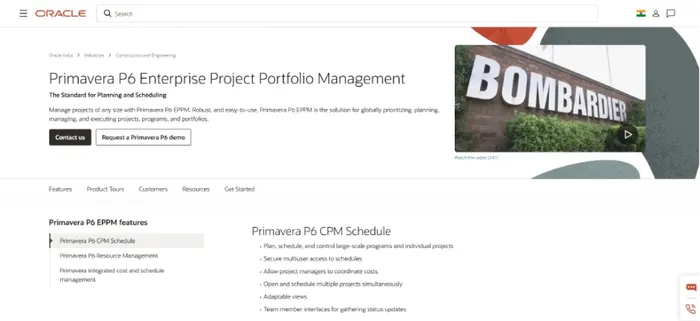
Best For: Large infrastructure, industrial, and energy projects.
Key Features:
- Advanced project scheduling
- Resource and cost planning
- Manage multiple projects from one place
- Detailed project and risk reports
Limitations: It takes time to learn and may be too advanced for small or medium-sized businesses.
Pricing:
- Primavera P6 Professional: $3,880/user
- Primavera P6 Enterprise: $4,240 /user
- Primavera Cloud: $7,800/ 5-users/annually
Reviews:
G2: 4.4
Capterra: 4.4
8. Contractor Foreman
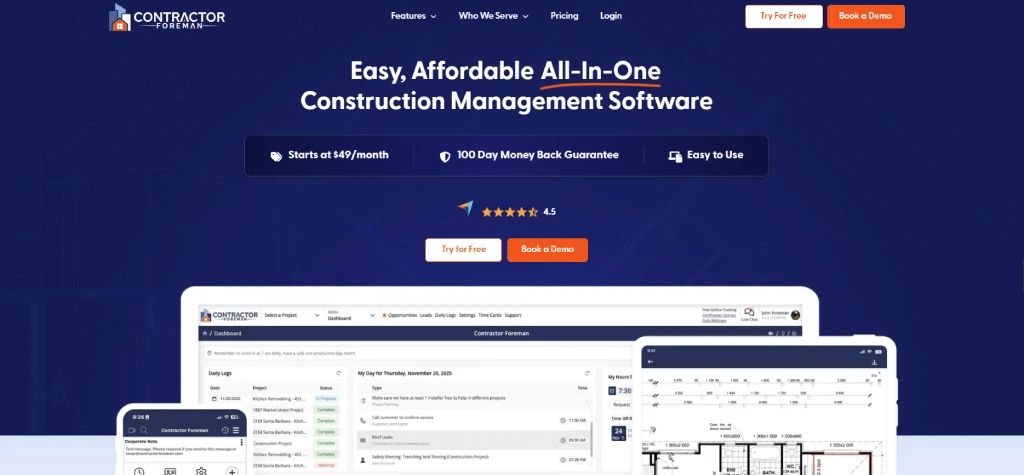
Best For: Small and medium-sized contractors looking for a budget-friendly solution.
Key Features:
- Scheduling, daily logs, and punch lists
- Estimates, quotes, invoices, and change orders
- Time tracking and crew scheduling
- Safety meetings and inspection checklists
Limitations: The dashboard can feel crowded because it includes many features.
Pricing:
- Basic: $49/month (billed annually)
- Standard: $105/month (billed annually)
- Plus: $166/month (billed annually)
- Pro: $221/month (billed annually)
- Unlimited: $332/month (billed annually)
Reviews:
G2: 4.5
Capterra: 4.5
9. Zoho Projects
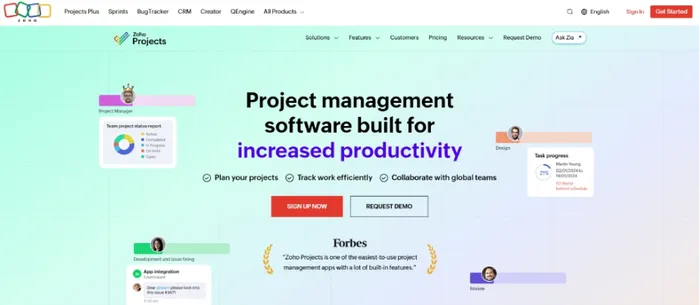
Best For: Construction companies looking for an affordable project management tool.
Key Features:
- Gantt charts and task planning
- Timesheets and resource tracking
- Issue tracking and document sharing
- Connects with Zoho CRM, Finance, and HR apps
Limitations: It doesn't include construction-specific features like RFIs, submittals, or drawing markups.
Pricing:
- Free plan available
- Premium: $2.92/user/month (billed annually)
- Enterprise: $6.57/user/month (billed annually)
- Ultimate: $10.22/user/month (billed annually)
Reviews:
G2: 4.4
Capterra: 4.5
10. Wrike
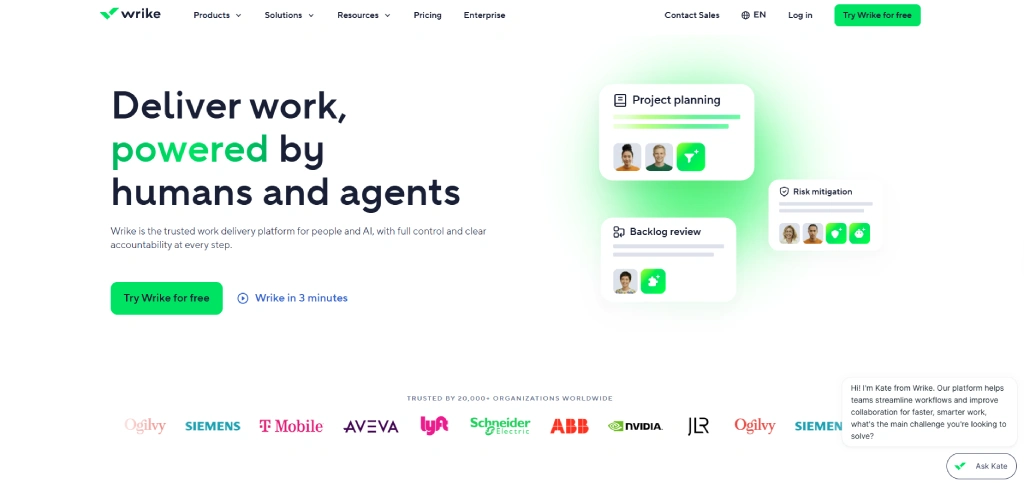
Best For: Construction companies managing multiple projects and office teams.
Key Features:
- Custom workflows and approval processes
- Gantt charts and project dashboards
- Team workload management
- Connects with many business apps
Limitations: It isn't designed for field work or construction drawings.
Pricing:
- Free plan available
- Team: $10/user/month
- Business: $25/user/month
- Pinnacle (Please contact the team)
- Apex (Contact team)
Reviews:
G2: 4.2
Capterra: 4.4
11. Fluix
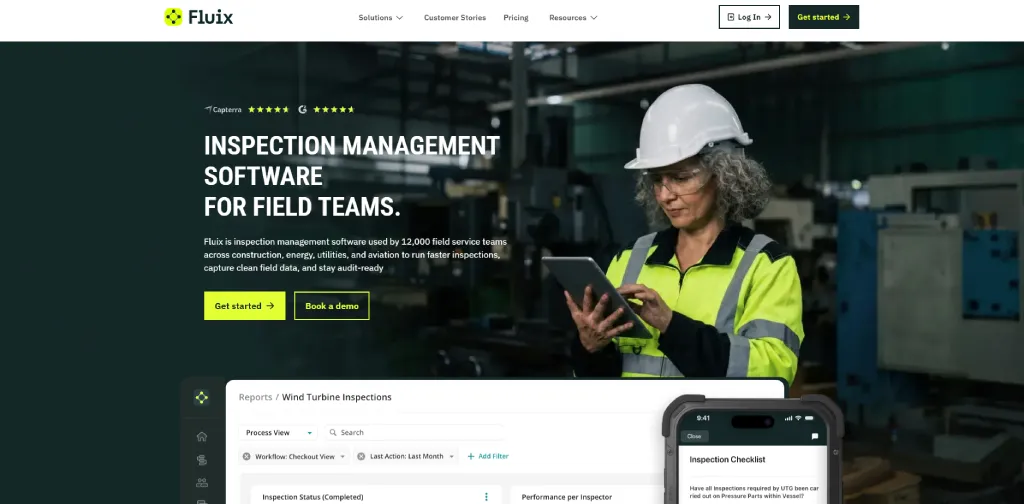
Best For: Teams that want to manage forms, inspections, and approvals digitally.
Key Features:
- Digital forms and inspection checklists
- Document approval workflows
- Offline access for field teams
- Audit records for compliance
Limitations: It is not a complete construction management platform and works best with other project management tools.
Pricing:
- Crews: $29/user/month
- Operations: $49/user/month
- Enterprise: Custom plan
Reviews:
G2: 4.8
Capterra: 4.8
12. Methvin
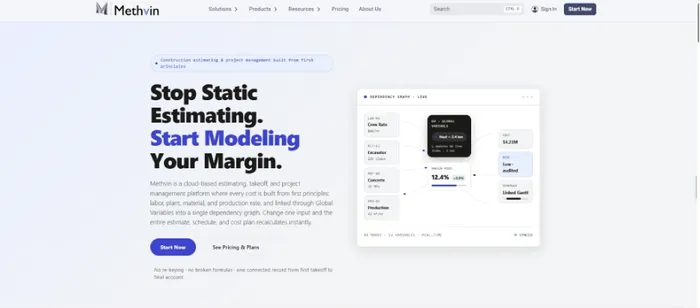
Best For: Contractors who focus on accurate estimating and cost planning.
Key Features:
- Estimating and digital takeoffs
- Cost tracking and budget management
- Project scheduling and resource planning
- Team collaboration for estimates
Limitations: It is stronger in estimating than in field management and document control.
Pricing:
- Starter: $0
- Business: $79/month
- Enterprise: $179/month
Reviews:
G2: 4.6
Capterra: 4.6
13. Raken
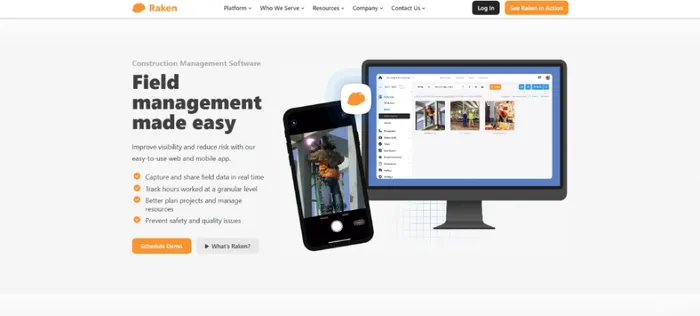
Best For: Contractors who want an easy way to manage daily site reports and field communication.
Key Features:
- Daily reports with photos and notes
- Time tracking and crew management
- Safety checklists and toolbox talks
- Production tracking and project updates
- Easy document sharing between office and field teams
Limitations: It focuses on field reporting and workforce management, so you'll need other software for advanced scheduling and cost management.
Pricing: Custom pricing (please contact the team).
Reviews:
G2: 4.6
Capterra: 4.6
How to Choose the Best Construction Project Management Software
The best construction project management software is the one that fits your projects, team size, and daily workflow. Before making a decision, compare a few tools and test them with your team on a real project.
1. Look for Core Project Management Features
Choose software that helps you manage tasks, schedules, documents, and project timelines from one place. Features like Gantt charts, task tracking, and document sharing make it easier to keep projects on schedule.
2. Track Budgets and Resources
Pick a platform that tracks project costs, labor hours, budgets, and change orders in real time. This helps you control expenses and avoid budget overruns.
3. Support Your Field Teams
Look for software with a mobile app so field workers can update progress, upload photos, and access project information from the job site, even without an internet connection.
4. Improve Team Collaboration
Choose a tool that keeps office staff, project managers, contractors, and site teams connected through shared updates, files, and messages.
5. Compare Pricing, Integrations, and Reviews
Review pricing plans, check whether the software works with your existing accounting or payroll tools, and read customer reviews. A free trial or demo can help you decide if it's the right fit before you invest.
Keep Every Crew Connected and Productive with Time Champ!
Monitor field teams in real time, assign tasks, and track progress across multiple job sites
Conclusion
The right construction project management software can help you stay organized, keep projects on schedule, and control costs. Think about your team's needs, compare the available options, and evaluate several options before making a decision. Whether you manage small jobs or large construction projects, choosing the right tool can make your work easier and your projects more successful.

Jahnavi Pulluri

Table of Content
 What is Construction Project Management Software?
- The 13 Best Construction Project Management Software
- How to Choose the Best Construction Project Management Software
- Conclusion
Related Blogs

Discover construction workforce intelligence: definition, importance, key components, how to build & manage it effectively, and explore its pros & cons.
Anjali | Feb 11, 2026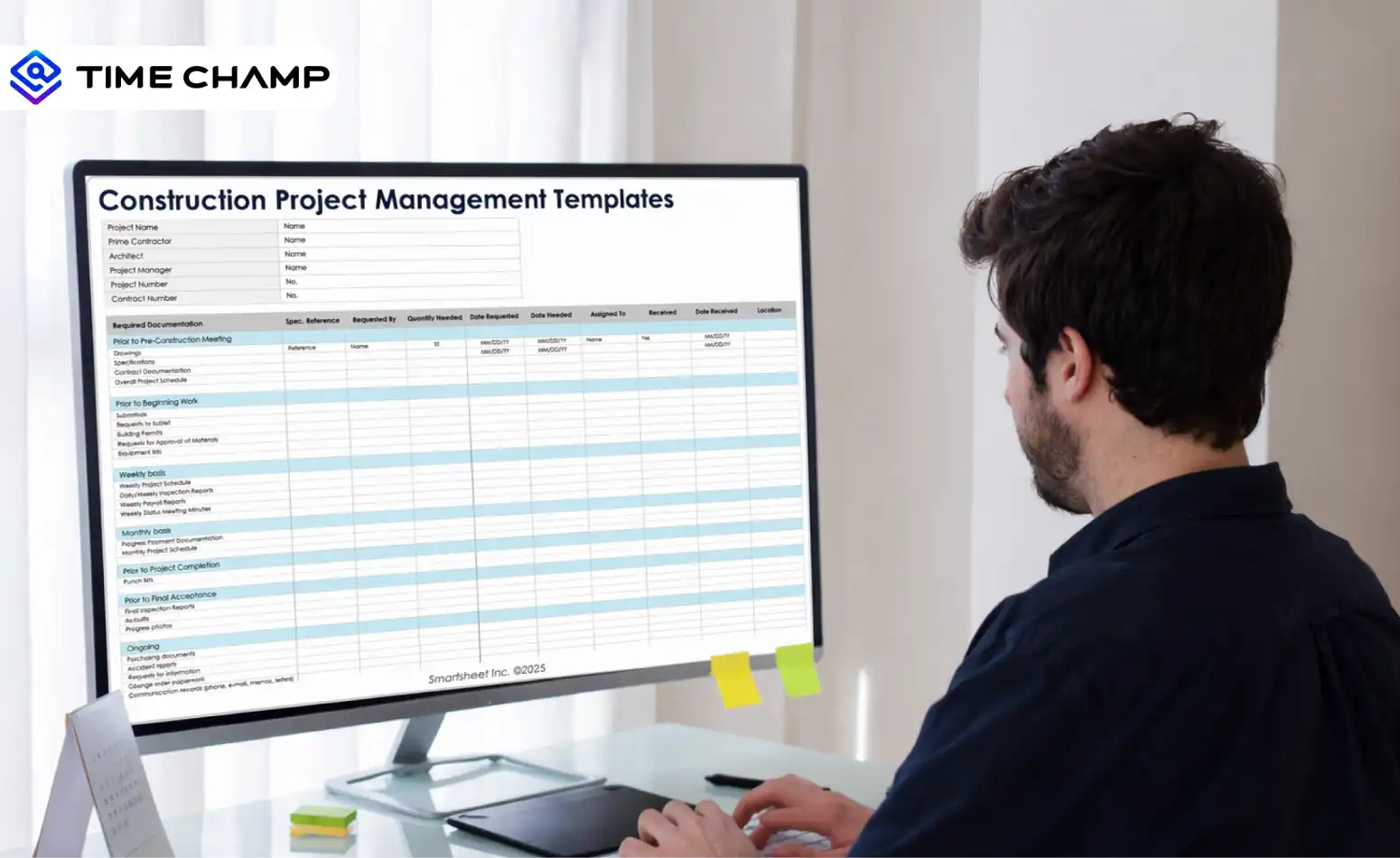
Get 7 free construction project management templates, download them for free in Excel, Word, and PDF formats and plan schedules and budgets effectively.
Guna Lakshmi | Apr 08, 2026
Download free agile project management templates in Excel, Word, and PDF formats to plan, track, and manage agile projects with clarity and control.
Thasleem Shaik | Feb 19, 2026
Learn what a project management framework is, its components, importance, popular methodologies, benefits, and challenges for organizations.
Guna Lakshmi | Apr 08, 2026
Learn how to integrate productivity tracking with project management without broken workflows or manual exports. A practical step-by-step guide.
Guna Lakshmi | May 06, 2026
Learn the difference between productivity tracking and time tracking, how they work, and which approach helps improve team performance and visibility.
Guna Lakshmi | May 09, 2026


 4.7/5 avg.
Ready to Manage Your Workforce Smarter?
Join our family of 1500+ companies using smart insights to redefine workforces!

Free Trial
No Credit Card Required