Employee Turnover Rate Calculator
Unplanned employee departures disrupt workflow, increase costs, and affect productivity. An employee turnover rate calculator helps you track exits, analyze trends, and make informed workforce decisions efficiently.
Turnover Rate Calculator
What is a Turnover Rate Calculator?
A turnover rate calculator is a tool that assists you in measuring the rate at which employees leave your organization within a specified period. It shows you how many people are leaving, helps you spot trends, and helps you identify areas to improve retention.
With this calculator, you can see how your team changes over time, notice patterns in people leaving, and understand how things like workload, engagement, and team relationships affect it. It helps you make better decisions about hiring, training, and keeping employees, so your teams stay productive and well-balanced.
By providing accurate information about employee departures, the calculator enables you to plan resources more effectively, reduce turnover expenses, and maintain a high-performing and stable workforce. It transforms raw personnel data into actionable intelligence to give you clarity on how to strengthen the workforce strategy of your organization.
Why Should You Use the Turnover Rate Calculator?
A turnover rate calculator gives you clear insight into employee departures, helping you understand patterns and make informed workforce decisions. Here are the key reasons to use it.
- Spot Retention Patterns: You can see which teams or roles have higher turnover and when employees are most likely to leave. This insight allows you to address the causes early and improve overall retention.
- Plan Resources Accurately: Knowing your turnover rate helps plan for hiring needs and ensures teams have enough people. This prevents skill gaps and keeps projects running smoothly.
- Control Costs: High turnover leads to recruitment, training, and productivity expenses. The calculator provides the turnover data needed to estimate the financial impact of departures, helping prioritize strategies that save money.
- Evaluate HR Initiatives: Tracking turnover over time lets you see whether engagement programs, training, or retention efforts are effective. You can make adjustments based on real data instead of assumptions.
- Support Strategic Decisions: With a clear view of turnover trends, leaders can make confident workforce decisions. From adjusting team structures to improving employee experience, decisions are based on real information.
How to Use the Turnover Rate Calculator?
The employee turnover rate calculator helps you measure how many employees left your organization during a specific period. You only need to enter a few workforce details, and the calculator automatically processes the data to show both the turnover rate and retention rate.
Follow these steps to use the calculator and understand how it works.
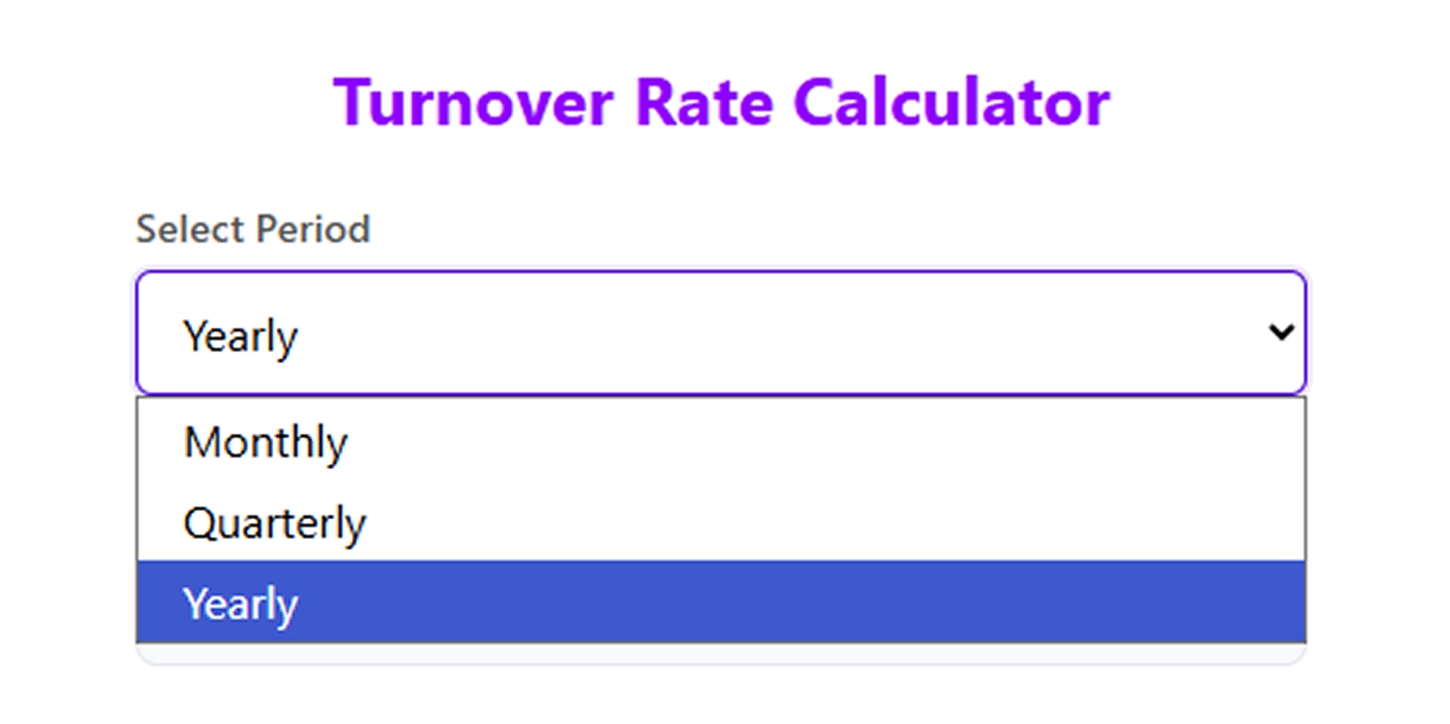
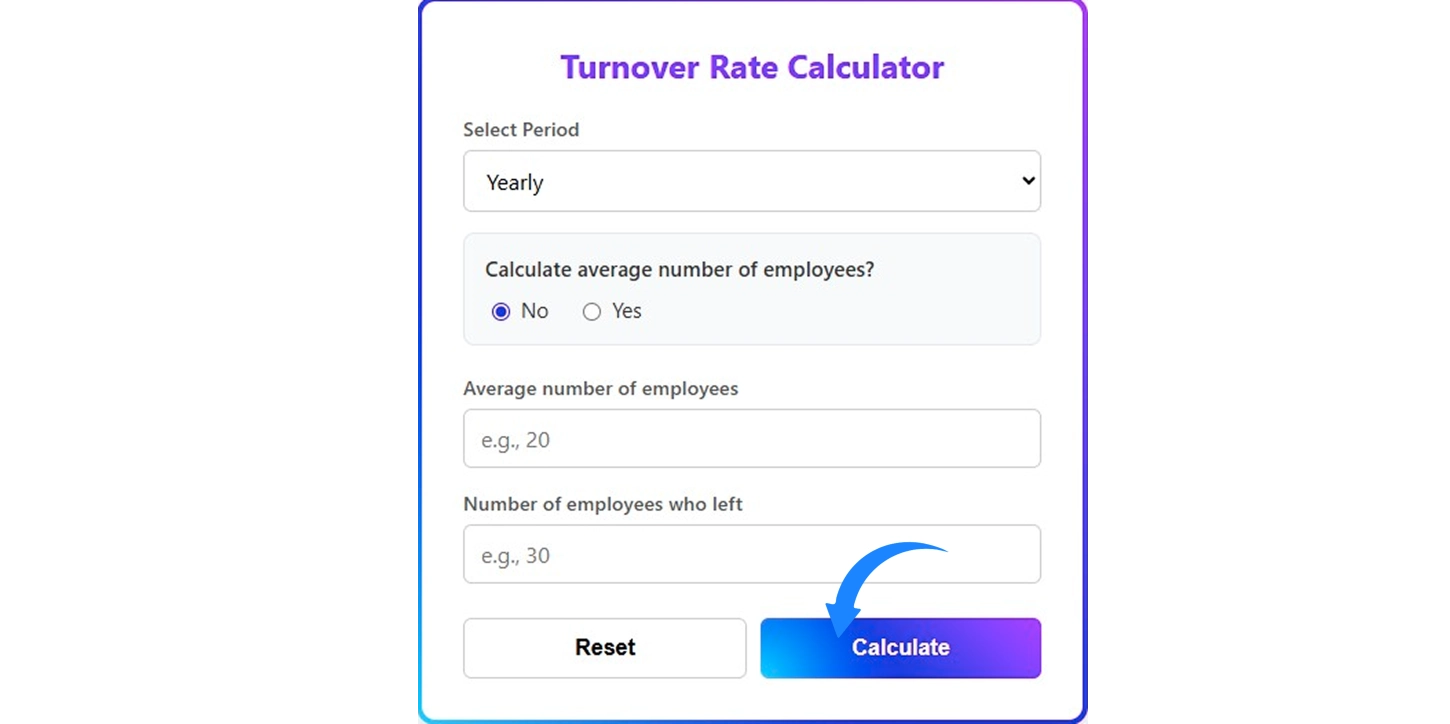
Step 1: Select the Period
Start by choosing the period you want to analyze, such as yearly. This defines the timeframe the calculator uses to measure employee departures and retention.
Step 2: Choose Whether to Calculate the Average Number of Employees
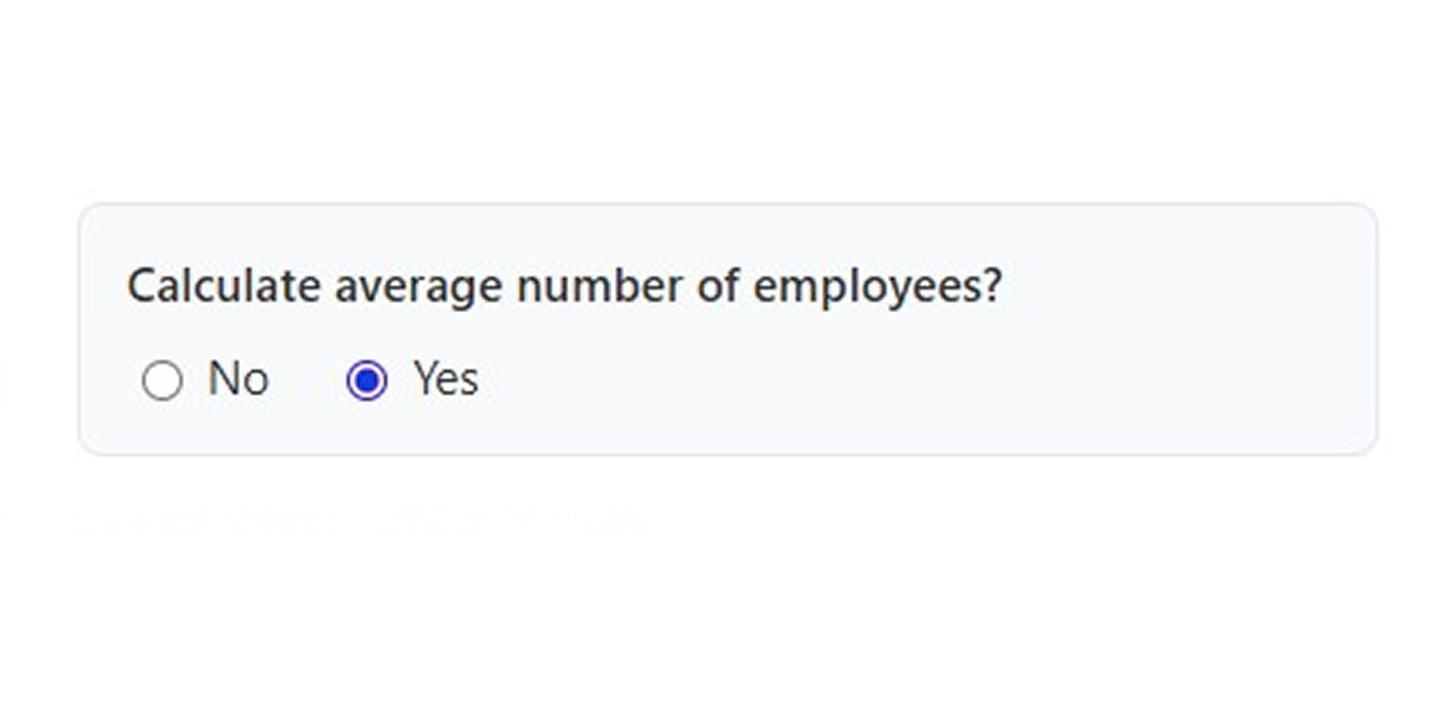
Next, select Yes or No under the option “Calculate average number of employees.”
If you select Yes, the calculator uses the employee numbers at the beginning and end of the period to determine the average workforce size automatically. If you select No, the calculation will rely directly on the values you enter.
Step 3: Enter Employees at the Beginning
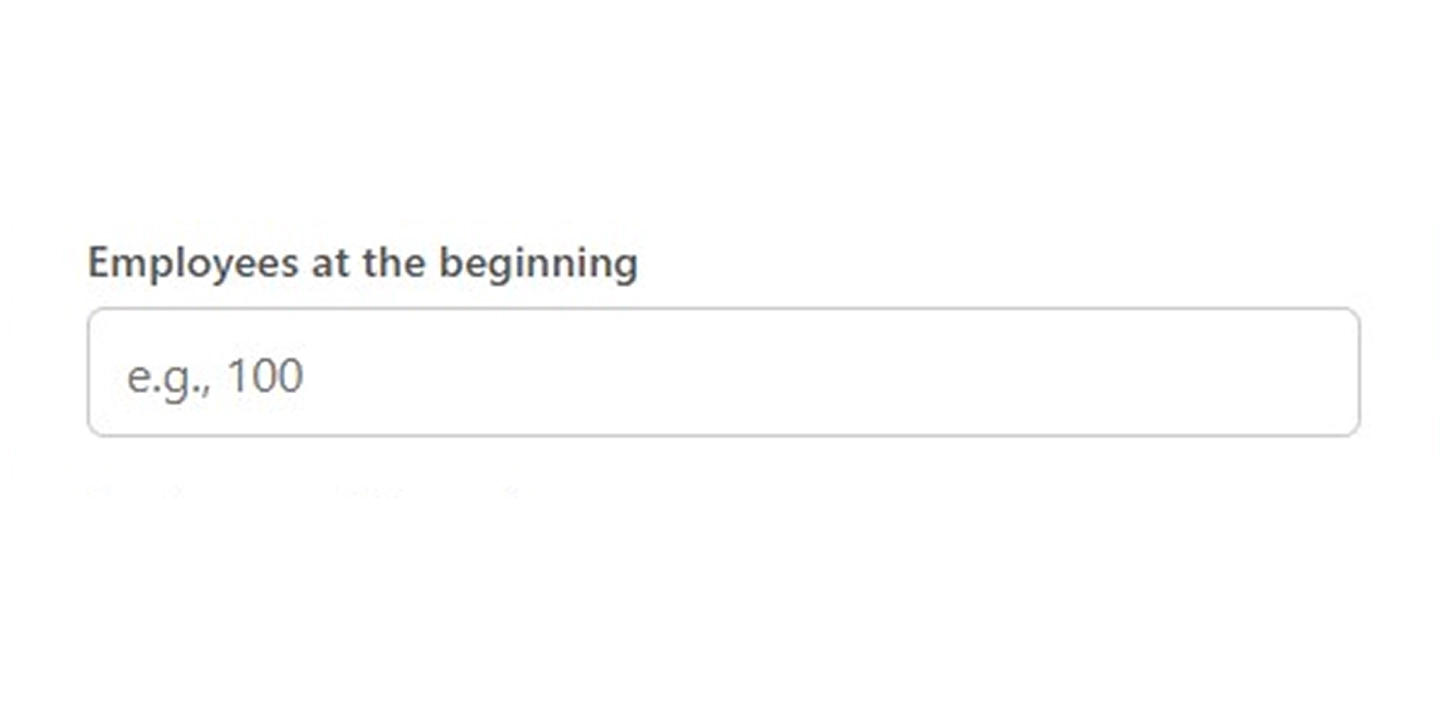
Input the number of employees your organization had at the start of the selected period. This shows the starting size of your workforce.
Step 4: Enter Employees at the End
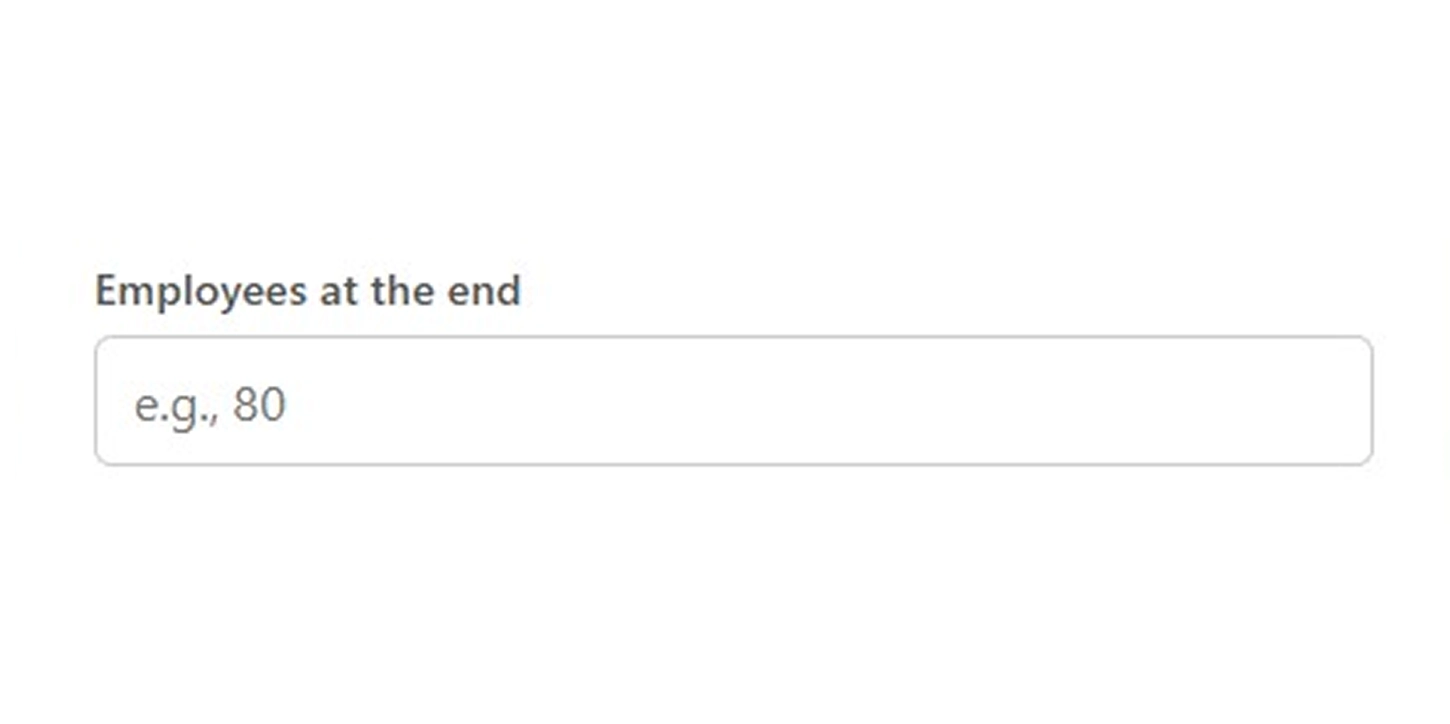
Enter the total number of employees remaining at the end of the same period. This helps the calculator understand how your workforce size changed during that timeframe.
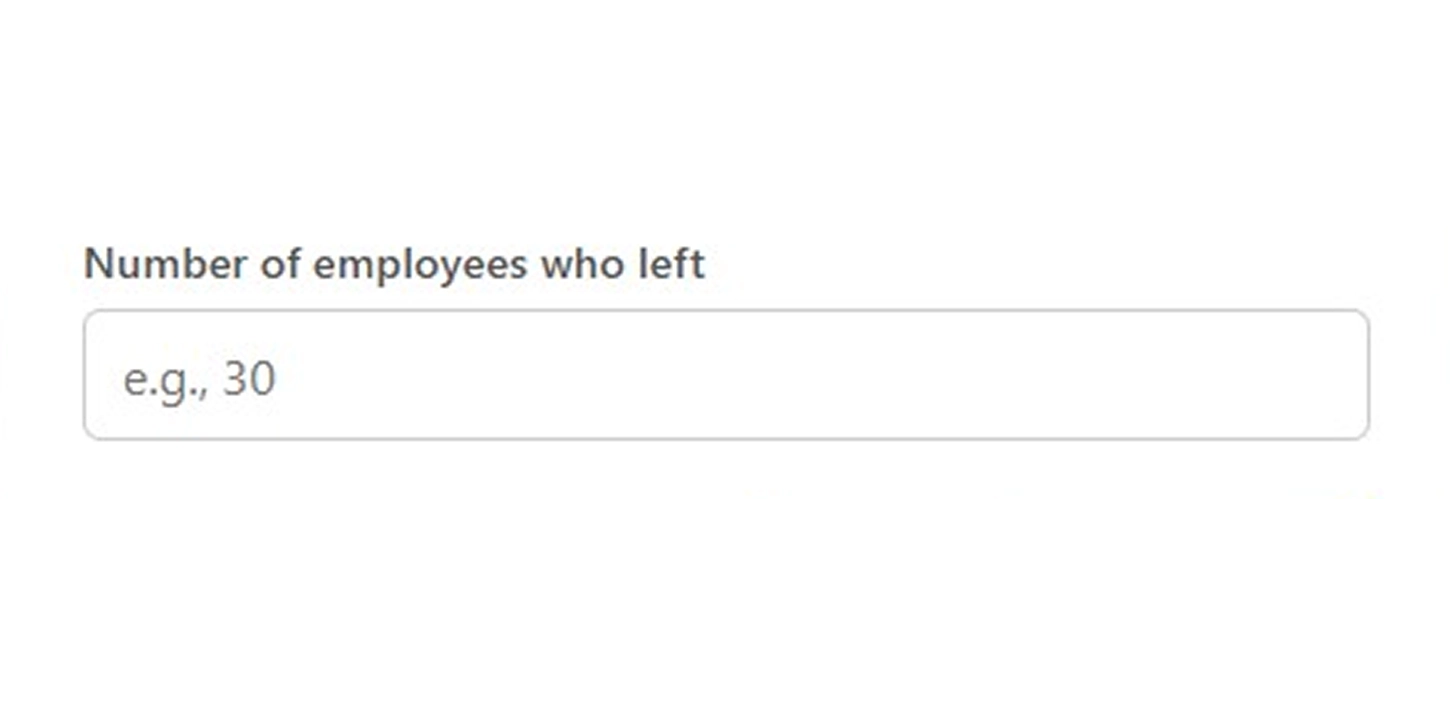
Step 5: Enter the Number of Employees Who Left
Add the number of employees who left the organization during the selected period. Include all types of departures, such as resignations, retirements, or terminations.
Step 6: Click the Calculate Button
After entering all the details, click the Calculate button. The calculator processes the information and instantly generates the turnover and retention results.
Step 7: Review the Turnover and Retention Results
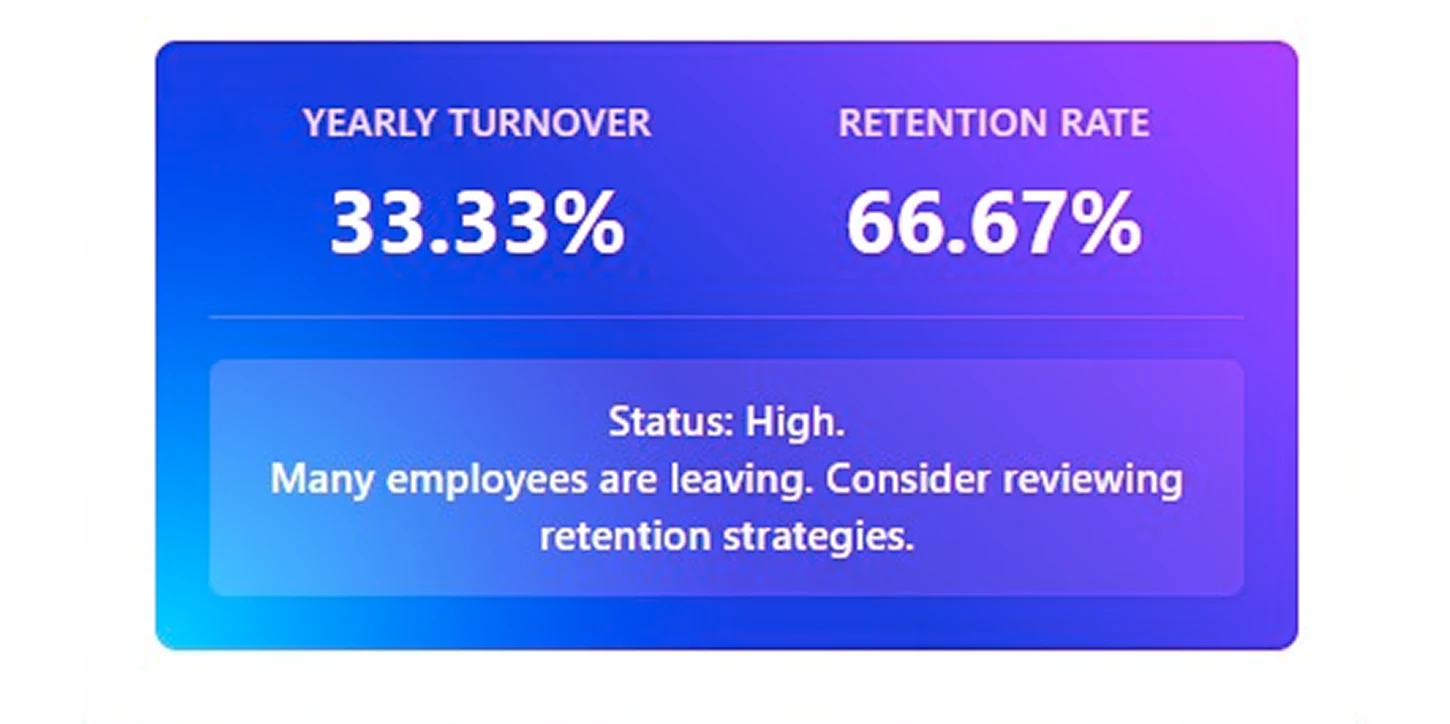
The calculator displays two key results:
Turnover Rate – the percentage of employees who left during the selected period.
Retention Rate – the percentage of employees who stayed with the organization during that time.
Together, these numbers give you a quick overview of workforce stability.
How to Calculate the Employee Turnover Rate?
You can calculate employee turnover by comparing the number of employees who left during a period with the average number of employees in the organization. This calculation helps you measure workforce stability and understand how often employees leave.
Follow the steps below to understand how the turnover rate calculation works.
Step 1: Define the Time Period
Start by selecting the time period for the calculation. Organizations usually measure turnover monthly, quarterly, or yearly, depending on their workforce reporting needs.
Example:
Selected period = 1 year
Choosing a clear period ensures the turnover rate reflects the correct workforce changes during that timeframe.
Step 2: Identify Employees at the Beginning of the Period
Next, determine the number of employees in your organization at the start of the selected period.
Example:
Employees at the beginning of the year = 120
This number represents the initial workforce size before any employee departures or new hires occur.
Step 3: Identify Employees at the End of the Period
Now, determine how many employees remain in the organization at the end of the same period.
Example:
Employees at the end of the year = 110
This number shows how the workforce size changed during the selected period.
Step 4: Calculate the Average Number of Employees
To measure turnover accurately, calculate the average number of employees during the period.
Use the formula below:
Average Number of Employees = (Employees at Beginning + Employees at End) ÷ 2
Example calculation:
(120 + 110) ÷ 2 = 115
The average workforce size for the year is 115 employees.
Step 5: Determine the Number of Employees Who Left
Next, identify the total number of employees who left the organization during the same period. Include resignations, retirements, and terminations according to your workforce records.
Example:
Employees who left during the year = 15
This value represents the total number of workforce departures.
Step 6: Calculate the Employee Turnover Rate
Now, calculate the turnover rate using the number of employees who left and the average number of employees.
Use the employee turnover rate formula below:
Employee Turnover Rate = (Employees Who Left ÷ Average Number of Employees) × 100
Example calculation:
15 ÷ 115 × 100 = 13.04%
Step 7: Calculate the Employee Retention Rate
After calculating turnover, you can also determine the retention rate. This shows the percentage of employees who stayed with the organization during the same period.
Use the formula below:
Employee Retention Rate = ((Average Employees − Employees Who Left) ÷ Average Employees) × 100
Example calculation:
(115 − 15) ÷ 115 × 100 = 86.96%
The employee retention rate is 86.96 percent, which means most employees remained with the organization during the selected period.
What Are the Pros and Cons of the Turnover Rate Calculator?
A turnover rate calculator helps you track employee exits and understand workforce movement over time. While it provides clear and measurable data, it also has limitations you should be aware of. Below is a quick look at the key advantages and drawbacks to help you decide how effectively it fits into your workforce planning.
| Pros | Cons |
|---|---|
| Helps you measure how many employees leave during a specific period and spot turnover patterns easily. | Shows how many employees leave, but does not explain why they leave. |
| Supports workforce planning by helping you prepare for hiring needs and avoid skill gaps. | Depends on accurate employee data, and incorrect inputs can affect results. |
| Allows consistent measurement using the same turnover rate formula across months or years. | Does not reflect employee engagement, morale, or workload issues. |
| Helps estimate costs related to recruitment, training, and productivity loss. | Provides little value if turnover is calculated only once instead of being reviewed regularly. |
| Supports workforce decisions using clear and measurable turnover data. | Needs additional information to understand the reasons behind turnover and take action. |
What Your Turnover Rate Data Could Be Telling You?
Your turnover data reveals patterns in workforce changes, showing how employees move in and out. It highlights retention issues, engagement trends, and areas to improve workforce stability quickly.

Identify Departments with High Turnover
Turnover data shows which teams lose employees most often.

Spot Timing Patterns of Employee Departures
You can see when employees are most likely to leave.

Evaluate the Effectiveness of Retention Strategies
Data helps track whether retention programs actually reduce departures.

Predict Future Workforce Needs Accurately
Turnover trends guide hiring plans and staffing requirements effectively.

Understand Employee Engagement and Satisfaction Levels
High turnover signals disengagement or dissatisfaction in the workforce.

Reduce Costs Linked to Employee Departures
Insights from turnover help manage recruitment, training, and replacement costs.
How Time Champ Outperforms Basic Turnover Rate Calculators?
Basic turnover rate calculators and spreadsheets help you calculate a number, but they stop there. They require manual effort, offer limited visibility over time, and make it hard to understand patterns across teams or periods. When turnover data sits in isolation, it becomes difficult to use it for real workforce decisions or long-term planning.
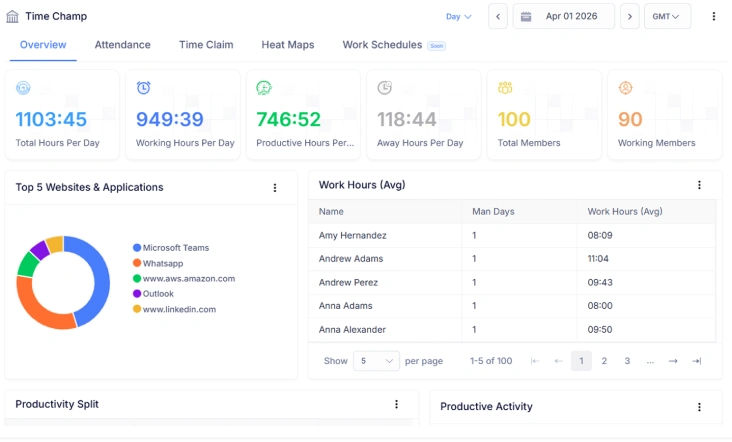
Time Champ goes beyond simple calculations by turning turnover data into clear, usable insights. It brings together attrition reports, historical trends, and team-wise comparisons in one place, so you see how turnover changes and where action is needed. Instead of one-time results, you get continuous visibility that supports smarter hiring decisions, better retention planning, and scalable workforce management as your organization grows.
| Feature | Time Champ | Spreadsheets | Manual |
|---|---|---|---|
| Employee turnover rate calculation | ✓ | ✓ | ✓ |
| Average employee count support | ✓ | ✓ | ✕ |
| Attrition and turnover reports | ✓ | ✕ | ✕ |
| Workforce analytics for turnover trends | ✓ | ✕ | ✕ |
| Team-wise turnover comparison | ✓ | ✕ | ✕ |
| Historical turnover tracking | ✓ | Manual effort | ✕ |
| Exportable turnover-related reports | ✓ | Basic | ✕ |
| Ongoing turnover monitoring | ✓ | Manual effort | ✕ |
| Scalability for growing organizations | ✓ | Limited | ✕ |
Turn Employee Turnover Data into Clear Insights
Calculate, track, and understand workforce changes with Time Champ
- Monitors the percentage of employees leaving over time
- Shows turnover trends by team, department, and role
- Generates accurate, exportable turnover reports
- Supports analysis across monthly, quarterly, and yearly periods
- Provides data to help plan hiring and workforce resources effectively
 Start 7-day free trial
A Workforce Intelligence Tool Built for Smarter Performance
See What Our Happy Customers Say

Time Champ made a real difference for us. Earlier, tracking work hours took a lot of time and still felt inaccurate. After using Time Champ, we gained clear visibility into work patterns without affecting privacy. Payroll accuracy improved, and overall team performance became much better.

Time Champ delivered clear results for us. We saw a real drop in time wastage, nearly 20%, and better focus across teams. What stood out was how it encouraged personal responsibility without constant oversight. Employees worked more efficiently, tasks were finished on time, and overall performance improved clearly.

We struggled to track employee hours across different locations and often dealt with incomplete attendance records. After moving to Time Champ, everything became easier to manage. The clarity in reports and activity insights helped us focus on improving performance instead of chasing updates.

We needed a tool that could be customized for our team and found Time Champ. From break reports to security and attendance tracking, everything was easy to use and well-organized. It made a real difference, and we highly recommend Time Champ to any organization looking to boost productivity.

Time Champ has been a trusted buddy for us. We’ve been using it for 3 years, and it has helped us simplify operations and generate accurate invoices. Our clients love it, and we love Time Champ.

Simply awesome. Time Champ gave us a place to share suggestions and actually acted on them. They listened to feedback and kept improving. The support team was helpful at every step, and we were really impressed with both the tool and the people behind it.
Connect with our product experts for a live demo and discuss your business requirements.
Explore Other Calculators

Project Cost Calculator
Calculate expenses with our project cost calculator, a tool for estimating budgets, tracking costs, and planning projects with accuracy and control.
Try Now →Absence Percentage Calculator
Calculate employee absence percentage easily with our absence percentage calculator - a fast, accurate tool for tracking attendance and workforce.
Try Now →Employee Retention Rate Calculator
Calculate employee retention easily with our Employee Retention Rate Calculator, an effective tool for measuring workforce stability and HR performance.
Try Now →


 4.7/5 avg.
Ready to Manage Your Workforce Smarter?
Join our family of 1500+ companies using smart insights to redefine workforces!

Free Trial
No Credit Card Required