What is Email Data Loss Prevention (DLP)?
Discover how Email Data Loss Prevention (DLP) protects sensitive data from leaks and unauthorized access, strengthening your organization's cyber security.
In a world where a single email can contain sensitive information that could make or break a business, understanding how to protect that data is crucial. Enter Email Data Loss Prevention (DLP)—your organization’s first line of defense against accidental leaks and unauthorized sharing of confidential information. Imagine a security guard standing at the entrance of your email system, ensuring that only the right messages get in and out
That’s what Email DLP does!
In this blog, we’ll explore the fundamentals of Email Data Loss Prevention, revealing
its functionality and why it’s a crucial tool for organizations aiming to protect their sensitive information.
Let’s jump in!
What is Email Data Loss Prevention?
Email Data Loss Prevention is a security solution that prevents or stops the unauthorized sharing of information through email. It identifies and blocks the transmission of confidential data through emails or attachments to ensure compliance with privacy regulations and safeguard against any breach.
Along with blocking unauthorized data sharing, Email Data Loss Prevention (DLP) systems also have features that track user behavior and look at the content of emails. By organizing information based on its sensitivity, these systems help businesses easily create rules for different kinds of data.
For example, they can mark emails with personal information, financial details, or important business secrets. This lets administrators know before those emails are sent. By doing this, DLP makes sure that businesses protect their sensitive information.
Key Email Data Loss Scenarios You Should Watch For
Email data loss can occur in many unexpected ways, and these common scenarios impact nearly every organization. Let’s dive in:
1. Malicious Data Loss
Malicious data loss is when someone with access to sensitive information purposely leaks, shares, or saves it outside the organization to cause harm.
For instance, an unhappy employee may delete, share, or make copies of private information to an external device out of anger. But it doesn’t stop there—cyber criminals may hack into systems, lock up important files, and demand ransom, a common ransomware tactic that’s shaken many organizations. Risks can happen in any way, so businesses need to protect their data.
2. Accidental Data Loss
The name itself says about how this data loss happens. Accidental data loss through email happens when private or sensitive information is sent to the wrong people accidentally via email. This can occur when someone types an email address wrong, clicks on the incorrect contact from the suggestions, or attaches the wrong file. These simple mistakes can put a company at risk by accidentally sharing private or important information with people who shouldn’t see it. This can lead to security issues, and legal problems , and hurt the company’s reputation.
3. Data Exfiltration
Data Exfiltration is the unauthorized transfer or removal of data from an organization to an external location. This happens when private information, like customer details or company secrets, is sent out of the company without permission in an email. Data exfiltration can be done by a hacker outside the company or by someone who works in the company as well. This practice risks leaking business data , and damaging its reputation.
The above-discussed scenarios are most likely to happen in every organization. Protect your data by staying aware of common risks and preventing data loss before it happens!
Major Risks to Email Security
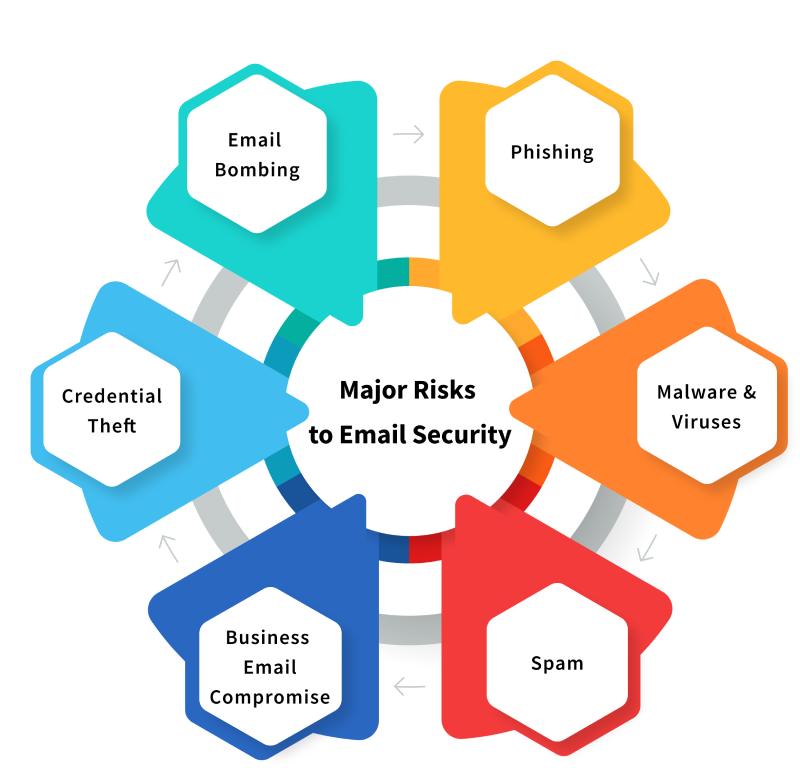
1. Phishing
Phishing is a serious email threat that can easily trick people. In these scams, cybercriminals pretend to be trusted companies or individuals. They create emails that look real and official. Often, they use urgent words to make you feel like you need to act fast, pushing you to click on links or download attachments without checking who sent them. Sometimes, they even add personal details to make the email seem more believable. This clever trick makes it hard for even careful users to notice that it’s a scam, so it’s really important to stay alert and cautious with your emails.
Falling for phishing can cause big problems. It can let someone access sensitive information, lead to losing money, or even result in identity and data theft. To fight against phishing, companies should train their workers to recognize the signs of a scam. It is better to use email filters to catch suspicious messages, set up multi-factor authentication, and run checks with the EasyDMARC DKIM checker to verify sender authenticity.
2. Malware and Viruses
Malware and viruses are big threats to email security that can get into systems through attachments or links. There are different kinds of malware, like ransomware, which locks your files and asks for money to unlock them. Another kind is spyware, which quietly collects your personal information without you knowing. These attacks can stop the business growth, steal important data, and let hackers into company systems, putting everyone at risk.
Malware can effectively lead to money loss and hurt customer’s trust as private information will be leaked. It may require a lot of time and money to fix everything. To protect from these practices, use email scanning tools to block harmful attachments or links and train employees to be aware of suspicious emails.
3. Spam
Spam mails are relatively harmless as compared to other email threats, but they can pose problems and can often lead to phishing or malware attacks. These messages are usually commercial or dubious schemes that employees receive, where they have to spend time deleting these messages at the expense of their actual jobs. Some spam emails can also contain links to phishing sites as well as contaminated attachments, which are very risky to permit.
Spam can fill up email servers and slow down networks. It takes up resources and needs more IT help to manage all the unwanted messages. To fix this problem, businesses should use spam filters to automatically sort out junk emails. This saves employees time and lowers the chances of clicking on harmful links.Using a properly configured free SMTP server can help organizations control outgoing email traffic and reduce the risk of spam misuse.
4. Business Email Compromise
Business Email Compromise is a serious threat attack where attackers pretend as executives or trusted partners to trick employees into sharing sensitive information, sending money, etc. These are way more different than phishing because they are more targeted and well thought out. They often target finance teams and continue long conversations with them to fool and fall for the scam.
It can lead to financial losses. If the sensitive data is not protected, companies could end up in legal issues and penalties. To protect from BEC, set up verification processes for money transfers and private information requests. Don’t ever forget to train employees on these attacks and use DMARC to avoid email spoofing.
5. Credential Theft
Credential theft is when attackers steal an employee’s credentials such as usernames, passwords, etc. to access sensitive data without permission. This usually happens through phishing emails, malware, or fake login pages to collect details. By using these stolen credentials, attackers can access private data, and move around systems without being noticed. This attack usually occurs everywhere.
Data breaches are common since attackers use these credentials to pull valuable information. The password policies of a company must be strong; unique, and complex passwords must be encouraged. For higher security, a firm should implement MFA for all accounts. Real-time monitoring of login activity is also useful for finding suspicious behavior that can indicate that an account has been hacked.
6. Email Bombing
Email bombing is an attack where attackers fill a person’s inbox with a huge number of
emails, making it impossible to use. This practice can irritate and distract employees and slow down email servers.
It makes the work stop as it slows down the server. Attackers usually use automated tools to send bulk emails,
causing delays and extra work to IT support teams.
In particular, the consequences of email bombing can be
very devastating for organizations that rely on timely messages.
When employees receive thousands of emails, they are likely to lose vital mail, leading to disruption or money loss. This overload can also affect the servers that host the emails and this will lead to more technical issues or even crashes. Some of the ways that organizations can fight email bombing include: limiting the amount of emails that can be received at a particular time and creating steps to follow during an incident so that the business is not seriously disrupted.
Also Read: Common Indicators of a Phishing Attempt
How Email DLP Prevents Data Leaks in Email Communications
1. Content Inspection
Content inspection is an important part of Email Data Loss Prevention (DLP). It scans through emails and any file or attachment that may be part of the communication. It is a great assistance in searching for such things as credit card numbers, Social Security numbers, and other related sensitive data. DLP tools apply keyword searches and patterns that allow them to identify various forms of sensitive information within the shortest time possible. This allows the business to locate data leaks instantly and avoid information from being transmitted accidentally.
2. Real-Time Alerts and Notifications
Real-time alerts and notifications make email DLP systems more effective. If a user tries to send an email with sensitive information that breaks the rules, the system quickly lets them know there’s a problem. For serious issues, administrators also receive alerts so they can take action, like blocking the email or contacting the user for more information. This quick feedback helps stop accidental data leaks by keeping users informed about what they’re doing.
3. Data Blocking
Data blocking is key for stopping leaks. DLP email systems can also prevent emails containing sensitive data from being sent by making sure this data doesn’t leave the organization without permission. Any given email can be paused by IT or security staff to review if it has been tagged as an issue before it will be sent out. This extra review helps organizations control possible data leaks better.
4. Encryption and Redaction
DLP solutions can also be programmed to encrypt emails that contain some form of sensitive data. This is because in case someone attempts to intercept the email, the information will remain safe and encrypted to anyone who has no business with such details. Some DLP systems can also remove details from the body of the email before sending it, ensuring that the confidentiality of the information is maintained while still allowing relevant information to be shared.
5. Reporting and Compliance
The reporting and compliance features of DLP systems are good for the organization’s safety. Such systems maintain records of any violations that are detected, measures that are taken, and how compliance is managed. This information aids organizations in adhering to legislation and company guidelines. From these reports, any organization can understand patterns of data breaches or leakage and make adjustments to their policies and training that would enhance the security of information in the future.
6. Shadow IT Detection
Shadow IT is identifying unauthorized tools and services. This is crucial to prevent data loss. Searching for unapproved email services or personal accounts enables organizations to comply with DLP policies, and consequently minimizes the leakage of sensitive information from secure systems.
7. User Education and Training
Last but not least, employees need to be trained and educated on using email DLP. Appropriate data loss prevention solutions should be complemented by training that will help employees understand the significance of data protection and the consequences of leakage. Giving feedback after such events allows users to know what the consequence of their actions is, making the environment more conscious of data handling. It is also important to have a proactive approach to training which can minimize the possibility of accidental data leaks.
Best Practices for Email DLP
To implement effective DLP email, follow these key best practices to ensure robust data protection.
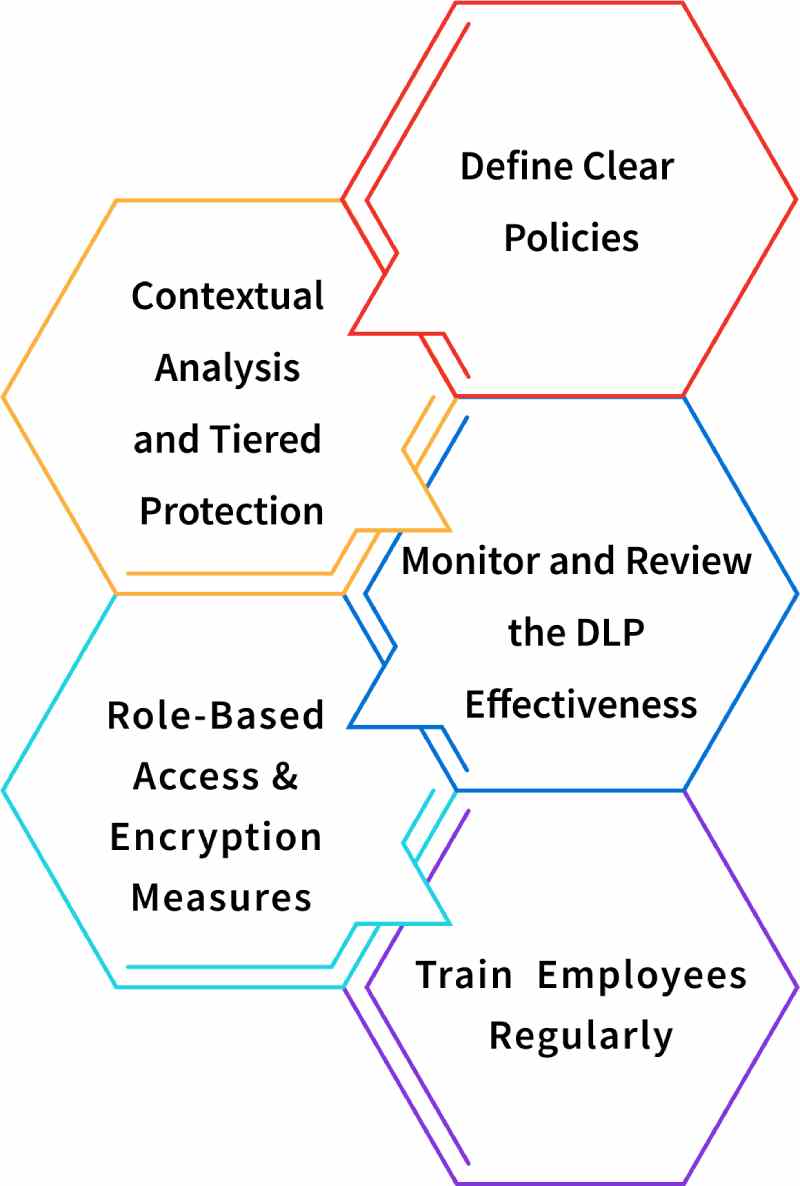
1. Define Clear Policies
Creating clear DLP policies is very important for keeping data safe. You should clearly define what sensitive information is and explain how email should be used. This means figuring out what kinds of information, like financial records or personal details, need to be kept safe and when it’s okay to share them. It’s also important to check and update these rules often to stay updated with new laws and what the business needs.
2. Contextual Analysis and Tiered Protection
Email DLP systems should carefully look at emails and the context of the information being shared. This means checking the email text and attachments, automatically finding sensitive information, and understanding what the content means. To do this well, organizations should use advanced DLP email solutions that use machine learning and natural language processing. Also, not all data needs the same level of protection. Companies should use a tiered approach to DLP based on how sensitive the data is. For example, very sensitive information may need encryption and strict access controls, while less sensitive data might only need monitoring. This DLP best practice helps use resources wisely and reduces interruptions in normal business communications.
3. Monitor and Review the DLP Effectiveness
It is important to check when the Email DLP system performs well or not, based on the organization’s requirements. Periodically analyze the trends in the incident reports and false positives and collect feedback on them. Therefore, the rules and policies should be adjusted according to the results obtained to enhance the results. Thus, the DLP strategy gets improved and becomes more robust against new threats as time goes by.
4. Role-Based Access and Encryption Measures
When it comes to employee data, not everyone should have access to all information.
Role-based access makes sure that employees can only see and share information that is related to their jobs. To
better protect sensitive information, make sure to use email DLP encryption for data that is stored and when it is
sent.
This practice keeps data safe, even if there exists a security breach. Also, it is important to use
trustworthy DLP email tools, especially when talking to people outside the company, to make sure that all data stays
secure.
5. Train Employees Regularly
Providing regular training for employees on DLP is crucial for a good data protection plan. Conduct regular training sessions to show employees why it’s important to keep sensitive information safe, how to spot phishing attempts, and how to use email safely. This training helps everyone know what they need to do. As a result, they can make better choices when dealing with sensitive information.
How Time Champ Secures Your Data from Email Leaks?
Time Champ has highly efficient Data Loss Prevention (DLP) features that can prevent the copying and transferring of data by blocking the sending/receiving of attachments. This functionality protects sensitive information by preventing it from being leaked through email. In that way, organizations can reduce the chance of having sensitive information leaked unintentionally and ensure that privacy policies are followed.
Not only does Time Champ’s DLP feature prevent sensitive information from being leaked, but it also addresses different ways data can be transmitted.
By having strict measures of such social platforms, Time Champ ensures its clients’ data remains secure. Also, there is a feature of timely notification that informs you of employee’s activities that may violate Data Protection laws. It also makes employees constantly conscious of the data being processed and prevents the compromise of sensitive data. Time Champ helps organizations safeguard their valuable information and build a secure and compliant environment.
Final Thoughts
In summary, Email Data Loss Prevention (DLP) is an important mechanism that helps to prevent loss and leakage of confidential data. With the help of good DLP measures, such as content filtering and scanning, using messages and alerts, applying encryption, and conducting training programs for employees, businesses can protect their data from leakage and unauthorized access. Focusing on DLP email makes it easier for organizations to gain the trust of the clients and provide a safe and effective workplace.
Don’t Let Sensitive Data Slip Through!
Safeguard your sensitive data with Time Champ’s advanced DLP protection!

Jahnavi Pulluri


Table of Content
-
 What is Email Data Loss Prevention?
-
Key Email Data Loss Scenarios You Should Watch For
-
Major Risks to Email Security
-
How Email DLP Prevents Data Leaks in Email Communications
-
Best Practices for Email DLP
-
How Time Champ Secures Your Data from Email Leaks?
-
Final Thoughts
Related Blogs
Protect your business from data leaks! Learn effective data exfiltration prevention practices to secure sensitive information and stop cyber threats.
Sai Keerthi Uppala | 12 March 2025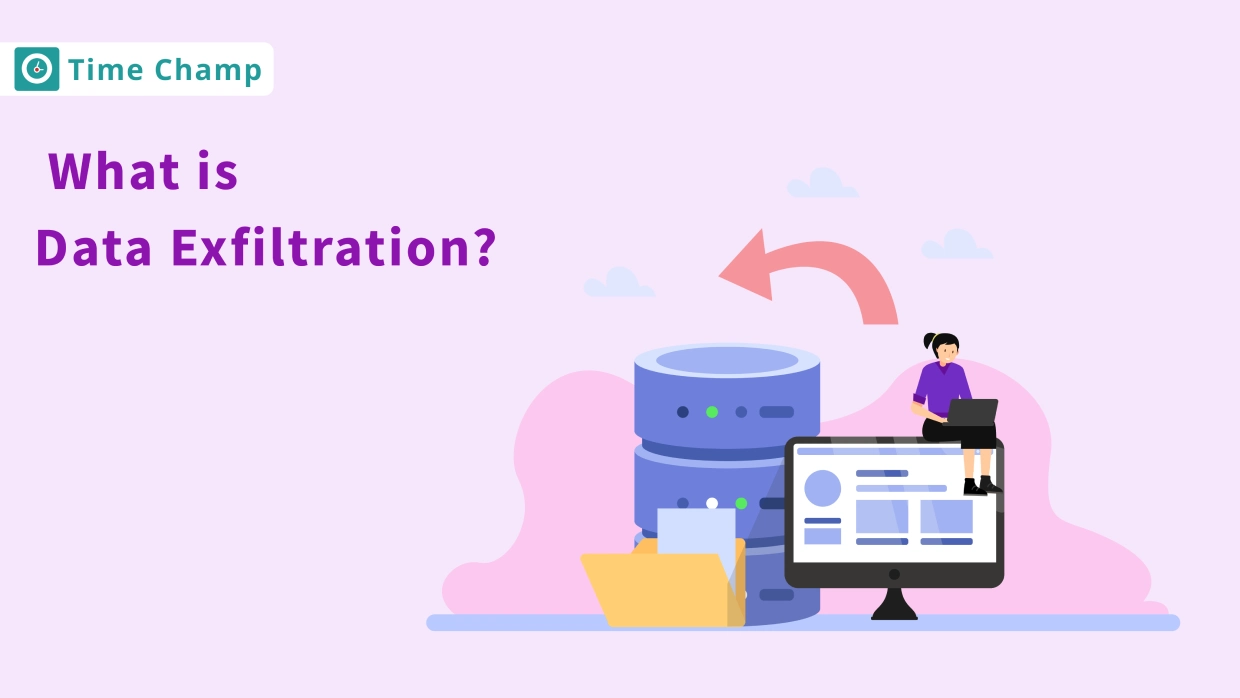
Learn what data exfiltration is and how to prevent it from attackers. Protect your business from data theft with effective
Sai Keerthi Uppala | 12 March 2025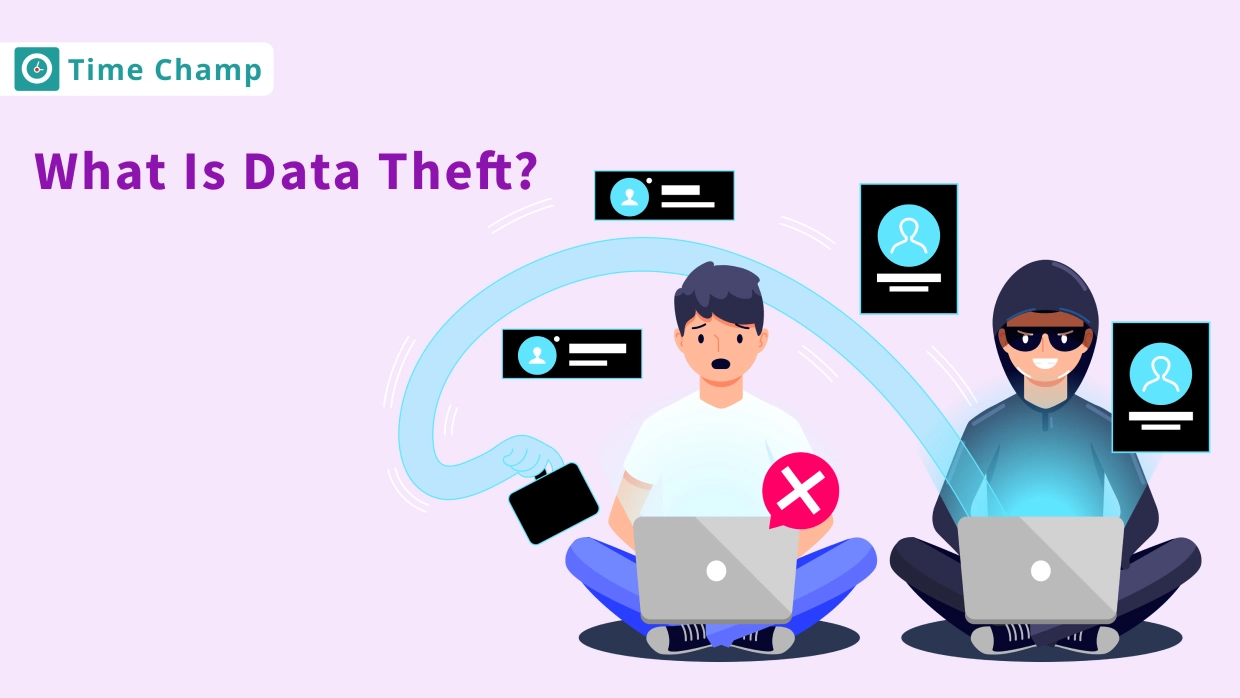
Protect your business from data theft by understanding key risks and prevention strategies. Learn how to secure sensitive information effectively.
Sai Keerthi Uppala | 12 March 2025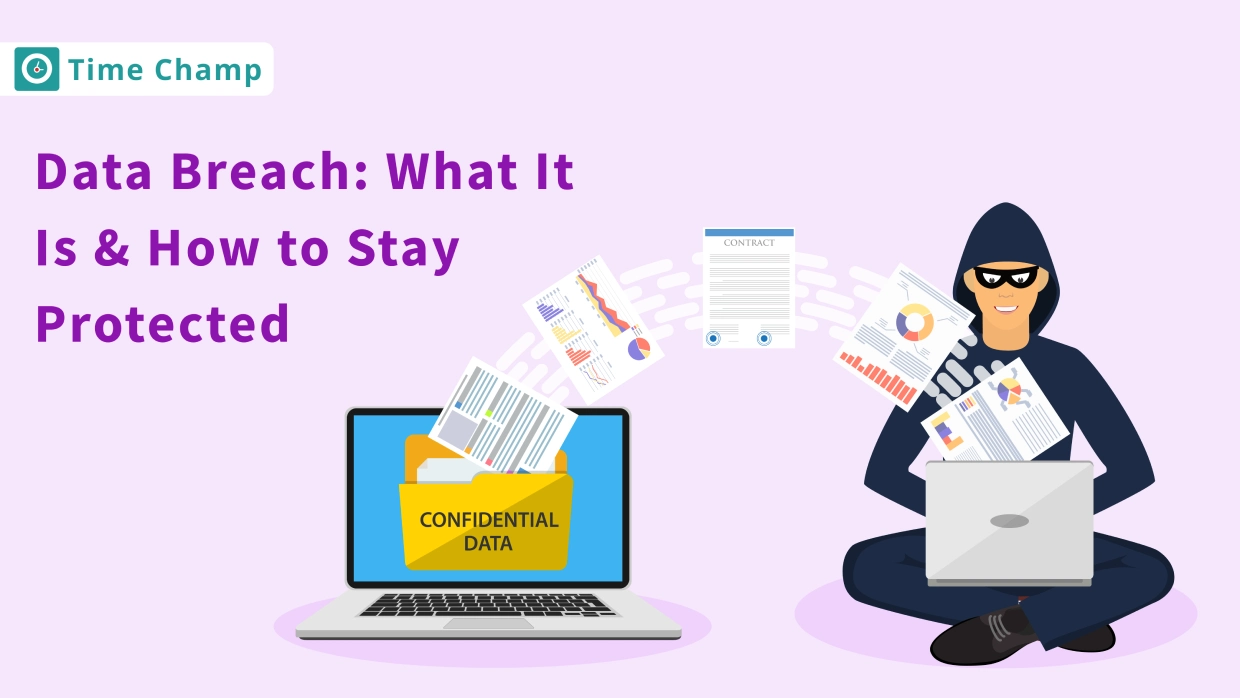
A data breach exposes sensitive data to hackers. Learn how breaches happen and the best ways to protect your personal
Jahnavi Pulluri | 12 March 2025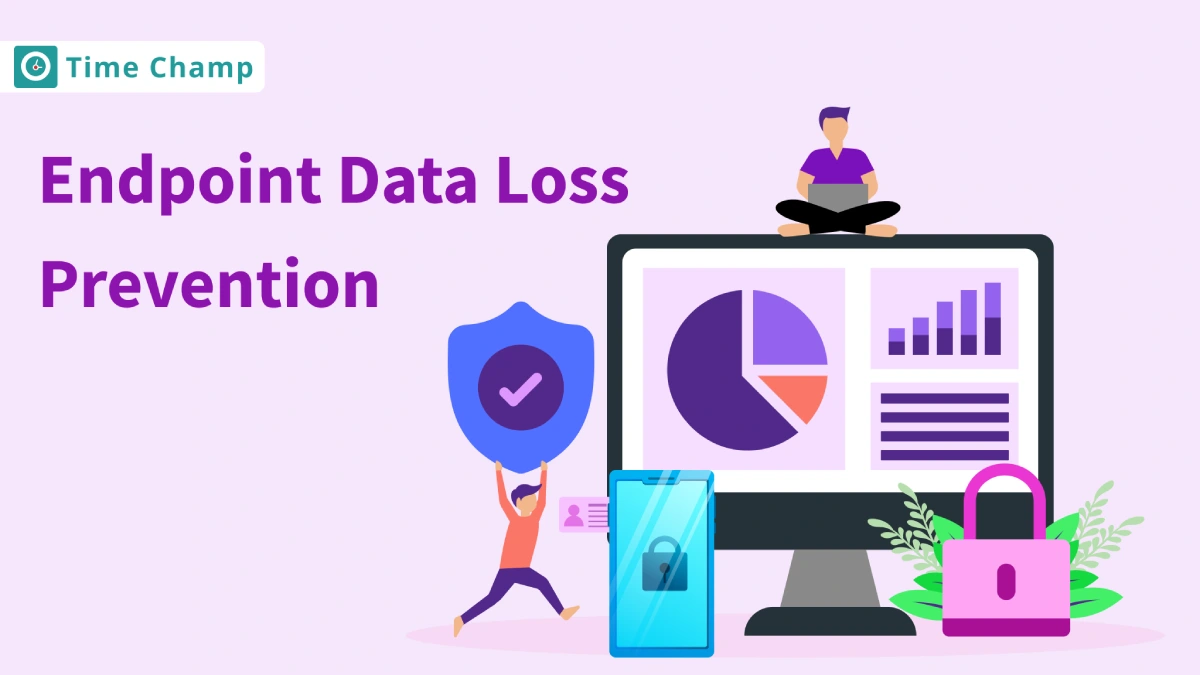
Enhance your security with endpoint data loss prevention solutions that guard against data breaches and protect your most valuable assets.
Shabana Shaik | 23 January 2025
Stay ahead of cyber threats with our expert guide on endpoint security protection. Explore essential tips and tools to protect
Shabana Shaik | 23 January 2025


 4.7/5 avg.
Ready to Manage Your Workforce Smarter?
Join our family of 1100+ companies using smart insights to redefine workforces!

Free Trial
No Credit Card Required