What is Paid Time Off? Top 9 PTO Tracking Tools
Learn what paid time off (PTO) means, explore common leave types, and compare the 9 best PTO tracking tools to simplify leave management.
Managing employee leave sounds simple until you start dealing with overlapping vacations, incorrect PTO balances, payroll confusion, and endless “How many leave days do I have left?” messages from employees.
That’s why you need a PTO tracking tool to automate leave requests, track balances accurately, and make leave management much easier.
To help you get started, we have included what paid time off (PTO) actually means, the most common types of PTO, why PTO tracking software matters, and the best PTO tracking tools you can use in 2026 to simplify leave management for your team.
What Is PTO?
Paid Time Off (PTO) is paid leave that allows your employees to take time away from work without losing their salary. For example, if one of your employees wants to take a week off for a vacation, you can approve the leave while still paying them normally through your company’s PTO policy.
PTO helps you give employees flexibility while keeping leave management organized. In fact, Gallup found that 76% of employees experience workplace burnout at least sometimes, making paid time off important for employee well-being and productivity.
Common Types of PTO Leaves
Understanding the common types of PTO leaves can help you create better leave policies, manage employee absences effectively, and support your team's well-being. Here are some of the most common PTO leave types you can include in your PTO policy:
Vacation Leave
Vacation leave allows your employees to take planned time off for travel, relaxation, or personal breaks. Giving employees time to recharge can help reduce burnout and improve overall job satisfaction.

Did You Know?
The U.S. Bureau of Labor Statistics revealed that, after 10 years of service, 31% of private-sector employees receive between 15 and 19 paid vacation days annually.
Sick Leave
Sick leave allows employees to recover from illness, attend medical appointments, or take care of their health without worrying about losing pay.
Personal Leave
Personal leave gives your employees flexibility to handle personal responsibilities that may not fall under vacation or sick leave.
Bereavement Leave
Bereavement leave gives employees time away from work after losing a loved one so they can focus on family and personal matters during a difficult time.
Parental Leave
Parental leave supports employees who are welcoming a new child through birth, adoption, or fostering. This type of leave helps employees balance work and family responsibilities during important life changes.
Medical or Extended Leave
Medical or extended leave is used when employees need a longer break from work due to surgery, recovery, or serious health conditions.
Still managing PTO through spreadsheets?
See how Time Champ helps you automate leave requests and simplify attendance management from one platform.
Why You Need PTO Tracking Software
Tracking employee leaves manually may work when you have a very small team. But as your business grows, managing PTO through spreadsheets, emails, or paper records can quickly become confusing and time-consuming.
That’s why you need PTO tracking software. Instead of handling everything manually, you can:
- Automate leave requests and approvals
- Track PTO balances instantly
- Avoid overlapping vacations and scheduling conflicts
- Keep all leave records organized in one place
- Reduce payroll mistakes and manual calculations
Your employees can check their available leave days on their own, and you can approve requests without going through endless emails or outdated spreadsheets.
Most importantly, you can make leave management much easier for both your HR team and employees.
9 Best PTO Tracking Tools for 2026
Choosing the right PTO tracking software depends on your team size, workflows, budget, and the level of automation you need.
Some tools focus purely on leave management, while others combine PTO tracking with scheduling, HR management, payroll, or communication features.
Let’s look at the best PTO tracking tools you can consider:
- Time Champ - Best All-in-One Tool for PTO, Time Tracking, and Attendance Management
- Timetastic - Best Simple PTO Tracking Tool
- Vacation Tracker - Best for Slack and Microsoft Teams
- Day Off - Best Mobile-Friendly Leave Tracking Tool
- Factorial - Best HR and PTO Management Platform
- UKG Pro - Best Enterprise PTO and Workforce Management Solution
- Clockify - Best Free PTO Tracking Tool
- BambooHR - Best for HR Management
- Connecteam - Best for Deskless and Field Teams
Quick Comparison of the Top PTO Tracking Tools
| Tool | Starting Price | Free Plan | Best For |
|---|---|---|---|
| Time Champ | $3.90/user/month | Yes (7-day free trial) | PTO tracking, attendance, productivity, and workforce management |
| Timetastic | $1.50/user/month | No | Simple PTO tracking for small and growing teams |
| Vacation Tracker | $2/user/month | No | Slack and Microsoft Teams users |
| Day Off | Contact Sales | No | Mobile-friendly leave tracking |
| Factorial | $8/user/month | No | HR and PTO management from one platform |
| UKG Pro | Contact Sales | No | Enterprise PTO and workforce management |
| Clockify | Free Plan Available | Yes | Free PTO tracking for startups and small businesses |
| BambooHR | $10/employee/month | No | All-in-one HR and PTO management |
| Connecteam | Free for up to 10 employees | Yes | Deskless, remote, and field teams |
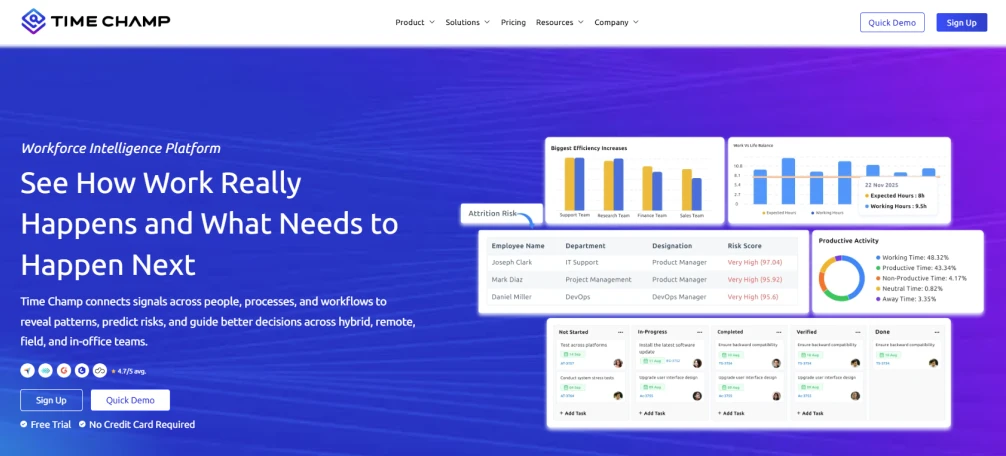
1. Time Champ - Best All-in-One for PTO, Time Tracking, and Attendance Management
Key Features
- Employee Attendance Tracking: Monitor employee attendance, work hours, and absences more accurately in real time.
- Shift and Schedule Management: Manage employee shifts and schedules more efficiently to avoid staffing conflicts.
- Real-Time Attendance Reports: Access detailed attendance reports and workforce insights to improve visibility and planning.
- Automated Leave Approval Workflows: Simplify the leave approval process with automated workflows that reduce administrative effort.
- Remote Workforce Management: Manage remote and hybrid employees with better visibility into daily activities and schedules.
- Employee Activity Monitoring: Understand how work hours are being utilized across teams and projects.
Pros
- Helps you manage PTO and attendance from one platform
- Easy-to-use dashboard and reporting system
- Supports remote, hybrid, and office teams
- Simplifies leave approvals and attendance tracking
- Reduces the need for multiple tracking tools
Cons
- The wide range of features may feel overwhelming for first-time users
- Smaller teams may not need every advanced tracking feature
Pricing
- Starter: $3.90/user/month (billed annually)
- Professional: $6.90/user/month (billed annually)
- Premium: $13.90/user/month (billed annually)
Reviews
Best For
Businesses that are looking for PTO tracking combined with attendance, productivity, and workforce management.
Ready to simplify PTO management?
Get started with Time Champ and see how easy it is to manage employee attendance and productivity from a single dashboard.
2. Timetastic - Best Simple PTO Tracking Tool
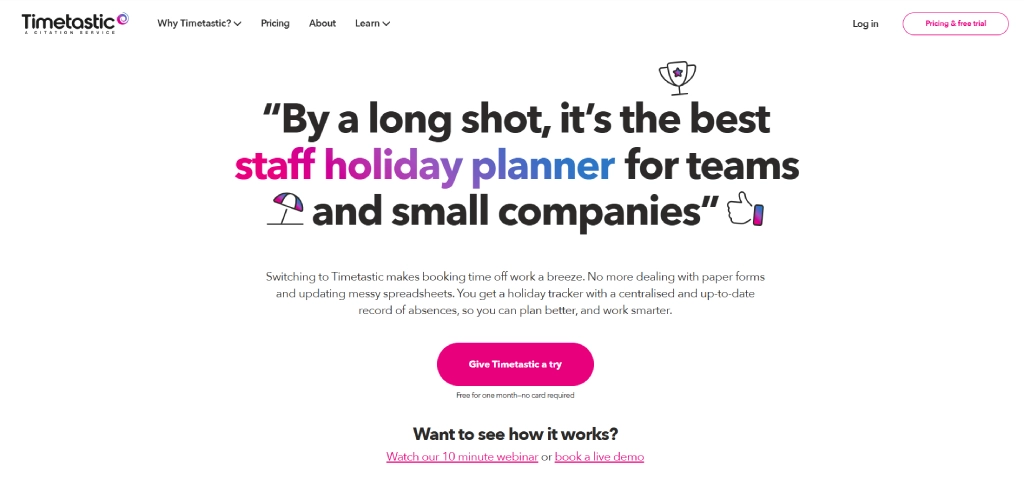
Timetastic is a simple PTO tracking software designed to help you manage employee leave requests, approvals, and holiday calendars without complicated HR processes. Its clean interface and easy setup make it a popular choice for small and growing teams that want straightforward leave management.
Key Features
- Leave request management helps employees submit time-off requests quickly through a simple self-service system.
- Shared team leave calendar gives you a centralized view of employee vacations and availability.
- Automated approval workflows simplify leave approvals and reduce manual administrative work.
- Leave balance tracking automatically updates PTO balances to minimize calculation errors.
Pros
- Very easy to set up and use
- Clean and user-friendly interface
- Simple leave approval process
- Good Slack and Teams integrations
Cons
- Limited advanced HR and workforce management features
- Reporting capabilities are relatively basic
- Not ideal for complex enterprise HR requirements
Pricing
- Timetastic: $1.50/user/month
- Timestatic Pro: $2.50/user/month
Reviews
Best For
Small businesses and growing teams are looking for a simple and easy-to-manage PTO tracking solution.
3. Vacation Tracker - Best for Slack and Microsoft Teams
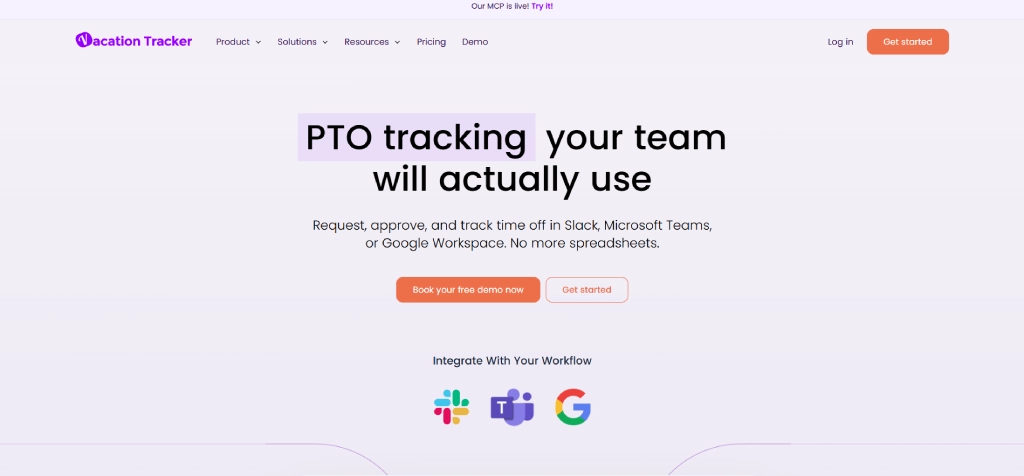
Vacation Tracker is designed for teams that manage communication primarily through Slack and Microsoft Teams. It helps you handle leave requests, approvals, and employee availability directly within collaboration platforms, making PTO management faster and more convenient for remote and hybrid teams.
Key Features
- Slack leave commands allow employees to request and manage time off directly from Slack.
- Microsoft Teams integration helps teams manage PTO requests without leaving the Teams workspace.
- Department-specific leave policies make it easier to configure different PTO rules for multiple teams.
- Automatic leave reminders notify managers and employees about upcoming vacations and approvals.
Pros
- Strong Slack and Microsoft Teams integrations
- Quick and simple leave request process
- Good visibility into team availability
- Easy setup and user-friendly interface
Cons
- Limited advanced HR management features
- Best suited for collaboration-focused teams
- Some reporting features are basic compared to enterprise tools
Pricing
- Core: $2/user/month (billed monthly)
- Complete: $4/user/month(billed monthly)
Reviews
Best For
Remote, hybrid, and collaborative teams that rely heavily on Slack or Microsoft Teams for daily operations.
4. Day Off - Best Mobile-Friendly Leave Tracking Tool
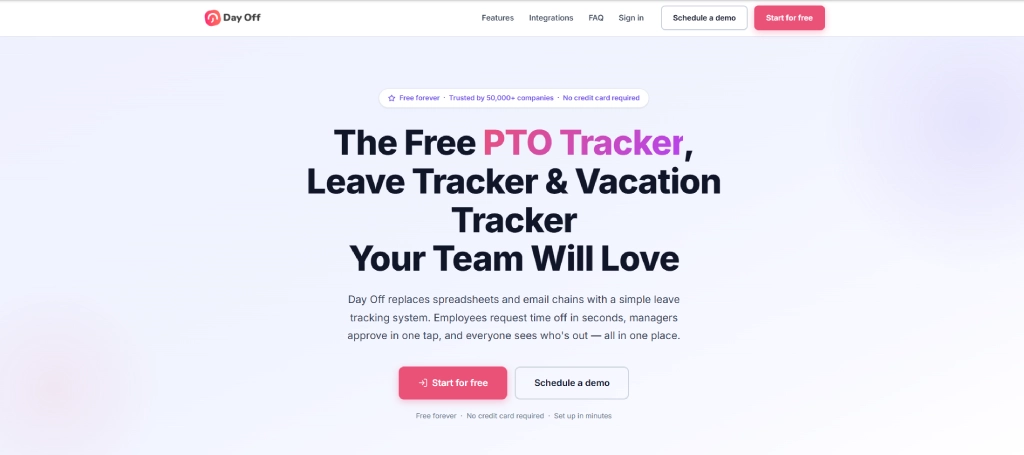
Day Off is a mobile-focused leave management tool that helps you manage PTO requests, employee leave balances, and approvals directly from smartphones. It’s simple interface and mobile accessibility make it a convenient option for teams that prefer managing leave on the go.
Key Features
- Mobile leave management allows employees to request and approve leave directly through mobile devices.
- Push notifications keep employees and managers updated about leave requests and approvals instantly.
- Team leave calendars provide visibility into upcoming vacations and employee availability.
- Multi-leave policy support helps businesses manage different leave types from one platform.
Pros
- Strong mobile experience
- Easy-to-use interface
- Quick leave request and approval process
- Good for small and growing teams
Cons
- Limited advanced HR features
- Reporting capabilities are basic
- Fewer enterprise-level integrations
Pricing
For pricing details, contact the Day off sales team.
Reviews
Best For
Small businesses and teams are looking for a mobile-friendly PTO tracking solution.
5. Factorial - Best HR and PTO Management Platform
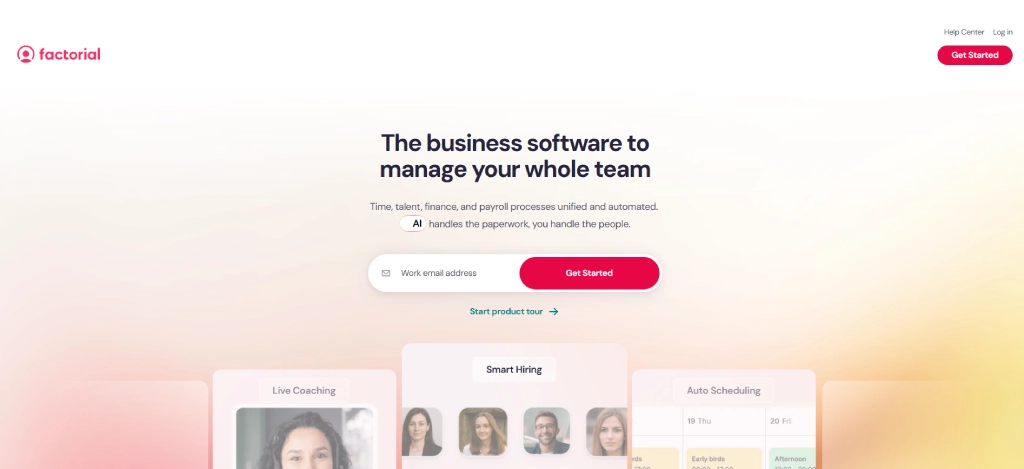
Factorial combines PTO management with broader HR capabilities, helping you manage employee records, attendance, scheduling, and leave management from one centralized platform. It is designed to simplify HR operations for growing businesses.
Key Features
- Employee self-service portals allow employees to manage leave requests and HR information independently.
- Shift scheduling tools help businesses organize employee work schedules more efficiently.
- Document management centralizes employee records and HR documentation securely.
- Attendance and PTO tracking help monitor absences, leave balances, and work hours together.
Pros
- Strong all-in-one HR functionality
- User-friendly interface
- Good automation and reporting features
- Centralized employee management
Cons
- Advanced features require additional modules
- Pricing can increase as teams grow
- Some customization options are limited
Pricing
- Factorial starts at $8 per month/user.
- For enterprise plans, contact the Factorial sales team.
Reviews
Best For
Businesses are looking for both HR management and PTO tracking within one platform.
6. UKG Pro - Best Enterprise PTO and Workforce Management Solution
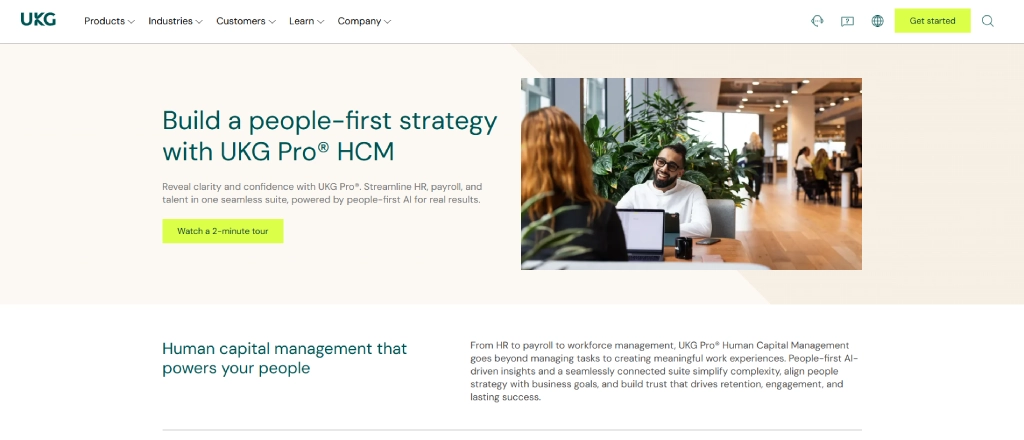
UKG Pro is an enterprise workforce management platform that helps you manage PTO tracking, employee scheduling, payroll, compliance, and workforce operations from one centralized system. Its advanced workforce management tools also help you improve workforce visibility, automate HR processes, and manage large teams more efficiently.
Key Features
- Workforce scheduling tools help you manage shifts and employee availability more efficiently.
- Advanced workforce analytics provide insights into attendance, labor costs, and productivity trends.
- Payroll and HR integrations simplify employee management and compensation workflows.
- Compliance management helps you maintain labor law and PTO policy compliance.
Pros
- Strong enterprise workforce management capabilities
- Advanced reporting and analytics
- Scalable for large organizations
- Detailed HR and payroll integration
Cons
- Complex implementation process
- Higher pricing compared to smaller tools
- May require training for full feature usage
Pricing
For pricing details, contact the UKG Pro sales team.
Reviews
Best For
Large enterprises with complex workforce, payroll, and PTO management requirements.
7. Clockify, Best Free PTO Tracking Tool
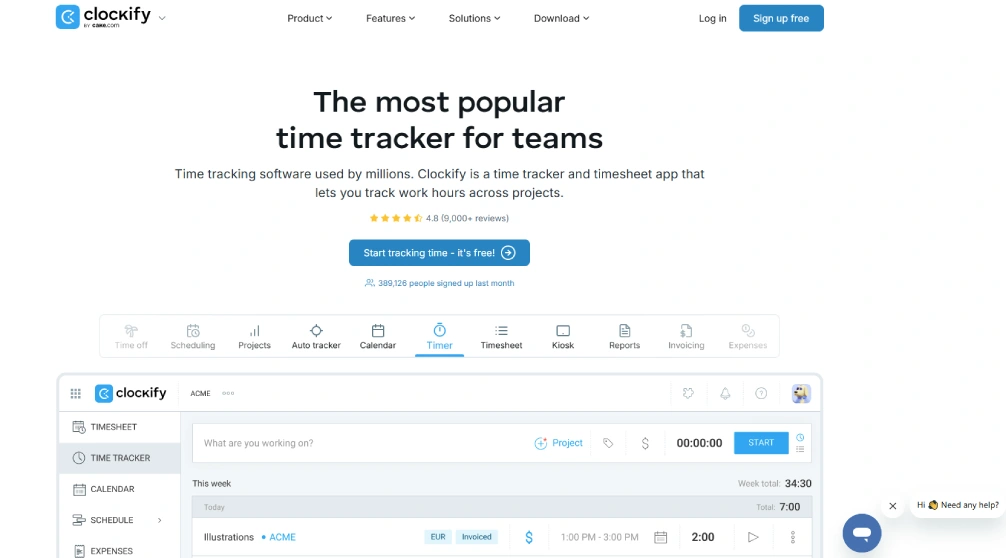
Clockify is a free time tracking and PTO management tool that helps you manage employee leave, attendance, work hours, and project tracking from one platform. It’s simple interface and affordable pricing make it a popular option for startups and small businesses looking for budget-friendly PTO tracking software.
Key Features
- Time tracking tools help you monitor employee work hours and attendance accurately.
- PTO tracking allows employees to request and manage leave from the same platform.
- Timesheets and reporting provide visibility into attendance and employee work activity.
- Team scheduling tools help you organize employee availability and shifts more efficiently.
Pros
- Easy-to-use interface
- Good time tracking functionality
- Affordable paid plans
Cons
- PTO features are less advanced than dedicated HR tools
- Some reporting features require paid plans
- Limited HR management functionality
Pricing
For pricing details, contact the Clockify sales team.
Reviews
Best For
Startups and small businesses are looking for free or affordable PTO tracking software.
8. BambooHR - Best HR Management Platform
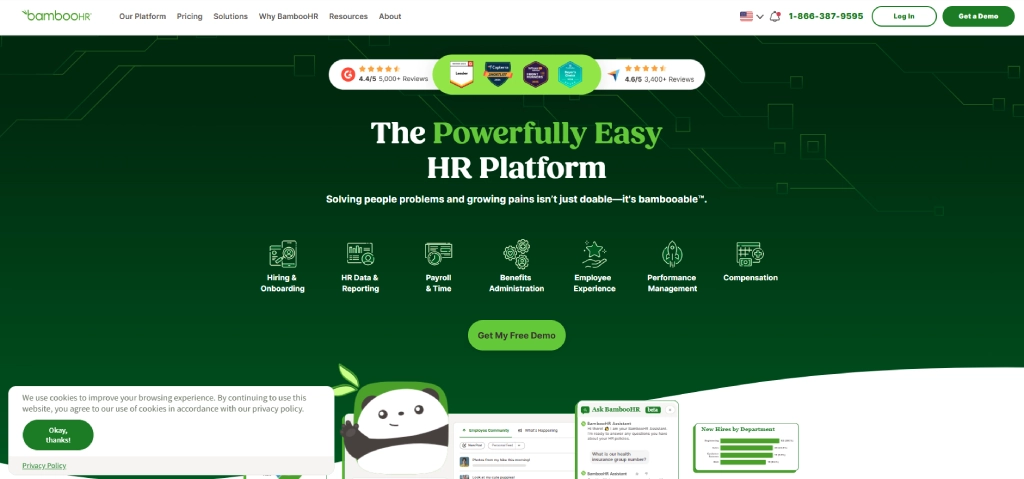
BambooHR is the best HR management platform that helps you manage employee records, leave tracking, onboarding, attendance, and workforce operations from one centralized system. Its intuitive interface and automation features also help you simplify HR processes and improve employee management more efficiently.
Key Features
- PTO and leave tracking help you manage employee absences and leave balances more efficiently.
- Employee self-service portals allow employees to access HR information and manage requests independently.
- Hiring and onboarding tools simplify recruitment and new employee onboarding workflows.
- HR reporting provides insights into attendance, turnover, and workforce trends.
Pros
- Clean and intuitive interface
- Strong HR and onboarding tools
- Easy employee management
- Good automation capabilities
Cons
- Pricing is not publicly available
- Some payroll features cost extra
- Advanced customization options are limited
Pricing
- Core: $10/employee/month
- Pro: $17/employee/month
- Elite: $25/employee/month
Reviews
Best For
Growing businesses are looking for combined HR and PTO management software.
9. Connecteam - Best for Deskless and Field Teams
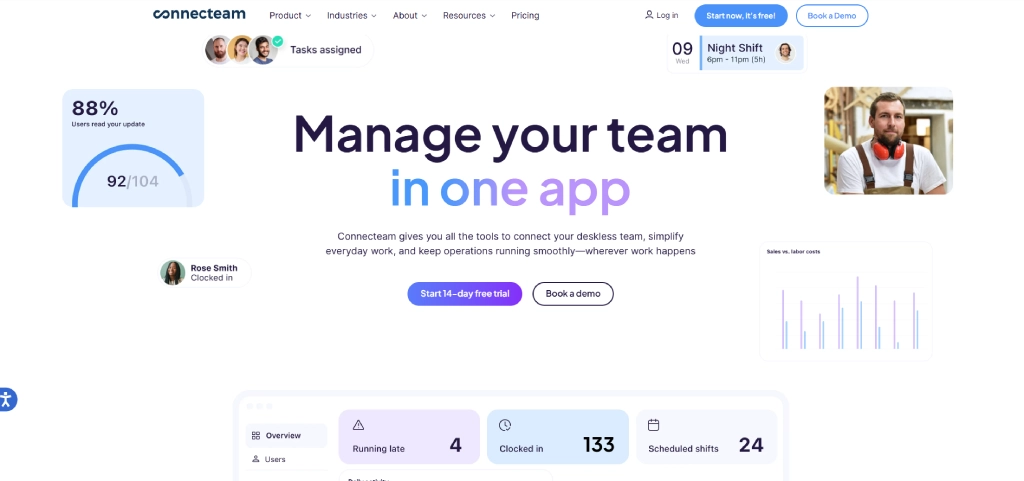
Connecteam is a workforce management and PTO tracking platform designed for deskless, mobile, and field teams that need scheduling, attendance tracking, communication, and leave management from one mobile-friendly system. Its mobile-first functionality also helps you manage field employees, shifts, and team communication more efficiently.
Key Features
- GPS-enabled time tracking helps you monitor employee attendance and field operations more accurately.
- Employee scheduling tools simplify shift planning and workforce coordination.
- Team communication features improve collaboration between deskless and remote employees.
- PTO and attendance tracking help you manage leave requests and employee availability efficiently.
Pros
- Strong mobile functionality
- Easy scheduling and communication tools
- Good workforce coordination features
Cons
- Some advanced tools require additional modules
- Reporting customization can be limited
- Larger teams may require higher-tier plans
Pricing
- Free up to 10 employees forever.
- Basic: $29/user/month
- Advanced: $49/user/month
- Expert: $99/user/month
- Enterprise: For enterprise details, contact the Connecteam sales team
Reviews
Best For
Deskless, remote, and field service teams need mobile workforce and PTO management tools.
How to Choose the Right PTO Tool
With so many PTO tracking tools available, choosing the right one can feel overwhelming. The good news is that you don't need the tool with the most features. You need the one that fits your team's needs, budget, and workflows.
Choose Based on Your Business Needs
Start by identifying what you're trying to solve. If you only need a simple way to manage leave requests and PTO balances, a dedicated PTO tool may be enough.
However, if you also need attendance tracking, scheduling, payroll, or broader HR features, look for a platform that combines those capabilities.
Consider Integrations and Payroll Compatibility
A PTO tool should work well with the software you already use. Before making a decision, check whether it integrates with your payroll, HR, communication, or scheduling systems. The better the integration, the less manual work you'll have to do later.
Evaluate Pricing and Scalability
A tool that works for a 10-person team may not be the best fit when your company grows to 100 employees. Look beyond the starting price and consider how costs and features will scale as your business expands.
Test the Tool Before Committing
Never rely on feature lists alone. Take advantage of free trials or product demos to see how the tool works in real-world situations. This gives you a better understanding of the user experience and helps you determine whether it's the right fit for your team.
Why use separate tools for PTO, attendance, and workforce management?
Time Champ brings everything together, helping you save time, reduce errors, and improve workforce visibility.
Conclusion
The right PTO tracking tool can help you simplify leave management, reduce manual work, and keep PTO records accurate. Whether you need a simple leave tracker or a complete HR solution, there are plenty of options to choose from.
If you want to manage PTO, attendance, scheduling, and workforce productivity from one platform, Time Champ is a great choice. Start with a free trial and see how it can make leave management easier for your team.

Guna Lakshmi

Table of Content
 What Is PTO?
- Why You Need PTO Tracking Software
- 9 Best PTO Tracking Tools for 2026
- Quick Comparison of the Top PTO Tracking Tools
- How to Choose the Right PTO Tool
- Conclusion

Related Blogs
Looking for the best freelance time tracking software? Explore the top free and paid tools to track work hours, manage projects, and improve productivity.
Guna Lakshmi | May 18, 2026
Learn what time tracking is, why it matters in 2026, the best methods, and how to implement it without team pushback. A practical guide for modern teams.
Jahnavi Pulluri | May 19, 2026
Learn the key pros and cons of time tracking to enhance employee productivity and manage challenges effectively.
Thasleem Shaik | Aug 17, 2024
Learn how time tracking improves remote team productivity through better visibility, accountability, performance tracking, and smarter team management.
Anjali | May 16, 2026
Explore the top benefits of productivity tracking software for better visibility, balanced workloads, smarter planning, and improved business decisions.
Guna Lakshmi | Apr 30, 2026
A practical guide to choosing productivity tracking software for your team, with comparisons of features, pricing, privacy, security, and rollout risks.
Jahnavi Pulluri | May 01, 2026


 4.7/5 avg.
Ready to Manage Your Workforce Smarter?
Join our family of 1500+ companies using smart insights to redefine workforces!

Free Trial
No Credit Card Required