How to Set Up Geofencing for Your Team (2026 Guide)
Learn geofencing implementation with an 8-phase rollout plan, site-specific radius sizing, common pitfalls, and practical strategies to measure success.
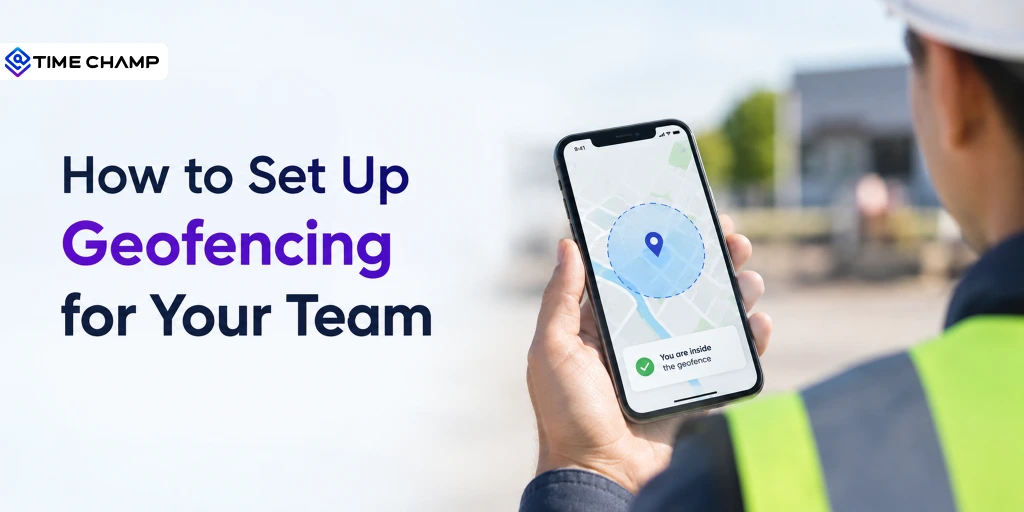
Setting up geofencing for your team sounds simple, but most businesses struggle to get it right. Questions like What should the geofence radius be?, Should every location have the same settings?, or What if employees miss check-ins? often come up during the setup process.
That's exactly what this blog is here to help with.
I’ll go through the setup process step by step, from planning your rollout to choosing the right geofence size for different job sites. You'll also learn about the common challenges businesses face, how to fix them, and the key metrics to track, so you know your geofencing system is working as expected.
What is a Geofence?
A geofence is a virtual boundary created around a real-world location using GPS, Wi-Fi, cellular networks, or other location technologies. Geofencing detects when a mobile device enters, exits, or stays within that boundary and automatically triggers actions such as recording attendance, sending alerts, or updating job status.
What Is the Difference Between GPS Tracking and Geofencing?
Although they both use location data, GPS tracking and geofencing work in different ways.
GPS tracking continuously records a device's location and shows its movement over time.
Geofencing, on the other hand, only checks whether a device enters or leaves a specific area. It records an event instead of tracking the entire journey.
For most businesses, geofencing is the better choice for attendance and job site verification. It collects only the information needed to confirm whether an employee was at the right location, making it simpler to manage and better for employee privacy.
How to Implement Geofencing: An 8-Phase Rollout Plan
Setting up geofencing is more than creating a virtual boundary around a location. A successful rollout takes planning, testing, and regular improvements. Follow these eight phases to set up a geofencing system that works smoothly for your team.
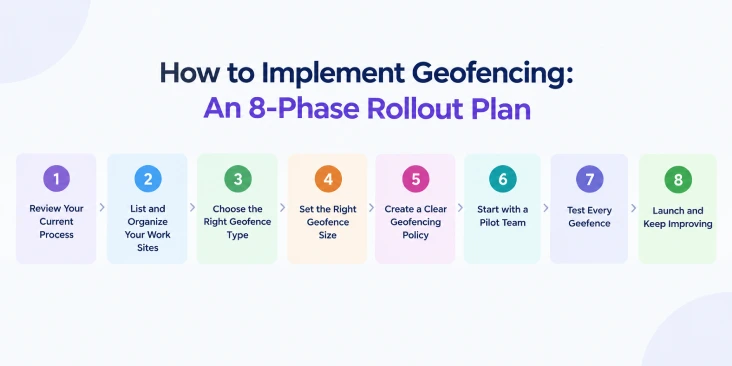
Phase 1: Review Your Current Process
Before you start, take a look at how your attendance and field operations work. This gives you a clear starting point and helps you measure whether geofencing is actually improving your process.
Review your last few payroll periods and note:
- Manual timesheet edits
- Missed check-ins or check-outs
- Time spent processing payroll
- Overtime hours
- Attendance disputes or corrections
These numbers will make it easier to compare your results after the rollout.
Goal: Create a simple baseline report.
Phase 2: List and Organize Your Work Sites
Next, make a list of every location where your employees work. Not every site is the same, so it's helpful to group them into categories.
For example:
- Fixed sites: Offices, warehouses, or retail stores
- Large sites: Campuses or industrial facilities
- Temporary sites: Construction projects or event locations
- Client sites: Customer homes or business locations
This step is important because each type of location may need a different geofence size and setup.
Goal: Create a complete list of all work locations.
Phase 3: Choose the Right Geofence Type
Now it's time to decide how your geofences will be created.
Most businesses use circular geofences, which work well for offices, stores, and regular job sites. If your work area has an unusual shape, such as a large construction site or factory, a polygon geofence may provide better accuracy.
You should also decide whether employees will use company-issued devices or their own smartphones. Making this decision early helps avoid confusion during the rollout.
Goal: Finalize your geofence type and device policy.
Phase 4: Set the Right Geofence Size
One of the biggest mistakes businesses make is using the same geofence size for every location. Every work site is different, so your geofence should be too.
When choosing the right size, consider:
- The size of the work site
- GPS accuracy in the area
- Nearby roads or buildings
- Parking lots and entry points
Start with a reasonable radius, test it in real conditions, and adjust it if needed. A geofence that's too small can miss employee check-ins, while one that's too large may record attendance before employees actually arrive at the job site.
Goal: Assign the right geofence size to every location.
Phase 5: Create a Clear Geofencing Policy
Before rolling out geofencing, make sure everyone understands how it works.
Your policy should explain:
- What information is collected
- When location tracking is active
- Who can access the data
- How long the data is stored
- What employees should do if they experience location or check-in issues
Being open about your policy helps build trust and reduces confusion.
Goal: Publish and share your geofencing policy.
Phase 6: Start with a Pilot Team
Instead of launching geofencing across the entire company, begin with one team or one location.
Run the trial for two to three weeks and ask employees for feedback. Check whether attendance is recorded correctly, identify any issues, and make improvements before expanding to the rest of your workforce.
Goal: Complete a successful trial rollout.
Phase 7: Test Every Geofence
Testing is one of the most important parts of the setup process, but it's often skipped.
Visit each location and test the geofence by:
- Entering and leaving the site
- Checking that attendance is recorded correctly
- Making sure people outside the boundary aren't accidentally checked in
- Testing during busy shift changes
- Checking locations with weak GPS or network signals
If you notice any problems, adjust the geofence size and test again until it works consistently.
Goal: Make sure every geofence works accurately before launch.
Phase 8: Launch and Keep Improving
Once you're happy with the trial results, roll out geofencing to the rest of your teams in stages instead of all at once.
After launch, review your results after 30, 60, and 90 days. Compare them with the baseline you created in Phase 1 and look for improvements in attendance accuracy, payroll processing, missed check-ins, and administrative work.
Remember, geofencing isn't something you set up once and forget. As work sites change or your business grows, review your geofences regularly and make updates whenever needed.
Goal: Keep your geofencing system accurate, reliable, and effective over time.
Manage Every Job Site with Confidence!
Verify arrivals, monitor field teams in real time, and eliminate attendance disputes with Time Champ
How to Choose the Right Geofence Radius?
Choosing the right geofence radius is one of the most important parts of your setup. If the radius is too small, employees may miss check-ins. If it's too large, you may get inaccurate attendance records. Use the recommendations below as a starting point, then test and adjust each location based on real-world results.
Recommended Geofence Radius by Site Type
| Site Type | Recommended Starting Radius | Why It Works | Things to Watch For |
|---|---|---|---|
| Small office or retail store | 50–75 meters | Covers the building while allowing for normal GPS variations. | Nearby shops or offices may trigger false check-ins. |
| Standalone office with parking | 100–150 meters | Includes the parking area where employees usually arrive. | Shared parking lots with neighboring businesses. |
| Construction site | Polygon boundary or 150–250 meters | Covers large or irregular work areas. | Circular geofences may extend onto nearby properties. |
| Warehouse or distribution center | 150–200 meters | Suitable for large buildings and loading areas. | Indoor GPS accuracy may be weak. |
| Hospital or corporate campus | Multiple geofences | Tracks individual buildings more accurately. | GPS may be less accurate indoors. |
| Client locations | 75–100 meters | Works well for customer visits. | Nearby homes or businesses may cause false check-ins. |
| Temporary job sites | 100–200 meters | Easy to adjust for different projects. | Remove old geofences when the project ends. |
Pro tip: Set a 2–3 minute dwell time so employees are checked in only after they've remained inside the geofence for a few minutes. This helps prevent accidental or false check-ins.
How to Roll Out Geofencing Without Losing Employee Trust
Before you roll out geofencing, take a moment to talk to your team. A simple explanation of how the system works, what it tracks, and when it's active can clear up concerns and help everyone feel more comfortable with the change.
Questions Your Team Will Probably Ask
1. Will you track me after work?
Explain that location tracking only works during scheduled work hours or while employees are on the clock. Once the shift ends, tracking stops.
2. Can you see everywhere I go?
No, geofencing doesn't continuously track an employee's location. It only records when they enter or leave a predefined work area.
3. What if I use my personal phone?
Tell employees whether they'll use a company device or their own smartphone. If you have a Bring Your Own Device (BYOD) policy, explain how it works and whether the company provides a data or phone allowance.
4. Will it drain my phone's battery?
Modern geofencing apps are designed to use location services efficiently. While they do use some battery, the impact is usually minimal because the app checks for geofence events instead of constantly tracking movement.
Show Employees What's in It for Them
Employees are more likely to accept geofencing when they understand the benefits. Explain that it can:
- Automatically record attendance
- Reduce missed or forgotten check-ins
- Speed up payroll processing
- Reduce attendance disputes
- Create accurate work records when questions arise
Create a Clear Geofencing Policy
Before launching geofencing, create a written policy that explains:
- What information is collected
- When location tracking is active
- Who can access the data
- How long data is stored
- How employees can report incorrect attendance records
- How personal devices are handled under your BYOD policy
A clear policy helps employees know what to expect and shows that their privacy is being taken seriously.
How Time Champ Simplifies Geofencing Management
After planning your geofencing strategy, you need a tool that makes it easy to manage everything from one place. Time Champ's location tracking lets you create geofences, set custom radius sizes, assign them to employees or teams, and monitor field activities in real time.
With Time Champ, you can:
- Ensure accurate attendance by creating geofences for offices, warehouses, construction sites, client locations, and other work areas.
- Improve location accuracy by setting a custom radius that matches the size and layout of every job site.
- Simplify workforce management by assigning geofences to specific employees or teams based on their work locations.
- Gain real-time visibility into field operations with live GPS tracking during working hours.
- Verify client visits with location-based check-ins and maintain accurate visit records for better accountability.
- Analyze employee movement with route history to optimize travel and improve field productivity.
- Make informed decisions using detailed reports on attendance, geofence activity, client visits, routes, and travel history.
- Stay proactive with instant alerts for missed check-ins, geofence violations, and other critical workforce events.
Managing Multiple Locations? We've Got You Covered
Create unlimited geofences, assign teams to sites, and manage attendance easily with Time Champ
Conclusion
Setting up geofencing is easier when you follow the right steps. Take time to choose the right geofence size, test every location, and keep your team informed throughout the process. As your business grows or work sites change, review and update your geofences. With the right setup, geofencing can save time, reduce attendance errors, and make managing your field team much simpler.

Jahnavi Pulluri

Table of Content
 What is a Geofence?
- How to Implement Geofencing: An 8-Phase Rollout Plan
- How to Choose the Right Geofence Radius?
- How to Roll Out Geofencing Without Losing Employee Trust
- How Time Champ Simplifies Geofencing Management
- Conclusion

Related Blogs
Find the best GPS location tracking apps for employees to track routes, manage time across sites, and keep work organized with real-time insights.
Thasleem Shaik | Apr 13, 2026
Struggling to monitor your field teams? Here's how to track employee location with smart, proven methods that boost visibility, accuracy, and control.
Thasleem Shaik | Jul 24, 2025
Unlock how location intelligence transforms employee tracking, hybrid work management, and field team visibility with smart data-driven tools like Time Champ.
Chetana Choudary | Jul 24, 2025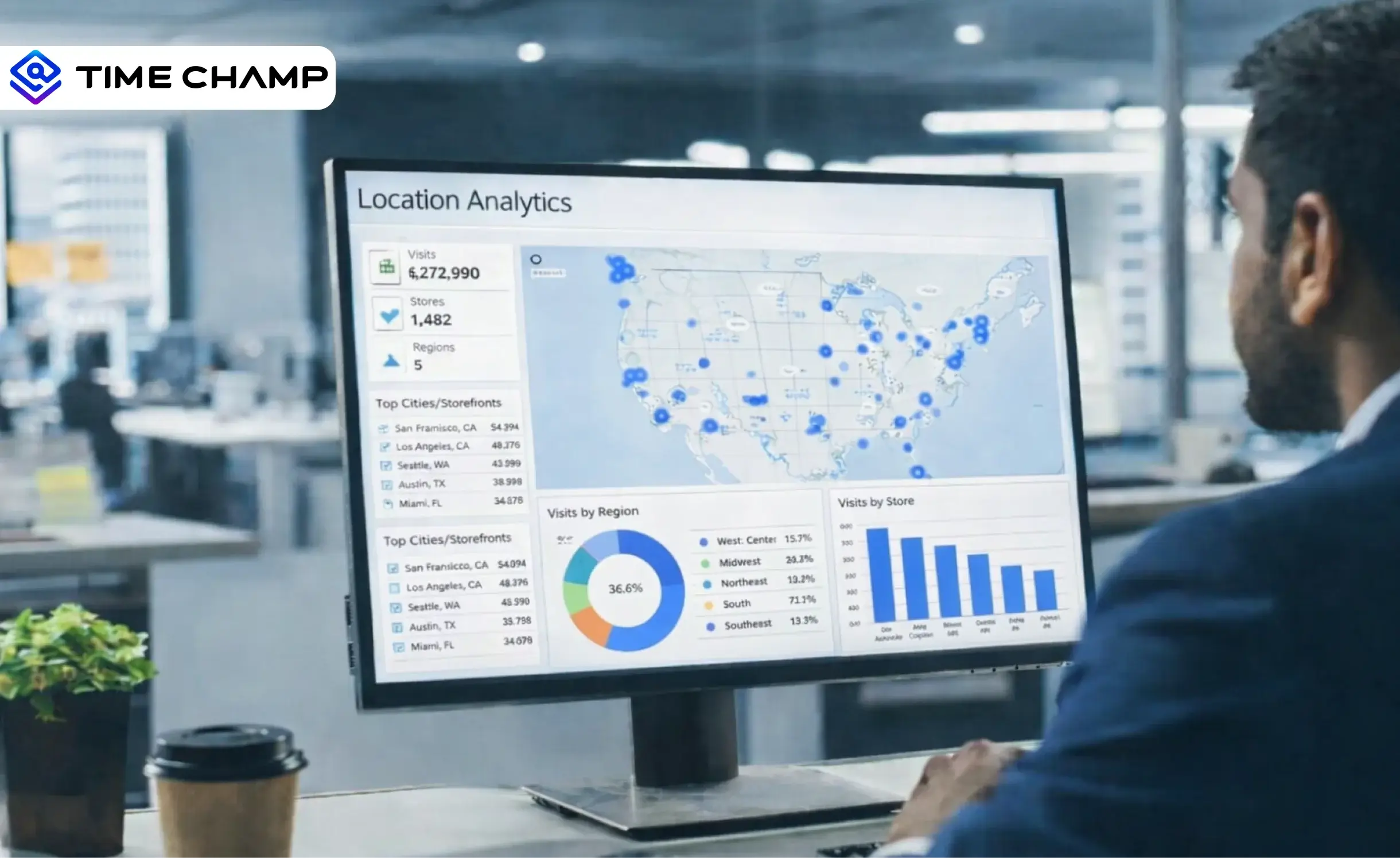
Learn what location analytics is, why it matters, common use cases, key benefits, implementation challenges & how it differs from location intelligence.
Anjali | Feb 11, 2026
Create a compliant and effective GPS tracking policy. Download a free, customizable template and explore best practices for ethical operation and compliance.
Chetana Choudary | Jul 24, 2025
Stay informed on employee GPS tracking laws and policies, including state regulations, device compliance rules, and how to create a legal tracking policy.
Thasleem Shaik | Oct 09, 2025


 4.7/5 avg.
Ready to Manage Your Workforce Smarter?
Join our family of 1500+ companies using smart insights to redefine workforces!

Free Trial
No Credit Card Required