10 Best Attendance Management Systems for Modern Workplaces
Attendance management systems help automate employee attendance, shifts, leave, and payroll. Compare features, benefits, types, and selection tips.
Choosing the right attendance management system can help you handle daily attendance, shift schedules, leave requests, and payroll-ready time data with less manual effort.
If you are trying to move away from spreadsheets, missed clock-ins, delayed approvals, or scattered attendance records, this guide will help you understand what to look for and which tools may fit your workplace needs.
What Is an Attendance Management System?
An attendance management system is software that helps you record, track, and manage work hours, attendance, leave, shifts, and absences in one place. It replaces manual registers and spreadsheets with a more reliable way to capture clock-ins, clock-outs, breaks, overtime, and time-off details.
With the right system, you can reduce manual work, keep attendance records consistent, and make payroll processing easier. Many attendance management systems also support mobile access, biometric attendance, shift planning, leave approvals, reports, and payroll integrations.
For modern workplaces, an attendance management tool gives you better visibility into daily availability and working patterns. It helps you manage office, remote, hybrid, and field attendance with clearer records and smoother workflows.
Top 10 Attendance Management Systems to Consider in 2026
Below are the top attendance management systems. Each platform is compared based on its features, strengths, limitations, pricing, and ideal use cases, making it easier to choose the one that fits your requirements.
| Best For | Starting Price | Free Trial | Reviews | |
|---|---|---|---|---|
| Time Champ | Attendance tracking, employee monitoring, and workforce productivity | $3.9/user/month | Yes | G2: 4.8/5 Capterra: 4.9/5 |
| TMetric | Project-based teams, agencies, and billable time tracking | $5.83/user/month | Yes | G2: 4.6/5 Capterra: 4.5/5 |
| Time Doctor | Workforce analytics, productivity monitoring, and attendance tracking | $6.67/user/month | Yes | G2: 4.4/5 Capterra: 4.5/5 |
| Hubstaff | Remote teams, GPS attendance, and payroll management | $4.99/user/month | Yes | G2: 4.4/5 Capterra: 4.5/5 |
| Jibble | Attendance tracking, time tracking, and field workforce management | Contact Sales | Yes | G2: 4.7/5 Capterra: 4.8/5 |
| Buddy Punch | Attendance tracking, shift scheduling, and buddy punch prevention | $4.49/user/month | Yes | G2: 4.8/5 Capterra: 4.8/5 |
| Connecteam | Deskless teams, scheduling, and team communication | $29/month | Yes | G2: 4.6/5 Capterra: 4.6/5 |
| Deputy | Shift scheduling, compliance, and workforce management | $5/user/month | Yes | G2: 4.6/5 Capterra: 4.6/5 |
| BambooHR | HR management, attendance, and payroll integration | $10/user/month | Yes | G2: 4.4/5 Capterra: 4.6/5 |
| Rippling | Payroll, HR, attendance, and workforce management | Contact Sales | Yes | G2: 4.8/5 Capterra: 4.9/5 |
1. Time Champ
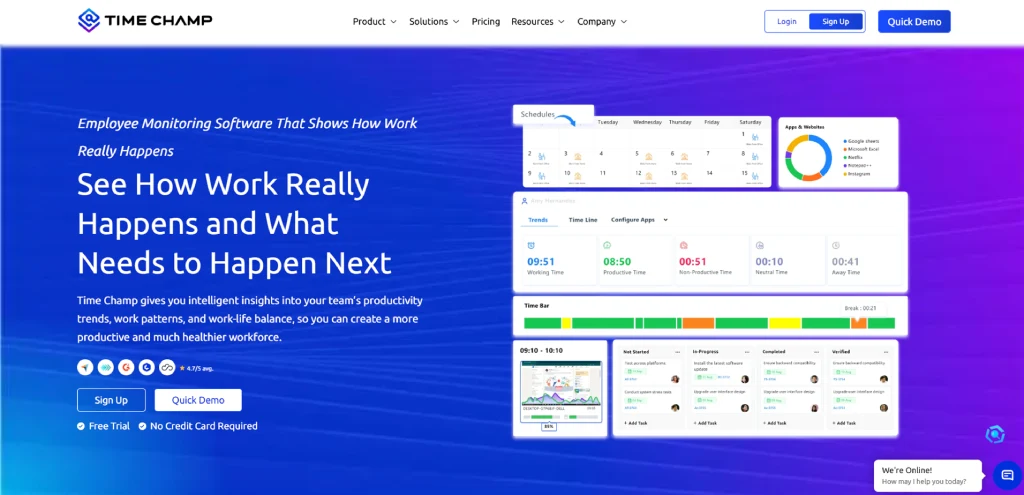
Time Champ is an employee monitoring and attendance management software designed to help you track employee attendance, work hours, and daily activity with accuracy. It gives you clear visibility into when your team clocks in and clocks out, how long they stay active, and how they spend their time throughout the day.
With features like real-time attendance tracking, shift management, and detailed reports, it helps you maintain accurate records without relying on manual processes and spreadsheets. It works well for teams that need better control over attendance, clear accountability across the team, and accurate data that can be used for payroll and performance tracking.
Key Features
- Automatic Time & Attendance Tracking: Records employee time and attendance automatically without manual input, reducing manual errors and saving time.
- Real-time Attendance Dashboard: Shows live attendance status in one view, helping you quickly understand who is present, absent, or late.
- Shift Scheduling and Tracking: Help you assign shifts and track who worked which shift, making it easier to manage rotating or flexible schedules.
- Automated Timesheets: Generate timesheets automatically based on tracked work hours, reducing manual effort and improving accuracy.
- Leave Management: Allows leave requests and approvals while keeping all records organized in one place.
- Break Time Tracking: Tracks break durations during work hours, helping maintain consistency and compliance with policies.
- Idle Time Detection: Identifies inactivity during work hours, helping you address productivity gaps.
- Attendance Alerts and Notifications: Send alerts for late logins, absences, or missed check-ins, so you can take timely action.
- Payroll-Ready Attendance Reports: Generate reports that can be directly used for payroll, simplifying salary calculations.
- Geo-Fenced Attendance: Allows field employees to mark attendance only within a set location, helping prevent misuse.
Pros
- Reduces manual attendance tracking with automated records.
- Easy to set up and simple for teams to use daily.
- Suitable for remote, hybrid, field, and in-office teams.
- Responsive customer support that helps resolve issues quickly and efficiently.
- Provides payroll-ready attendance data for accurate salary processing.
- Affordable starting price suitable for growing businesses and startups.
Cons
- Some advanced analytics require higher-tier plans.
- First-time users may need a little time to become familiar with advanced reports.
Pricing
Time Champ offers a 7-day free trial, allowing you to try out the platform and evaluate its features before choosing a plan.
- Starter: $3.9 per user/month (billed annually)
- Professional: $6.9 per user/month (billed annually)
- Enterprise: $13.9 per user/month (billed annually)
Each plan supports different team sizes and feature needs, so you can easily choose the option that fits your workflow. You can also compare all plans and feature differences on the Time Champ pricing page before making your decision.
Reviews
- G2: 4.8/5
- Capterra: 4.9/5
Missed clock-ins and manual entries create unnecessary attendance confusion.
2. TMetric
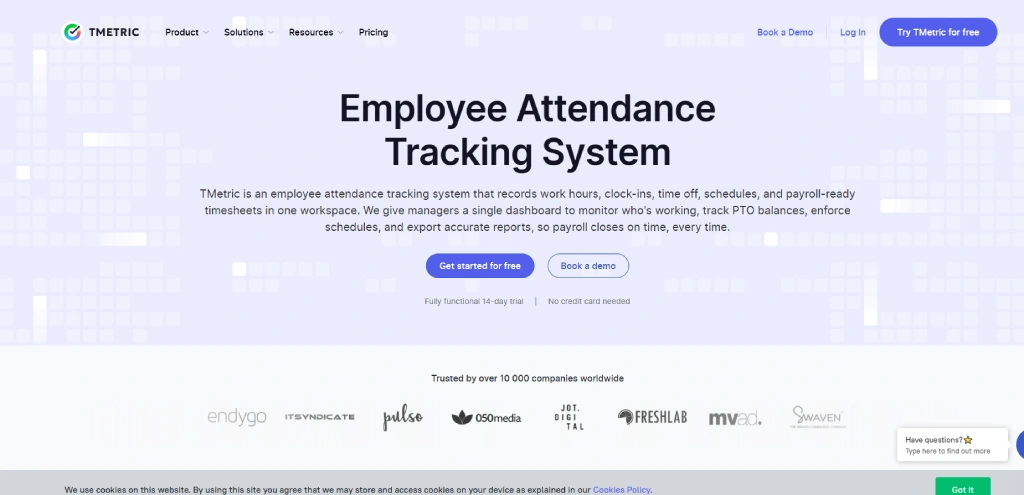
TMetric is a time tracking and attendance tool designed for project-based teams and agencies. It helps you manage work hours, track project time, and handle timesheets and invoicing in one place. The tool also supports leave management and integrates with popular project management platforms for smoother workflows.
Key Features
- One-Click Time Tracking: Start or stop time tracking with a single click while automatically recording work hours and attendance.
- Attendance Tracking: Record clock-ins, clock-outs, and total working hours in one centralized dashboard.
- Team Timesheets: Automatically generate accurate timesheets from tracked work hours for payroll and reporting.
- Real-Time Team Dashboard: View who is currently working, idle, or away with live attendance updates.
- Attendance Reports Generate detailed attendance, project, and productivity reports for better workforce insights.
Pros
- Easy to set up and use without requiring technical knowledge or training.
- Simple and clean interface that makes navigation and daily usage very smooth.
- Available on web, desktop, and mobile devices.
- Supports automatic attendance and time tracking.
Cons
- Leave requests cannot be submitted through the mobile app.
- The mobile application offers fewer features than the desktop version.
- Some advanced workforce management capabilities are available only in higher plans.
- Invoice customization options are basic and somewhat limited.
Pricing
- Professional: $5.83 per user/month (billed annually)
- Business: $7.50 per user/month (billed annually)
- Enterprise: Custom pricing
Reviews
- G2: 4.6/5
- Capterra: 4.5/5
3. Time Doctor
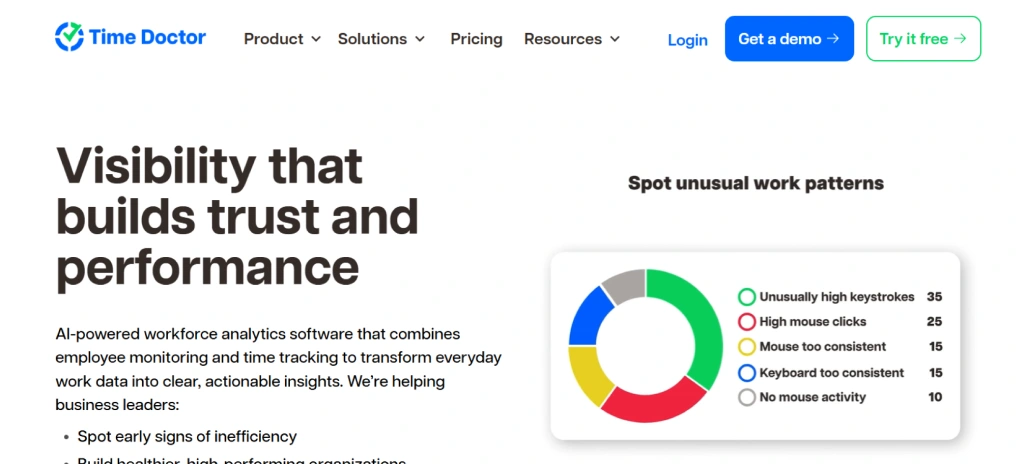
Time Doctor is a workforce analytics and employee attendance management system that helps you track attendance, monitor work hours, manage schedules, and prepare accurate payroll records. It combines attendance tracking with productivity insights, making it suitable for remote, hybrid, and in-office teams. With real-time dashboards, automated timesheets, and HRIS integrations, you can keep attendance records up to date while reducing manual administrative work.
Key Features
- Automatic Attendance Tracking: Records attendance based on actual work activity, reducing the need for manual entries.
- Real-Time Attendance Dashboard: Provides a live view of who is working, absent, late, or has not started the day.
- Attendance Reports: Compare scheduled hours with actual hours worked to help identify attendance gaps.
- Work Schedule Management: Create, edit, and manage shifts for individuals or entire teams from one place.
Pros
- Provides detailed attendance and productivity reports.
- The real-time attendance dashboard offers instant visibility.
- Flexible shift scheduling for different work patterns.
- Automated timesheets simplify payroll preparation.
Cons
- Higher pricing than several attendance-focused alternatives.
- Monitoring features may not suit every workplace culture.
- Mobile and desktop applications offer fewer features than the web version.
- The interface can feel busy when using advanced features.
Pricing
- Basic: $6.67 per user/month
- Standard: $11.67 per user/month
- Premium: $16.70 per user/month
- Enterprise: Custom pricing
Reviews
- G2: 4.4/5
- Capterra: 4.5/5
4. Hubstaff
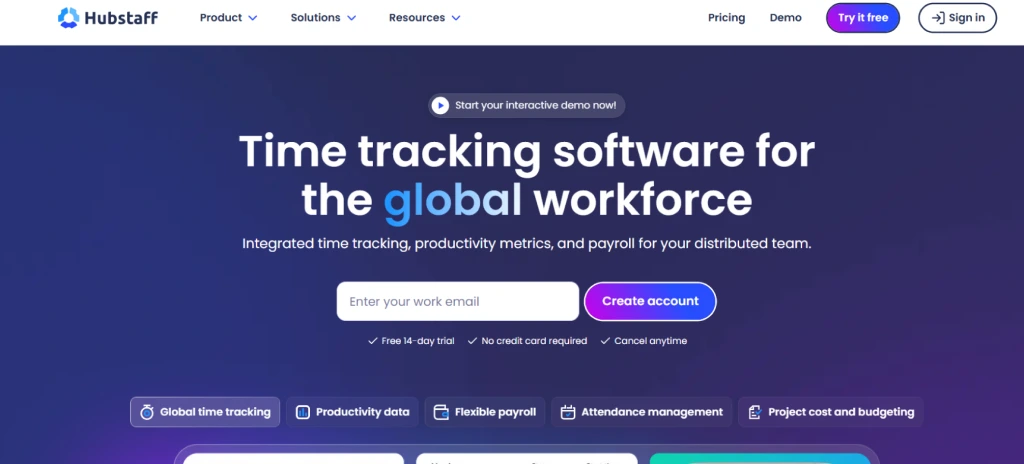
Hubstaff is a time tracking and attendance management software for remote, office, and field teams. It helps track work hours, manage schedules, and monitor locations using GPS. It also includes basic payroll and reporting features in one platform. It helps you manage both desk-based and field employees efficiently.
Key Features
- Real-Time Attendance Monitoring: Shows who is working, on break, absent, or on approved leave through a live dashboard.
- Employee Scheduling: Create and assign shifts while preventing scheduling conflicts with approved leave.
- Time-Off Management: Manage leave requests, holidays, and paid time off from one place.
- Attendance Alerts: Receive notifications for missed clock-ins, late arrivals, and attendance exceptions.
Pros
- Combines attendance tracking, scheduling, payroll, and invoicing in one platform.
- GPS tracking and geofencing work well for field teams.
- Automatic timesheets reduce manual administrative work.
- Supports overtime, breaks, paid time off, and holiday tracking.
Cons
- Advanced features are available only in higher-priced plans.
- Some add-ons increase the overall subscription cost.
- Shift schedules do not include detailed task or location assignments.
- Does not support biometric or facial recognition attendance.
Pricing
- Starter: $4.99 per user/month
- Grow: $7.50 per user/month
- Team: $10 per user/month
- Enterprise: $25 per user/month
Reviews
- G2: 4.4/5
- Capterra: 4.5/5
5. Jibble
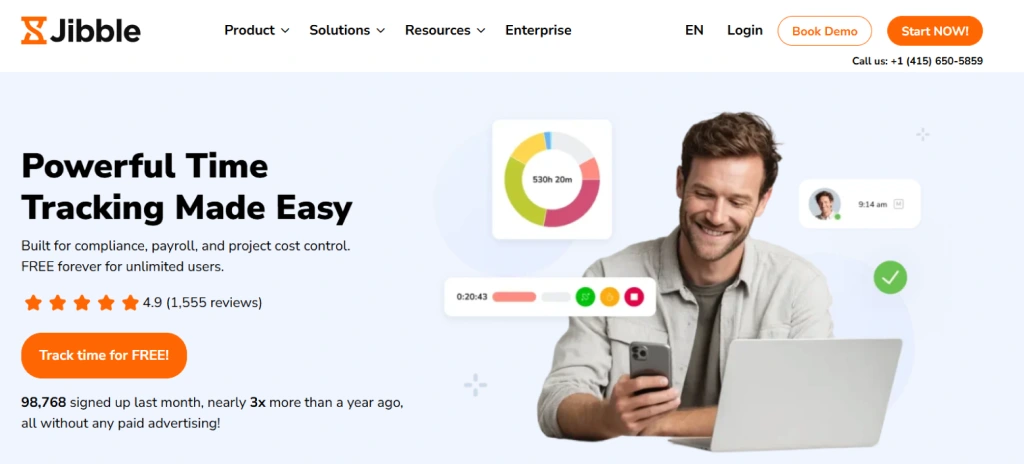
Jibble is an attendance management and time tracking software that helps you record attendance, manage work hours, track leave, and maintain accurate attendance records from one place. It provides a centralized platform to monitor daily attendance, prepare payroll-ready timesheets, and manage teams working from the office, remotely, or in the field.
Key Features
- AI Facial Recognition: Verify employee identity during clock-ins to reduce buddy punching.
- GPS and Geofencing: Restrict clock-ins to approved locations and verify where attendance is recorded.
- Live Location Tracking: View employee locations and travel routes in real time for better field visibility.
- Automatic Timesheets: Convert attendance records into payroll-ready timesheets without manual calculations.
Pros
- Automatic timesheets simplify payroll preparation.
- Attendance reminders help reduce missed clock-ins.
- Multiple clock-in methods provide greater flexibility.
- Supports offline attendance tracking.
Cons
- Advanced workforce management capabilities are limited compared to all-in-one HR platforms.
- Activity monitoring is less detailed than dedicated employee monitoring software.
- Does not include built-in shift scheduling.
- Report sharing and export options are less flexible than competitors.
Pricing
For pricing, contact Jibble directly.
Reviews
- G2: 4.7/5
- Capterra: 4.8/5
Managing work shifts manually takes more time every day.
Use Time Champ to automate shifts and attendance.
6. Buddy Punch
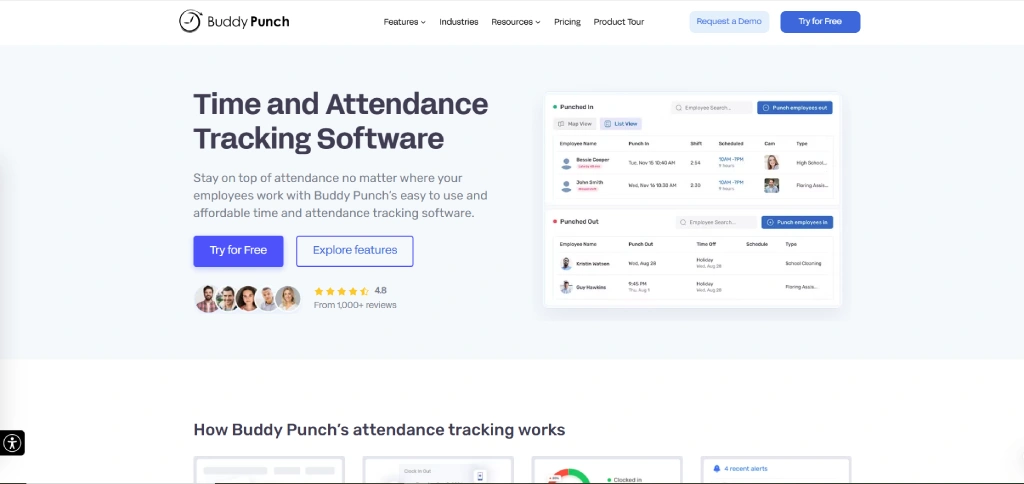
Buddy Punch is an attendance management and time tracking solution built for businesses that need a simple way to track attendance, manage schedules, and prevent time theft. It supports web, mobile, and kiosk-based clock-ins while offering GPS tracking, geofencing, facial recognition, and payroll integrations. The platform is well suited for office, remote, and field teams that need accurate attendance records without a complicated setup.
Key Features
- Recurring Shift Scheduling: Create repeating schedules for recurring work patterns to save scheduling time.
- Availability Management: Allow employees to submit their availability before work schedules are created.
- Shift Trade Requests: Enable shift swaps and cover requests to simplify schedule adjustments.
- Time Clock Kiosk: Let multiple employees clock in and out using a shared tablet or kiosk.
Pros
- Facial recognition and photo capture help reduce buddy punching.
- Flexible overtime and break policies support different attendance rules.
- Multiple clock-in options provide greater flexibility.
- Shift scheduling and availability management are easy to configure.
Cons
- No offline mode for clock-ins when internet access is unavailable.
- Live chat support is not available around the clock.
- Some scheduling capabilities require additional add-ons.
- The mobile application offers fewer attendance management features than the web version.
Pricing
- Starter: $4.49 per user/month
- Pro: $5.99 per user/month
- Enterprise: $10.99 per user/month
Reviews
- G2: 4.8/5
- Capterra: 4.8/5
7. Connecteam
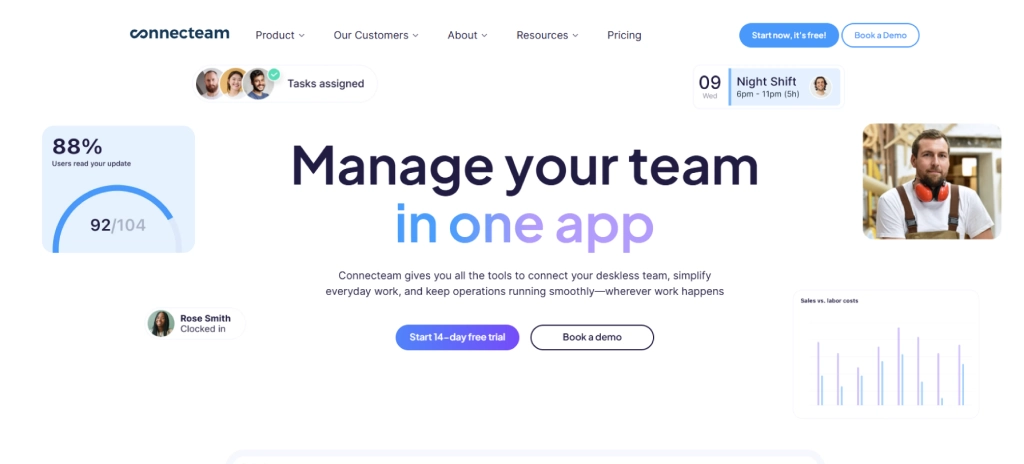
Connecteam is an all-in-one workforce management and attendance management platform designed for deskless, remote, and field teams. Along with attendance tracking, it includes employee scheduling, task management, team communication, document management, and time tracking in a single mobile-friendly platform. It is a practical choice if you want to manage daily operations and attendance without switching between multiple tools.
Key Features
- Time Clock Kiosk: Support shared clock-ins for teams working from the same location.
- Break and Overtime Tracking: Monitor break times, overtime hours, and pay rules automatically.
- Overtime Alerts: Notify you before unapproved overtime impacts labor costs.
- Task Management: Assign tasks, create checklists, and track work progress from one place.
Pros
- Shift scheduling and shift swapping simplify workforce planning.
- GPS tracking and geofencing improve attendance accuracy for field teams.
- Automatic timesheets reduce payroll preparation time.
- Automatically calculates overtime, breaks, and paid time off for accurate payroll.
- Calculates overtime, breaks, and paid time off automatically.
Cons
- Advanced reporting is less detailed than some enterprise HR platforms.
- Payroll often relies on exporting approved timesheets rather than fully native processing.
- Complex scheduling workflows may require additional configuration.
- Some advanced features require higher-tier plans.
Pricing
- Basic: $29 per user/month
- Advanced: $49 per user/month
- Expert: $99 per user/month
Reviews
- G2: 4.6/5
- Capterra: 4.6/5
8. Deputy
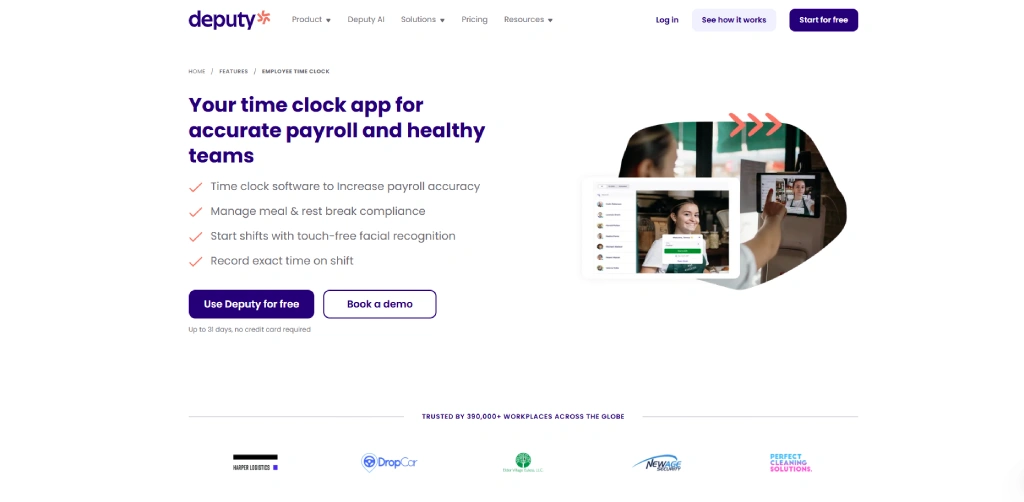
Deputy is a workforce management and attendance management platform that helps you manage employee attendance, shift scheduling, time tracking, and payroll from one place. It is widely used by businesses with shift-based workforces because it combines employee scheduling with attendance verification, compliance tracking, and payroll exports.
Key Features
- Digital Time Clock: Allow employees to clock in using tablets, computers, or mobile devices.
- Compliance Monitoring: Flag missed breaks, late arrivals, early departures, and unscheduled work hours automatically.
- Facial Recognition: Verify employee identity during clock-ins with touch-free facial verification.
- GPS Location Verification: Confirm employees are at the correct work location when clocking in from mobile devices.
Pros
- A simple interface that is easy to navigate.
- Automatic scheduling reduces manual shift planning.
- GPS verification and facial recognition improve attendance accuracy.
- Supports compliance with meal, break, and overtime rules.
Cons
- Pricing is higher than several attendance-focused alternatives.
- Starter plans include limits on shifts and timesheets.
- Single sign-on is available only in higher-tier plans.
- Reporting options are less detailed than those of some enterprise workforce platforms.
Pricing
- Lite: $5 per user/month
- Core $6.50 per user/month
- Pro: $9 per user/month
Reviews
- G2: 4.6/5
- Capterra: 4.6/5
9. BambooHR
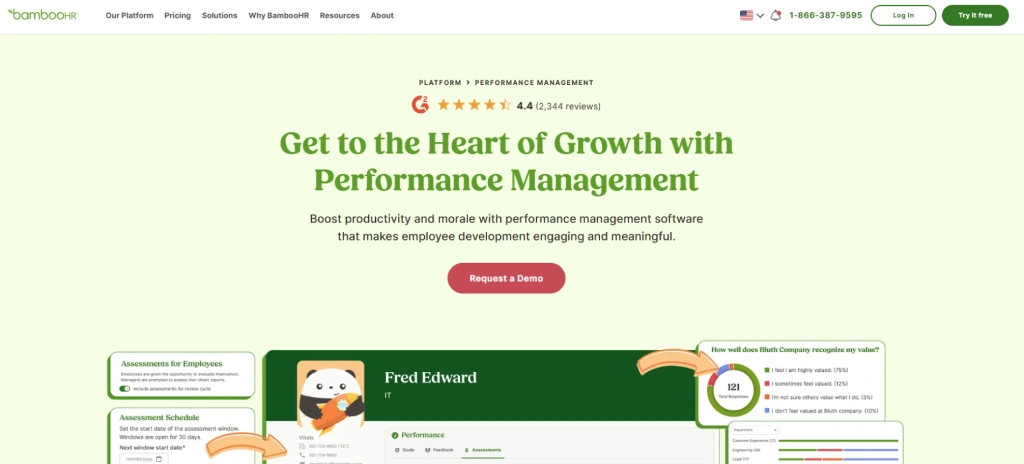
BambooHR is an HR software platform that includes attendance tracking, time tracking, payroll, leave management, and employee records in one system. It is best suited for businesses that want to manage attendance alongside core HR processes without relying on multiple tools.
With built-in payroll synchronization, PTO management, and mobile time tracking, BambooHR helps simplify attendance management while reducing manual administrative work.
Key Features
- Time Tracking: Allow employees to record work hours from both desktop and mobile devices.
- Automatic Timesheets: Capture work hours automatically and prepare them for payroll processing.
- Timesheet Approvals: Review, approve, or reject timesheets with just a few clicks.
- Payroll Synchronization: Automatically sync work hours, overtime, paid time off, holidays, and sick leave with BambooHR Payroll.
Pros
- Flexible PTO policies support different leave requirements.
- Employee self-service reduces routine administrative work.
- Automatic reminders help prevent delayed timesheet approvals.
- A clean dashboard provides easy access to attendance and HR information.
Cons
- Some integrations require additional configuration.
- Advanced HR capabilities are available only in higher-tier plans.
- Attendance and reporting options are less advanced than dedicated attendance management platforms.
- Some businesses may require third-party integrations for specialized requirements.
Pricing
- Core: $10 per user/month
- Pro: $17 per user/month
- Elite: $25 per user/month
Reviews
- G2: 4.4/5
- Capterra: 4.6/5
10. Rippling
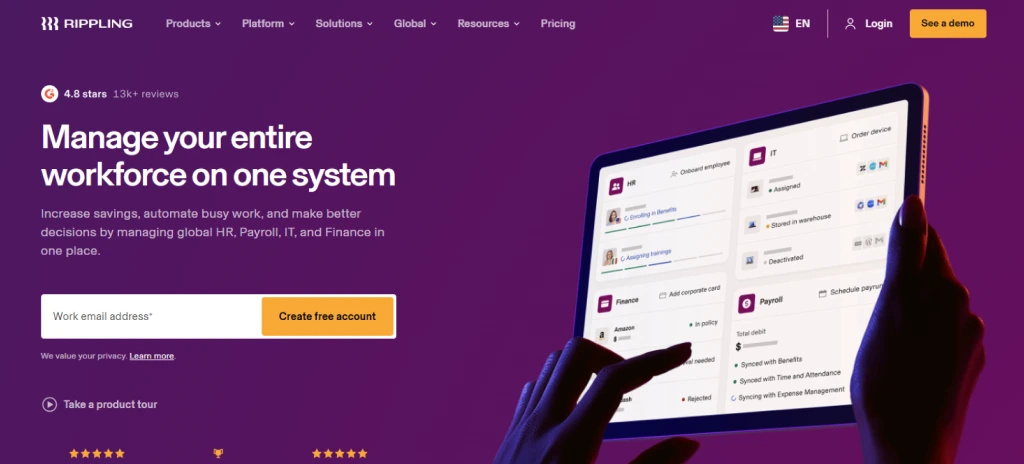
Rippling is a workforce management platform that combines attendance tracking, payroll, HR, IT, and compliance in one connected system. It automatically syncs work hours, overtime, approvals, and leave data with payroll and employee records, reducing manual data entry and keeping workforce information consistent across every module.
Key Features
- Attendance and Leave Tracking: Manage attendance records, paid time off, and leave balances from one platform.
- Overtime Management: Apply overtime rules automatically based on company policies and local regulations.
- Break Compliance: Track meal and rest breaks to help meet labor law requirements.
- Compliance Monitoring: Identify attendance issues and payroll risks before you process payroll.
Pros
- Simple and modern interface that is easy to navigate.
- Attendance data stays connected across HR and payroll modules.
- Strong workflow automation reduces repetitive administrative tasks.
- Flexible approval workflows support different attendance policies.
Cons
- Pricing can increase as additional modules are added.
- Initial implementation may take time for larger deployments.
- The platform includes many features that can increase the learning curve.
- Some advanced workflows require additional configuration.
Pricing
For pricing, contact Rippling directly.
Reviews
- G2: 4.8/5
- Capterra: 4.9/5
Too many tools make attendance harder to manage.
Try Time Champ for one complete attendance management solution.
How to Choose the Best Attendance Management Systems?
The best attendance management system is the one that fits the way your team works, not simply the one with the longest feature list. Before making a decision, think about your attendance process, team size, work environment, and the tools you already use. The points below will help you compare different attendance management tools and choose one that supports your day-to-day operations.
1. Understand Your Attendance Requirements
Start by identifying what you need from an attendance management software. Consider whether your team works from the office, remotely, in the field, or follows hybrid schedules. Also think about shift management, overtime tracking, leave management, and payroll requirements so you can narrow down the right solution.
2. Look for Flexible Attendance Tracking
Choose a system that supports multiple attendance methods, such as mobile check-ins, web access, biometric devices, GPS tracking, or geofencing. This gives you the flexibility to manage attendance accurately across different work environments.
3. Check Payroll and HR Integrations
Attendance data should flow directly into your payroll and HR systems without manual data entry. A platform with built-in integrations helps reduce payroll errors, saves time, and keeps attendance records consistent across your workflow.
4. Evaluate Reporting and Analytics
Look for reporting tools that provide real-time attendance insights, overtime records, absence trends, and timesheet summaries. Clear reports make it easier to review attendance patterns and make informed workforce decisions.
5. Review Security and Compliance Features
Attendance records contain important workforce data, so make security a priority. Choose a system that offers role-based access, audit trails, secure data storage, and compliance support to protect attendance information and meet workplace regulations.
6. Try the Software Before You Decide
Most attendance management systems offer a free trial or product demo. Use this opportunity to test the interface, review key features, check integrations, and confirm that the software fits your workflow before purchasing a subscription.
Conclusion
Choosing the right attendance management system depends on how your team works and the features you need. It should fit smoothly into your daily workflow.
A good solution should simplify attendance tracking, reduce manual work, improve payroll accuracy, and give you clear visibility into work hours without adding complexity.
If you are looking for an all-in-one solution, Time Champ stands out as a great choice. It offers attendance management, time tracking, employee monitoring, productivity insights, and project management in one platform, making it easier to manage your workforce from a single dashboard.
Manual tracking creates unnecessary daily work?
Automate every work hour tracking with Time Champ.

Thasleem Shaik

Table of Content
 What Is an Attendance Management System?
- Top 10 Attendance Management Systems to Consider in 2026
- How to Choose the Best Attendance Management Systems?
- Conclusion

Related Blogs
Best productivity tools for teams in 2026, ranked and compared by features, pricing (from $3/user/mo) and G2 ratings. Find the right fit for your team.
Anjali | May 30, 2026
Compare the 10 best time management apps for 2026, with free plans, pricing, and what each tool is best for, so you can pick the right one for your team fast.
Guna Lakshmi | May 26, 2026
Compare the 10 best remote desktop monitoring software in 2026 by features, pricing, and team fit to quickly identify the right tool for your workflow.
Jahnavi Pulluri | May 07, 2026
Find the best employee monitoring tools for 2026. Compare features, pricing, pros, and cons for employee activity tracking and work visibility.
Thasleem Shaik | May 19, 2026
Find the best team communication apps for 2026. Compare features, pricing, pros & cons to improve collaboration, productivity, and team alignment.
Guna Lakshmi | Apr 08, 2026![10 Best Project Portfolio Management Software For [2026]](https://www.timechamp.io/images/blog-images/port-folio-feature-image-c3ae91d9.webp)
Find the 10 best project portfolio management software for 2026. Compare the features, pricing, pros & cons to prioritize projects and control budgets.
Anjali | Apr 02, 2026


 4.7/5 avg.
Ready to Manage Your Workforce Smarter?
Join our family of 1500+ companies using smart insights to redefine workforces!

Free Trial
No Credit Card Required