Time Champ Employee Monitoring Software: A Complete Walkthrough (2026)
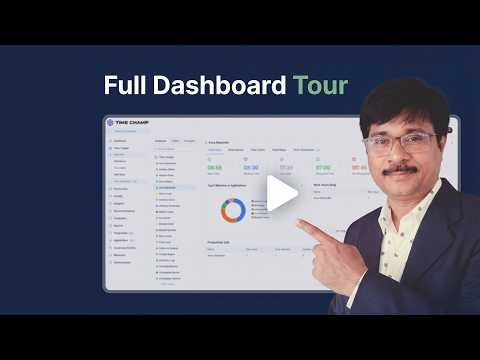
A full guided tour through Time Champ - dashboards, monitoring controls, screenshots, productivity scoring, and reports - so you can see exactly what it looks like before signing up.
What You'll Learn in This Video
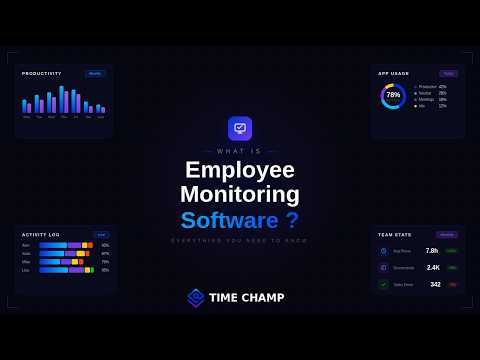
What's inside Time Champ - the dashboards, monitoring options, and reports you'd use day-to-day across a real team.
Dashboards & Real-Time View
How live workspace activity, attendance, and productivity show up at a glance for managers and admins.
Monitoring Controls
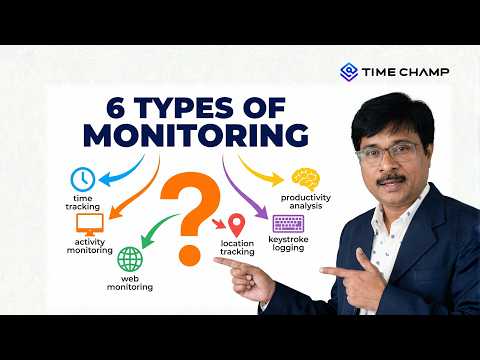
Screenshots, app & URL usage, idle detection, and policy controls - what to enable and what to leave off.
Reports & Productivity Scoring
Built-in reports for activity, productivity, attendance, and projects - and how to read them.
Rollout & Privacy Guardrails
The settings, off-hours blanking, and team-level permissions to roll Time Champ out without eroding trust.
About This Video
Time Champ is Employee Monitoring Software built around three things: visibility, accuracy, and respect for employee privacy. This walkthrough takes you through the actual product - not a marketing flythrough - so you know what setup, day-to-day use, and management reporting look like before you start a trial.
Who this is for:
- Buyers evaluating Time Champ before starting a trial
- Admins planning a Time Champ rollout for their team
- Managers who want to understand the reports before approving deployment
- Anyone migrating off an older tracker
Compare side-by-side with our Time Champ vs Time Doctor breakdown for the full feature matrix.










 4.7/5 avg.
Ready to Manage Your Workforce Smarter?
Join our family of 1500+ companies using smart insights to redefine workforces!

Free Trial
No Credit Card Required