Inside Time Champ: Full Dashboard Walkthrough
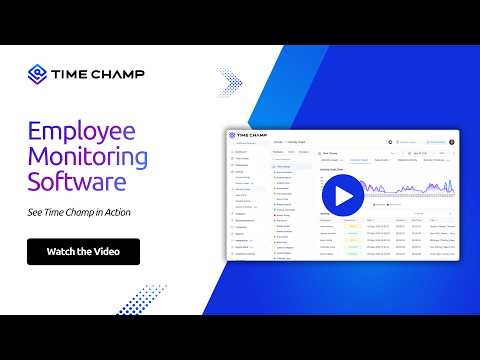
A guided tour through every panel of the Time Champ dashboard - timesheets, productivity scoring, app and URL analytics, and project reports.

What You'll Learn in This Video
Every panel that ships with Time Champ and what it does the moment you log in.
Home Dashboard
How Time Champ summarizes a team's day at a glance, without drowning you in tabs.
Productivity Scoring
How the score is calculated, what it weights, and how to tune it for your team.
App and URL Breakdowns
Per-user and per-team usage views that surface what work actually looked like today.
Reports That Travel
Exportable reports for clients, payroll, and leadership - no spreadsheet glue required.
About This Video
If you've heard about Time Champ but never actually used it, this is the fastest way to see what's inside. We walk through every primary panel in the order managers usually open them - and stop on the small details that decide whether the tool sticks with your team or not.
Who this is for:
- New evaluators screening Time Champ for the first time
- Existing customers training new managers
- Ops leads building reporting workflows
- Finance and HR teams who need exportable views
Try it on your own team with a free Time Champ trial.















 4.7/5 avg.
Ready to Manage Your Workforce Smarter?
Join our family of 1500+ companies using smart insights to redefine workforces!

Free Trial
No Credit Card Required