8 Best Employee Management Software and Tools for (2026)
Find the best employee management software for 2026. Compare features, pricing, pros & cons to streamline workflows and boost workforce productivity.
As teams expand, work models evolve, and day-to-day operations become more complex, you may find it difficult to manage employees. In the absence of clear systems, performance tracking, task management, and employee support turn into guesswork.
Employee management software helps you bring structure to people management by centralizing employee data, daily work, and performance tracking in a single place.
In this blog, you can find the 8 best employee management software and tools to simplify your work. You can also learn what employee management software is and understand how to select the right solution for your business.
By the end, you are clear on your choices, make confident software decisions, enhance workforce efficiency, and create a more organized and productive work environment.
What Is Employee Management Software?
Employee management software is a system that assists you in managing people, work, and performance in one place. You use it to track employee data, daily activities, tasks, productivity, and to support employees at all times. It gives you clear visibility into how work happens, reduces manual tasks, and helps you manage your teams more effectively as your organization grows.
What Are the 8 Best Employee Management Software?
Below are the 8 best employee management software tools for 2026 that help you manage people, work, and performance in one place. Each tool offers a different approach, so you can choose what fits your team size, work style, and long-term goals best.
1. Time Champ
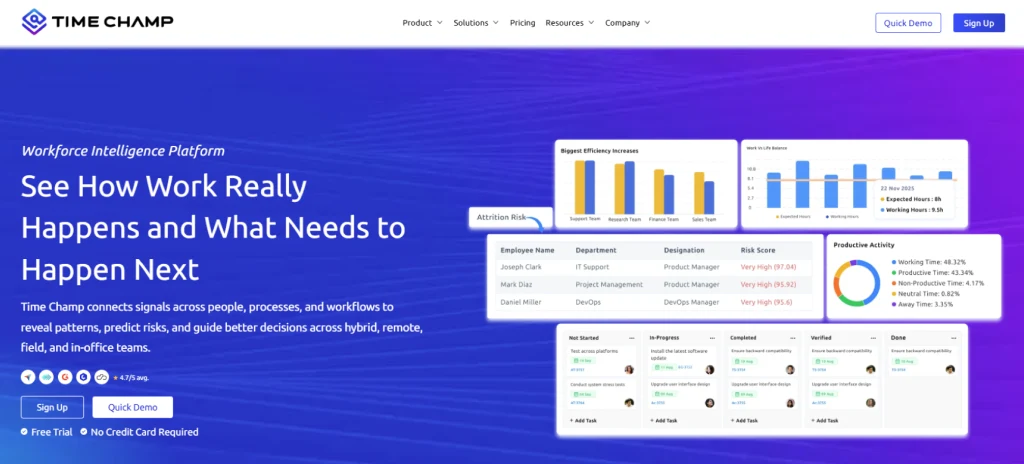
Time Champ is a workforce intelligence and employee management software that helps you manage employees efficiently across any work model. It gives clear insights into time, attendance, productivity, project progress, and team performance, while supporting hybrid and remote teams. With real-time dashboards, automated tracking, workforce analytics, and actionable recommendations, you can improve resource utilization, spot inefficiencies, reduce burnout, and make smarter decisions. It also integrates with popular tools, protects data, and provides reports on workforce trends, app usage, and team comparisons, making it a complete solution for employee management.
Pros
- Intuitive and user-friendly interface for easy adoption.
- Gives you clear visibility into daily work and productivity
- Helps uncover idle time and time leaks
- Makes productivity discussions more objective and data-driven
- Works well for remote, hybrid, and in-office teams
- 24/7 best customer support for any queries or issues
- Scales smoothly as your team grows
Cons
- Occasional slowdowns during navigation or updates can interrupt the overall workflow.
- The dashboard may feel a bit crowded for users who prefer a very minimal and lightweight design.
Features
- Workforce analytics
- Automated time tracking
- Attendance & shift management
- Productivity insights
- Project & task management
- Resource utilization & capacity insights
- App and website usage insights
- Real-Time workforce visibility
- Hybrid team management
- Insightful dashboards & reports
Best For
- Small to large enterprises
- HR and project teams
- On-site, remote, hybrid, and field work models
- IT services, BPO, shared services, and professional services
Pricing
Time Champ offers flexible pricing based on features and team size, billed annually.
- A 7-day free trial is available with no credit card required.
- Starter Plan: $3.90 per user/month
Includes time tracking, attendance, app and website usage tracking, productivity insights, and basic reports.
- Professional Plan: $6.90 per user/month
Includes advanced analytics, detailed activity reports, team management features, alerts, and configurable tracking options.
- Enterprise Plan: $13.90 per user/month
Includes live screen recordings, real-time status tracking, suspicious activity detection, custom reports, and priority support.
Reviews
- G2: 4.8/5
- Capterra: 4.9/5
2. BambooHR
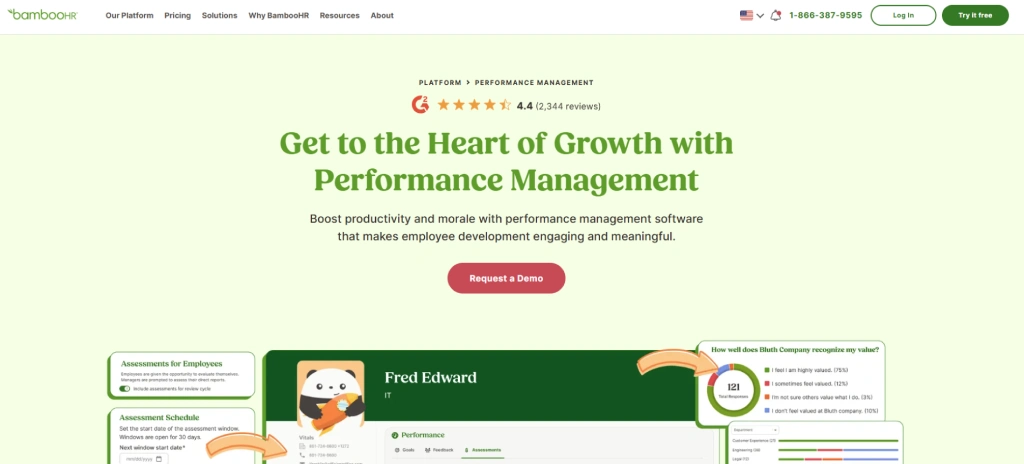
BambooHR is an employee management software designed to assist you in managing core HR processes in one place. You keep employee records, track time off, manage onboarding, review performance, and handle basic reporting without relying on spreadsheets or manual files. It supports day-to-day HR activities and helps you keep employee data accurate and easily accessible. BambooHR is all about simplifying people management, improving record keeping, and providing you with a clear view of employee data as your team grows and work structures change.
Pros
- Easy-to-use interface for daily HR tasks
- Centralized employee data management
- Simple onboarding and offboarding process
- Accurate time off and leave tracking
- Useful standard reports for HR insights
Cons
- Limited payroll features in some regions
- Fewer advanced workforce analytics
- Custom reporting options remain limited
- Pricing may feel high for very small teams
- Less focus on real-time productivity tracking
Features
- Employee database and document storage
- Time off and leave management
- Onboarding and offboarding workflows
- Performance management tools
- Basic HR reporting and analytics
Best For
- Small to mid-sized businesses
- HR driven teams
- Office-based and hybrid work models
- Service and tech industries
Pricing
Contact sales for a quote based on your team and features.
Reviews
- G2: 4.4/5
- Capterra: 4.6/5
3. Zoho People
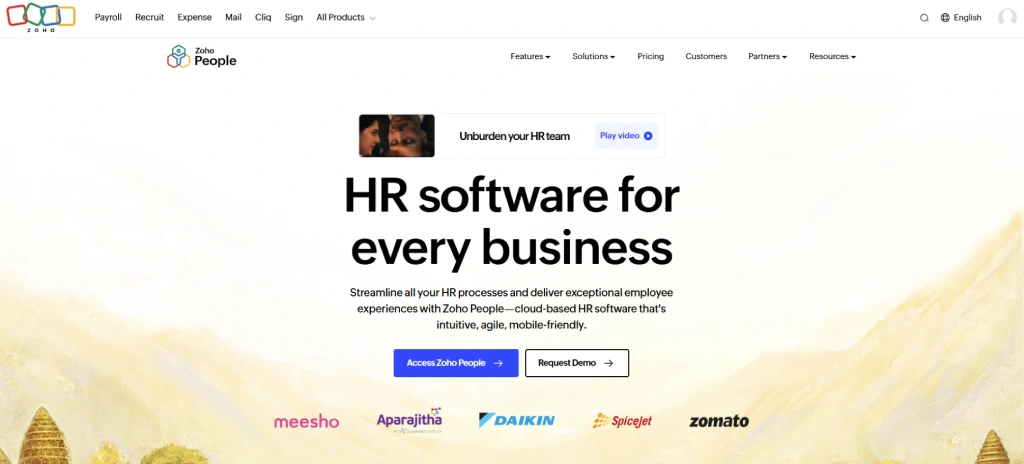
Zoho People is an employee management tool that helps you manage employee records, attendance, leave, performance, and daily HR activities in one place. It allows you to organize employee records, time and attendance, performance reviews and HR processes without a lot of manual work. It supports both office and remote teams and is compatible with businesses that are already using Zoho products. The software enhances HR clarity, maintains employee data well structured, and facilitates consistent people management as teams expand and workflows become more complex.
Pros
- Easy to manage employee records and HR data
- Strong attendance and leave tracking tools
- Works well with other Zoho applications
- Supports remote and hybrid work models
- Custom workflows for basic HR processes
Cons
- Limited payroll features in some regions
- The interface can feel complex for first-time users
- Advanced features require higher plans
- Reporting options feel basic for large teams
- Setup takes time for custom workflows
Features
- Employee database management
- Attendance and leave tracking
- Performance management and appraisals
- Time tracking and shift scheduling
- Workflow automation and self-service portal
Best For
- IT services, startups, and service-based companies
Pricing
Free for up to 5 users. Paid plans start at $1.50 per user per month and go up to $5 per user per month, depending on features.
Reviews
- G2: 4.4/5
- Capterra: 4.4/5
4. Rippling
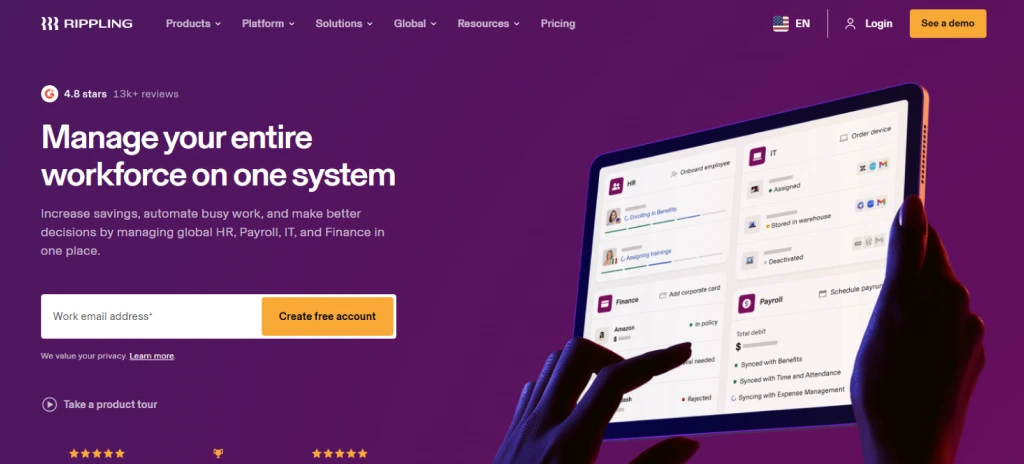
Rippling People is an employee management software that unites HR, payroll, IT, and employee data in a single place. It assists you in handling employee records, onboarding, payroll, benefits, time tracking, and device access through a single system. You coordinate hiring, role changes, and exits with connected workflows that minimize manual processes. Rippling suits growing teams that want more control over people operations and IT access.
Pros
- Combines HR, payroll, and IT management
- Offers strong onboarding
- Automates employee lifecycle changes
- Good integration with third-party tools
- Scales well for growing teams
Cons
- Pricing increases as modules add up
- Setup can feel complex at the start
- Advanced features need higher plans
- Learning curve for non-technical users
- Limited flexibility in basic reports
Features
- Employee records and document management
- Payroll and benefits administration
- Time and attendance tracking
- App and device access management
Best For
- Tech, startups, remote, hybrid, and office teams
Pricing
Rippling offers custom pricing that typically starts at around $8 per employee per month, with costs increasing based on the modules you choose.
Reviews
- G2: 4.8/5
- Capterra: 4.9/5
5. Gusto
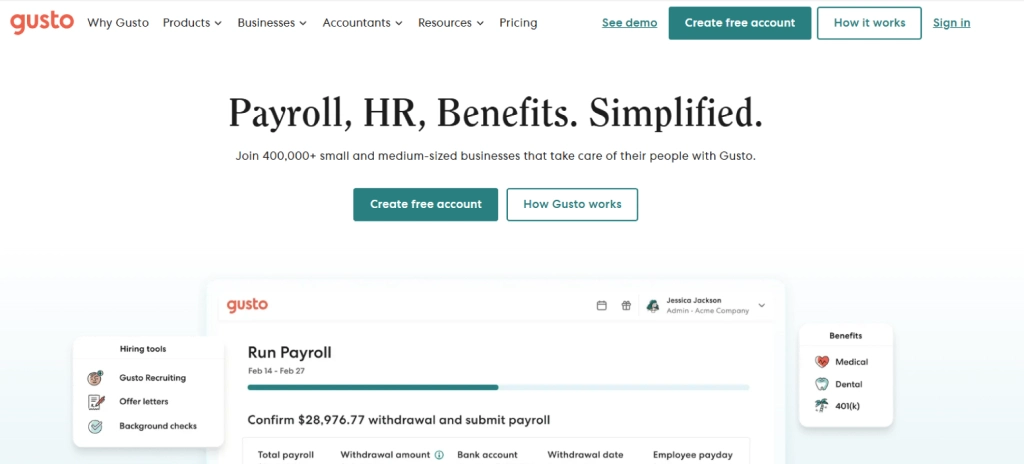
Gusto is an employee management software that focuses on payroll, benefits, and core HR activities in growing businesses. It allows you to manage employee records, payroll, tax filings, benefits, and basic onboarding from one place. You will be able to handle payments, compliance activities, and employee data without the intensive manual work. Gusto is appropriate when a team needs a straightforward people management approach and a high level of payroll accuracy and compliance.
Pros
- Easy payroll setup and processing
- Handles tax filings and compliance
- Simple interface for daily HR tasks
- Supports benefits administration
- Suitable for small growing teams
Cons
- Limited advanced performance features
- Not ideal for large enterprises
- Fewer customization options
- Reporting remains basic
- Add-ons increase the overall cost
Features
- Payroll and tax management
- Employee records and onboarding
- Benefits administration
- Time off tracking
- Compliance and document storage
Best For
- Startups and service-based companies
Pricing
- Simple Plan: $49/month base fee + $6 per employee/month
- Plus Plan: $80/month base fee + $12 per employee/month
- Premium Plan: $180/month base fee + $22 per employee/month
Reviews
- G2: 4.6/5
- Capterra: 4.6/5
Looking for clear visibility into how work actually happens every day?
Optimize your workforce management and improve productivity with Time Champ.
6. Connecteam
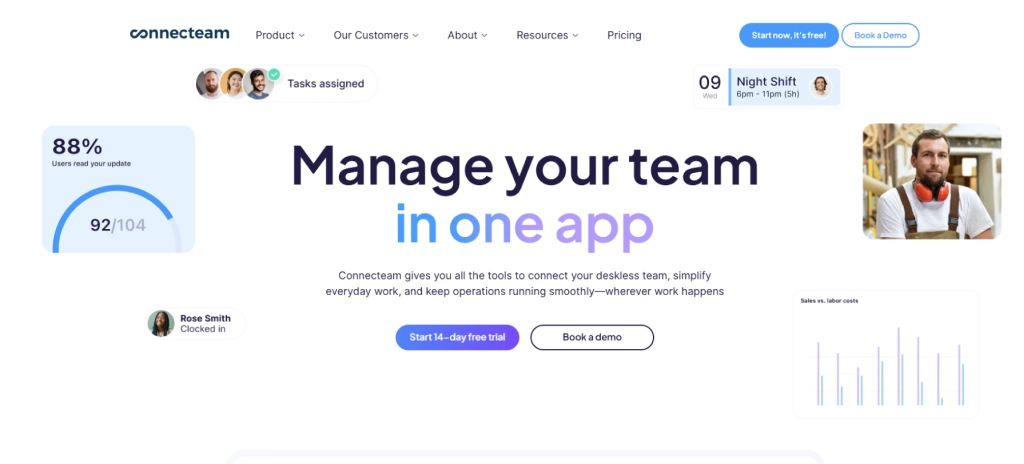
Connecteam is an employee management software that helps teams manage their work efficiently outside a traditional office environment. It allows you to handle day-to-day operations, communication, scheduling, and simple HR functions in a single location. You can manage employee data, monitor working hours, delegate tasks, share updates, and assist frontline teams without complicated configurations. Connecteam is effective for companies that rely on mobile teams and require a clear understanding of daily work. It focuses on maintaining team alignment, enhancing communication, and simplifying people management as operations expand across locations.
Pros
- Easy to use on mobile devices
- Strong tools for team communication
- Simple scheduling and time tracking
- Quick setup for frontline teams
- Works well for distributed workforces
Cons
- Limited advanced HR features
- Not ideal for complex payroll needs
- Reporting remains basic
- Limited customization options
- Less suitable for large enterprises
Features
- Employee scheduling and time tracking
- Team communication and announcements
- Task management and checklists
- Employee directory and documents
- Mobile access for daily operations
Best For
- Retail, construction, logistics, and field service teams
Pricing
Pricing starts at $29 per month. Advanced plans cost $49 and $99 per month. Enterprise pricing is custom.
Reviews
- G2: 4.6/5
- Capterra: 4.6/5
7. UKG Pro (Ultimate Kronos Group)
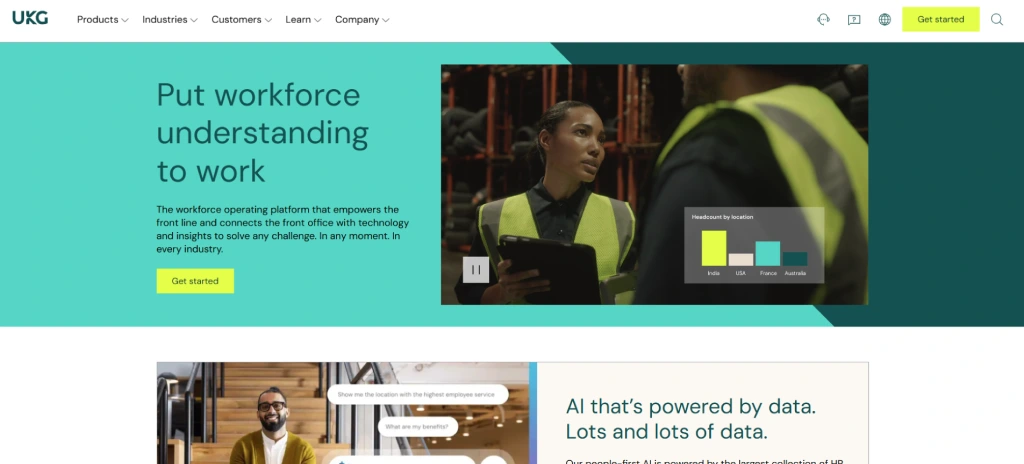
UKG Pro is an employee management software that assists you in managing payroll, HR, talent, and workforce functions from a single platform. It allows you to maintain employee records, track time and attendance, performance reviews, and benefits. You can automate HR tasks, monitor team efficiency, and ensure accurate workforce data without excessive manual work. The software is applicable to medium to large-scale companies that require formal HR operations, dependable reporting, and workforce planning across various teams and sites.
Pros
- Centralizes HR, payroll, and talent management
- Supports compliance and reporting needs
- Automates routine HR tasks
- Provides workforce analytics and insights
- Mobile access for managers and employees
Cons
- Can be expensive for small teams
- Setup may require professional assistance
- The interface may feel complex for first-time users
- Limited customisation options
- Some advanced features have a learning curve
Features
- Employee records and HR management
- Payroll management
- Time and attendance tracking
- Performance management
- Workforce analytics and reporting
Best For
- Healthcare, retail, and finance industries
Pricing
Contact UKG Pro sales for detailed pricing based on your team size and feature needs.
Reviews
- G2: 4.3/5
- Capterra: 4.3/5
8. Workday HCM
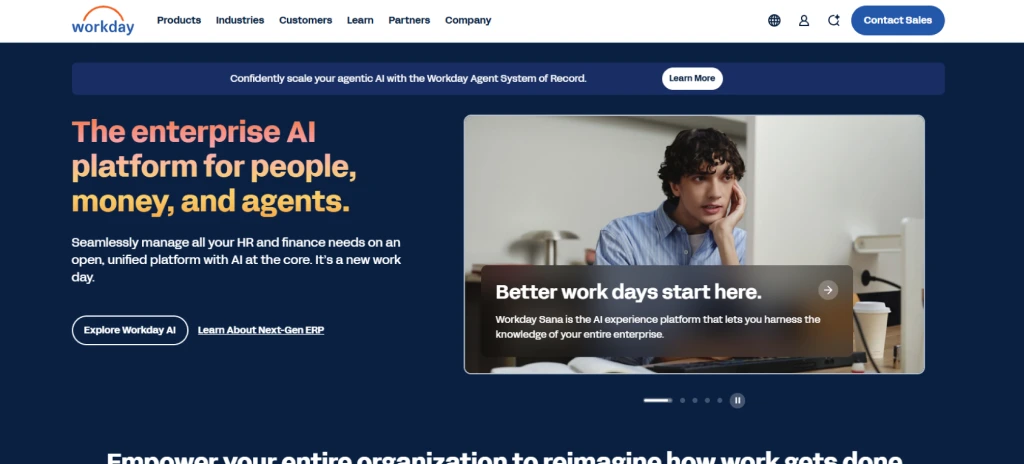
Workday HCM is an employee management software that focuses on human capital management, talent, payroll, and workforce planning for large enterprises. It enables you to handle employee data, conduct performance reviews, and manage HR functions efficiently. You are able to plan workforce requirements, analyze team productivity, and centralize HR information across departments and locations. The software works best for organizations with complex HR systems that need a unified platform to simplify processes, manage their workforce efficiently, and improve decision-making.
Pros
- Integrates HR, payroll, and talent in one platform
- Provides detailed analytics and reporting
- Supports large and complex organizations
- Facilitates workforce planning and compliance
- Offers mobile and self-service options
Cons
- Expensive for small businesses
- Implementation can take significant time
- Advanced features require training
- Customization can be complex
- The user interface may feel overwhelming initially
Features
- Workload management
- Personalized employee self-service
- Integrated business process workflows
- Automated response templates
- Gen AI knowledge articles
Best For
- Finance, IT, healthcare, and manufacturing industries
Pricing
Custom pricing based on modules and organization size. Pricing is not publicly listed and is available only through Workday sales.
Reviews
- G2: 4.1/5
- Capterra: 4.5/5
Employee Management Software Comparison
| S. No | Software | Key Features | Ideal Solution For | Free Trial |
|---|---|---|---|---|
| 1 | Time Champ |
| Teams that need clear visibility into daily work and productivity across remote, hybrid, and office setups | Yes |
| 2 | BambooHR |
| Small to mid-sized businesses focused on core HR management | No |
| 3 | Zoho People |
| Small to mid-sized businesses already using Zoho tools | Yes |
| 4 | Rippling |
| Growing companies that want combined HR and IT operations | No |
| 5 | Gusto |
| Small businesses that prioritize payroll accuracy and compliance | Yes |
| 6 | Connecteam |
| Frontline and field teams that operate outside traditional offices | Yes |
| 7 | UKG Pro |
| Medium to large organizations with formal HR operations | No |
| 8 | Workday HCM |
| Large enterprises with complex HR structures | No |
Employee Management Software Checklist
Choosing the right employee management software starts with understanding your current needs and future growth. The right tool reduces manual work, gives you clear visibility into daily operations, and supports your team as work models change. Use the checklist below to evaluate software based on real daily use, long-term value, and ease of use.
Cost and Overall Value
Don’t look at just the monthly price. Focus on what the software actually gives you in return. The right tool saves time, improves productivity, and reduces manual mistakes. Clear pricing helps you plan your budget better and avoid surprise costs as your team grows.
Tech Stack Compatibility and Integrations
Your software should work well with the tools you already use for payroll, communication, finance, and projects. Good integrations reduce repeated work, keep data accurate, and prevent disruptions as your workflows grow.
Important Features for Daily Management
You should prioritize features that support real work, not just basic records. Time tracking, activity visibility, task management, and reporting help you understand how work happens each day. The right features give you clear data to guide decisions, improve accountability, and support teams without relying on guesswork.
Support and Onboarding Experience
The software should be easy to use from day one. Simple onboarding, clear guides, and quick support help your team get started faster. Good support reduces confusion, saves time, and helps you use the software properly without repeated follow-ups or extra training.
Security and Data Protection
Employee data needs strong protection at every level. You should choose software that uses secure access controls, role-based permissions, and reliable data handling practices. Strong security builds trust, supports compliance needs, and ensures sensitive employee information stays protected as more work shifts to digital systems.
Scalability and Long-Term Fit
The software should grow with your business without forcing frequent tool changes. Scalable systems support more users, teams, and locations while maintaining performance and clarity. This helps you manage expansion smoothly, adapt to new work models, and maintain consistent processes as your organization evolves.
Want to manage employees without manual tracking and constant follow-ups?
Bring structure, clarity, and accountability to daily work with Time Champ!
Conclusion
Picking the right employee management software depends on how well it matches your current work and how it can support you as your team grows. When you look for clear visibility, useful daily features, fair pricing, reliable support, and long-term flexibility, managing people becomes easier and more consistent. The right tool helps you save time, reduce confusion, and stay in control without constant follow-ups. With the options shared here, you can choose a solution that keeps your team organized, productive, and well supported as work continues to change.

Tarun Kumar Reddy


Table of Content
-
 What Is Employee Management Software?
-
What Are the 8 Best Employee Management Software?
-
Employee Management Software Comparison
-
Employee Management Software Checklist
-
Conclusion
Related Blogs
Explore the best remote employee management software systems for productivity, collaboration, and performance tracking.
Jahnavi Pulluri | Mar 12, 2025
Discover how an Employee Management System (EMS) streamlines HR tasks, boosts productivity, and enhances satisfaction. Explore top EMS solutions.
Mounika Sai | Dec 17, 2023
Discover the top 10 challenges of managing remote teams and how to implement effective solutions to boost remote workforce success.
Sai Keerthi Uppala | Nov 09, 2024
Discover how remote employee tracking can enhance data leak prevention strategies while maintaining privacy and compliance with global regulations.
Thasleem Shaik | Jan 17, 2025
Discover the ins and outs of employee monitoring: from its benefits to ethical considerations. Everything you need to know in one comprehensive guide.
Mounika Sai | Dec 08, 2023
Explore the top questions about employee monitoring, including legal requirements and best practices to ensure compliance and protect privacy.
Thasleem Shaik | Jul 29, 2024


 4.7/5 avg.
Ready to Manage Your Workforce Smarter?
Join our family of 1100+ companies using smart insights to redefine workforces!

Free Trial
No Credit Card Required