10 Best Geofencing Tools for Growing Business Teams
Ten geofencing tools, sorted by what they actually do best: employee tracking, field ops, compliance, or app development. Pick by use case, not by rank.
A clock-in can show when your employee started work, but not whether they were in the right place. For field teams and distributed workforces, location often matters as much as working hours. That’s where geofencing can add another layer of visibility. Geofencing tools connect work activity with specific locations by creating virtual boundaries around offices, job sites, and client locations. They help you manage attendance, verify work locations, track field activity, and trigger location-based actions.
This guide compares 10 leading tools by key features, use cases, pricing, and capabilities. You’ll also understand what to consider when choosing the right geofencing tool for your business.
What Are Geofencing Tools?
Geofencing tools are location-based software solutions that create virtual boundaries around specific areas using GPS or other location signals. They detect when a person, device, vehicle, or asset enters or leaves these zones and trigger actions such as alerts, attendance updates, or location-based workflows.

Did You Know?
The BLS reported that 52.5% of financial-activity workers teleworked in June 2026, showing why businesses increasingly need visibility across work that happens beyond traditional workplaces.
Quick Comparison of the Best Geofencing Tools
| Tool | Starting Price | Free Plan | Ideal Team Size |
|---|---|---|---|
| Time Champ | $3.90/user/month | Yes | Small to enterprise teams |
| Radar | Usage-based/contact sales | Yes | Startups to enterprise teams |
| Mapbox | Pay-as-you-go | Yes | Startups to enterprise teams |
| Amazon Location Service | Pay-as-you-go | Yes | Startups to enterprise teams |
| Infillion (formerly Gimbal) | Contact sales team | No | Mid-size to enterprise teams |
| Azure Maps | Pay-as-you-go | Yes | Small to mid-size teams |
| Connecteam | $29/month for Basic | Yes | Startups to enterprise teams |
| Woosmap Geofencing SDK | Contact sales/usage-based | Yes | Small to enterprise deployments |
| AirDroid Business | $1/device/month | No | Startups to enterprise teams |
| GroundTruth | No minimum campaign spend | No | Mid-size to enterprise businesses |
Top 10 Best Geofencing Tools
The right geofencing tool depends on what you need to manage beyond location. Some tools focus on app development, while others connect geofencing with attendance, time tracking, field operations, or employee monitoring.
1. Time Champ- Best for Employee Time Tracking and Geofence Attendance
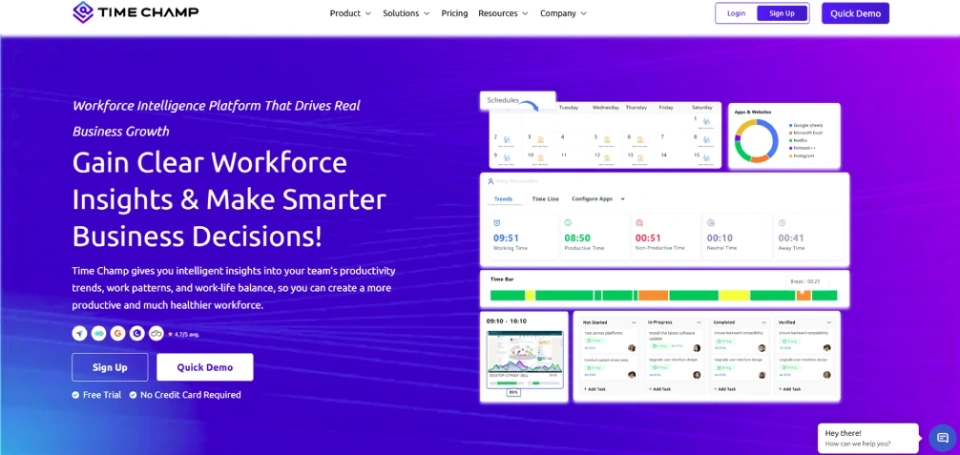
Time Champ is a comprehensive employee monitoring software that brings time tracking, attendance, productivity, and location tracking into one platform. Its geofencing features help you create work zones, automate employee check-ins and check-outs, and verify attendance through GPS. It also supports live location tracking, route history, GPS-based time tracking, and field employee monitoring. This makes it useful for managing field teams, distributed employees, and multiple work locations.
Key Features
- Geofenced Attendance: Automatically records employees’ check-ins and check-outs when they enter or leave approved work zones.
- GPS-Based Time Tracking: Tracks working time using location data to verify where employees perform their work.
- Employee Monitoring: Tracks apps, websites, activity, productivity, and work patterns alongside location-based activity.
- Live Location Tracking: Provides real-time visibility into employee locations during work hours.
- Geofence Alerts: Sends alerts when employees enter or leave defined work zones or restricted areas.
- Field Employee Tracking: Tracks routes, visits, dwell time, and location activity across field operations.
- Automated Timesheets: Converts verified attendance and tracked hours into timesheets for review and approval.
Pros
- Combines geofencing, attendance, time tracking, and employee monitoring in one platform.
- Supports GPS-verified attendance for field and distributed teams.
- Provides real-time workforce visibility across multiple locations.
- Offers additional productivity and workforce analytics beyond location tracking.
Cons
- Advanced monitoring capabilities may require higher-tier plans or add-ons.
- Geofencing delivers the most value for teams with location-based work requirements.
- Initial setup requires configuring work zones, schedules, permissions, and tracking policies.
Pricing
- Starter: $3.90/user/month (billed annually)
- Professional: $6.90/user/month (billed annually)
- Premium: $13.90/user/month (billed annually)
Reviews
Need accurate attendance and location visibility?
Track employee time and locations with Time Champ.
2. Radar- Best for Developer-focused Geofencing and Location Tracking
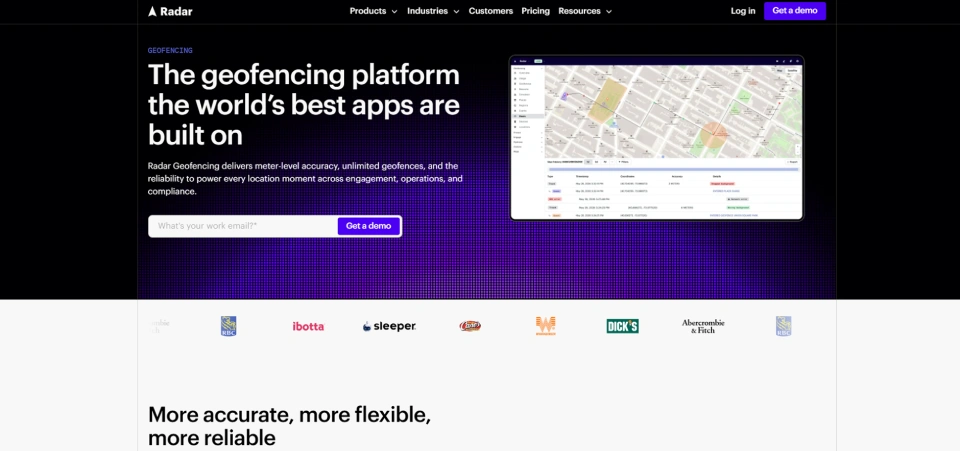
Radar is a location infrastructure platform built for developers who need to add geofencing and location intelligence to applications. It combines geofences with maps, place detection, trip tracking, and geo-compliance features. Its platform supports polygon, circle, and isochrone geofences for use cases across retail, logistics, compliance, and workforce applications.
Key Features
- Supports polygon, circle, and isochrone geofences.
- Provides location tracking and entry or exit detection.
- Offers geo-compliance and location spoofing detection.
- Provides SDKs and APIs for mobile and web applications.
Pros
- Supports multiple geofence types for complex location requirements.
- Combines geofencing with maps, tracking, and location intelligence.
- Offers developer-focused SDKs and APIs for flexible integrations.
Cons
- Requires development resources for implementation.
- Pricing is based on usage and monthly tracked users.
- Some advanced capabilities are available only on higher-tier plans.
Pricing
- Contact the Radar sales team for pricing details.
Reviews
3. Mapbox- Best for Custom Maps and Location-Based Applications
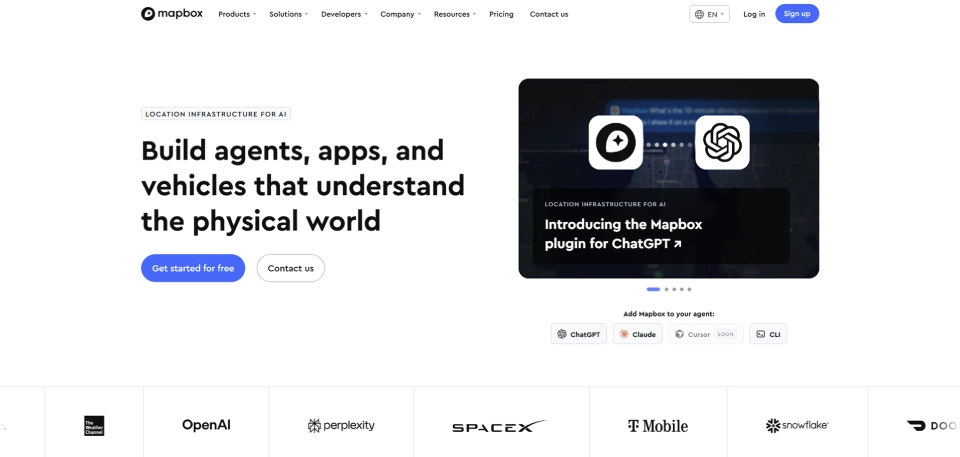
Mapbox is a mapping and location platform that helps you build custom maps and location-aware applications. Its tools let you combine maps, navigation, search, and location capabilities within your products. Geofencing can add location-triggered functionality to these applications.
Key Features
- Provides geofencing for iOS and Android applications.
- Supports custom maps and location visualization.
- Offers navigation, search, and geocoding services.
- Provides SDKs and APIs for location-based applications.
Pros
- Highly customizable mapping capabilities.
- Combines maps and geofencing within one platform.
- Supports mobile and web application development.
Cons
- Requires technical development knowledge.
- Pricing varies based on usage.
- Geofencing is primarily designed for application development rather than employee management.
Pricing
- Contact the Mapbox sales team for pricing details.
Reviews
4. Amazon Location Service- Best for Scalable Location Services and Geofencing
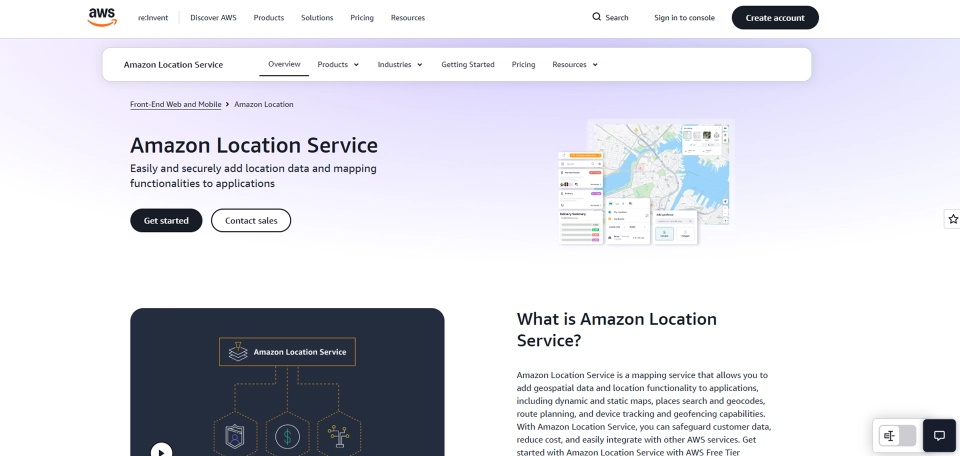
Amazon Location Service is a cloud-based location platform that helps you add maps, tracking, routing, and geofencing to applications. Its geofencing service lets you define geographic boundaries and detect when tracked devices enter or leave them. It also integrates with other AWS services for scalable location-based applications.
Key Features
- Creates and manages geofence collections.
- Evaluates device positions against geofences.
- Supports geofence entry and exit events.
- Integrates maps, tracking, places, and routing services.
Pros
- Scales with applications built on AWS infrastructure.
- Uses a pay-as-you-go pricing model.
- Combines several location services within one platform.
Cons
- Requires AWS and development knowledge.
- Pricing depends on API usage and request volume.
- May require additional AWS services for a complete application.
Pricing
- Contact the Amazon Location Service sales team for pricing details.
Reviews
- G2: No review found for Amazon Location Service
- Capterra: No review found for Amazon Location Service
5. Infillion (formerly Gimbal)- Best for Location Intelligence and Proximity-based Experiences
Infillion Gimbal is a location-intelligence and proximity-marketing platform developed by Infillion. Originally known as Gimbal, Inc., the platform was rebranded as Infillion. It uses real-world location data and geofencing to help businesses understand audience movement, measure visits, and create location-based marketing experiences. Its capabilities make it suitable for proximity marketing, audience engagement, and location analytics.
Key Features
- Supports radial and polygon geofences.
- Provides location intelligence and visit measurement.
- Supports location-triggered mobile experiences.
- Offers an enterprise-grade SDK with privacy-focused location capabilities.
Pros
- Combines geofencing with location intelligence.
- Supports detailed physical-world visit measurement.
- Designed for enterprise mobile applications and customer experiences.
Cons
- More focused on customer engagement than employee management.
- Requires mobile app and SDK integration to deliver location-based experiences.
- Enterprise-oriented capabilities may require a customized commercial arrangement.
Pricing
- Contact the Infillion sales team for pricing details.
Reviews
- G2: 3.8/5
- Capterra: No review found for Gimbal Location Platform
6. Azure Maps- Best for Enterprise Mapping and Location-Based Applications
Azure Maps is Microsoft’s cloud-based mapping and geospatial platform for building location-aware business applications. It provides mapping, search, routing, traffic, and geofencing capabilities through APIs and related services. This makes it useful when you need to combine geospatial functionality with an existing Azure environment.
Key Features
- Provides spatial geofencing operations.
- Supports maps, search, routing, and traffic services.
- Offers cloud APIs for location-based applications.
- Integrates with the wider Microsoft Azure ecosystem.
Pros
- Works within the broader Azure cloud ecosystem.
- Provides multiple geospatial services in one platform.
- Supports enterprise-scale application development.
Cons
- Requires technical expertise for implementation.
- Uses transaction-based pricing.
- May involve multiple Azure services for complex applications.
Pricing
- Contact the Azure Maps sales team for pricing information.
Reviews
- G2: 4.1/5
- Capterra: No review found for Azure Maps
7. Connecteam- Best for Employee Time Tracking, Scheduling, and Geofencing
Connecteam is a workforce management platform that helps you manage employee schedules, time tracking, communication, and attendance. Its geofencing features let you create location boundaries around jobs and workplaces and restrict clock-ins to approved areas. This connects employee attendance with the locations where work is scheduled.
Key Features
- Creates geofences around jobs and branches.
- Restricts employee clock-ins and clock-outs by location.
- Supports live location tracking and breadcrumbs.
- Combines scheduling, time tracking, and workforce management.
Pros
- Connects geofencing directly with employee time tracking.
- Supports job-specific and branch-based geofences.
- Combines scheduling and workforce management features.
Cons
- Full geofencing capabilities require the appropriate paid plan.
- Primarily designed for workforce management rather than developer use.
- Some advanced capabilities are plan-dependent.
Pricing
- Basic: $29/month
- Advanced: $49/month
- Expert: $99/month
- Enterprise: Contact the Connecteam sales team for pricing details.
Reviews
8. Woosmap Geofencing SDK- Best for Mobile App Geofencing and Location Services
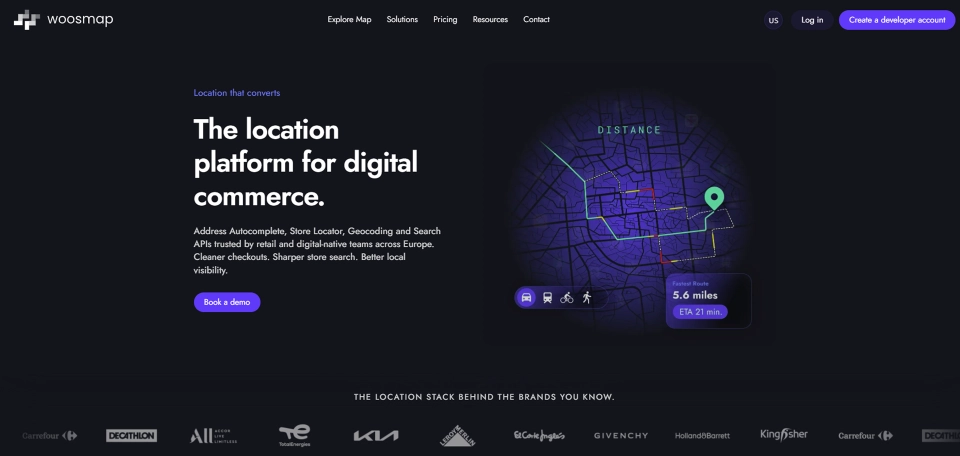
Woosmap is a location services platform that helps you add maps, geolocation, and location-based capabilities to your applications. Its Geofencing SDK supports location-triggered functions based on defined geographic areas. This makes it useful for you to build mobile apps that need location-aware experiences.
Key Features
- Provides a dedicated geofencing SDK.
- Supports mapping and geolocation services.
- Provides distance and route calculations with geofencing.
- Offers APIs and SDKs for location-based applications.
Pros
- Provides developer-focused location components.
- Supports multiple location services within one platform.
- Offers a free plan with limited monthly API requests.
Cons
- Requires technical development resources.
- Advanced geolocation capabilities are available on paid plans.
- Pricing varies according to usage and selected services.
Pricing
- Contact the Woosmap Geofencing SDK sales team for pricing details.
Reviews
9. AirDroid Business- Best for Device Management and Location-Based Control
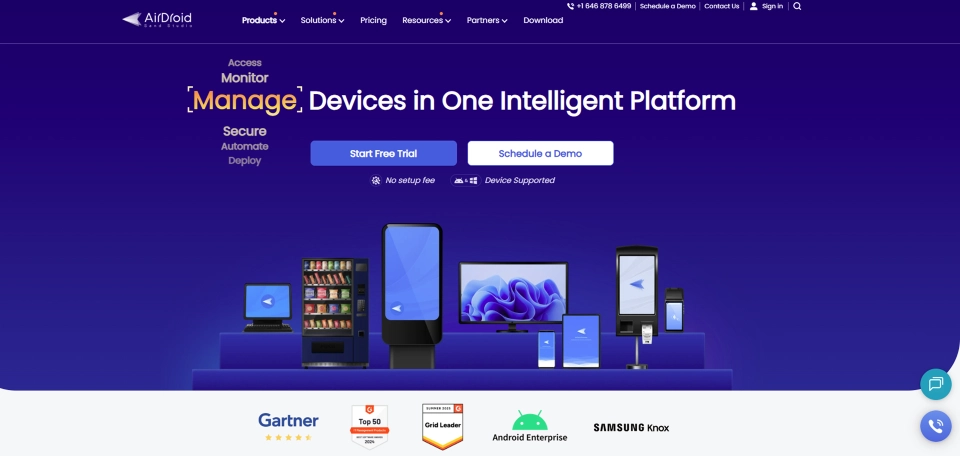
AirDroid Business is a mobile device management platform that helps you manage, monitor, and control company-owned devices. Its location features add GPS tracking and geofencing to managed devices. You can use these capabilities to monitor device locations and receive alerts when devices enter or leave defined areas.
Key Features
- Provides device location tracking.
- Supports configurable location recording intervals.
- Offers geofence settings and location workflows.
- Combines location management with mobile device management.
Pros
- Combines device management and location tracking.
- Supports geofencing as part of a broader MDM platform.
- Provides different location recording frequencies across plans.
Cons
- Geofencing is an add-on for some plans.
- Primarily focuses on managed devices rather than employee attendance.
- Requires enrolled devices for location-based management.
Pricing
- Basic: $1.00/device per month
- Standard: $1.75/device per month
- Enterprise: $2.75/device per month
Reviews
10.GroundTruth- Best for Location-Based Advertising and Audience Targeting
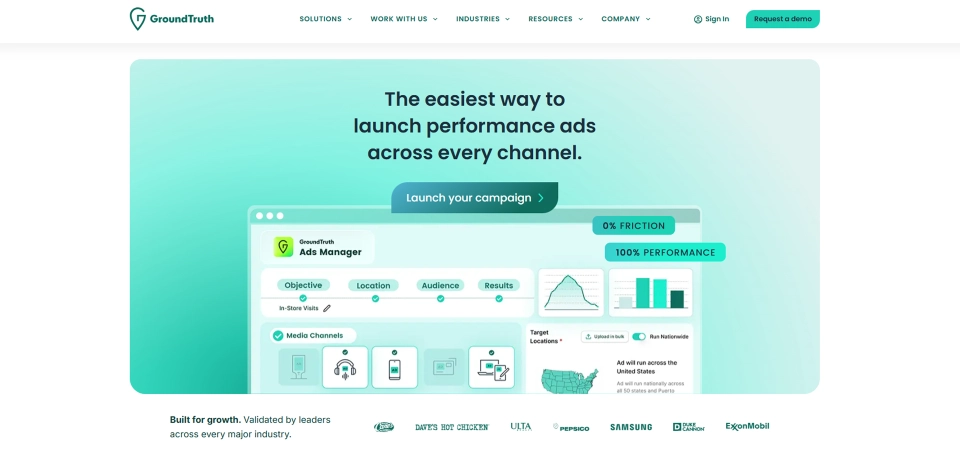
GroundTruth is a location-based advertising platform that helps you reach audiences based on physical locations and movement patterns. Its geofencing capabilities let advertisers define areas around stores, venues, or other places for targeted campaigns. It also connects location targeting with visit measurement and campaign attribution.
Key Features
- Creates geographic boundaries for advertising campaigns.
- Supports radius and polygon geofencing.
- Targets audiences based on location and real-world behavior.
- Measures physical visits and campaign outcomes.
Pros
- Built specifically for location-based advertising.
- Supports precise geographic targeting.
- Connects geofencing with audience targeting and attribution.
Cons
- Designed for advertising rather than workforce management.
- Not intended for employee attendance or time tracking.
- Campaign costs depend on advertising requirements and targeting.
Pricing
- Contact the GroundTruth sales team for pricing details.
Reviews
How to Choose the Right Geofencing Tool?
The right geofencing tool depends on how you plan to use location data across your business. Focus on the features, integrations, and pricing that match your team’s specific needs.
- Define Your Use Case: Decide whether you need geofencing for employee attendance, field operations, device management, app development, or location-based marketing.
- Check Geofencing Capabilities: Look for features such as custom boundaries, entry and exit detection, real-time alerts, GPS tracking, and location history.
- Consider Tracking Accuracy: Choose a tool that provides reliable location data and works well across the devices and environments your team uses.
- Review Integrations: Check whether the tool connects with your existing HR, payroll, project management, CRM, cloud, or business systems.
- Compare Pricing: Review the pricing model, free plans, usage limits, and additional charges. Make sure the costs fit your expected users, devices, or API usage.
- Assess Scalability: Choose a solution that can support additional employees, locations, devices, or applications as your business grows.
- Check Privacy and Security: Review how the tool collects, stores, and uses location data. Make sure its controls align with your internal policies and applicable requirements.
- Test the Tool Before Committing: Use a free trial or demo when available. Test geofence accuracy, alerts, reporting, and integrations with real business scenarios.
Still comparing geofencing tools for your business?
Choose Time Champ for smarter tracking, attendance, and workforce visibility.
Conclusion
Geofencing can connect location with attendance, field operations, device management, and customer experiences. The right geofencing tools should match your use case, tracking needs, accuracy requirements, integrations, and budget. For workforce teams, features such as GPS-verified attendance, employee tracking, alerts, and reporting can add useful visibility. For developers, flexible APIs and SDKs may matter more. Review your priorities, compare suitable options, and test the tools against real workflows. Choose a solution that fits your operations today and can scale with your business tomorrow.

Anjali

Table of Content
 What Are Geofencing Tools?
- Quick Comparison of the Best Geofencing Tools
- Top 10 Best Geofencing Tools
- How to Choose the Right Geofencing Tool?
- Conclusion
Related Blogs

Simplify team management with smart employee geofencing. Track real-time attendance, boost accountability, and reduce time theft effortlessly.
Guna Lakshmi | Jul 24, 2025
Struggling to monitor your field teams? Here's how to track employee location with smart, proven methods that boost visibility, accuracy, and control.
Thasleem Shaik | Jul 24, 2025
Find the best GPS location tracking apps for employees to track routes, manage time across sites, and keep work organized with real-time insights.
Thasleem Shaik | Apr 13, 2026
From accurate time tracking to payroll errors, the benefits of geofence attendance software help you streamline workforce management and boost accountability.
Guna Lakshmi | Jul 24, 2025
Experience the key benefits of field employeetracking software to streamline daily operations, improve productivity,and strengthen overall team performance.
Guna Lakshmi | Jul 24, 2025
Unlock how location intelligence transforms employee tracking, hybrid work management, and field team visibility with smart data-driven tools like Time Champ.
Chetana Choudary | Jul 24, 2025


 4.7/5 avg.
Ready to Manage Your Workforce Smarter?
Join our family of 1500+ companies using smart insights to redefine workforces!

Free Trial
No Credit Card Required